Online document maker by Picsart
Put together polished proposals, financial reports, invoices, and other documents with Picsart's online and document creator. Design a document like a pro and export it effortlessly in any format!
- Keep information easy to follow
- Make the layout your own

Make documents sharper with AI image models
Use image models to create covers, diagrams, visuals, and polished assets for document layouts.
Pick out striking document templates in various styles
Explore Picsart's large selection of expert-crafted document templates and pick one that you can use and edit for your project. Easily customize any template to design a document that is personalized according to your preferences and brand.


How to create a document online with Picsart?
Design a document like a pro
Become a master document maker with Picsart's online document generator. Use and edit polished pre-designed templates to create documents like meeting minutes, event proposals, financial reports, and presentations. It's all done in a matter of minutes and you can export your document in any format you want, making the process easy and less time-consuming.

Create and customize documents easily
Whether it's invoices, receipts, reports, or even simple presentations, you can visualize them in any style with Picsart's document maker. Simply type a document and make adjustments. Edit text, play around with fonts and colors, and add assets from Picsart's massive library. Customize things even more by editing your own photos and adding them to the document!
- Refine the details in the editor

Save time with a seamless document maker
No need to spend precious hours on formatting documents, searching for the right stock photos, and putting together the final design. Eliminate all that hassle with Picsart's document creator! Pick a document template from a massive template library that fits the style you're after. All that's left is to customize the content and export your document in any format you wish.

Speed up your workflow with the document maker
Prep marketing and sales documents
Give your marketing proposals, presentations, and sales sheets an extra customized flare with the document maker tool, and stand out from the competition with tailored documents!
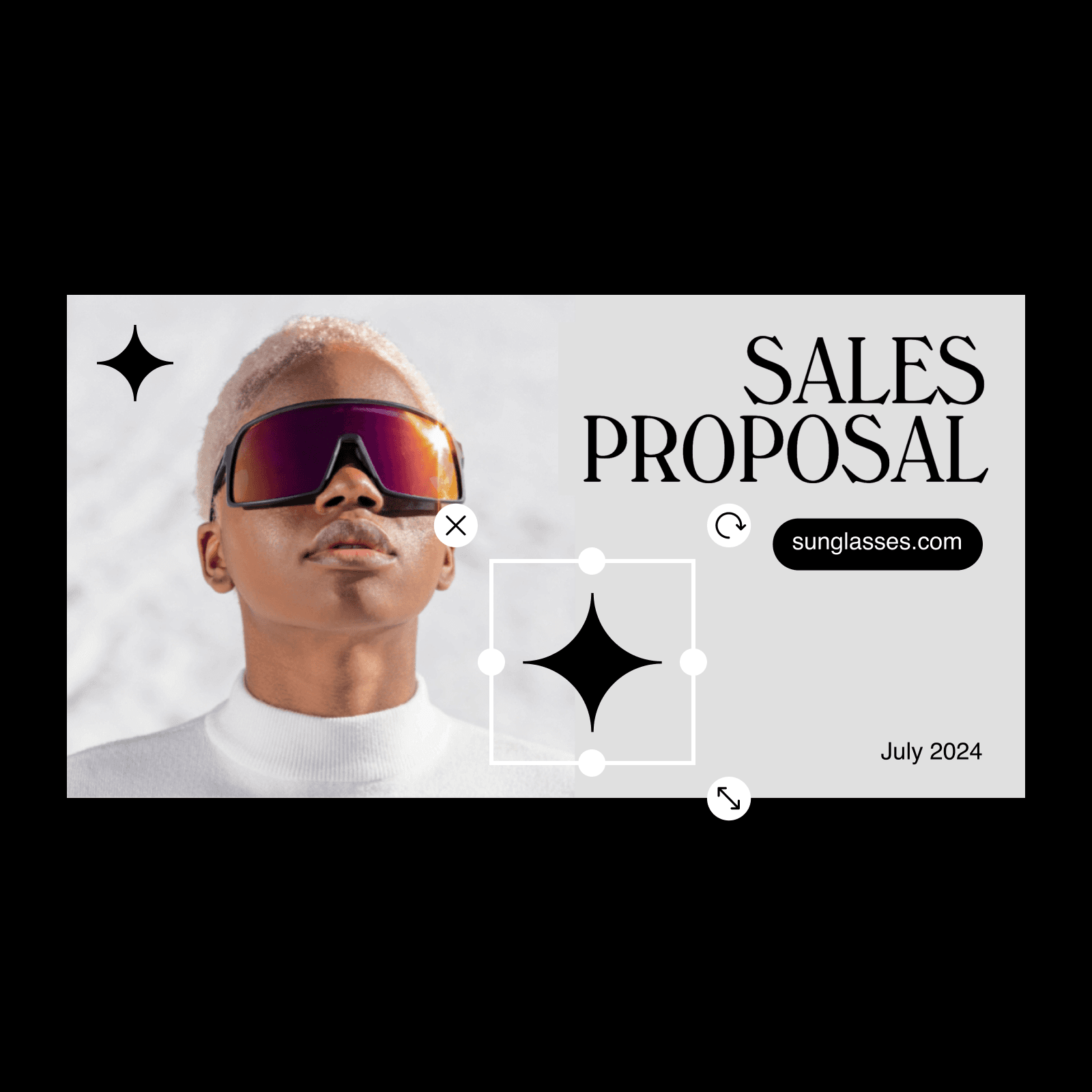
Create documents with Picsart’s online document maker
Whether it's financial reports, marketing documents, educational material, or a simple presentation, the document maker tool is here to help you create professional documents fast. Meanwhile, you can check Picsart's graphic design tools to get inspired for your next project.
Learn workflow building
Learn how to connect tools, steps, and outputs.
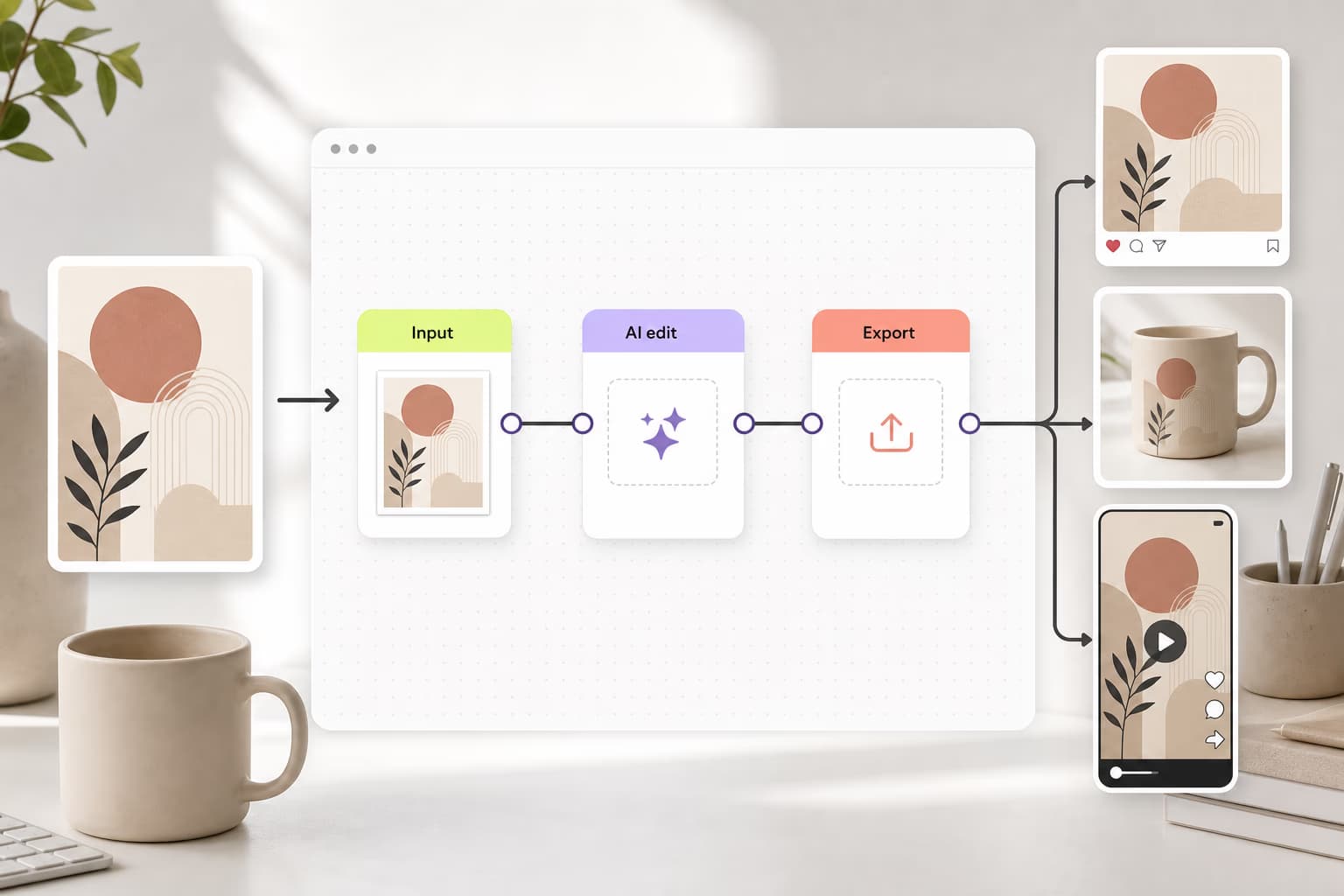
How to build your first AI workflow in Picsart Flow
4 minIntermediate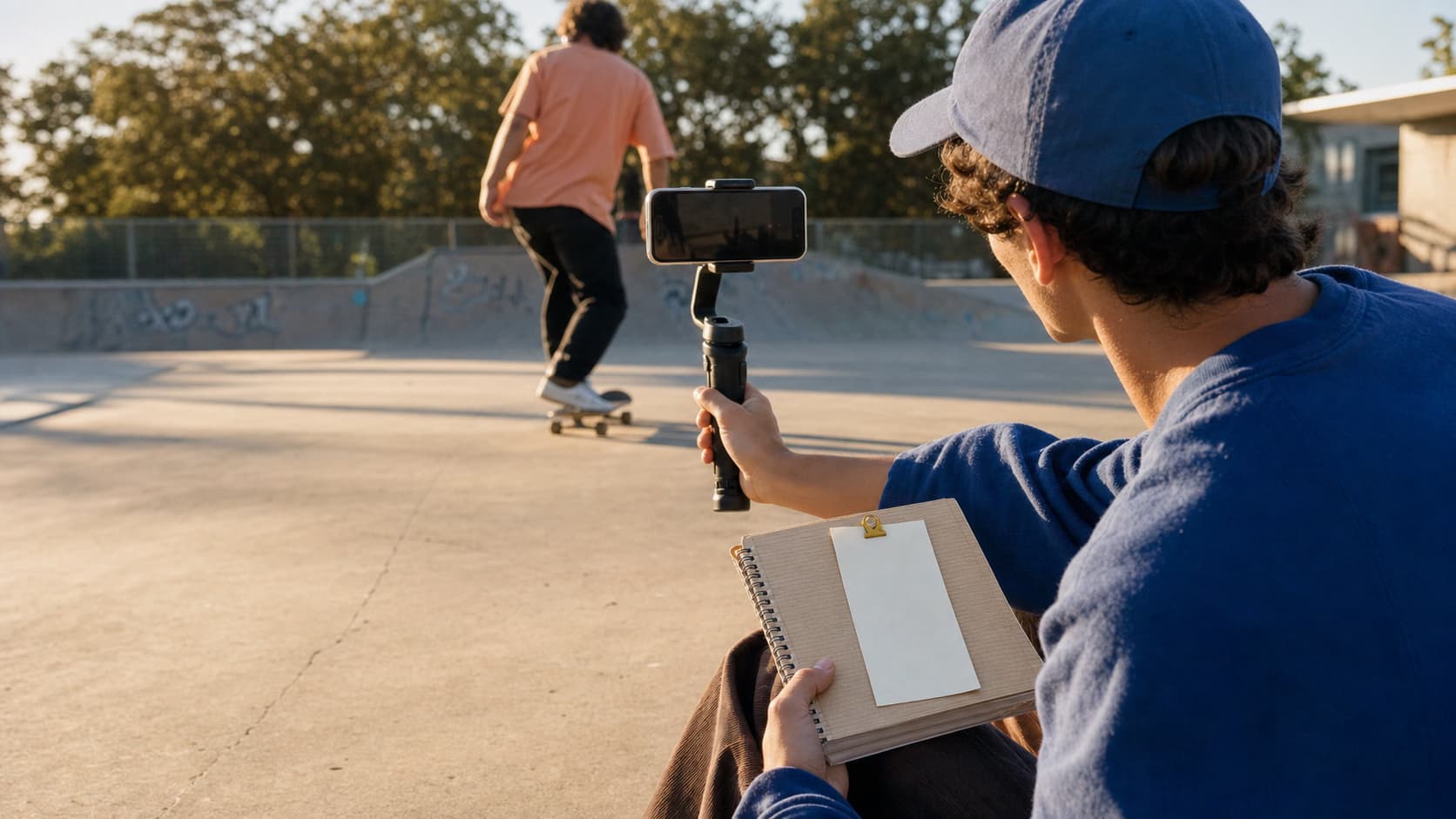
How to create a TikTok content machine workflow in Picsart Flow
5 minIntermediateHow to build a brand identity kit workflow in Picsart Flow
5 minAdvanced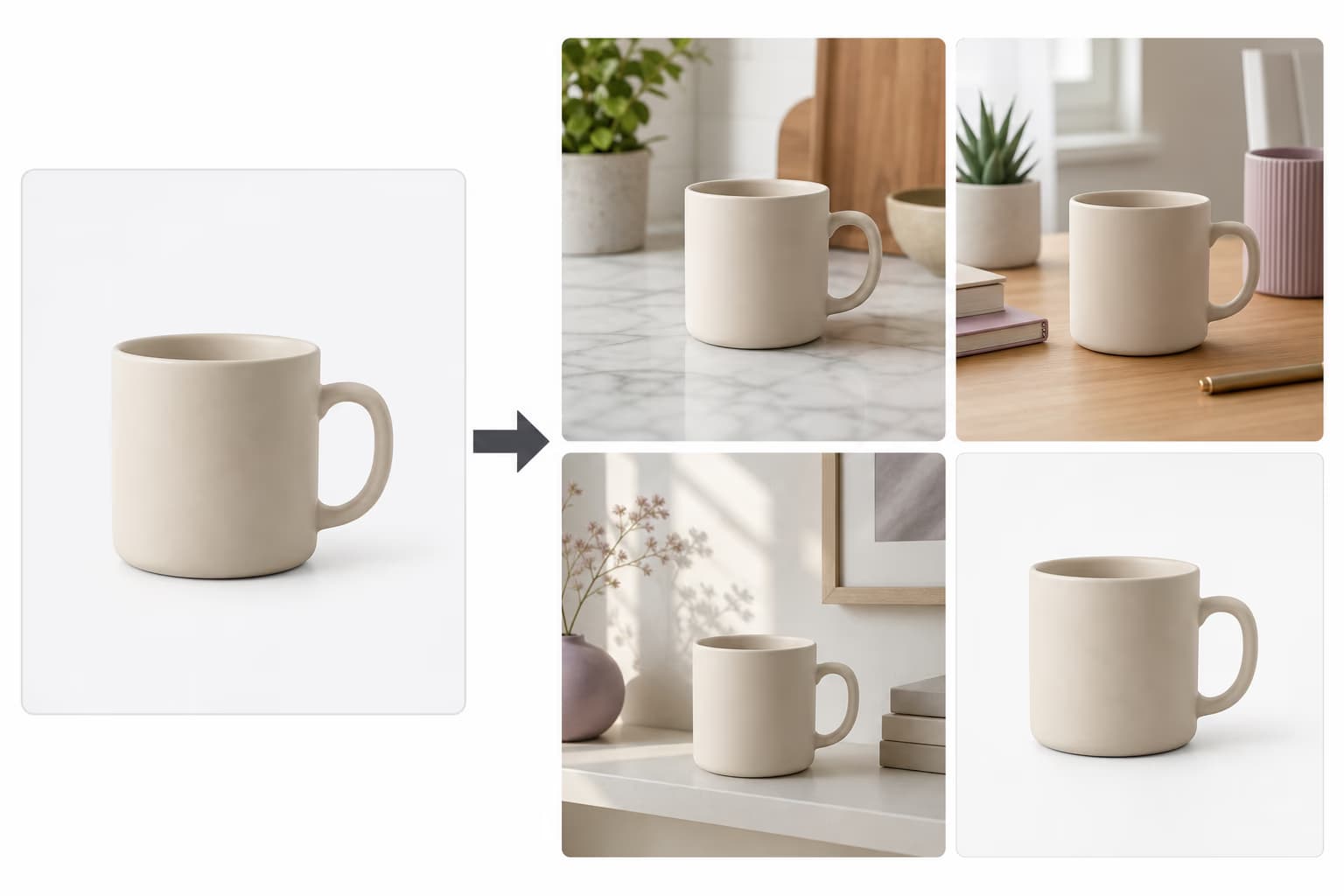
How to create a product shot studio workflow in Picsart Flow
4 minIntermediate
How to share and reuse workflows with your team in Picsart Flow
3 minBeginnerHow to localize creative campaigns for 10+ countries with AI workflows
8 minAdvancedCreate professional AI headshots for any occasion instantly
4 minBeginnerTurn a rough sketch into a finished design with Picsart Flow
8 minAdvancedHow to make AI CGI product ads with Picsart Flow
4 minIntermediateHow to replace multiple AI tools with 1 Picsart Flow workflow
5 minIntermediateHow to make YouTube thumbnails that get clicks with AI
4 minIntermediateHow to make realistic AI UGC ads with Picsart Flow
5 minAdvanced
Document maker FAQ
Creating a document with Picsart is fast and efficient. All you need to do is follow these simple steps:
1. Use the Templates button on the left sidebar to pick a template you like
2. Add/upload assets such as photos, videos, stickers, etc.
3. Add your text and customize the font and color
4. Export your final document in any format you wish
More tools to love from Picsart
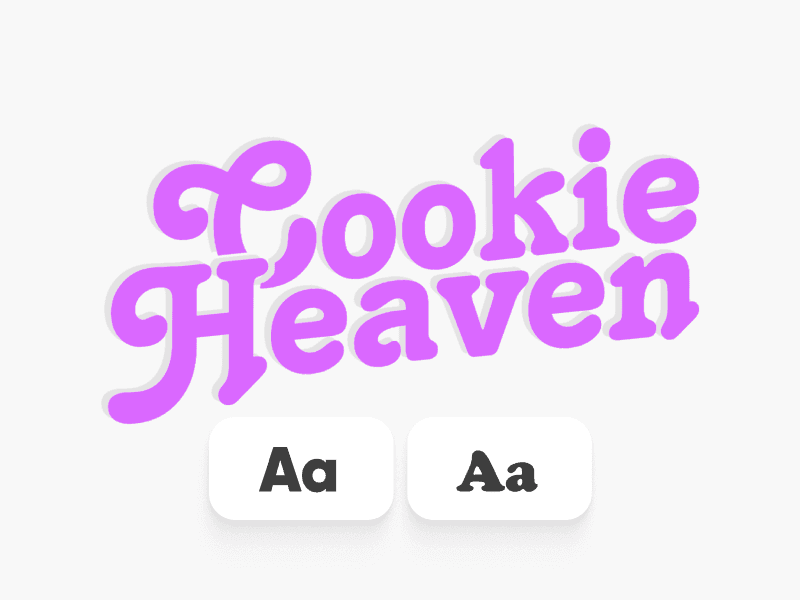
Text Editor
Edit texts in every way imaginable with Picsart’s text editor tool.
Flip image
Use the image flipper tool to flip your image in any direction in a matter of seconds.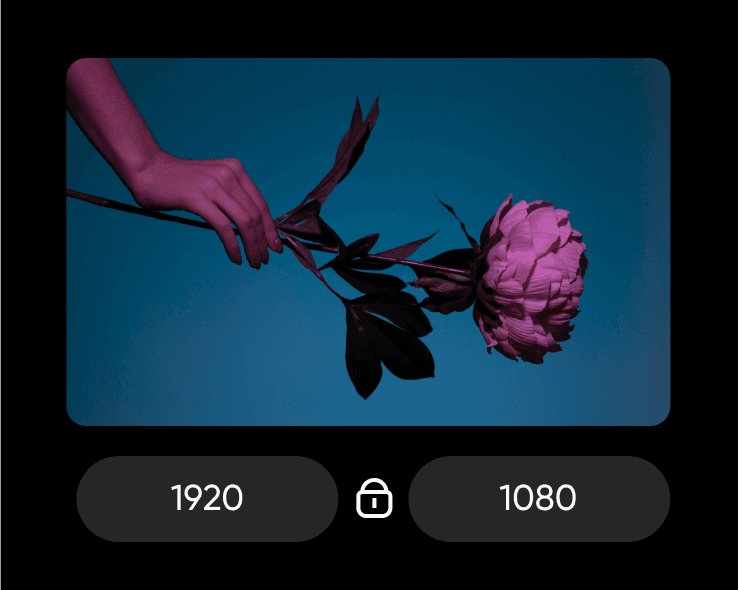
Resize image
Resize your images effortlessly with the image resizing tool.
AI photo editor
Edit photos fast with Picsart’s AI-powered photo editor.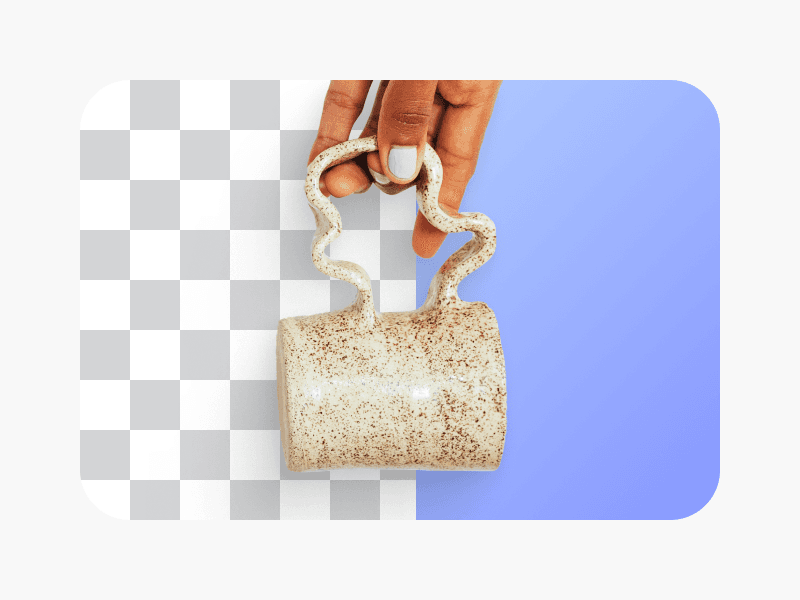
PNG color changer
Change the background color of your PNG files with the PNG color changer tool.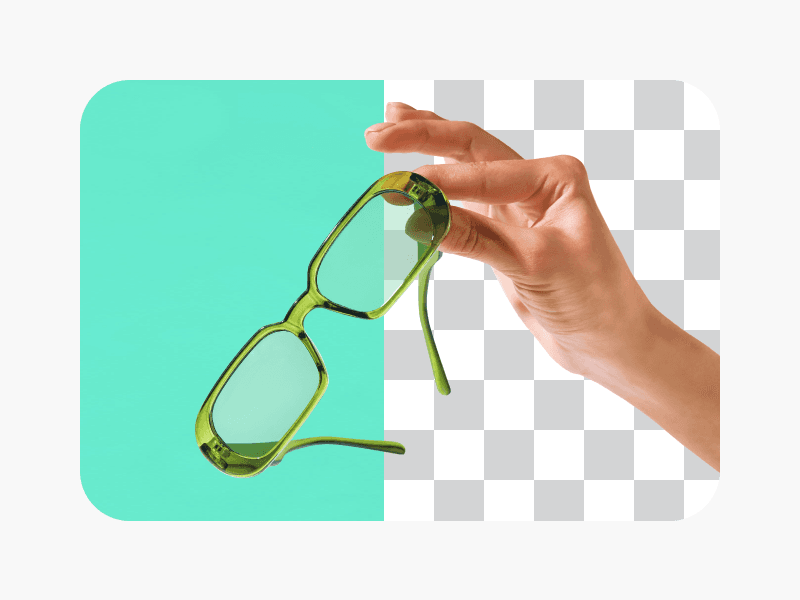
Background remover
Erase unwanted objects, such as texts and backgrounds, from your images.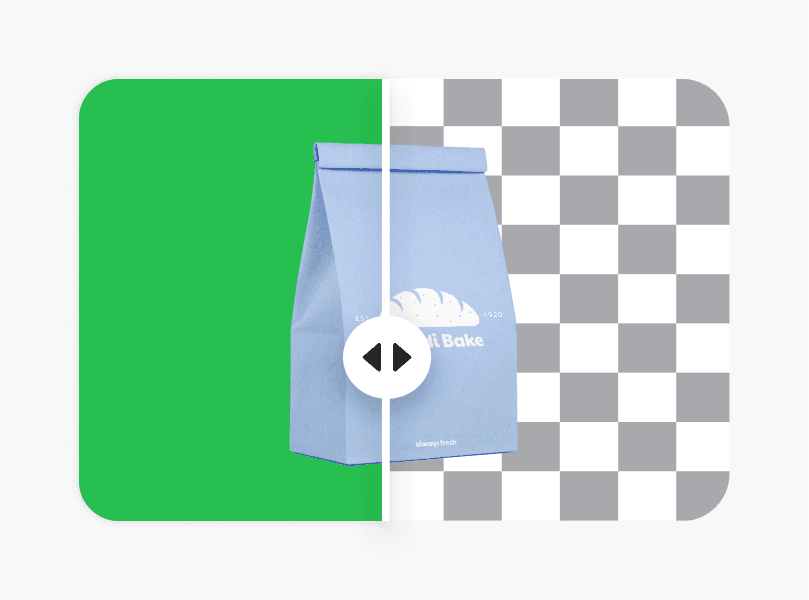
PNG maker
Use Picsart’s PNG maker to turn any image into a transparent PNG.
Design documents for work, applications, and business needs
Pro
Most popularAI tools for everyday creative work.
Ultra
Most powerfulHeavy AI usage for creators & teams.