Create professional AI headshots for any occasion instantly
Turn everyday photos into studio-quality portraits for dating profiles, LinkedIn, or travel memories.
- Category: WORKFLOWS
- Reading time: 4 min
- Difficulty: Beginner
What you'll learn
- Generate studio-quality headshots from casual photos
- Choose the right style for different contexts
- Create multiple variations in one session
Create your AI headshots step by step
STEP 1: Upload your photos
- On web: Go to the Personal AI photographer template → Upload 8-15 photos of yourself
- On mobile: Open Picsart → Flow → Personal AI photographer → Select photos from gallery
STEP 2: Select your style and occasion
Choose the look that matches your needs:
- Professional: Business attire, neutral backgrounds, corporate lighting
- Dating: Casual confident look, warm lighting, approachable vibe
- Travel: Location-appropriate clothing, natural lighting, scenic backgrounds
- Creative: Bold colors, artistic backgrounds, unique styling
- Formal: Suit and tie, executive presence, classic composition
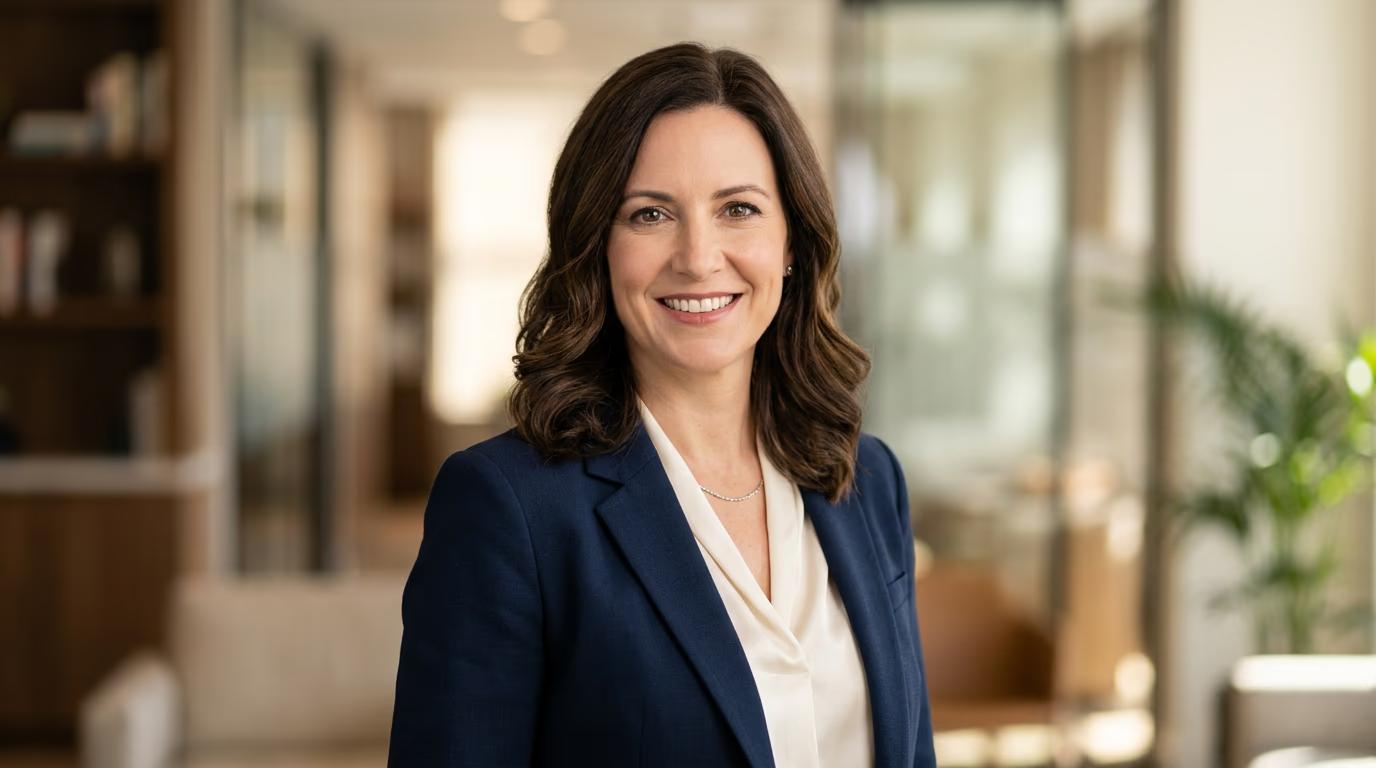
STEP 3: Generate your headshots
Click "Generate" and wait 2-3 minutes. The AI will create multiple variations of you in your chosen style, each with different poses, lighting, and subtle variations.
STEP 4: Review and download favorites
Check each generated photo for quality: Not satisfied? Generate another batch with a different style, or adjust your source photos for better results.
- Verify your facial features look natural and accurate
- Check that lighting and skin tones are realistic
- Confirm the background and clothing match your needs
Tips for best results
Upload varied source photos
Use photos with different angles, expressions, and lighting. The AI learns your face better from variety, producing more accurate and natural results.
Match your style to context
Professional headshots work for LinkedIn but might feel too formal for dating apps. Choose the style that fits where you'll use the photo.
Generate multiple batches
Each generation creates different variations. Run it 2-3 times to get more options and find the perfect shot for your needs.
Check photo resolution
Download high-resolution versions for professional use. Lower resolution works fine for social media, but business materials need crisp quality.
Frequently asked questions
- Upload 8-15 photos of yourself for best results. The AI needs variety to learn your facial features accurately. Include different angles, expressions, and lighting conditions. More photos help the AI understand what you actually look like, producing more realistic and natural headshots.
