


- Flux 2 Pro
- Flux 2 Flex
- Flux 2 Max
 Picsart for Grok Bot
Bring creative production into your Grok Bot workflow with Picsart. Explore Picsart's 200+ AI model catalog, then turn your ideas into images, video, and audio with the tools available in the plugin.
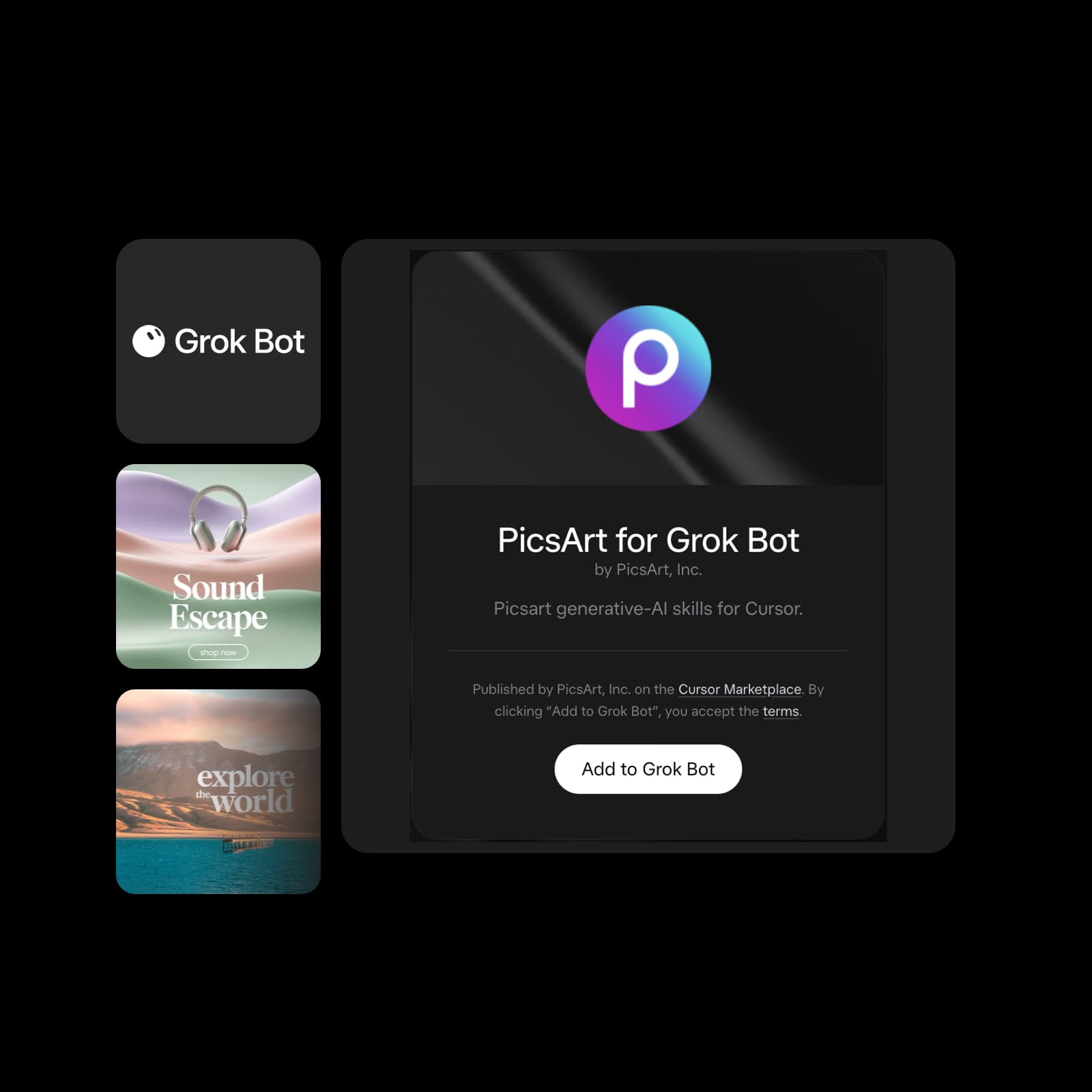



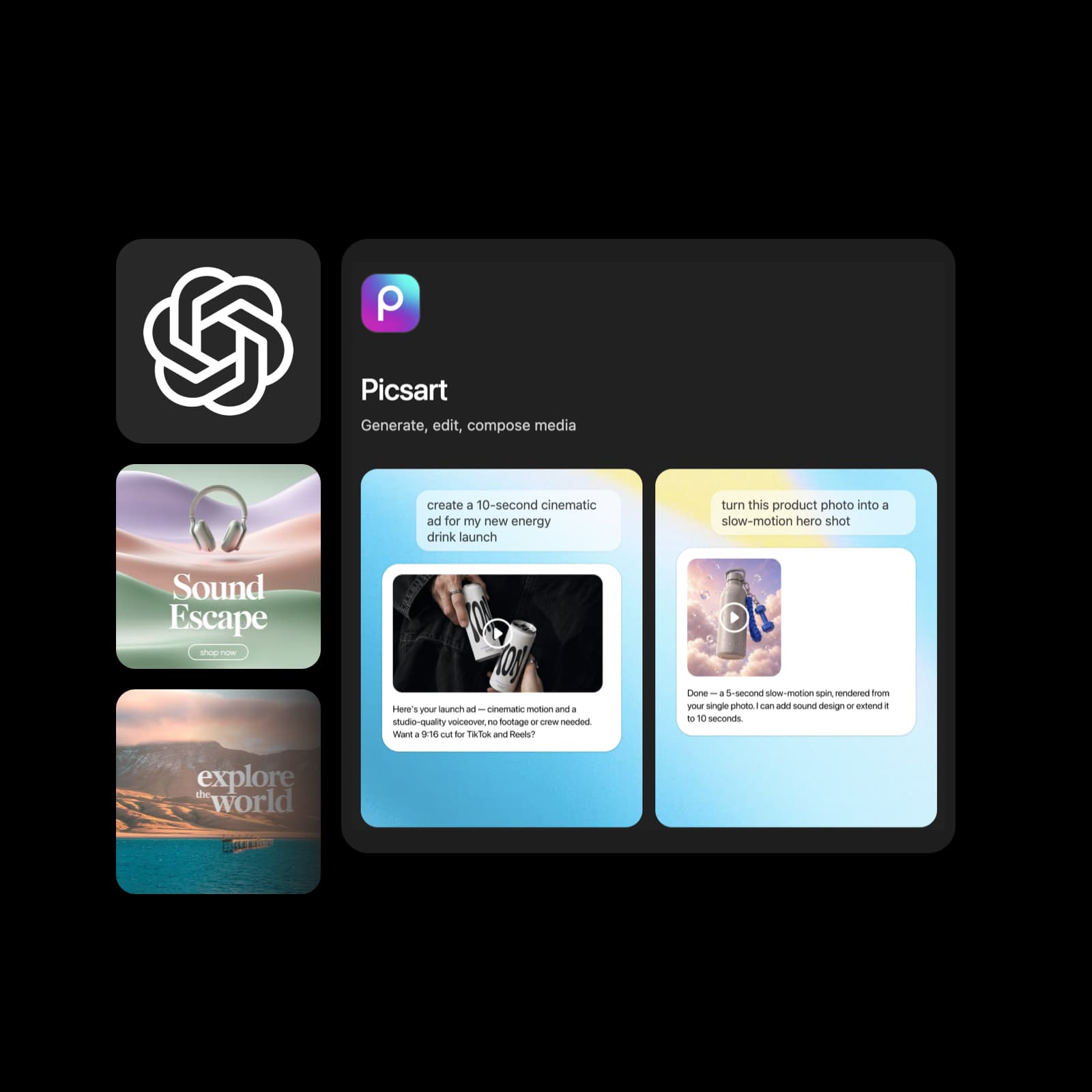
Illustrative creative examples, reused from Picsart for Codex.
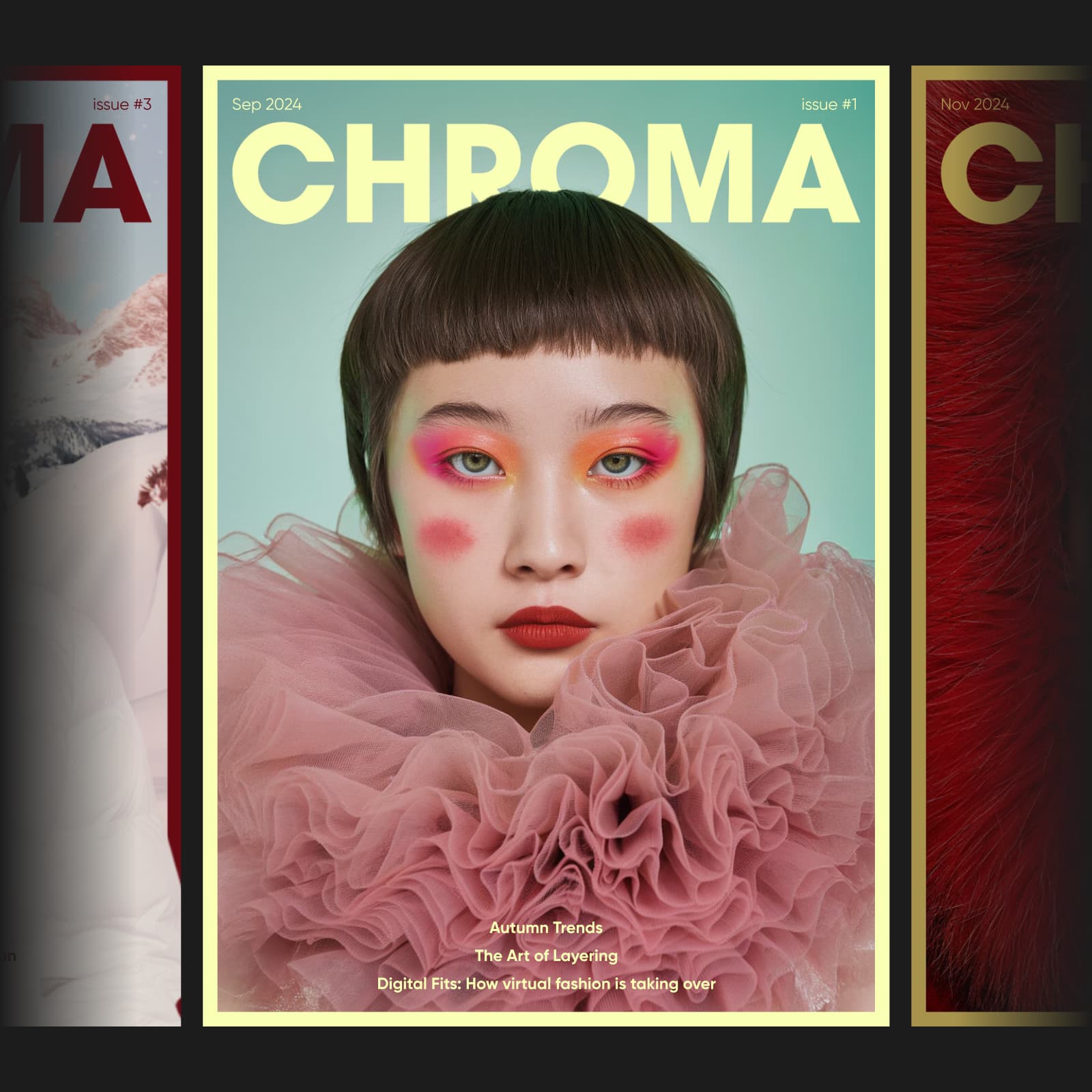

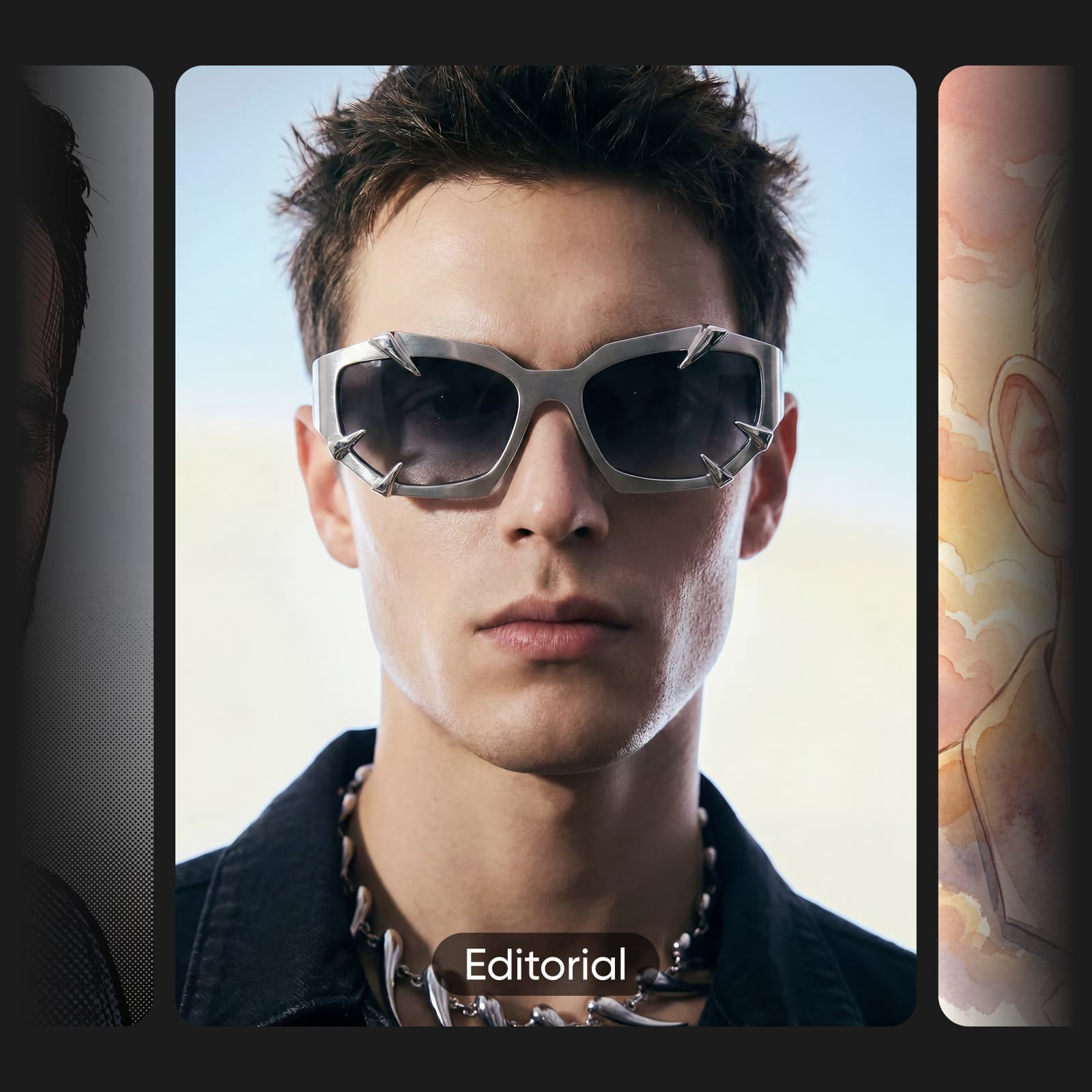
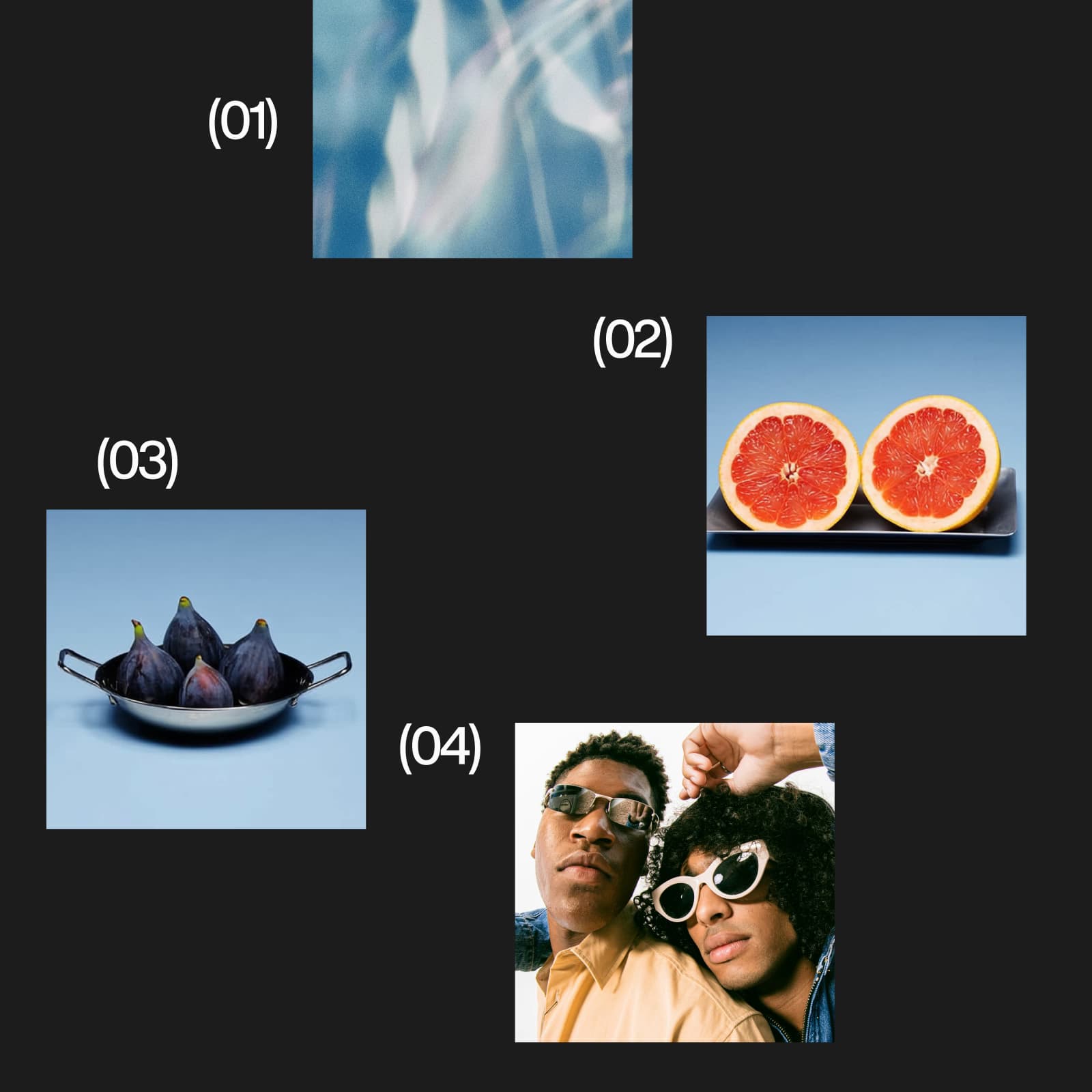

Connect once, start with a focused brief, and build from the result you choose.
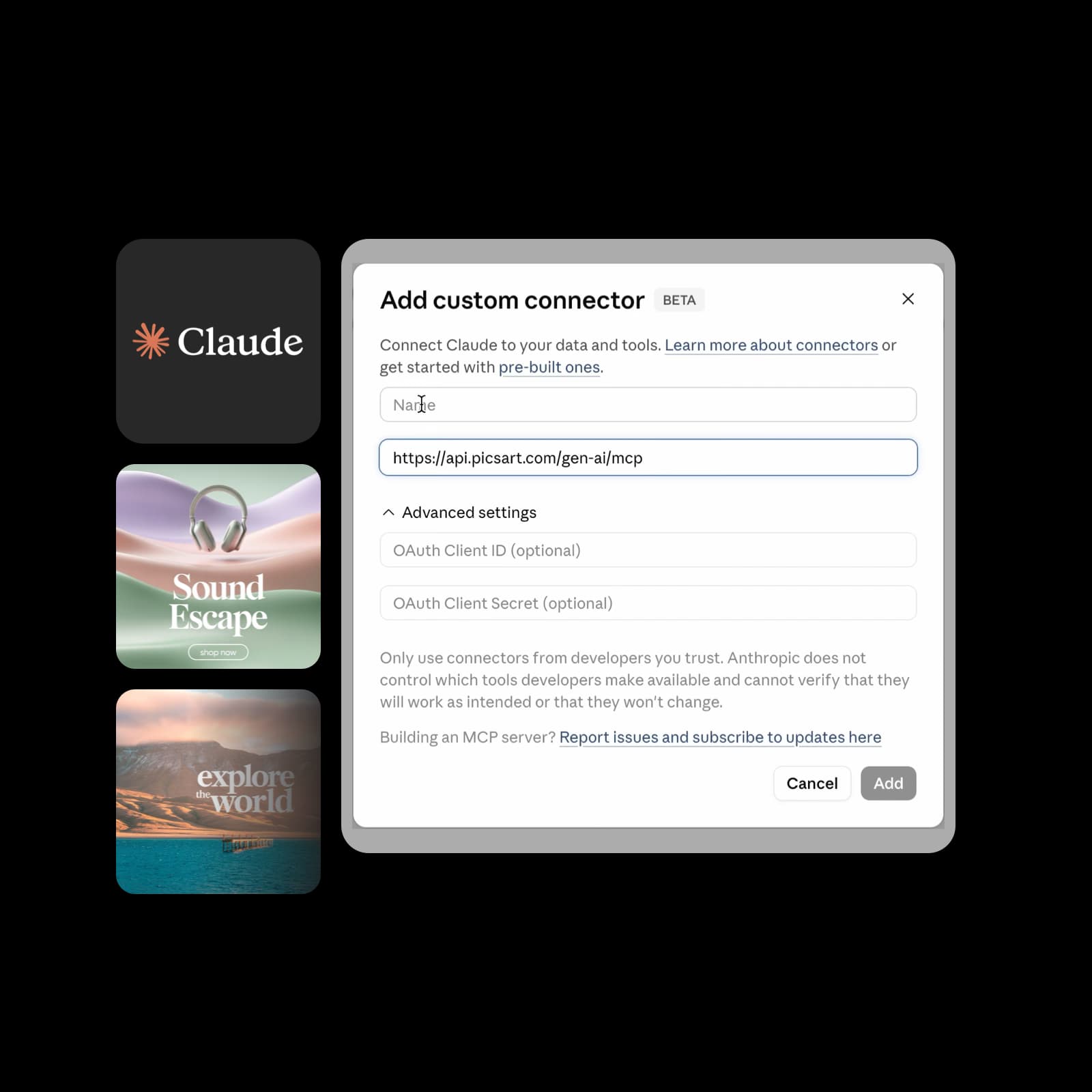
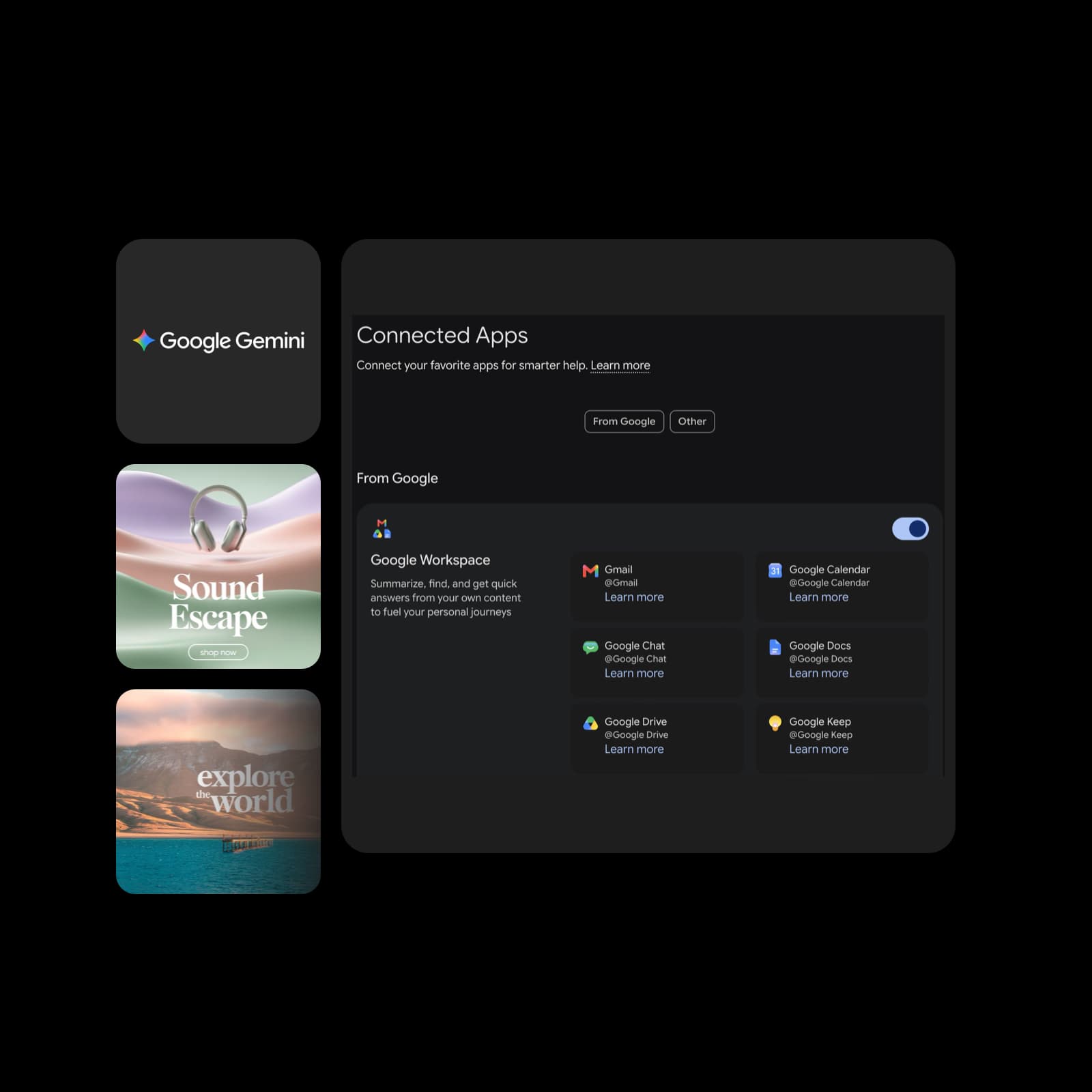
Bring Picsart into the AI assistant you use. Explore creative workflows, setup steps, and the right connection for your platform.
Illustrative Picsart examples. Adapt these starter prompts to your brief and the tools available in your connection.
Start with a hook, audience, and visual mood in Grok Bot. Ask Picsart for image concepts and compare variations before choosing what to post.
Try: “Use Picsart to create three square headphone campaign concepts from this brief. Show available image models and quote the options first.”

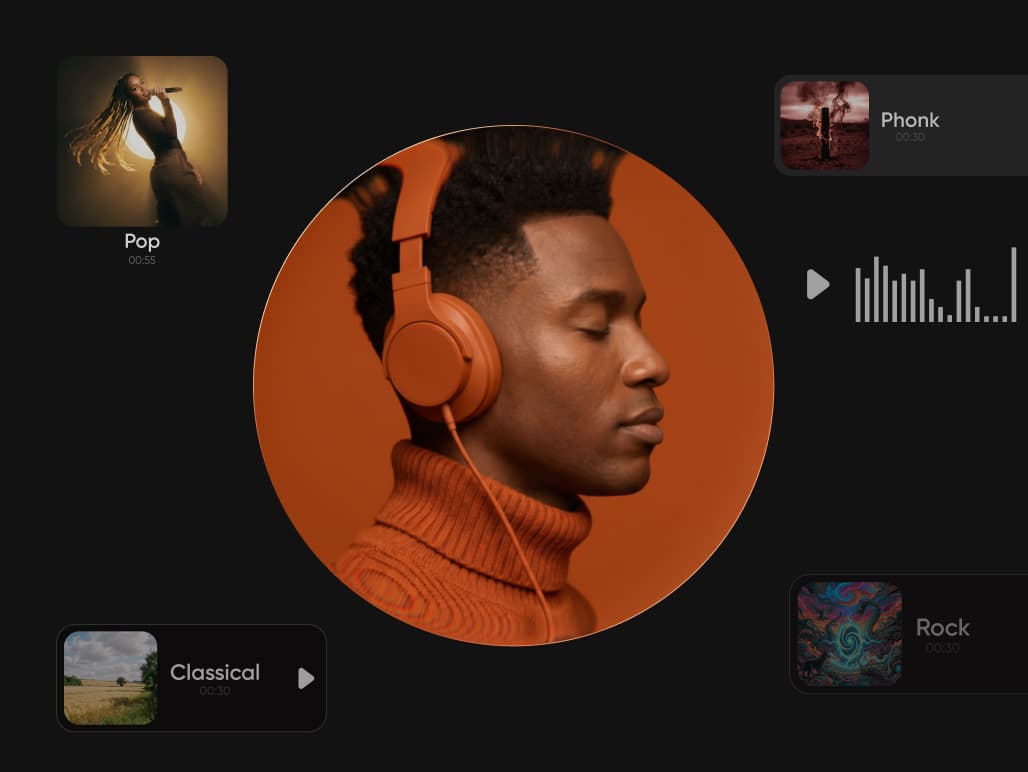
Explore Picsart's 200+ AI model catalog across image, video, audio, and text. These provider cards show illustrative Picsart media examples and model options. Ask your connected assistant what is available and check the cost before creating.



Review excerpts about Picsart from creators and small businesses.
I use Picsart to maintain a consistent brand look for my small business.
Ramanpreet S. · G2I can create anything I need to sell online
Ubah A. · Trustpilot60–100K TikTok views and 20K likes.
Panagiotis P. · TrustpilotThis connection is for the separate Grok Bot app. The Picsart plugin link opens its listing and add flow; it is not a setup link for regular chat on grok.com.
Explore another Picsart plugin, or browse the full collection.