How to create a TikTok content machine workflow in Picsart Flow
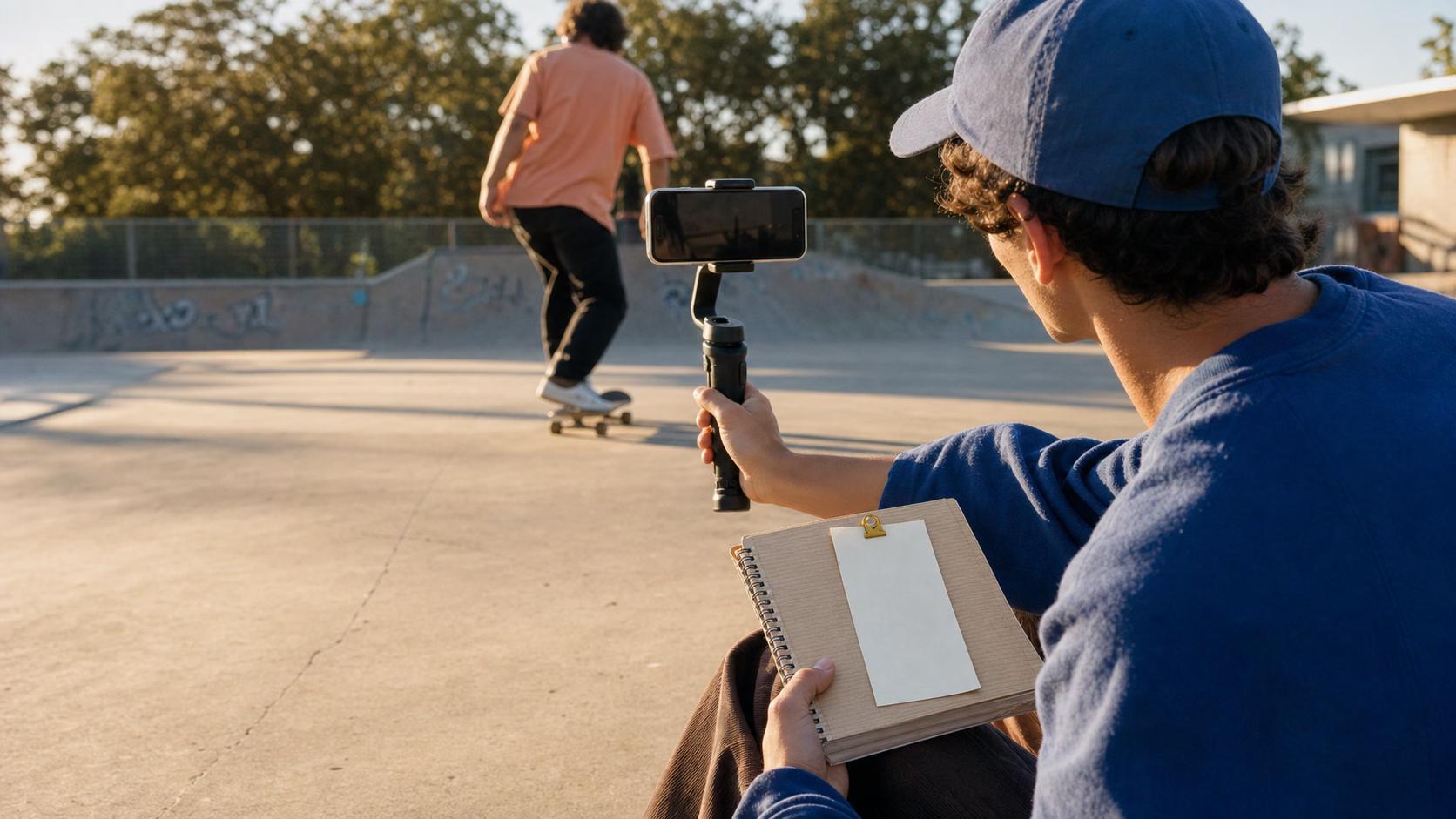
What you'll learn
What is a TikTok content workflow?
Common use cases
Build your TikTok workflow step by step
STEP 1: Start a new workflow
- On web: Go to picsart.com/create/workflows → Click "Create new workflow" → Choose "Vertical video" template
- On mobile: Open Picsart → Tap "+" → "Workflow" → "New workflow" → Select "TikTok/Reels" preset
STEP 2: Configure workflow steps
Add and connect these steps in order:
- Input: Text prompt or image upload as your starting point
- Generate: AI image generation (set aspect ratio to 9:16 vertical)
- Animate: Add motion effects (ken burns zoom, slide, or parallax)
- Text overlay: Add captions, titles, or calls-to-action with your brand fonts
- Export: Video output at 1080x1920px, MP4 format, optimized for mobile
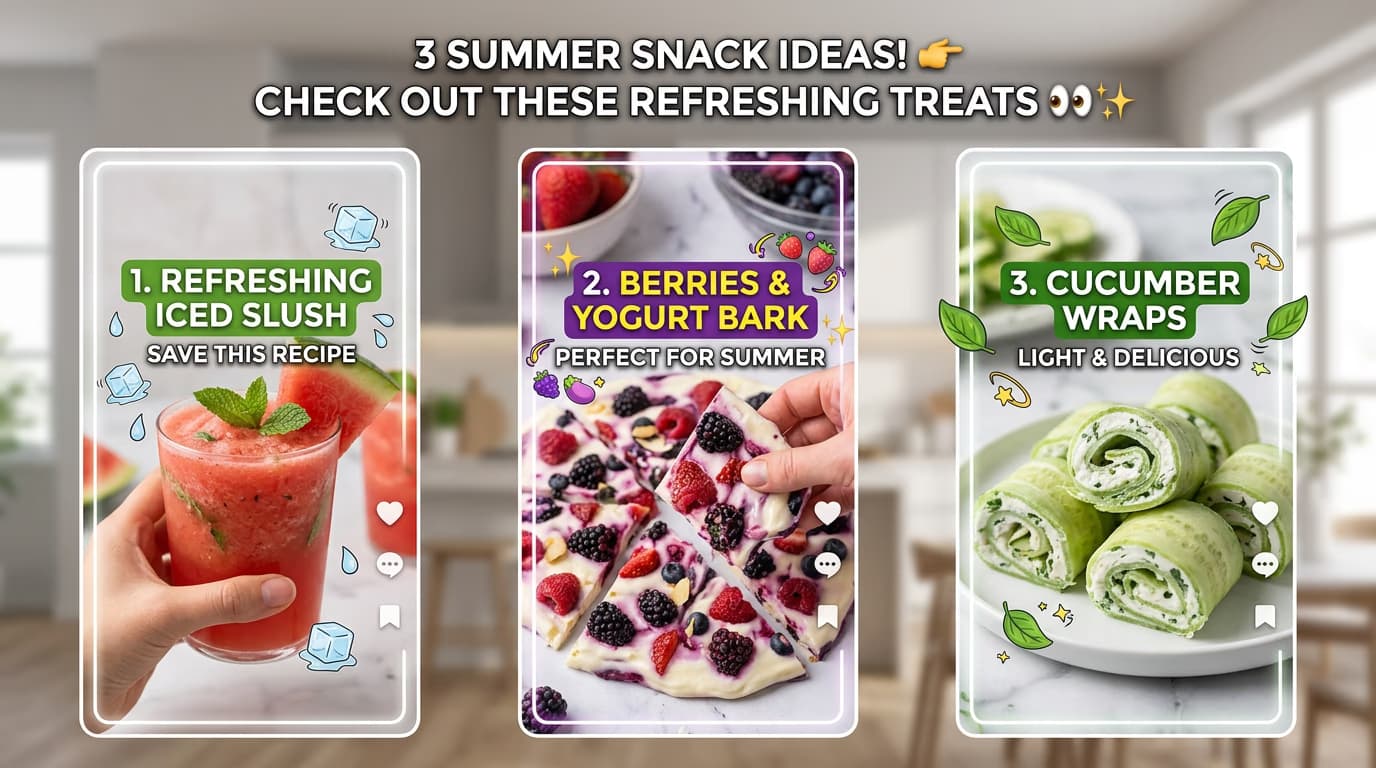
STEP 3: Test your workflow
Run the workflow with a sample prompt or image. Watch the preview to make sure animations are smooth, text is readable, and the video flows naturally. Adjust timing, text size, or animation speed if needed.
STEP 4: Save and batch-create content
Check your workflow settings: Not satisfied? Edit any step and test again. Once it's dialed in, save the workflow and feed it multiple prompts to generate a week's worth of TikToks in minutes.
- Verify 9:16 aspect ratio is set correctly for vertical display
- Check that text overlays are visible and positioned in the safe zone
- Confirm animations match your content style and pacing
Tips for best results
💡 Keep animations subtle
TikTok viewers scroll fast. Use gentle animations like slow zooms or slides rather than flashy effects that distract from your message. The goal is to add interest without overwhelming the content.
💡 Design for mobile viewing
Most TikTok users watch on phones. Keep text large and centered, avoid putting important elements near screen edges, and test on an actual phone before posting.
💡 Build variation into your workflow
Add multiple text style options or animation presets to your workflow. This lets you quickly create variations of the same video for A/B testing or to keep your feed looking fresh.
💡 Use batch processing for series
If you're creating a series (like day 1, day 2, day 3), set up your workflow once with placeholder text, then batch-process all episodes by feeding different prompts through the same workflow.
TikTok video specifications
Frequently asked questions

Ready to automate your TikTok content?
Build your workflow once and create endless vertical videos.
Start creating now