Create clips. Get paid for real performance.
Choose an approved campaign, turn its source content into short-form videos, publish on eligible social channels, and earn under clear, verified campaign rules.
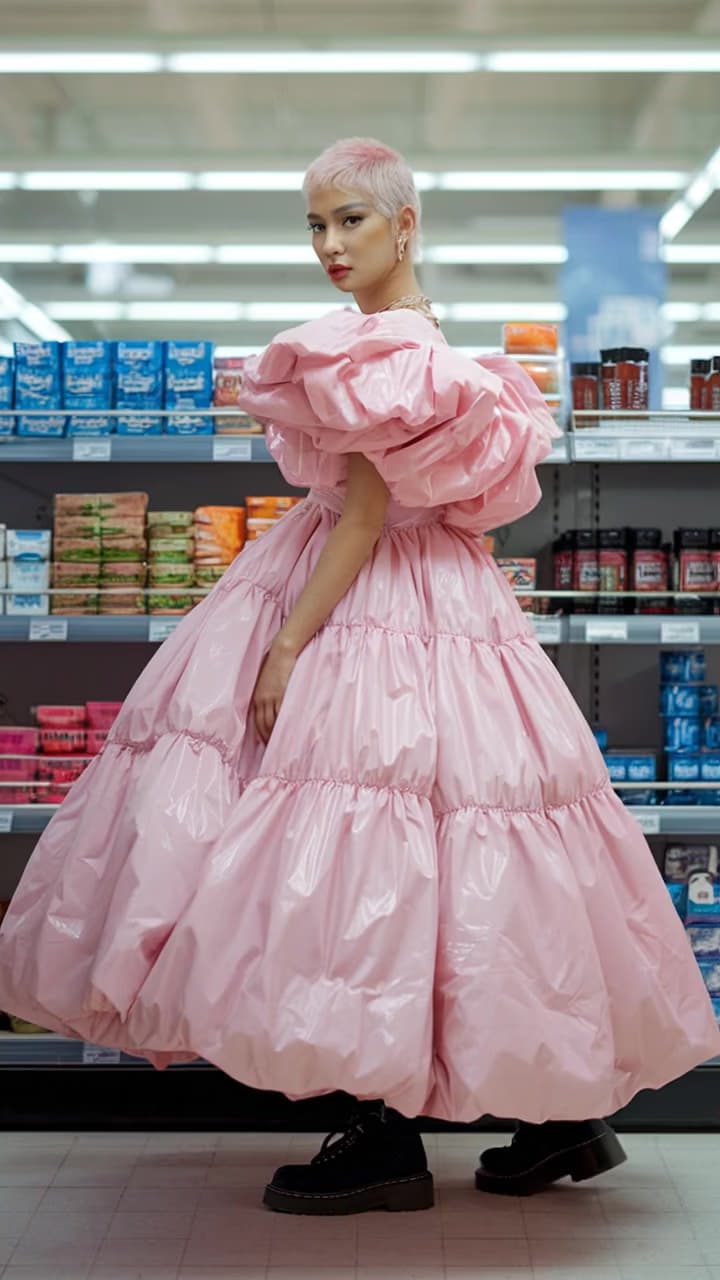
MUSIC
Music release clip

SOCIAL
Creator social clip

PRODUCT
Product campaign clip
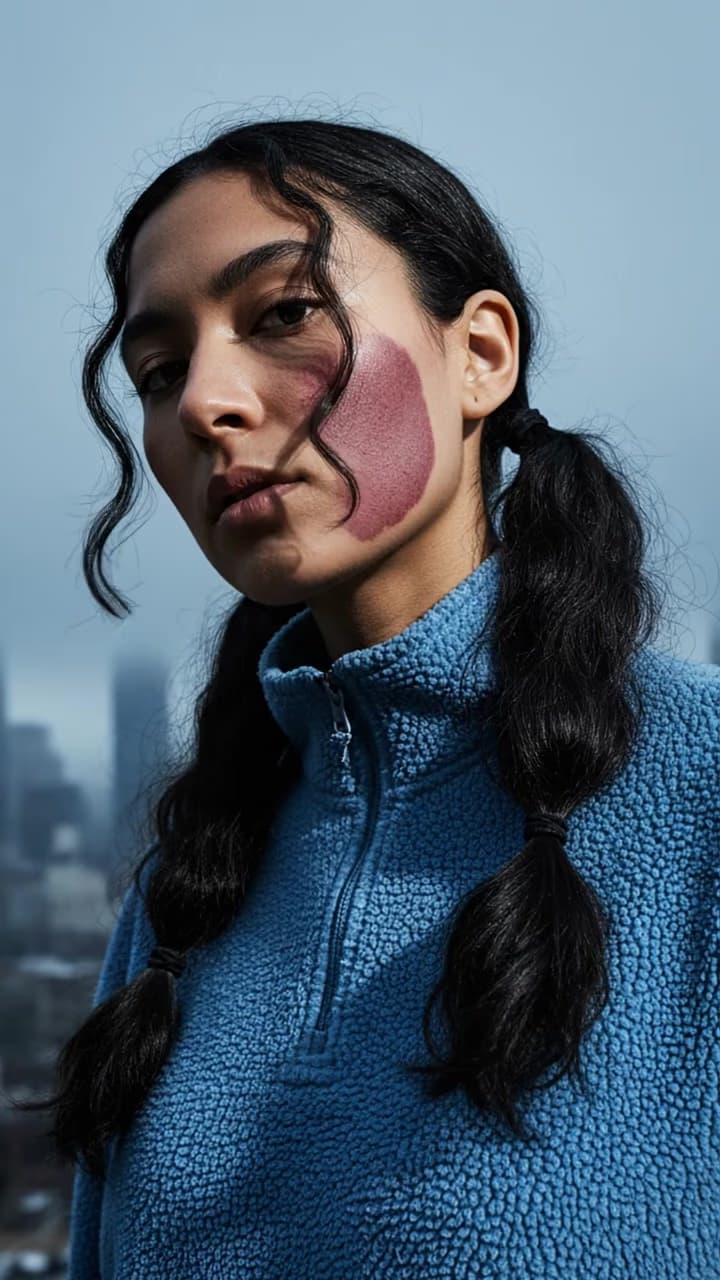
ENTERTAINMENT
Entertainment clip
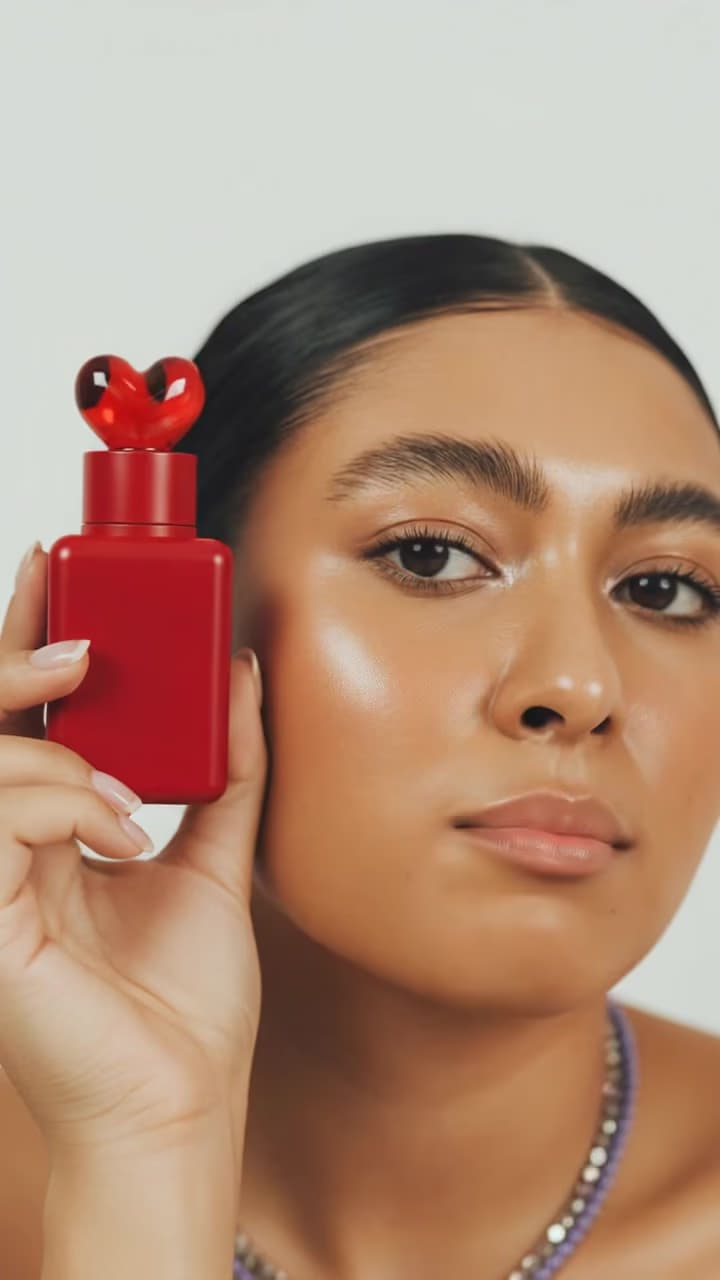
TREND
Trend-ready edit

SHORT-FORM
Platform-ready clip
How clipping works
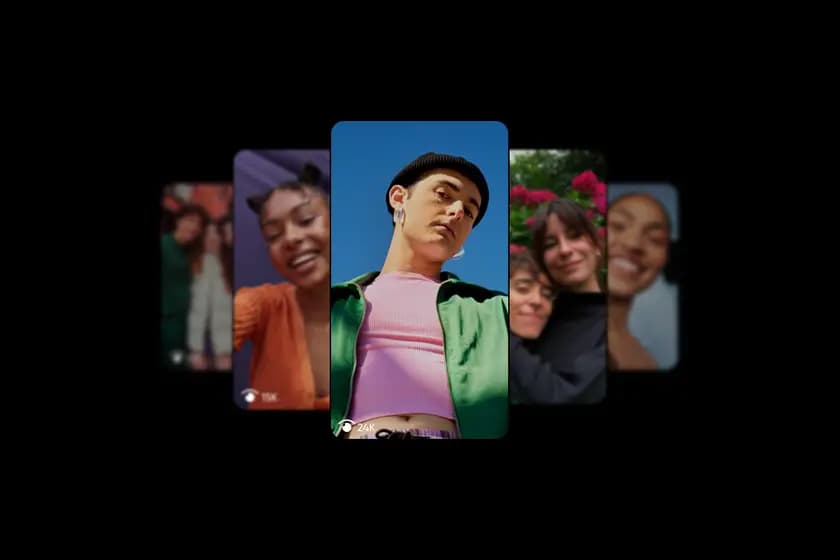
Campaigns for every kind of source content
Turn a release into repeatable social hooks
Use songs, performances, lyrics, music videos, and behind-the-scenes footage to create edits, reactions, visualizers, and trend-ready clips.
Launch a music campaign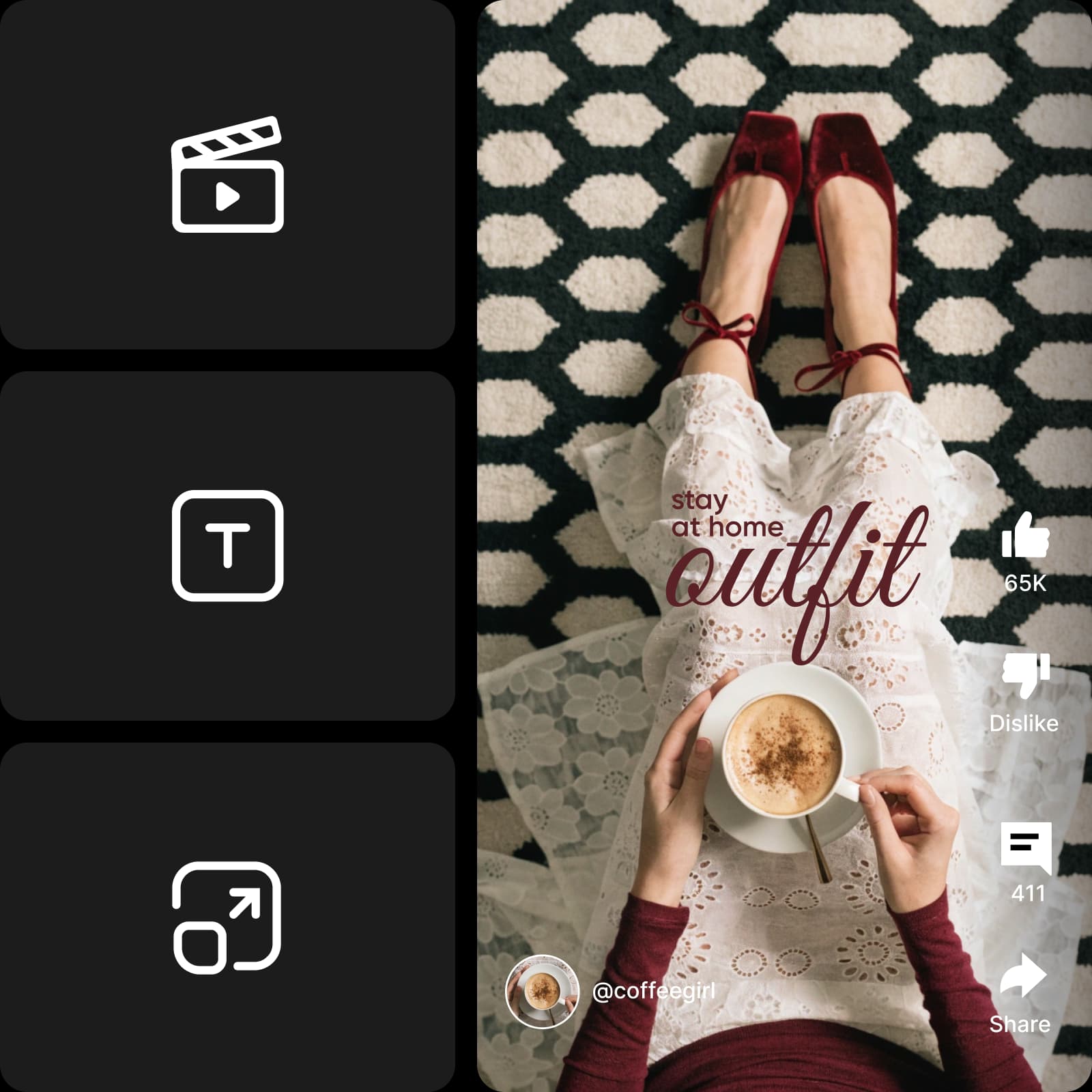
Turn one source into many platform-ready clips
A campaign starts with an approved source pack. Clippers explore multiple hooks, durations, captions, and formats, creating more chances to find the version that earns attention without rebuilding the story from scratch.
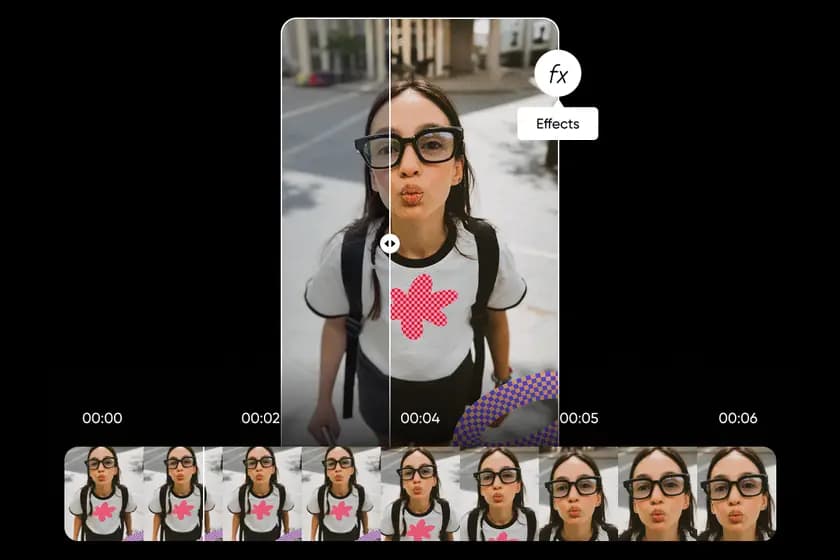
Create and refine clips with Picsart Video Editor
Trim source footage, test different openings, add captions, music, layers, and platform-ready sizing, then preview the result before you publish. The brief sets the boundaries; your edit makes the content worth watching.
What every clipping campaign needs
Clear inputs let creators move quickly while protecting campaign owners, audiences, and original rights holders.
Clipping FAQs
- Content clipping turns approved source material—such as a song, podcast, product video, or creator upload—into short-form social content designed for a specific campaign goal.
Turn content into distribution
Browse a campaign and create the next clip, or bring your source content and launch a brief for Picsart creators.
- Approved source content
- Performance-based rewards
- Music, media, product, and brand campaigns