Change image size for free with Picsart’s image resizer
Instantly change image size with a variety of layout presets using Picsart’s free image resizer.
Why use image resizing?




How to resize images online for free
How to
Open the Image Resize
Use the button below to jump straight into the Picsart Photo Editor.
Resize images in seconds
Switching between different layouts isn’t a time-consuming hassle anymore. Get all your resizing done with the online image resizer. Uploading to popular platforms? No need to manually search for the right resolutions, just use the ready-to-go layout presets to change the dimensions of your image even faster.
- Set dimensions for the place you will use it
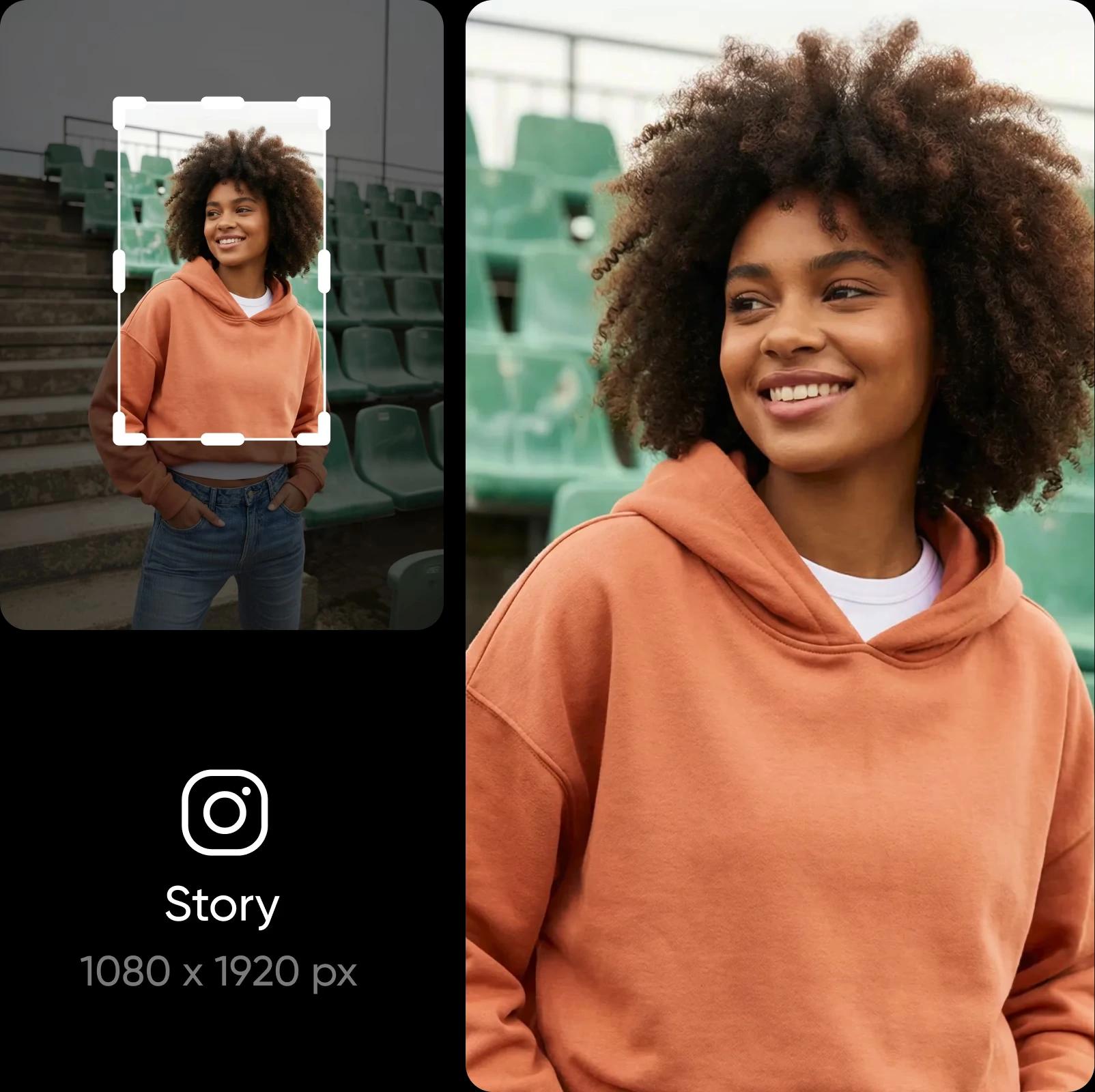
Reduce image size without losing any detail
Resize your image while keeping every detail clear. Picsart protects your photo’s clarity as you change dimensions, so nothing looks stretched or dull. And if your photo starts out blurry, you can fix that too with Picsart. Just run it through the built-in Image Upscaler to enhance image quality - it’s as easy to use as the resizer.

Explore popular ways to resize your images
Resize photos for your next social post
Resize your images so they fit the sizes used on Instagram, Facebook, TikTok, Pinterest, and LinkedIn. Your posts, Stories, ads, thumbnails, and headers will look clean and consistent on every platform.

Resize images in batch
Multiple images got rejected for the wrong size? No need to adjust them one by one. Easily resize images in batches with Picsart and save yourself precious time. Do the adjustment for one, and it will be applied to the rest of your images. Perfect for when you need to resize several e-commerce photos, adjust the size of your carousel post visuals, and more.
Do more with Picsart’s photo editor
All your photo editing needs are covered by Picsart. Easily perform complex edits like changing and removing backgrounds or even remove objects from your photos. It’s all an automated breeze, thanks to AI. Complete the look by applying effects and adding text to your photos. All this in one convenient photo editor.
- Finish the design after sizing the photo

Create resize image with AI image models
Use image models to transform resize image into polished visuals, design ideas, and ready-to-edit assets.
Image resizer FAQ
The Picsart image resizer allows you to adjust the resolution of your images for various size requirements.
Edit photos for polished creator content
Pro
Most popularAI tools for everyday creative work.
Ultra
Most powerfulHeavy AI usage for creators & teams.
Enterprise
Custom AI solutions for large organizations.
- Volume discounts on credit rate
- On-demand top-ups
More Tools to Explore


