Image stretcher: Stretch images online for free
Extend backgrounds and resize visuals effortlessly with Picsart’s online image stretcher. Increase the height and width of photos for free without distorting the visuals or lowering the resolution.
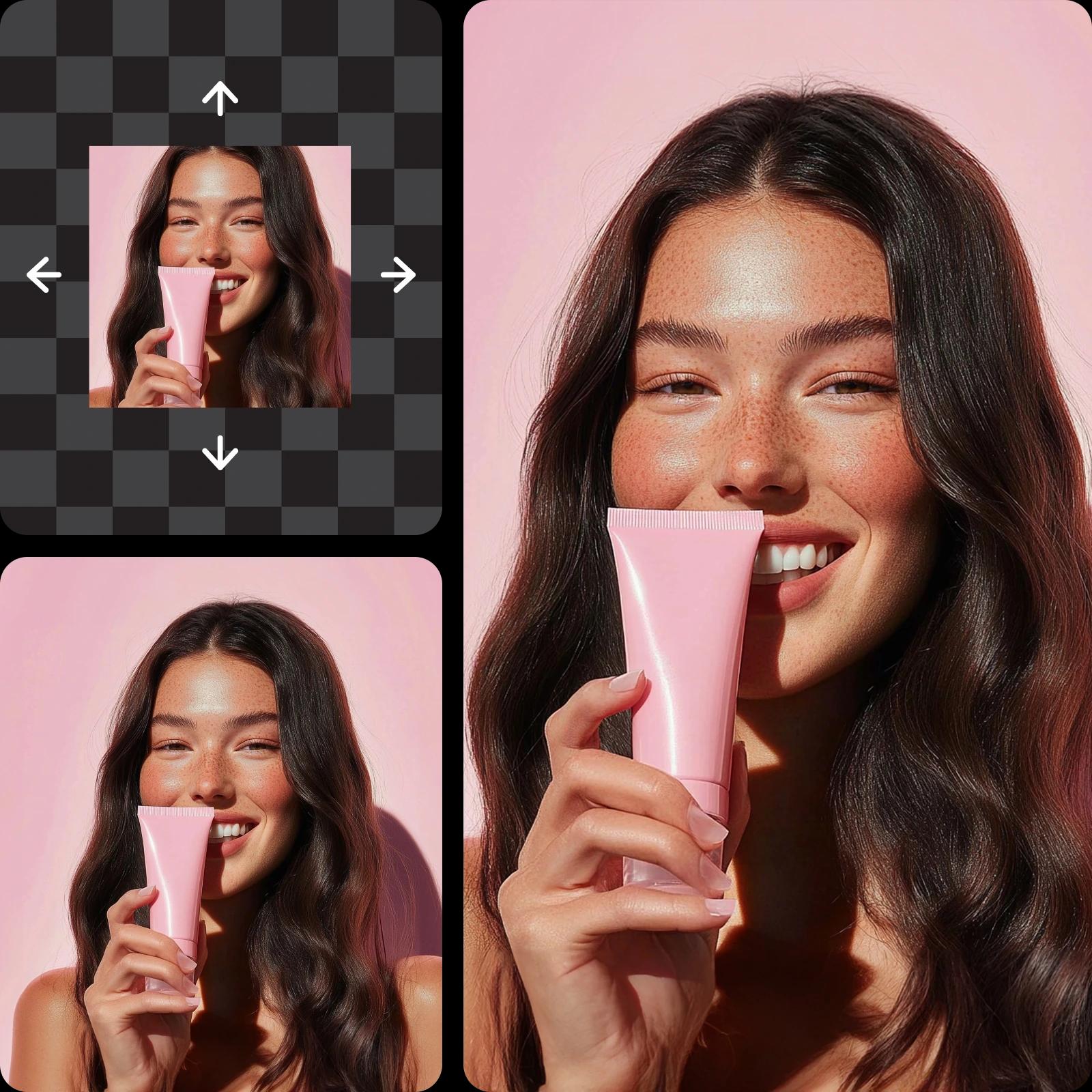
Why use image stretching?
How to stretch images
How to
Upload an image
Use the Browse files button to choose a photo.
Stretch photos online for free—no advanced editing skills needed
Scale up images for design projects, presentations, and personal use with Picsart’s free image stretcher. Instantly resize or extend photos to fit different layouts or comply with social media sizing guidelines. The free and easy-to-use tool allows you to stretch pictures online quickly and conveniently to get high-quality results without the need for complex software.
- Fit the photo to the space you need
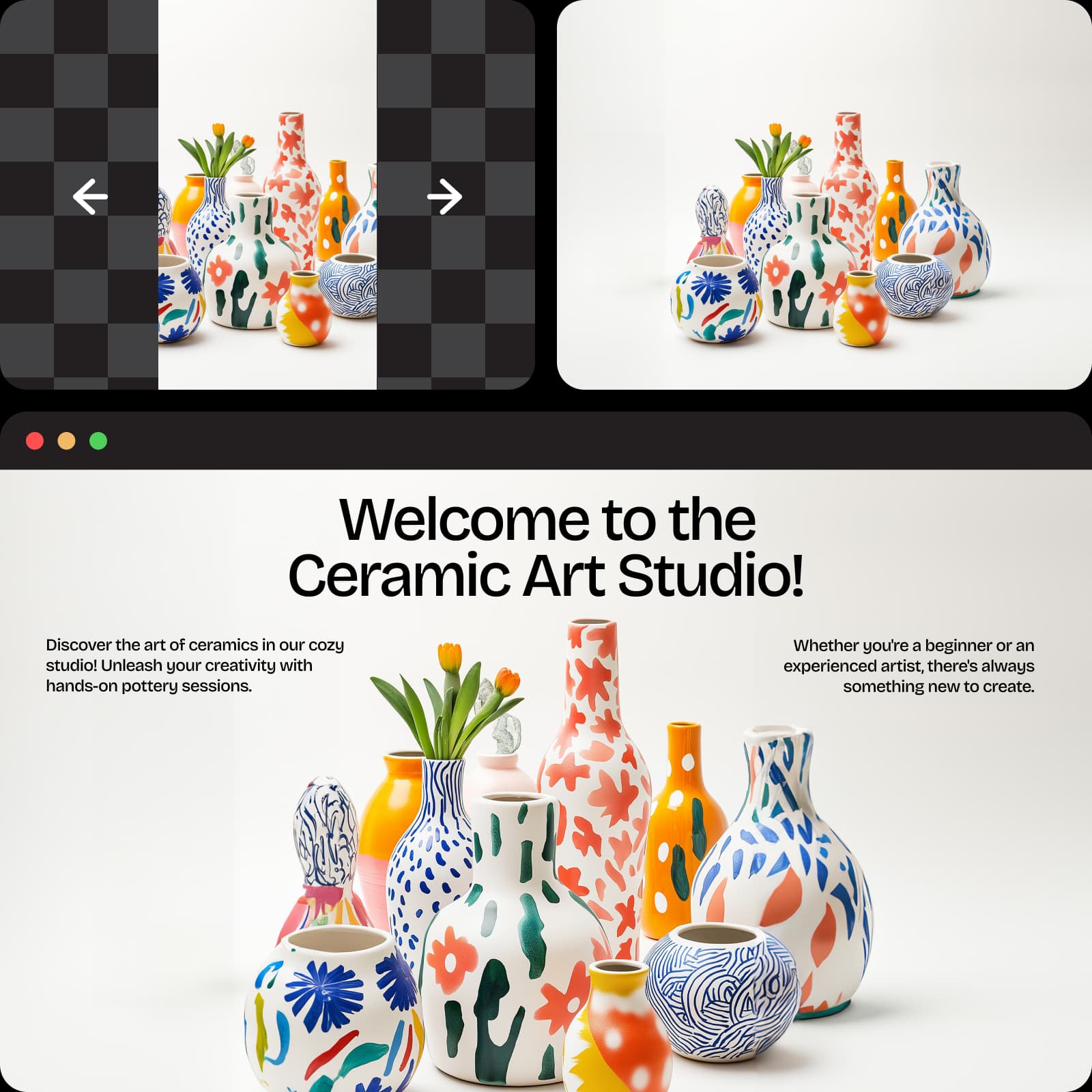
Expand photos with Picsart’s AI image stretcher without losing quality
Achieve clear, sharp, and vibrant results when you stretch images online. Picsart’s built-in enhancement features use advanced AI algorithms to seamlessly stretch photos, clean up flaws and preserve color and detail all at once. Image size doesn’t have to limit versatility. The picture stretcher is perfect for designers, photographers, and social media users who want professional-looking, high-resolution images every time—no pixelation, blurriness, or distortion.
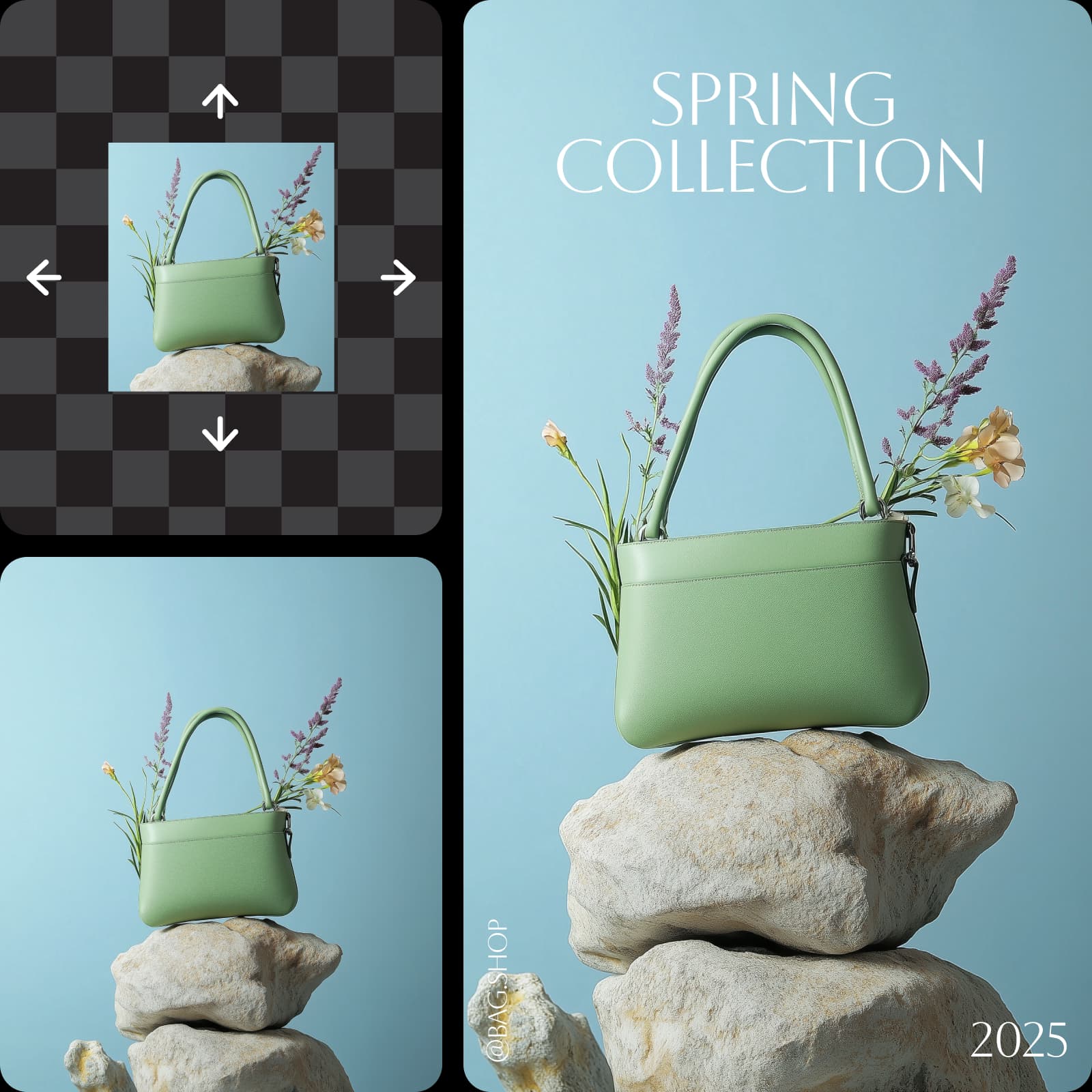
Stretch horizontally and vertically to fit a variety of needs
Need a taller product image or a wider landscape photo? Resize images in any direction, whether expanding width, height, or both simultaneously. Stretch images to fit various layouts, from social media posts and design portfolios to brochures and websites. Make precise changes to the dimensions without affecting proportions or sacrificing clearness. Picsart’s image stretcher offers endless ways for designers and content creators to make visually appealing photo compositions.
- Choose a horizontal or vertical stretch

Use the image stretcher to only extend the background
Broaden the background of images while keeping the central object or subject intact. Thanks to Picsart’s AI image extender, you can conveniently add more length or width to the background without changing the natural-looking appearance of the image. Stretch photos to create more balanced visuals that fit specific aspect ratios or to make space for text overlays. Whatever the design project, the image stretcher simplifies the process of customizing image dimensions without requiring advanced photo editing skills.
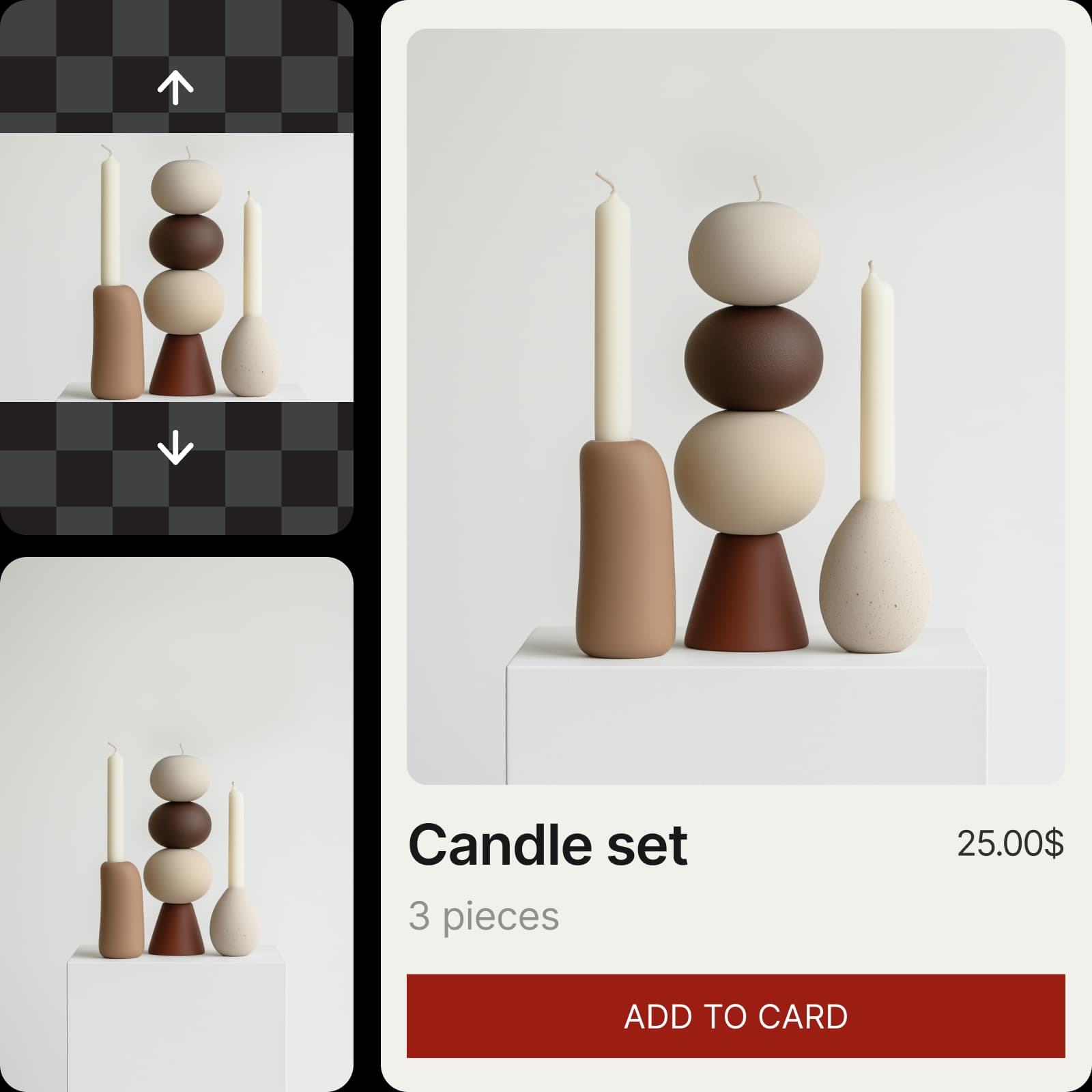
Stretch pictures to achieve the visual results you want
Get maximum flexibility from personal or professional photo collections. Resize images to align with changing project needs, so you can repurpose them as much as you like. Stretch photos online in seconds with Picsart’s picture stretcher, and use the intuitive photo editor to quickly personalize and enhance images for print or digital content.
- Shape the image around your composition
Create stretcher with AI image models
Use image models to transform stretcher into polished visuals, design ideas, and ready-to-edit assets.
Image stretcher FAQ
An AI image stretcher uses artificial intelligence to resize the dimensions of the photo and automatically enhance the resulting image resolution.
Resize visuals for every platform and format
Pro
Most popularAI tools for everyday creative work.
Ultra
Most powerfulHeavy AI usage for creators & teams.
Enterprise
Custom AI solutions for large organizations.
- Volume discounts on credit rate
- On-demand top-ups
More tools to love


