AI replace: change any image object for free
Remove distractions and replace them with custom, AI-generated visual elements. Use AI swap to upgrade product photography by adding contextual props, elevate your vacation photos by getting rid of the passerby that ruins the shot, and so much more.
Create ai replace with AI image models
Use image models to transform ai replace into polished visuals, design ideas, and ready-to-edit assets.
How to use AI Replace in Picsart
How to
Upload your image
Select an image to get started.
Replace objects in your photos for free
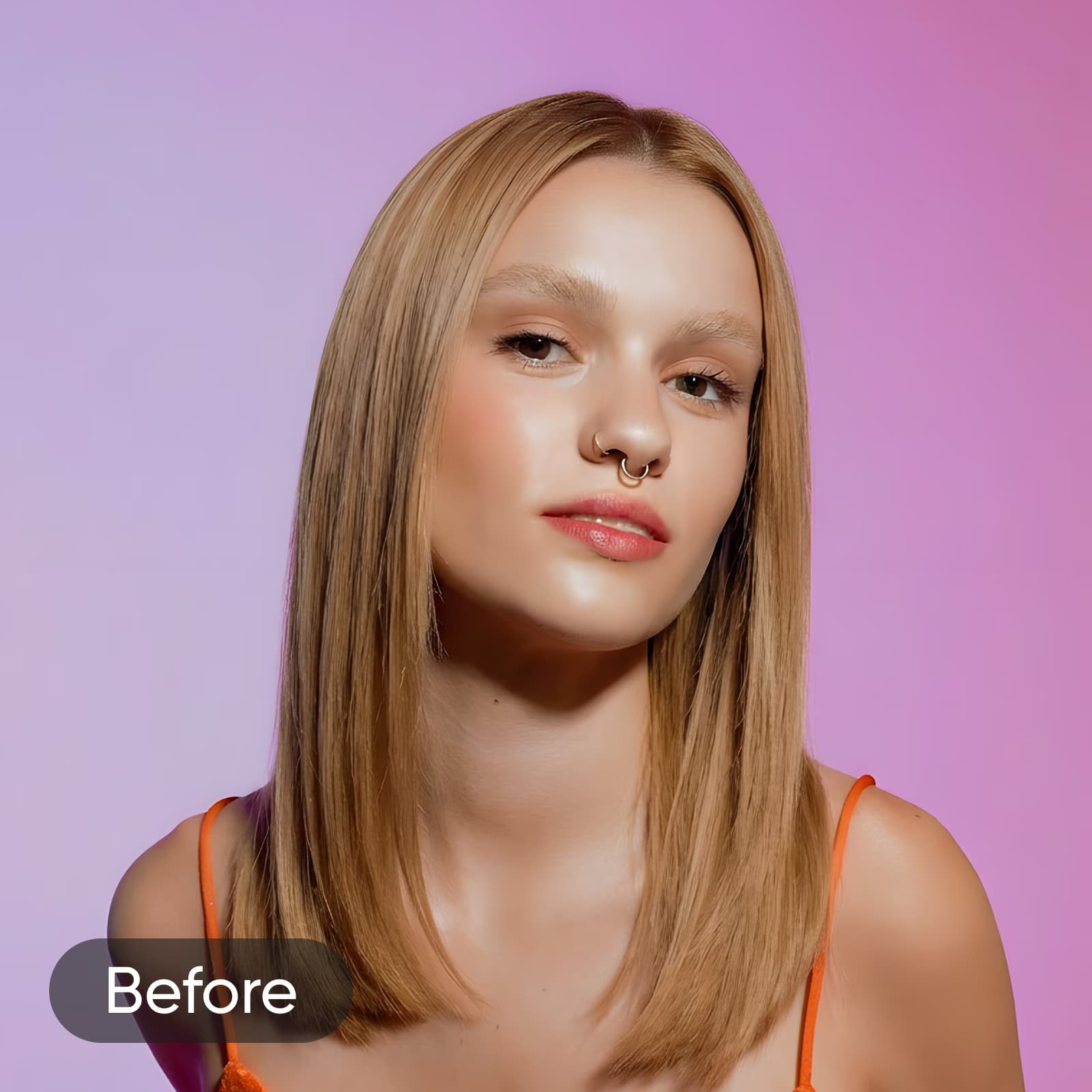
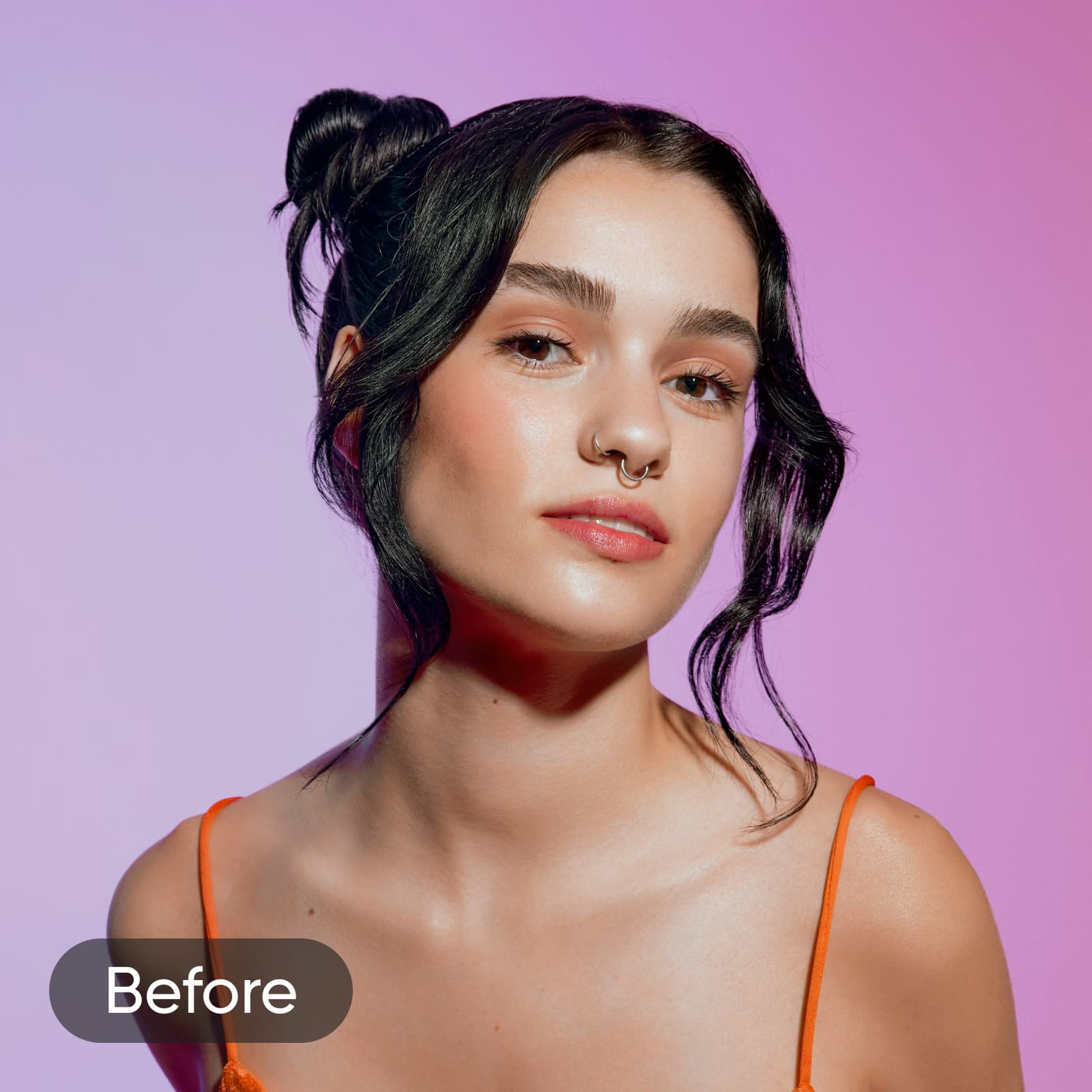
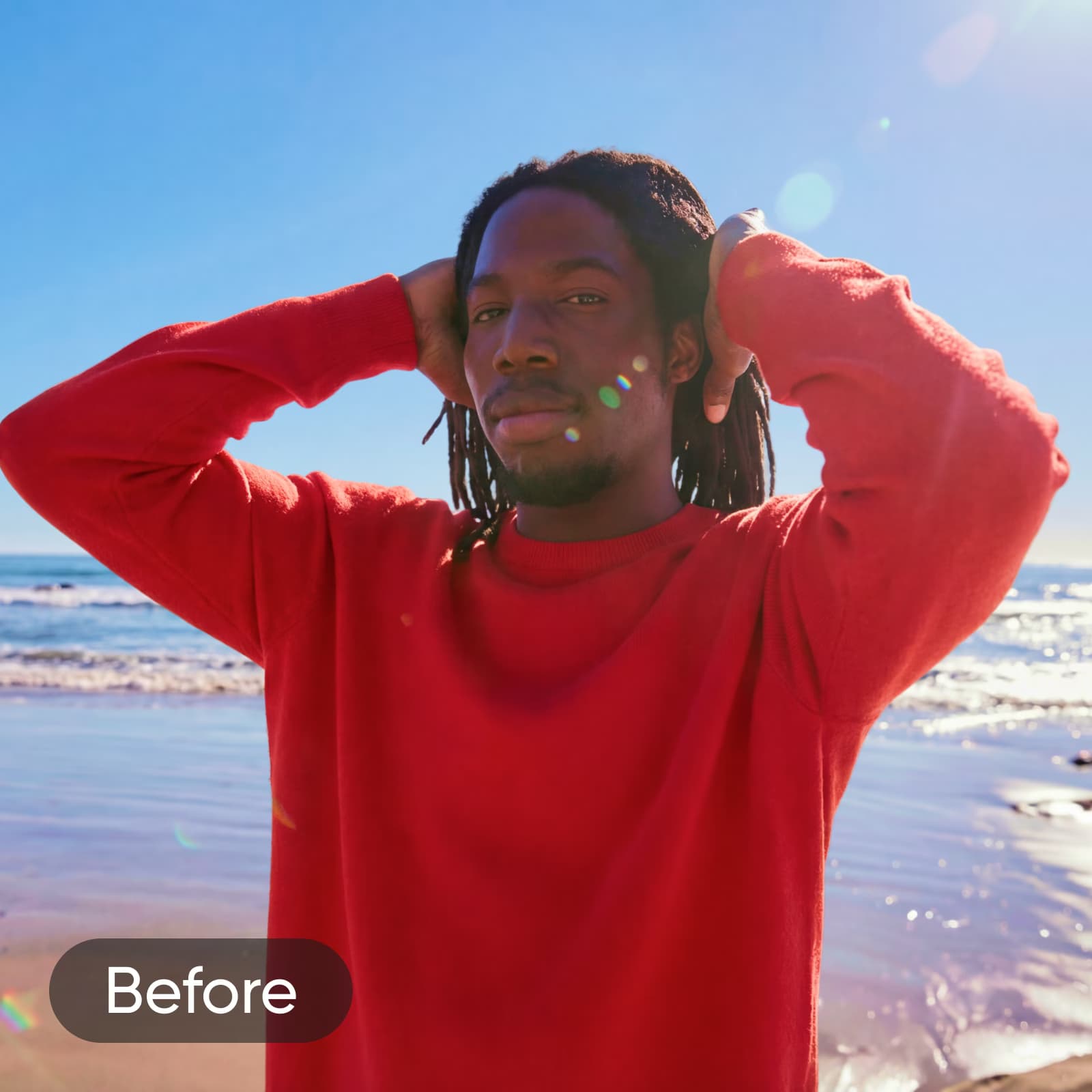
Picsart’s AI Replace uses generative AI to swap any element in your photo with something entirely new. Select what you want to change: clothes, hair, sky, backgrounds, or any object, then describe your replacement with a text prompt or pick from popular presets. The tool reconstructs the surrounding area automatically, blending your edit into the original image. From refining product shots and updating portraits to inserting new elements into a scene, AI Replace handles precise object-level edits without manual masking or advanced skills.
Elevate product photography with AI replace
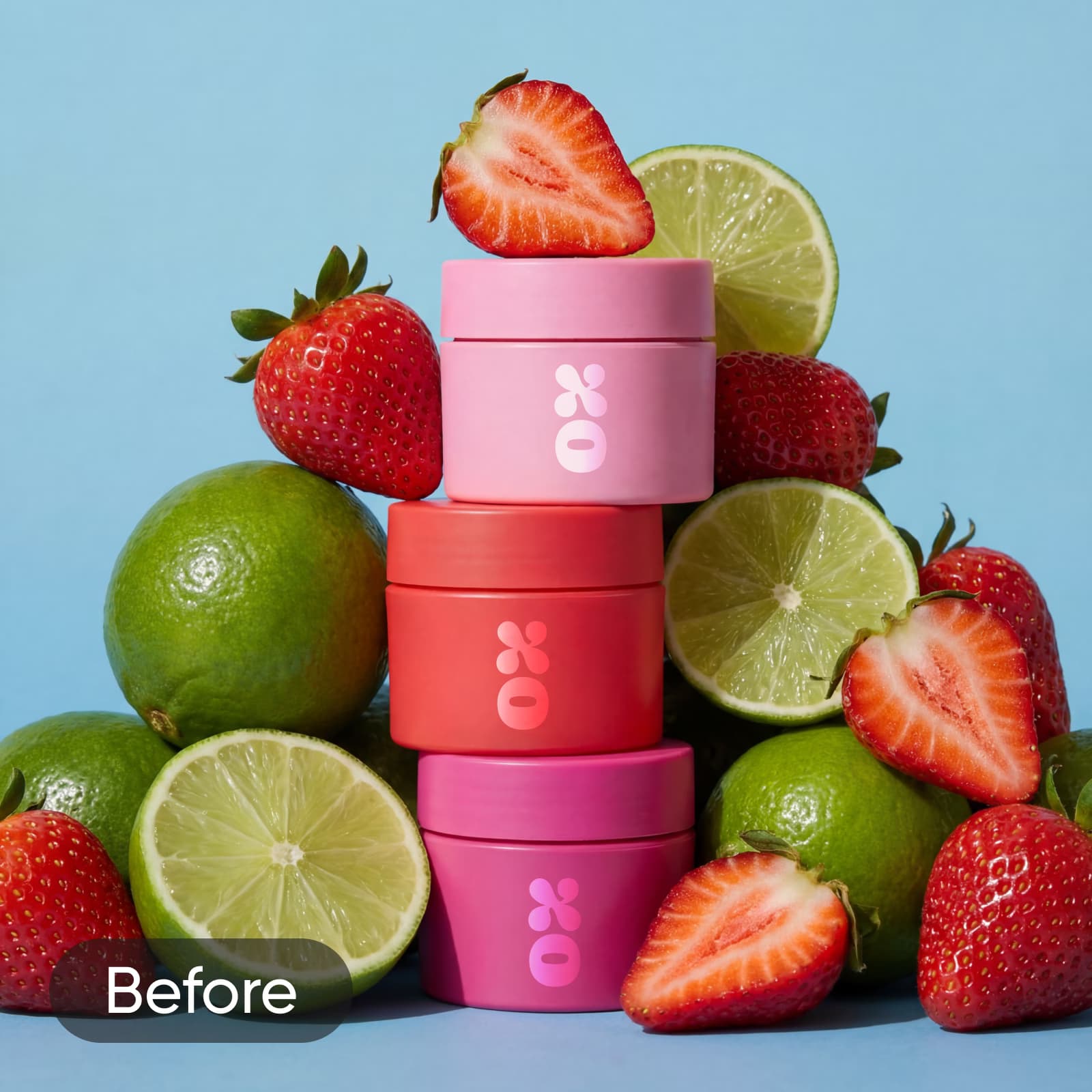
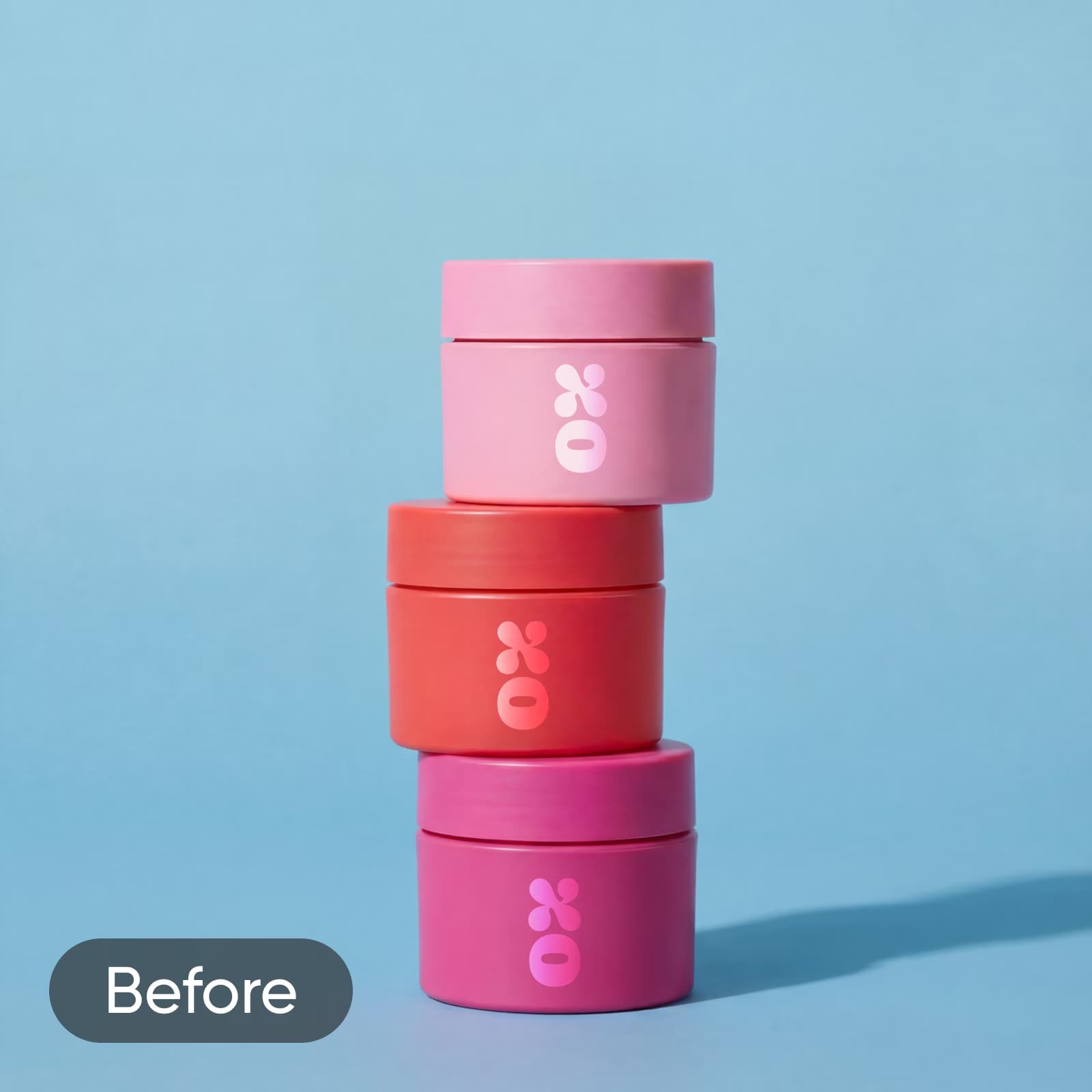
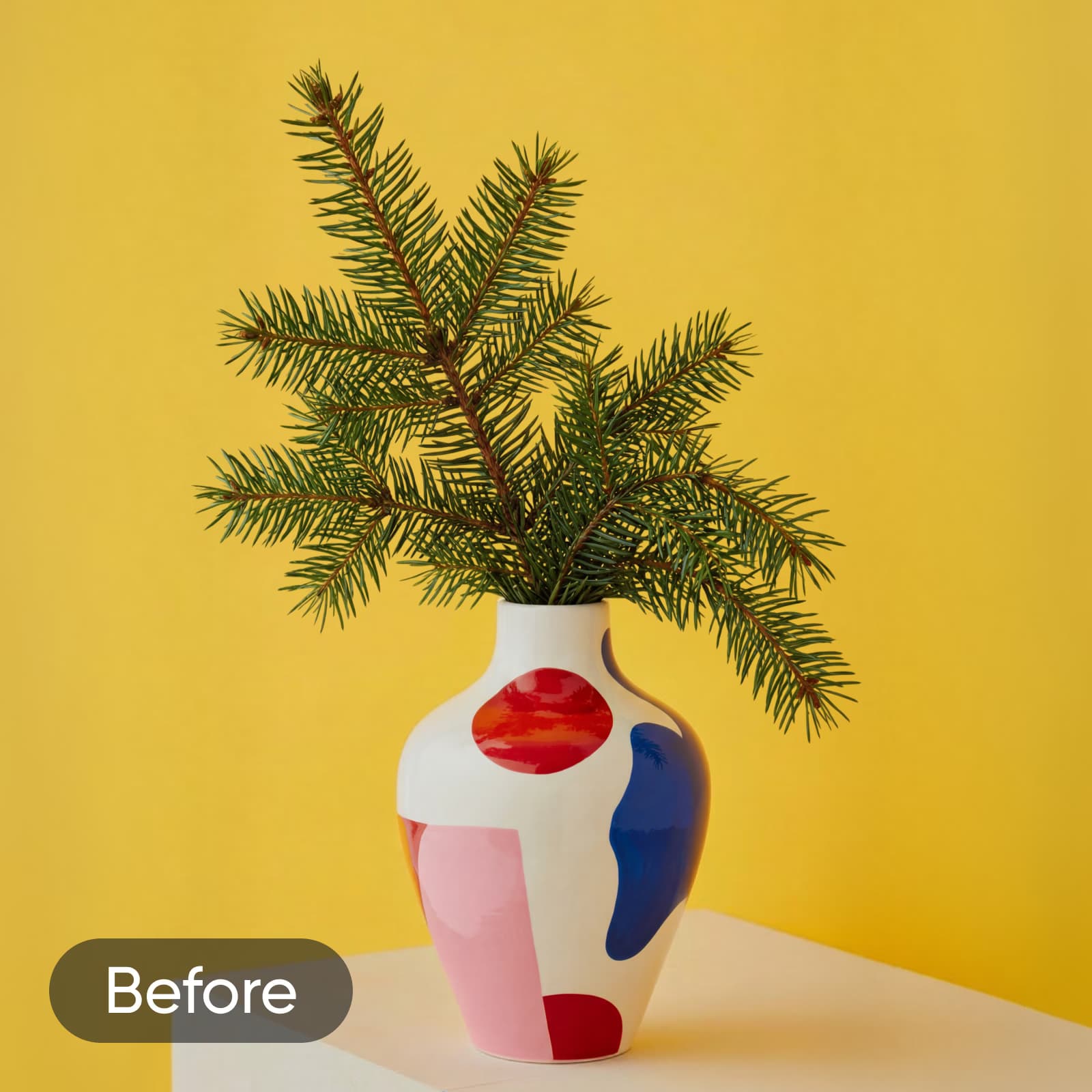
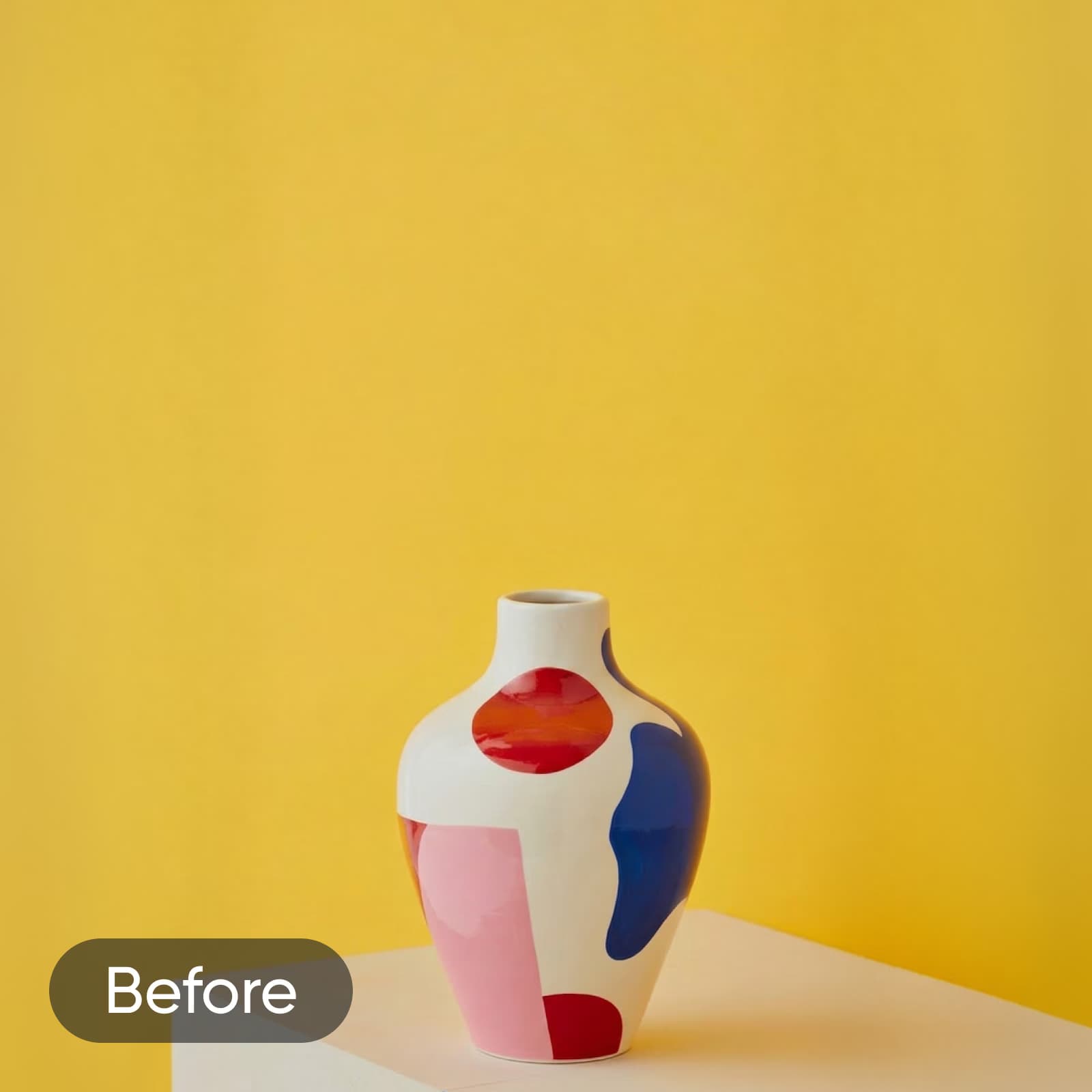
No need to hire a designer or continuously shop for new set props to create eye-catching product photos. Just use AI inpainting to add new objects that will complement your product and elevate the look of your promotional materials. Just released a new lip balm with a strawberry lime flavor? Add realistic visuals of both fruits or get creative with different AI art styles to better match the vision of your campaign. Something’s still missing? Use the AI replace tool to create set props like arches, crystals, vases, and so much more.
AI swap your images in just a few taps
Ready to take your editing skills to the next level? Think of the AI image replace tool as your magic wand to transform any part of your image into something brand new. Easily AI swap objects in images using a technique called “inpainting”. Just like the AI image generator, this tool also uses advanced text-to-image technology to bring your imagination to life in just a few seconds. From unique AI-generated set designs to AI face swaps, anything is possible with the power of artificial intelligence.

Use AI Replace for any creative project
Swap product elements
Swap props, packaging, or accessories in product shots to match seasonal campaigns or updated branding. Get studio-quality results without reshooting.

Promote your brand with custom AI designs
Whether you’re marketing your small business on Facebook or editing your product pictures before a major launch, it only takes a few minutes to AI swap your promo materials to create custom designs. And if you need to refine your image quality before uploading them online, AI enhance can instantly upgrade your pictures for a crisper, sharper finish. From fun poster backgrounds to attention-grabbing brand logos, it’s easier than ever to amplify your marketing strategy with original visuals—even if you’re not a seasoned graphic designer.
Try out Picsart’s other AI editing tools


AI replace FAQ
Picsart’s AI Replace is a generative AI editing tool that swaps selected objects in your photos with new elements. It uses AI inpainting to reconstruct the surrounding area after each replacement, producing seamless results that blend naturally into the original image without manual masking or layering.
Edit images with AI for every creative idea
Pro
Most popularAI tools for everyday creative work.
Ultra
Most powerfulHeavy AI usage for creators & teams.
Enterprise
Custom AI solutions for large organizations.
- Volume discounts on credit rate
- On-demand top-ups