Change hair color in photos with AI

Change hair color in a photo with AI. Add your portrait in AI Playground, describe the shade you want to try, and compare the result before you dye or share your next look.

AI-generated illustration.

  • Explore shades before you dye
  • Start with your own portrait
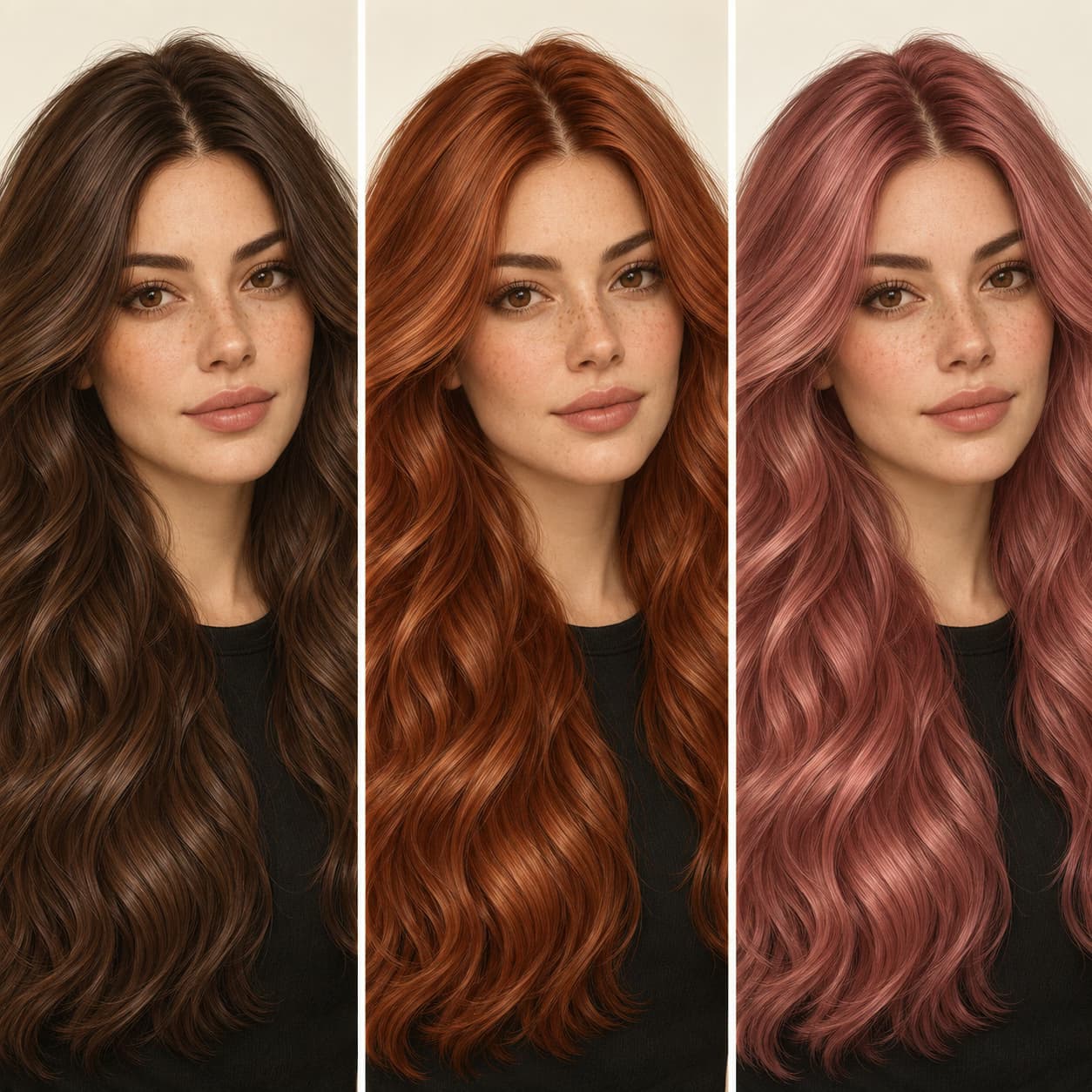
AI-generated illustration of a portrait with chocolate-brown, copper-red, and rose-pink hair

How to change hair color in a photo with AI

Open AI Playground with a starting prompt, then add your portrait and make the color your own.
How to

Add your portrait

Select 'Add Source Images' in AI Playground and upload a clear portrait with your hair visible. Even lighting gives you a better starting point for comparing shades.

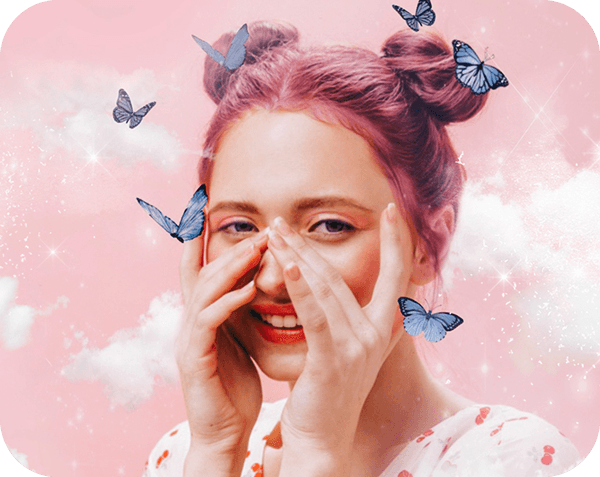
Illustrative portrait with pink hair

Try natural shades or a bold new hair color

Use your photo to explore a subtle change or a completely different shade. Describe chocolate brown, honey blonde, copper red, or lavender purple in your prompt. Add details such as 'dark roots' or 'soft highlights' to guide the look, then compare the preview with your original portrait.

  • Describe the color you want
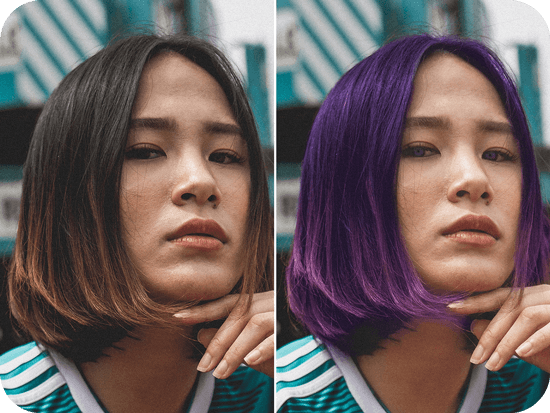
girl image before and after having purple hair

Give your hair color prompt a clear direction

  • Start with your own photo

    Use a portrait where your hair is easy to see. Keep the same source photo when comparing color ideas.

  • Name the shade you want

    A specific shade, such as copper red or ash blonde, gives your prompt a clearer direction than 'change my hair.'

  • Review the whole portrait

    Check the hairline, face, and background before saving. Refine your prompt if the preview changes more than you intended.

Preview a hair color before you dye

Test a color idea on your photo before committing to a salon appointment. Compare a few directions, show a favorite to your stylist, or ask friends which look they prefer. An AI preview is a creative reference, not a prediction of how a dye will look on your real hair.
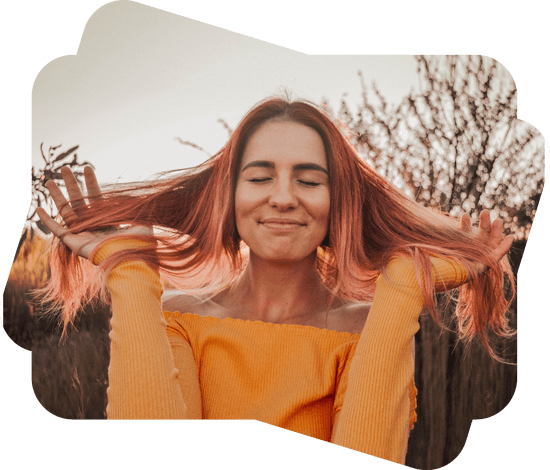
red hair girl with closed eyes wearing orange sweeter smiling

Create a new look for your next portrait

Explore hair color ideas for a profile photo, cosplay portrait, or social post. Once you have a look you like, continue with photo editing. Try a different photo background to complement your new shade. For broader changes to selected parts of a photo, explore AI Replace.

  • Build a look for your next portrait
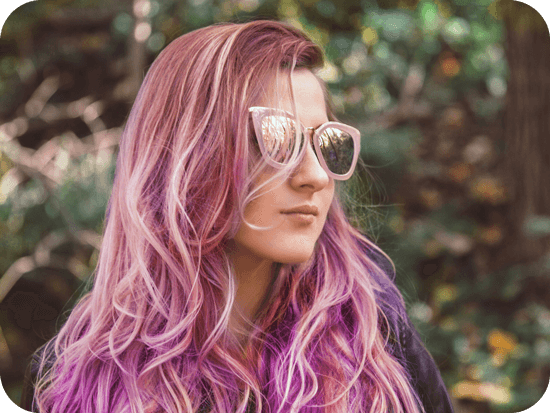
colorful hair girl with glasses

AI hair color changer questions

  • Add your portrait as a source image in AI Playground and describe the hair color you want. Start with a specific shade, generate a preview, and review the result. Refine your prompt when you want a different tone or more control over the look.

Picsart featured in

MashableEsquirePeopleForbesTechCrunchBuzzFeed

Try hair colors for portraits, content, and style ideas

Pro

Most popular

AI tools for everyday creative work.

$15 $10.5/mo
Billed yearly
You save $54 with yearly
  • Access to all photo & video editing features
  • Advanced background & object removal
  • Parallel video generations with the world's most powerful AI video models
  • Unlimited image generations with Flex.2 Klein
  • 1-tap image enhancer
  • Millions of stock photos & Getty video clips
  • Selection of trendy fonts, text styles & stickers
  • Thousands of premium templates
  • Support for 3+ brand kits
  • Bulk edit up to 50 images at once
  • 100 GB of cloud storage
New features:
  • Auto-generate content from your terminal or agent with the Picsart CLI
  • Use Picsart inside Claude Code, Cursor, and ChatGPT via MCP — coming soon
  • AI agents for multi-step workflows and batch generation — coming soon

Ultra

Most powerful

Heavy AI usage for creators & teams.

$45 $24.5/mo
Billed yearly, per seat
You save $246 with yearly
  • Everything in Pro
  • Early access to advanced AI features
  • Leading AI models to design & automate workflows (Nano Banana, Veo 3, Seedance 2.0 & more)
  • Parallel video generations with the world's most powerful AI video models
  • Unlimited image generations with Flex.2 Klein
  • Support for 10+ brand kits
  • Add team seats
  • Create ad variations and localize
  • Track ads performance
  • 2000 credits for API services
  • Bulk edit up to 100 images at once
  • 300 GB of cloud storage per seat
New features:
  • Auto-generate content from your terminal or agent with the Picsart CLI
  • Use Picsart inside Claude Code, Cursor, and ChatGPT via MCP — coming soon
  • AI agents for multi-step workflows and batch generation — coming soon

Enterprise

Custom AI solutions for large organizations.

Custom credit volume
  • Volume discounts on credit rate
  • On-demand top-ups
Custom
Contact for pricing
  • Access to photo & video editor SDKs
  • Mobile web SDK support
  • Prepaid or pay-as-you-go creative APIs
  • Embed professional-grade editing into your product or workflow
  • Fully configurable editing experience
  • White-label to match your brand
  • Support for built-in marketing, e-commerce & printing use cases
  • Bring your own assets: images, templates & fonts
  • Enterprise-grade security, SLAs & support
  • Dedicated account manager