Create beauty product photos and videos
Turn your product photos into launch visuals, listing images, and short videos. Use Picsart to explore backgrounds for skincare, makeup, and fragrance, then build a repeatable campaign workflow in Picsart Flow.
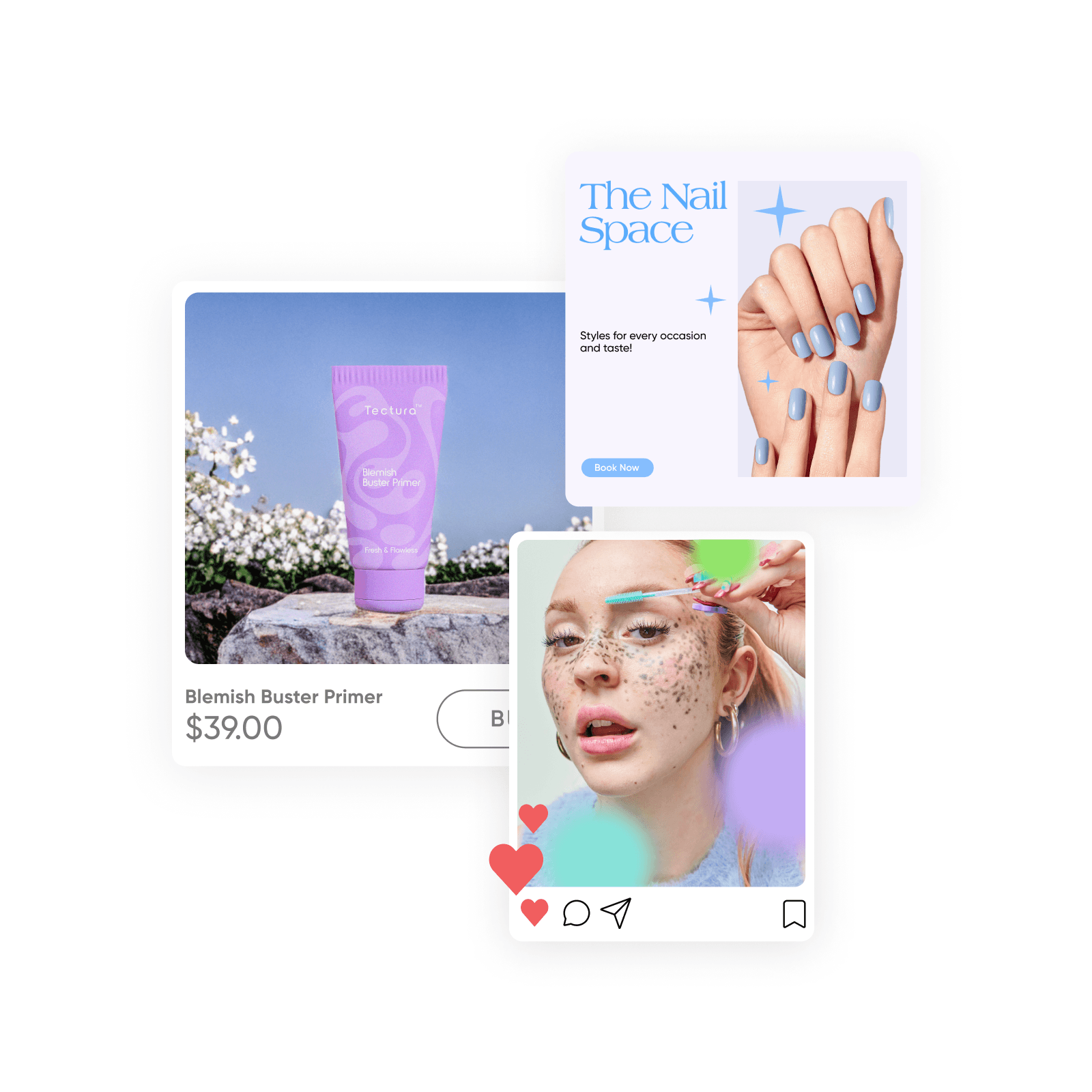
Find a setting for each beauty collection
Explore AI background examples, then create a setting around your own product photo. Review packaging, shade, and texture before using a result.
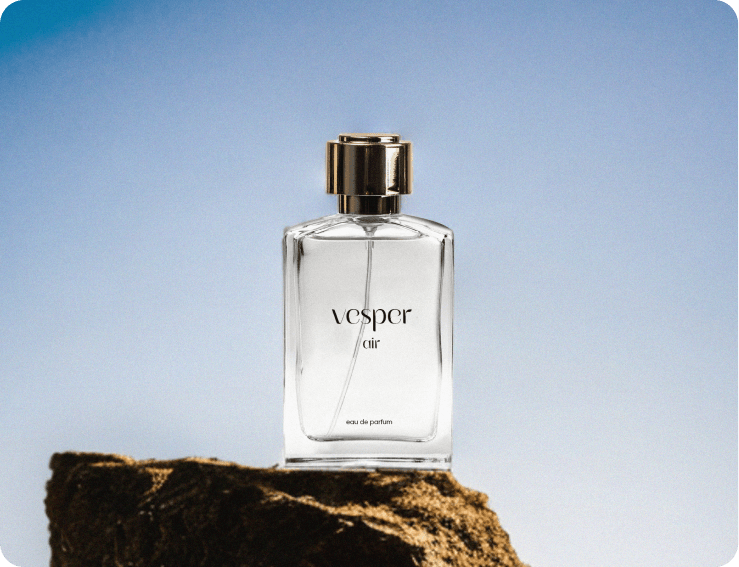
Fragrance campaigns
Explore a setting that supports the mood of your fragrance.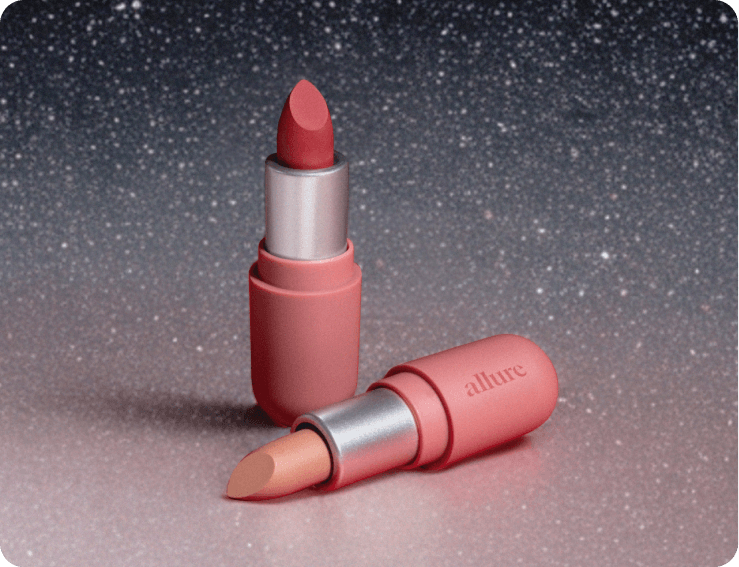
Makeup launches
Build a backdrop around the product and its color story.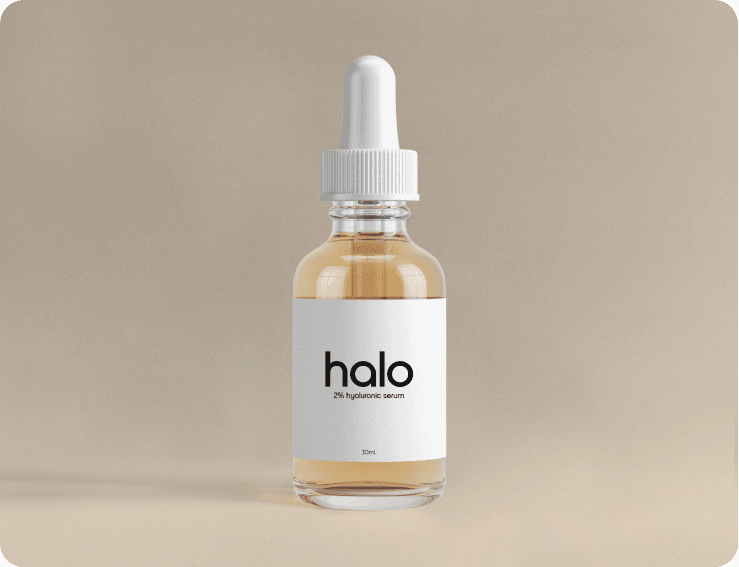
Skincare collections
Give skincare products a shared visual direction.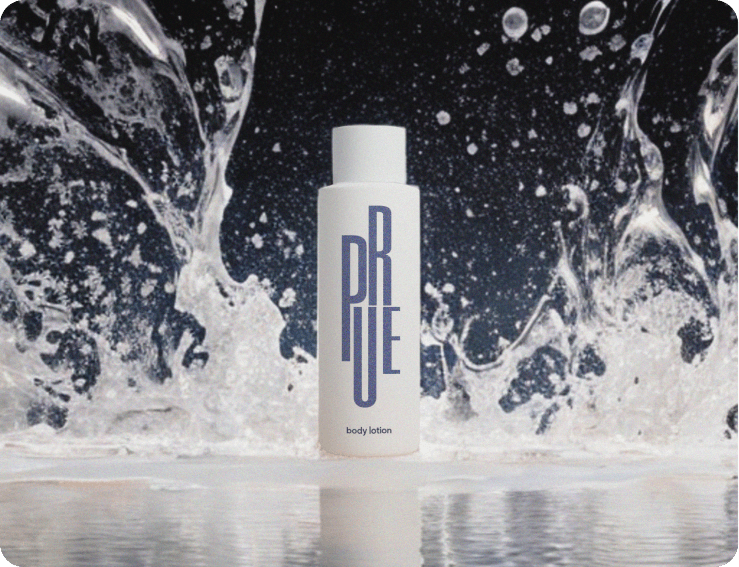
Bath and body collections
Create a shared setting for bath oils, body care, and gift sets.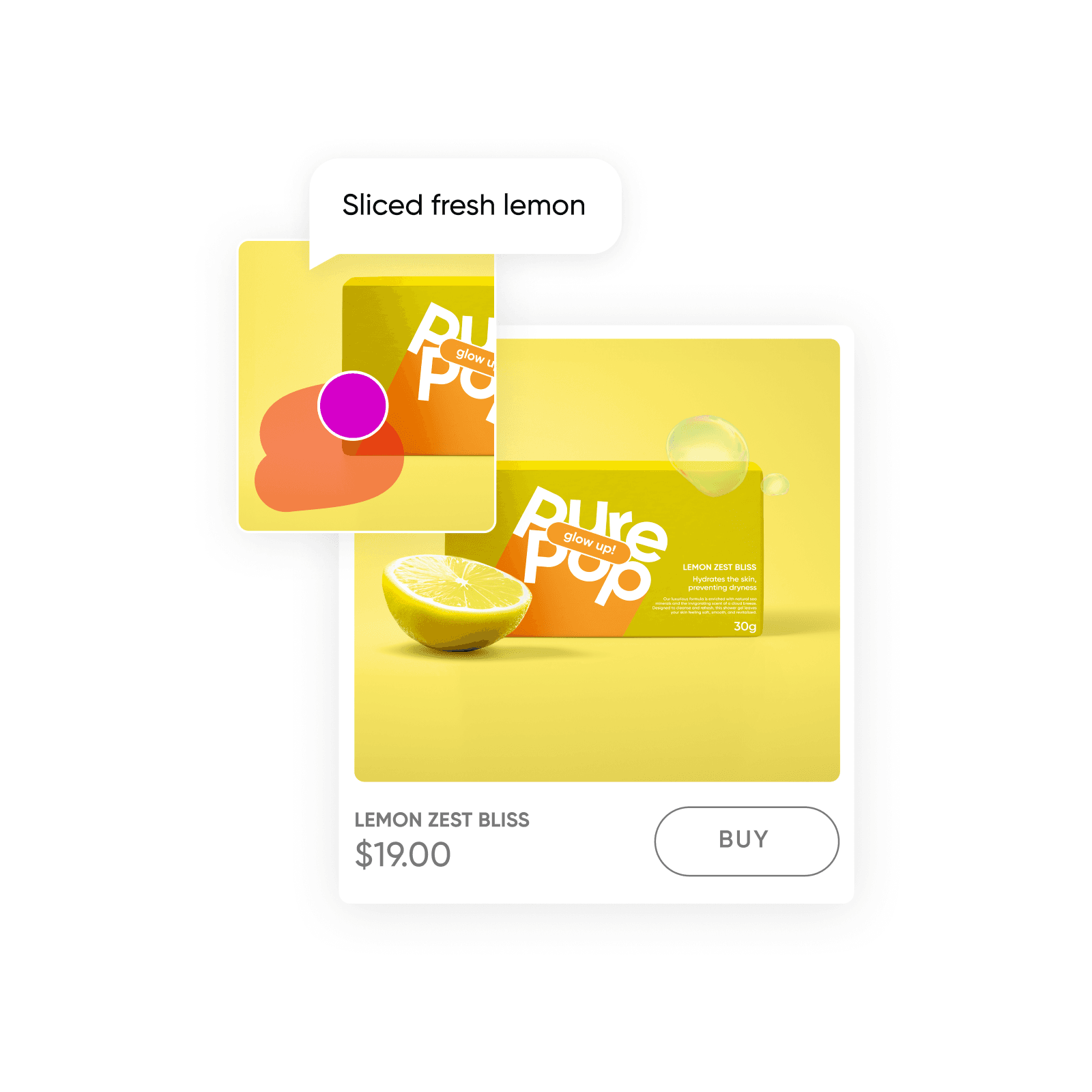
Seasonal beauty campaigns
Explore decorative props and campaign visuals around your product.
Build motion around an approved product shot
Start with the beauty image you want to use, then explore a short animation in Picsart Flow. Describe the camera movement or background motion while keeping the packaging as a reference. Review the clip for changes to labels, color, and product shape before adding it to a launch campaign.
Keep the workflow for your next collection, with new product inputs and a fresh creative direction.
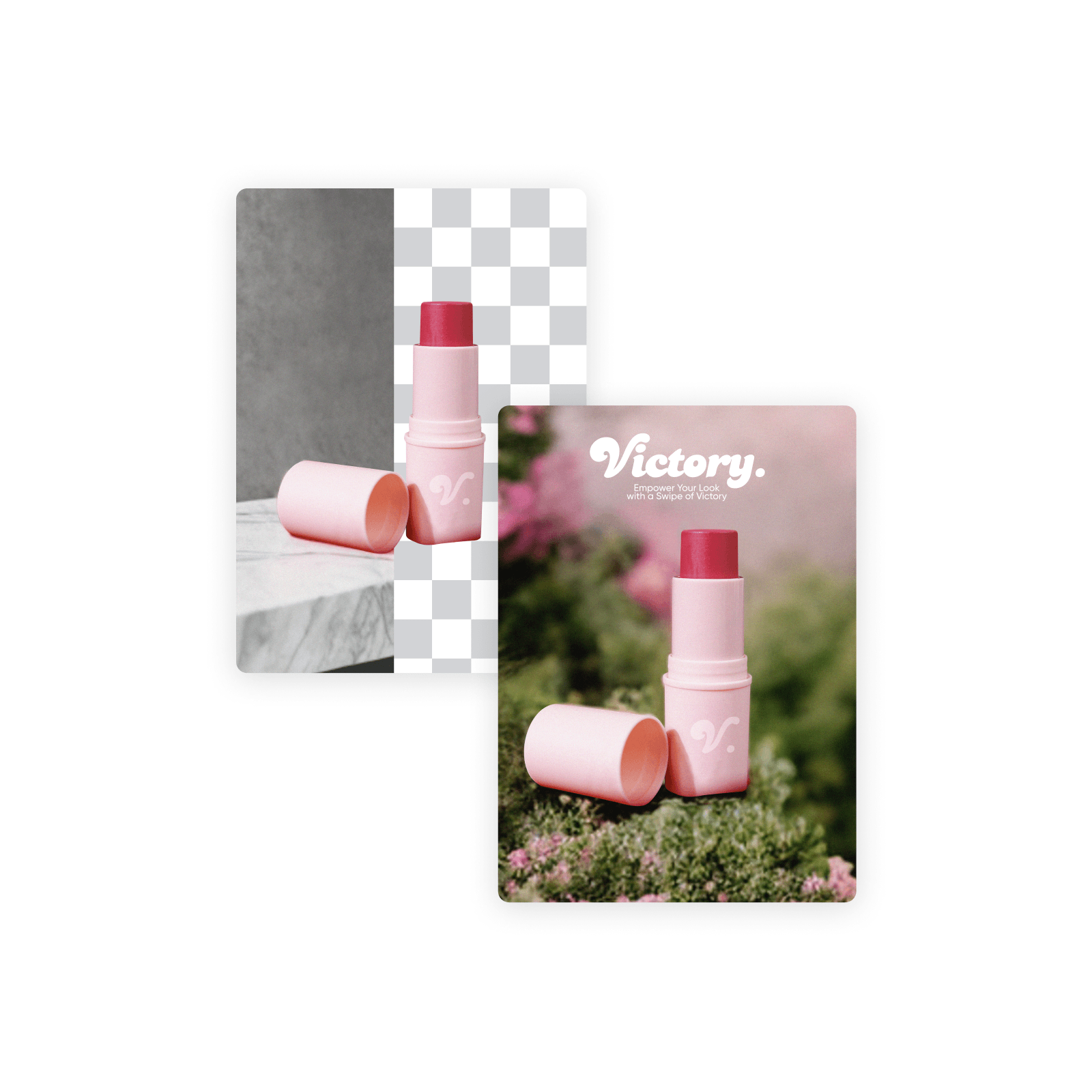
How to create a beauty launch campaign
Finish the beauty assets you already have
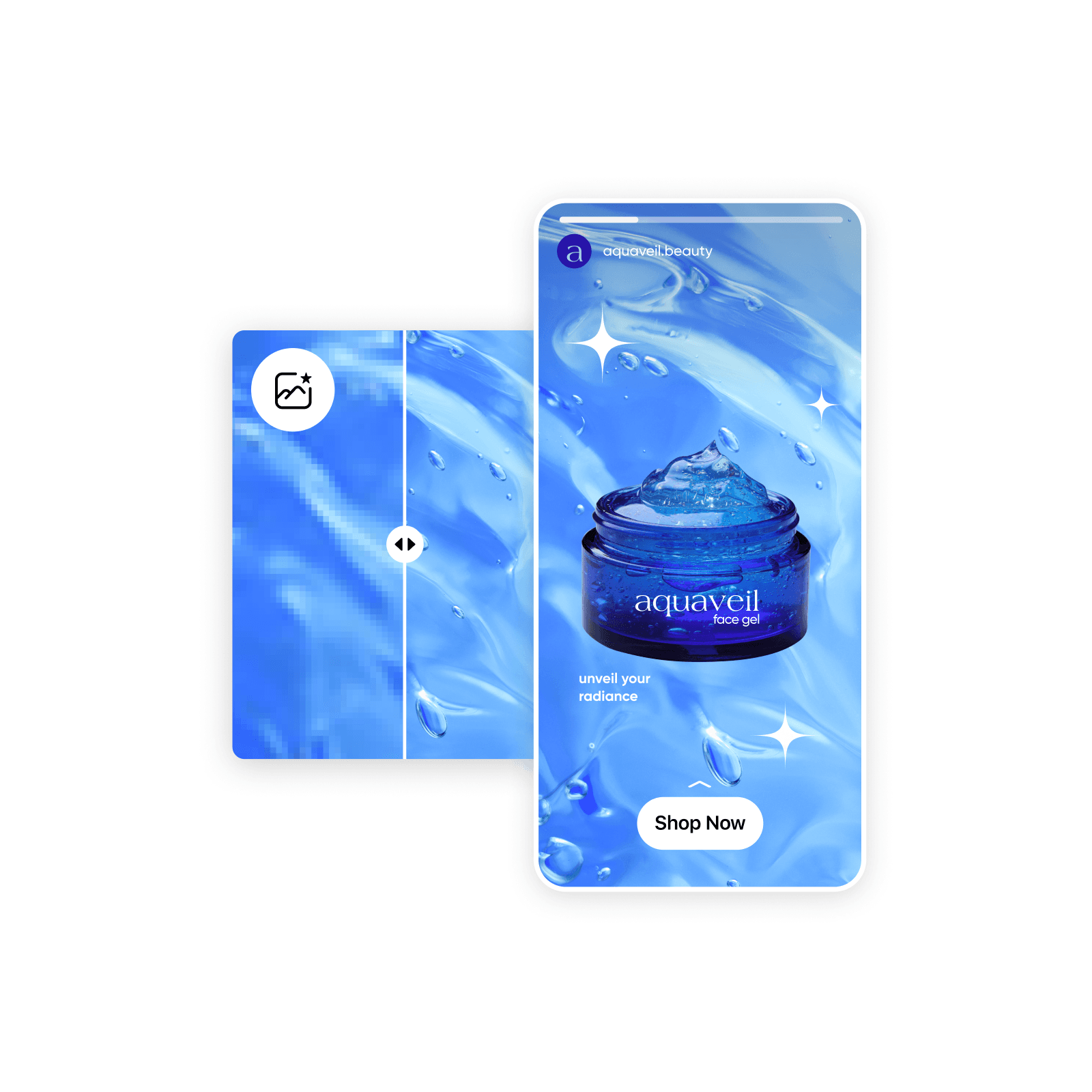
Use a focused photo tool when a product image needs one specific change.
Beauty content creation questions
Use Picsart for product listing images, skincare collection graphics, makeup launch posts, and fragrance campaign visuals. Picsart Flow also connects image and video steps for short promotional clips.

Explore more beauty content tools
Choose a tool or workflow for your next project.