AI workflows for e-commerce and brand growth
Remix workflow templates


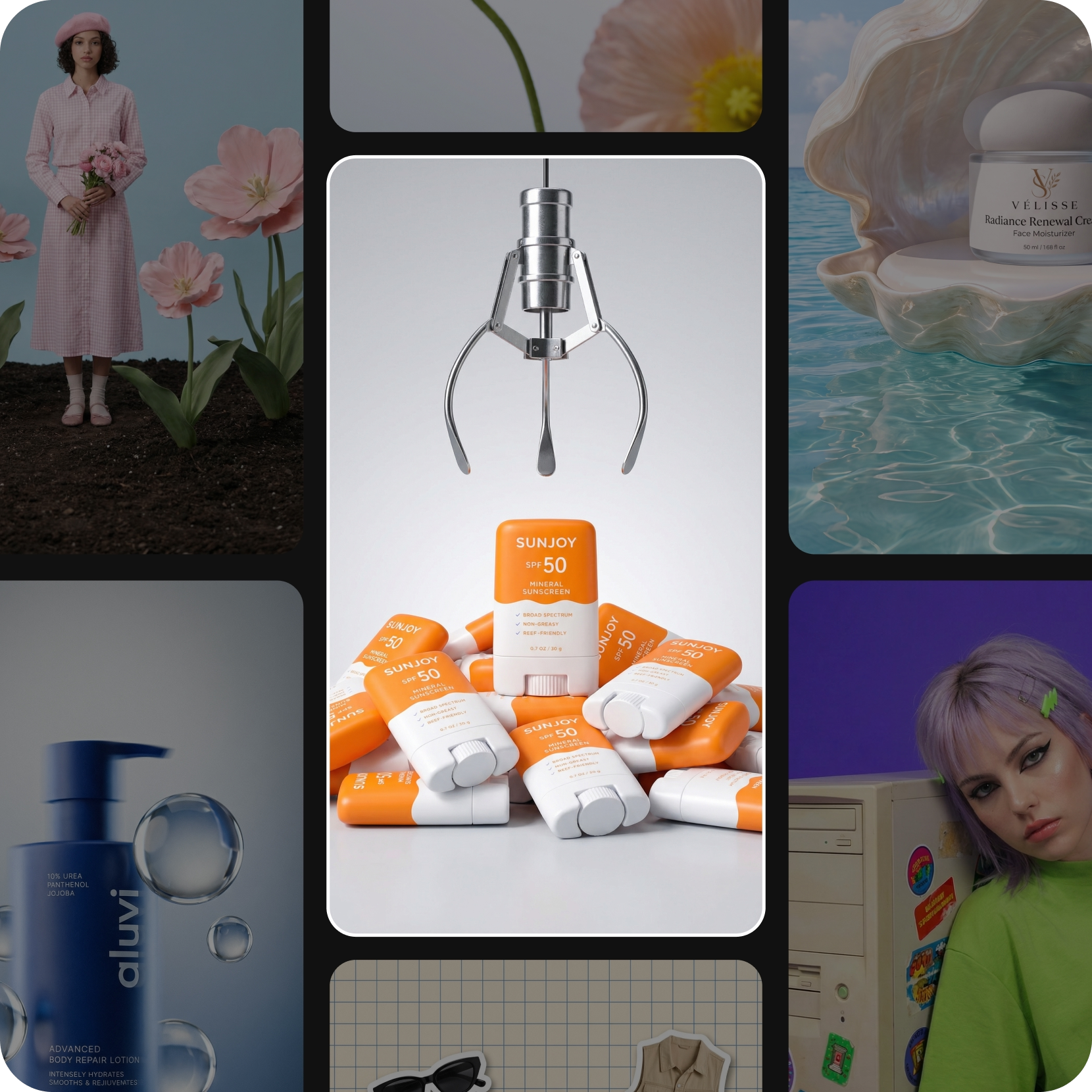
Studio product shots without the studio
Good e-commerce photography used to mean a table, a light kit and a long afternoon per item. Upload one clean shot instead and the workflow gives you the set: cut out on white for the marketplace, styled on a surface for the site, held in a hand for the feed, seasonal backgrounds for the campaign. The product stays exactly as it is - only what sits around it changes.
See the garment on a model before you book one
Apparel sells on fit, and fit is expensive to photograph. Put your garment on generated models instead - different heights, builds, ages and skin tones, in the poses your category actually uses. Shoppers see themselves in the listing, and you find out which styling works before committing to a shoot.
Product video that keeps up with the drop
Listings with motion convert, and motion is usually the first thing cut for time. Turn the stills you already have into short clips - a slow rotation, a detail pass across the fabric, the product being used - then export them at the length each channel wants. New colorway lands on Tuesday, the video is ready the same day.
Your brand look, applied to everything you sell
A brand is recognizable when the thousandth asset still looks like the first. Build your colors, type and treatment into the workflow once and every output comes back carrying them - product shots, campaign visuals, listing banners, social crops. Change the look later and you adjust the workflow rather than reopening a thousand files.
Frequently asked questions
Vertical 9:16 for TikTok, Reels, and Shorts, plus other aspect ratios - export in the format and resolution you need.
Generate videos for every creative idea
Pro
Most popularAI tools for everyday creative work.
Ultra
Most powerfulHeavy AI usage for creators & teams.