AI slideshow maker: make photo and video slideshows with music
Picsart Flow is an online slideshow maker with AI. Photos, edited or generated, become a slideshow in the Motion node, and Video Concat adds clips.
- 100+ AI models in one place
- Undo any step
- Edits never overwrite your originals

Build a better slideshow with AI
Every tool a slideshow creator needs, gathered on one Picsart Flow canvas.
Choose how to make your slideshow
Make a slideshow from your photos and clips
As an image slideshow maker, Picsart Flow starts from the photos and clips you already have. Use them as shot, or fix a picture with AI first. Inpaint, one of the generative editing tools in Flow, paints out clutter, Outpaint extends a square photo to a tall or wide frame, and Relight moves a clip to twilight or night.

How to make a slideshow online
Use the photo slideshow maker online in four steps on the Picsart Flow canvas.

Let the Motion node build your photo slideshow
The Motion node is made for slideshow making. Connect your photos, edited in Flow first if you like, describe the pace and the mood, and it renders a video up to 10 minutes long, with no timeline or keyframes. Ask the chat inside the node to change any slide until the story feels right.
- Renders in under 20 minutes
- Or start from a prompt or a product URL
- Works for ads and announcements too
Mix photos and clips in a video slideshow
A video slideshow maker should mix photos with short clips. Build the photo part in the Motion node, then join it with your clips in order using the Video Concat node. Trim each clip on its node first. Want one still to move? Camera Motion turns it into a clip, or remix video animation workflows that do the same.
- Preview the move before spending credits
- Mirror any turning move
- Custom paths with up to 12 keyframes

Score a slideshow with music made for it
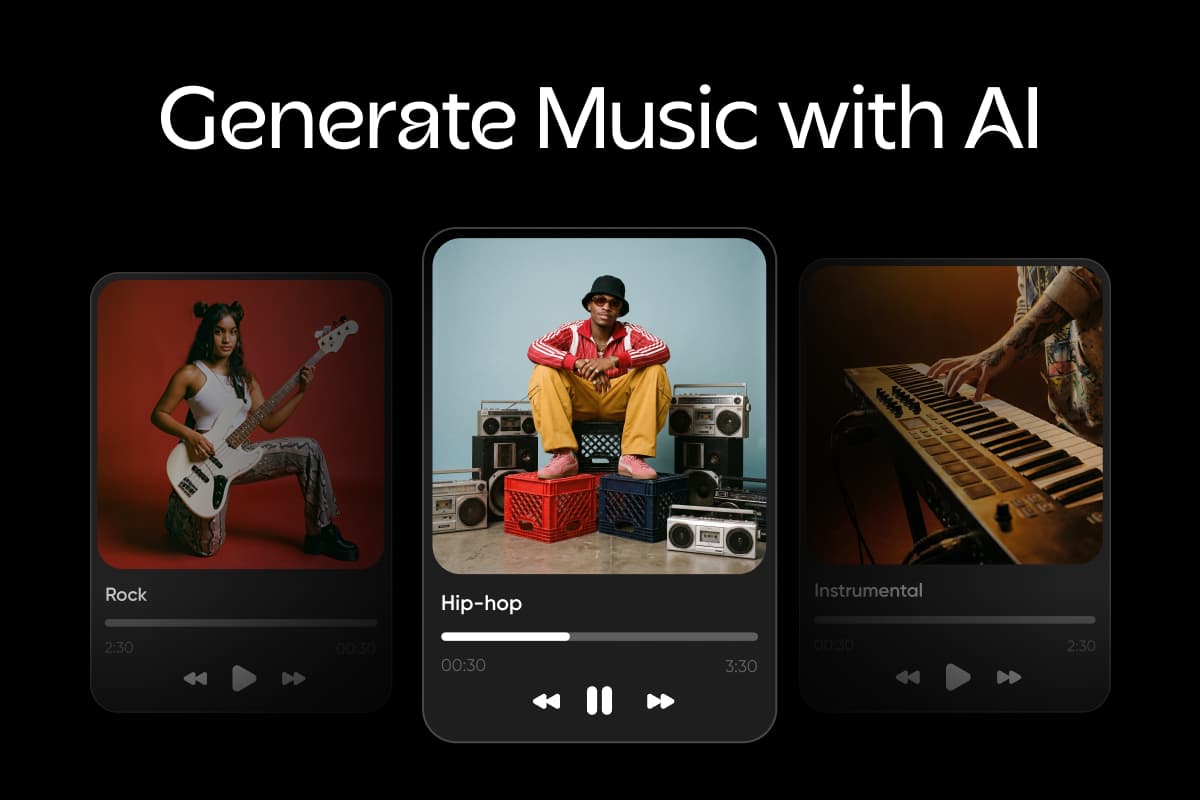
A slideshow maker with music should give you a track that fits the pace. Describe the mood, like warm and acoustic for a wedding, and ElevenLabs Music turns that description into a brand-new track. If the first take feels off, change the words and run it again, then lay the track under your slideshow with the Audio Video Concat node.
- Works for photo and video slideshows
- A voiceover can sit on top
- No switching to another app
Caption and translate a slideshow for every viewer
Plenty of viewers keep the sound off, so the Captions node turns the spoken words in your slideshow into animated subtitles on a vertical cut. Got a talking clip, like a wedding toast? The Translate node dubs it for relatives abroad in the speaker's voice. Each run covers one of 190 languages, so branch a node per audience.
- Captions on clips up to 5 minutes
- Source language detected for you
- Original clip stays untouched
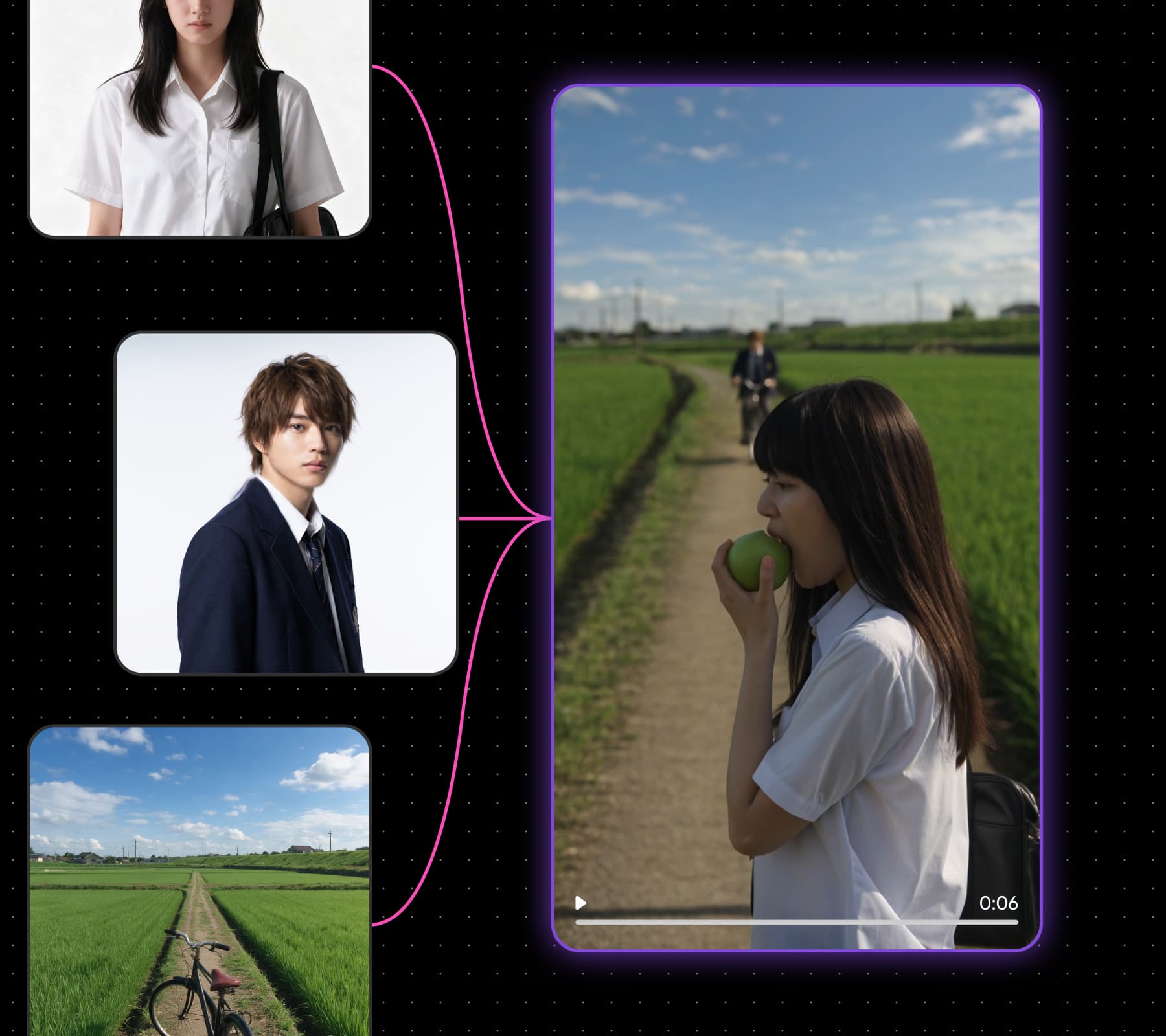
Turn every occasion into a slideshow


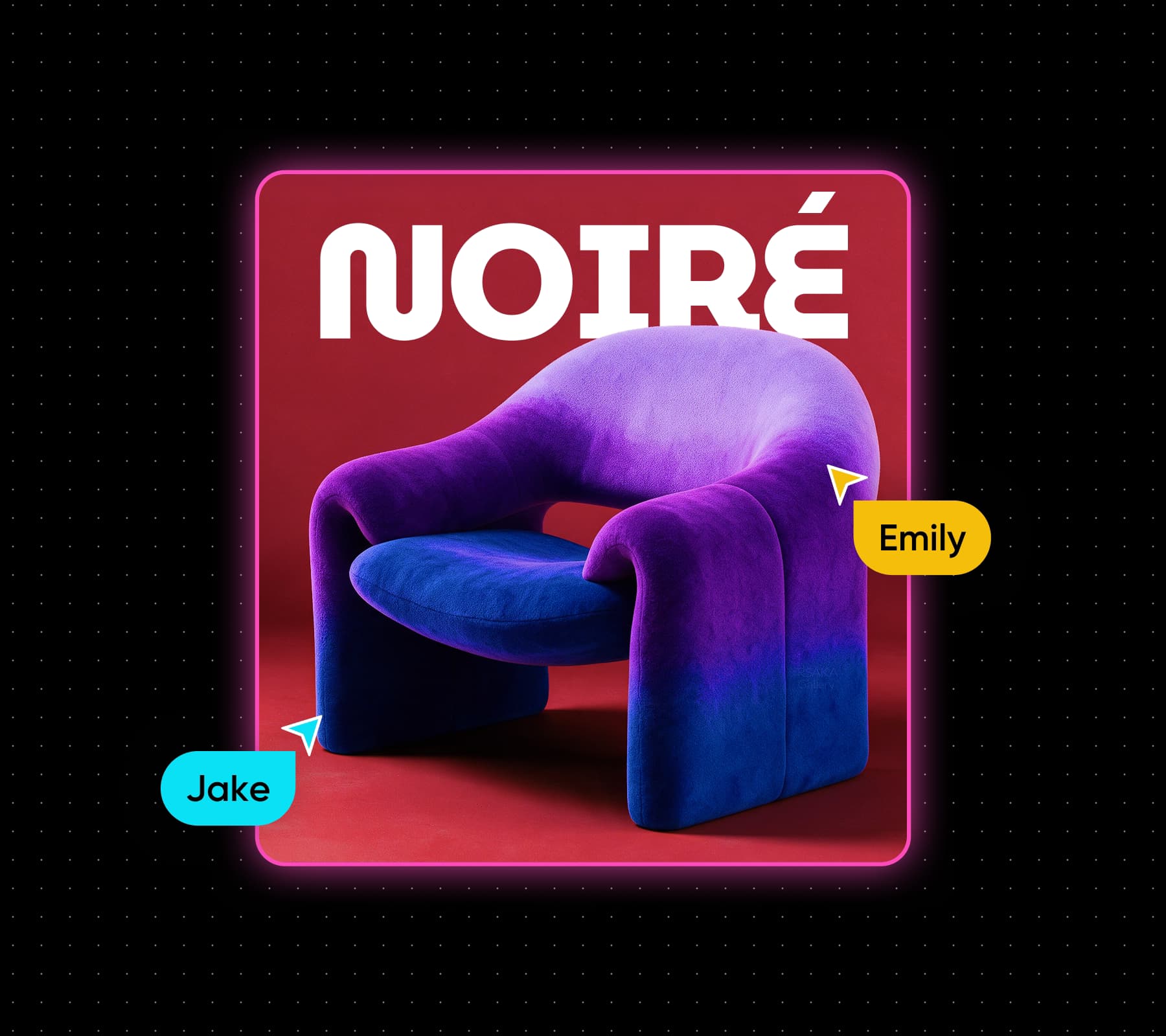
Use Picsart Flow as a birthday slideshow maker that turns a year of photos and clips into a video for the party. Make it a slideshow with photos and music: open on a childhood picture and close on the newest one.
Join creators who rate Picsart Excellent
Trustpilot reviews from verified Picsart users.
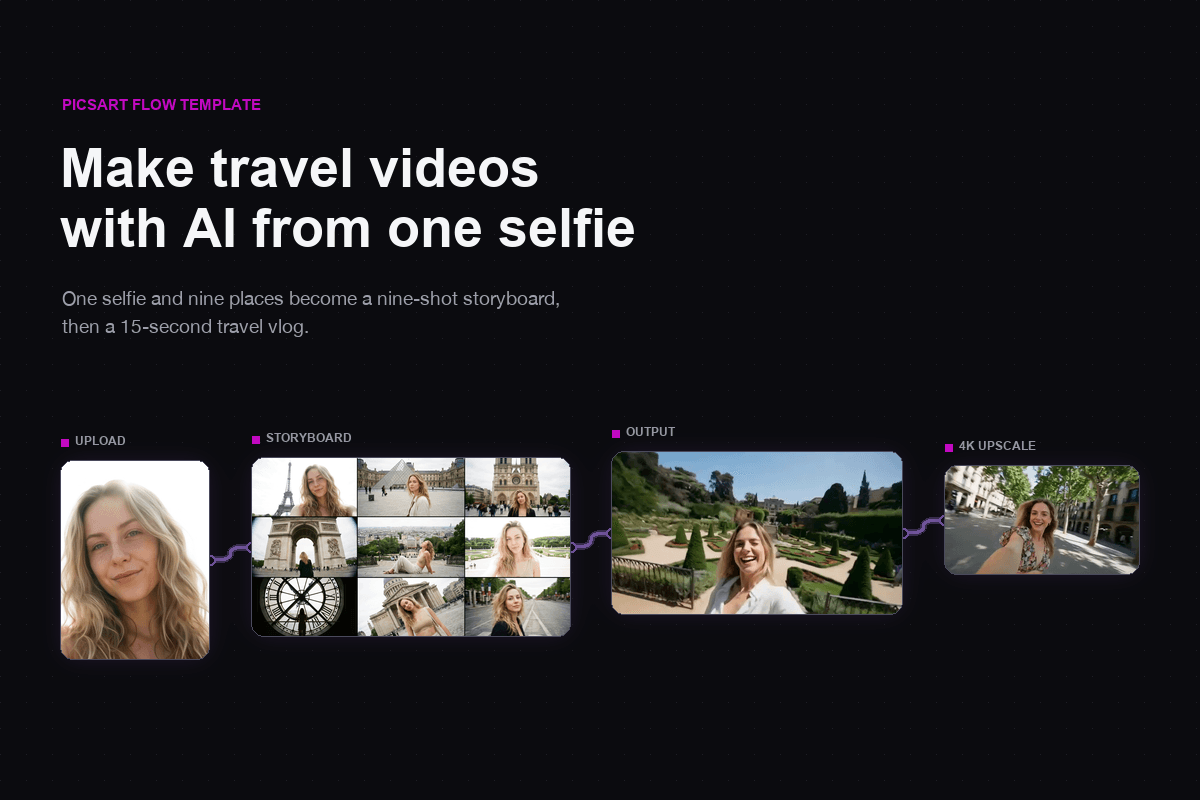

Learn how the slideshow maker works
The Picsart slideshow maker runs on AI Credits rather than a flat fee, and credits are spent only on what you generate. Picsart Flow estimates the cost before anything runs. AI Credits are included in Picsart subscriptions, and you can buy one-off packs when a big slideshow needs more.

Pick a Picsart plan for your slideshows
AI Credits come with Picsart subscriptions, ready for every slideshow you make in Flow.
Pro
Most popularAI tools for everyday creative work.
Ultra
Most powerfulHeavy AI usage for creators & teams.
Enterprise
Custom AI solutions for large organizations.
- Volume discounts on credit rate
- On-demand top-ups