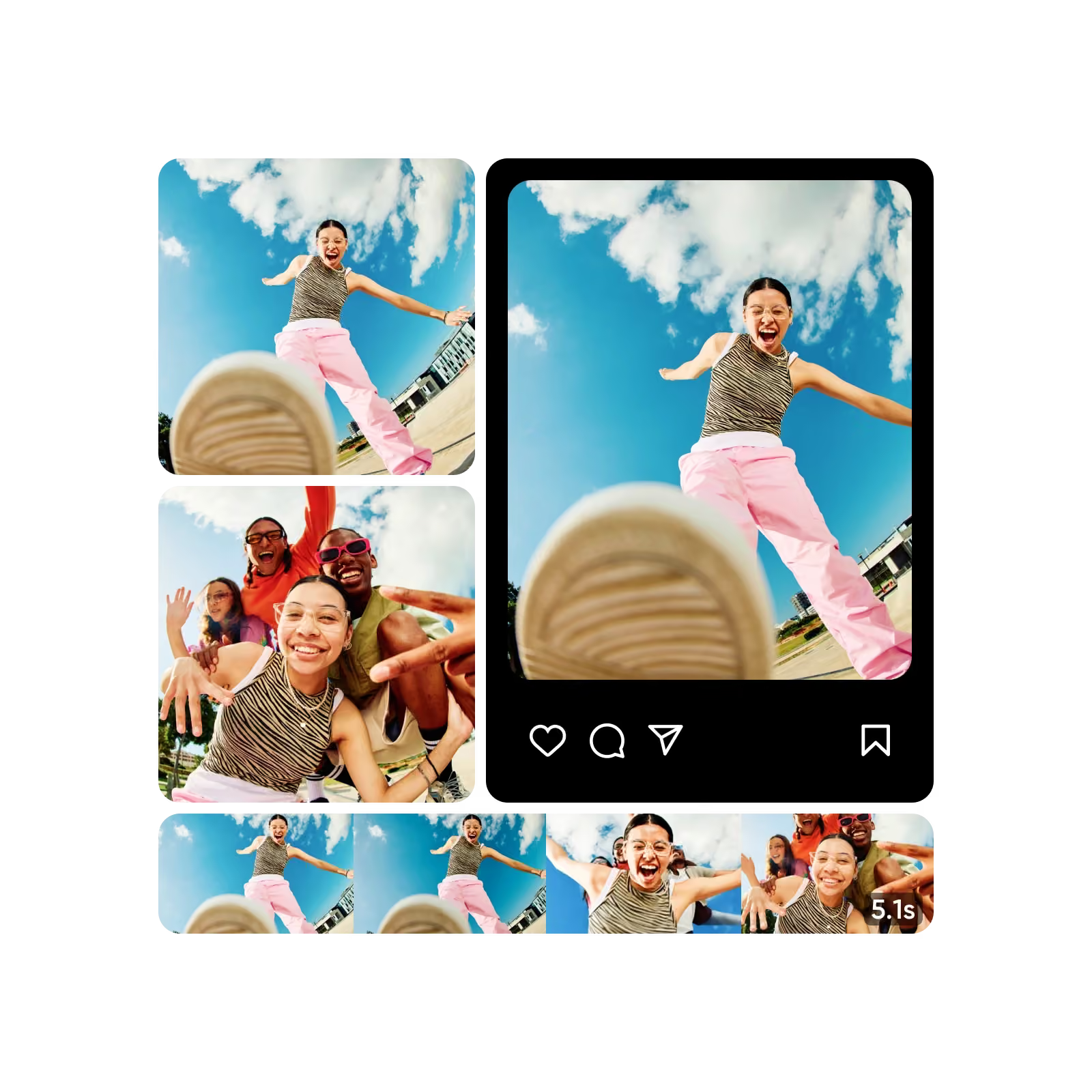
Instagram video maker and editor: make Reels and Stories with AI

Picsart Flow can be your AI video maker for Instagram and your editor. Turn clips, photos or prompts into Reels and Stories, then post.

  • Starts from 9:16 templates
  • Edits footage you filmed
  • Generates shots from prompts
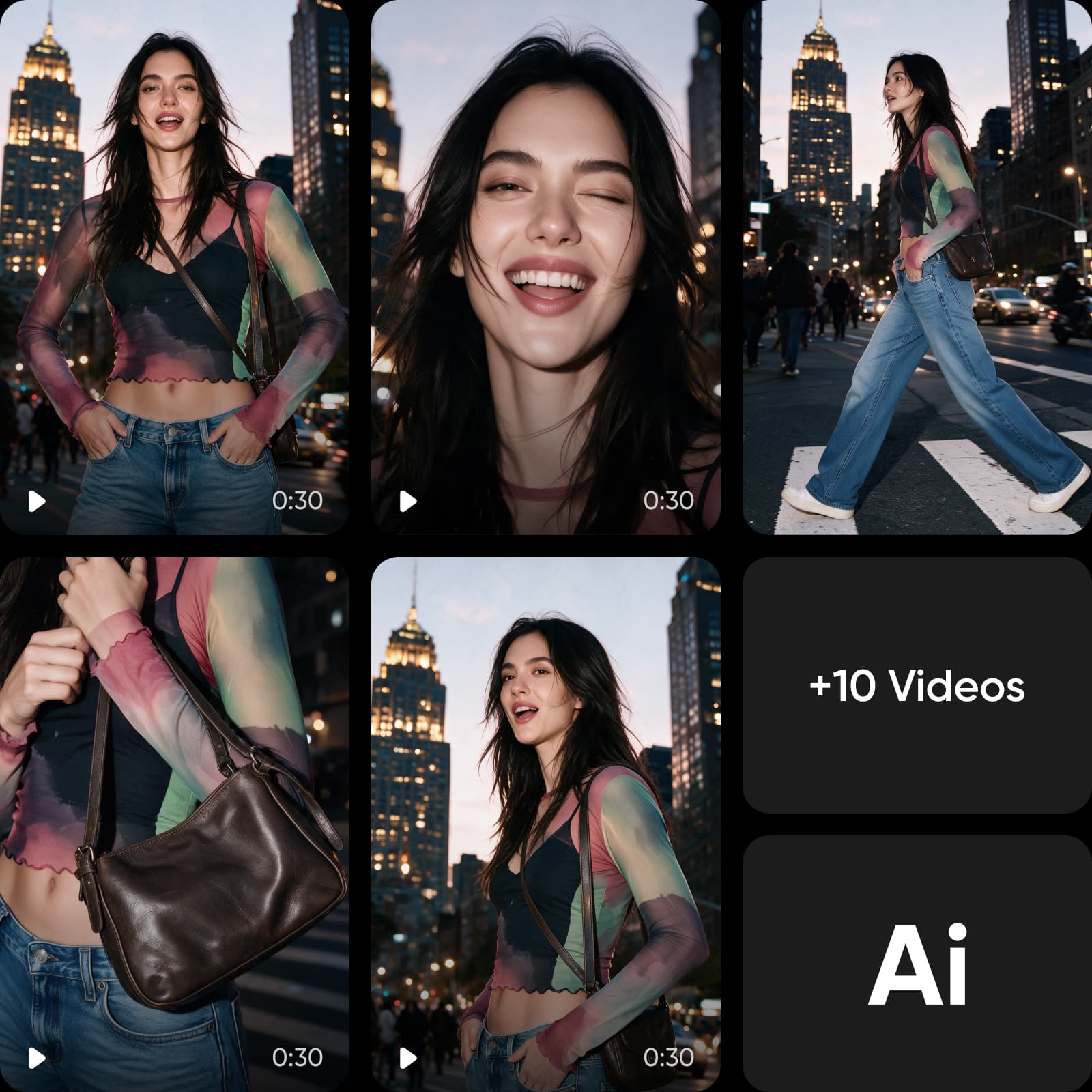
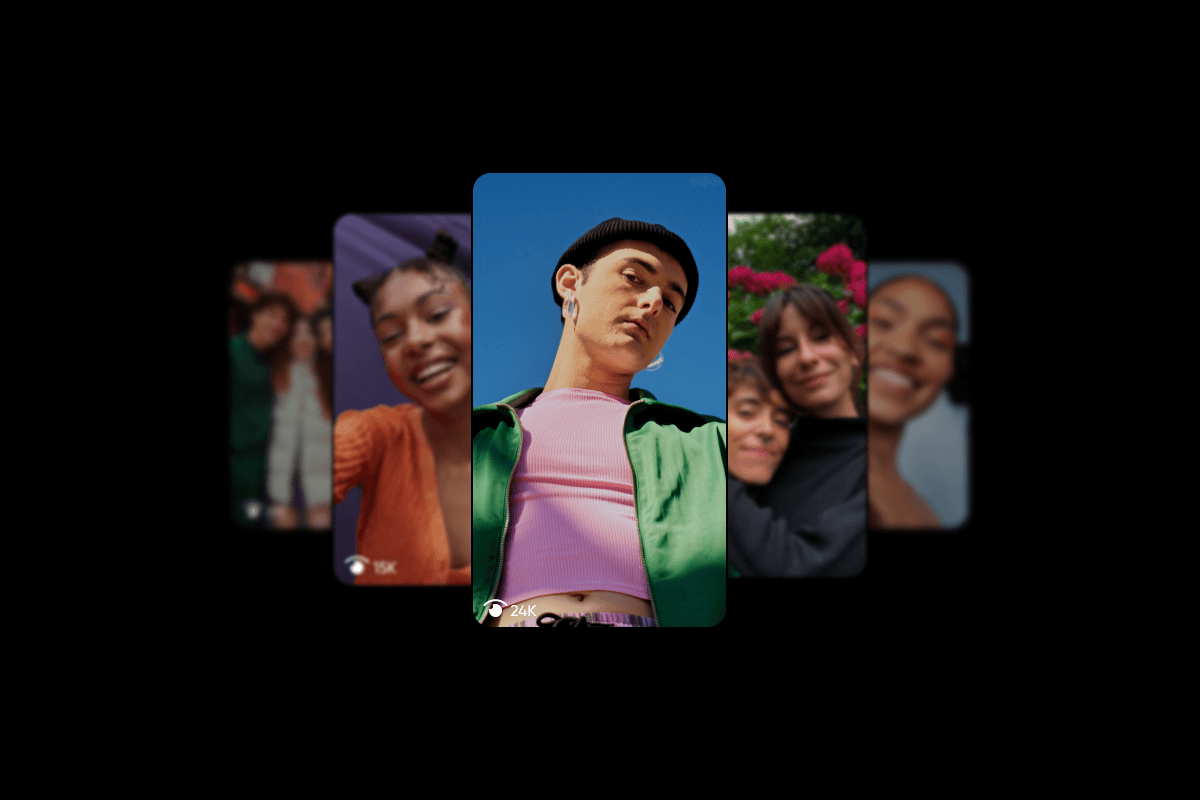
Vertical Instagram Reels and Stories made in Picsart Flow
GoogleOpenAIAnthropicByteDanceBlack Forest LabsRunwayKling AIElevenLabsGoogleOpenAIAnthropicByteDanceBlack Forest LabsRunwayKling AIElevenLabsGoogleOpenAIAnthropicByteDanceBlack Forest LabsRunwayKling AIElevenLabsGoogleOpenAIAnthropicByteDanceBlack Forest LabsRunwayKling AIElevenLabsGoogleOpenAIAnthropicByteDanceBlack Forest LabsRunwayKling AIElevenLabsGoogleOpenAIAnthropicByteDanceBlack Forest LabsRunwayKling AIElevenLabsGoogleOpenAIAnthropicByteDanceBlack Forest LabsRunwayKling AIElevenLabsGoogleOpenAIAnthropicByteDanceBlack Forest LabsRunwayKling AIElevenLabs

Edit Instagram videos online with AI

Every tool an Instagram video editor needs sits on one Picsart Flow canvas, from the first cut to the cover frame.
  • Add captions in one click

    The Captions node burns animated captions into Reels in 30 styles, no prompt needed.

  • Restyle real footage

    Flux 3 Video edits clips up to 20 seconds; Runway Aleph reworks your footage.

  • Trim clips to the beat

    The trim panel cuts each clip to length right on its node, before you post.

  • Move the camera on a photo

    Camera Motion turns one product or travel photo into a 5 to 15 second move.

  • Design a matching cover

    An image node with GPT Image 2.5 designs the Reel cover for your grid.

  • Pick from 100+ models

    Search more than 100 AI models and see each model's credit cost before it runs.

How to make a video for Instagram

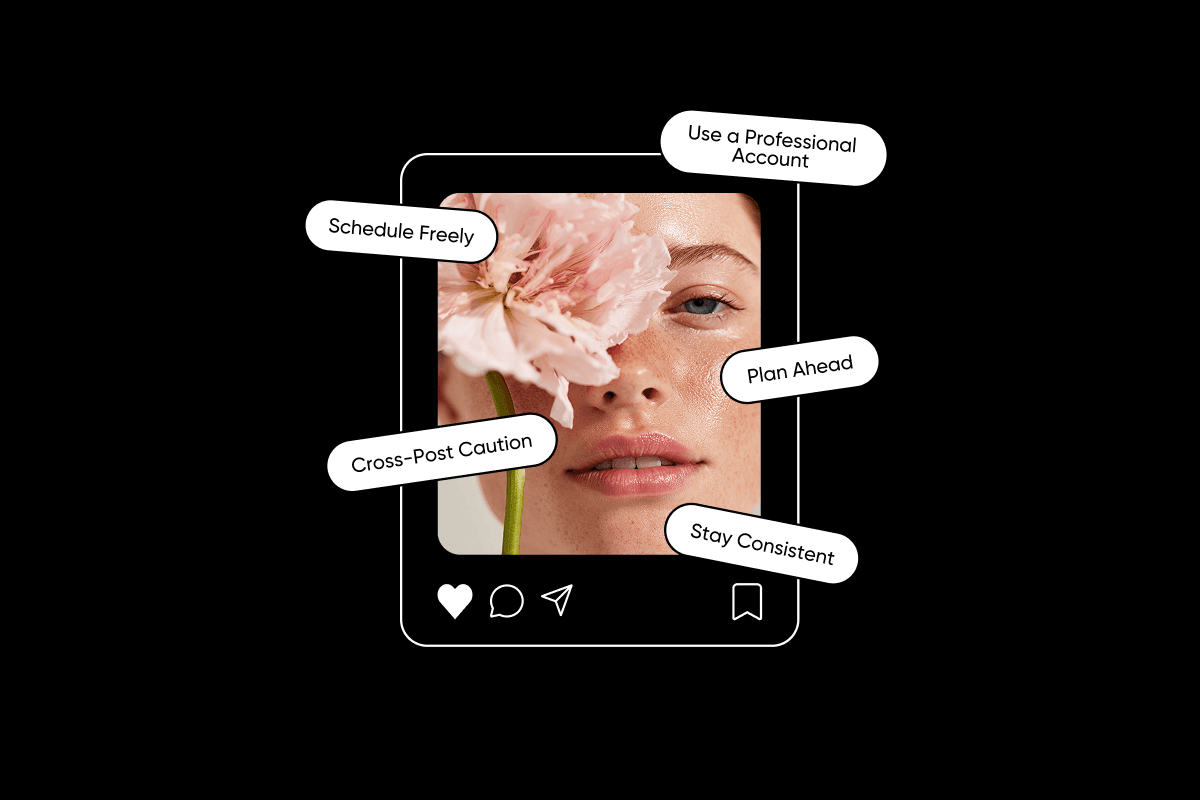
Make a video for Instagram in Picsart Flow in four steps, with canvas organization keeping every clip easy to find.
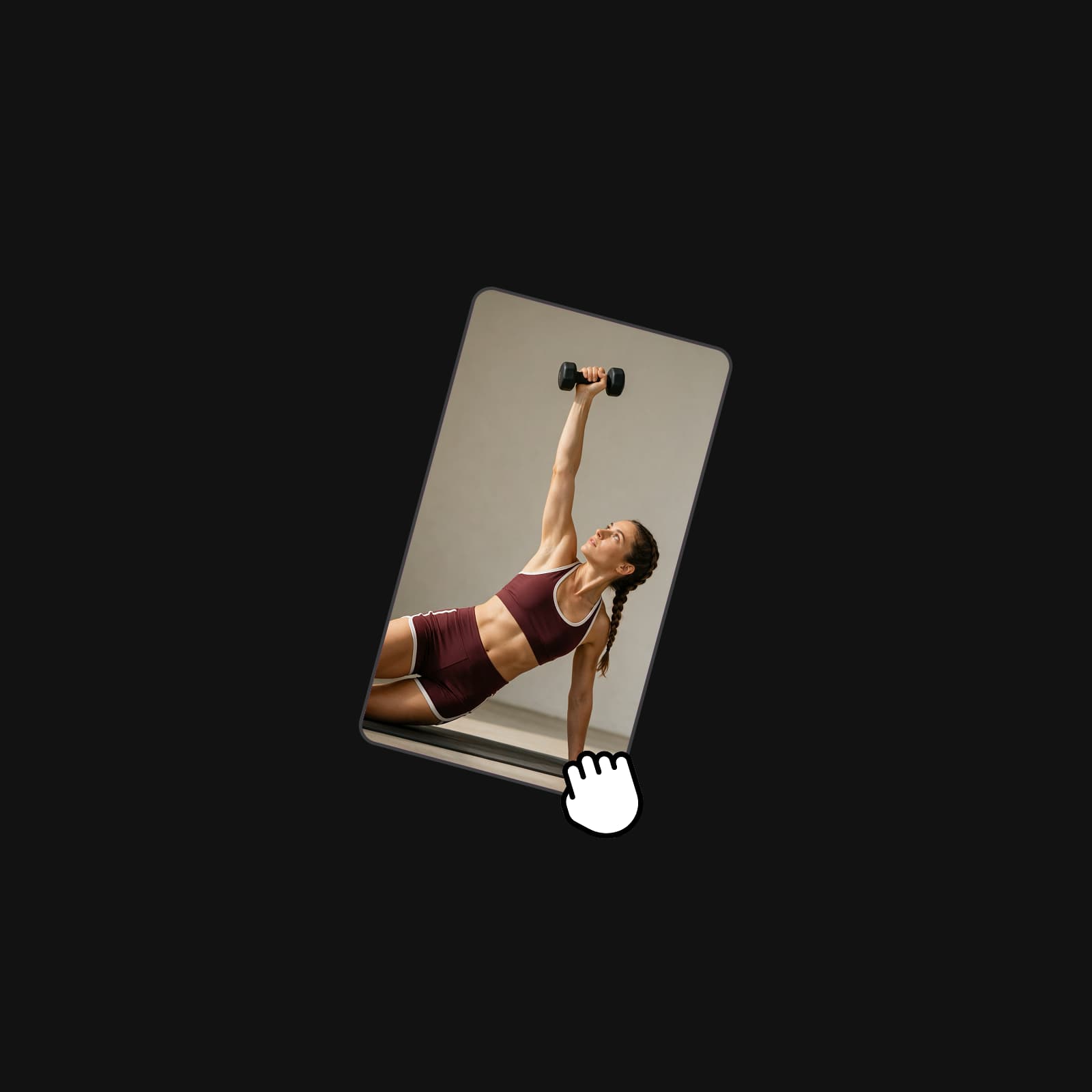
How to

Start from a template or from scratch

Open Picsart Flow and load an Instagram video template, or begin on a blank canvas with your own clips.

Starting an Instagram video from a template or an upload in Picsart Flow

Make Reels and Stories for Instagram

Instagram video comes in two formats, and Picsart Flow shapes each one on the canvas before a shot renders.
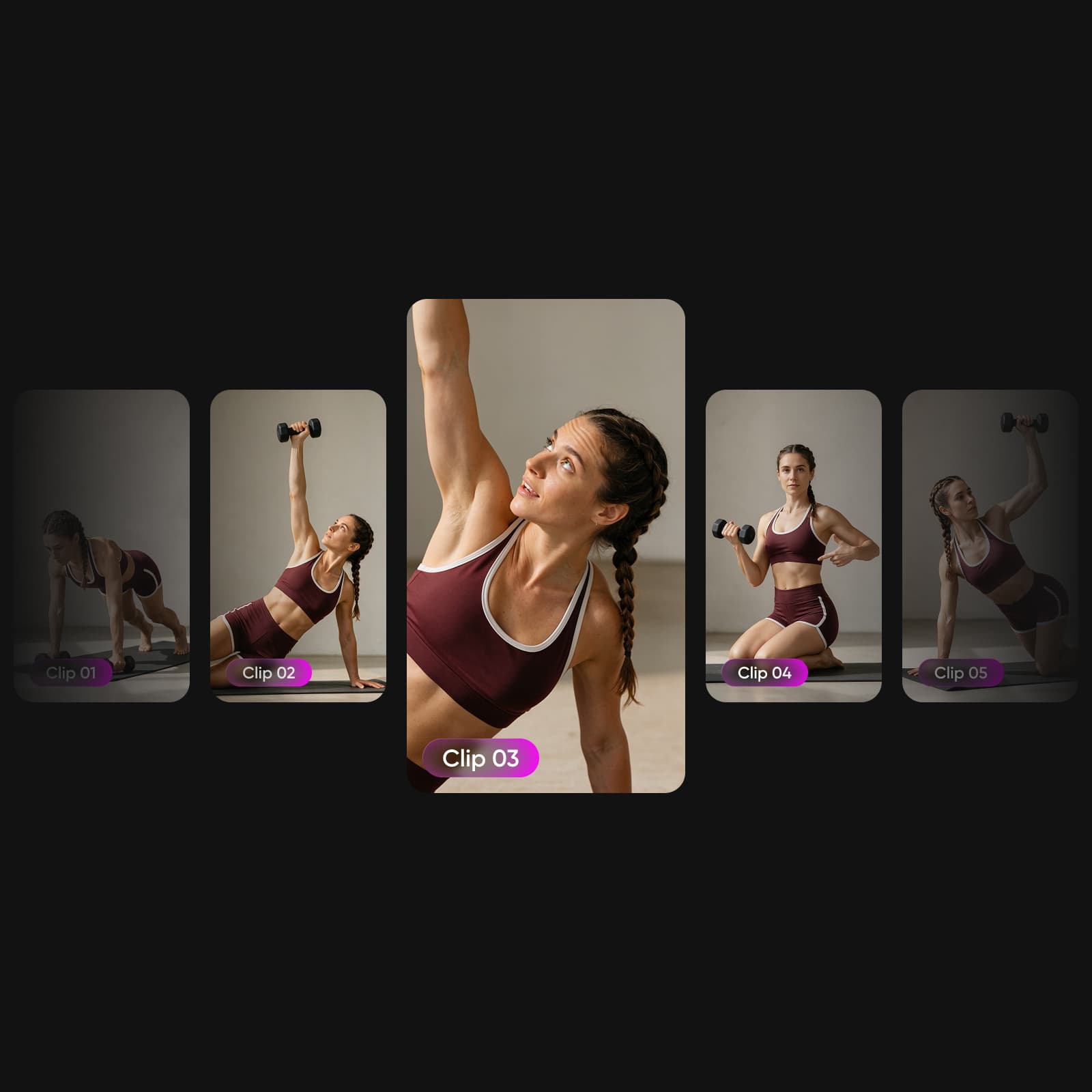
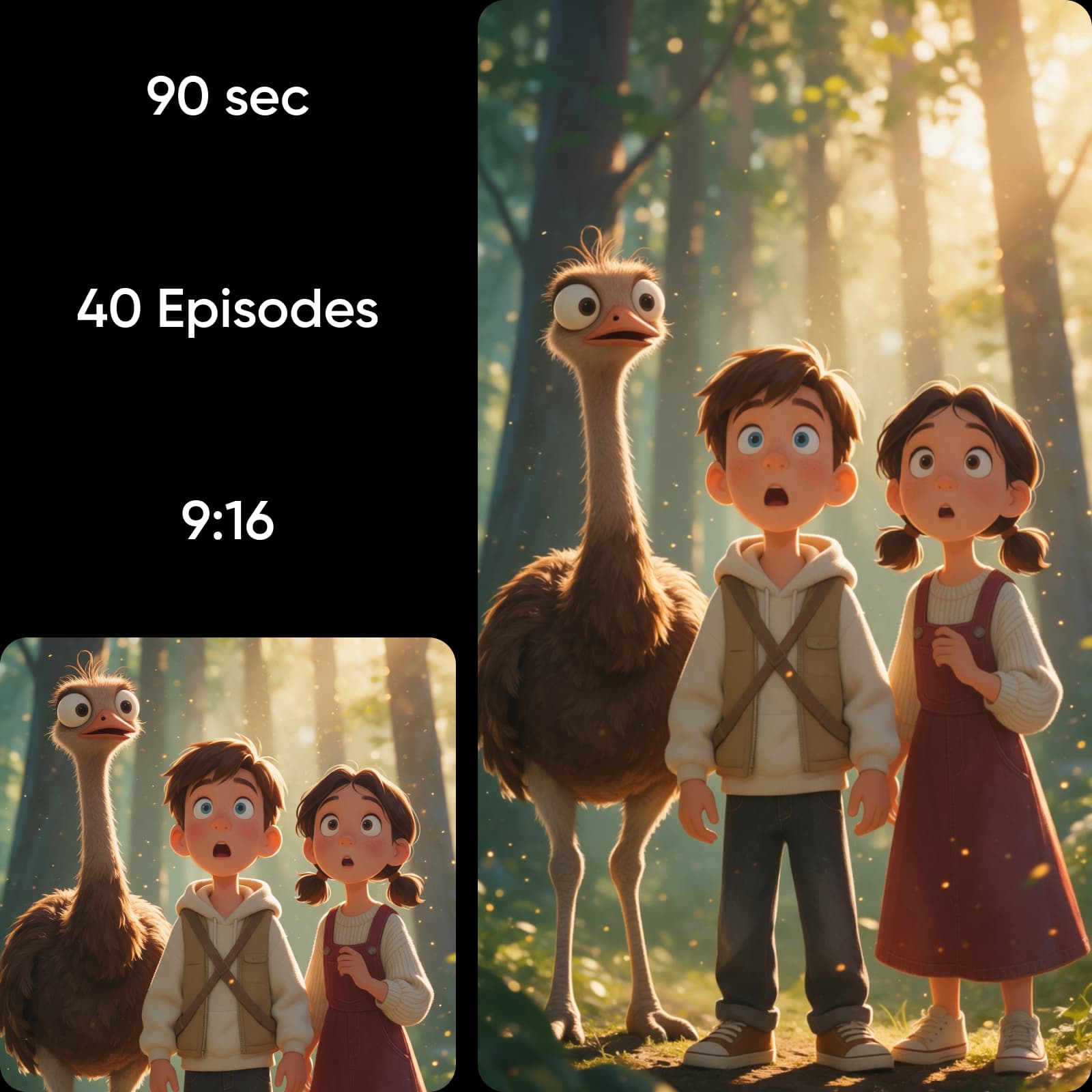
Generate Reels in 9:16Turn Picsart Flow into an Instagram video generator for Reels: set 9:16 on a model node like Seedance 2.5 or MiniMax H3 Max, then describe each shot. Trim every Instagram clip to the beat and set the shots in order. Want the Reel built from a brief instead? Picsart AI agents can build it for you.

Turn one shoot into a week of Instagram posts

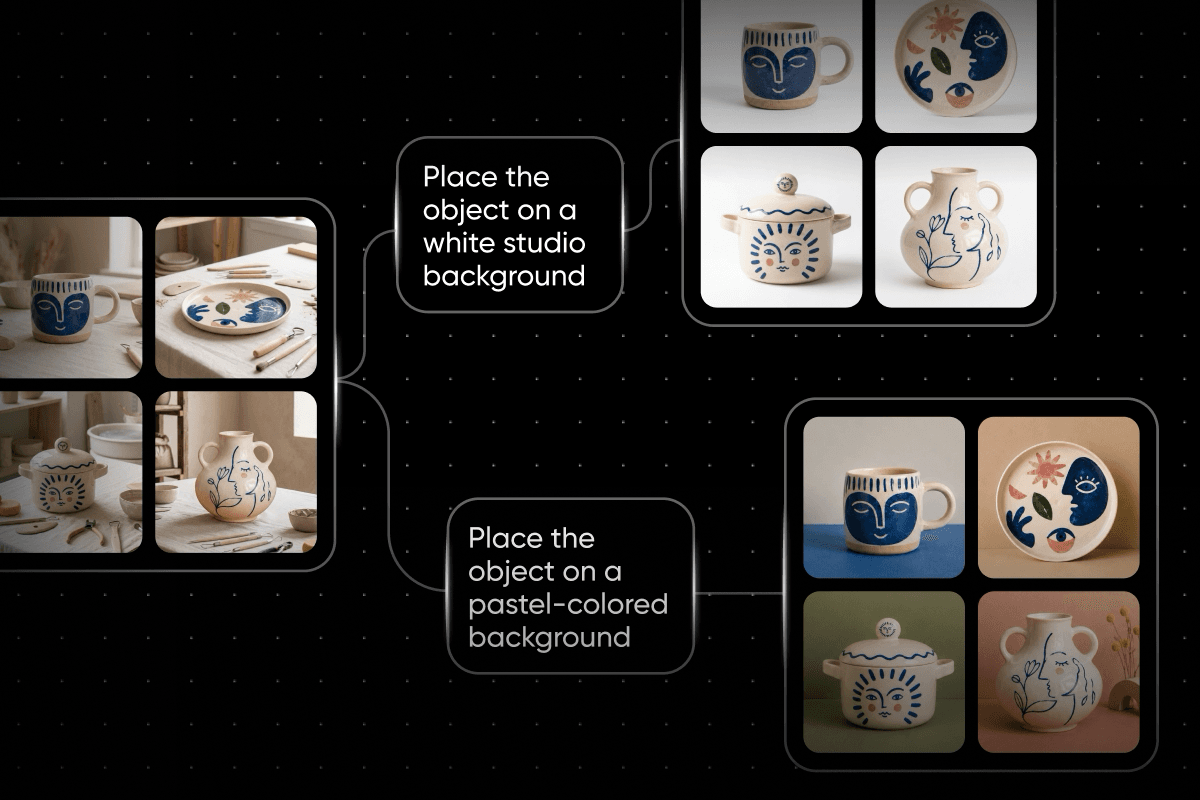
One take can fill a week of Instagram posts, the idea behind Flow's marketing and content creation workflows. Reshoot swaps the outfit, product or setting and keeps your camera move, and Relight shifts the clip to golden hour, rain or neon. Edit every version in one pass before the next Instagram post goes out.

  • New outfit, product or setting
  • Golden hour, rain or neon
  • Every version edited at once
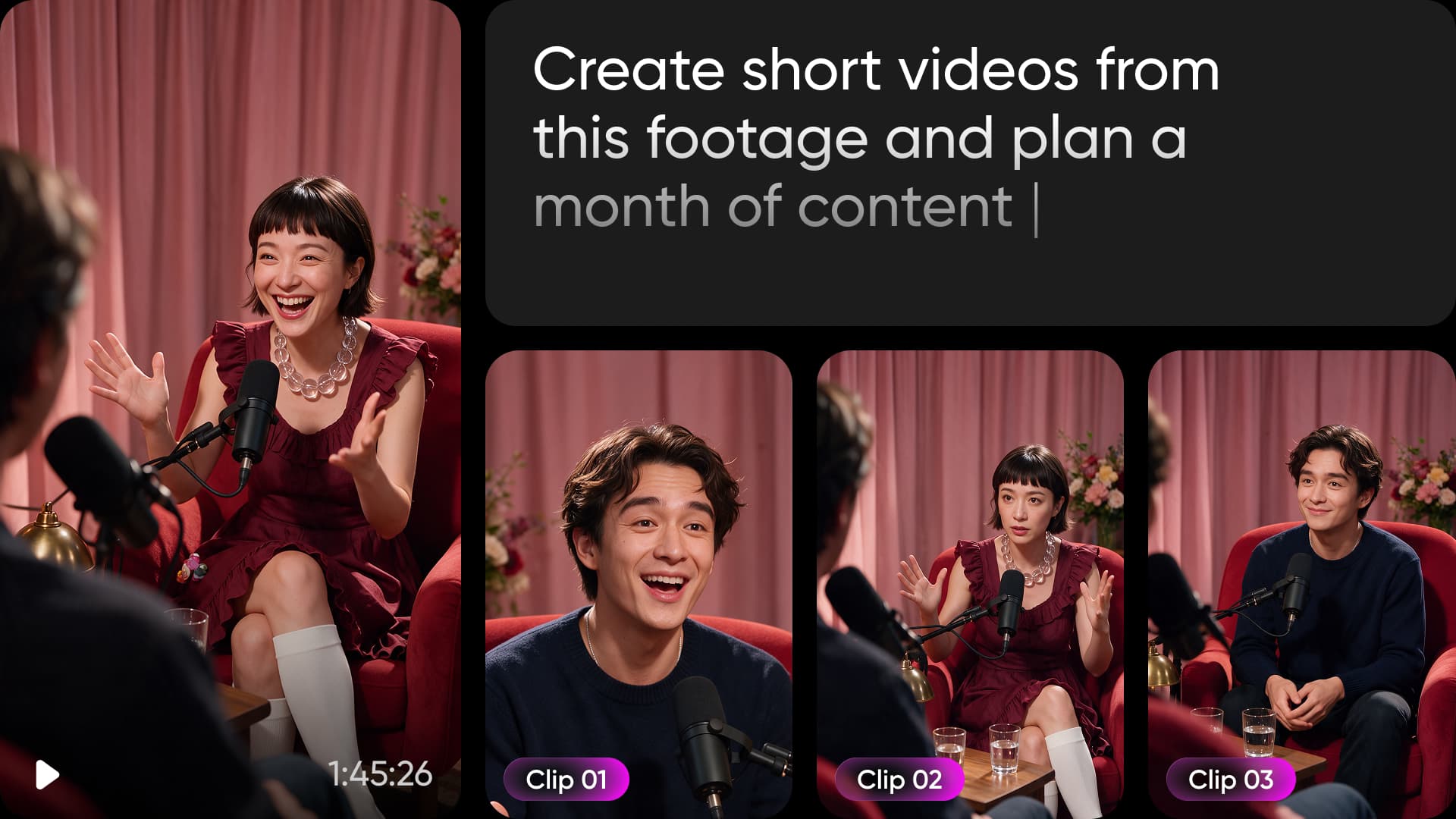
One filmed clip turned into a month of short Instagram videos in Picsart Flow

Give your Instagram video a soundtrack

On an Instagram Reel, the soundtrack sets the mood before the first cut lands. Describe the vibe and ElevenLabs Music writes an original track for your Instagram video. Try a few takes on the canvas, keep the one that matches your pacing, and lay it under the final Instagram Reel.

  • Original track for every Reel
  • Several takes to compare
  • Set under the final cut

Reach Instagram followers in their own language

Give your Instagram video a voice without recording one: a text-to-speech node turns your script into a clear voiceover that sits under every shot. Posting the Reel abroad? The Translate node dubs your Instagram clip into any of 190 languages in your own voice. Branch one node per market and update them together with batch editing in Flow.

  • AI voiceover from a script
  • Lips re-synced to every dub
  • 190 languages in your voice
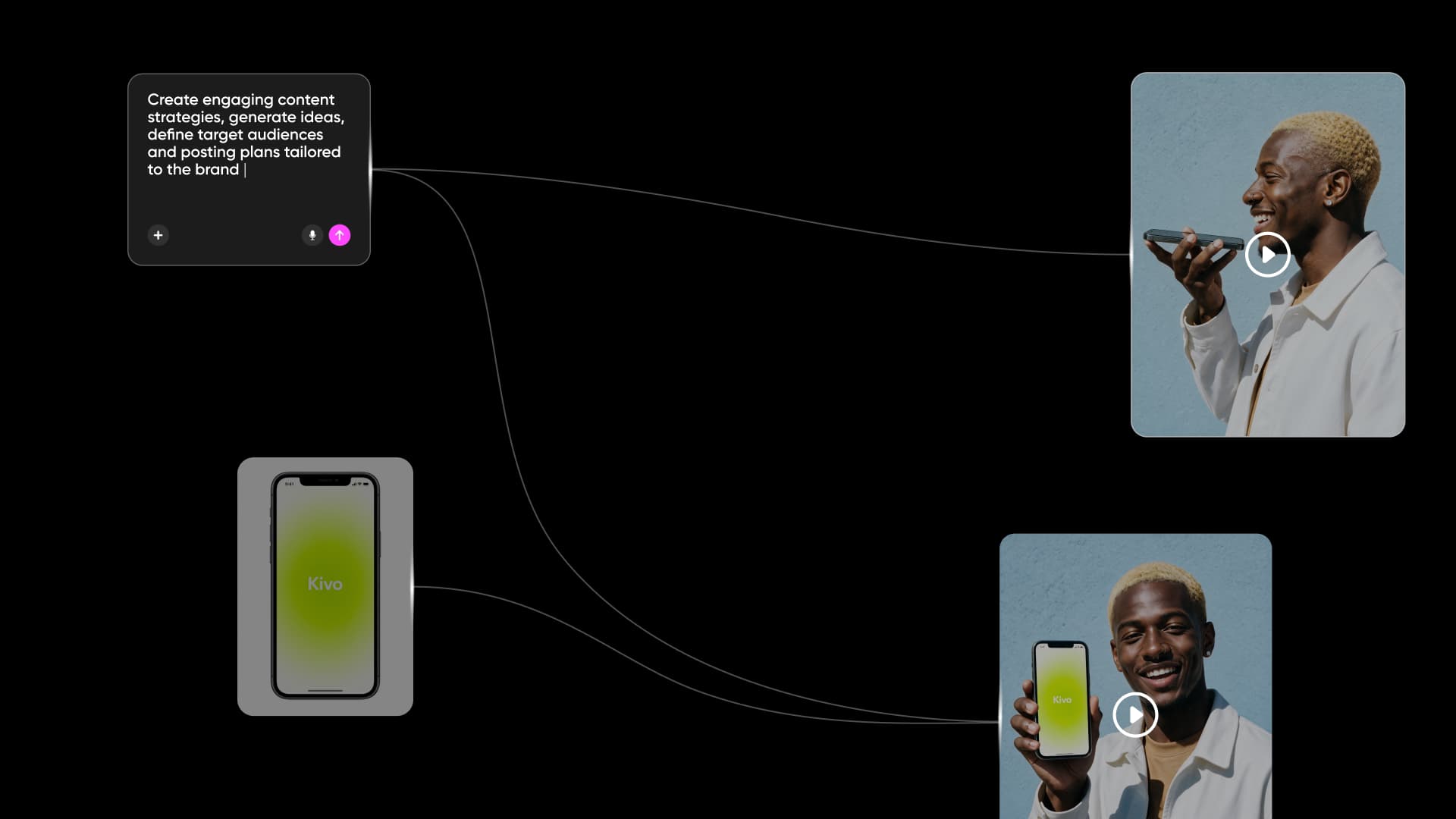
A script turned into a talking Instagram video on the Picsart Flow canvas

Start from ready-made Instagram video templates

Each template is a finished Picsart Flow workflow: swap in your own media and run it.

Viral video hook generator Picsart Flow template preview
Video and Slides
Viral video hook generatorUpload a vertical talking clip and get several lip-synced hook intros as 9:16 videos for your Reels.
*Ai UGC SAMPLE* Create Engaging Product Videos for Hydration Drops Picsart Flow template preview
Ads & Marketing
*Ai UGC SAMPLE* Create Engaging Product Videos for Hydration DropsSwap in your brand name and colors to get UGC-style product videos, short cutdowns and square photos.
30 Days of social content Picsart Flow template preview
Ads & Marketing
30 Days of social contentAdd your brand brief, hours and products to get a 30-day content calendar with matching social graphics.

Explore Instagram video use cases
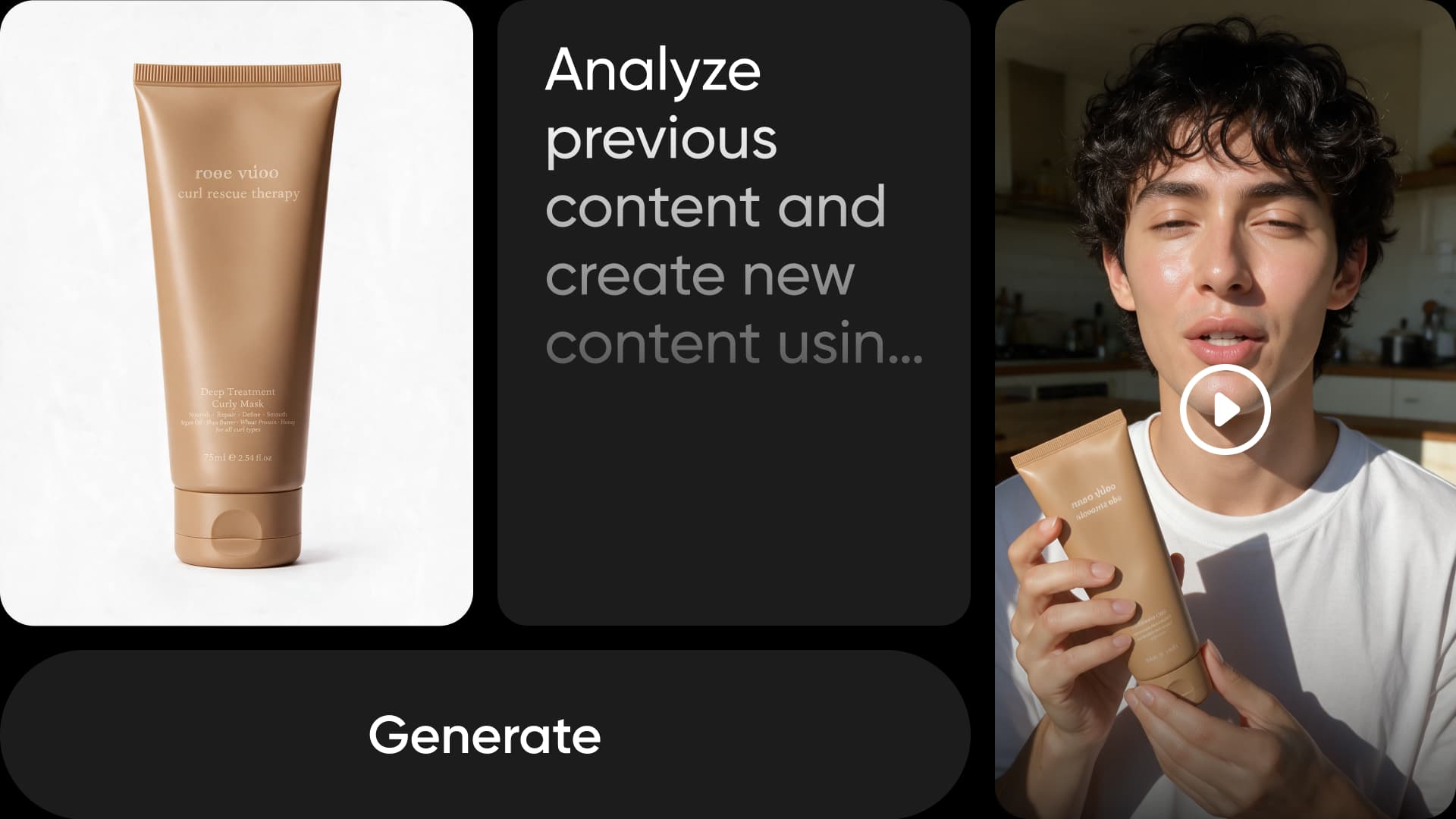
Four kinds of Instagram video, each built on the same canvas.
A creator talking to camera in an Instagram Reel made in Picsart Flow
  • As an Instagram video creator, hook viewers in the first seconds of every Reel and plan a week of them on one canvas. Duplicate the finished frame and swap in new clips, so your next Instagram post reuses the same setup.
See why creators rate Picsart Excellent

Picsart reviews from real users, collected on Trustpilot.

4.9/5(6,942 reviews)

Find answers about making Instagram videos

  • Making Instagram videos in Picsart Flow uses AI Credits instead of a flat fee. Picsart Pro and Ultra plans come with AI Credits, and one-off credit packs top you up when you need more. Every run shows its credit cost first, so you decide before anything is spent on your Instagram video.

Compare Picsart plans for Instagram videos

Picsart Pro and Ultra include AI Credits for Picsart Flow.

Pro

Most popular

AI tools for everyday creative work.

$15 $10.5/mo
Billed yearly
You save $54 with yearly
  • Access to all photo & video editing features
  • Advanced background & object removal
  • Parallel video generations with the world's most powerful AI video models
  • Unlimited image generations with Flex.2 Klein
  • 1-tap image enhancer
  • Millions of stock photos & Getty video clips
  • Selection of trendy fonts, text styles & stickers
  • Thousands of premium templates
  • Support for 3+ brand kits
  • Bulk edit up to 50 images at once
  • 100 GB of cloud storage
New features:
  • Auto-generate content from your terminal or agent with the Picsart CLI
  • Use Picsart inside Claude Code, Cursor, and ChatGPT via MCP — coming soon
  • AI agents for multi-step workflows and batch generation — coming soon

Ultra

Most powerful

Heavy AI usage for creators & teams.

$45 $24.5/mo
Billed yearly, per seat
You save $246 with yearly
  • Everything in Pro
  • Early access to advanced AI features
  • Leading AI models to design & automate workflows (Nano Banana, Veo 3, Seedance 2.0 & more)
  • Parallel video generations with the world's most powerful AI video models
  • Unlimited image generations with Flex.2 Klein
  • Support for 10+ brand kits
  • Add team seats
  • Create ad variations and localize
  • Track ads performance
  • 2000 credits for API services
  • Bulk edit up to 100 images at once
  • 300 GB of cloud storage per seat
New features:
  • Auto-generate content from your terminal or agent with the Picsart CLI
  • Use Picsart inside Claude Code, Cursor, and ChatGPT via MCP — coming soon
  • AI agents for multi-step workflows and batch generation — coming soon