Online video maker: Generate, edit and finish with AI
An online video maker turns clips, photos and generated shots into one video. Picsart Flow handles every step: generate, edit and finish on one canvas, without switching tools.
- Start from a template, a blank canvas or your own clips
- Generate the shots you did not film
- Add text, music and a voiceover on one canvas
Make a video on one canvas in Picsart Flow
Bring in footage or generate shots
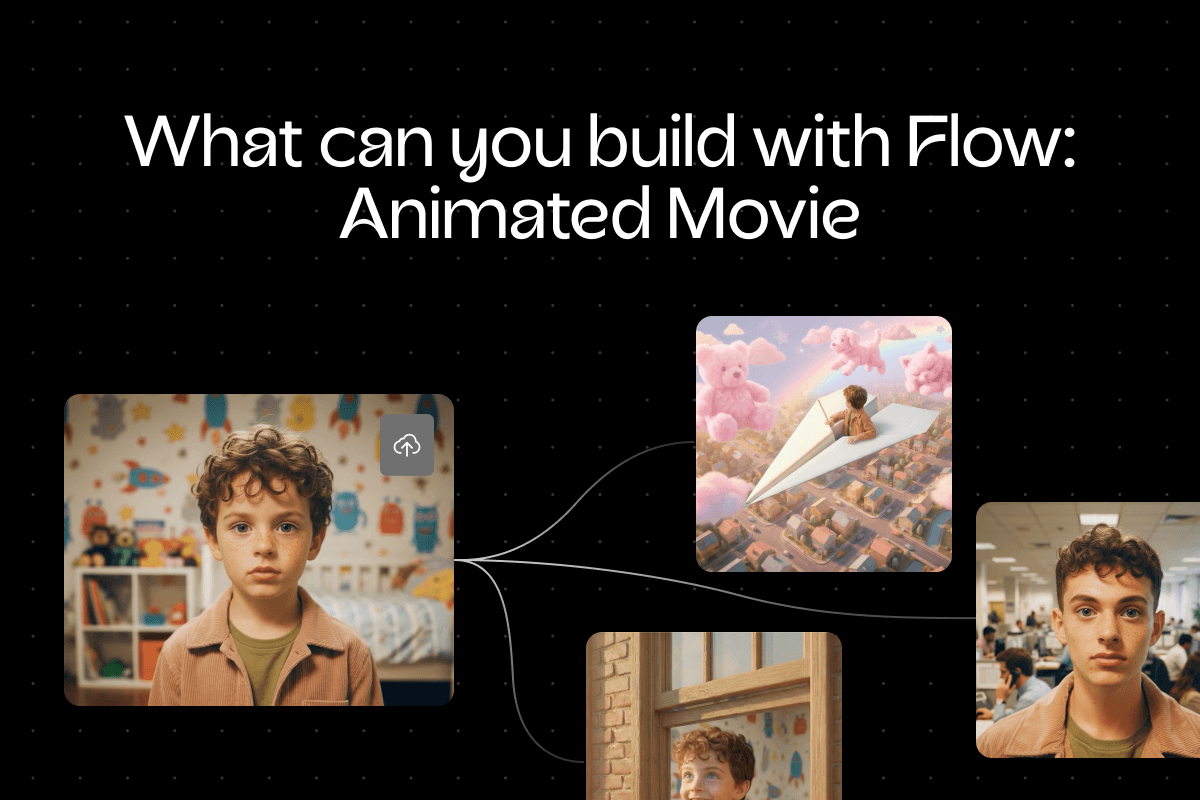
Make a video in Picsart Flow from your own clips and photos or from generated shots. Add a video model node such as Seedance 2.5, Veo 3.1 or Kling 3.0 Omni, and connect your footage as a reference or start frame. Every shot lands on the canvas, ready for the next step of your video.
How to make a video online
Make a video with the video maker online in Picsart Flow, from your first clip to the final cut, in four steps.
Explore ready-made video templates
Every video needs a different mix of tools. Pick the kind you're making to see where to start.


Pick the right model for every video you make
Choose from more than 100 AI models in one searchable picker in Picsart Flow. Filter by what a model does, check its description and cost before you run it, and set aspect ratio, resolution, duration and audio. Connect one prompt to MiniMax H3 Max and other video models, compare the videos side by side, and upscale the best with Topaz.
Make motion graphics from a prompt
Describe the video and the Motion node renders it as motion graphics on the canvas, with no timeline or keyframes to set. Start from scratch, from your own assets or from a product URL for ads, product reveals and announcements, then refine it in the node's own AI chat.
- Up to 10 minutes, rendered in under 20
- Start from a prompt, assets or a product URL
- Live preview and AI chat in the node
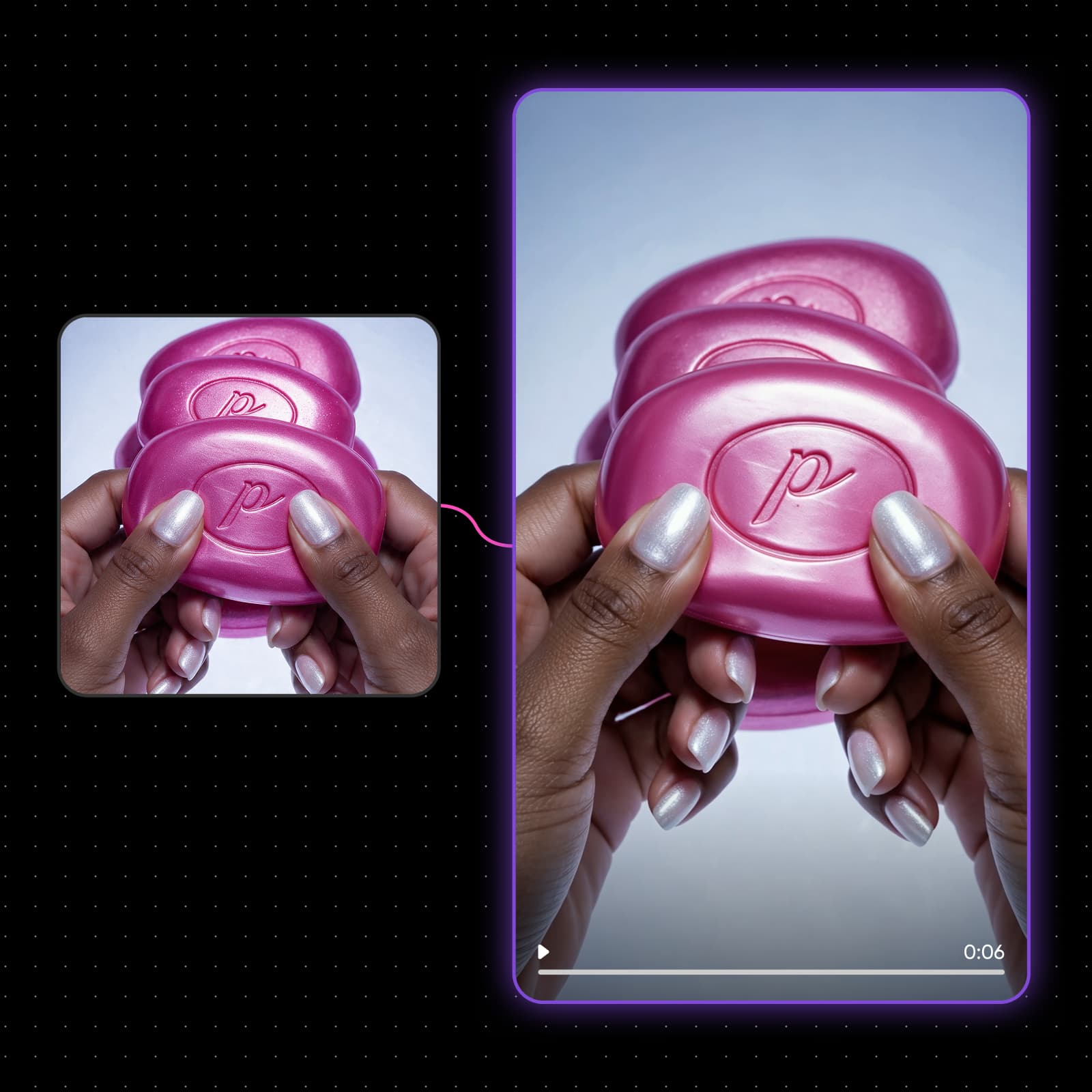
Caption every clip, or dub it into 190 languages
Connect a clip to the Captions node and pick one of 30 styles, no prompt needed. Speech is transcribed and burned in as animated captions, and the 9:16 cut lands on a new node, ready for TikTok, Reels and Shorts. Need another market? The Translate node dubs a talking video into any of 190 languages in the same voice, with the lips re-synced.
- 30 animated caption styles
- Dub into 190 languages in the same voice
- 9:16 output for short-form

Change the light, move the camera, fix any frame
Relight a clip with Visual Effects so it feels filmed, not filtered: the same footage at golden hour, in the rain or under neon. Turn a still into a 5 to 15 second dolly or crane move with Camera Motion, and fix one area of a frame with Inpaint while the rest stays pixel-identical. Every generative editing tool in Flow saves its result to a new node, so your original clip stays intact.
- Lighting, time of day and weather presets
- 18 camera moves, or draw your own path
- Only the masked area changes
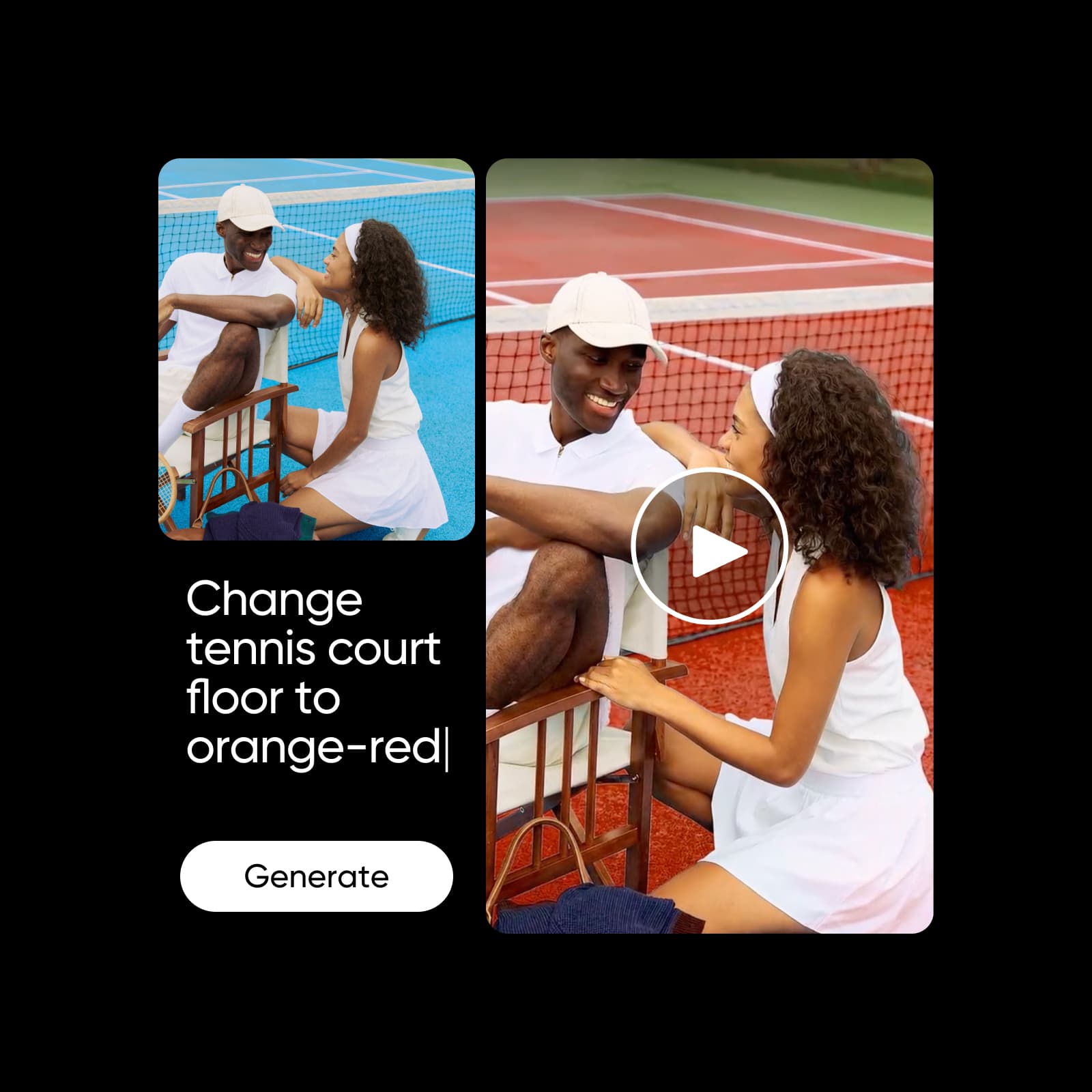
Reshoot one take into every version
Run a 4 to 30 second clip through the Reshoot node to recast the people, wardrobe or set, or swap just one object, while motion, camera and cuts stay as filmed. Then select several nodes of the same type, change their settings in one edit or switch the model for all of them, and rerun the whole chain with the total cost shown first. The run queue tracks every generation as it runs, one of several tools for building workflows faster in Flow.
- Recast or Swap from your references
- Edit many nodes at once, one undo
- Total cost shown before you run
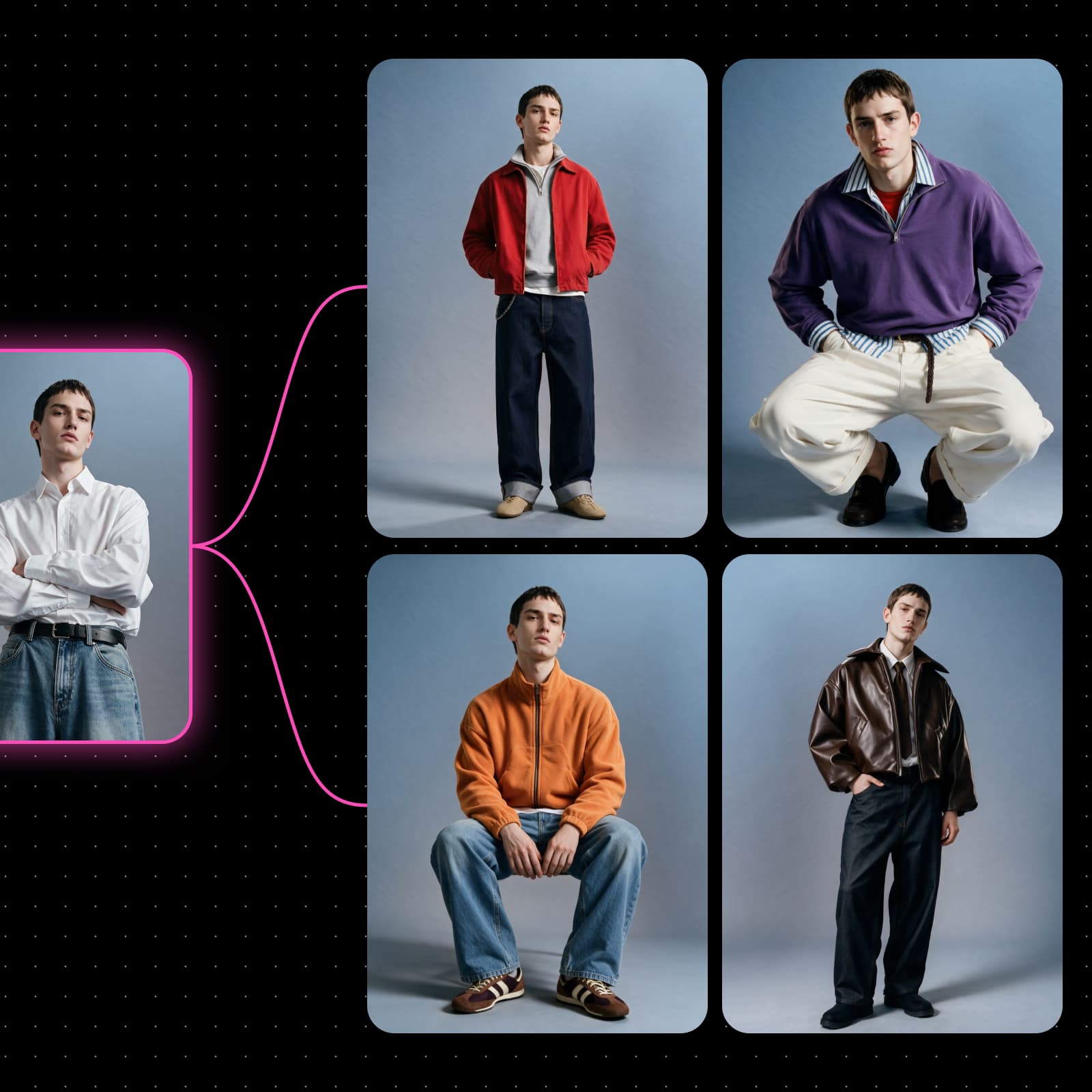
Do more with the online video maker
An online video maker works best when the sequence is clear before the finishing details go in.
See who makes videos with Picsart Flow

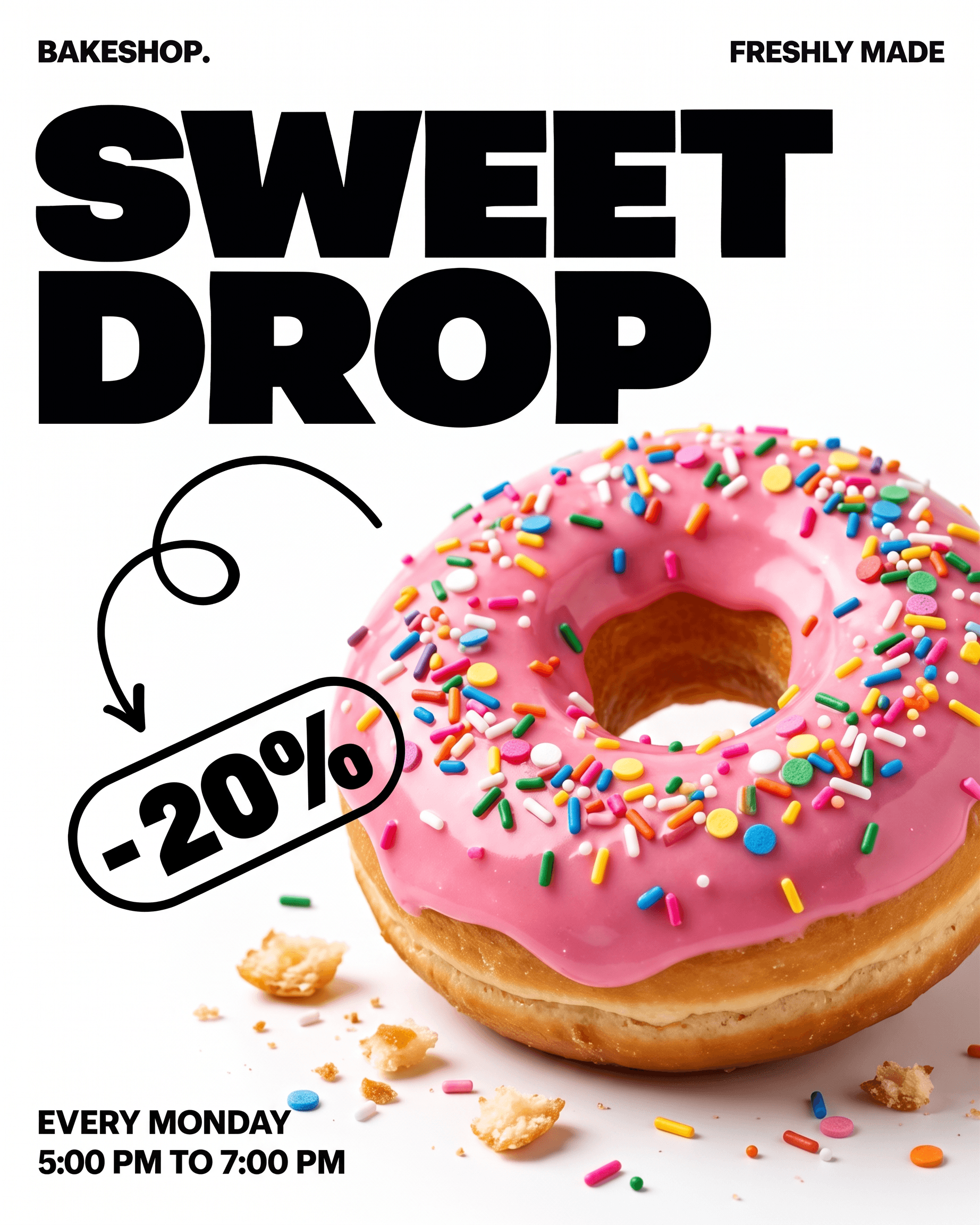


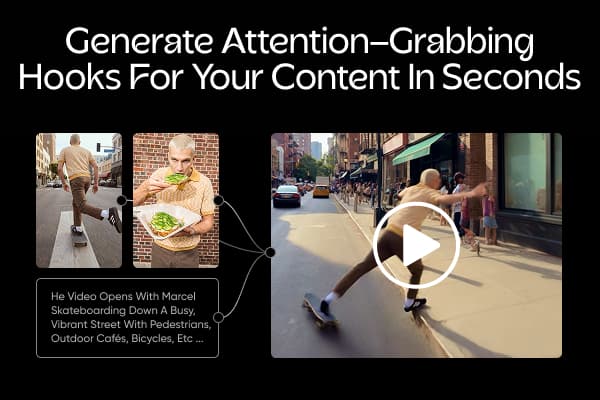
Turn one talking clip into several hook intros with matching lip sync. Add captions and music, then post the strongest hook.
Rated excellent by Picsart creators
See what people say about Picsart on Trustpilot.


Get answers about the online video maker
The online video maker runs on credits, so you pay only for what you generate. Picsart Flow uses the AI Credits included in Pro and Ultra plans, and you can also buy one-off credit packs. Each run shows its credit cost first, so you see the cost up front.
Choose the plan that fits your workflow
Start creating, then compare Picsart plans when you need more tools and content.
Pro
Most popularAI tools for everyday creative work.
Ultra
Most powerfulHeavy AI usage for creators & teams.