Describe the video you want to create...
A clip, an image, an idea. Make it a video.
Edit footage you already have, generate a new scene, or turn a still image into motion. Choose your starting point and find the Picsart tools for your next video.
Featured

All resources
53 results
Video Enhancer
AI Video Clipping
AI Video Generator
AI Video Editor
AI Image To Video
AI Voice Generator
AI Short Dramas
AI Video Filters
AI Short Film - Idea to Movie
Resize Video
AI Text to Video
Video Maker
Add music to video
Video Editor
Video Trimmer
Add Text To Video
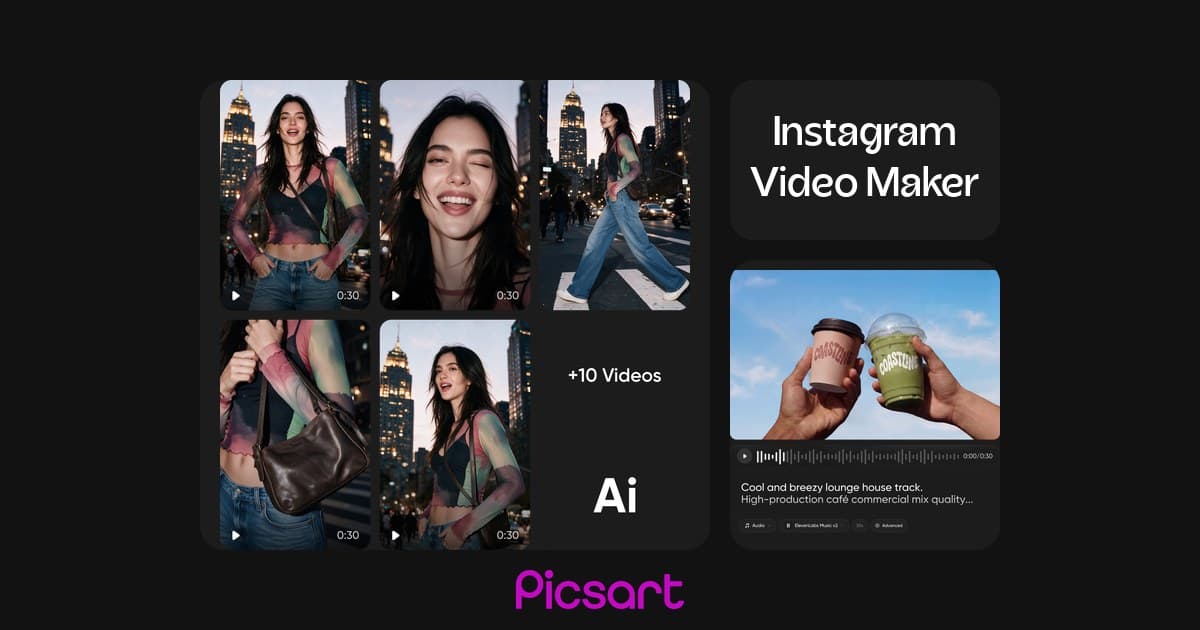
Instagram Video Maker
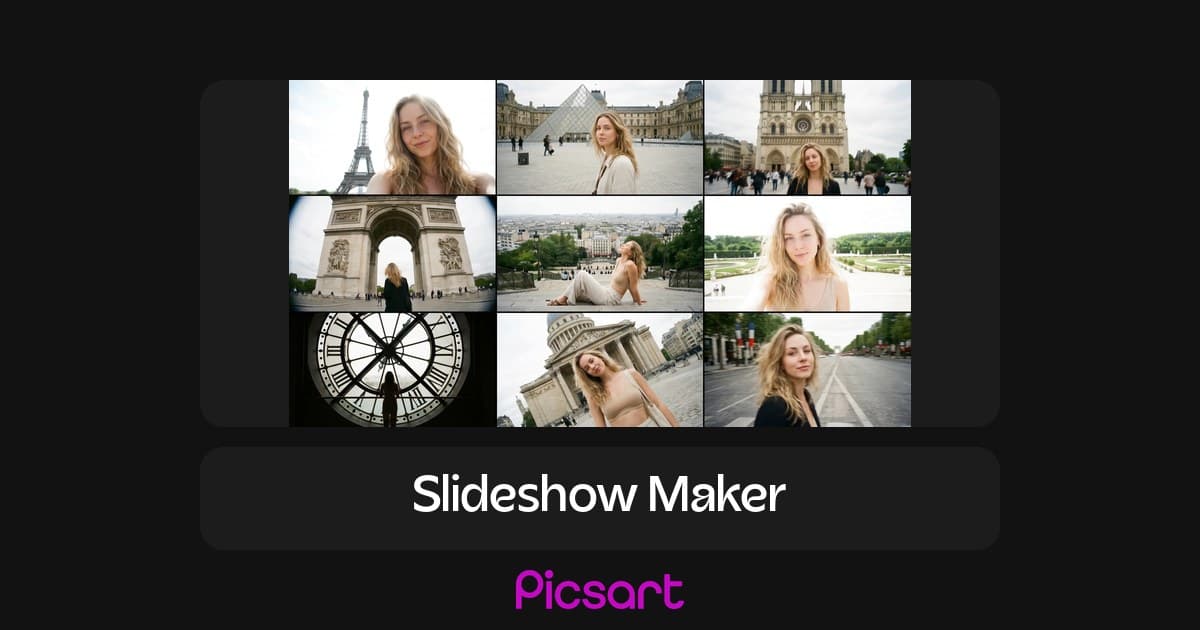
Slideshow Maker
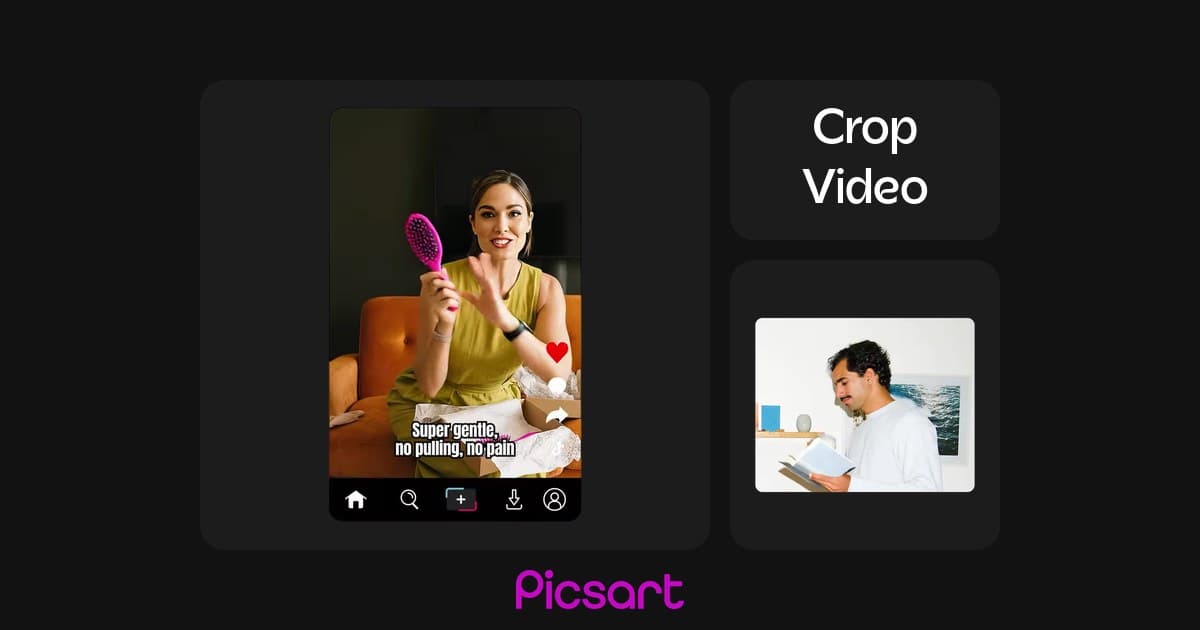
Crop Video
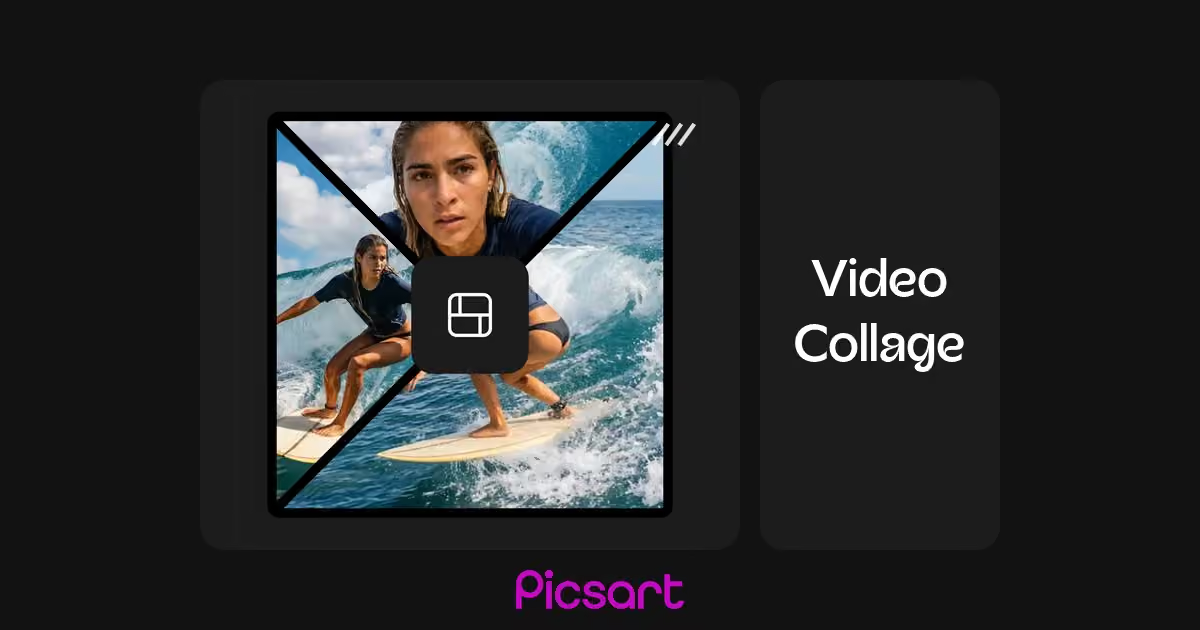
Video collage
Face blur in video
Speed video
Merge videos
Reverse video
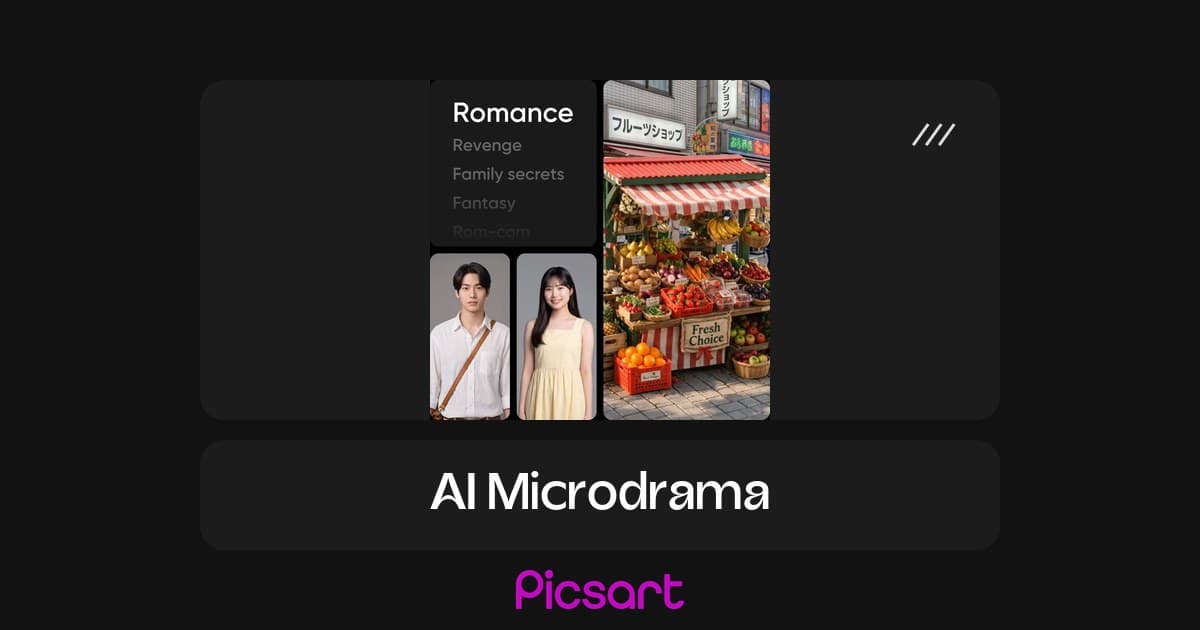
AI Microdrama Generator
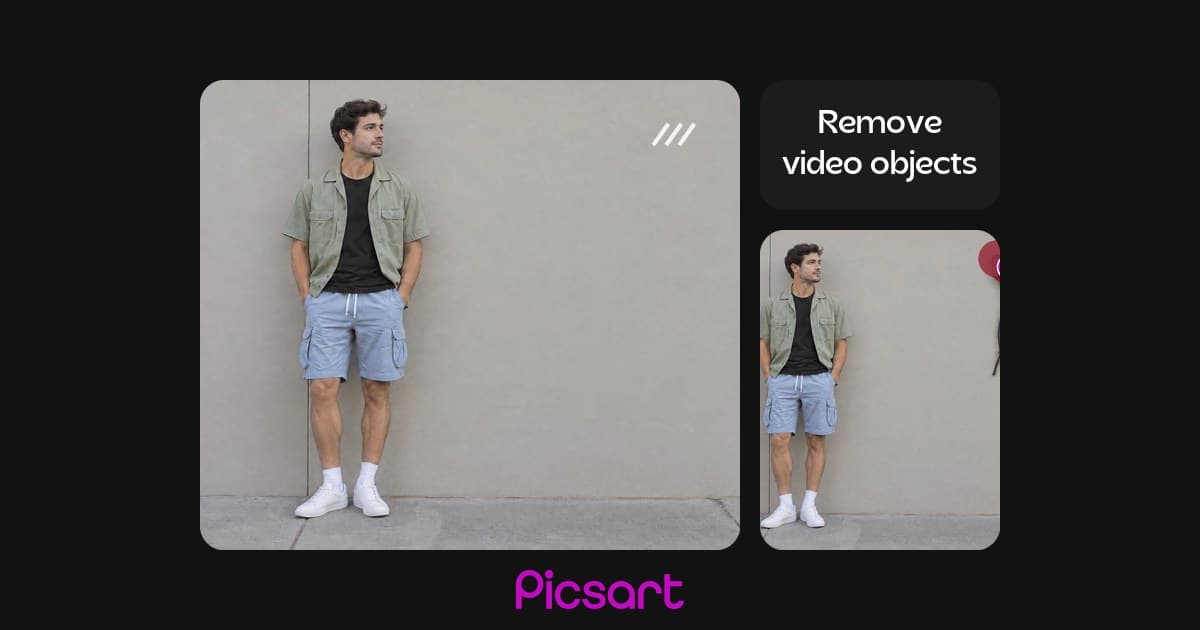
Remove object from videos
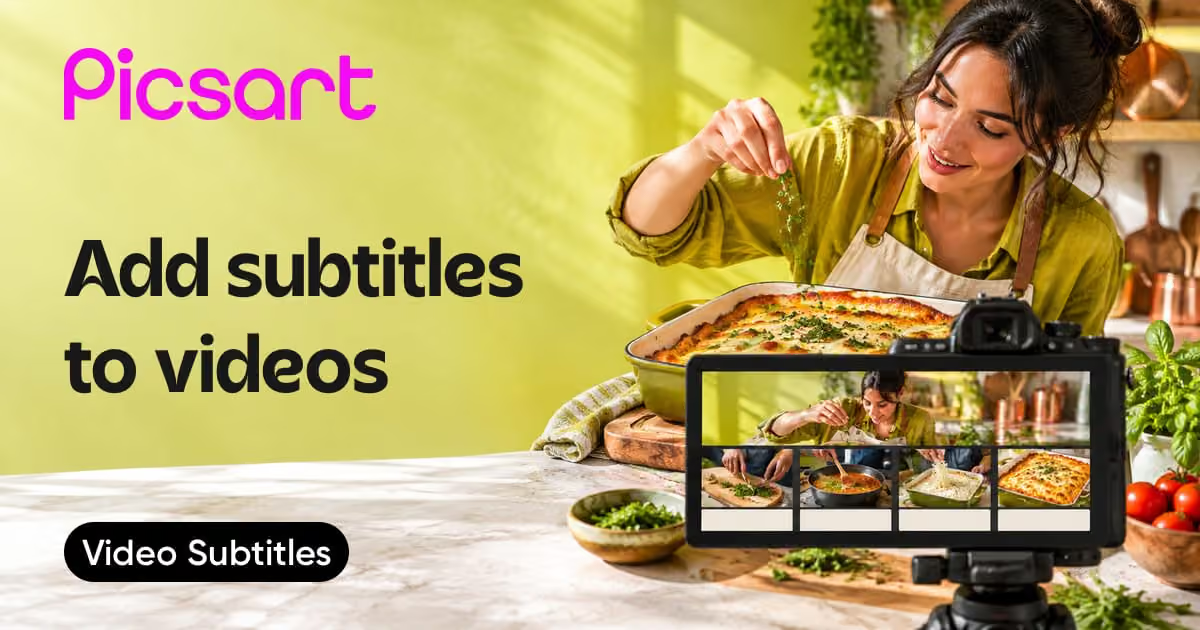
Add Subtitles to Video
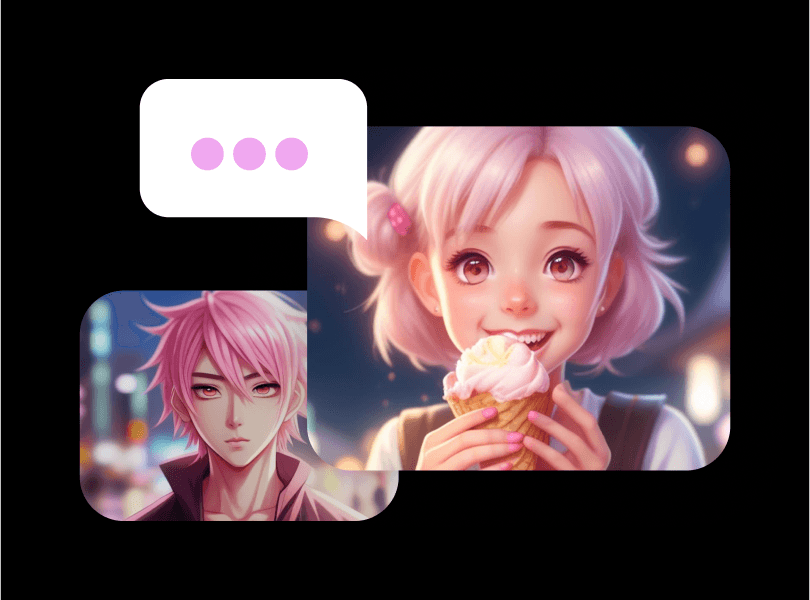
AI Anime Generator
Stock Videos
AI Character Generator
AI Avatar Video Generator
Flip Video
AI Storyboard Generator
AI Reel Maker Agent
Video Upscale
Audio to Video
Video Studio
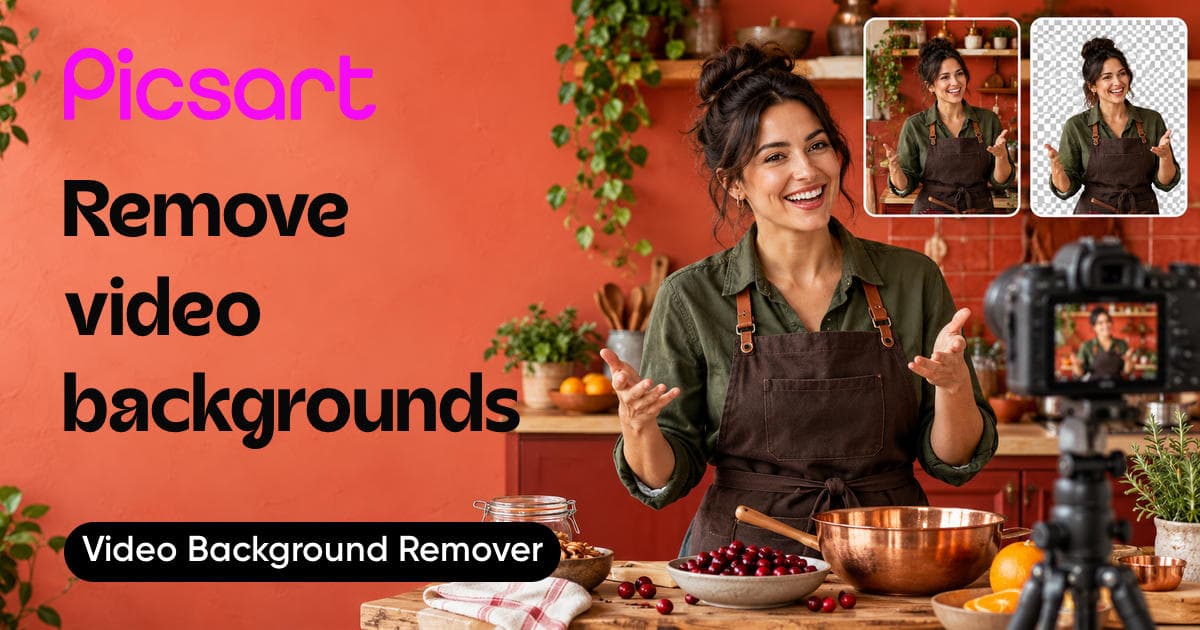
Video Background Remover
Isolated subjects in video footage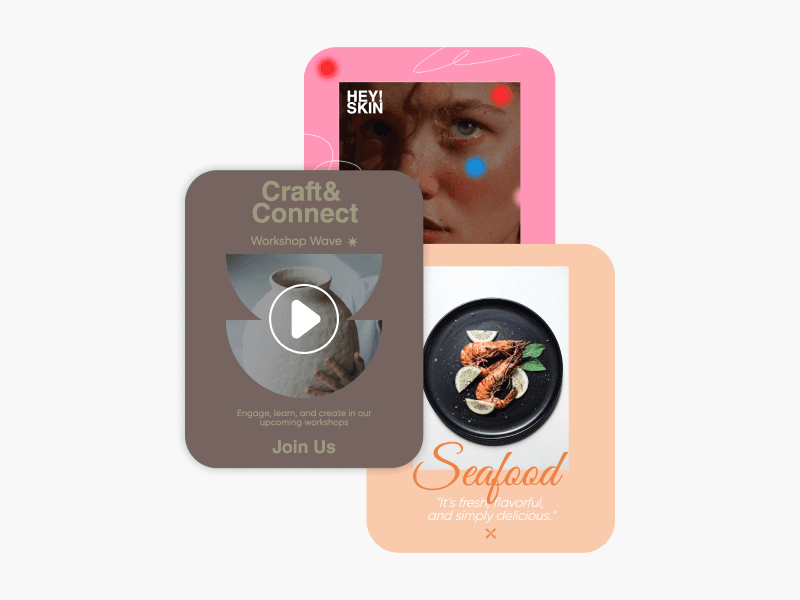
Video ad maker
Product stories for video campaigns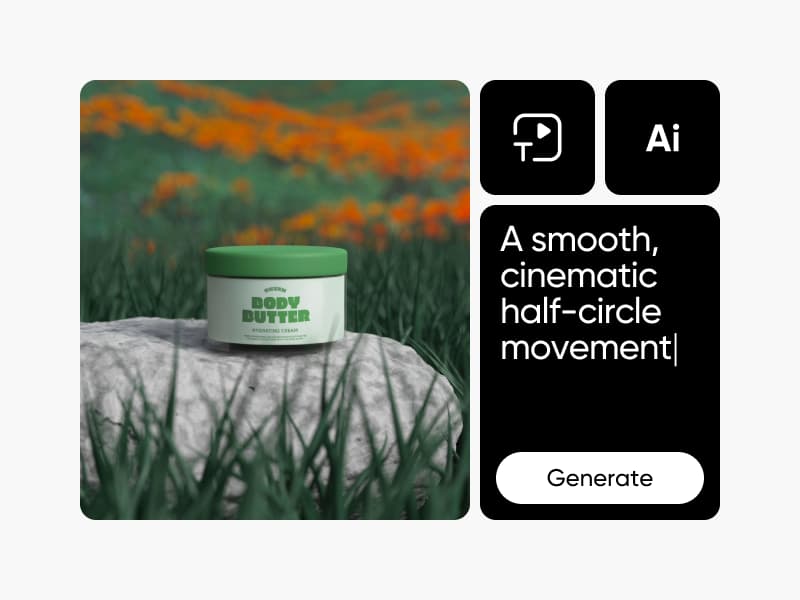
Kids Cartoon
Cartoon story workflows for families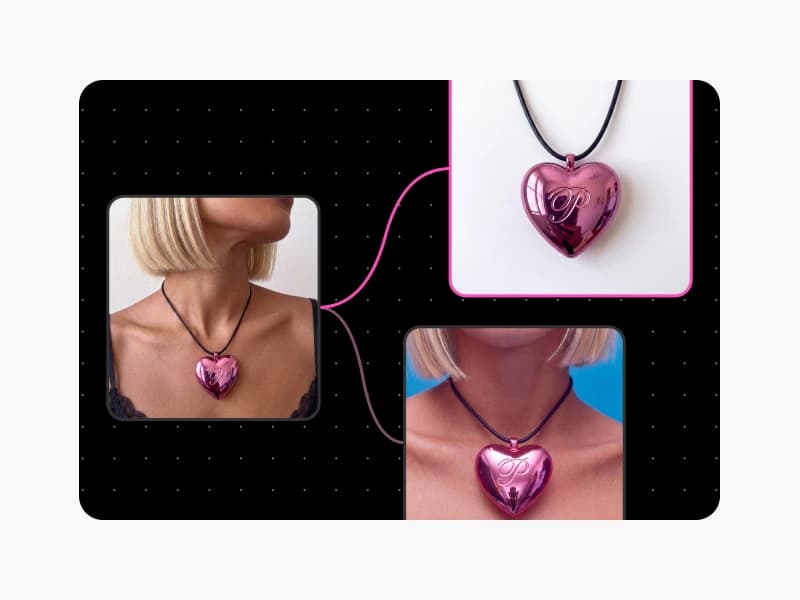
Design & creative production
Repeatable workflows for design productionE-commerce & brand workflows
Repeatable workflows for product assetsVideo Animation Flow
Connected workflows for animated scenesMarketing & Content creation
Repeatable workflows for campaign content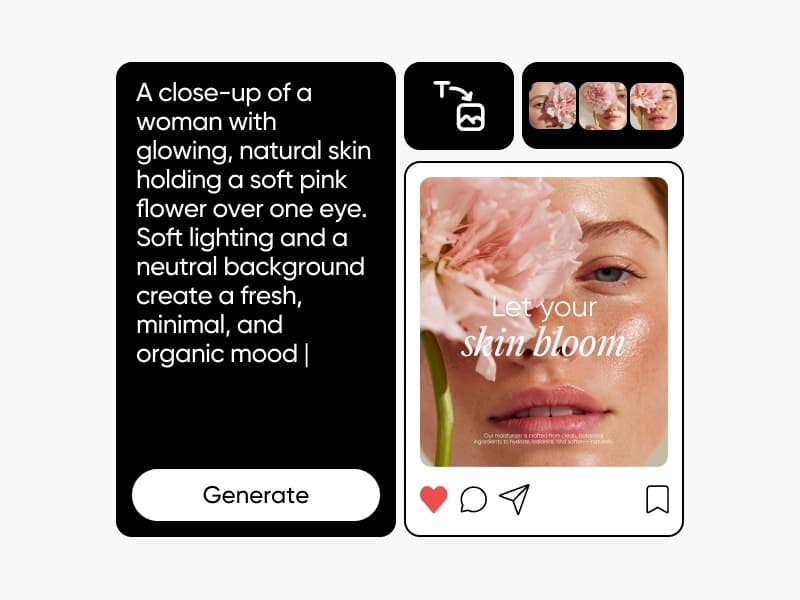
AI Marketing Studio
Coordinated concepts for marketing campaigns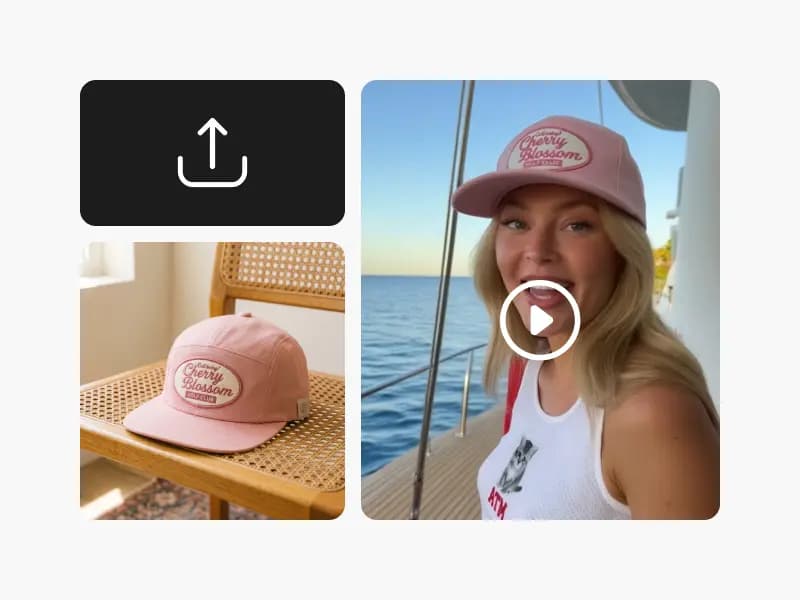
UGC Ads
Creator-style concepts for ad campaigns
Picsart vs Higgsfield
Video generation and creative direction
Picsart vs Canva
Design workflows and template choices
Picsart vs Adobe Express
Brand designs and creative workflows
Picsart vs Artlist
Stock assets and video workflows
Video to GIF
Looping animations from video clips
Video to MP3
Audio extracted from video clipsVideo Compressor
Smaller video files for sharingShot and framing references
Browse Library assets for a starting point or visual reference.

Love Fantasy

Love Fantasy

Love Fantasy

Valentine's Day Vintage

Love Fantasy

Valentine's Day Vintage

Love Fantasy

Final Stand

Drop Zone

Neon Cyan & Red Portrait – AI Template

Dreamy Crocodile Chair Portrait – AI Effect
Dreamy Crocodile Chair Portrait – AI Effect

Scale Shift Editorial

Cinematic Caricature

Regency Aristocrat Portrait

Golden Hour Triptych Collage

Dragon Couture Portrait

Dark Knight Cosplay

Microwave POV Shot – AI Template

Drop Zone
Neon Cyan & Red Portrait – AI Template

Future Father Portrait

Modern Cupid Editorial

AI Couple Photo
Product visuals to animate

Nature Serenity

Lucky Clover Backgrounds

Food and Drink - Objects 59

Industrial - Professions

Food and Drink - Professions 16

People - Professions 5

Blossoming Beauty

People - Shopping 27

People - Professions 5

Blossoming Beauty

Dreamy Pedestals

People - Professions 5

Marble Pedestals

Beauty & Fashion - Objects 4

Nature Pedestals

Food and Drink - Textures & Backgrounds 25

Food and Drink - People 211

Food and Drink - Industrial

Industrial - Professions

Marble Pedestals

Industrial - Professions 4

Beauty & Fashion - Objects 9

Infinite Skies

Food and Drink - Objects 2
Cover art and thumbnail ideas

Elegant Wedding YouTube Thumbnail With Greenery

Chic Blue Denim Styling Guide Poster

Elegant Blue Wedding Youtube Thumbnail Design

Spooky Halloween Makeup Guide YouTube Thumbnail

Dream Wedding Youtube Thumbnail in Pink and Teal

Charming Nature Daily Vlog YouTube Thumbnail

Chic Los Angeles YouTube Thumbnail Design

Chic Peach Beauty Vlog Post Template

Elegant Wedding Day Youtube Thumbnail Design

Chic Pink Lipstick Tutorial Poster Design

Cozy Autumn Vibes YouTube Thumbnail Design

Colorful Art Exhibition Poster Design Template

Charming Coastal YouTube Thumbnail in Blue

Elegant Green Art Gallery Poster Design

Capture Japan's Essence in Vibrant Travel Vlog Poster

Black and Neon Green Professional Youtube Banner Design

Sunset Mountain Adventure Travel Poster

Sleek Mint Green Comedy Event Poster

Vivid Travel Adventure YouTube Cover Design

Chic Plum Vintage Gold Thrifting Poster

Relaxing Summer Days Yoga YouTube Thumbnail

Blue Crush Stream Modern Ad Poster Design

Serene Blue Greek Holiday YouTube Thumbnail

Peachy Creative Mixed Media Art Poster
Compare video creation workflows
Compare the strengths and trade-offs that matter for this workflow. Features and limits vary by platform and plan.
| What matters | Other video creation platforms | |
|---|---|---|
| Starting from a prompt | PicsartChoose a video model, generate a shot and cut it together with your footage. | Other video creation platformsAI-focused platforms may offer deeper controls for a specific model. Editor-first platforms may focus on templates and footage. |
| Starting from footage | PicsartUse a browser editor for cuts, text, audio and channel-specific versions. | Other video creation platformsA dedicated timeline editor may suit projects with many tracks, precise audio work or detailed color grading. |
| Short-form versions | PicsartGenerate missing shots and adapt the framing as part of the same creative workflow. | Other video creation platformsA repurposing specialist may do more of the initial work if you mainly need highlights from long recordings. |
| Costs and limits | PicsartGeneration credits vary by model and settings. Review the estimate and confirm export requirements before making a batch. | Other video creation platformsCompare export restrictions, generation allowances and the cost of redoing a clip on the plan you would use. |
| Choose this when | PicsartChoose Picsart for a short video that combines generated shots and footage you already have. | Other video creation platformsChoose a specialist when timeline control, automatic clipping or a particular export format matters most. |
Video FAQ
Yes. Edit both in the same video project. Match their aspect ratios and use cuts, pacing and audio to make them feel like part of one sequence.