Picsart vs Higgsfield: what users say and which fits best

Higgsfield is strongest for stylized cinematic generation and effects. Current review and community feedback shows real strengths alongside recurring friction. Picsart gives teams a broader route from prompt to finished campaign: 85 AI video models, reference-led control, video editing, templates, and 300M+ creative assets in one workflow.

What creators say about Picsart and Higgsfield

The recurring themes—not a scientific survey—are clear in sources checked September 16, 2026. Picsart is praised for an intuitive interface, wide editing range, and fast AI-assisted creation; criticism most often mentions occasional bugs, credit mechanics, and room to improve advanced video editing. Higgsfield users praise directed camera movement, character consistency, and strong cinematic shots. The dominant criticism across recent Reddit threads concerns unpredictable credit burn, 'unlimited' throttling, reliability, and support. That makes Higgsfield compelling for specialist shot control, while Picsart is the stronger complete production environment. Trustpilot, App Store, Reddit, and official sources are linked at the bottom.
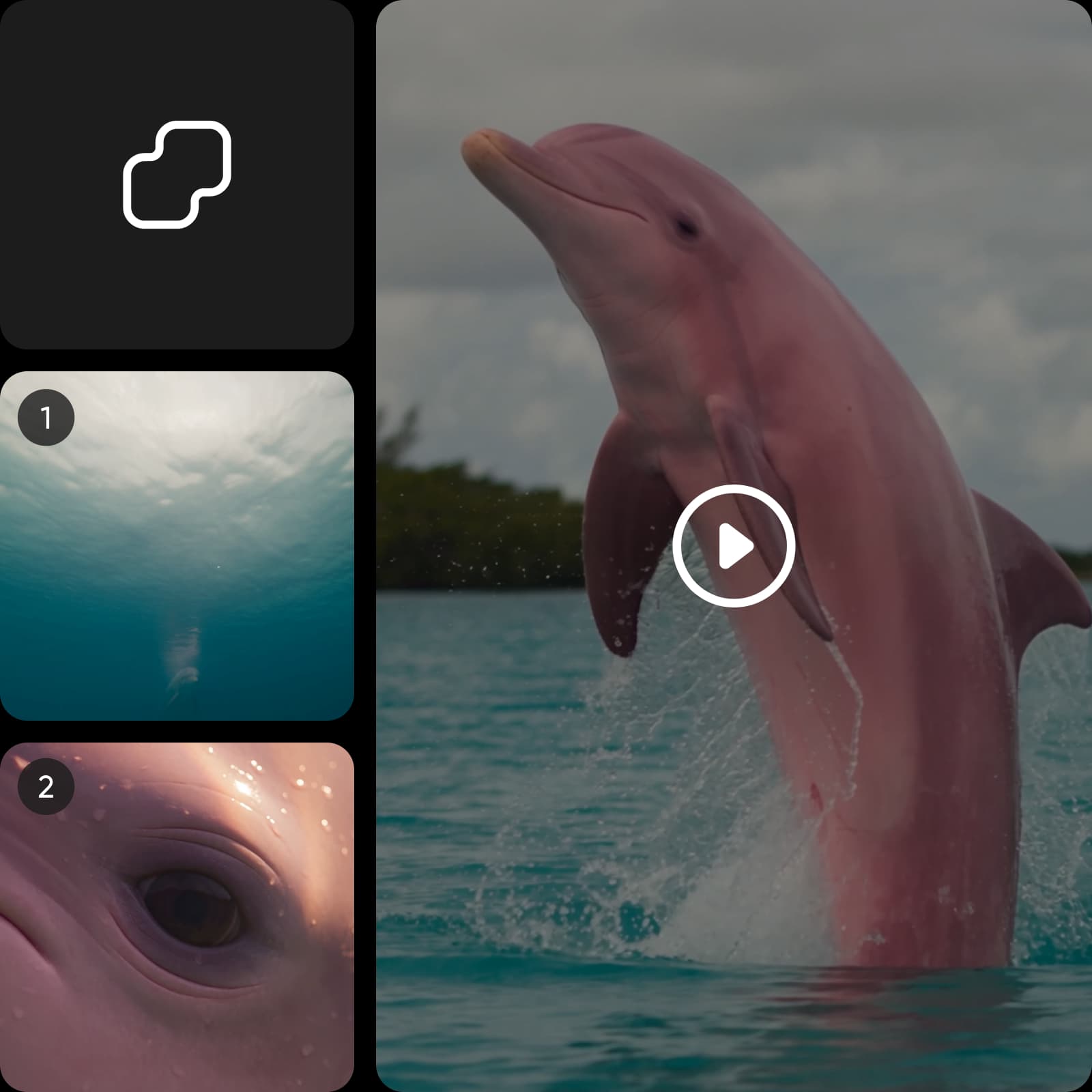
Picsart workflow visual selected for the Higgsfield comparison

Generate cinematic shots, then edit the story

Start with text or an image, then choose from 85 AI video models for the look, motion, speed, and quality the shot needs. Use reference images, video, or audio to guide the result, generate variations in parallel, and move the strongest clips into Picsart’s Video Editor for trimming, captions, music, effects, and channel-ready exports. It is a complete path from cinematic idea to social ad, product story, or multi-scene campaign.

Compare the facts that change the finished workflow.

Compare features and workflow

Checked September 16, 2026. A check marks a documented capability; a cross marks a documented absence or material restriction. Undisclosed totals are labeled as undisclosed rather than treated as zero.

Capability or plan factCapabilities and workflow—pricing is covered separately.
Published model access
Named model/provider examples
AI image generation
AI video generation
Photo/design editing
Included creative asset library
Repeatable or automated workflow
Best fit
PicsartUS pricing and public product terms
140+ models included on Ultra; AI Playground currently lists 187 AI video and image generator tools
OpenAI, Google, Kling, Runway, Black Forest Labs, Luma, ByteDance, Ideogram, ElevenLabs, Pika, Recraft, MiniMax, and Wan
Included
Generation plus video editing across Runway Gen 4.5, Seedance 2.0/2.5, Kling V2.6/V3 Turbo, Veo 3.1, MiniMax H3 Max Turbo, LTX 2.3 Pro, and more
Photo, video, design, templates, Brand Kits, and bulk edit
300M+ editable photos, templates, and more; Ultra includes up to 6.5M Getty stock videos
15+ AI agents plus reusable Picsart Flows
One subscription for cross-format campaign production
HiggsfieldUS pricing and public product terms
15+ video models
ByteDance, Kuaishou, OpenAI, Google, Alibaba, xAI, Black Forest Labs, MiniMax, and Higgsfield
Included
Specialized cinematic generation
AI editing tools; no broad template-led design suite
No broad stock/template asset count found in the official sources checked
Canvas, Supercomputer, web, MCP, and CLI all consume credits
cinematic shots and model-specific video generation
Create with Picsart

Compare the source, then watch Picsart build the video workflow

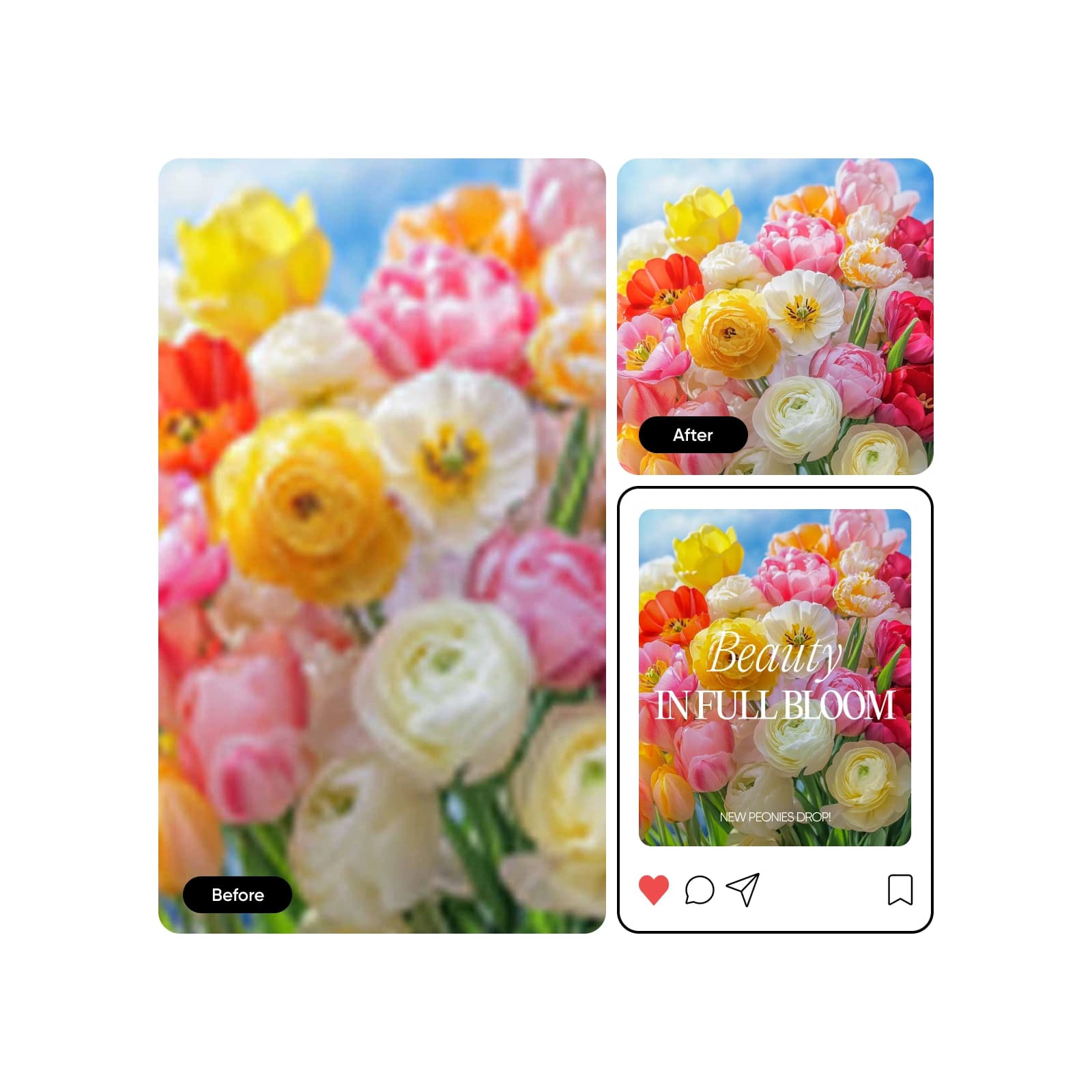
Card 1 is a rights-cleared before-and-after created in Picsart. Cards 2 and 3 reuse approved Picsart video proof for cinematic pacing and final-edit quality. No card is presented as Higgsfield output; use the same source, prompt, model, and settings in both products for a direct benchmark.

after change
before changeBefore
After
Drag to compare
1 · Drag: source to Picsart resultDrag the handle to inspect the full uncropped source and the Picsart-created result.
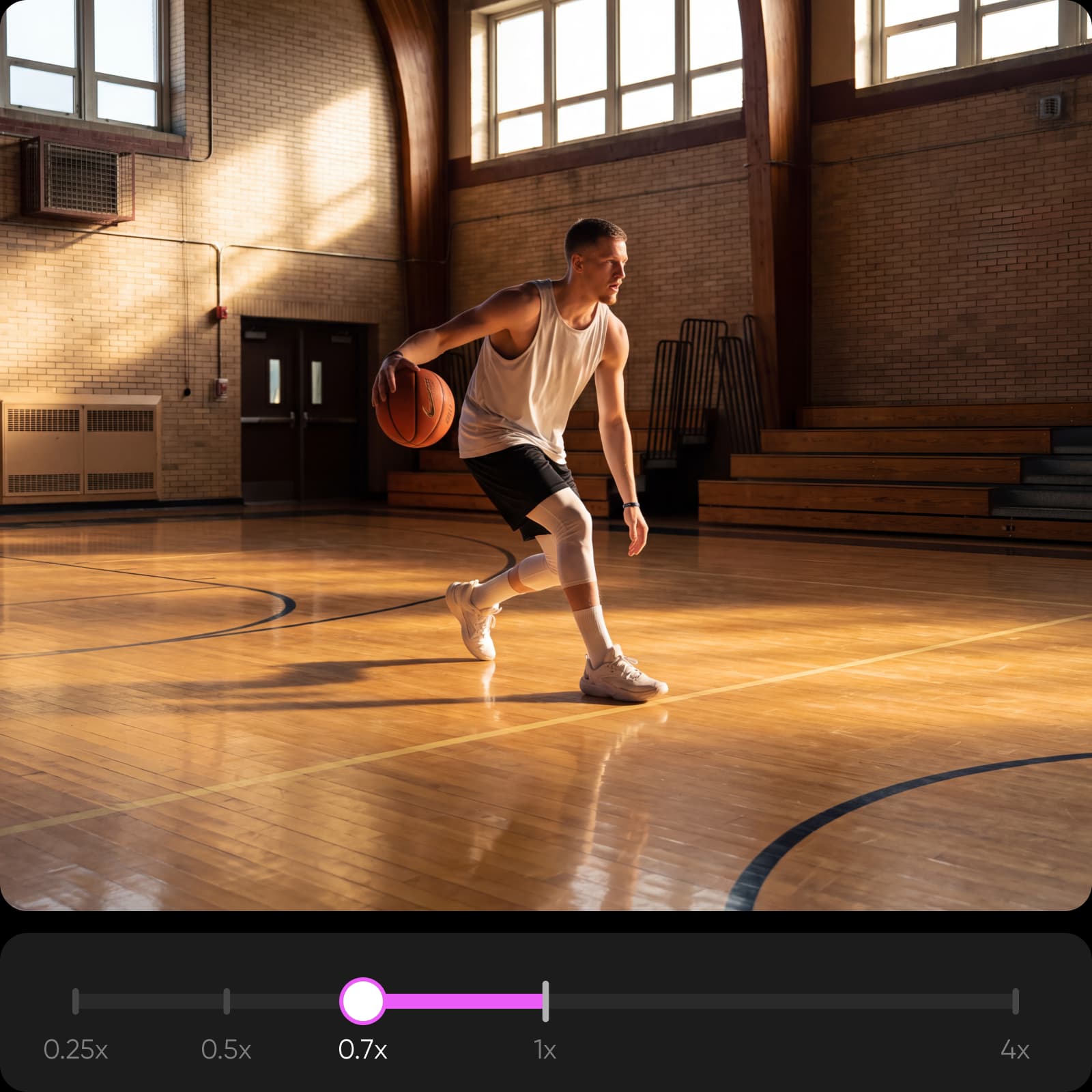
Slow-motion video editing example from Picsart Video Studio
Picsart video editing
2 · Shape cinematic pacingSlow down a key moment to give motion, reactions, and reveals more room to land.
High-quality merged video example from Picsart Video Studio
Picsart final edit
3 · Finish a full-quality sequenceBring generated shots together, preserve their clarity, and prepare one polished edit for delivery.
Create an AI video

How this comparison stays objective

Prepared by Picsart Research team and last checked September 16, 2026. Product facts come from official plan, model, export, rights, and library documentation. The sentiment summary paraphrases recurring themes from dated Trustpilot, App Store, Reddit, and other public review sources; it is not a representative survey and individual experiences vary. Picsart Research team field testing has often found Picsart more cost-efficient per usable result, but vendor credit units are not equivalent and results vary by model, duration, resolution, audio, retries, and quality bar. The visual proof uses rights-cleared inputs and Picsart-created outputs—not simulated Higgsfield results.
Picsart comparison-method visual selected from the LP Creative Library

See what Picsart reviewers say

Trustpilot profile reviewed September 16, 2026. Source: https://www.trustpilot.com/review/www.picsart.com

TrustScore: 4.4 out of 5

Based on 1,464 Trustpilot reviews when checked. Ratings can change.

Trustpilot profile snapshot
What reviewers praise

Reviewers often praise the intuitive interface, wide editing range, and useful AI tools.

Paraphrased from Trustpilot’s recent-review summary

What reviewers flag

Recent criticism mentions occasional glitches, credit issues, and some complex AI tasks failing.

Paraphrased from Trustpilot’s recent-review summary

See what Higgsfield reviewers say

Trustpilot profile reviewed September 16, 2026. Source: https://www.trustpilot.com/review/higgsfield.ai

TrustScore: 4.0 out of 5

Based on 4,313 Trustpilot reviews when checked. Ratings can change.

Trustpilot profile snapshot

What reviewers praise

Reviewers often praise the multi-model selection, intuitive workflow, and strong visual output.

Paraphrased from Trustpilot’s recent-review summary

What reviewers flag

Prompt accuracy, expiring credits, plan limits, and support quality appear in recent criticism.

Paraphrased from Trustpilot’s recent-review summary
Compare the allowance, video-model cost, usable output, export, and rights—not raw credits alone.

Compare US pricing, credits, exports, and rights

Checked September 16, 2026. Picsart Research team field testing has often found Picsart more cost-efficient per usable result. Credit units are not interchangeable, so this is not a token-for-token guarantee. Per-output figures use current AI Playground prices or vendor-published plan estimates at stated settings; actual cost varies by model, duration, resolution, audio, retries, and quality bar. Prices exclude taxes unless the source says otherwise.

Cost and rights factorChecked September 16, 2026
Month-to-month entry
Annual price/equivalent
Included allowance
Typical credit or use cost
Current Picsart video-model rates
Approximate outputs from allowance
Credit expiry/rollover
Add-on credit conditions
Export conditions
Watermark conditions
Lowest commercial-use tier
Value for a complete workflow
PicsartUS pricing and public product terms
$15/month Pro
$126/year ($10.50/month)
500 AI credits/month
Published Pro example: ≈5 credits per Nano Banana Pro image or ≈9 credits per Kling 3.0 video.
AI Playground checked September 16, 2026: Runway Gen 4.5 1 credit/sec; Seedance 2.0 Mini 1–2/sec; Kling V2.6 1–3/sec; Veo 3.1 Lite 2–3/sec; Seedance 2.5 2–18/sec; Veo 3.1 6–18/sec. Rates vary with duration, resolution, audio, and input mode.
500 credits ≈100 five-second Runway Gen 4.5 clips, ≈50–100 five-second Seedance 2.0 Mini clips, ≈20–31 eight-second Veo 3.1 Lite clips, or ≈5–50 five-second Seedance 2.5 clips at current listed rates—alternatives, not simultaneous.
Subscription credits expire each cycle; add-ons never expire
Failed-generation credits are returned automatically
PNG and PDF are documented; format/resolution varies by tool/model
No blanket plan-wide promise used; verify the chosen workflow
Pro at $15 monthly or $10.50/month annually
Based on field tests through September 16, 2026, Picsart is often more cost-efficient per usable result and also includes image, video, design, editing, and reusable production in one subscription.
HiggsfieldUS pricing and public product terms
$15/month Starter
No stable current Starter annual price confirmed publicly
200 credits/month
Examples: 8 credits/8s Veo 3.1 Lite without audio; 10 credits/5s Kling 3.0 with audio; 33 credits/5s Seedance 2.5 with audio.
Higgsfield uses its own credit or usage system; no token-for-token conversion is claimed. Compare the vendor-published example above.
200 credits ≈25 Veo 3.1 Lite clips, ≈20 Kling 3.0 clips, or ≈6 Seedance 2.5 clips at those settings.
Subscription credits reset; no rollover
Credit Packs/Auto-Refill/Boost expire after 90 days
Model-dependent 480p–4K and some workflows up to 15s; no safe platform-wide format/watermark promise
No current platform-wide guarantee found
Starter output can be used commercially under current terms
Same $15 monthly entry price; Picsart includes 500 credits, broader editing, and a much larger disclosed model catalog

Compare Picsart and Higgsfield: common questions

Get direct answers, then verify the current plan details before you buy.

  • Yes—especially when your workflow extends beyond AI video generation. Picsart combines model access with photo, video, and design editing plus reusable production workflows.