Speed up and slow down video
Video speed effects made with Picsart

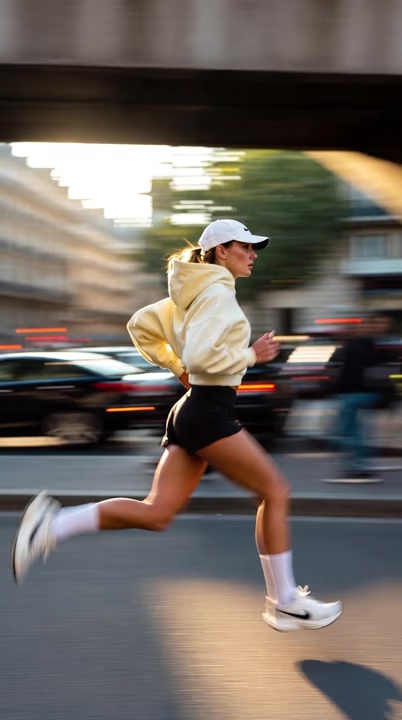
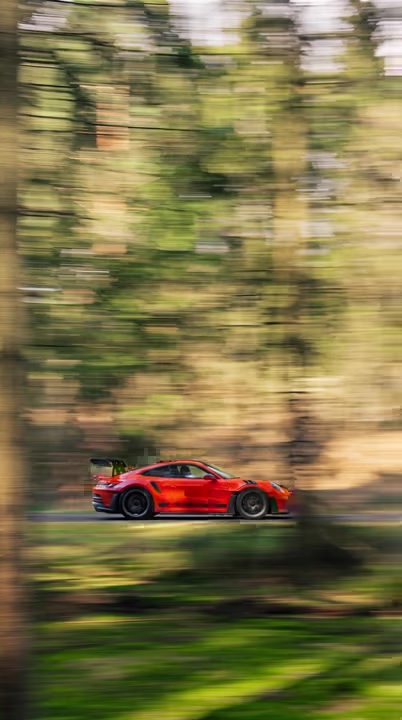
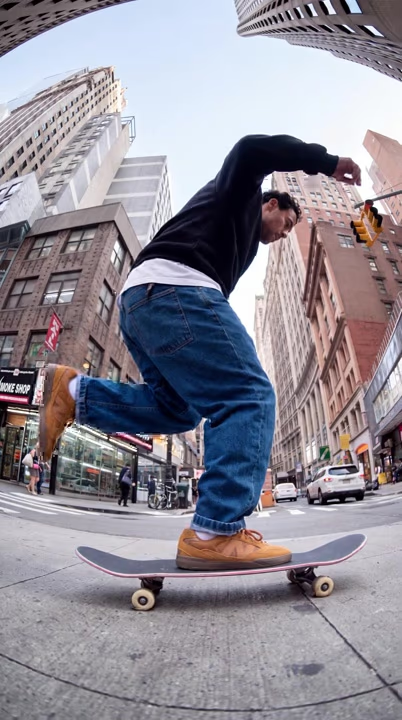


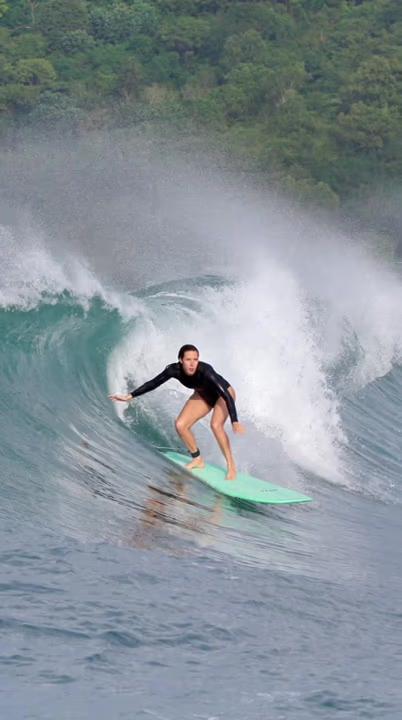
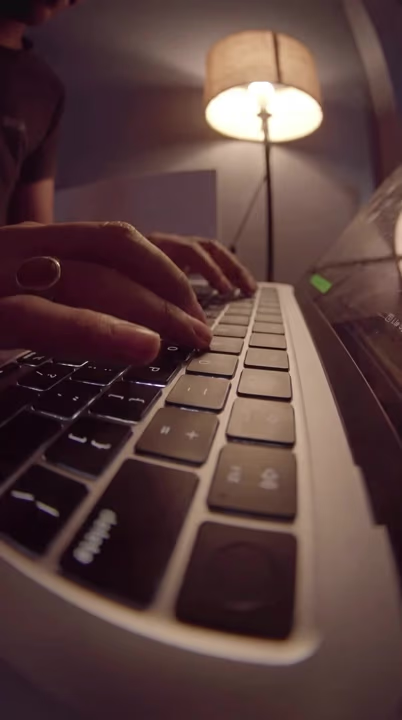
How it works
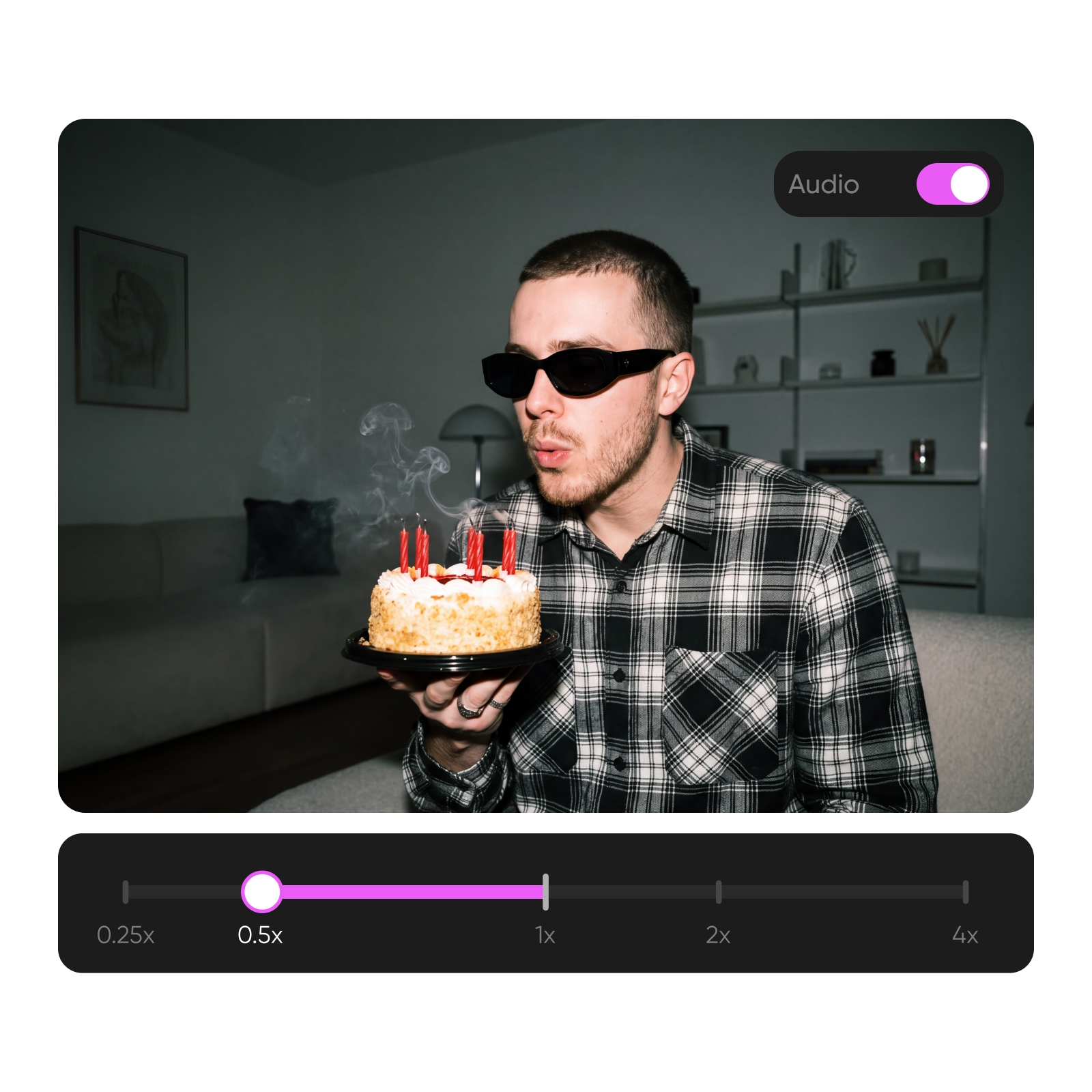
Speed up a video in seconds
Turn long footage into a quick, engaging edit without cutting out the moments that matter. Speed up video clips to condense tutorials, timelapses, behind-the-scenes footage, or everyday recordings while keeping the full sequence intact. Choose the playback speed that fits your content and give slower scenes a faster, more energetic pace. Working with several clips? You can also merge videos into one seamless edit once the pace is right.
Slow down video into buttery slow motion
Give fast-moving moments more room to land by slowing down your footage. Create smooth slow-motion videos that bring action, subtle details, reactions, and reveals into focus. Adjust the video speed to match the moment, whether you want a cinematic effect or simply need viewers to catch every detail.
Dial in any video speed, 0.25x to 4x
Set the pace that works for your edit instead of settling for a preset. Choose an exact video speed from 0.25x to 4x to make subtle adjustments or dramatic changes. Whether you want to speed up or slow down a video, precise controls help every moment play exactly the way you want. For another creative take on pacing, you can also reverse a video before or after changing its speed.
Speed up video online free - no app needed
Change the pace of your footage without downloading software or switching to another app. With Picsart, you can speed up video online for free, right from your browser, then preview the result before exporting. Your finished clip comes out in high quality with no watermark, ready to post or share. Need a privacy pass too? You can blur faces in the same Video Studio before you post.
Change video speed, keep the audio your way
Change your video speed without giving up control over the sound. Keep the original audio as you speed up or slow down your footage, or mute it completely when sound isn’t needed. You can also add your own music or soundtrack to give the finished edit a different feel.
Discover ways to change video speed
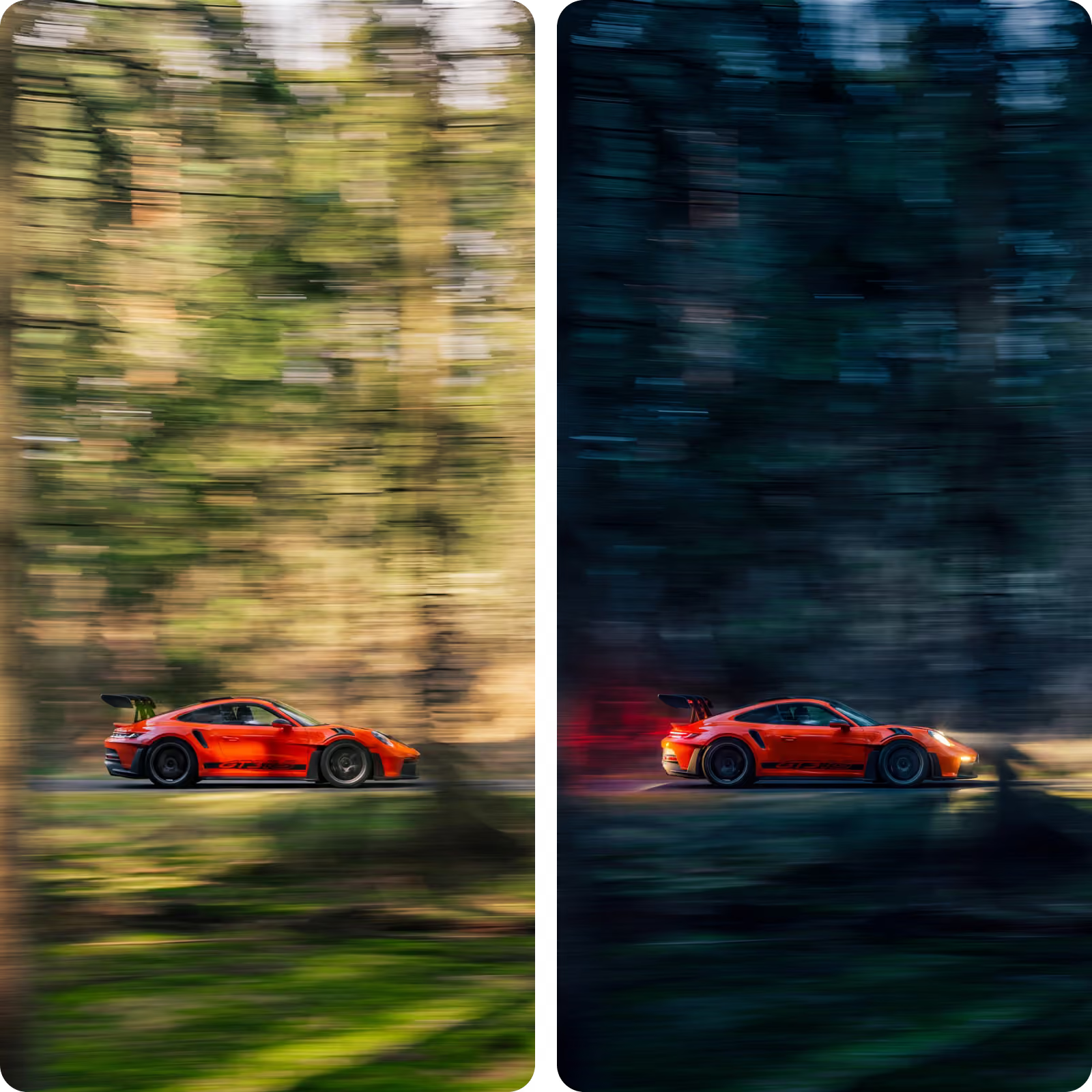
Timelapses and hyperlapses
Video speed FAQ
Upload your clip to Picsart, choose a speed preset or set the playback speed above 1x, then preview the result. Once the pace feels right, export your finished video.
Generate videos for every creative idea
Pro
Most popularAI tools for everyday creative work.
Ultra
Most powerfulHeavy AI usage for creators & teams.
Enterprise
Custom AI solutions for large organizations.
- Volume discounts on credit rate
- On-demand top-ups
More video tools to explore from video studio
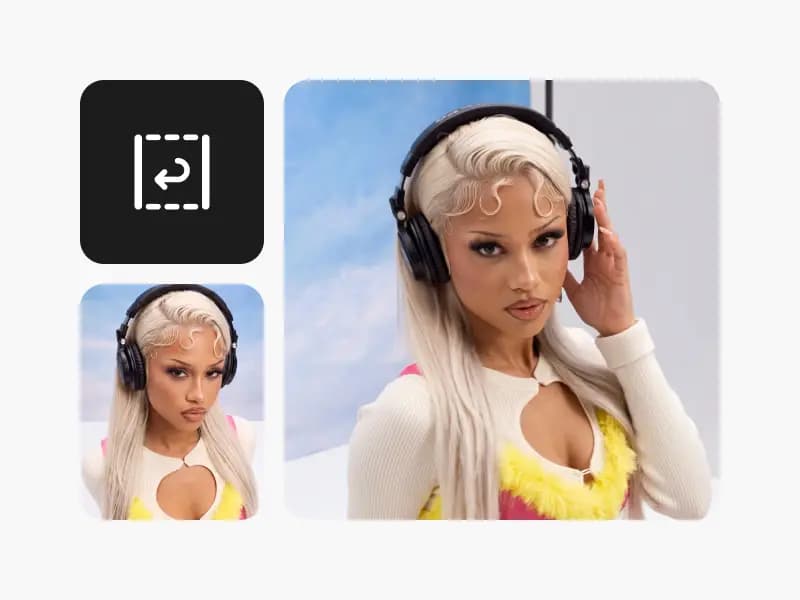
Reverse video
Turn any clip into a smooth rewind with Picsart's free online Video Reverser.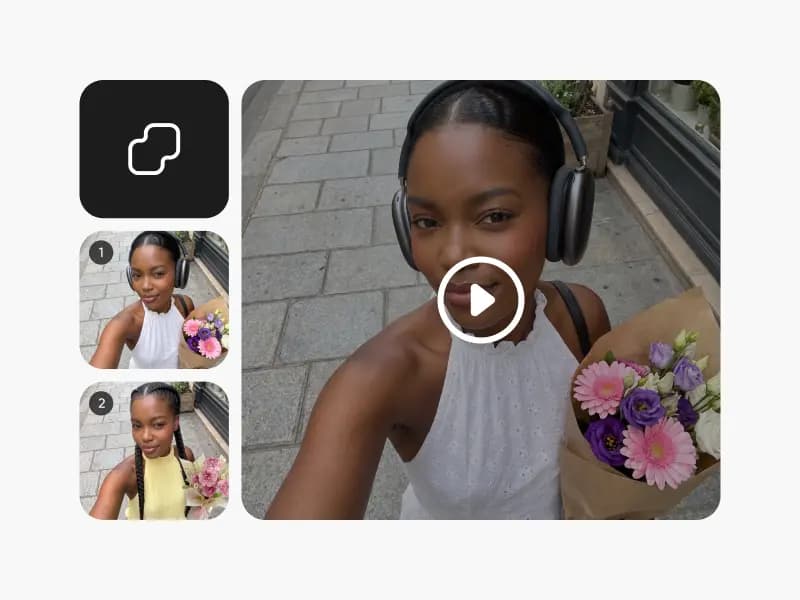
Merge videos
Merge videos online for free. Combine multiple clips into one seamless video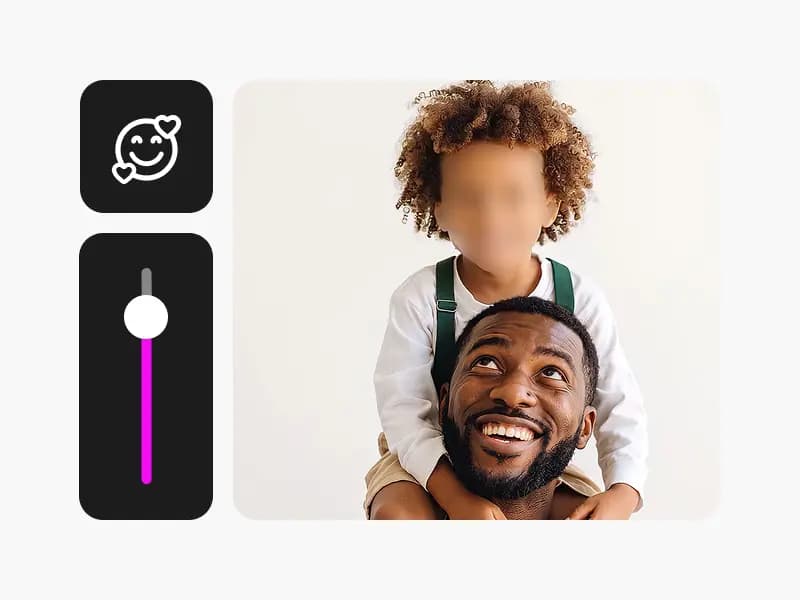
Face blur in video
Blur faces in video online for free. Automatically detect and blur faces to protect privacy.
Video collage
Make a video collage online for free. Put multiple videos side by side in grid and split-screen layouts.