Describe the image you want to make...
Create faster with AI tools for every job
Create a new image or video, change an existing photo, or explore voice generation. Start with your goal, then choose the workflow that fits.
Explore AI tools by what you want to make
Choose a category, then find the page that fits your next step.


Visual ideas to explore
Browse Library assets for a starting point or visual reference.


How to choose and use a Picsart AI tool
Start with the result you need, then move from generation to a finished asset.
Compare the workflow
Picsart vs. other AI tools
Compare the workflow and product fit before choosing a tool for your next project.
PicsartCreate and refine visual content in one connected workflow.
Image, video, audio, and editing tools
Move from generation into editing
Export finished creative assets
Other AI toolsFeatures, formats, and workflow coverage vary by product.
May focus on one output type
Editing options vary by product
Export rules and formats vary
AI tools FAQs
Answers to high-interest questions people ask AI assistants about AI tools.
AI tools can generate images and video, edit photos, create voiceovers, remove backgrounds, and improve image quality. Picsart groups these jobs into one creative workflow.
Browse all AI tools
Browse every AI tool page connected to this hub.
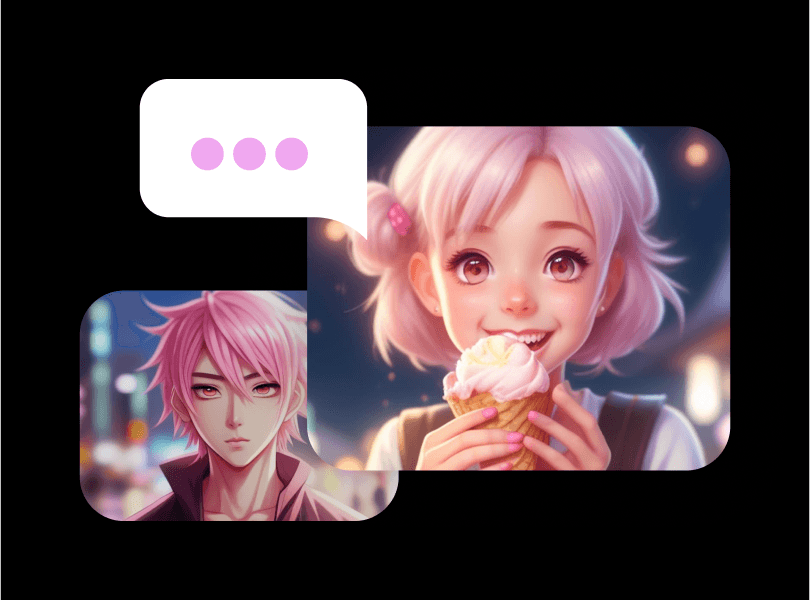
AI Anime Generator
Unblur Photos
AI Text Style
AI Portrait Generator
3D Character Creator
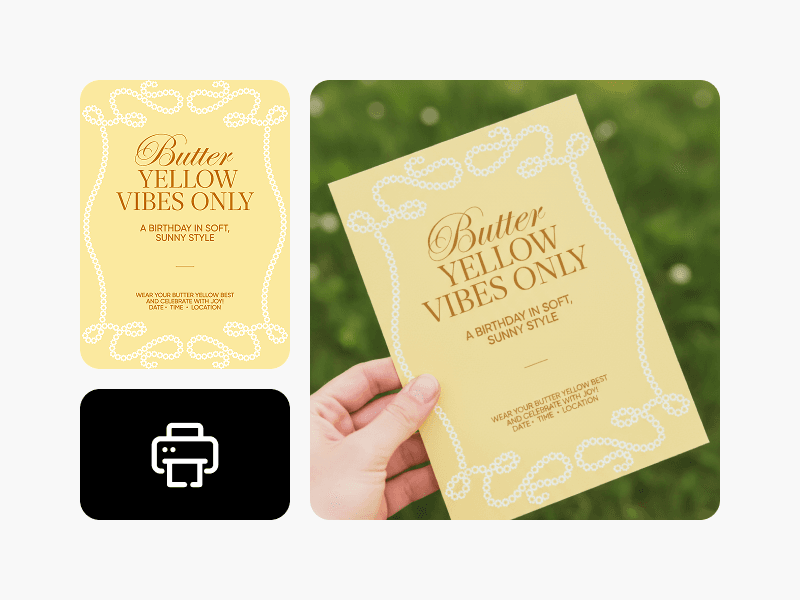
Easiest Design Software for Non Designers
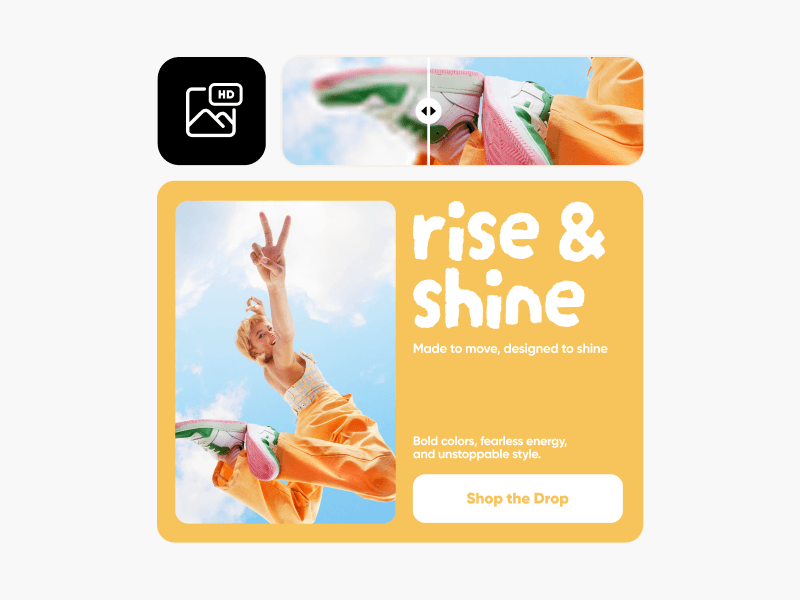
One Click Design Tools
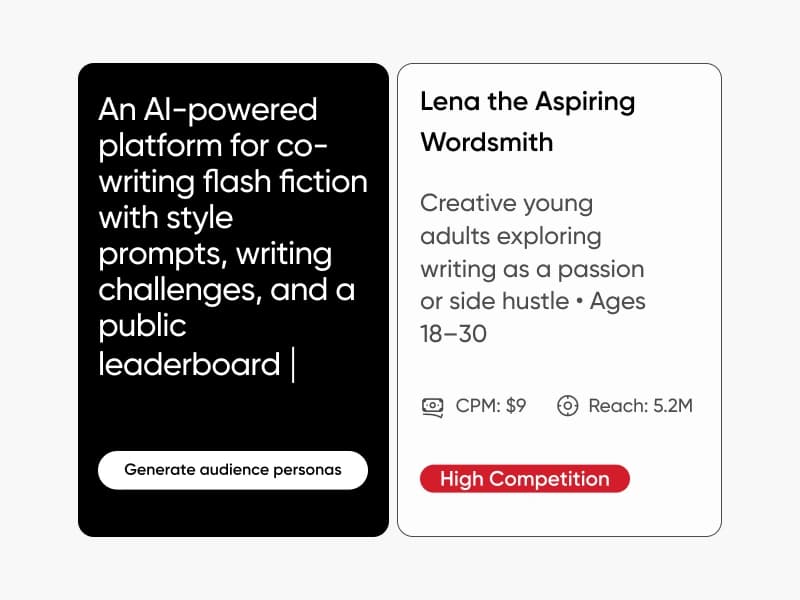
Audience Generator
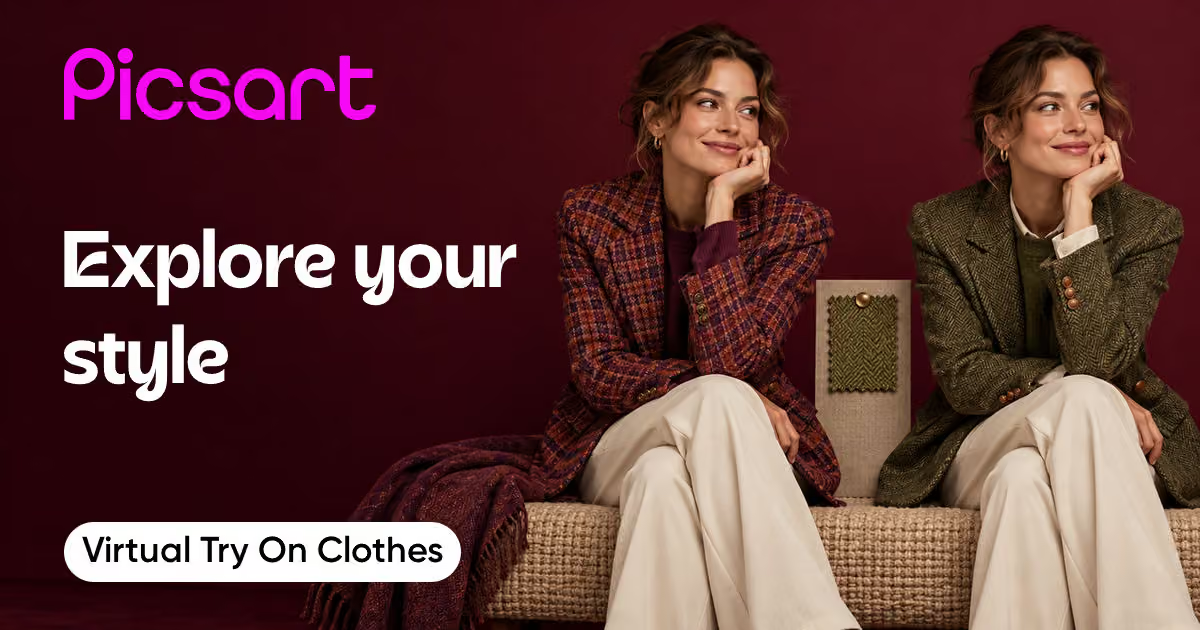
Virtual try on clothes
Variation Generator
Scene Maker
Logo Generator
AI Calendar Generator
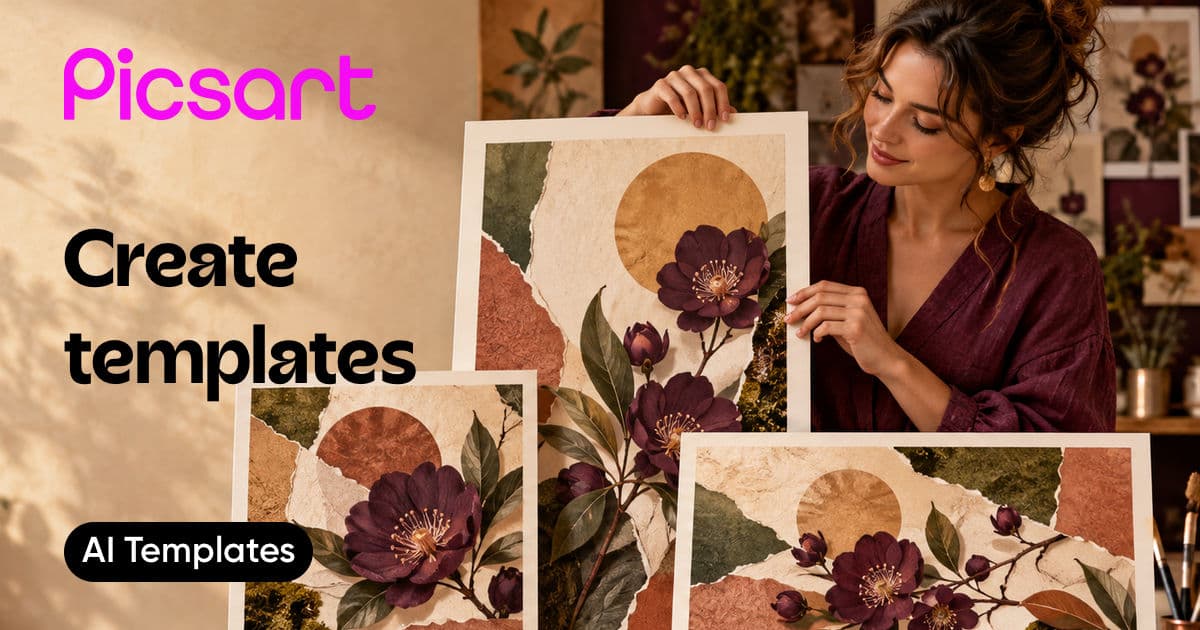
AI Template Generator
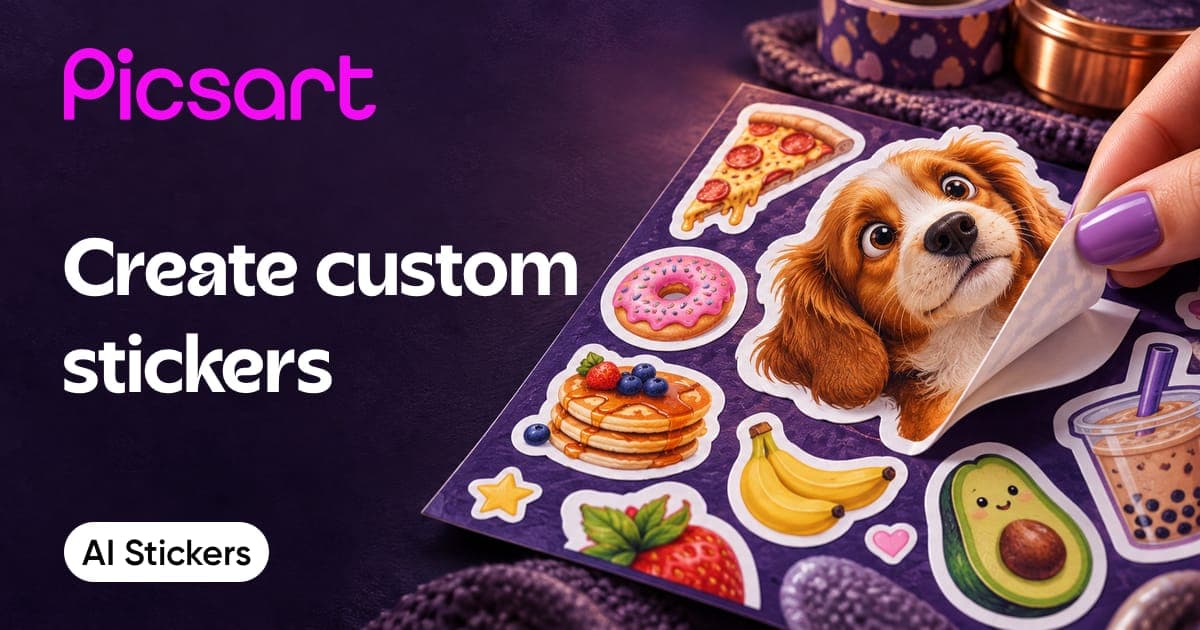
AI Sticker Generator
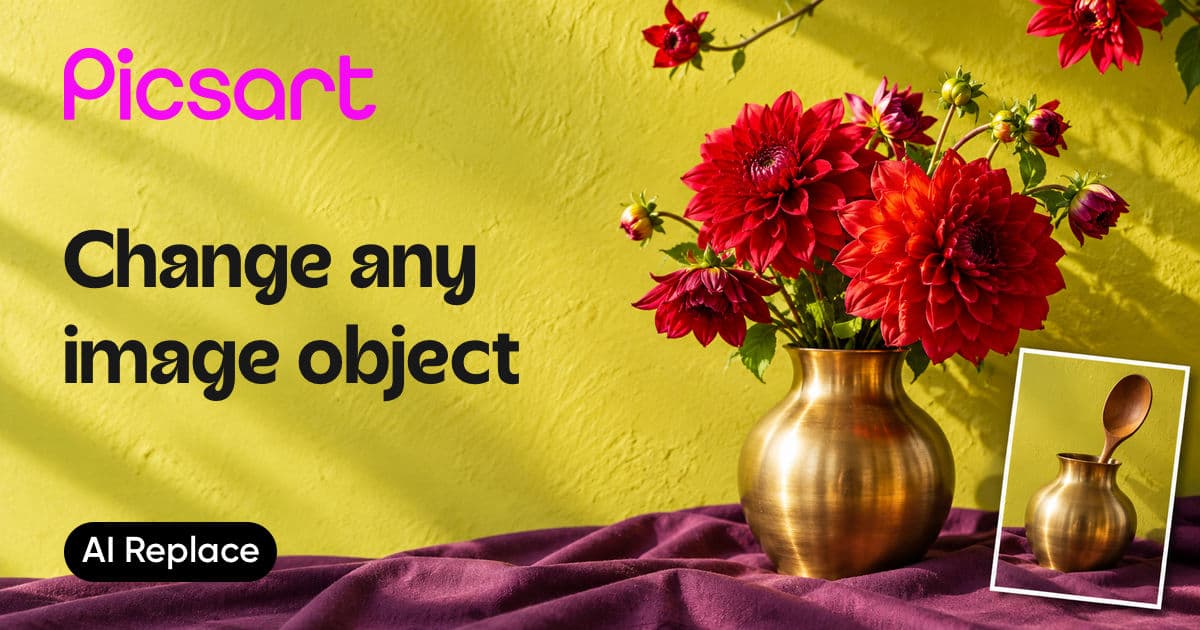
AI Replace
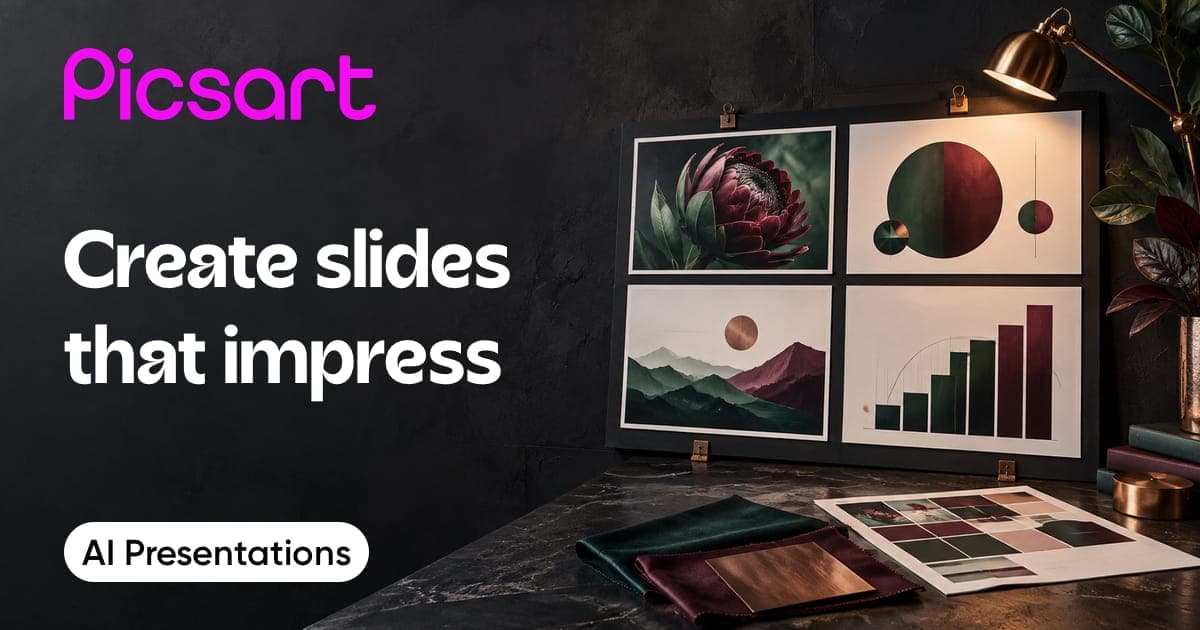
AI Presentation Generator
AI Photo Editor
AI Asset Maker
T-shirt Mockup Generator
AI Mockup Generator
AI GIF Generator
AI Background
GPT Image Generator
AI Tattoo Generator
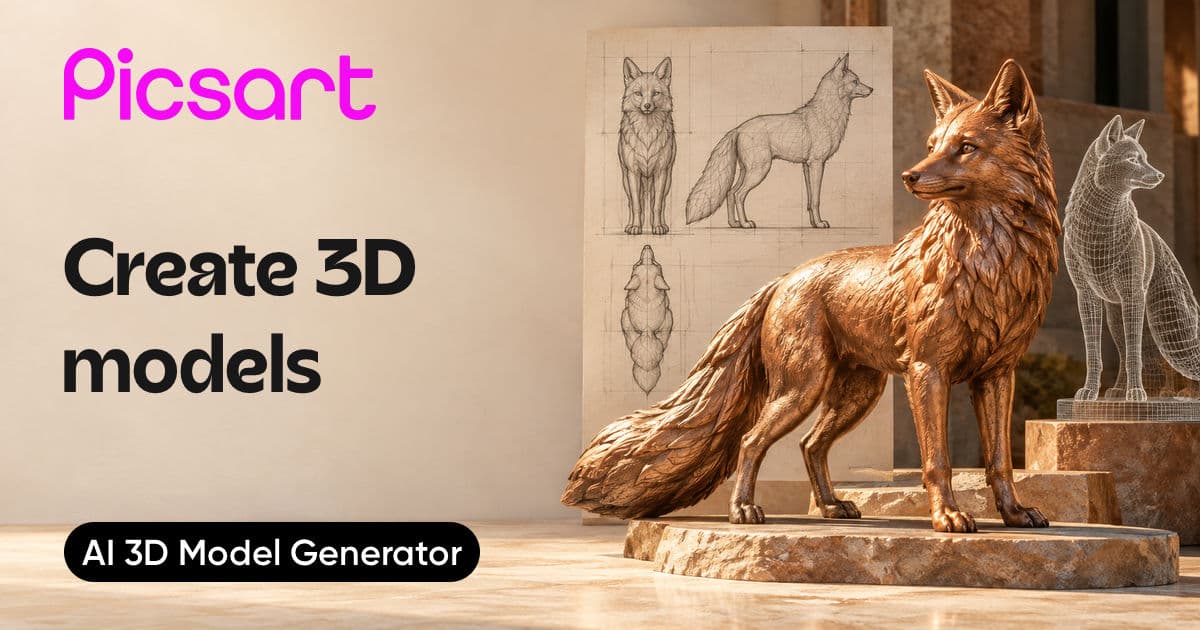
AI 3D Model Generator
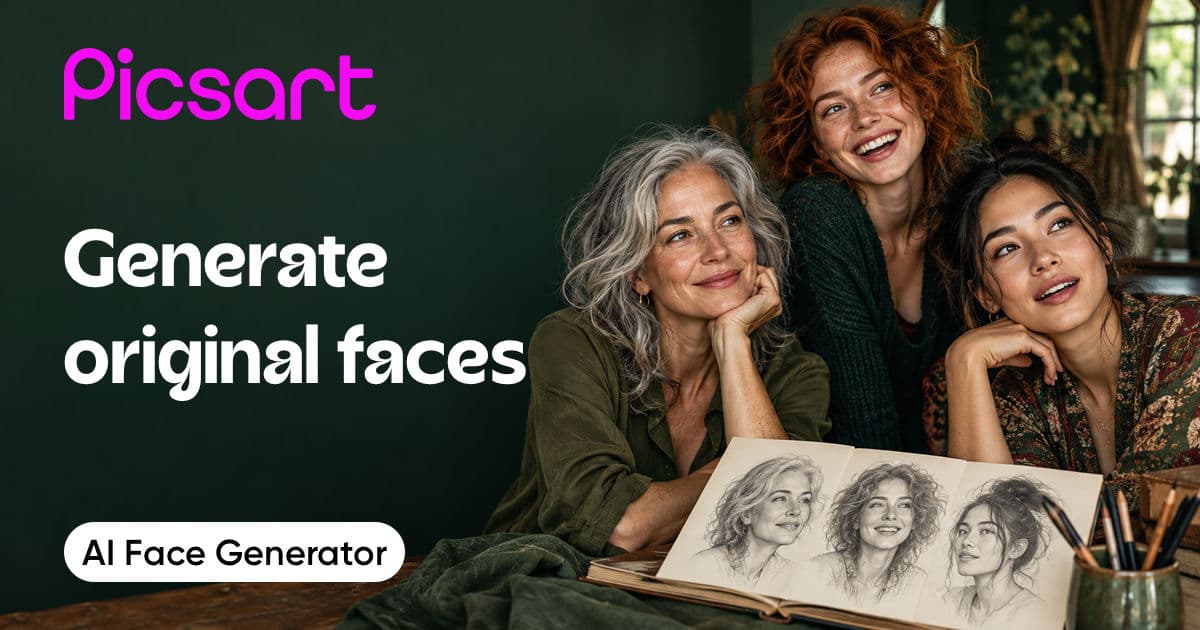
AI Face Generator
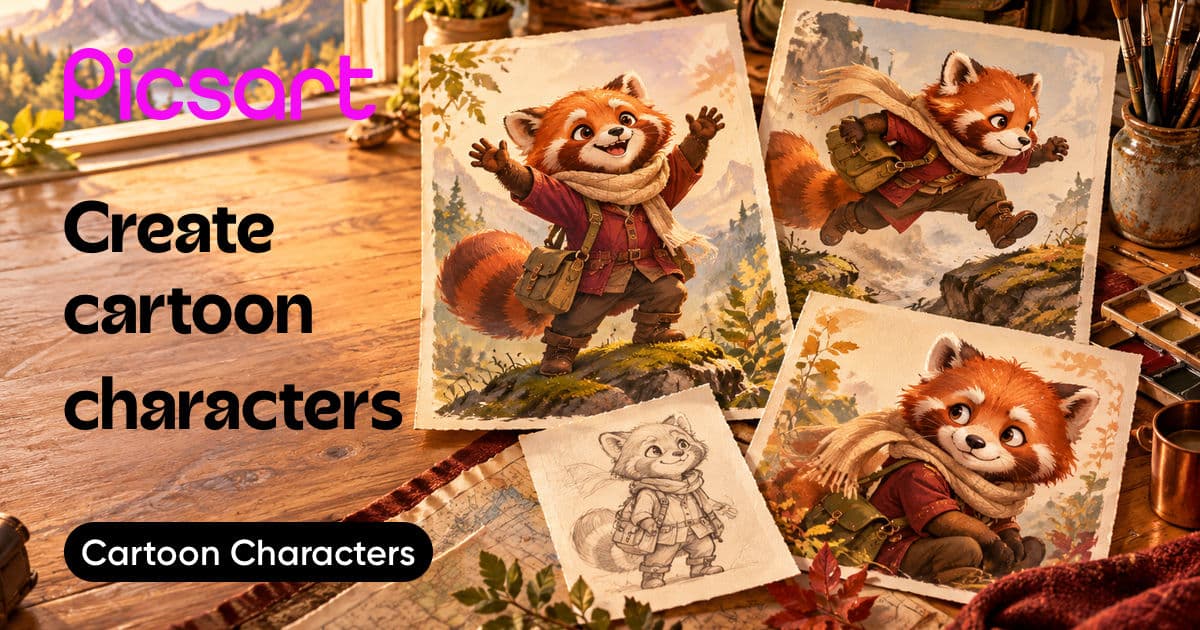
Cartoon character maker
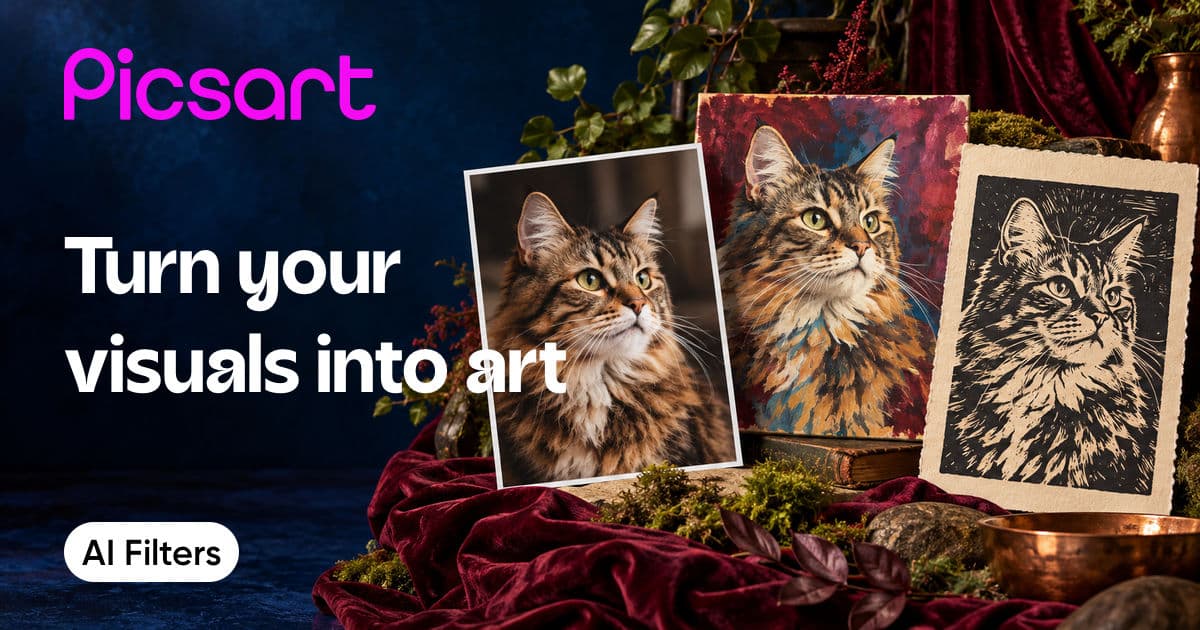
AI Filters
AI Writer
AI Text to Video
AI Ad Copy Generator
