Create videos from sound with Audio-to-Video AI

Turn a voice track, music, or raw sound design into generated video with Audio-to-Video AI. Your audio acts as the control signal rather than a soundtrack added later, guiding the motion, pacing, and cuts as speech, beats, and sound energy shape what happens on screen.

Audio to Video with Picsart

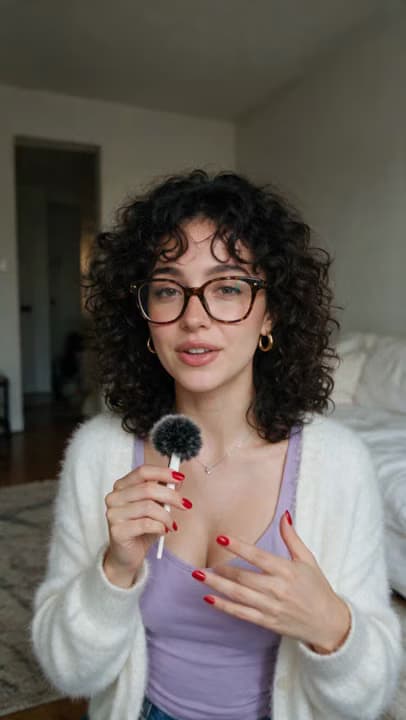
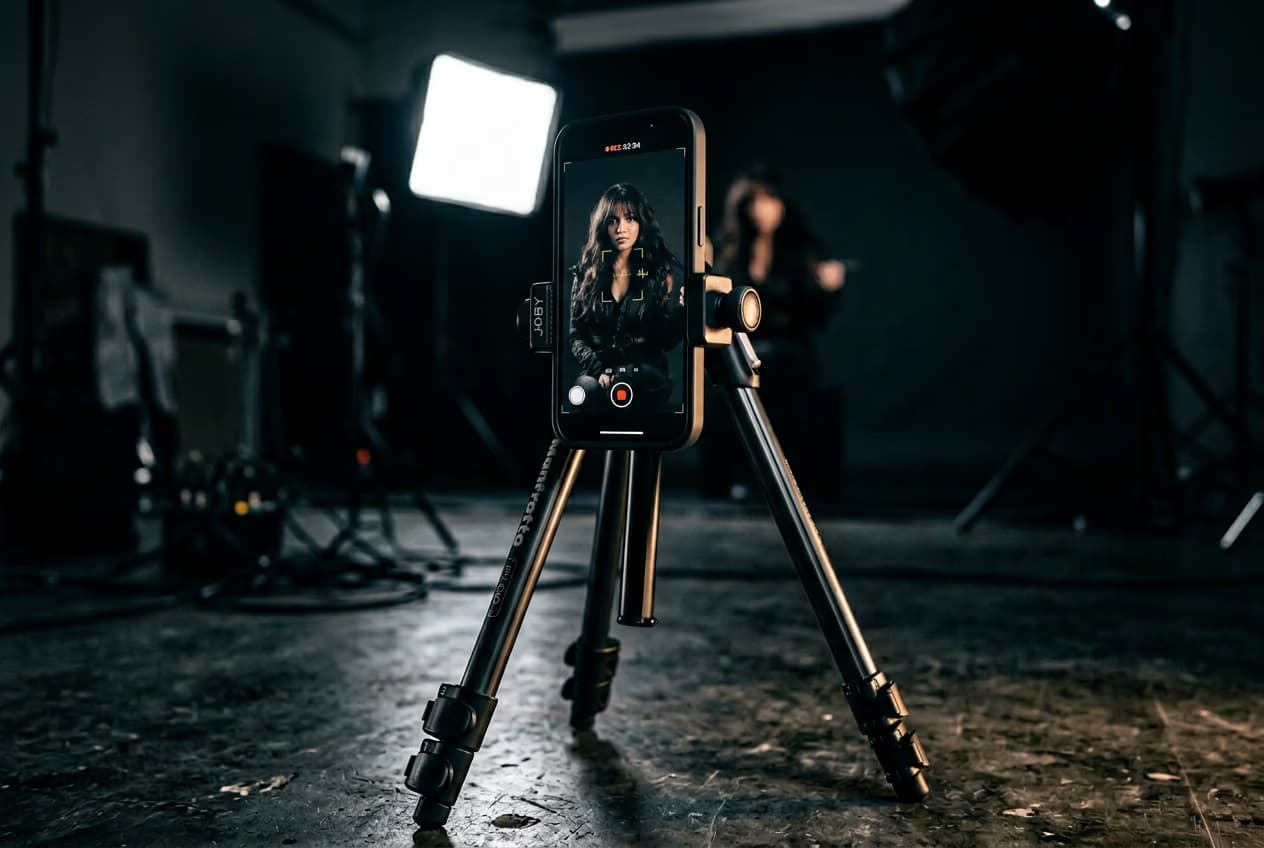
audio to video picsart example 1
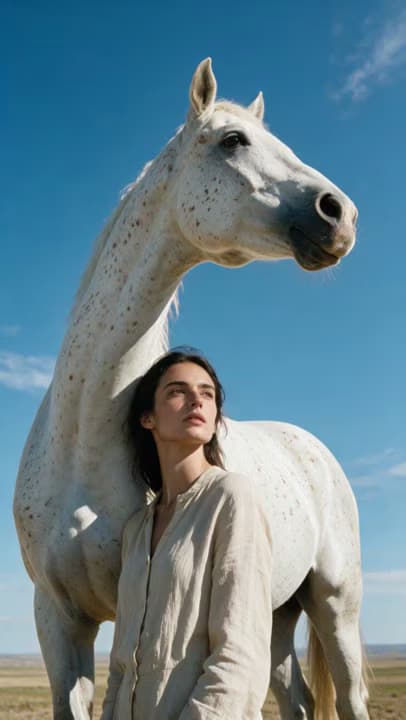
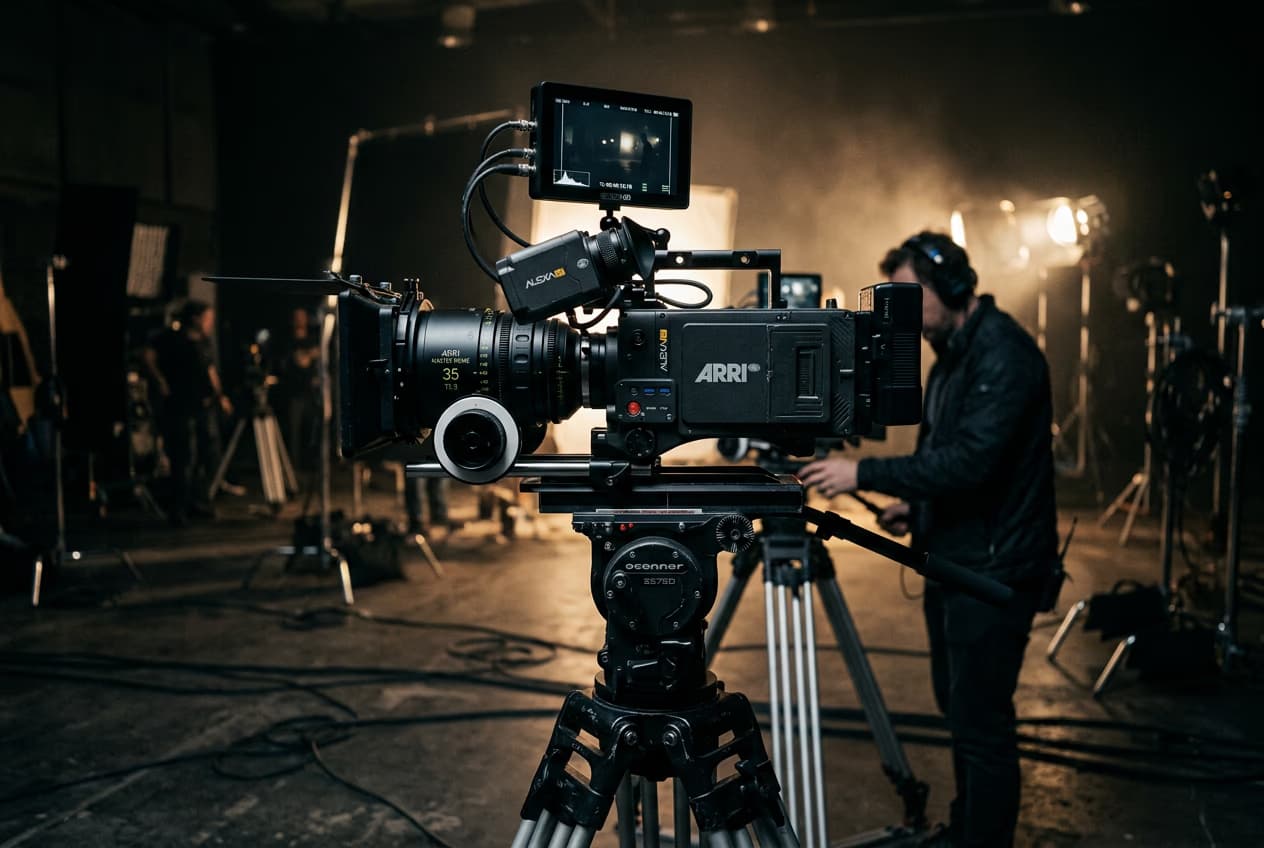
audio to video picsart example 2
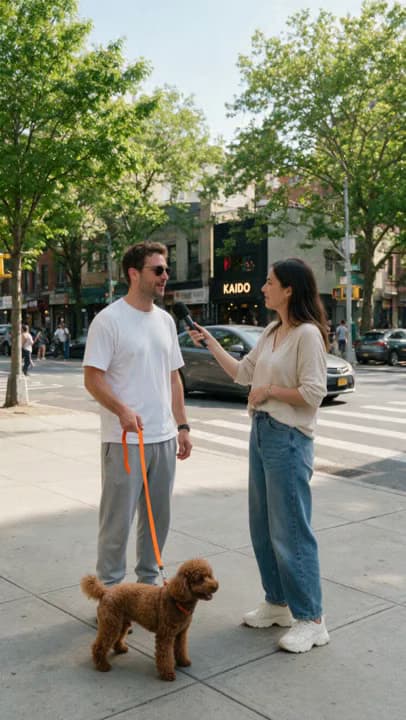
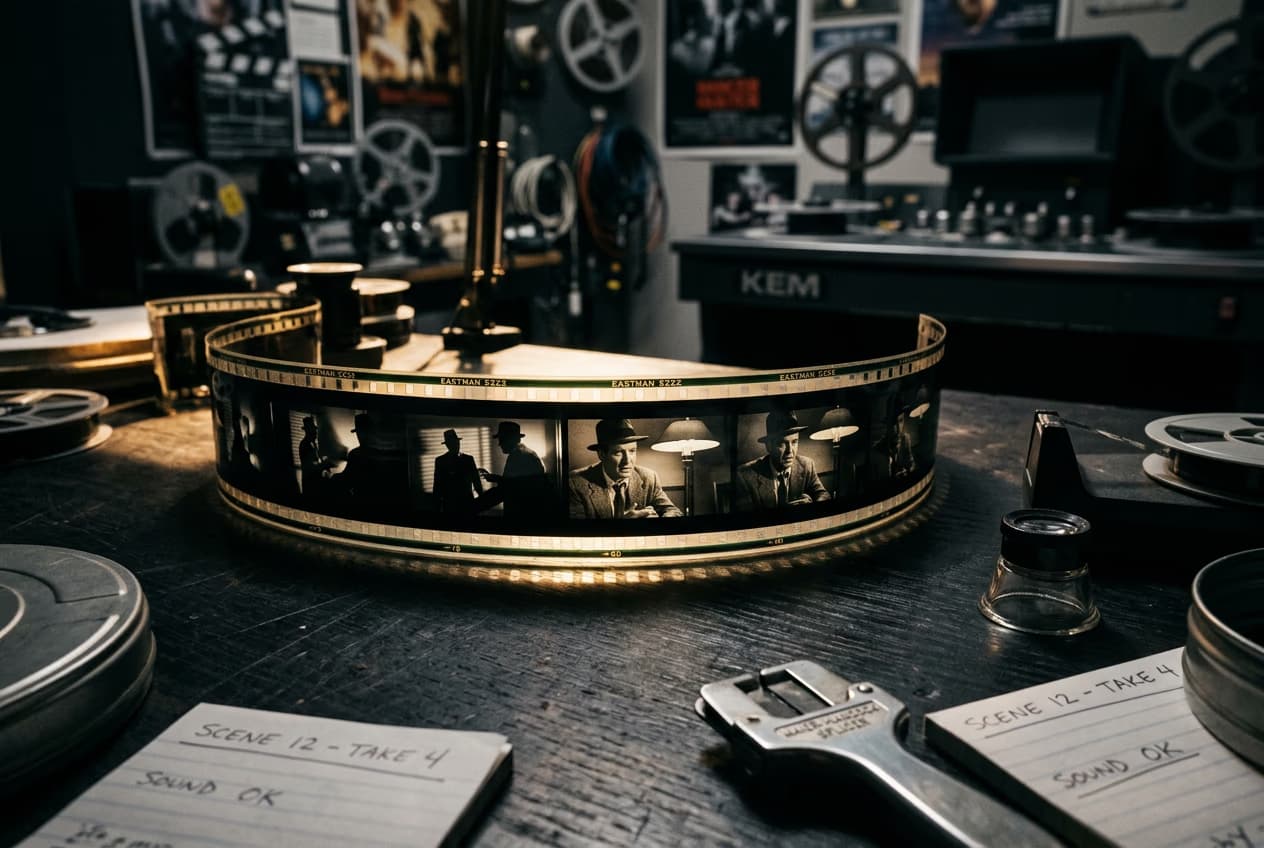
audio to video example 3
  • LTX 2.3 generation

    Powered by LTX 2.3, Audio-to-Video AI treats sound as the control signal from the start, rather than adding it to finished visuals afterward.

  • Extended audio-driven motion

    The Audio-to-Video AI generator uses speech, music, and sound design to guide motion, timing, and intensity across longer, more expressive sequences.

  • Flexible model refinement

    Take your generated clip further with other video models available in AI Playground, giving you more options for Audio-to-Video editing when your project needs extra refinement.

How it works

How to

Upload your audio

Add voice, dialogue, music, or sound effects to the Audio-to-Video AI generator. Supported formats include WAV, MP3, M4A, and OGG.

Make a video that follows your audio

Instead of adding sound to finished visuals, Audio-to-Video AI starts with your track. The model reads speech, beats, and shifts in energy to shape motion, pacing, and cuts around the sound. The result is audio-to-video generation where what you hear directly guides what happens on screen.

Build visuals around your track

With AI music video generation, your track shapes the edit from the start. Tempo guides the pace, rhythm influences the cuts, and shifts in intensity drive the visuals, so a quiet verse feels different from a full chorus. Create music videos, lyric videos, or visualizations built around the energy of your sound.

Turn any kind of audio into video

Voice, music, and sound design can each shape the visuals differently. With Audio-to-Video AI, speech uses emphasis and pauses to guide movement, while music follows tempo and intensity. Sound effects and textures can drive the scene too, giving you more ways to create video from audio.Topaz Video Upscale, the AI Video Upscaler enhances old home videos, archival footage, screen recordings, and compressed social clips. Need more than a resolution boost? Use the AI Video Enhancer to improve video quality and tackle broader quality issues.

Direct the visuals while audio leads the motion

Set the visual direction with a starting image and a short prompt, while your audio controls the timing. The Audio-to-Video AI generator carries the character, style, or setting into the clip as sound shapes movement and expression. For longer sequences, chain clips from the previous final frame to keep the same visual direction beyond a single generation.AI Marketing Studio, you can produce AI UGC videos as fast as your campaigns demand.

Bring narration into dynamic video

Use voice-to-video generation to build visuals around narration, dialogue, or spoken audio. Speech guides the motion and pacing, so emphasis creates movement and pauses have room to land. It’s a natural fit for explainers, narrated social posts, character dialogue, and audio-led stories where the voice sets the pace.

Explore what people generate from audio

Music videos and lyric visuals
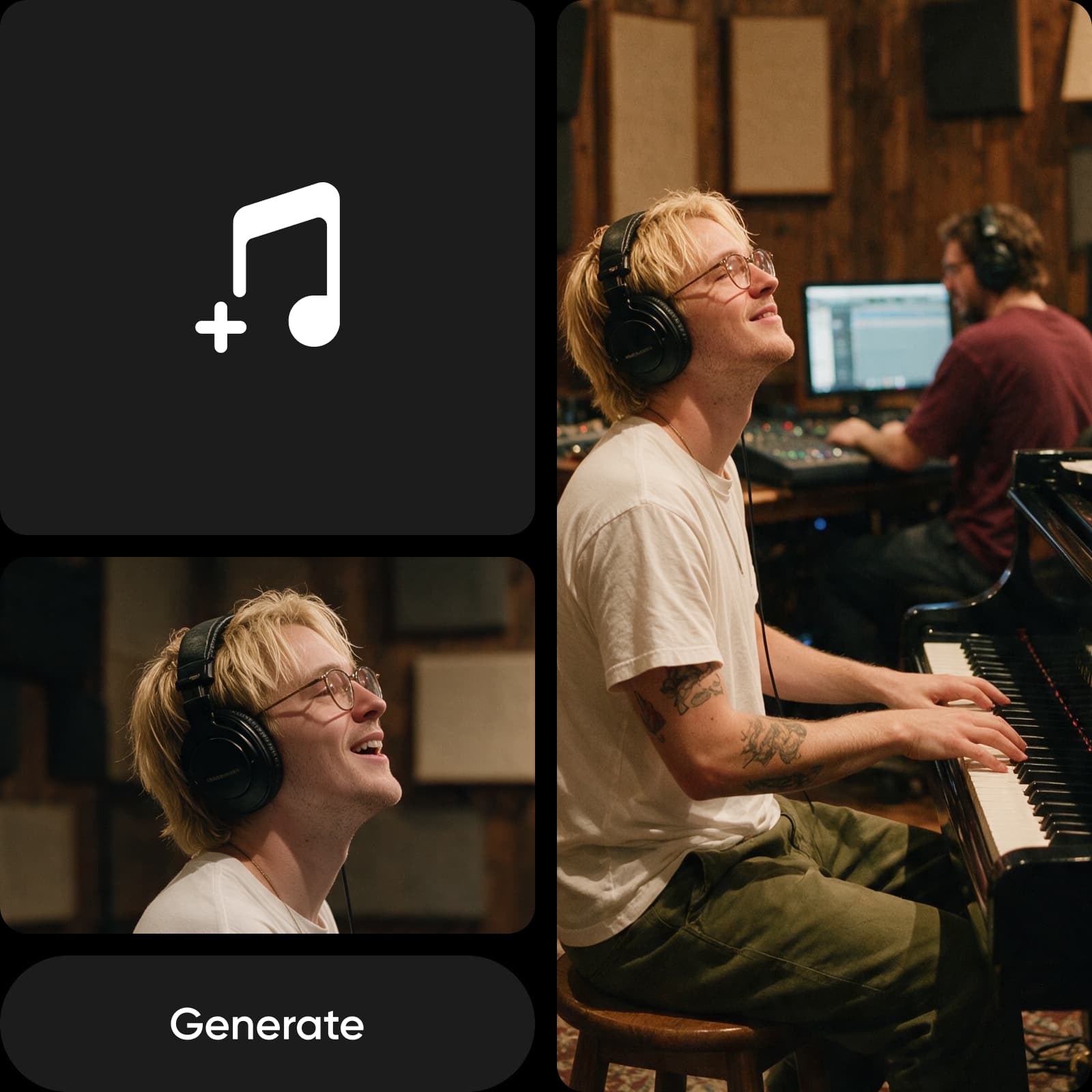
Use AI music video generation to turn a finished track into visuals where beats, tempo, and shifts in intensity guide the motion and pacing.
Get started
Music videos and lyric visuals

Multi-clip continuation
  • Audio-driven generation

    Use sound as the primary control signal, letting audio-to-video AI guide motion, timing, pacing, and visual intensity.

  • 20-second clip generation

    Generate clips up to 20 seconds long, with the output duration matching the length of your uploaded audio.

  • Multi-clip continuation

    Build longer pieces by chaining generations, with each new clip continuing from the final frame of the previous one.

  • Starting image support

    Add an optional starting image to anchor character identity, visual style, or scene composition throughout the generated clip.

  • Text prompt support

    Add an optional text prompt to guide visual context and scene direction while your audio remains the primary control signal.

  • Flexible audio input

    Use voice, dialogue, music, or sound effects with the AI video generator from audio to shape what happens on screen.

  • Common format support

    Upload WAV, MP3, M4A, or OGG files directly without converting your audio to another format first.

  • 1080p MP4 output

    Export your audio-to-video generation as a 1080p MP4 with motion and transitions synchronized to speech, beats, and sound energy.

Audio to Video AI FAQ

  • Audio-t- video AI generates video using sound as the primary input. Instead of adding audio to existing footage, it reads your speech, music, or sound design and uses it to shape the motion, pacing, and transitions of the generated visuals.

Generate images for every creative project

Pro

Most popular

AI tools for everyday creative work.

$15 $10.5/mo
Billed yearly
You save $54 with yearly
  • Access to all photo & video editing features
  • Advanced background & object removal
  • Parallel video generations with the world's most powerful AI video models
  • Unlimited image generations with Flex.2 Klein
  • 1-tap image enhancer
  • Millions of stock photos & Getty video clips
  • Selection of trendy fonts, text styles & stickers
  • Thousands of premium templates
  • Support for 3+ brand kits
  • Bulk edit up to 50 images at once
  • 100 GB of cloud storage
New features:
  • Auto-generate content from your terminal or agent with the Picsart CLI
  • Use Picsart inside Claude Code, Cursor, and ChatGPT via MCP — coming soon
  • AI agents for multi-step workflows and batch generation — coming soon

Ultra

Most powerful

Heavy AI usage for creators & teams.

$45 $24.5/mo
Billed yearly, per seat
You save $246 with yearly
  • Everything in Pro
  • Early access to advanced AI features
  • Leading AI models to design & automate workflows (Nano Banana, Veo 3, Seedance 2.0 & more)
  • Parallel video generations with the world's most powerful AI video models
  • Unlimited image generations with Flex.2 Klein
  • Support for 10+ brand kits
  • Add team seats
  • Create ad variations and localize
  • Track ads performance
  • 2000 credits for API services
  • Bulk edit up to 100 images at once
  • 300 GB of cloud storage per seat
New features:
  • Auto-generate content from your terminal or agent with the Picsart CLI
  • Use Picsart inside Claude Code, Cursor, and ChatGPT via MCP — coming soon
  • AI agents for multi-step workflows and batch generation — coming soon

Enterprise

Custom AI solutions for large organizations.

Custom credit volume
  • Volume discounts on credit rate
  • On-demand top-ups
Custom
Contact for pricing
  • Access to photo & video editor SDKs
  • Mobile web SDK support
  • Prepaid or pay-as-you-go creative APIs
  • Embed professional-grade editing into your product or workflow
  • Fully configurable editing experience
  • White-label to match your brand
  • Support for built-in marketing, e-commerce & printing use cases
  • Bring your own assets: images, templates & fonts
  • Enterprise-grade security, SLAs & support
  • Dedicated account manager