LTX 2.3: the audio-to-video AI model
Most video models start from a prompt or a still. LTX 2.3 starts from sound. Feed it speech, music or sound design and the audio becomes the conditioning signal - it sets the motion, the pacing, the scene structure and how hard the visuals push, frame by frame.
- Turn your audio into video
- Match motion to your soundtrack
- Build scenes around speech and music


Turn audio into a complete video
LTX 2.3 uses audio to guide what happens on screen. Voice, music, and sound effects can shape the structure, pacing, and motion of the video, making the visuals respond to the sound rather than simply playing alongside it
Go beyond basic lip sync
Instead of focusing only on mouth movements, LTX 2.3 uses audio to influence the wider scene. Speech, music, and sound effects can guide movement, timing, and visual structure, creating a video that feels connected to the audio from start to finish.
Get sharper details and better prompt results
LTX 2.3 introduces a rebuilt latent space and updated VAE designed to preserve fine details such as textures, hair, text, and edges. It also features a larger text connector for better handling of complex prompts, including multiple subjects, spatial relationships, and stylistic instructions.
Create video made for vertical screens
LTX 2.3 supports native portrait video, trained on vertical footage rather than relying on cropped landscape output. That means better framing and composition for mobile-first content such as Reels, Shorts, and TikTok videos. Bring in audio as WAV, MP3, M4A, or OGG and use it to guide your video. You can also add an optional starting image to give the model a visual reference for the scene.
Try LTX 2.3 in Picsart
Bring your audio into the AI Playground and turn it into a video with LTX 2.3. Add a starting image to guide the look of your video and use a prompt to describe the scene you want to create. Your audio helps shape the timing, movement, and overall flow of the result.
What LTX 2.3 Audio to Video is good for
Music-driven videos
Turn music into visuals that follow its rhythm, tempo, and intensity. It works well for music videos, lyric videos, performance clips, and experimental visualizations.
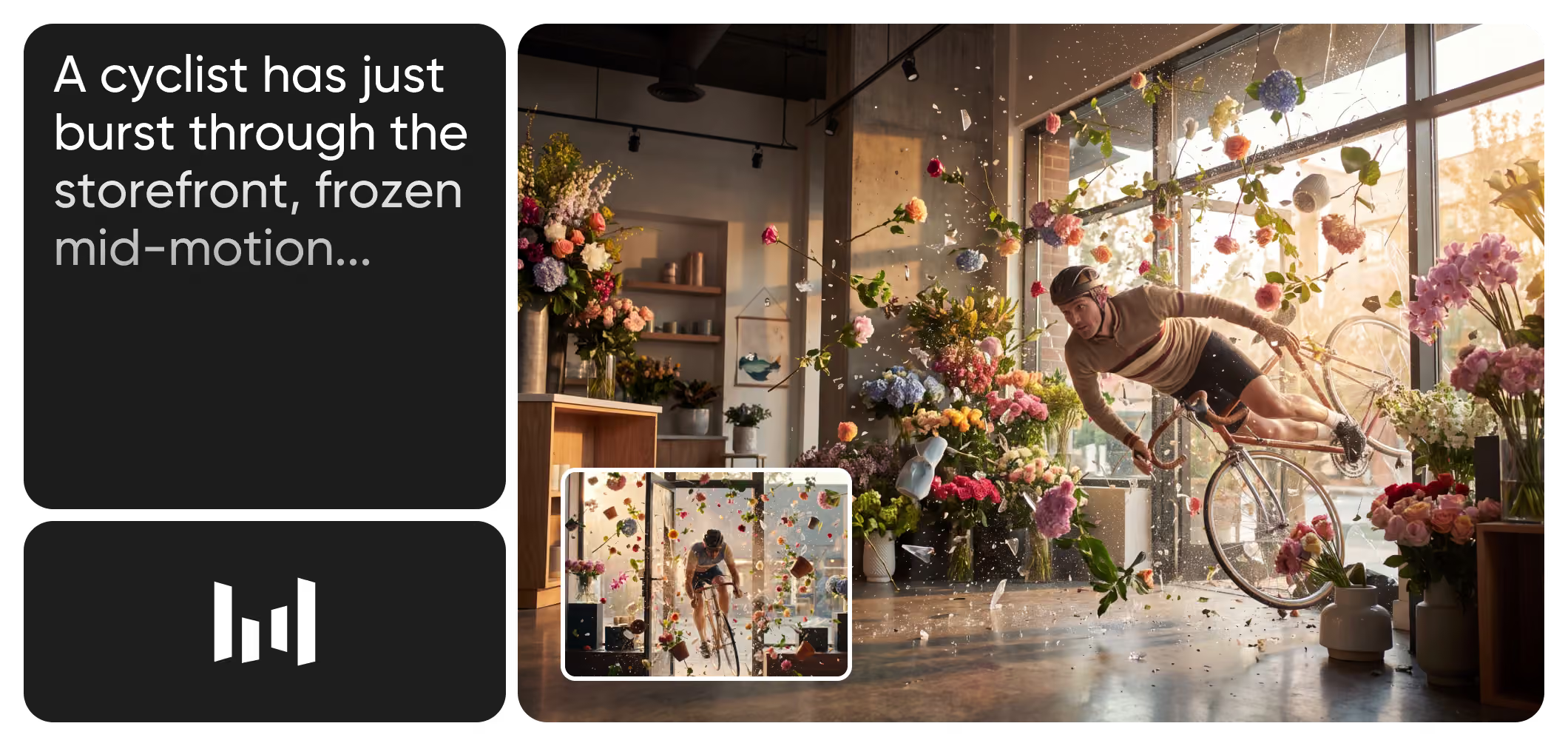
Explore more models like LTX 2.3 Audio to Video
Compare LTX 2.3 audio to video model with other video models for cinematic motion, storytelling, and social clips.
LTX 2.3 Audio to Video AI model FAQ
LTX 2.3 is an AI video generation model from LTX. It supports text-to-video, image-to-video, and audio-to-video generation. With audio-to-video, you provide an audio track and LTX 2.3 generates visuals synchronized to it
Create cinematic AI video with Seedance 2.5
Pro
Most popularAI tools for everyday creative work.
Ultra
Most powerfulHeavy AI usage for creators & teams.
Enterprise
Custom AI solutions for large organizations.
- Volume discounts on credit rate
- On-demand top-ups