AI video models used by Picsart
Find a video model for the scene and motion you want. Set your brief, explore compatible inputs, and review the clip before you build the rest of your project.

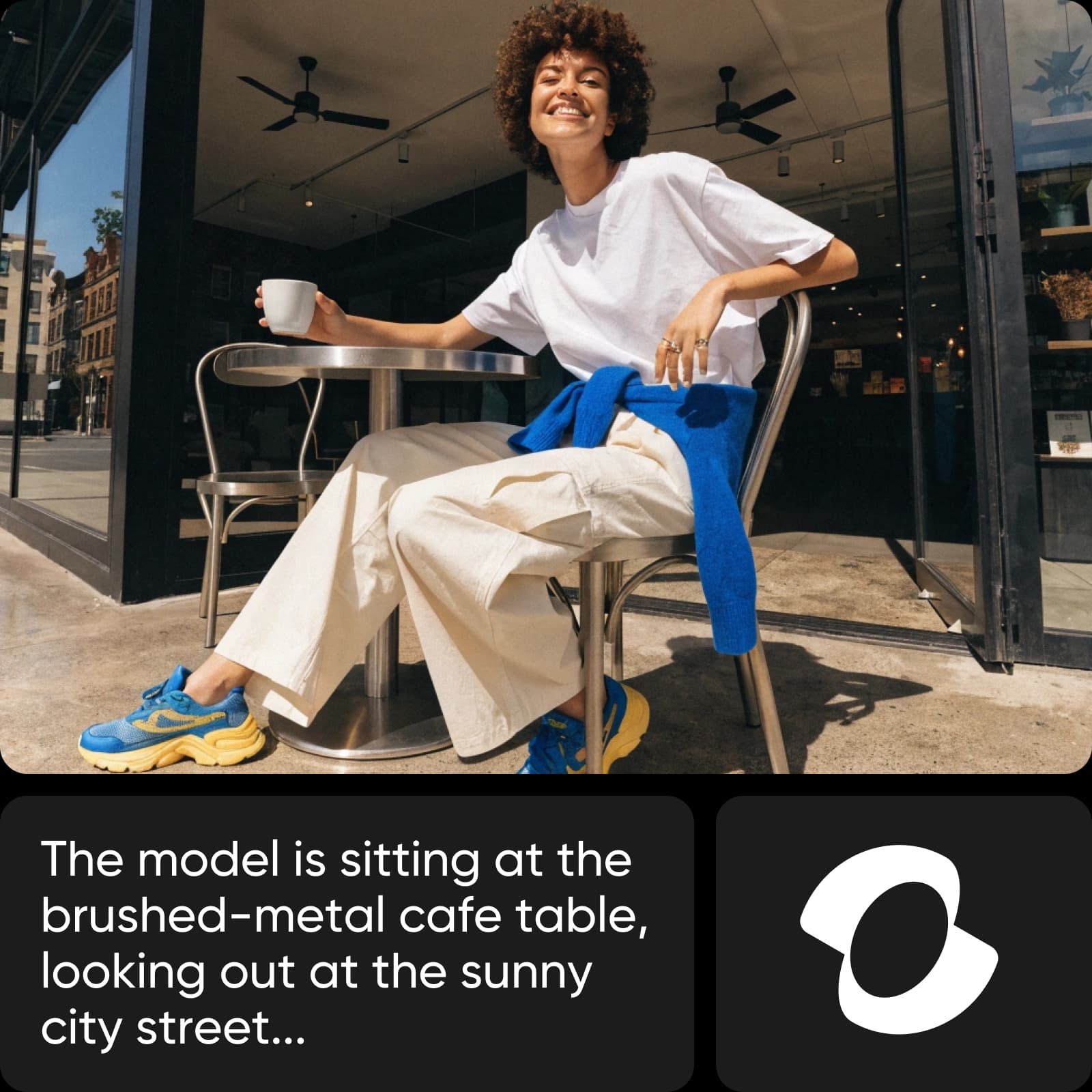
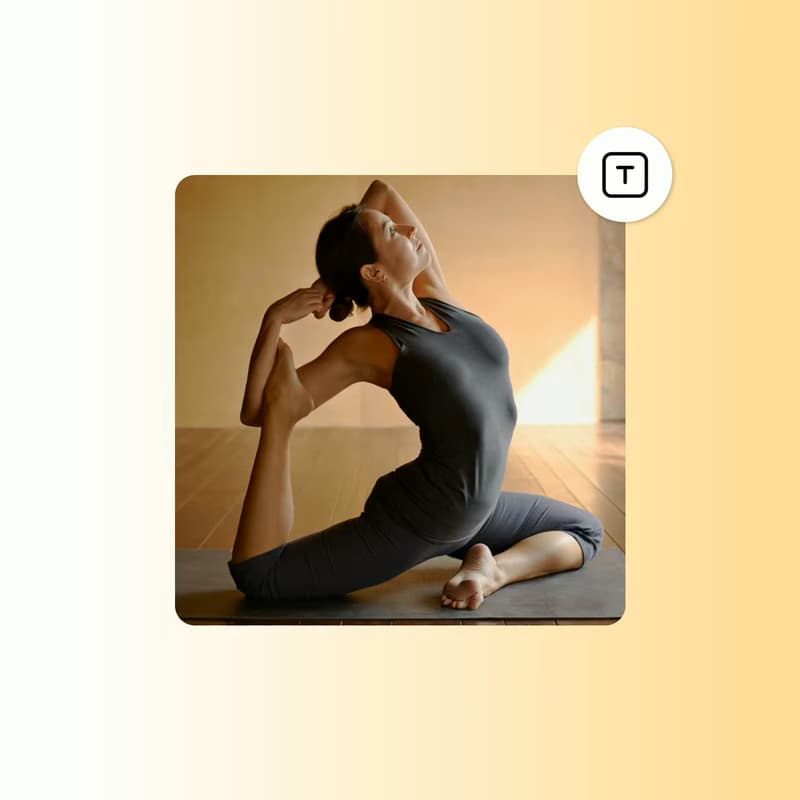
Explore AI video models
Choose a category, then find the page that fits your next step.


References for video generation
Browse Library assets for a starting point or visual reference.


Generate social videos
Put the most recognizable video model pages near the top of the hub.


Move fast on product and ad video
Group faster or campaign-friendly video model pages around output speed and motion creative.


Edit, reframe, and transform video
Surface model pages tied to transformation and edit-style workflows.


Compare video models
Help users decide between model families before they generate.


Explore every AI video model
Browse every AI video model page connected to this hub.
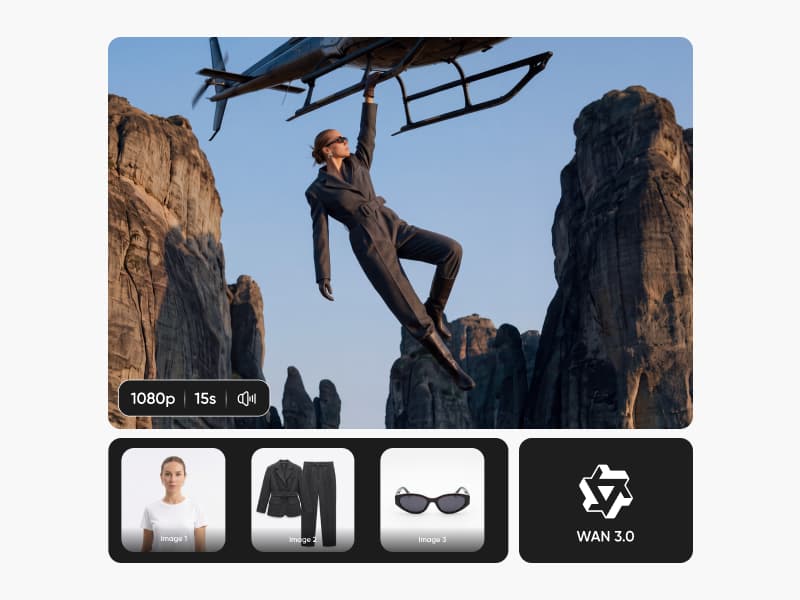
WAN 3.0
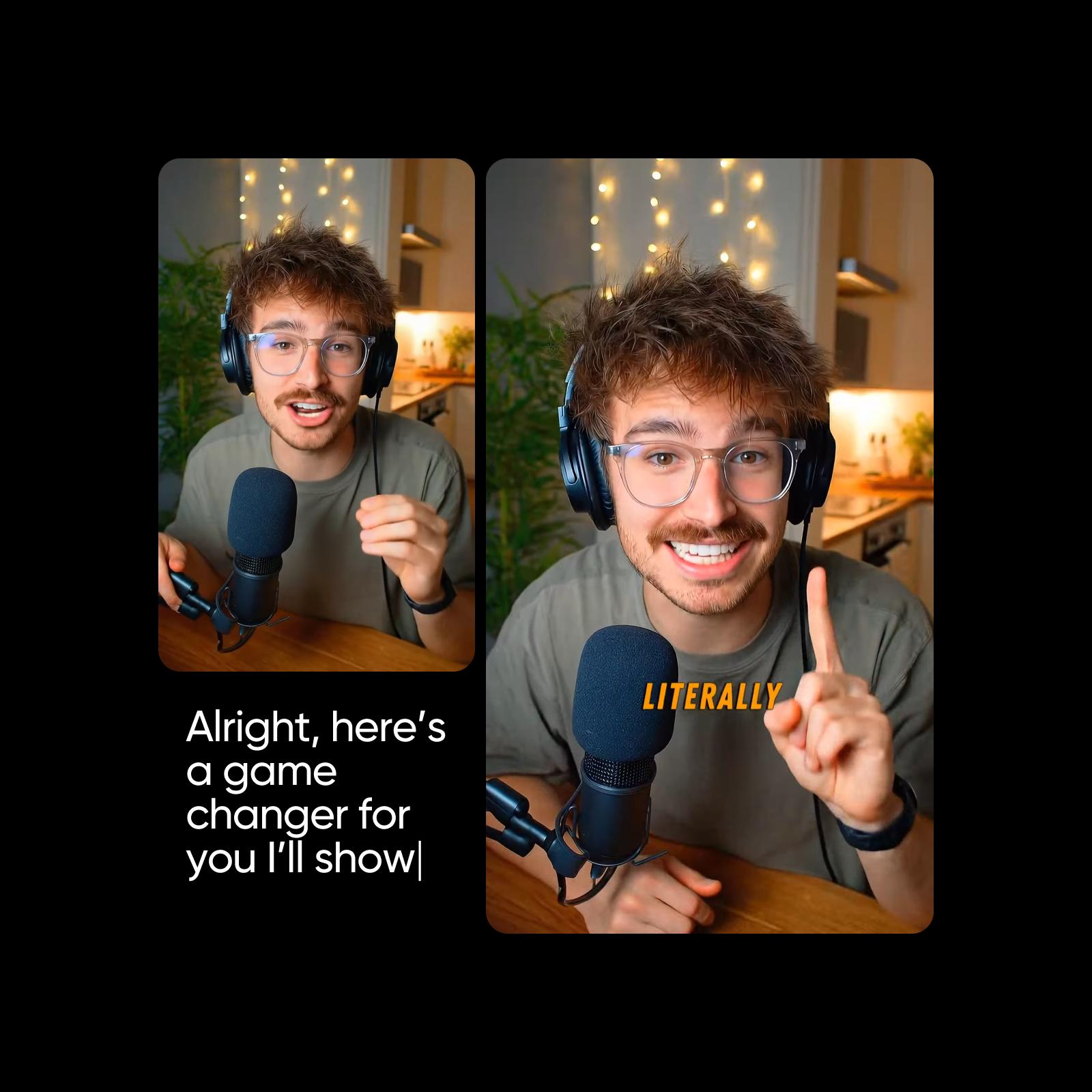
Runway Gen 4
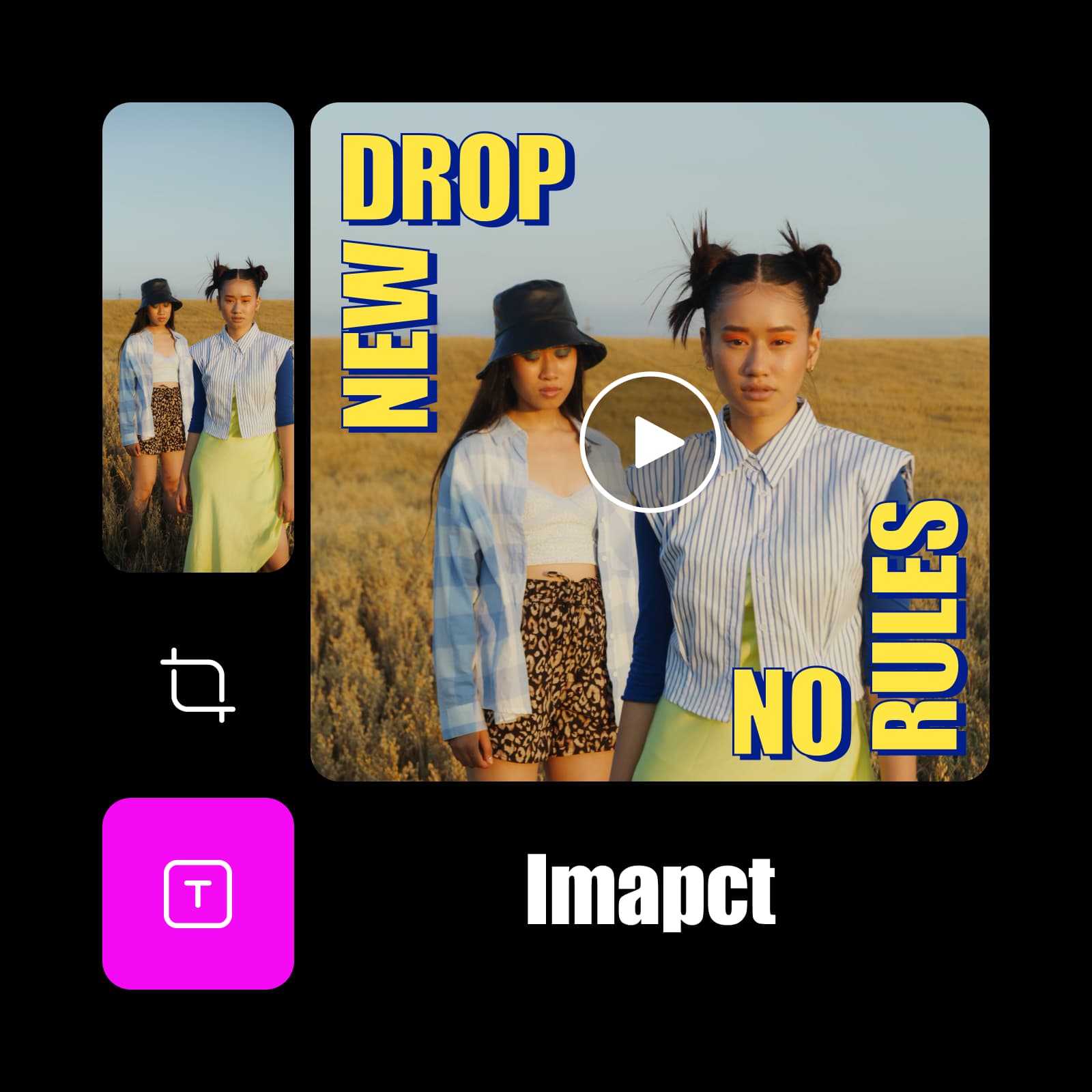
Seedance 1 Pro Fast
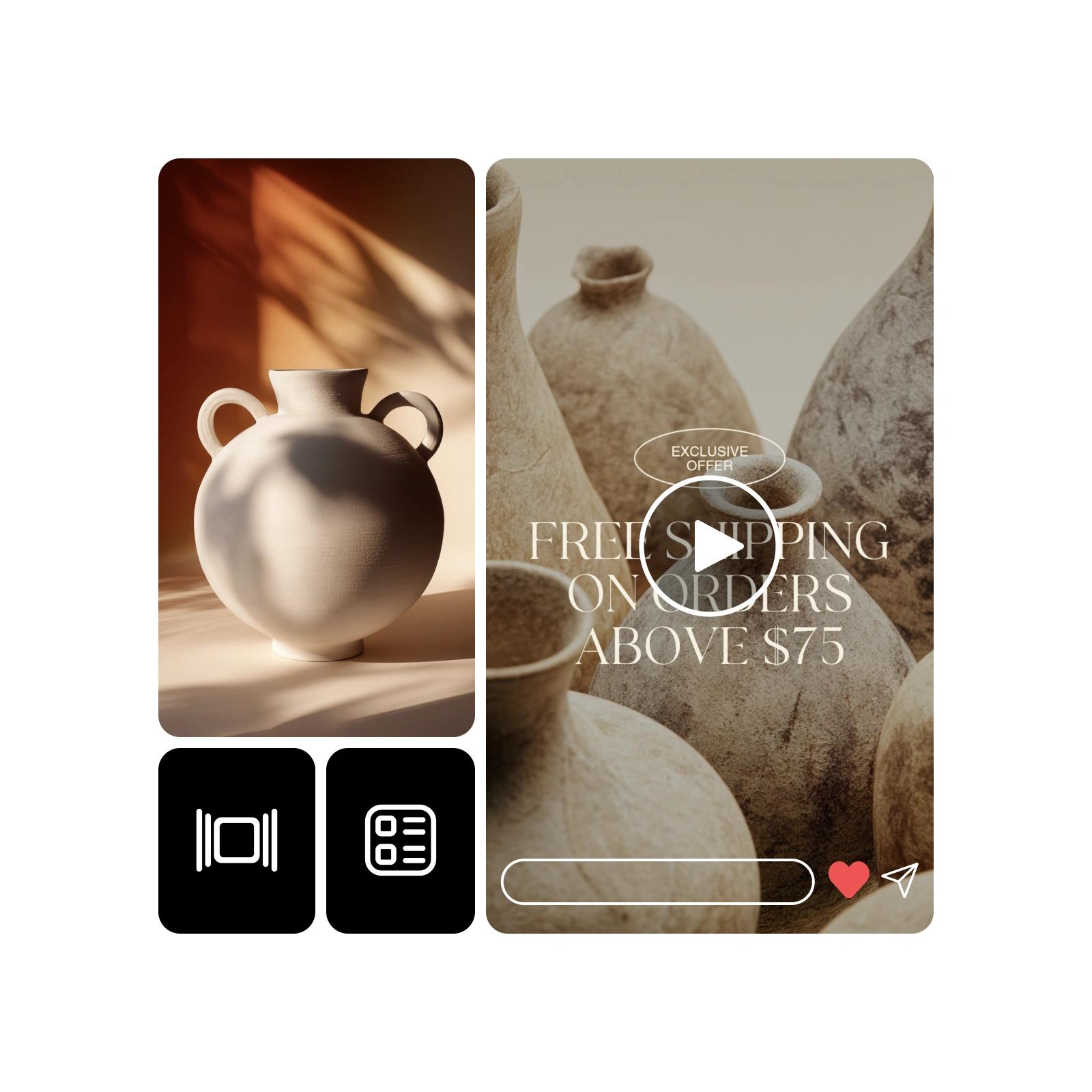
Seedance 1 Pro
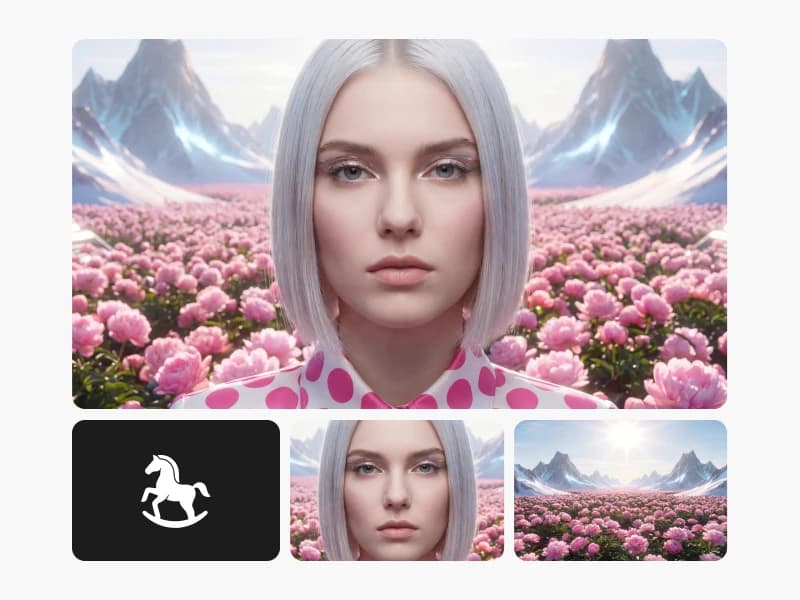
HappyHorse 1.0
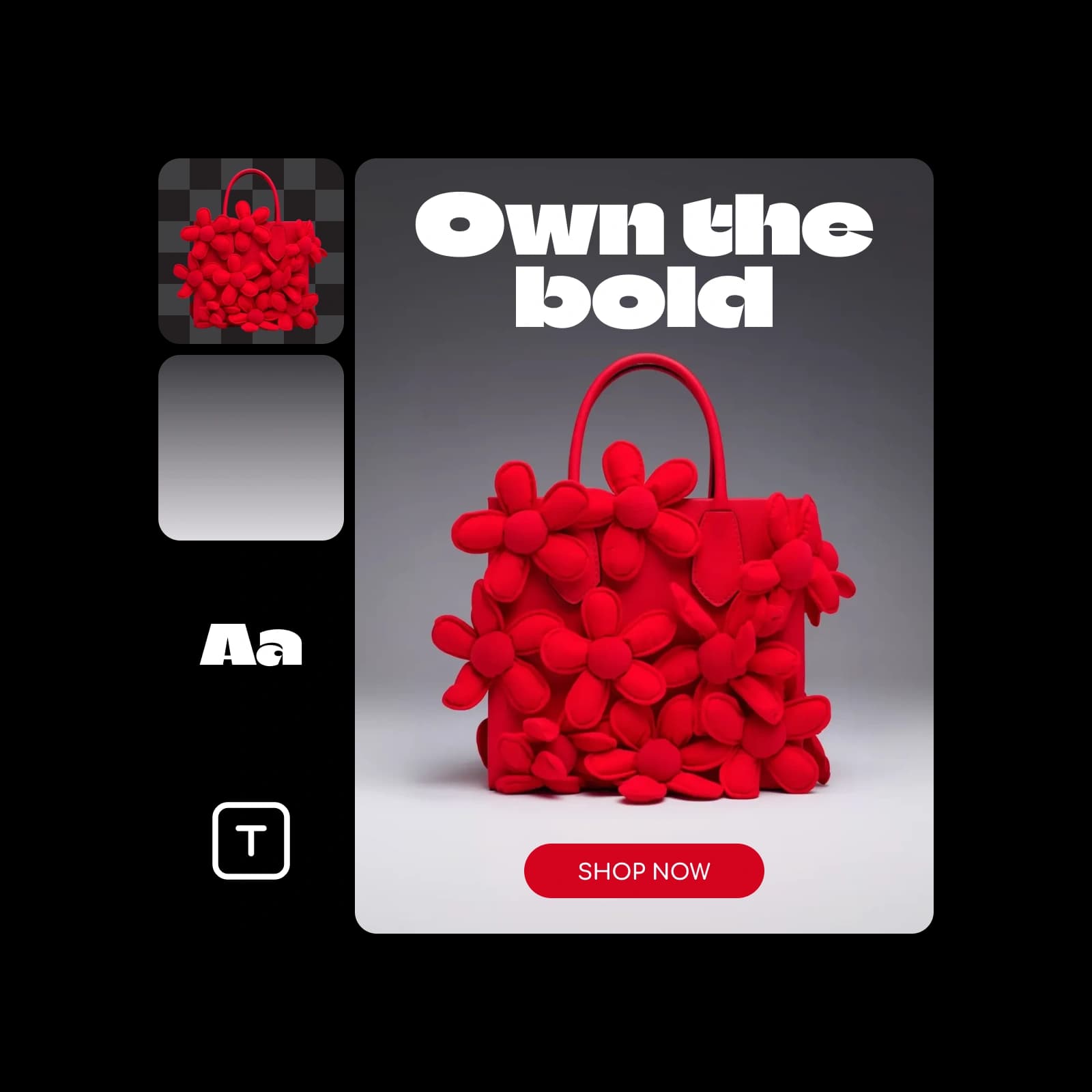
Pika Frames
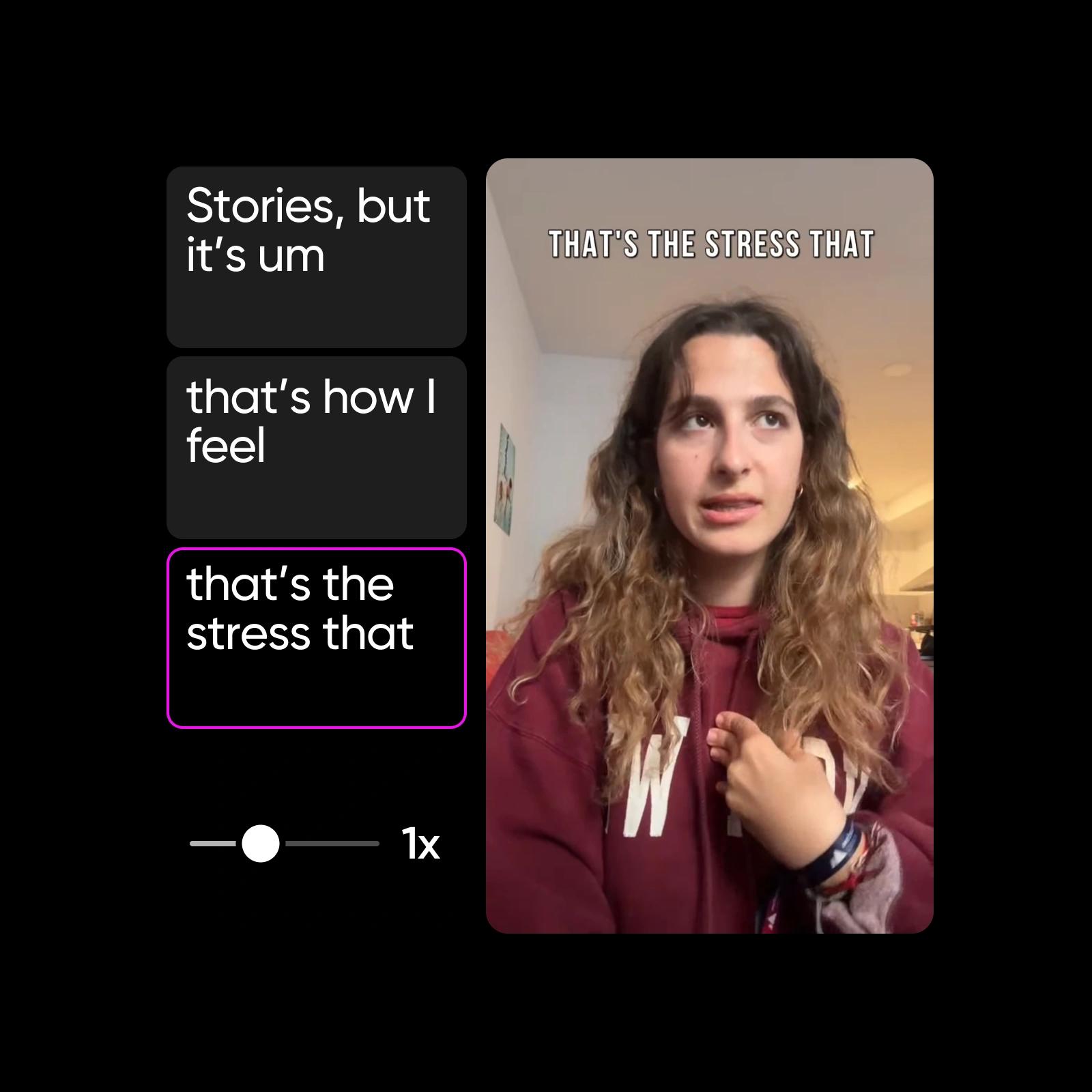
Veo 3.1 Fast
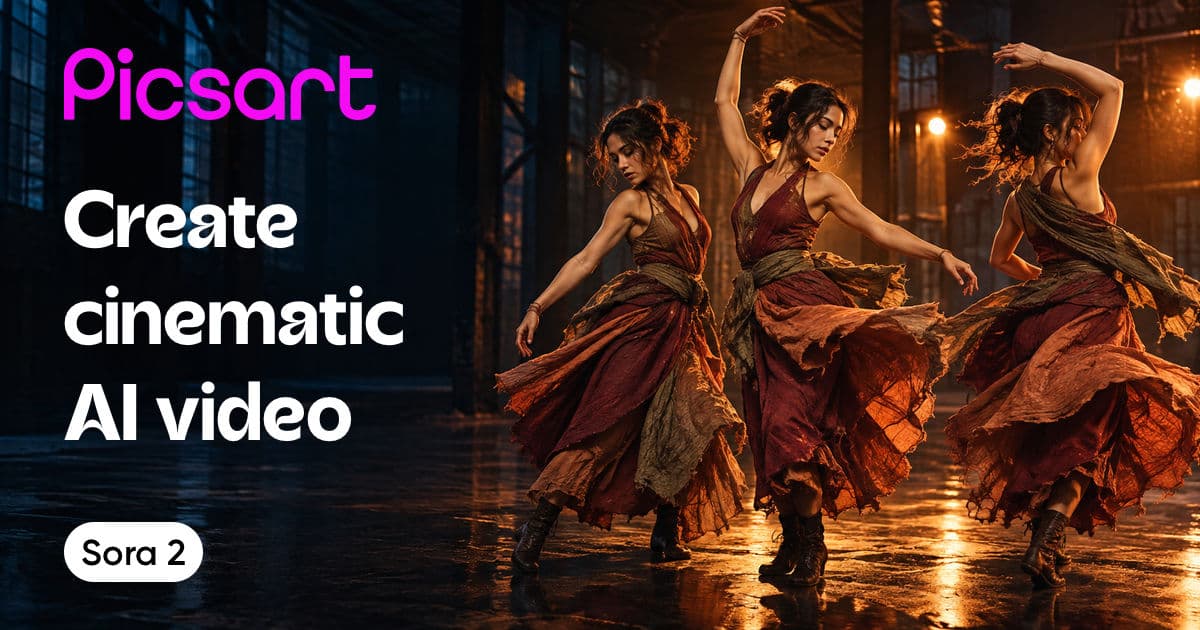
Sora 2
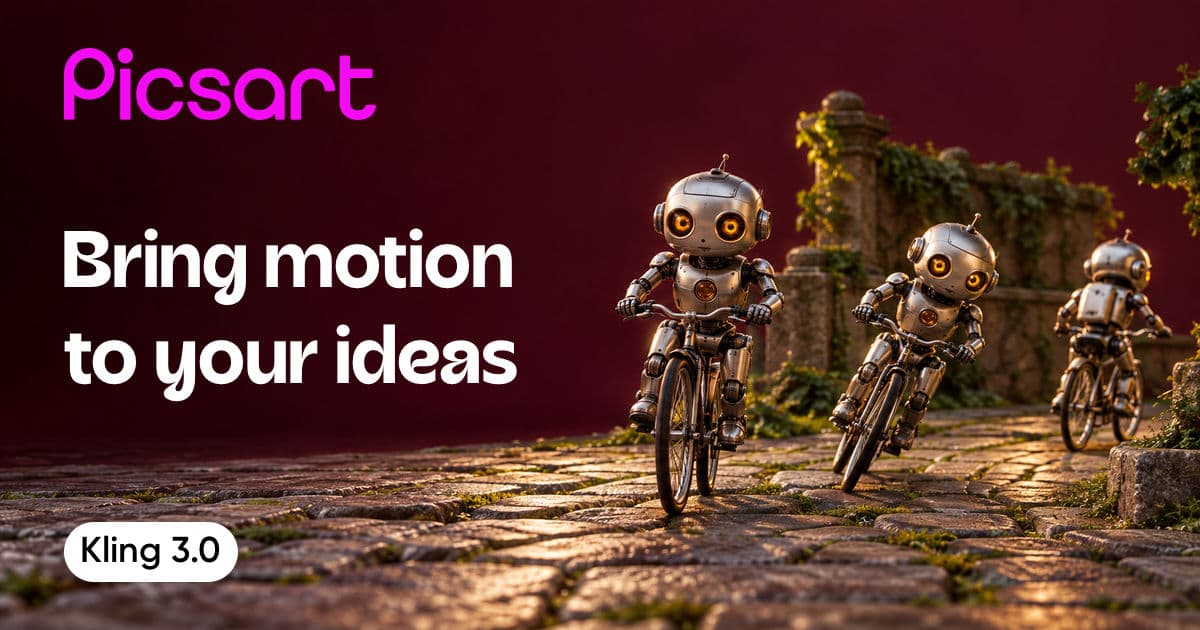
Kling 3.0

Veo 3.1
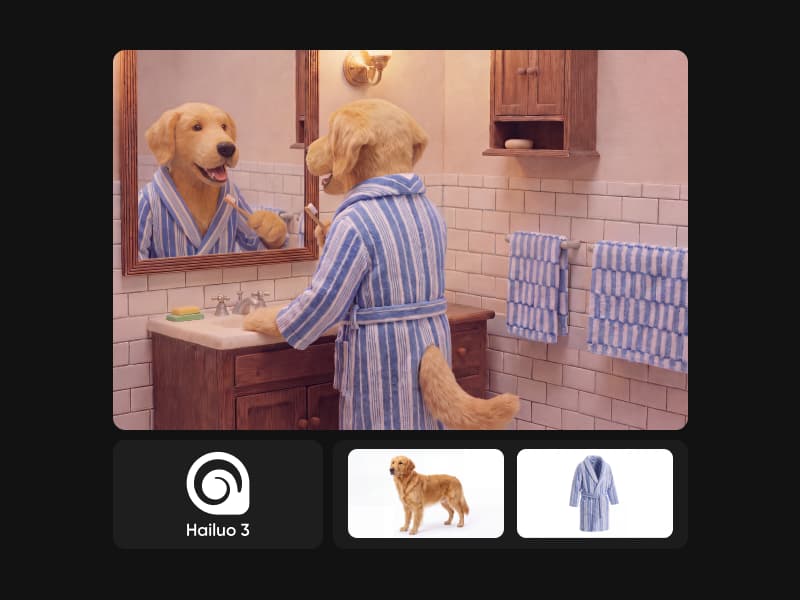
MiniMax H3 (Hailuo 3)
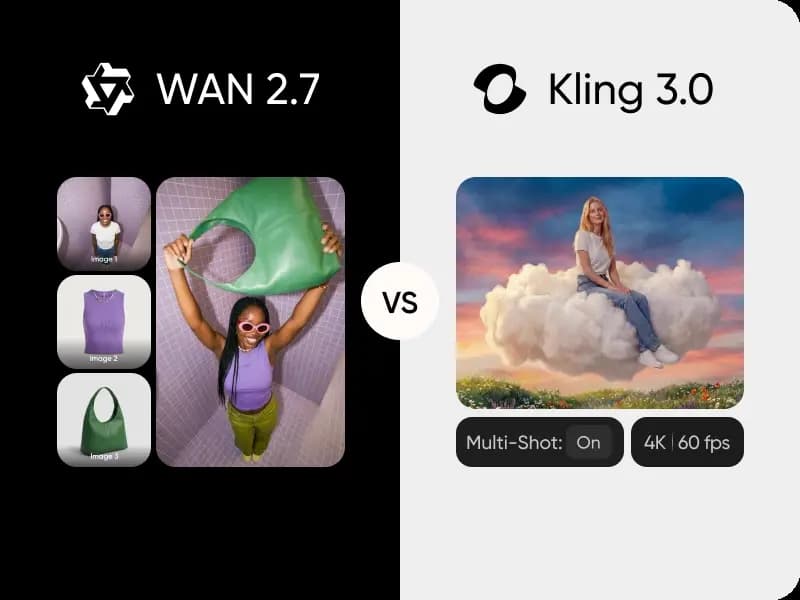
WAN 2.7 vs Kling 3.0
Flux Video Edit
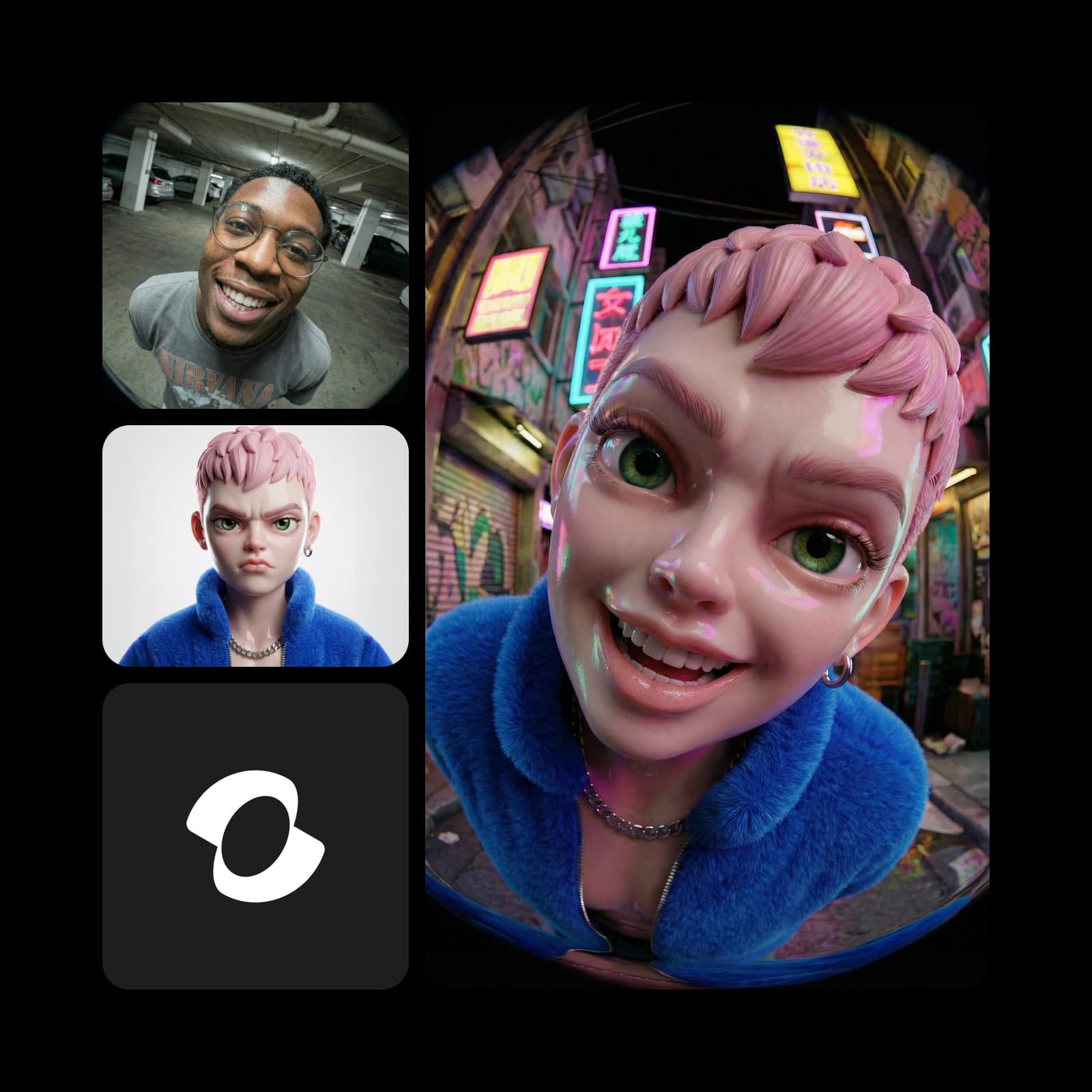
MiniMax H3 Max Ref-to-Video
MiniMax H3 Max Turbo
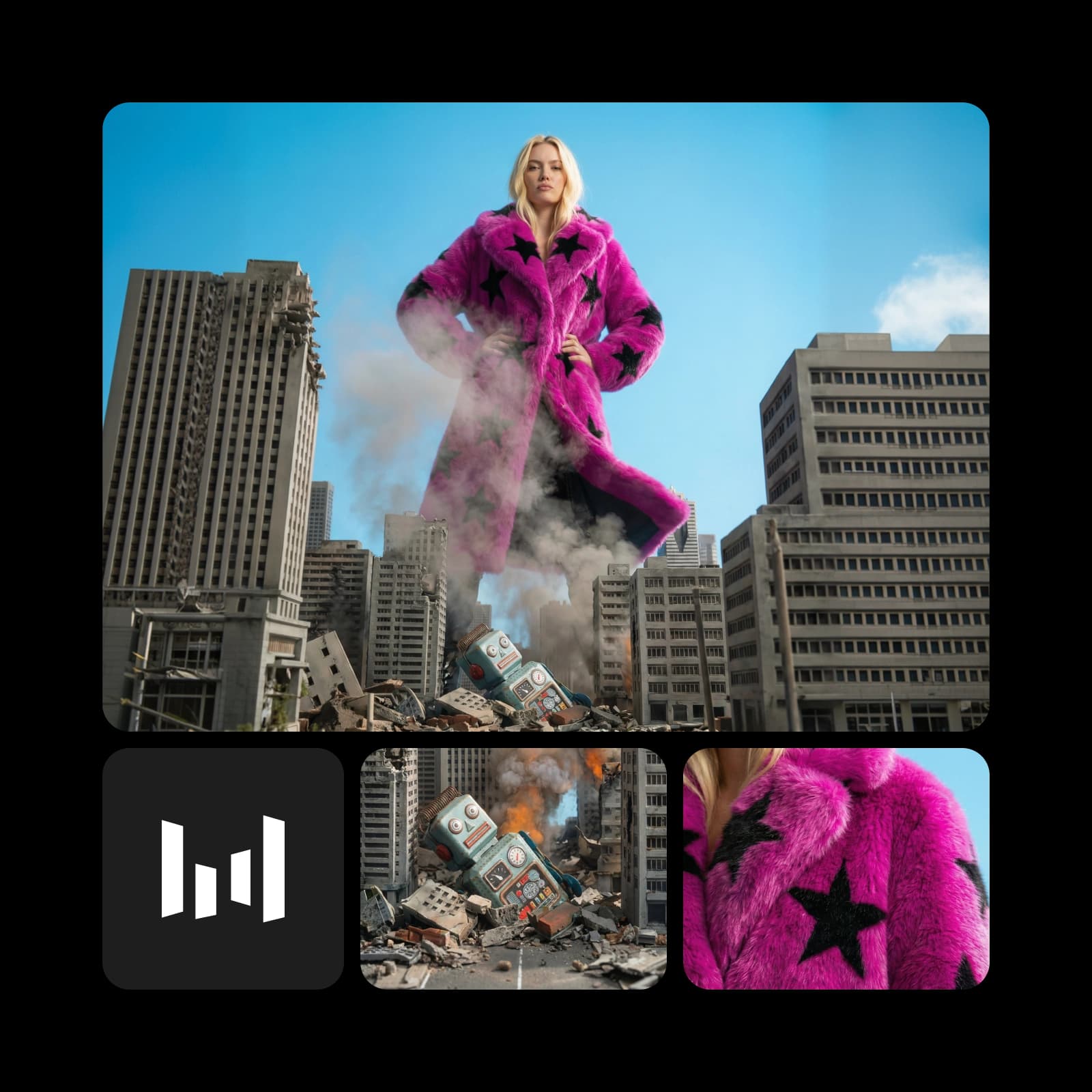
Seedance 2.0 Mini Video Extend

Happy Horse 1.1 Ref-to-Video
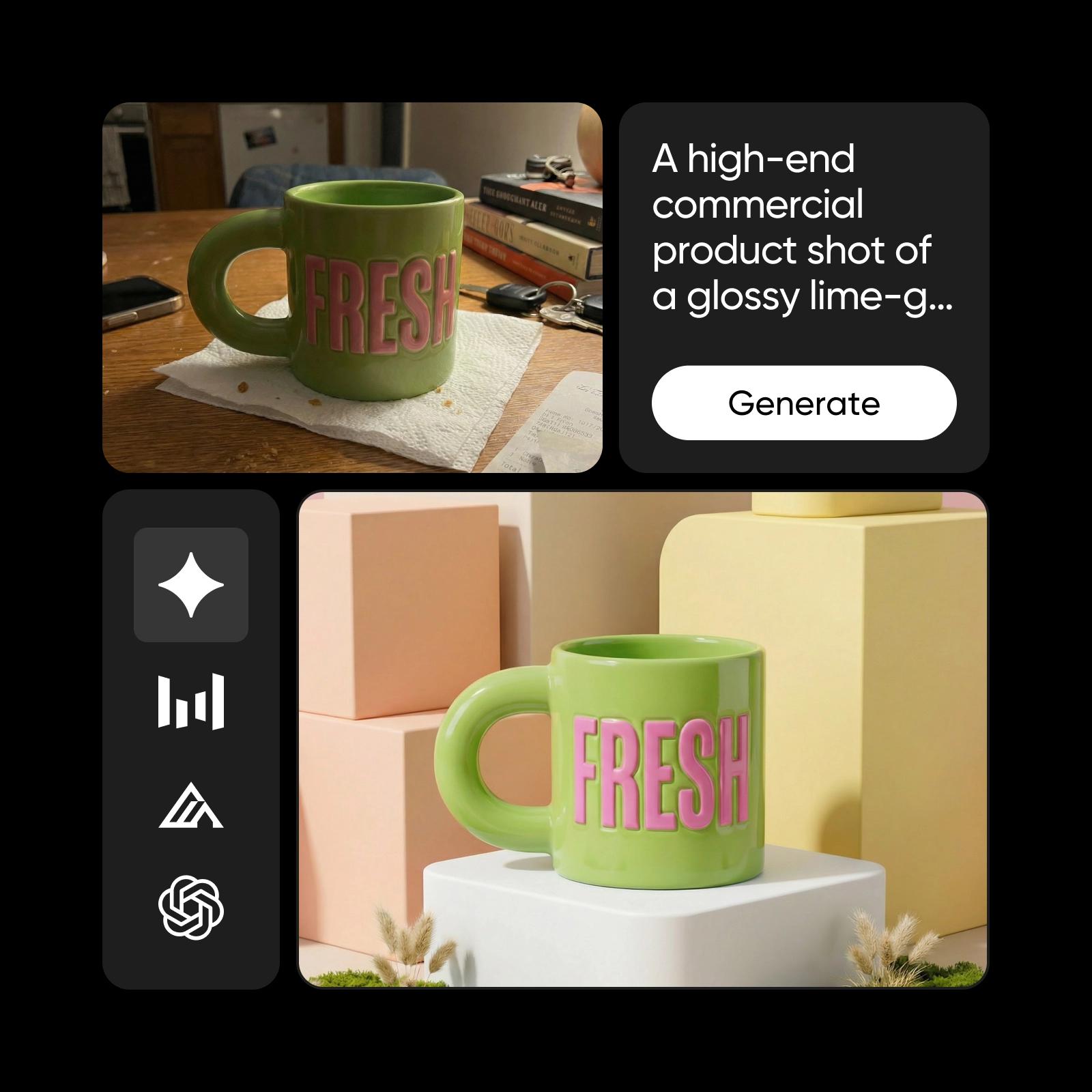
WAN 2.6

PixVerse
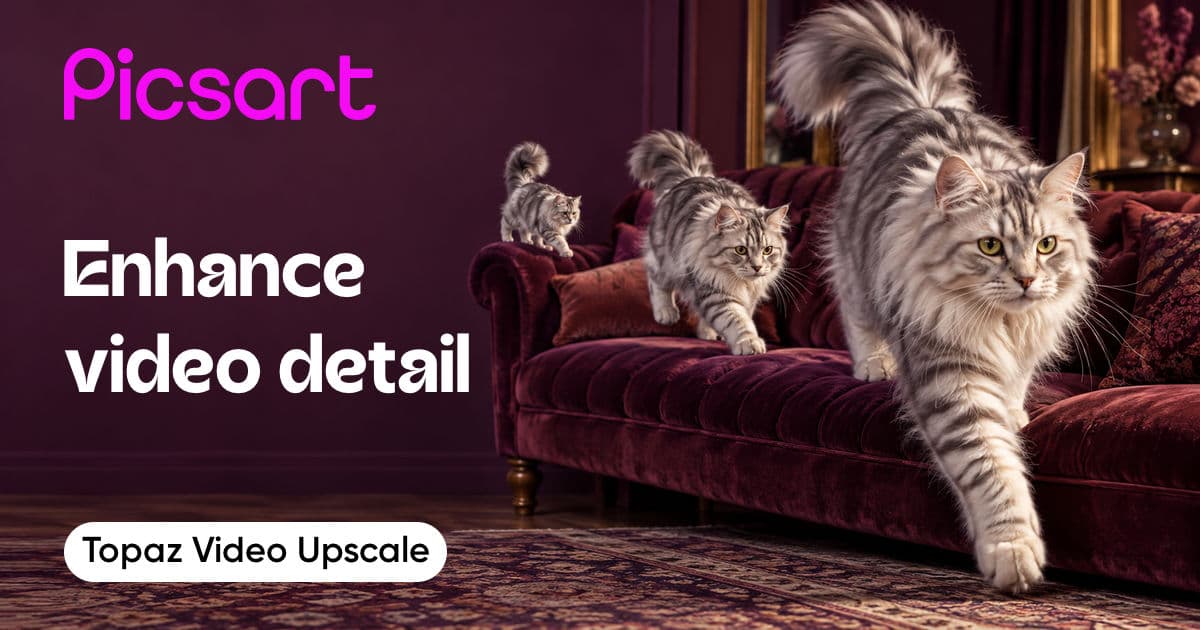
Topaz Video Upscale

Sora
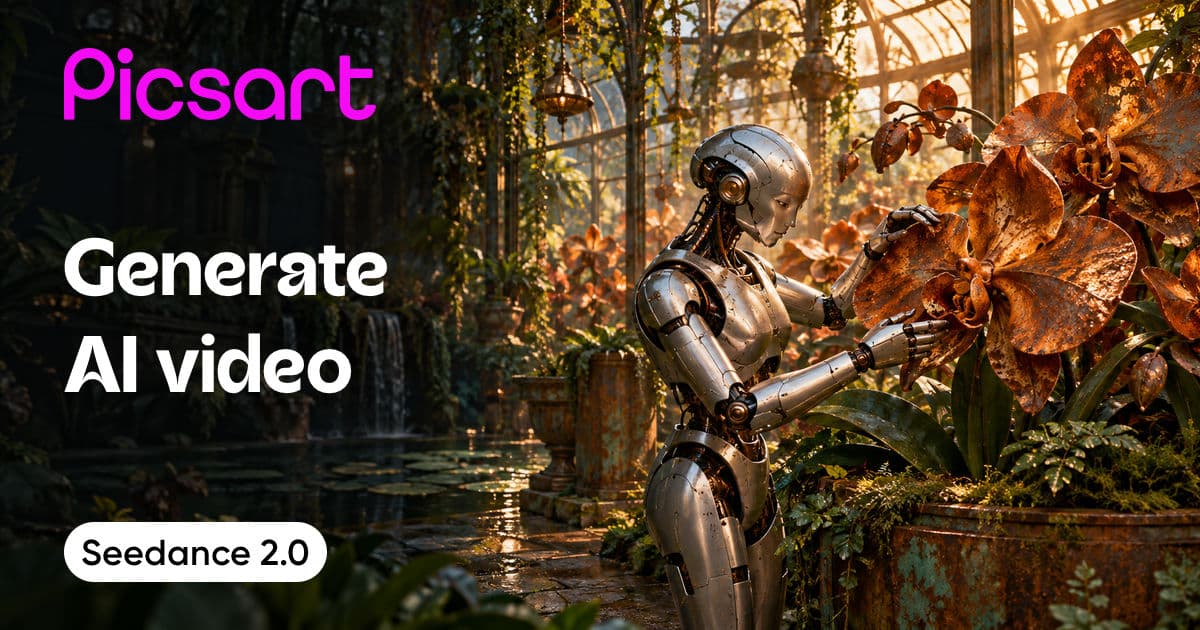
Seedance 2.0
Luma Ray 2
Creatify Boreal
Luma Ray 3.2 Reframe
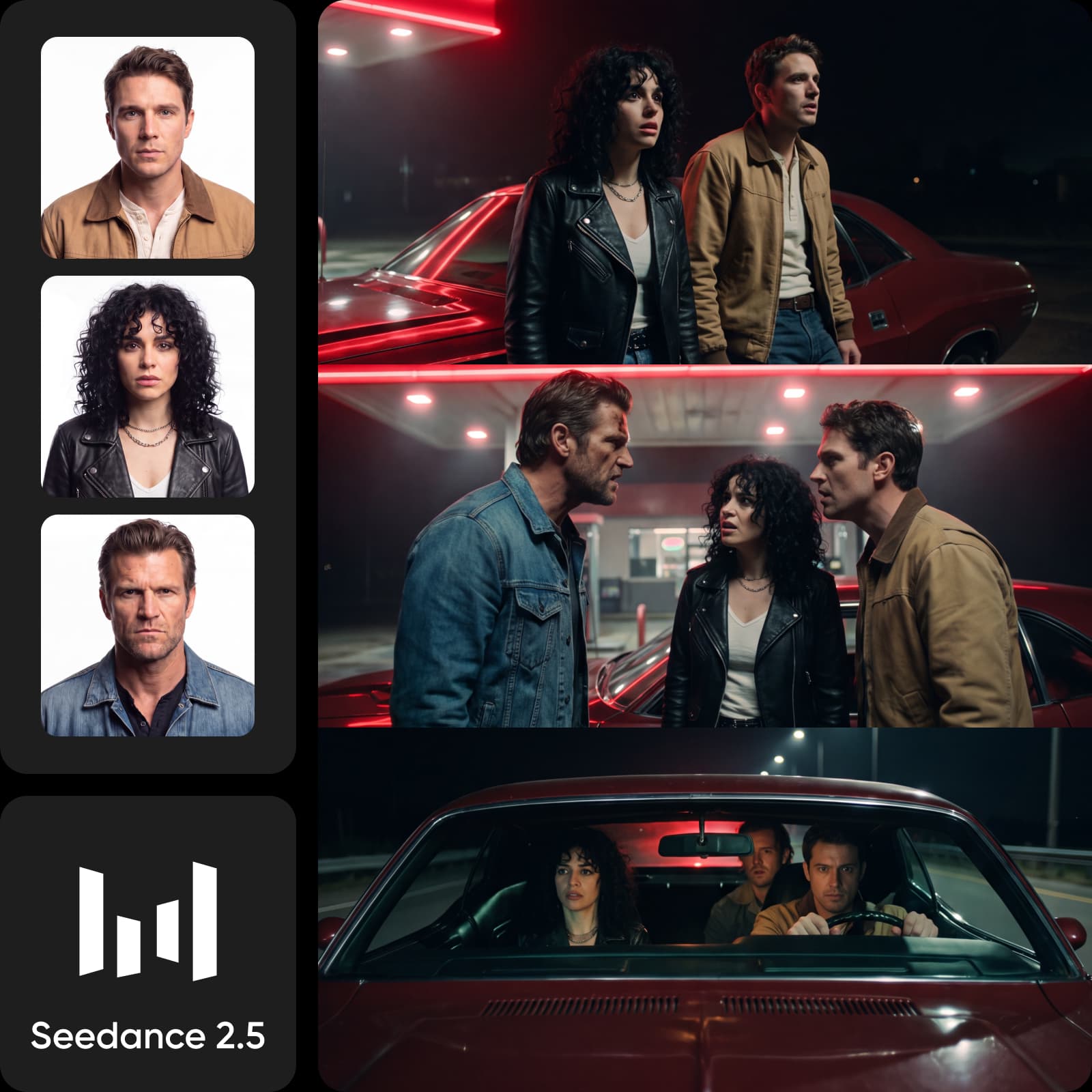
Seedance 2.5 access
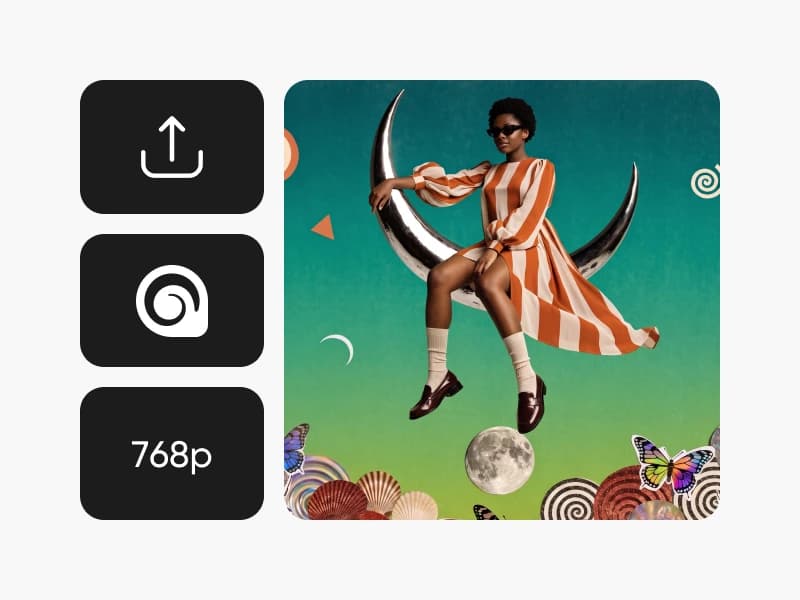
MiniMax H3 Max Lip Sync
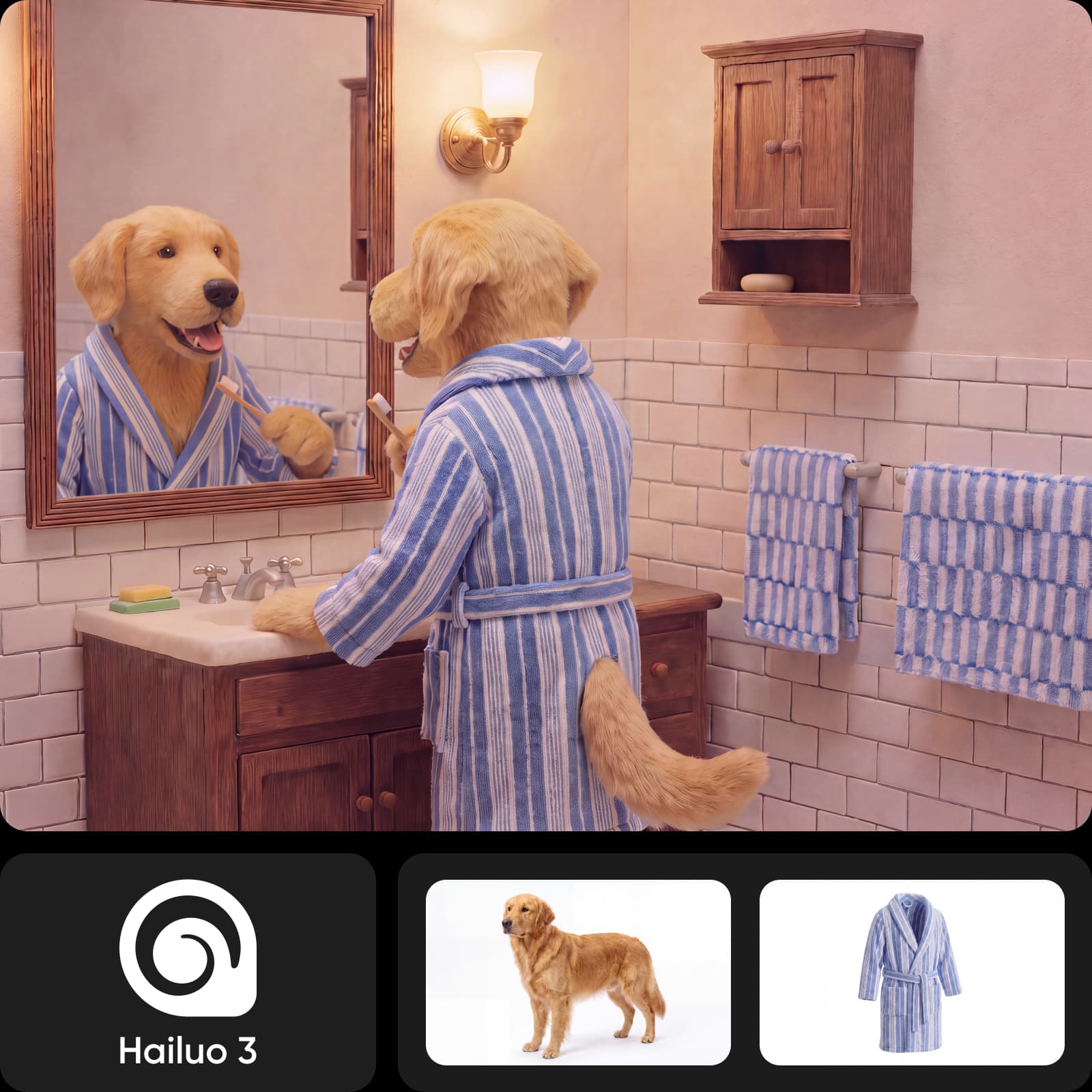
MiniMax H3 Max Camera Controls

Flux Video Upscale
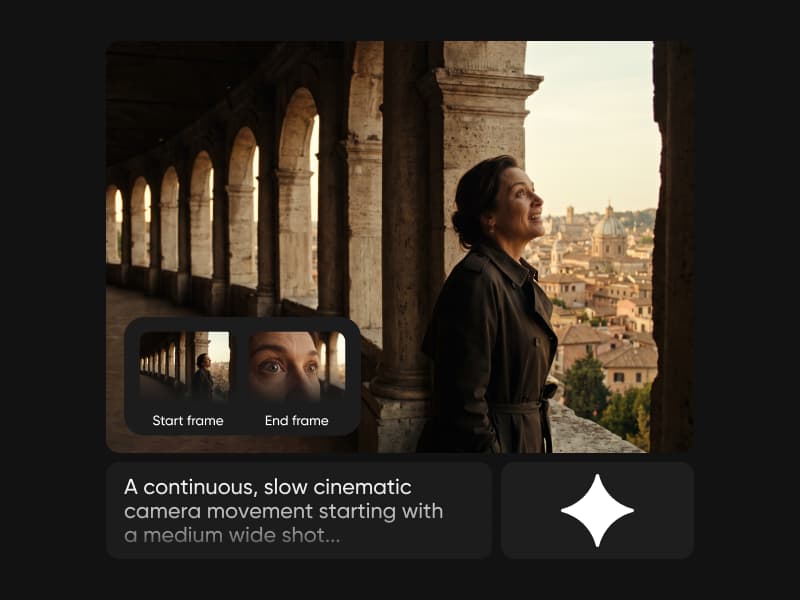
Gemini Omni 1.1 Flash
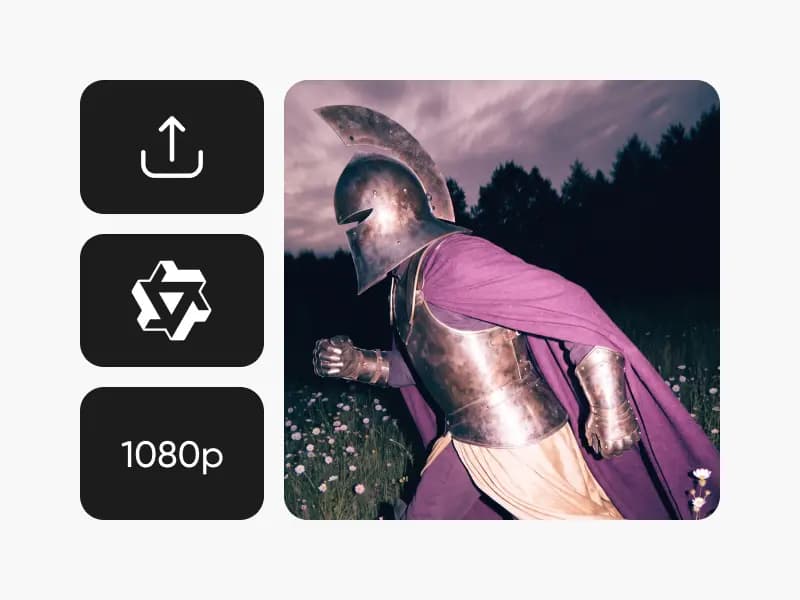
Wan 3.0 Prime
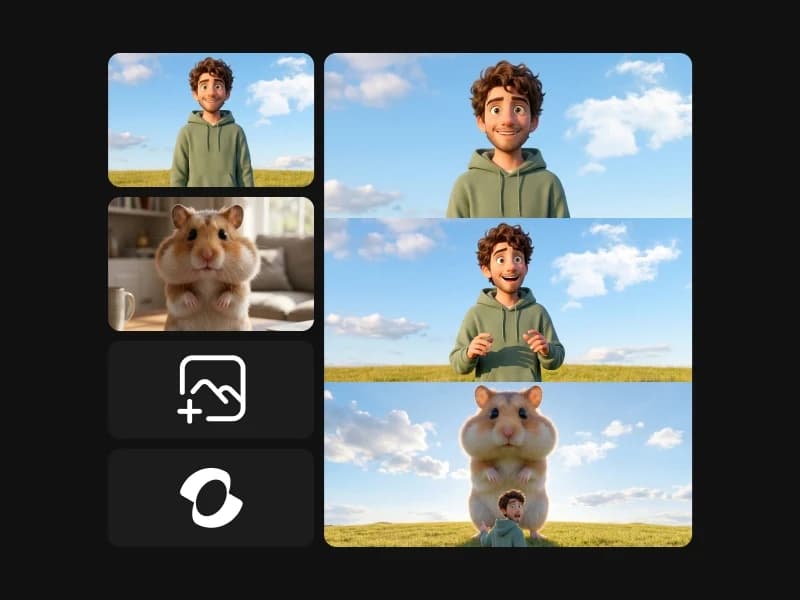
Kling Video O1

Questions about video models
Use a short brief with a clear subject, action, and camera movement. Compare motion, subject consistency, artifacts, and adherence to the brief. Record duration and input differences so you do not mistake different settings for a model advantage.