WAN 2.7 vs Kling 3.0: control or cinematic quality
Alibaba's WAN 2.7 and Kuaishou's Kling 3.0 take different approaches to AI video generation. WAN 2.7 stands out with its 9-grid multi-reference system, voice locking, and flexible editing controls. Kling 3.0 delivers native 4K video at up to 60fps with multi-shot storytelling and cinematic motion. Compare both side by side in Picsart's AI Playground.
Feature comparison overview
Compare WAN 2.7 vs Kling 3.0 side by side to understand how they differ in resolution, control, audio, and overall video generation workflow.
Discover WAN 2.7 and Kling 3.0 models
WAN 2.7 focuses on control, using its 9-grid system and voice locking to maintain consistent characters and audio across scenes. Kling 3.0 focuses on quality, delivering native 4K video with multi-shot storytelling, built-in audio, and cinematic motion. In short, WAN prioritizes precision, while Kling delivers more polished, production-ready output.
Compare video quality and resolution
Resolution creates the main difference. Kling 3.0 delivers native 4K video at up to 60fps, making it better suited for cinematic and broadcast use. WAN 2.7 outputs in 1080p, which is still strong for web and social content but a step below in raw quality. Motion and consistency also differ. Kling produces more realistic movement and camera behavior, while WAN excels at maintaining character identity through its multi-reference system.
Explore creative tools and control
Control is where these models differ most. WAN 2.7 focuses on input-driven precision, using its 9-grid system, voice locking, and instruction-based editing to guide results and maintain consistency. Kling 3.0 focuses on structured creation, offering multi-shot storyboarding, motion tools, and cinematic camera control for building complete scenes. In short, WAN gives more flexibility and reference-based control, while Kling provides stronger narrative tools and polished output.
Understand pricing, access, and platform integration
Access is straightforward for both models. WAN 2.7 is available for free as the default option in Picsart, making it easy to start without setup, while Kling 3.0 offers a free tier alongside paid plans for more advanced usage. Ecosystem differences are minimal in practice. Both models are available within Picsart's workflow, so you can switch between them easily based on your project without managing separate tools or subscriptions.
Pick the best model for your needs
If you are aiming for precise control, consistent characters, and flexible workflows, WAN 2.7 is the better fit, especially for character-driven content, social media, and projects that rely on multiple references. If you need higher-quality output with 4K resolution, cinematic motion, and structured multi-shot storytelling, Kling 3.0 is a stronger choice for polished, production-ready video. If you want flexibility, use Picsart to access both models and choose the best one for each project.
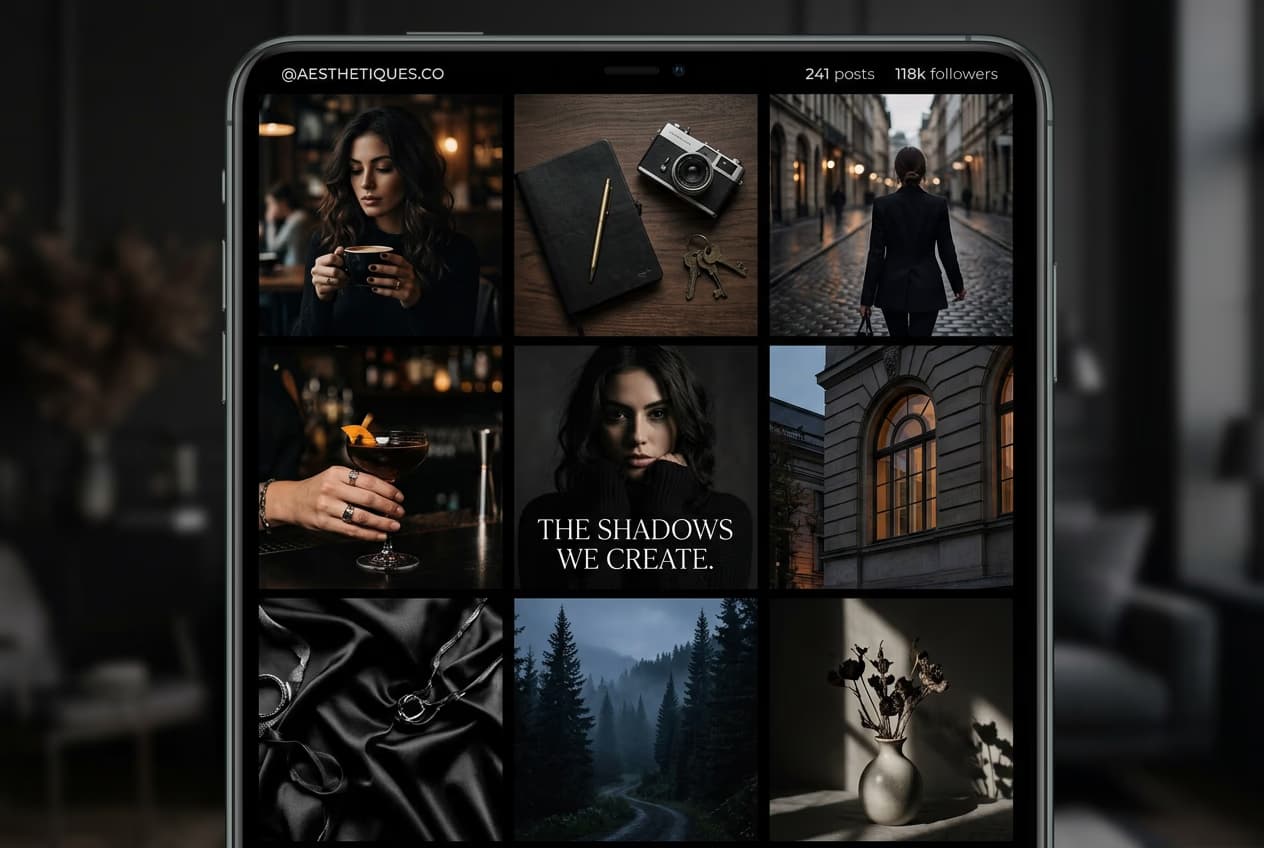
Understand AI influencer workflows
Learn how to keep characters consistent across prompts and scenes.



WAN 2.7 vs Kling 3.0 FAQ
It depends on your priorities. WAN 2.7 is stronger for control, multi-reference workflows, and consistency, while Kling 3.0 stands out for 4K quality, cinematic motion, and multi-shot storytelling.
Edit videos for sharper creator content
Pro
Most popularAI tools for everyday creative work.
Ultra
Most powerfulHeavy AI usage for creators & teams.
Enterprise
Custom AI solutions for large organizations.
- Volume discounts on credit rate
- On-demand top-ups