How to create a consistent AI character with Picsart AI Influencer Studio
What you'll learn
What is AI character consistency?
Common use cases
Create your AI character step by step
STEP 1: Open AI Influencer Studio
- On web: Go to picsart.com/ai-influencer-studio → Click "Create character"
- On mobile: Open Picsart → "+" → AI Influencer → "New character"
STEP 2: Define your character's appearance
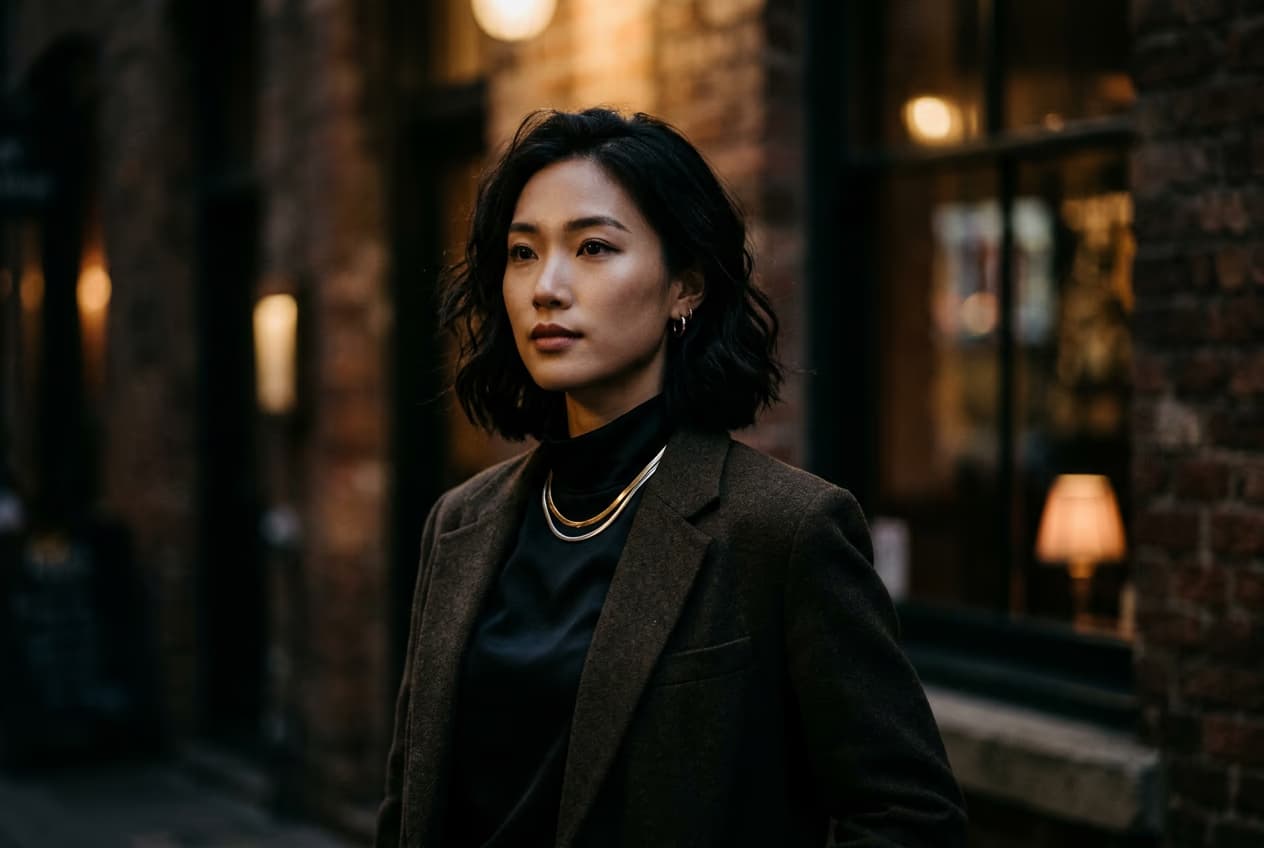
Describe your AI character's key features:
- Physical traits: Age, gender, ethnicity, hair color, eye color, body type
- Style aesthetic: Fashion sense, color palette, makeup style, accessories
- Personality vibe: Professional, casual, edgy, minimalist, bold
- Reference photos: Upload 3-5 example images for style inspiration (optional)
STEP 3: Generate your character baseline
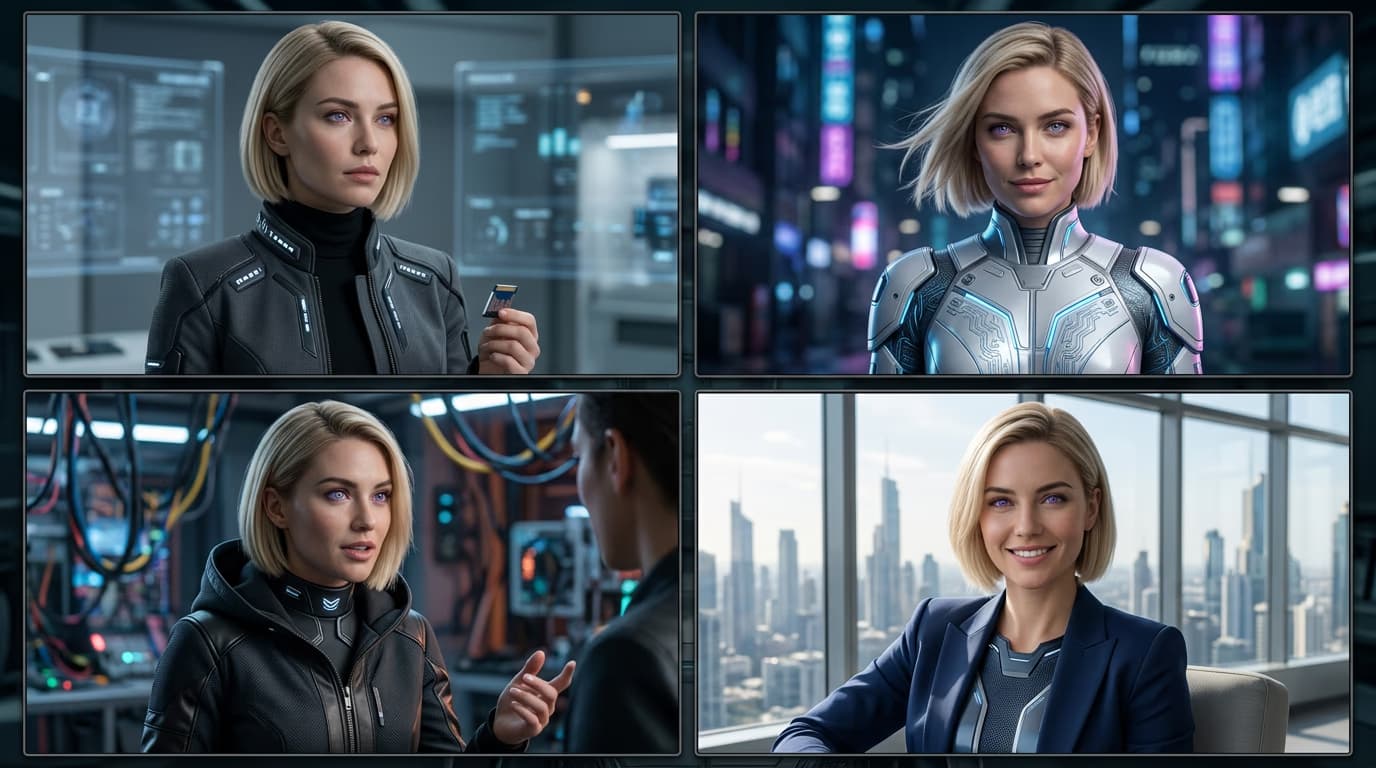
Click "Generate" and the AI creates your first character images. You'll get 4-6 variations showing different angles and expressions. Pick the one that best matches your vision — this becomes your character reference.
STEP 4: Test consistency and refine
Check that your character looks consistent across poses: Not satisfied? Adjust your description and generate again, or use the "Lock features" option to preserve specific traits.
- Generate 3-4 test images in different scenarios (portrait, full body, profile)
- Verify facial features stay the same across all images
- Save your favorite as the master reference for future content
Tips for best results
💡 Be specific in your initial description
The more detail you provide upfront, the more consistent your results. Include specific features like "almond-shaped brown eyes" or "shoulder-length wavy black hair" rather than generic descriptions.
💡 Start with neutral poses and lighting
Generate your baseline character in simple, well-lit portraits first. Once you have consistent features locked in, you can create more complex scenes and dramatic lighting.
💡 Build a character style guide
Save 5-10 reference images showing your character from different angles. Use these as prompts when generating new content to maintain consistency across your entire feed.
💡 Lock key features after you're satisfied
Once you have a character you love, use the feature lock settings to preserve facial structure, eye color, and other defining traits. This prevents drift when generating new poses or scenarios.
Frequently asked questions

Ready to build your AI persona?
Create a consistent AI character and start generating content that builds a real following.
Create AI character