Compare Flux 2 Pro vs Midjourney for AI image generation
Flux 2 Pro and Midjourney represent two different approaches to AI image generation. Flux focuses on speed, control, and high-resolution output, while Midjourney is known for artistic style and creative interpretation. This Flux 2 Pro vs Midjourney comparison helps you choose the right model for your workflow.
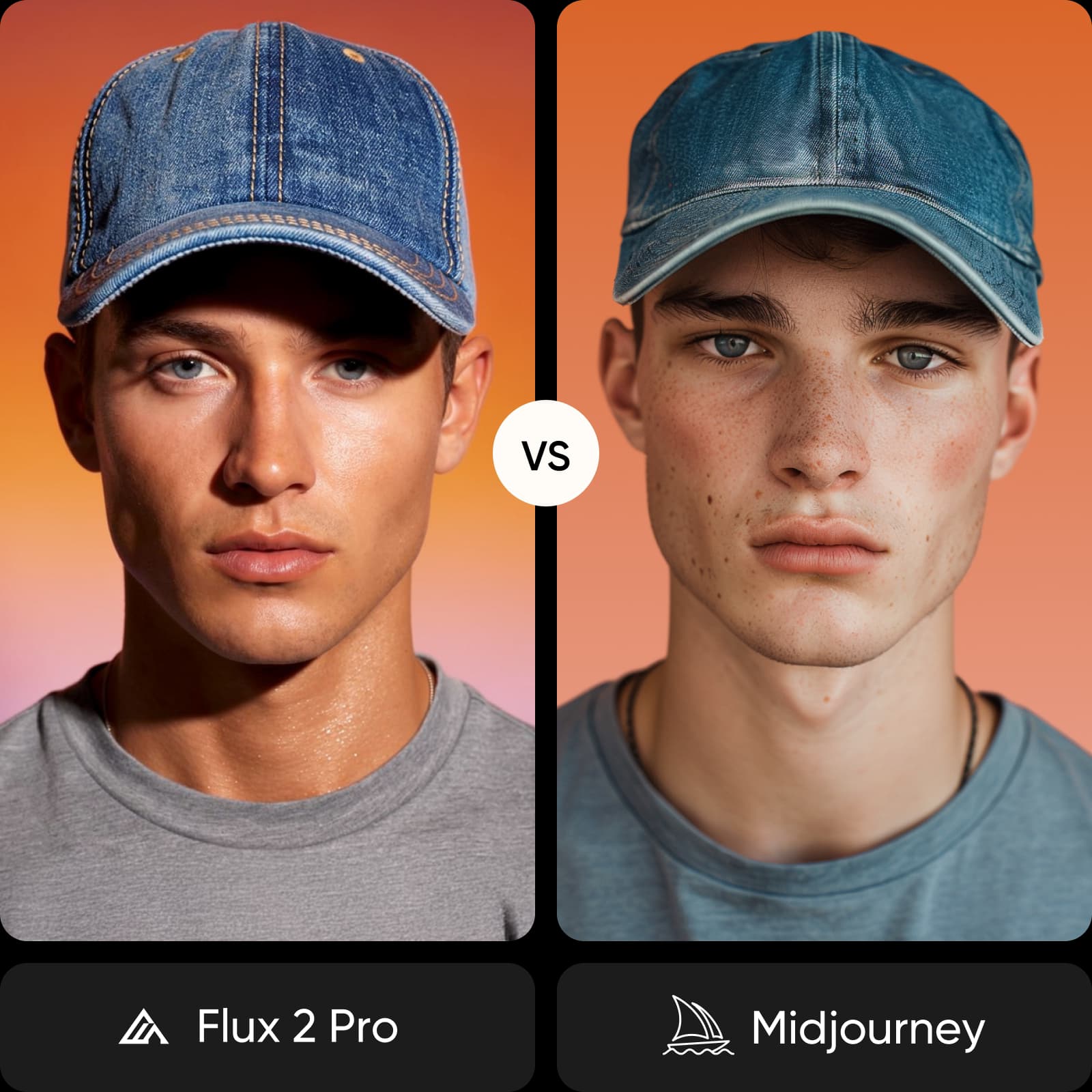
Feature comparison overview
Compare Flux 2 Pro vs Midjourney side by side to understand how they differ in speed, quality, control, and creative style.
| Feature | Flux 2 Pro | Midjourney |
|---|---|---|
| Developer | Flux 2 ProBlack Forest Labs | MidjourneyMidjourney Inc. |
| Max resolution | Flux 2 ProUp to 4MP (2048x2048) | MidjourneyHigh-res (via upscale) |
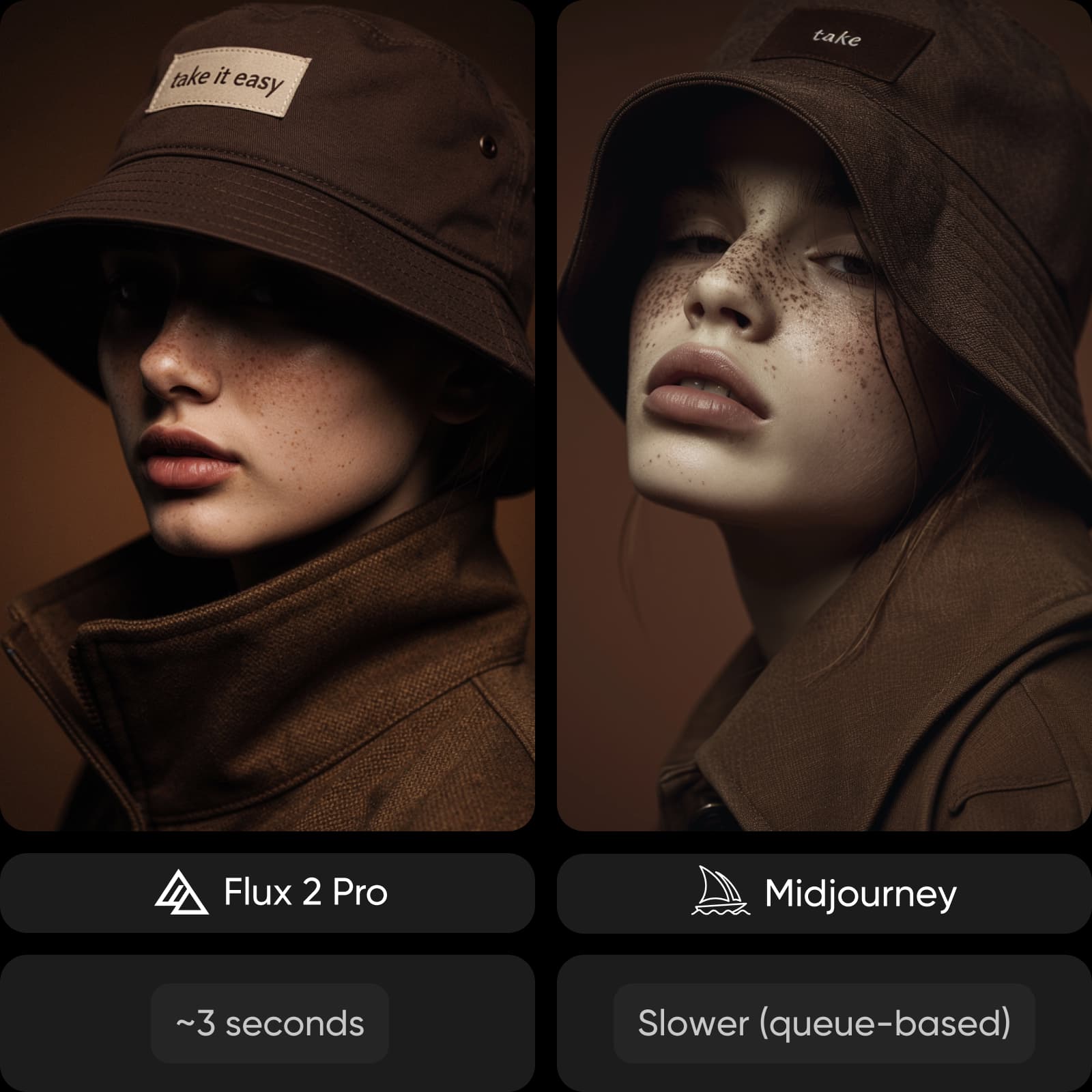
| Generation speed | Flux 2 Pro~3 seconds | MidjourneySlower (queue-based) |
| Prompt adherence | Flux 2 ProStrong, instruction-focused | MidjourneyMore interpretive |
| Photorealism | Flux 2 ProCinematic, realistic detail | MidjourneyStylized, artistic output |
| Text rendering | Flux 2 ProModerate | MidjourneyWeak |
| Creative style | Flux 2 ProControlled, flexible | MidjourneySignature artistic style |
| Editing tools | Flux 2 ProInpainting, control tools | MidjourneyRemix, variation tools |
| Fine-tuning | Flux 2 ProSupported (LoRA) | MidjourneyNot supported |
| Access | Flux 2 ProAPI + platforms (Picsart) | MidjourneyDiscord-based |
| Pricing | Flux 2 ProPay-per-use | MidjourneySubscription-based |
| Best for | Flux 2 ProProduct, editorial, realism | MidjourneyConcept art, creative visuals |
Get familiar with Flux 2 Pro and Midjourney
Flux 2 Pro is built for precision and performance, delivering fast, high-resolution images with strong control over prompts and outputs. Midjourney focuses on creativity, producing stylized, artistic visuals with a distinct aesthetic. Both generate high-quality images, but they serve different creative goals.
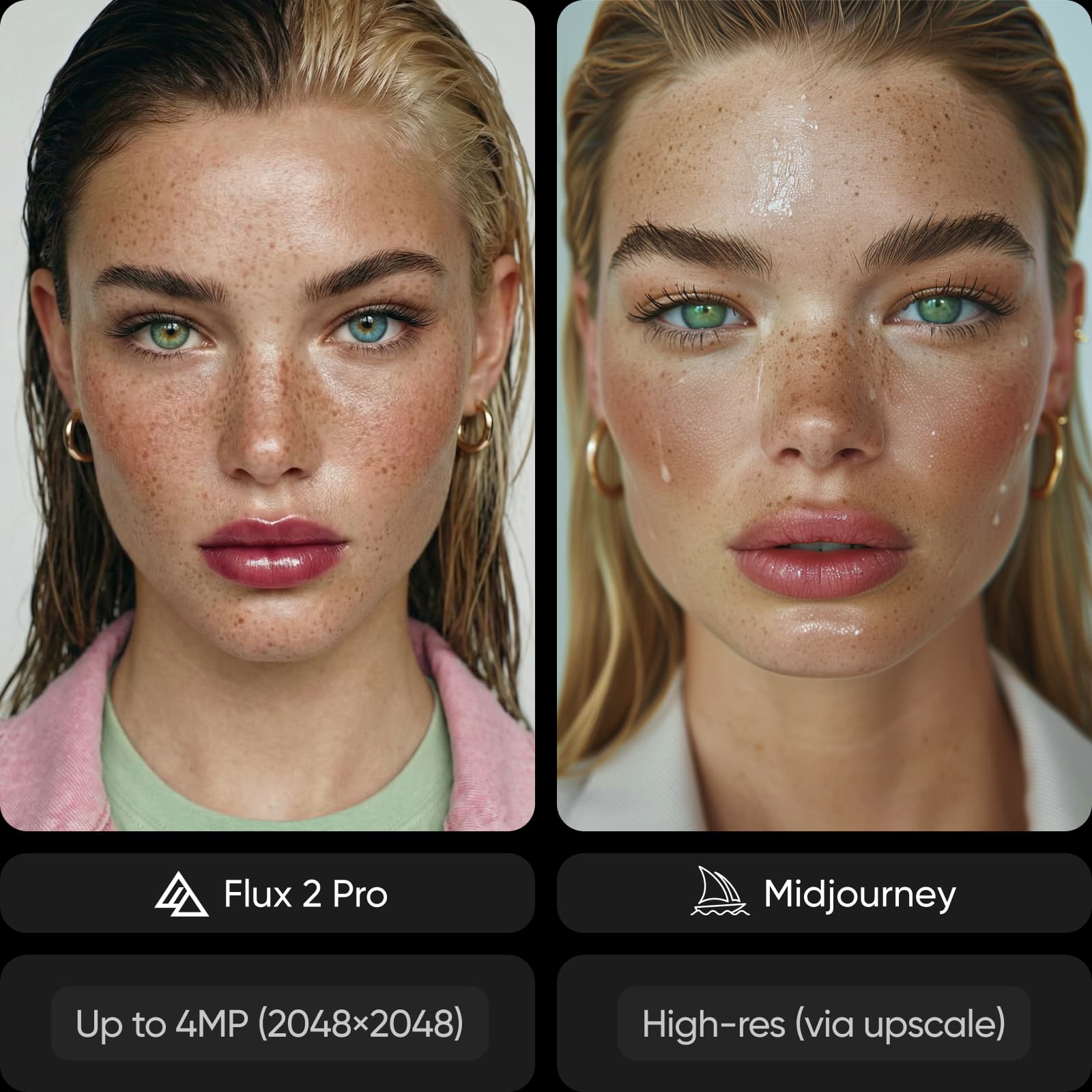
Understand image quality and visual style
Output style is the key difference. Flux 2 Pro produces clean, realistic images with detailed lighting and textures, making it better for commercial and product-focused visuals. Midjourney generates more artistic, stylized images with a distinct look that may deviate from exact prompts.
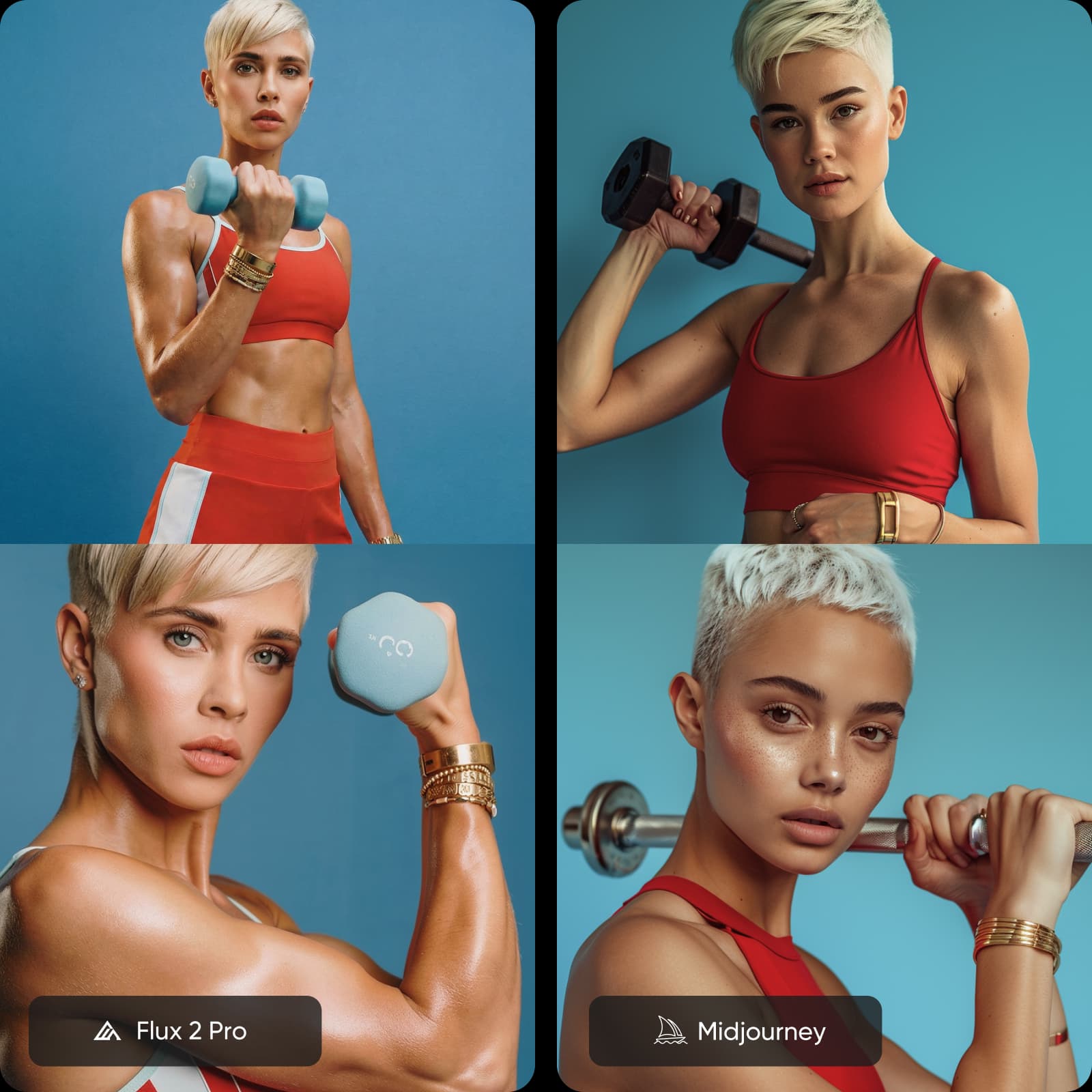
Explore creative control and workflow
Control feels different across these models. Flux 2 Pro gives you more predictable results with stronger prompt adherence and editing flexibility. Midjourney encourages experimentation, offering variations and remixing that prioritize creativity over precision.
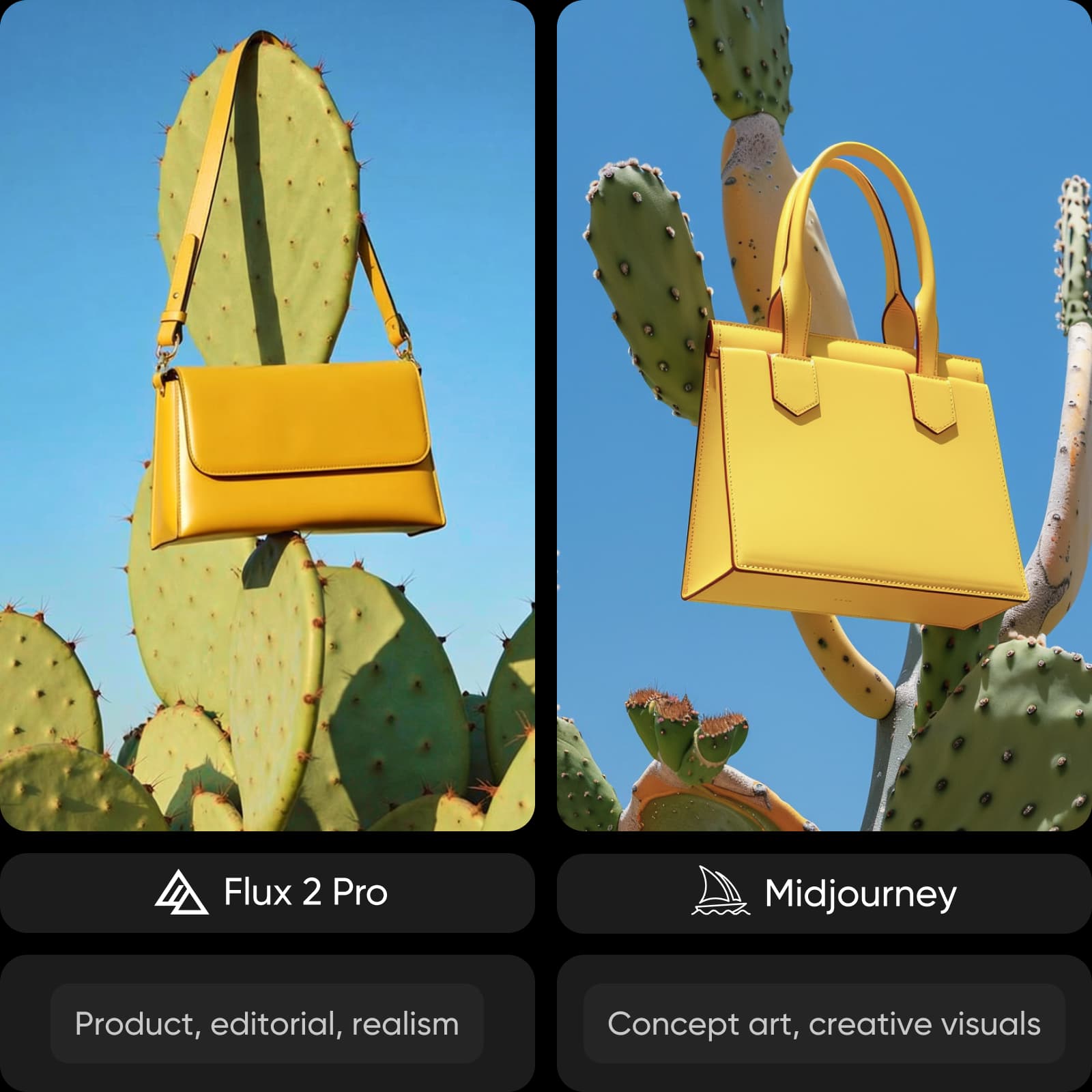
Review speed, pricing, and access
Speed is a clear advantage for Flux 2 Pro, generating images in seconds and supporting rapid iteration. Midjourney is slower and depends on queue times. Pricing also differs - Flux uses pay-per-use, while Midjourney requires a subscription. Both can be accessed through platforms like Picsart.
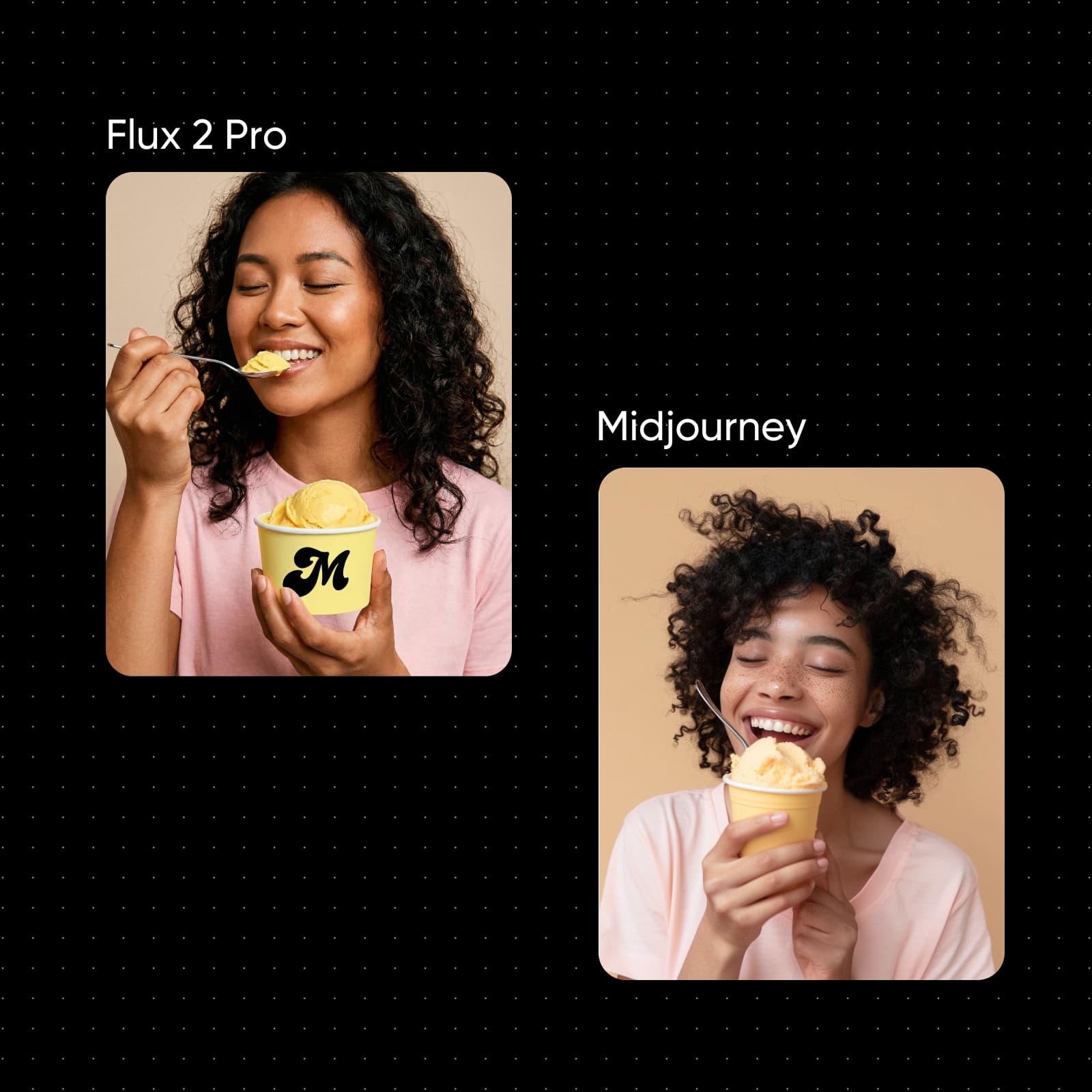
Try Flux 2 Pro and Midjourney in one place
Switching between tools slows you down. With Picsart's AI Image Generator and AI Playground, you can access multiple image models in one place and test them using the same prompt. Compare results instantly, refine your ideas, and choose what works best for your project.
Flux 2 Pro vs Midjourney FAQ
It depends on your goal. Flux 2 Pro is better for speed, realism, and control, while Midjourney is stronger for artistic and stylized visuals.
Compare AI image models for creative projects
Pro
Most popularAI tools for everyday creative work.
Ultra
Most powerfulHeavy AI usage for creators & teams.