Flux Kontext Max: design taste meets AI image generation
Flux Kontext Max is an image model built around design taste, not just prompt accuracy. It produces images with balanced composition, cohesive color palettes, and refined detail that feel intentionally art-directed. Kontext Mode generates multiple visual directions from a single prompt so creators can compare and refine without rewriting. Available in raster up to 4 megapixels and as production-ready editable SVG vectors.
- Create balanced compositions
- Compare visual directions from one prompt

Design-quality images, zero compromise




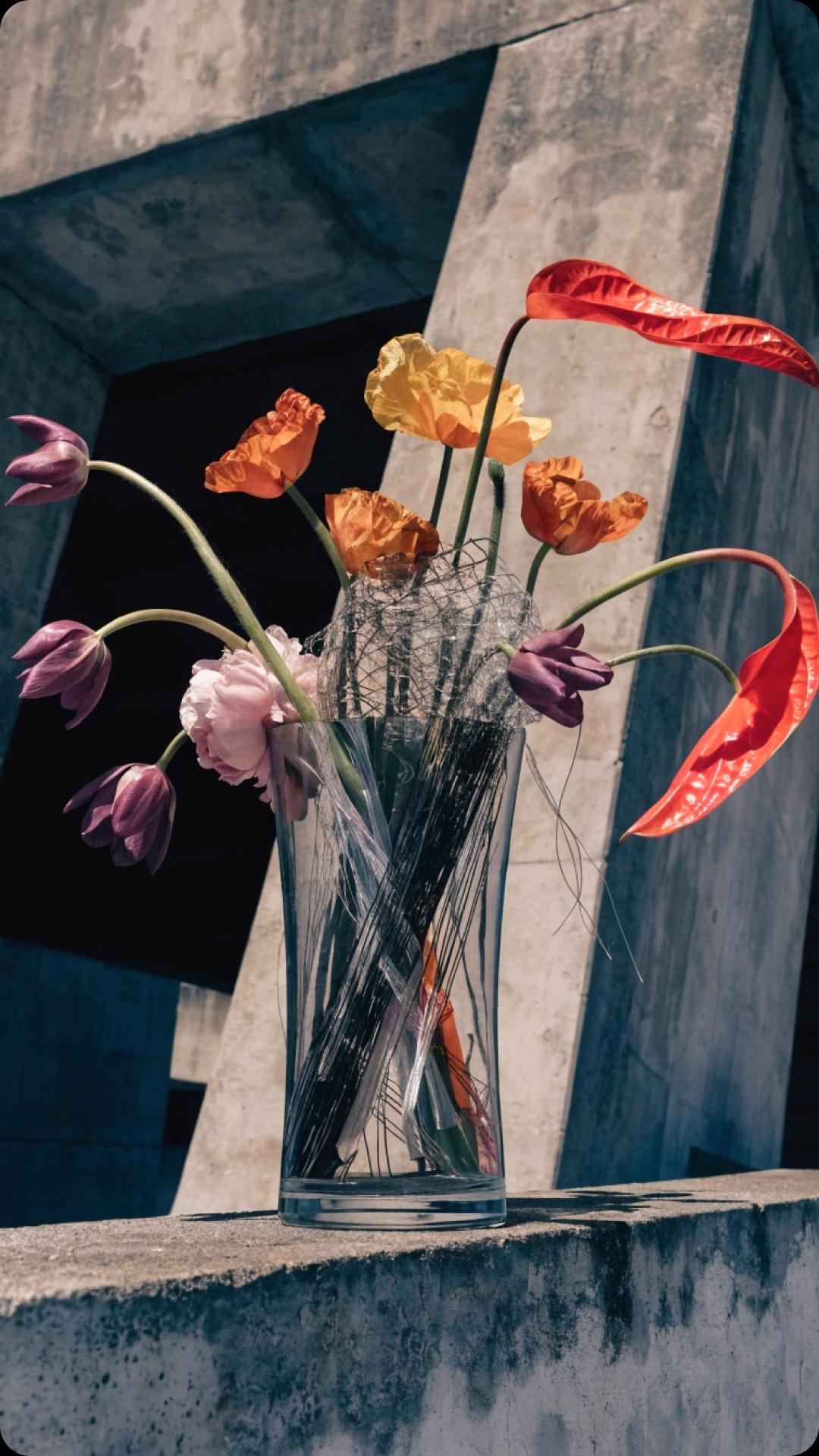


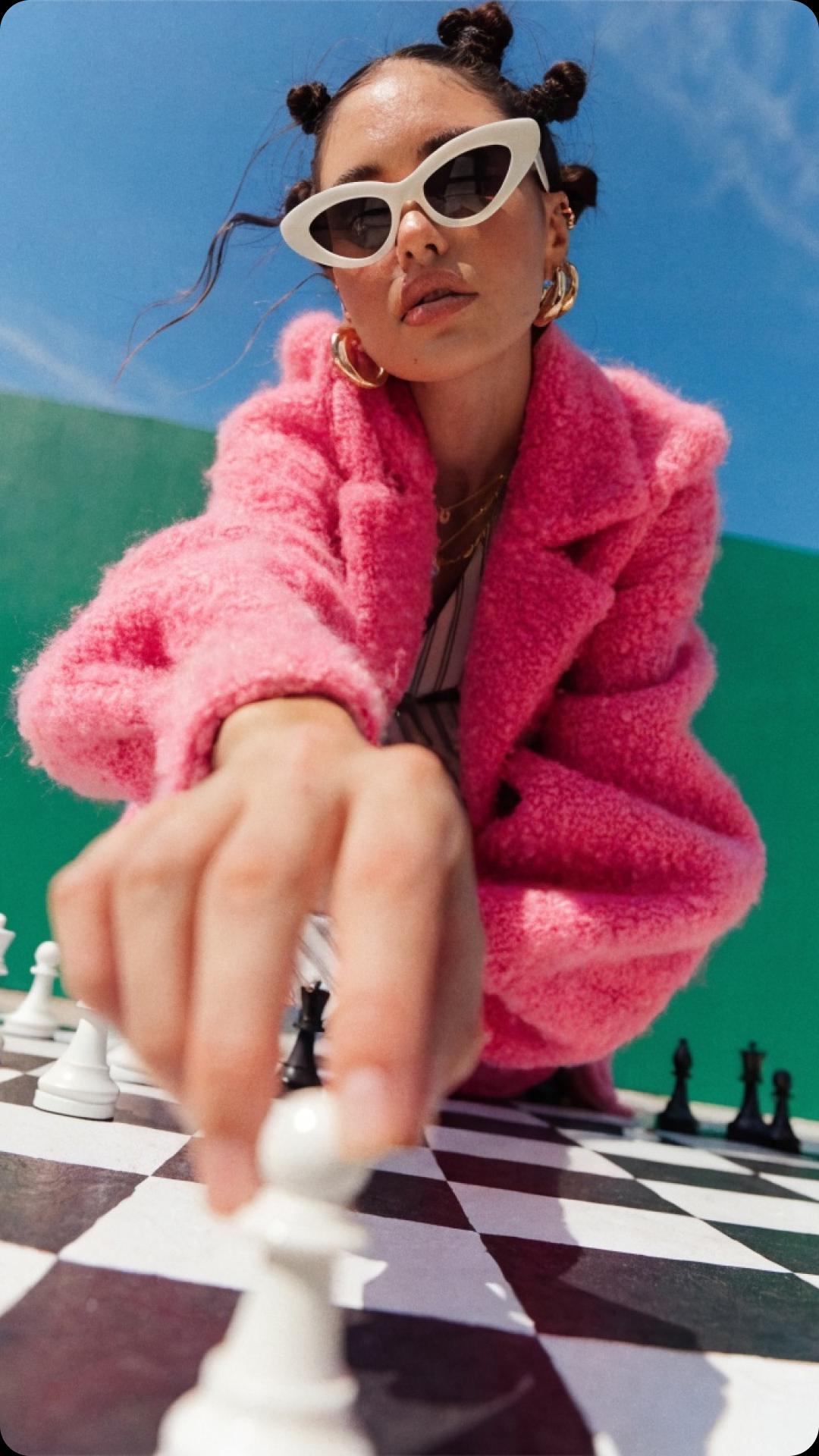


What is Flux Kontext Max?
Flux Kontext Max is an in-context image generation and editing model from Black Forest Labs, designed for precise, instruction-based image editing while preserving character and scene consistency. The Flux Kontext family comes in three variants:
- Kontext [pro] — balanced speed and quality for everyday editing workflows.
- Kontext [max] — the flagship variant with the highest prompt adherence, typography rendering, and editing precision.
- Kontext [dev] — the open-weights variant for research and experimentation.
Flux Kontext Max is built for professional workflows that demand consistent characters, accurate text rendering, and reliable edits across iterations.
Flux Kontext Max capabilities
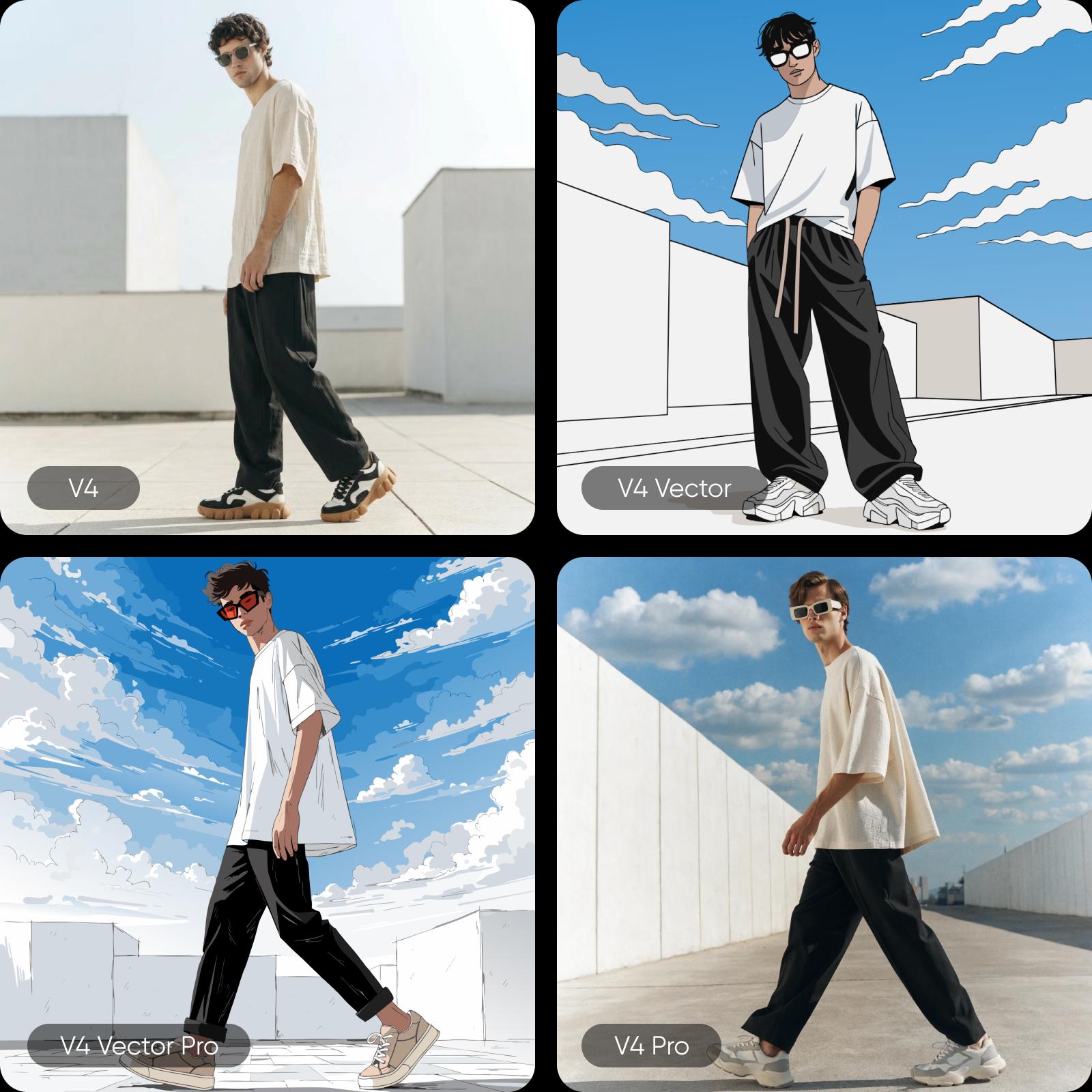
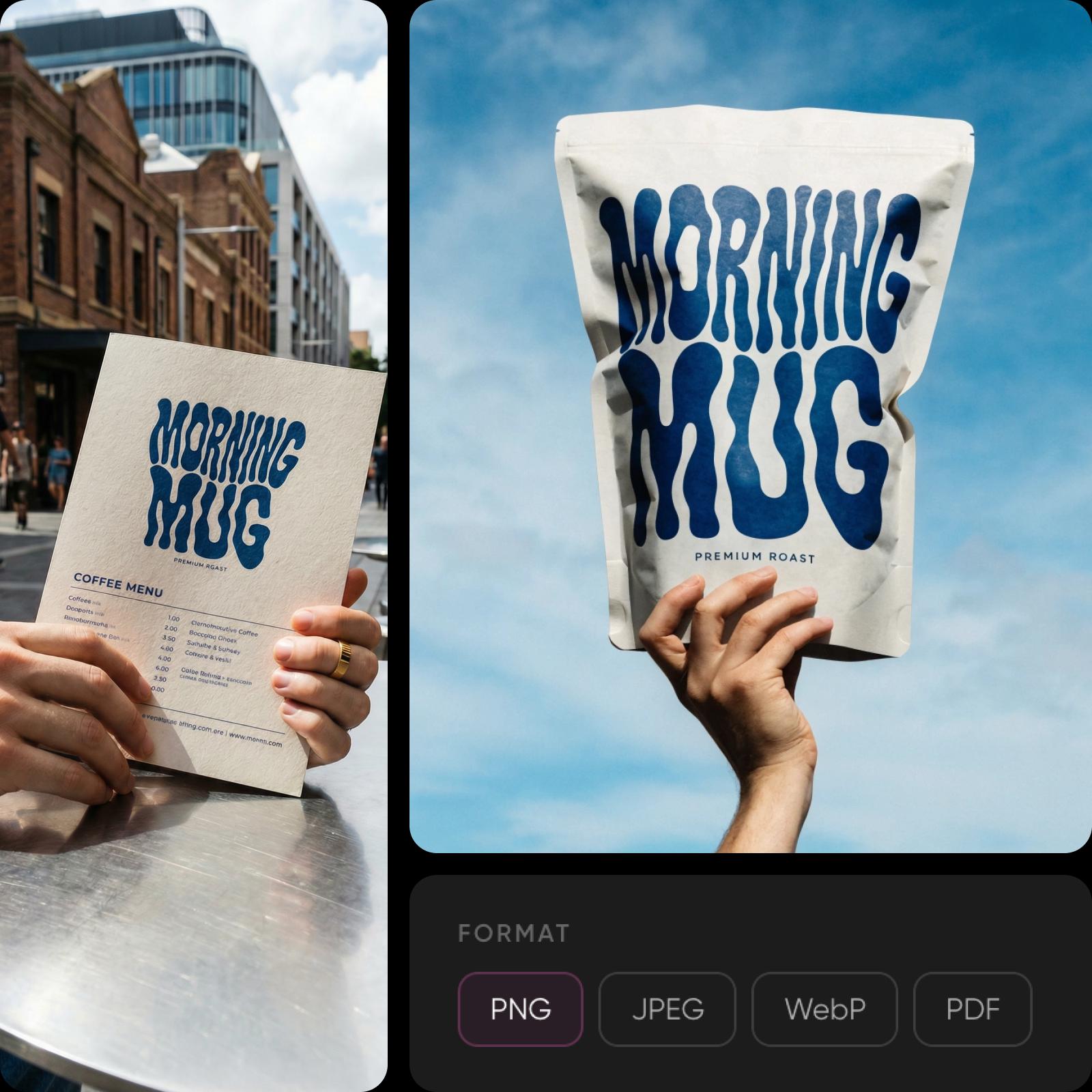
Flux Kontext Max’s headline feature is Kontext Mode: generate multiple visual directions from a single prompt, compare them side by side, select a favorite, and generate further variations of that specific image. The model renders readable text for infographics, menus, signage, and packaging with high-fidelity typography. It’s the only AI model that generates real editable SVG files with clean geometry and structured layers ready for web or print. Output formats include PNG, JPG, SVG, PDF, TIFF, and Lottie. Pro versions deliver sharper detail, improved anatomy, and enhanced realism for complex compositions.

What you can create with Flux Kontext Max
Explore multiple visual directions
Generate multiple design directions from a single prompt with Kontext Mode, compare options side by side, and refine your favorite into the final result.

Using the latest Flux models inside Picsart
Generate with the latest Flux models in Picsart's Flow and AI Playground, where one prompt runs against 150+ models. Generate design-quality images, explore multiple directions from a single prompt, and export in raster or vector formats all within one workflow - on web, desktop, CLI, MCP, REST API, or SDK, with no third-party API keys or separate subscriptions. It works alongside Picsart tools, enabling a complete design pipeline from concept exploration to production-ready assets.
Why creators choose Flux Kontext Max
Where other models optimize for prompt accuracy or artistic flair, Flux Kontext Max optimizes for design taste producing images with the kind of visual polish that normally requires a human art director. It’s the only model generating production-quality editable SVGs with structured layers, the only one with Kontext Mode for comparing visual directions, and one of the few that renders legible text in images. Kontext Mode gives creators a workflow that eliminates the prompt-rewrite cycle and puts design intent first.
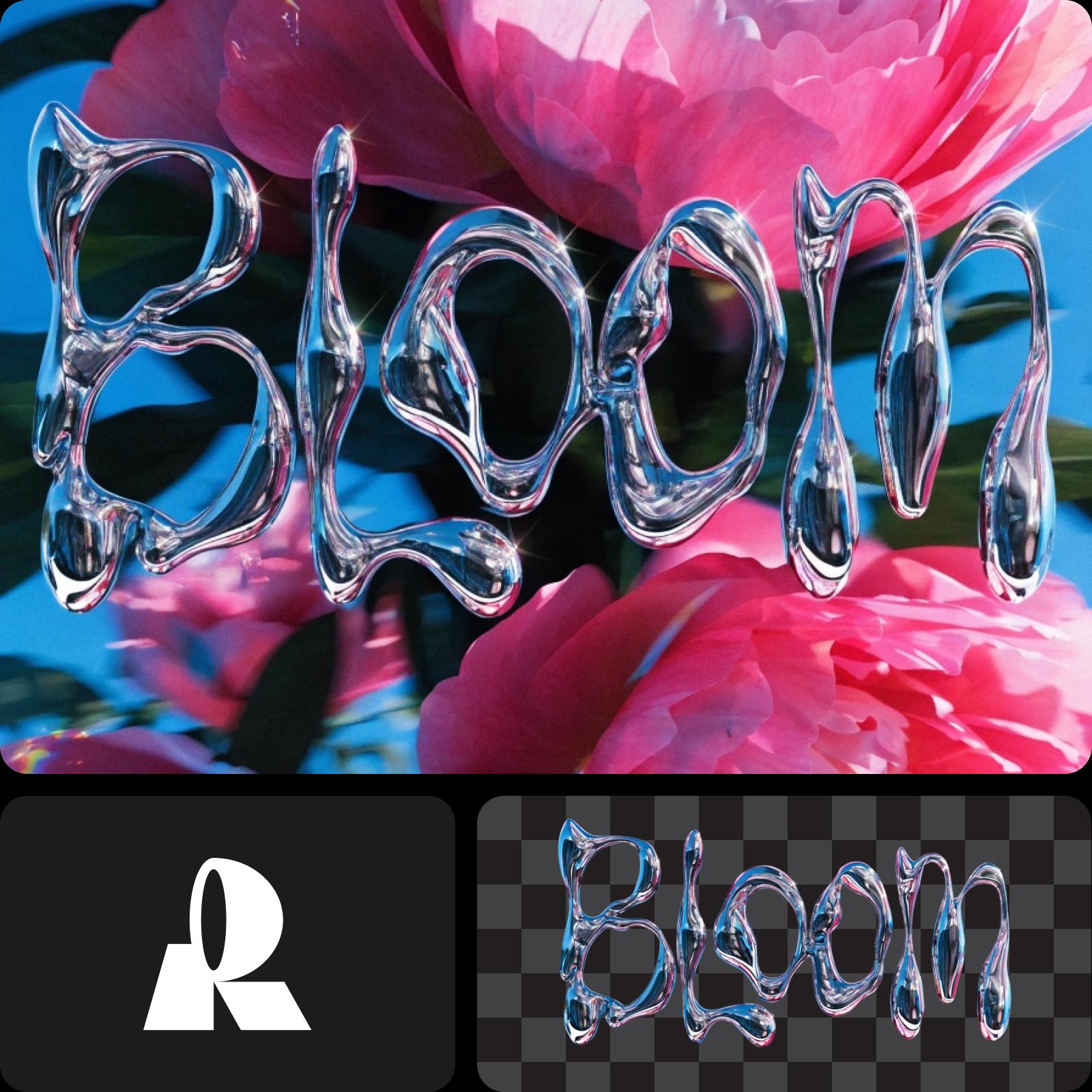
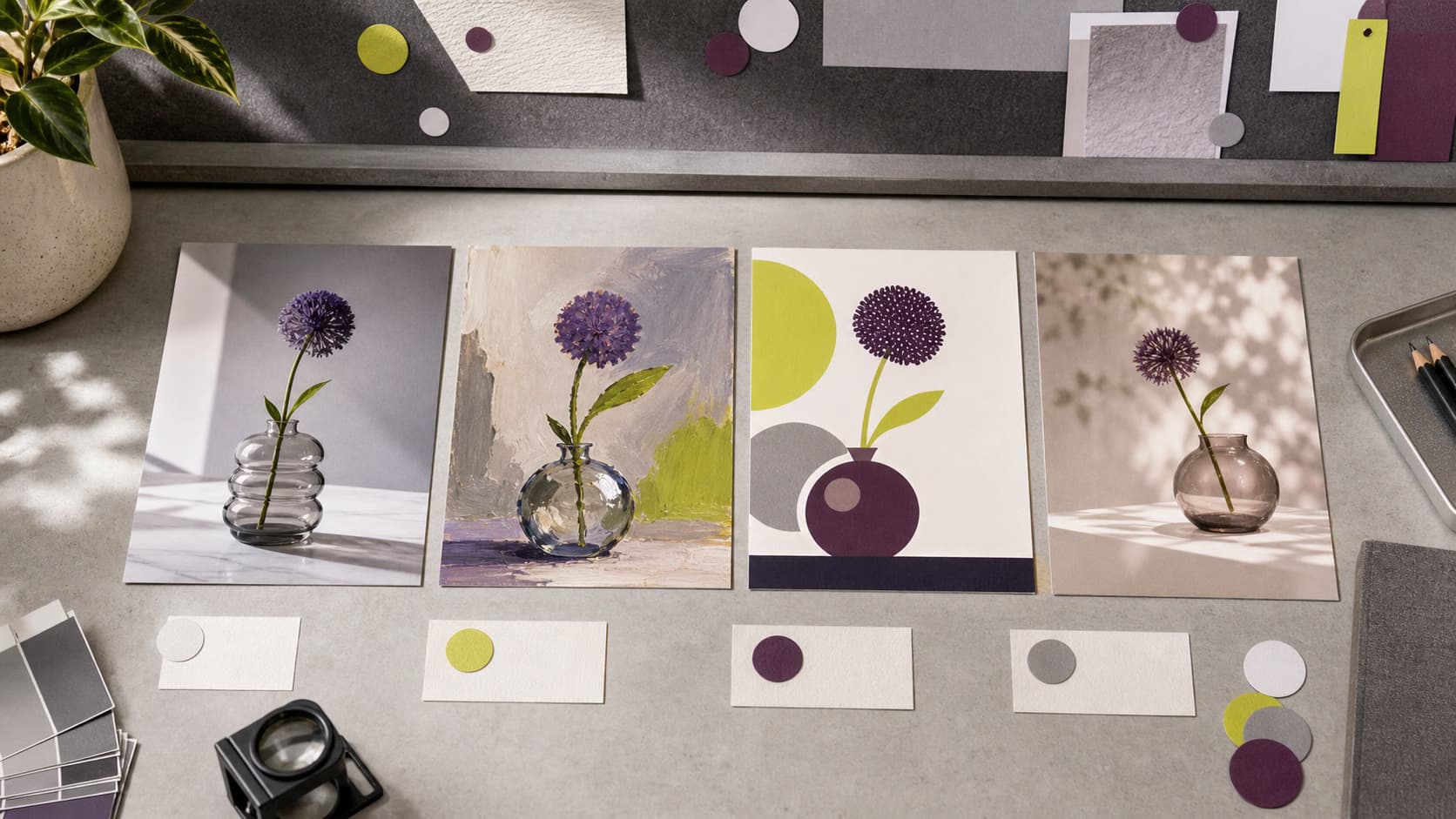
Understand image model choices
Learn how to compare image models and choose an output.
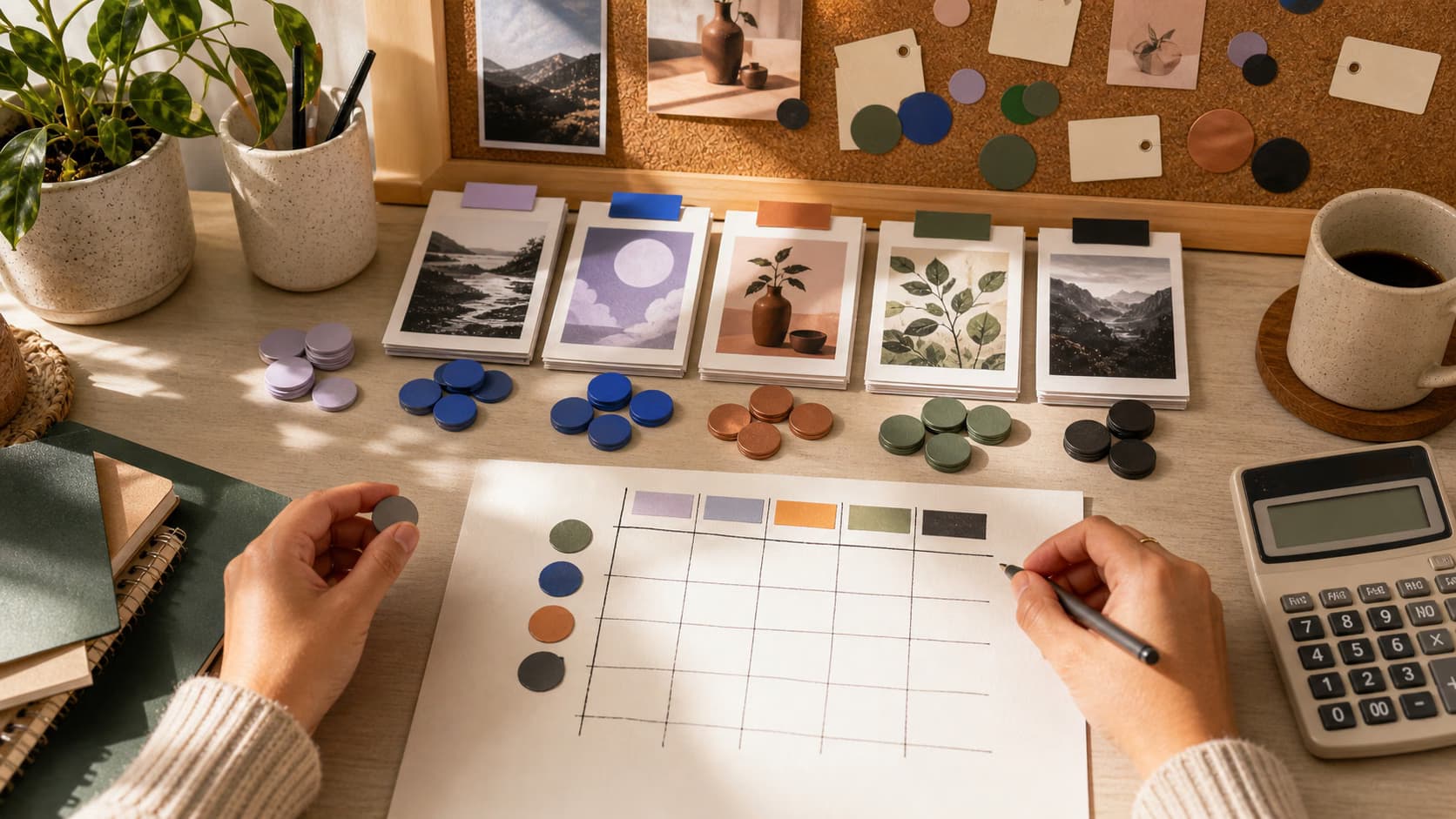
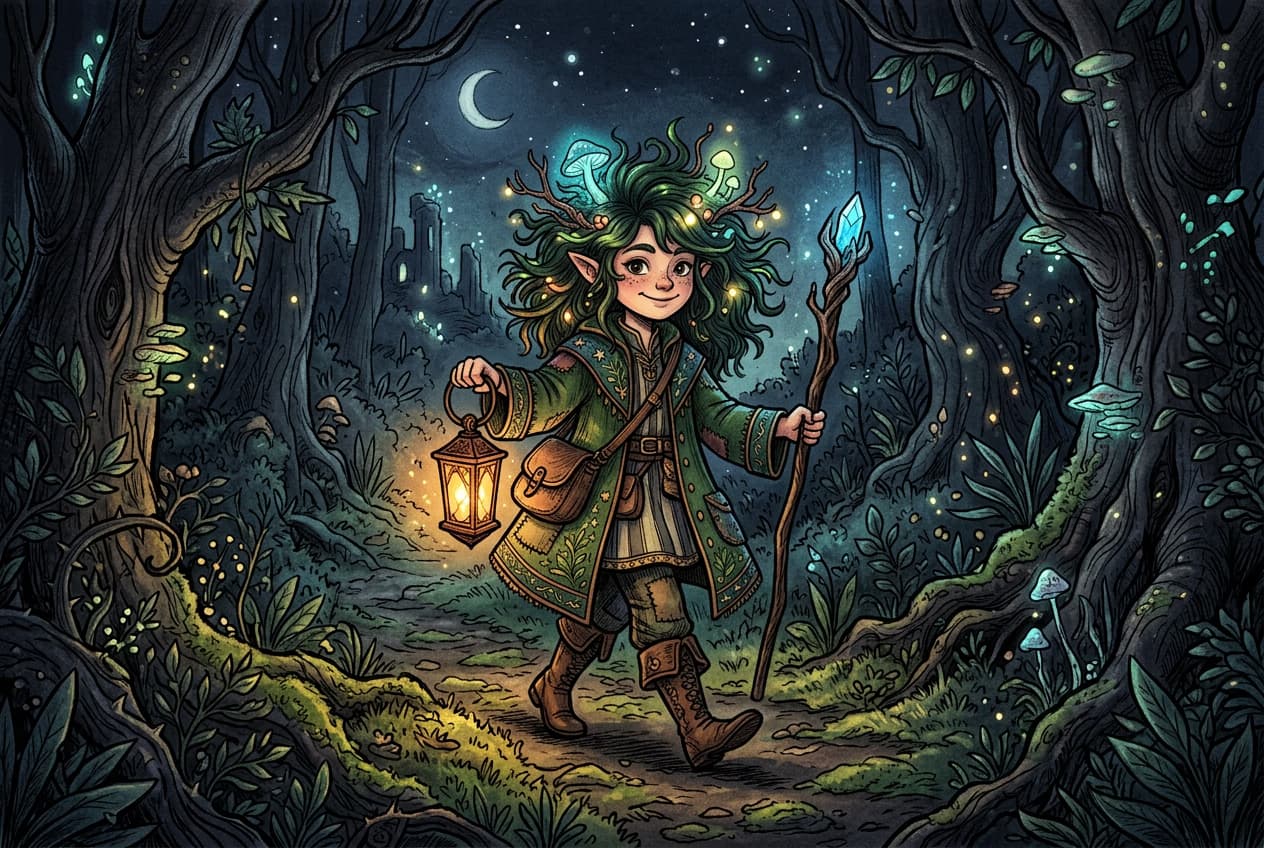
Explore more models like Flux Kontext Max
Compare Flux Kontext Max with other image models for campaign visuals, design assets, and creative tests.
Flux Kontext Max FAQ
Flux Kontext Max is the flagship variant of the Flux Kontext family from Black Forest Labs — an in-context image generation and editing model that preserves character, style, and scene consistency across edits. The family includes three variants:
- Kontext [pro] — balanced speed and quality.
- Kontext [max] — the highest prompt adherence and typography precision.
- Kontext [dev] — open-weights for research.
Kontext Max delivers the strongest results for professional editing, brand consistency, and accurate text rendering.
Generate AI visuals with Flux Kontext Max
Pro
Most popularAI tools for everyday creative work.
Ultra
Most powerfulHeavy AI usage for creators & teams.