Flux 3 Image: AI Image Generation with Total Layout Control
Flux 3 Image is the Flux 3 AI image model from Black Forest Labs, built for control. Compose a scene element by element with bounding boxes, generate in native 2K and 4K, make pixel-perfect edits that leave the rest of the frame untouched, and combine up to 10 reference images into one composed result - all inside Picsart's AI Playground.
- Place objects with bounding boxes
- Combine up to 10 references

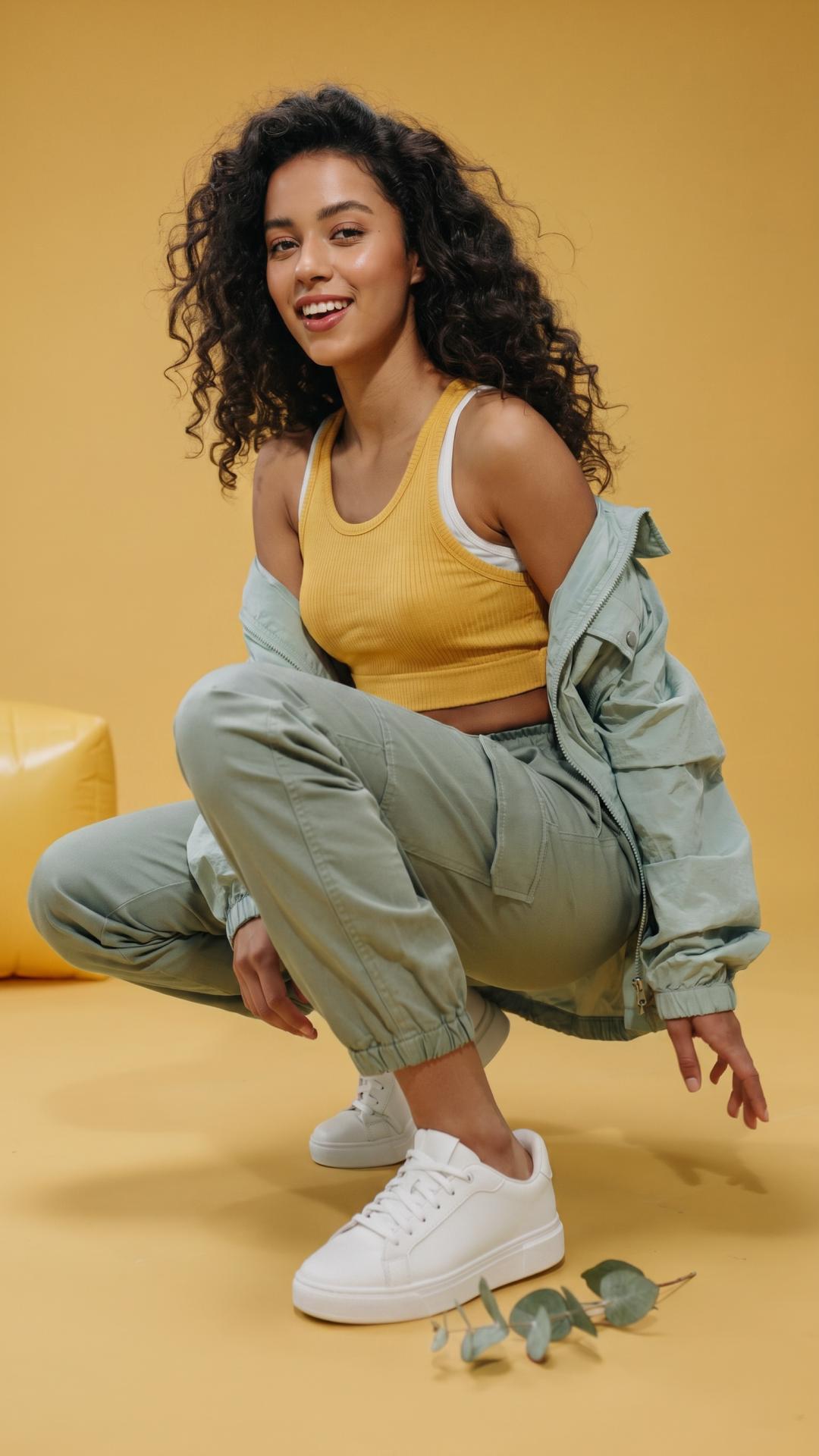
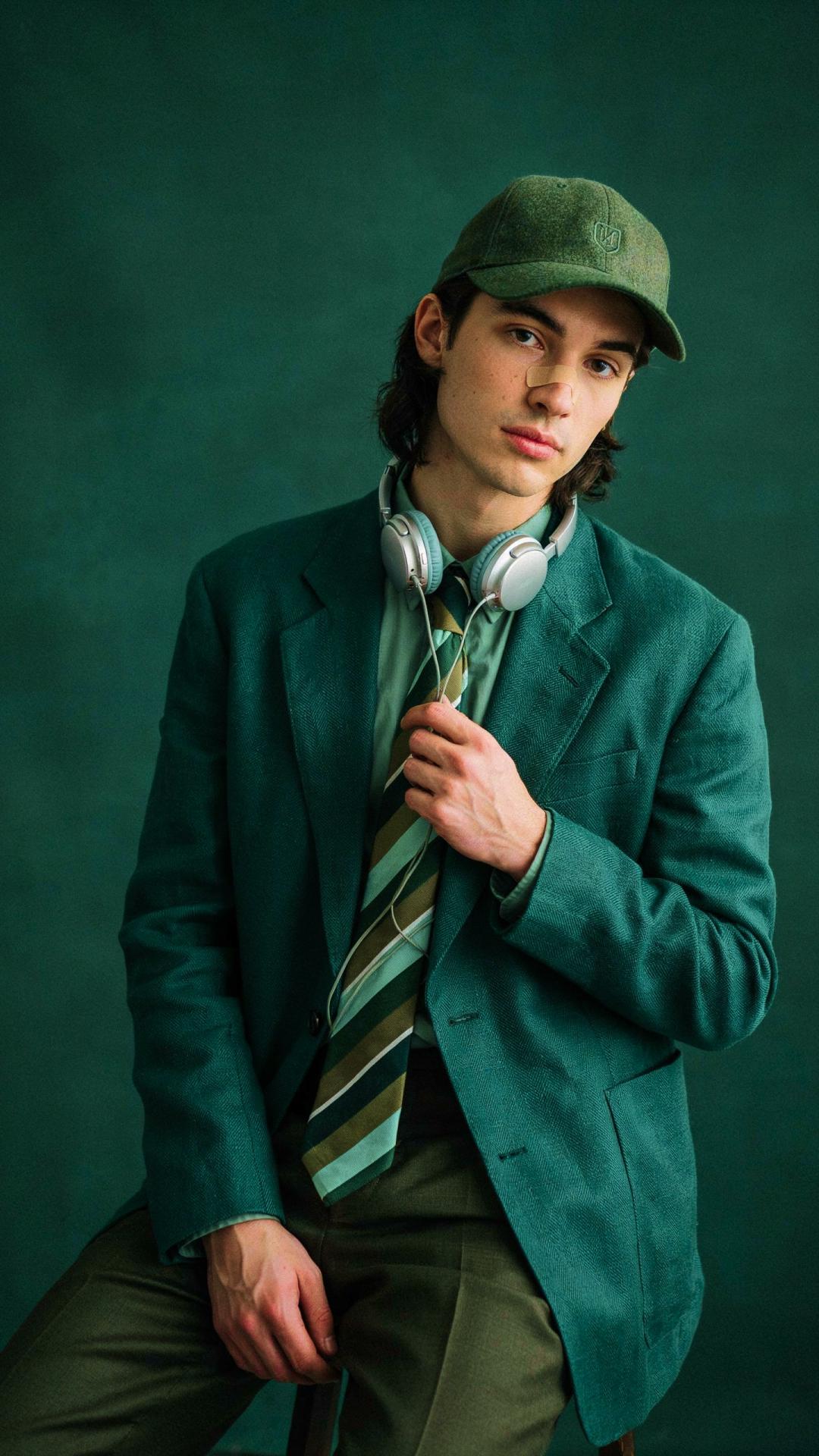
Compose images from scratch with bounding boxes
Lay out the image exactly how you want. Whatever aspect ratio you pick, the canvas is a 0 to 1000 grid on both axes: drag out a box for every element that matters, describe what goes in it, and give the scene one line that ties it together - Flux 3 Image renders every element inside its box, and your boxes reach the model exactly as you drew them. Prefer a plain prompt? Skip the boxes entirely. An agent can even plan the whole layout from one line, and every box stays editable before you generate.
- Control each object’s position
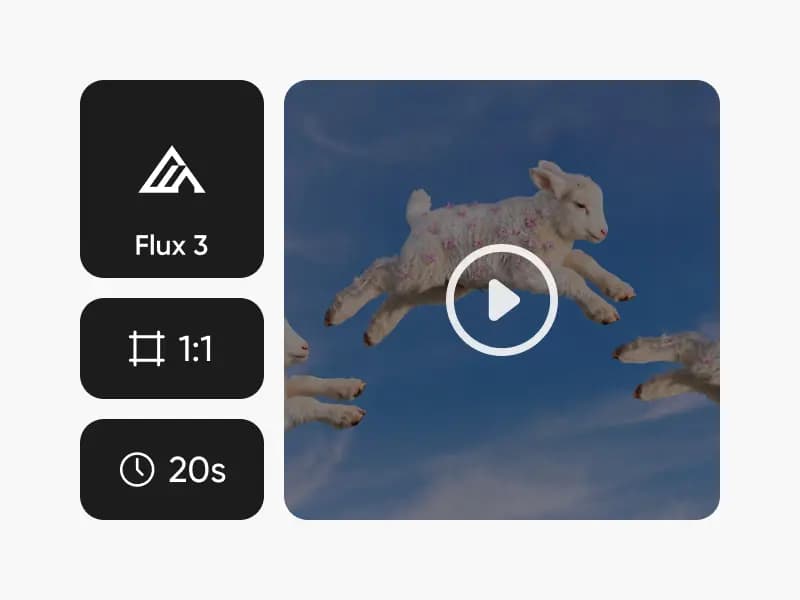
What you can create with the Flux 3 AI image model
Posters, infographics & spreads
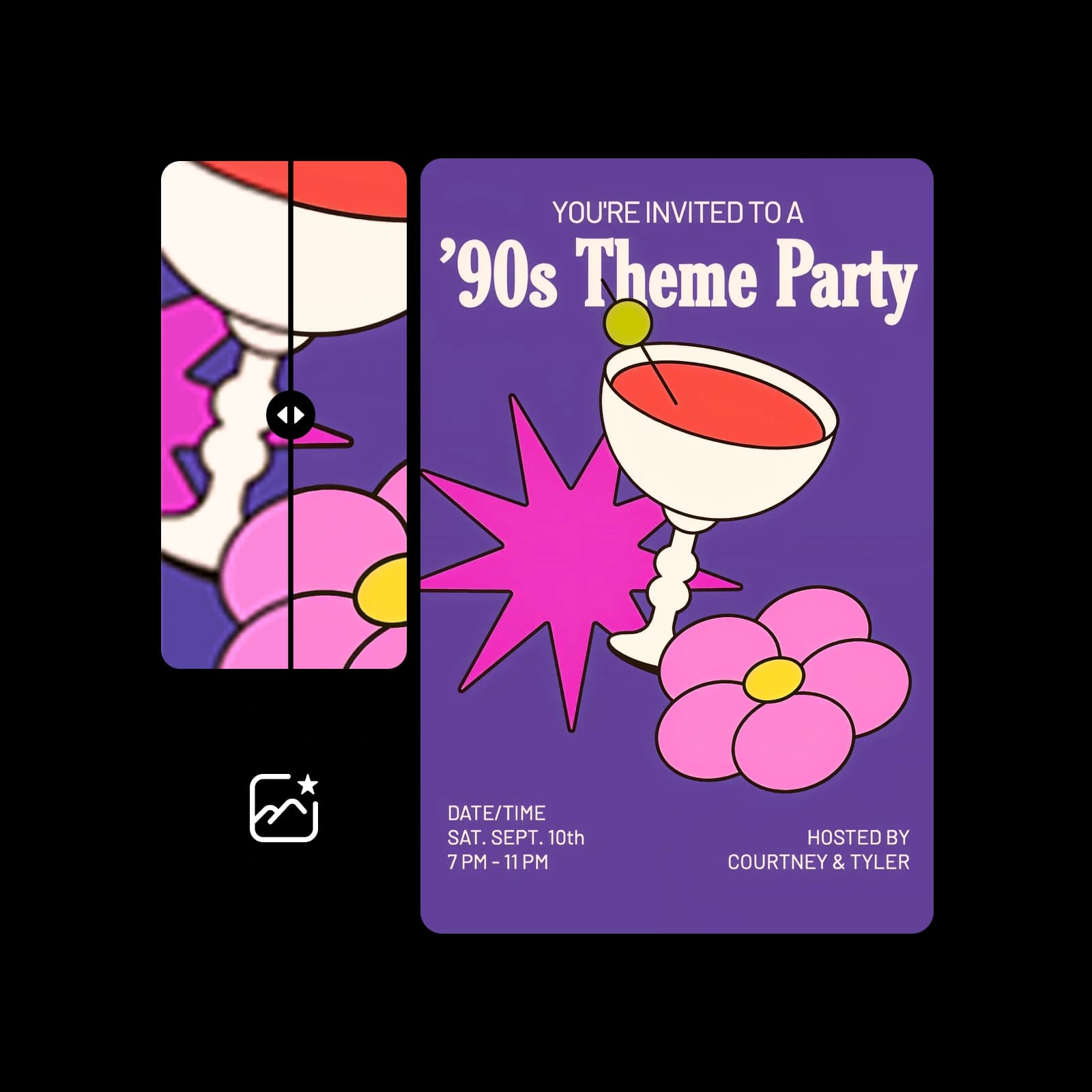
Type set around photographs, panel grids, collages, and editorial spreads - compositions with many parts in strict relationships.

Generate native 2K and 4K images to preserve details
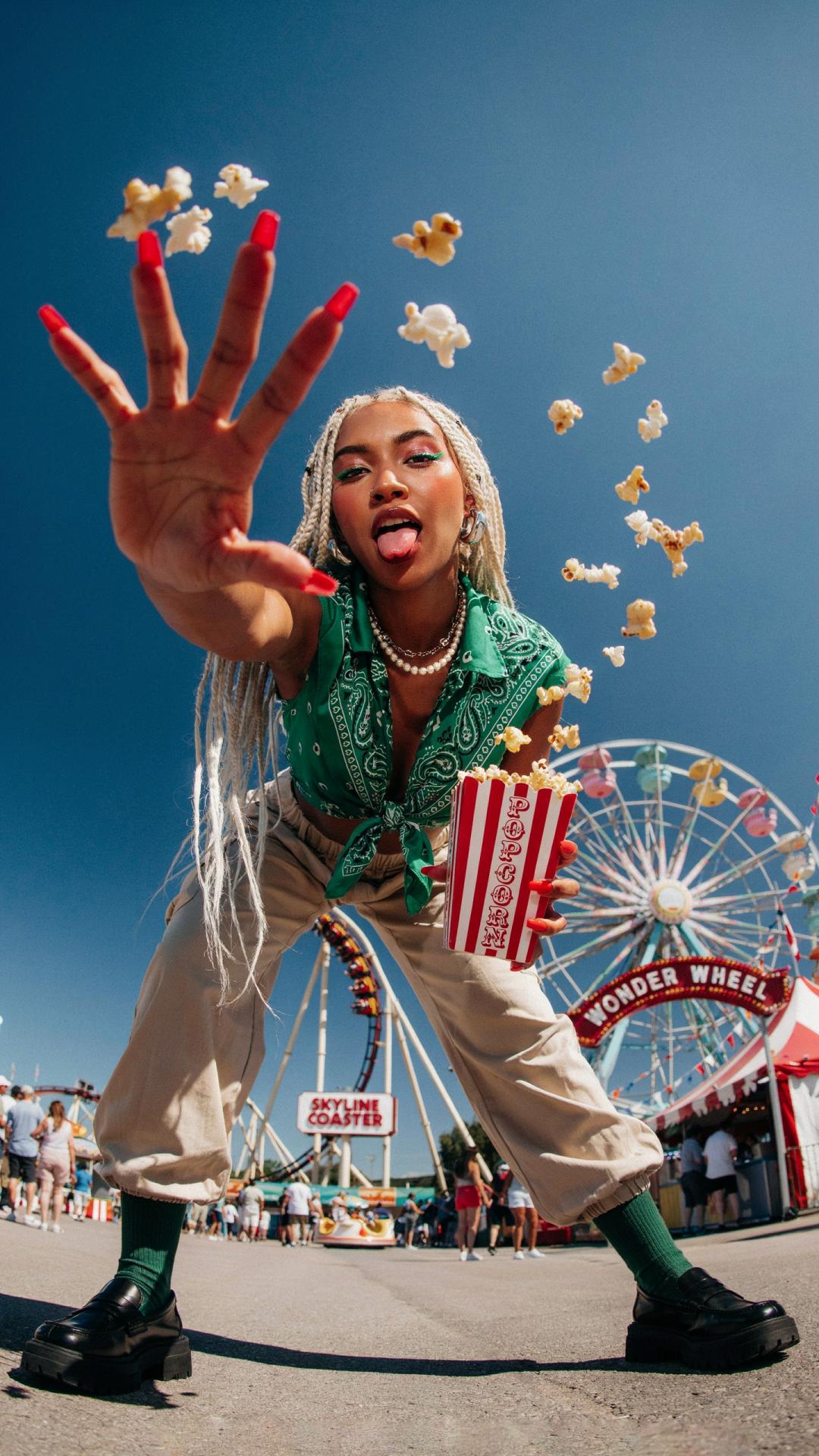
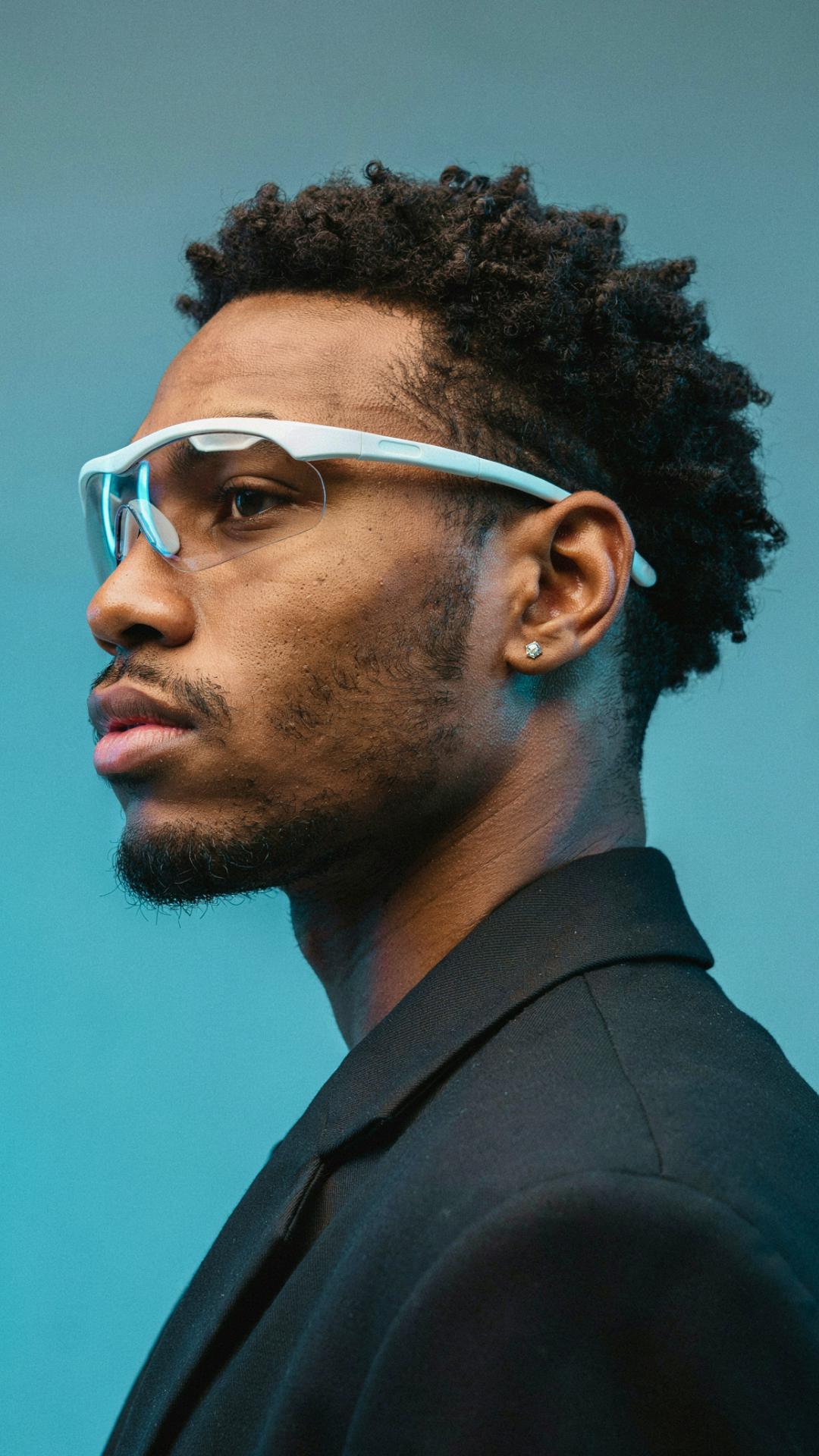
Flux 3 Image renders at full resolution, not upscaled - sample outputs reach 5456 x 3072 pixels, around 16.8 MP. Textures, faces, patterns, and small text stay sharp when you zoom, crop, or print, down to hand-lettered signage a couple of hundred pixels tall in the file.
- Choose native 2K or 4K

Make multiple edits at once without changing anything else
Pixel-perfect editing works box by box: re-describe one element, replace another, move a third - all in a single pass - and everything you didn't touch stays exactly where it was. Edits hold together across one round after another, so an image survives a changing brief without re-rolling the whole frame.
- Make several edits in one prompt

Turn up to 10 references into one well-composed image
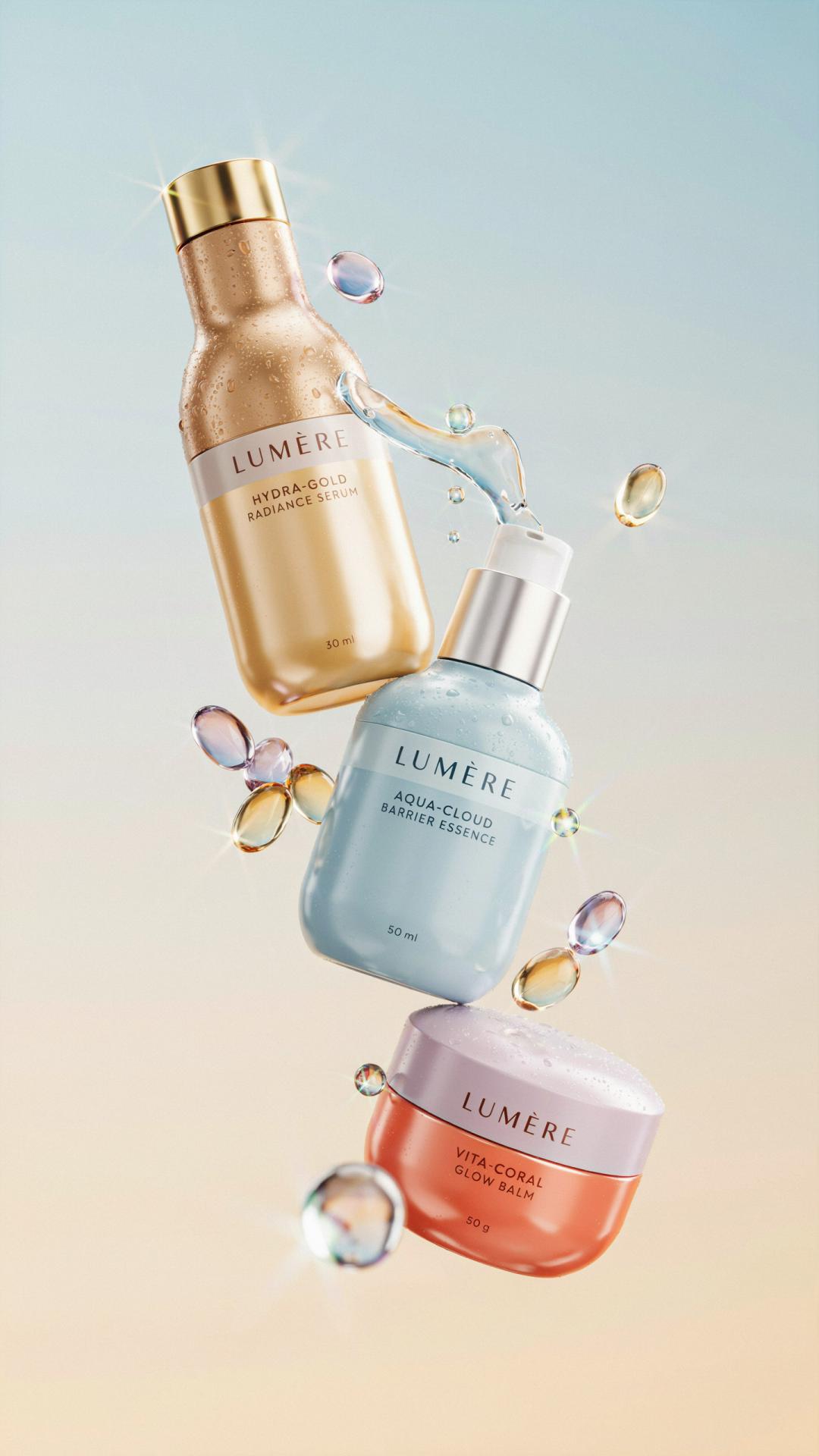
Add the images you want in the picture - up to 10 of them. Each reference gets a token in the order you add it, you write one line that says what to make and cites each token, and Flux 3 Image decides where each reference sits and how big, then renders the whole frame. Products, characters, and styles stay recognizable.
- Compose from multiple references

Flux 3 Image, available now in Picsart's AI Playground
Generate and refine with Flux 3 Image directly in Picsart's AI Playground, alongside the platform's other leading image models - Nano Banana Pro, Ideogram 4.5, Seedream 4.5, and its own predecessor Flux 2 Pro - switching between them on one credit balance. Reach it whichever way you work: on the web, in the desktop app, or built straight into your own projects via CLI, MCP, REST API, and SDK - with no third-party API keys or separate subscriptions to manage.
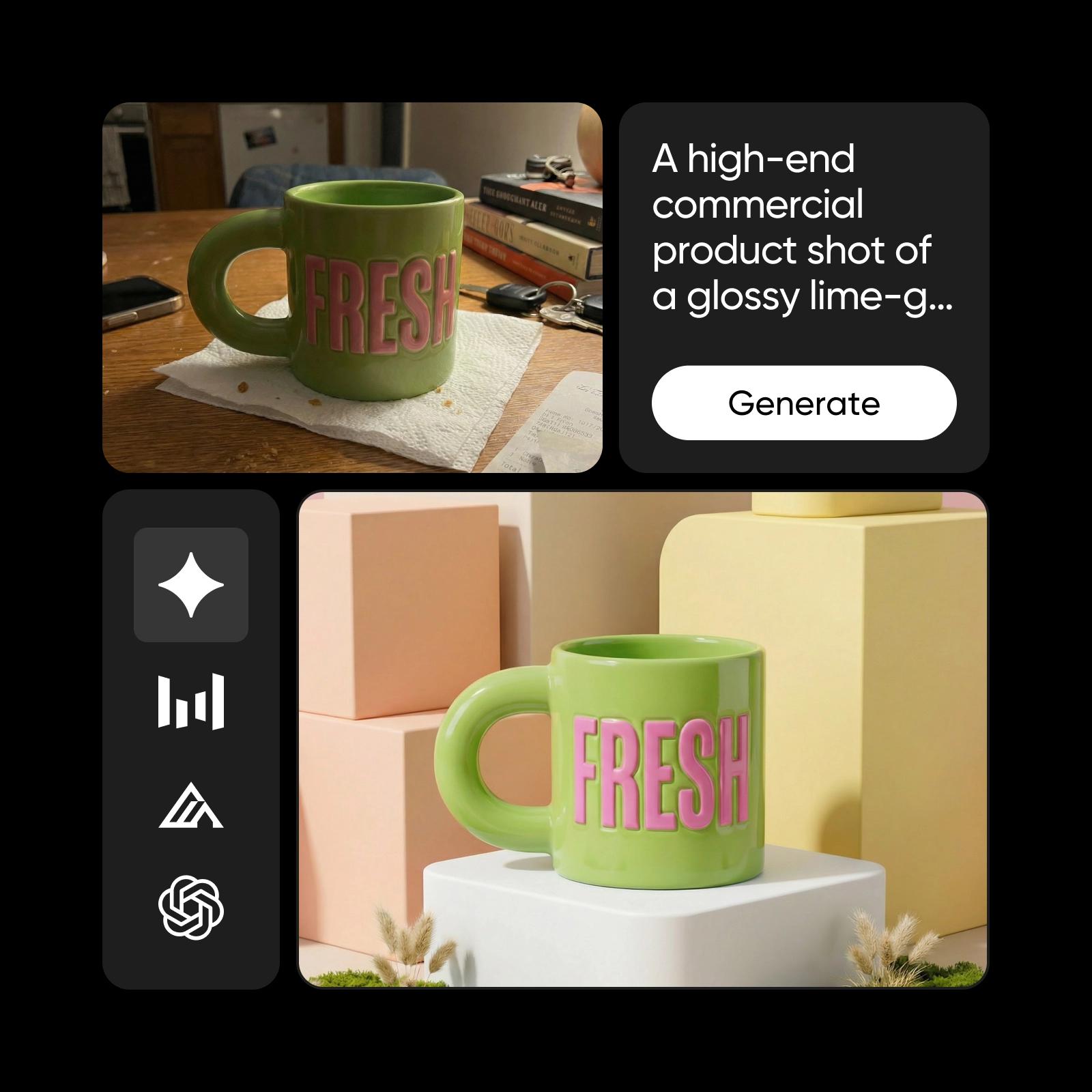
Understand image model choices
Learn how to compare image models and choose an output.
Explore more models like Flux 3 Image
Compare Flux 3 Image with other image models for campaign visuals, design assets, and creative tests.
Flux 3 Image FAQ
Flux 3 is Black Forest Labs' multimodal model family for video, audio, images, and actions. Flux 3 Image is the part that generates and edits images - with bounding-box layout control, native 2K and 4K rendering, pixel-perfect edits, and support for up to 10 reference images.
Generate AI visuals with Flux 3 Image
Pro
Most popularAI tools for everyday creative work.
Ultra
Most powerfulHeavy AI usage for creators & teams.