Recraft V4.1: more beautiful by nature
The next-generation Recraft model, now in Picsart. Recraft V4.1 builds on V4's design-first foundation with cleaner photorealism, dreamier gradients, sharper object understanding, smoother 3D rendering, and better results from shorter prompts. Generate raster images, vectors, logos, and typography — all from a single design-quality AI model. Available in the AI Image Generator and AI Playground.
- Create images, vectors, and typography
- Guide compositions with shorter prompts
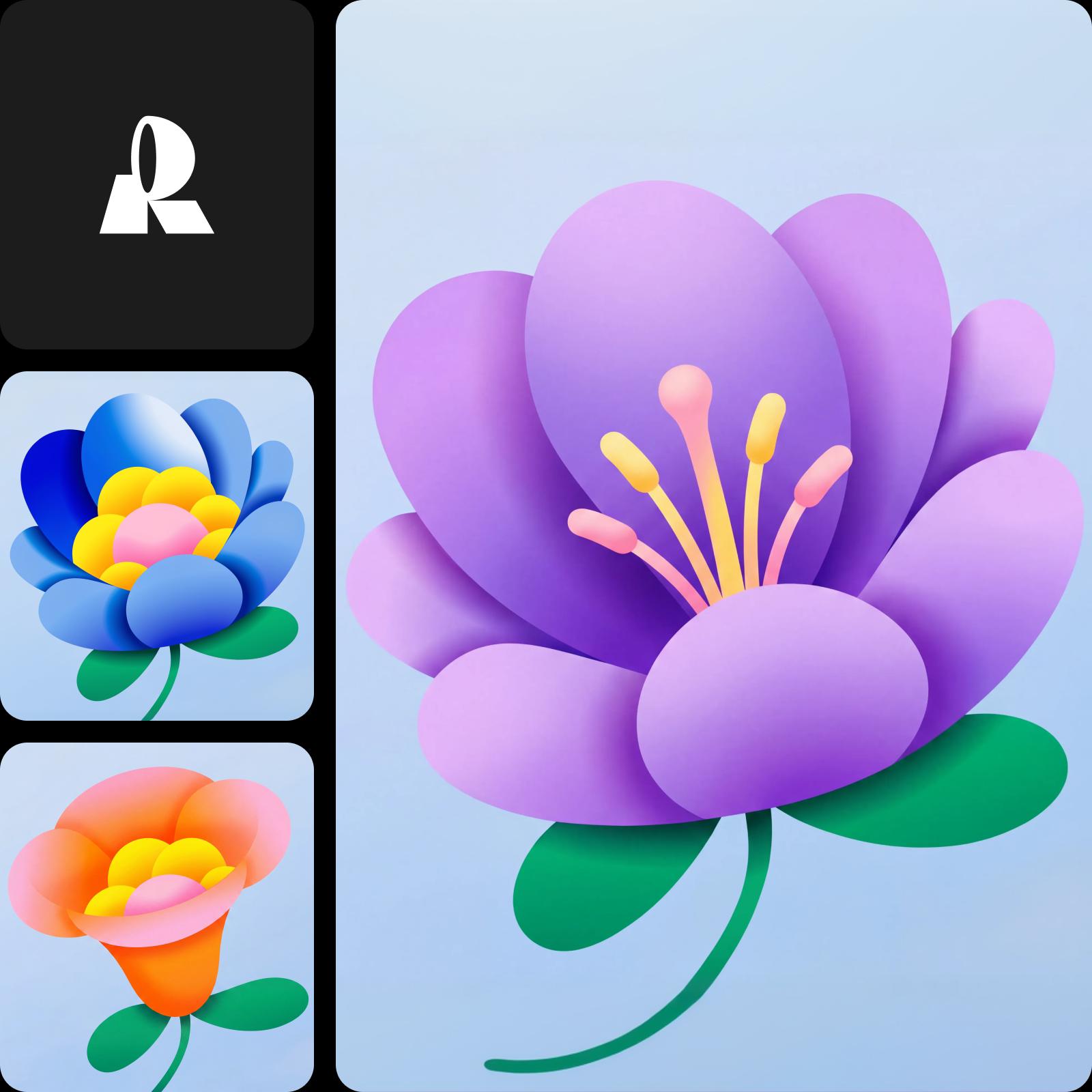
Start generating with Recraft V4.1 — design-quality AI images
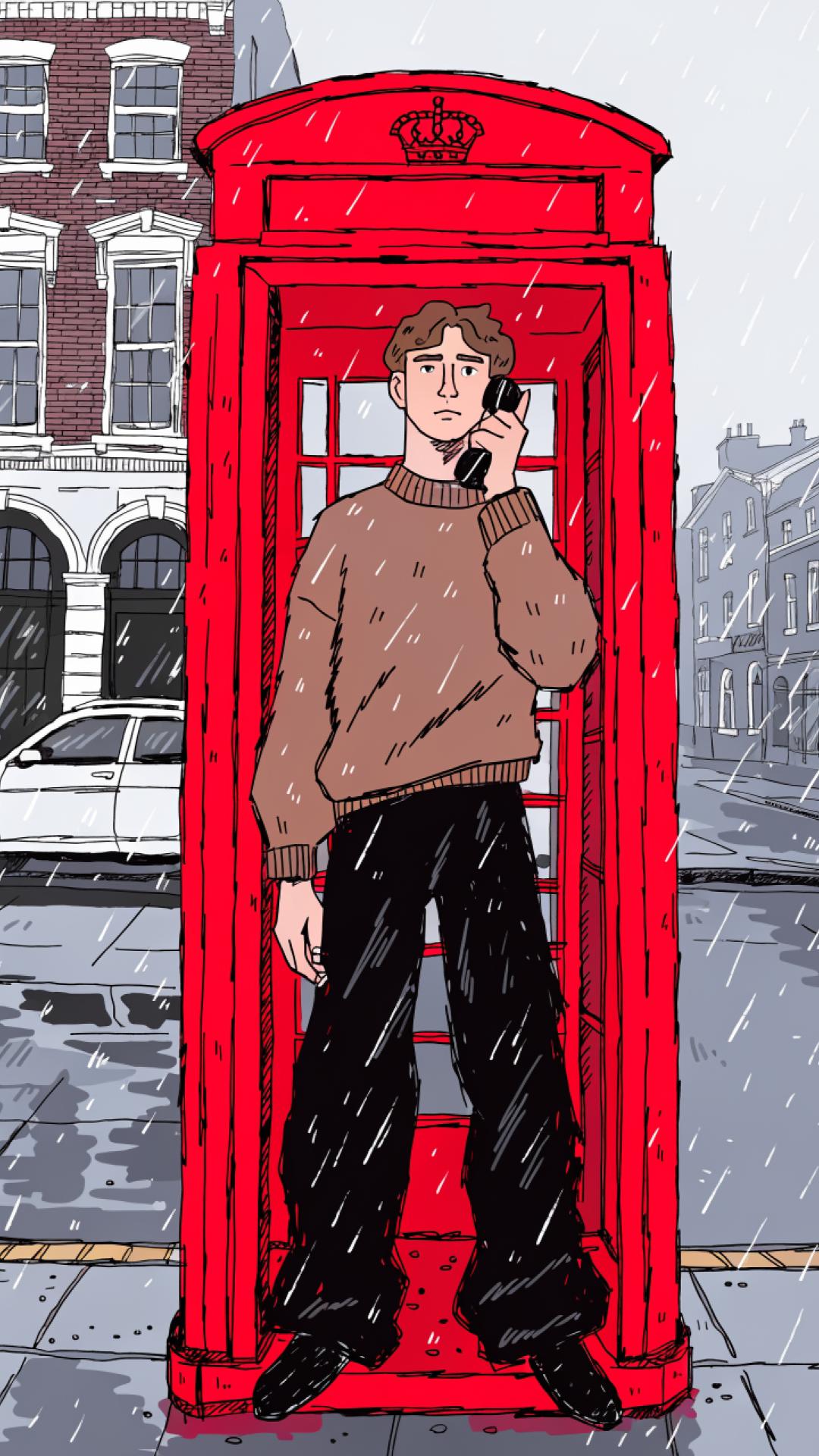
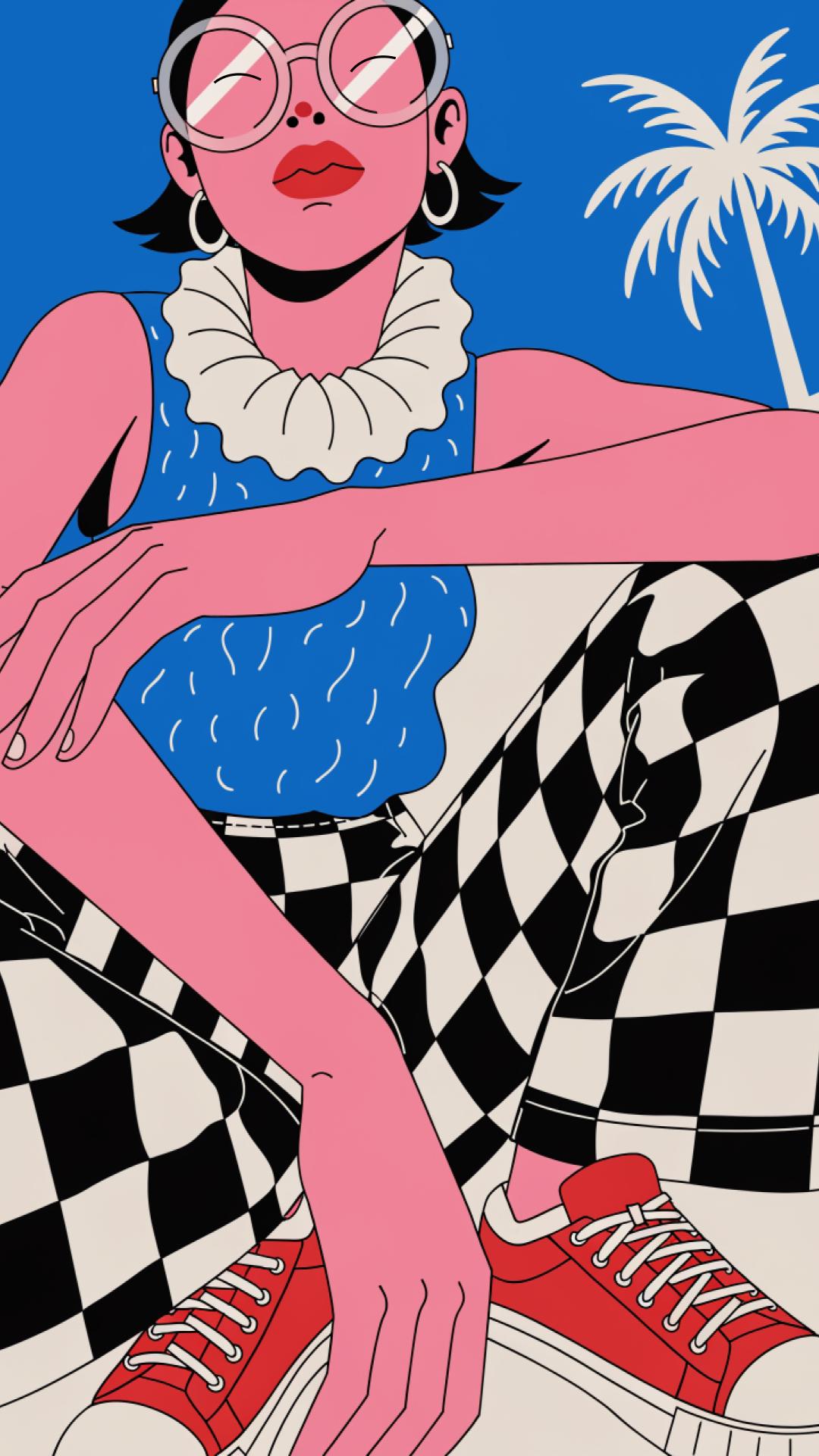
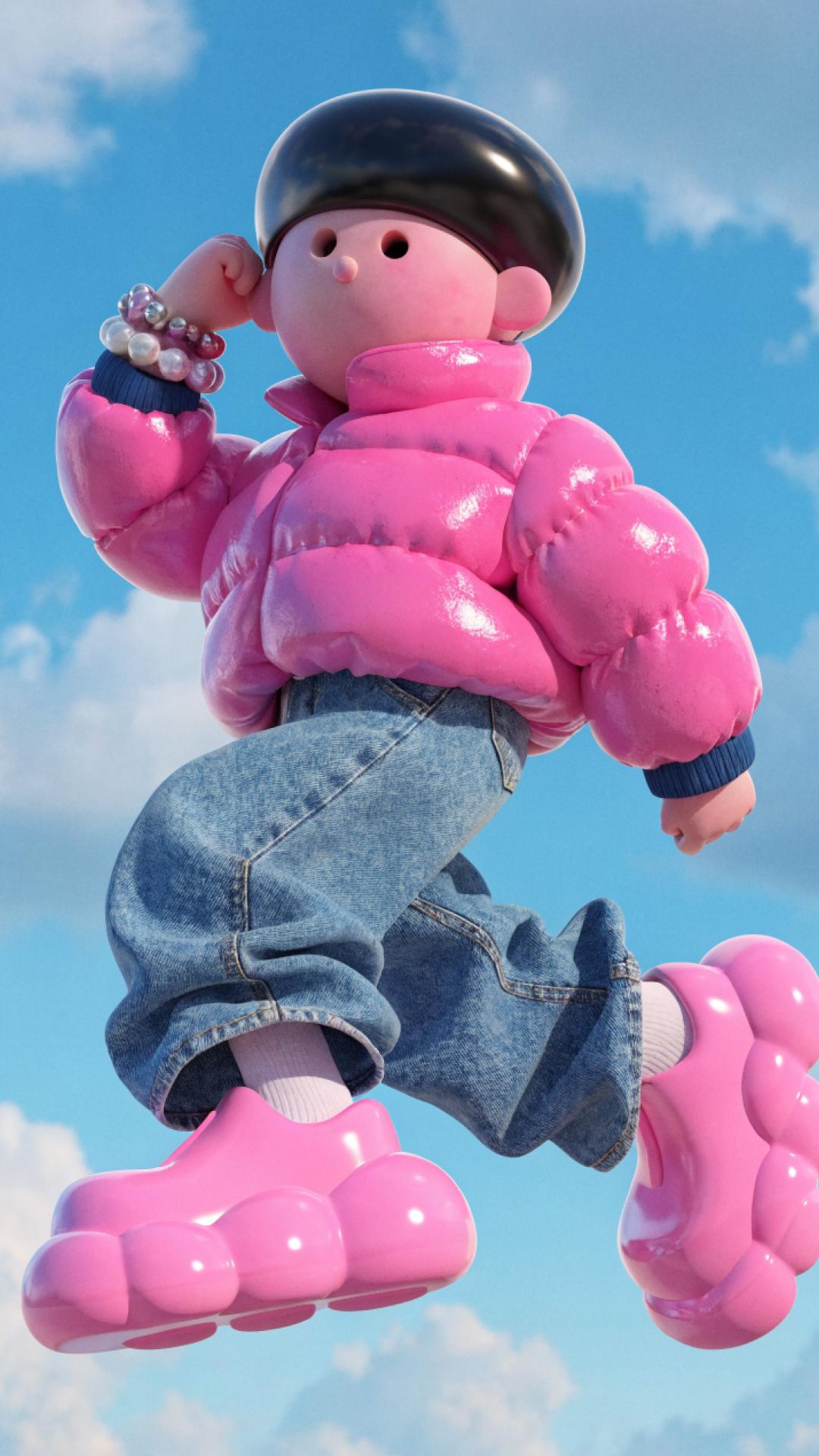
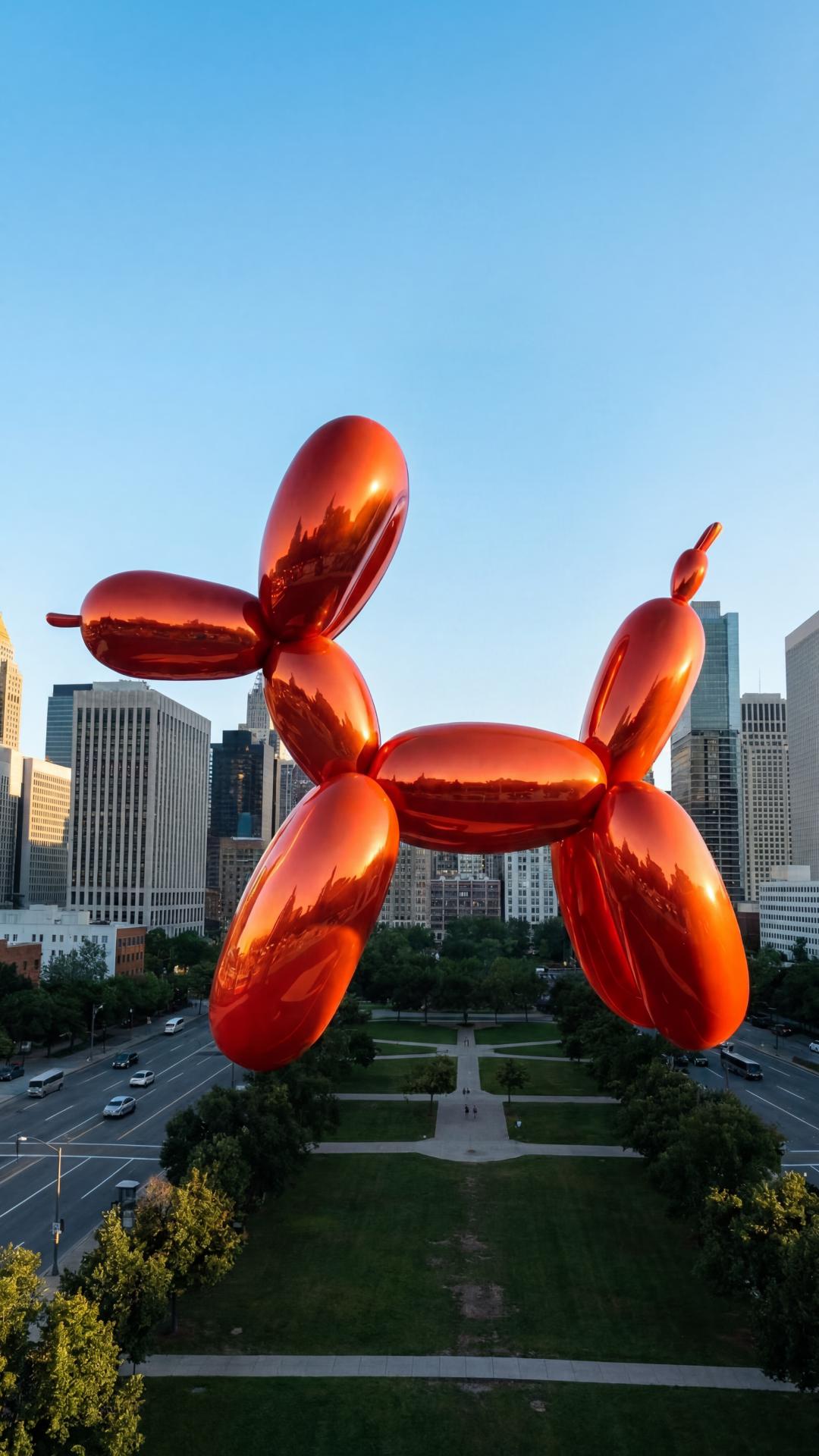
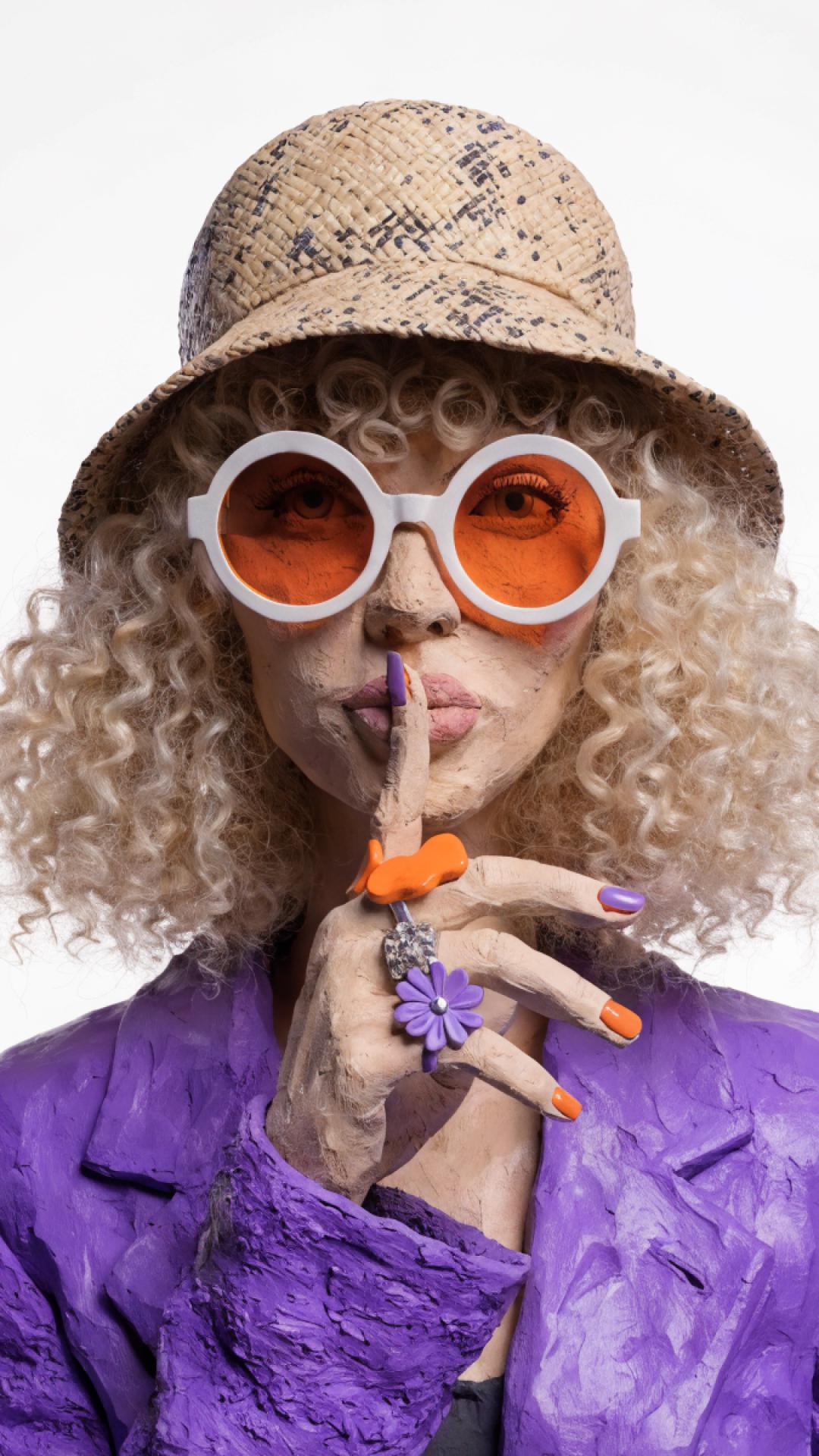
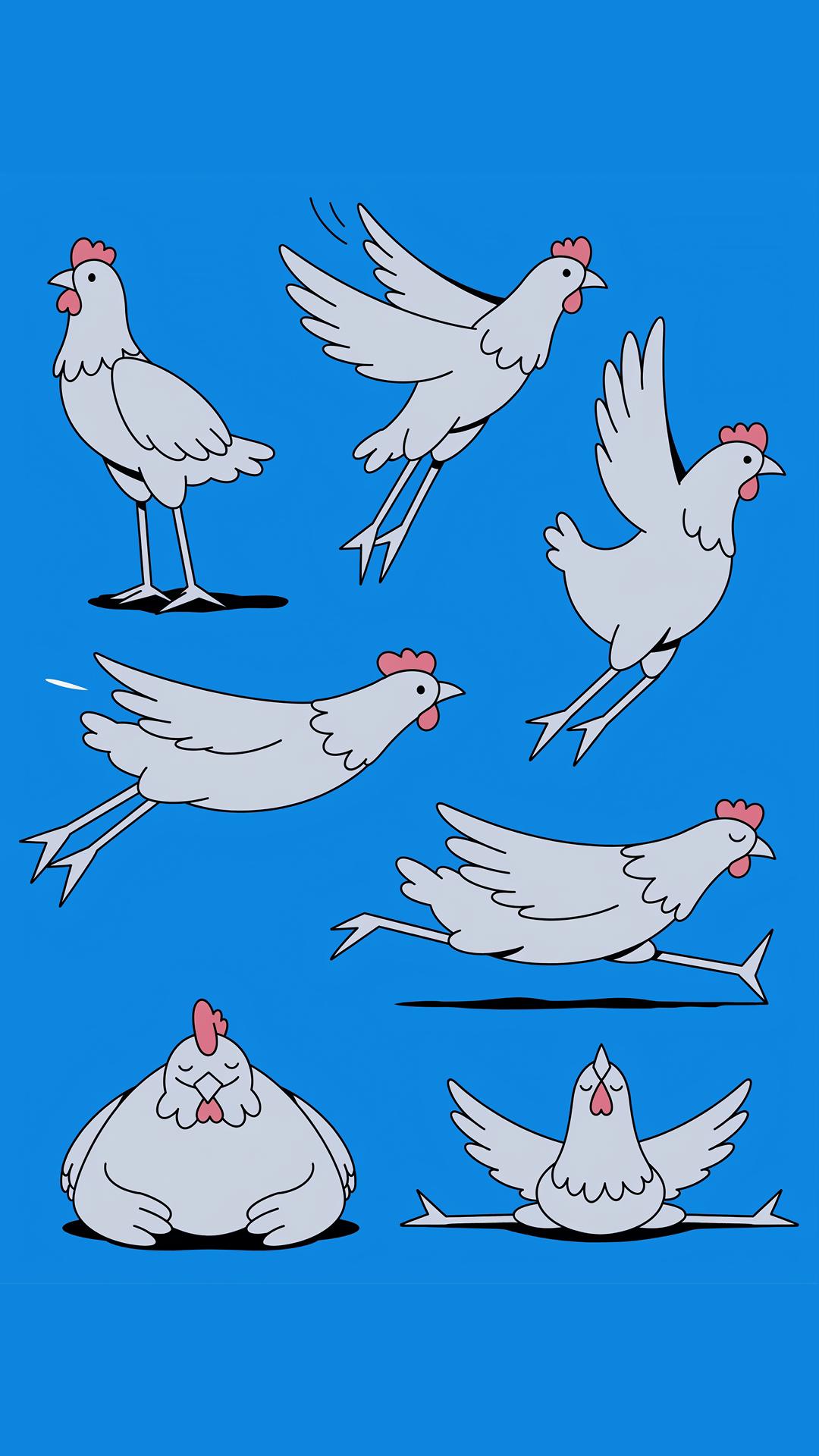
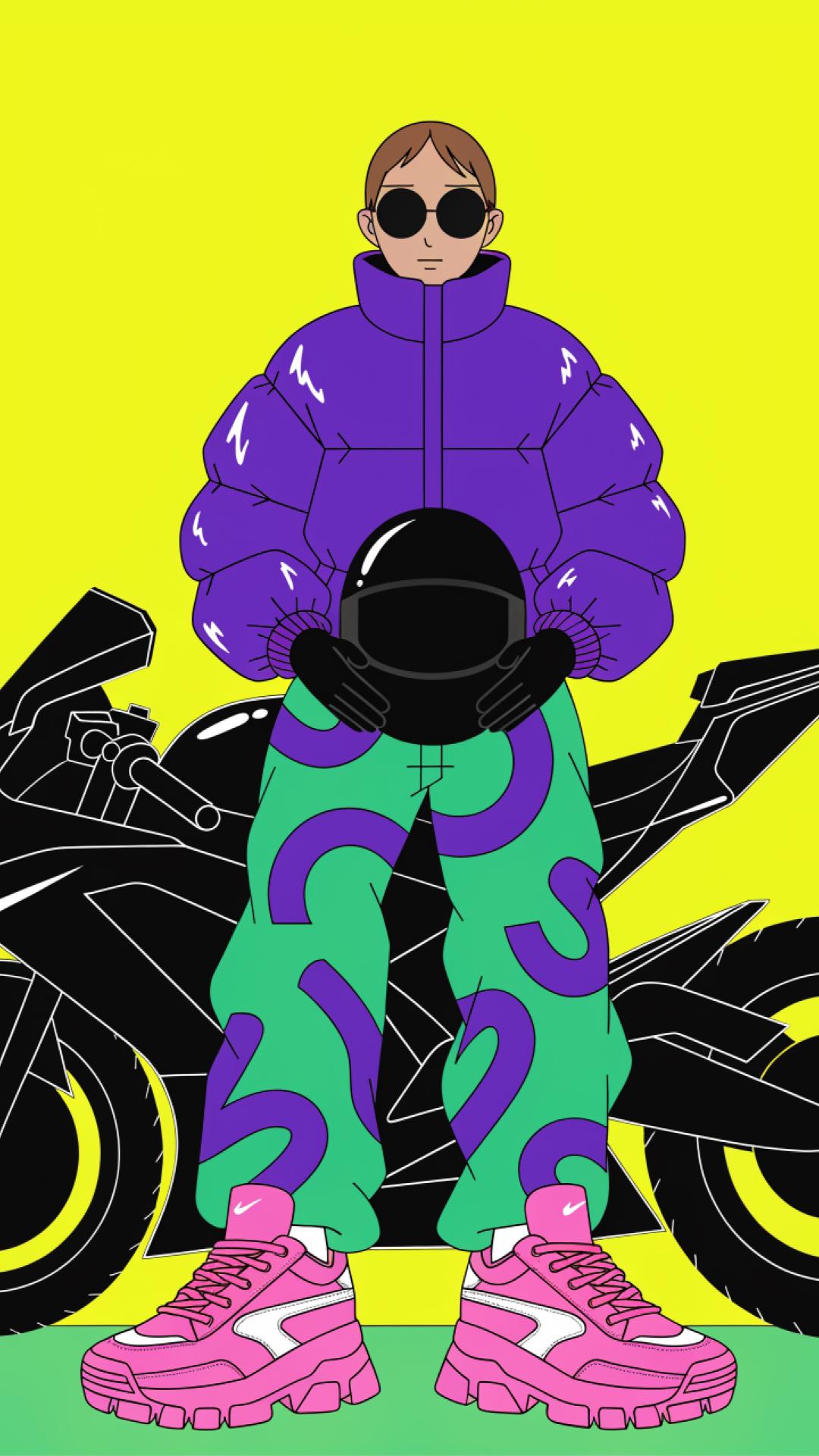
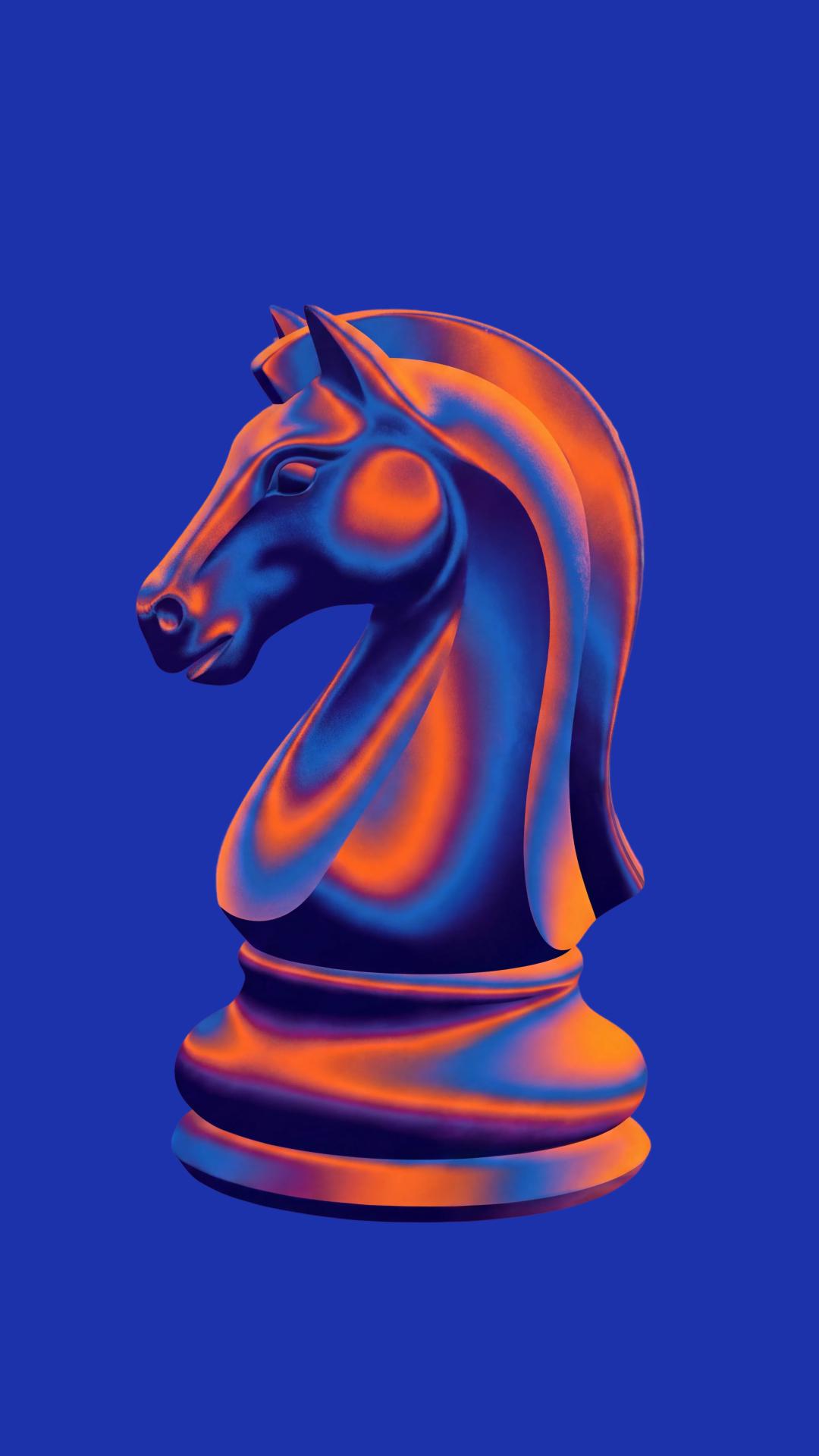
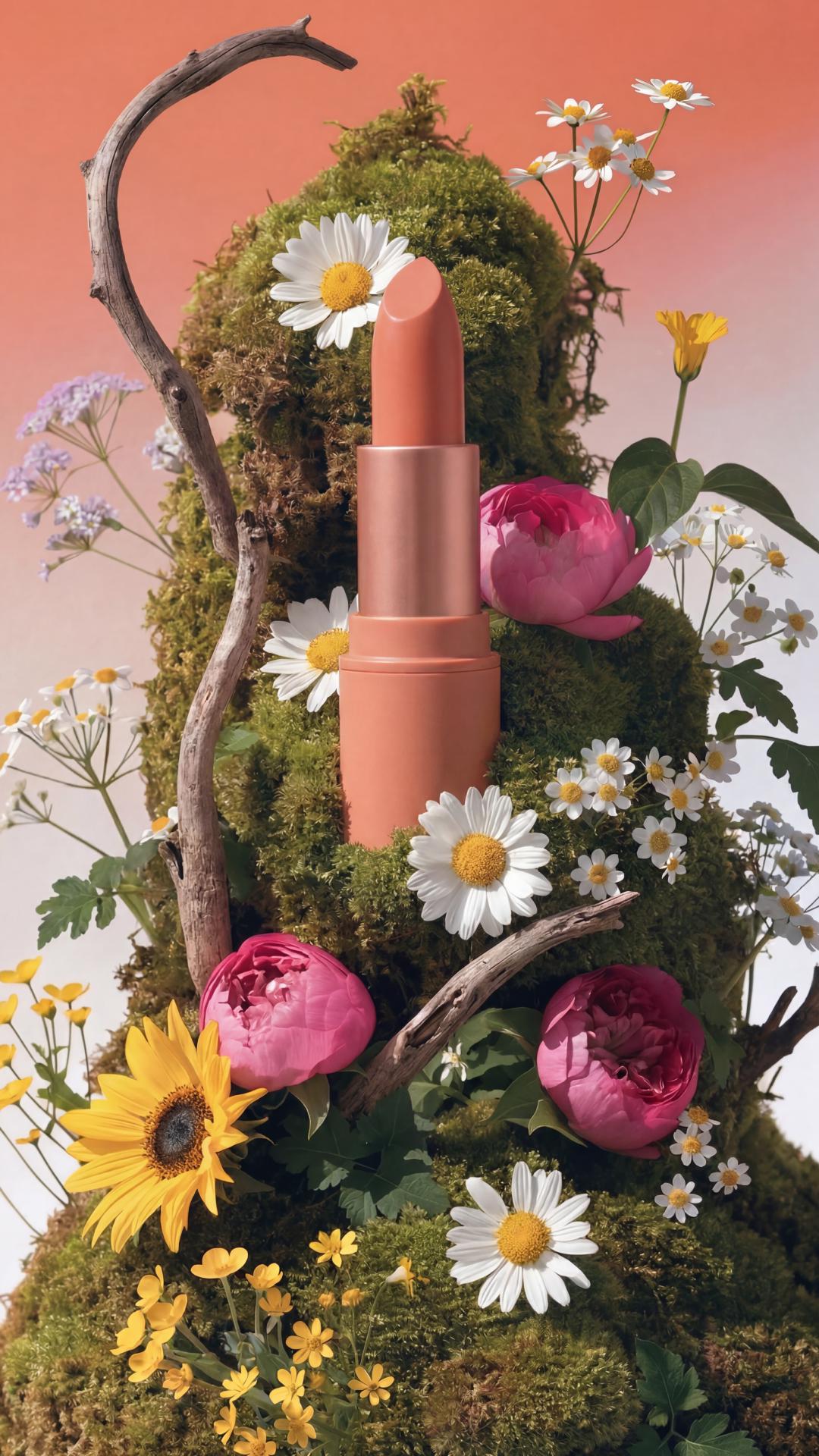
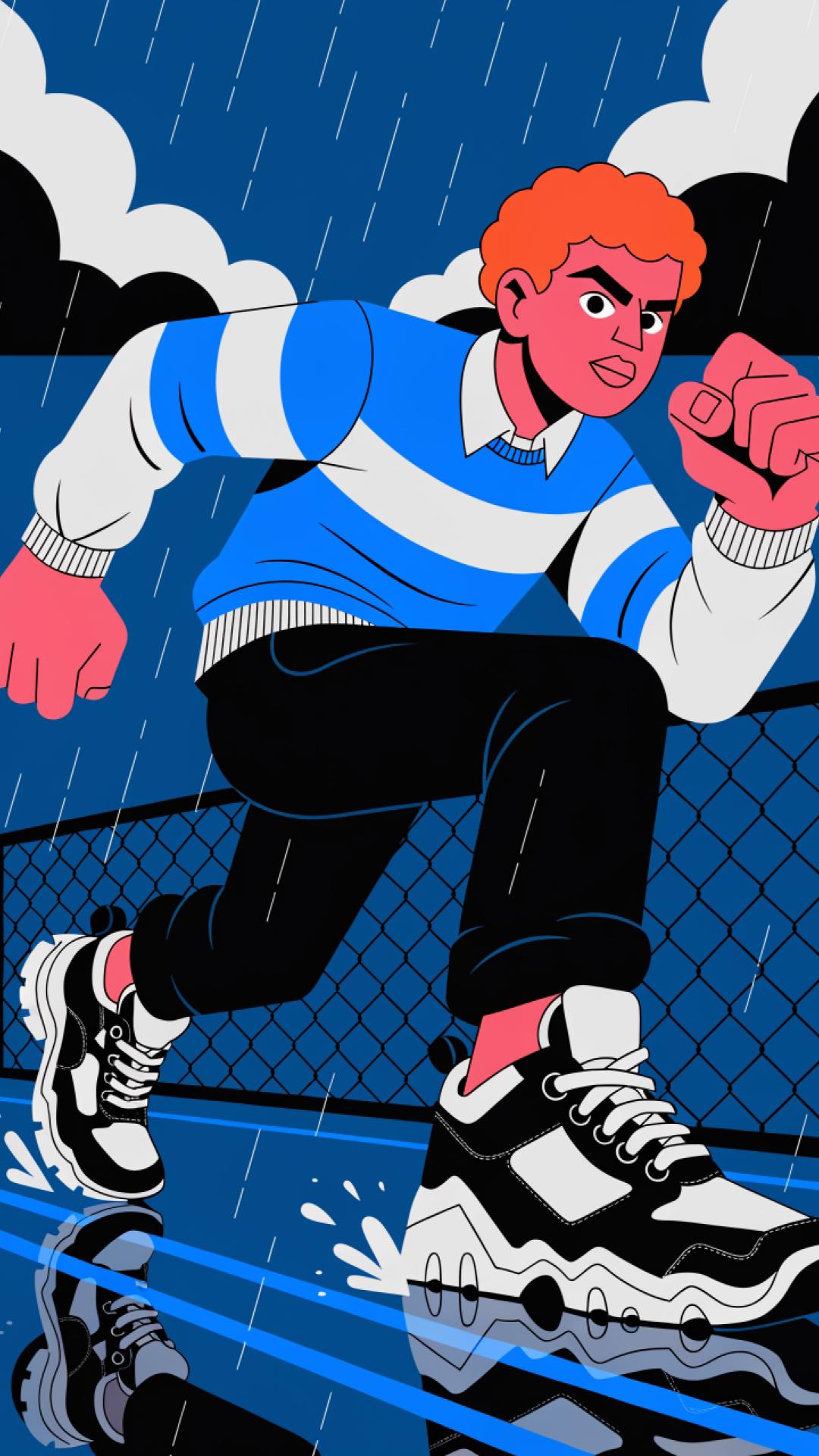
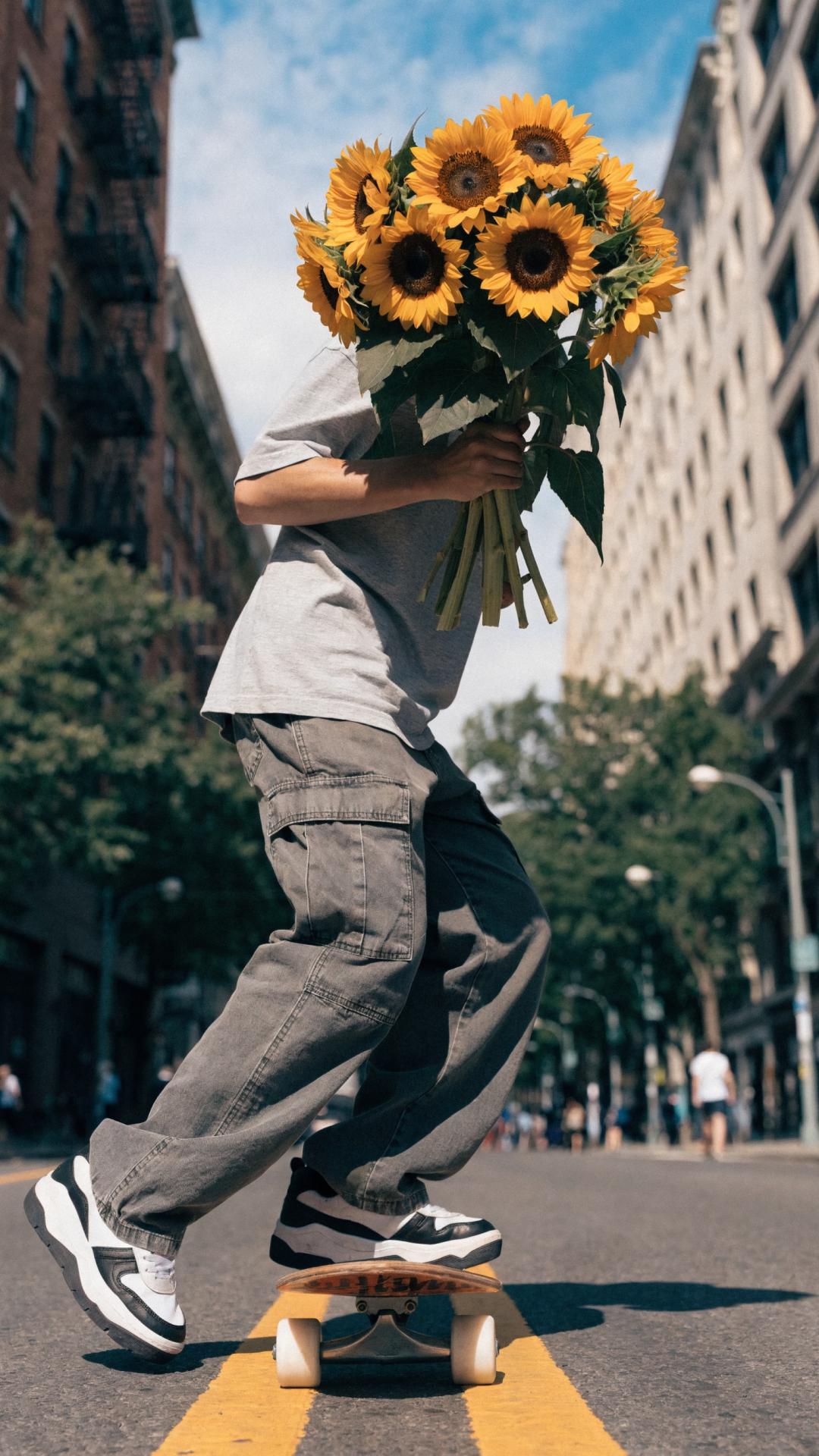
What is Recraft V4.1?
Recraft V4.1 is the next-generation release in the Recraft V4 family — a design-first AI image model built by the team behind CatBoost, one of the most widely used machine learning libraries in the world. V4.1 carries V4's design aesthetic and pushes it further: more natural photorealism, dreamier gradients, sharper object understanding, smoother 3D rendering, and cleaner icons and vectors by default. The result is an image model with real design sensibility — one that reads short prompts well and turns intent into polished output. Available in Picsart through the AI Image Generator and the AI Playground.
- Render smoother 3D surfaces
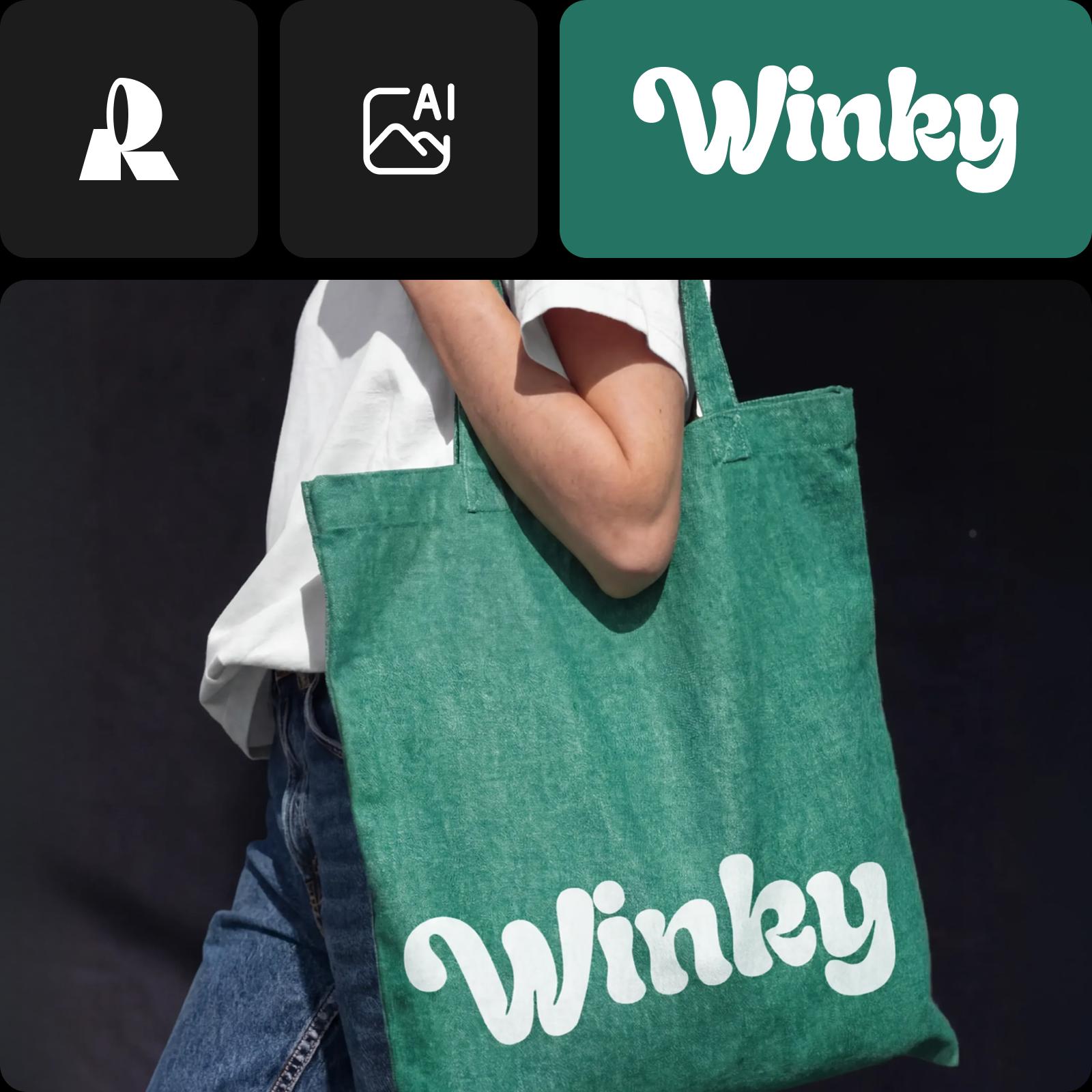
From short prompts to polished pixels
V4.1 is more expressive than V4 — bringing its own point of view to every prompt, experimenting with light, mood, and composition. Type fewer words, get more intentional output. The model is tuned to read what you mean, not just what you wrote, which makes it ideal for fast concepting, editorial visuals, and final creative deliverables.
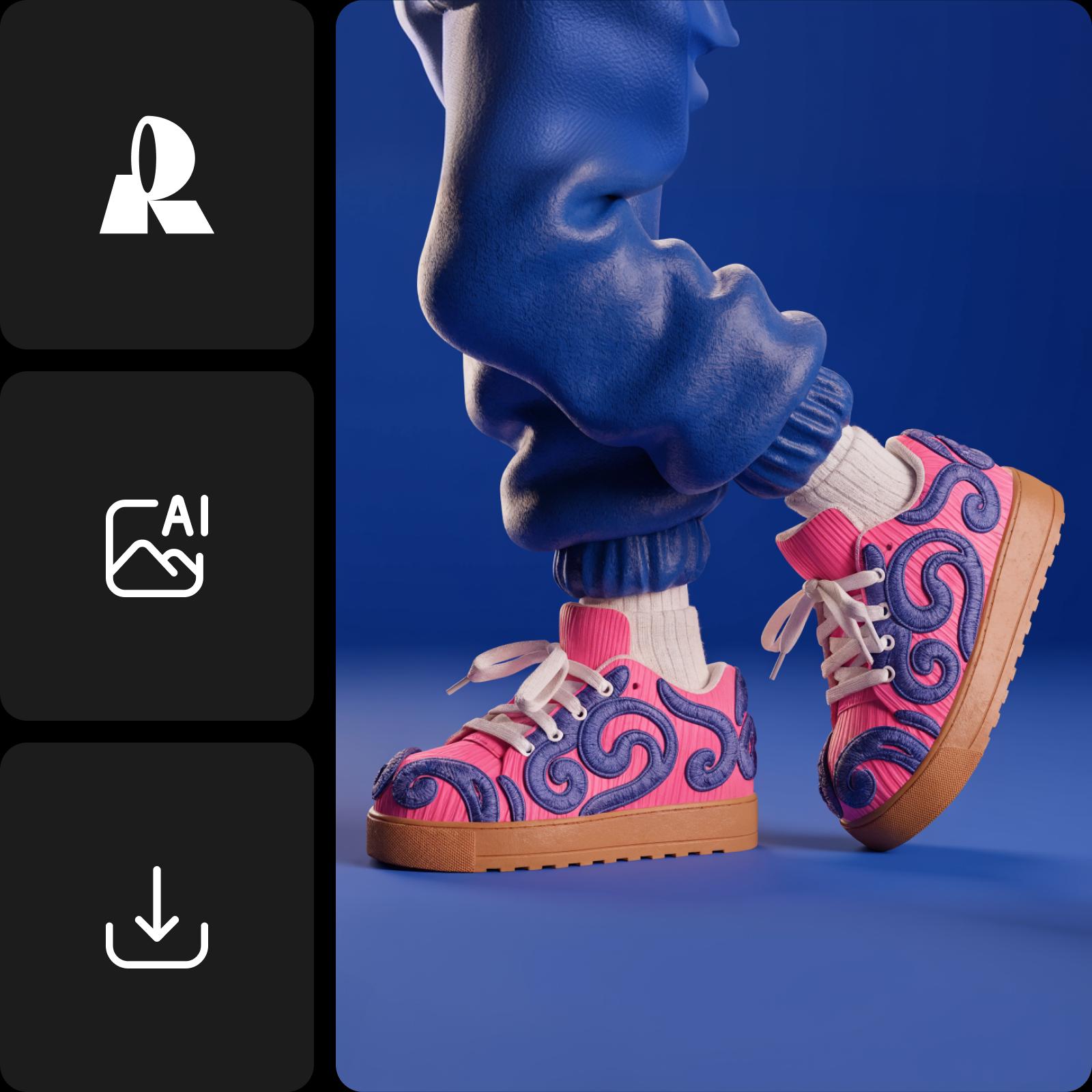
What you can create with Recraft V4.1
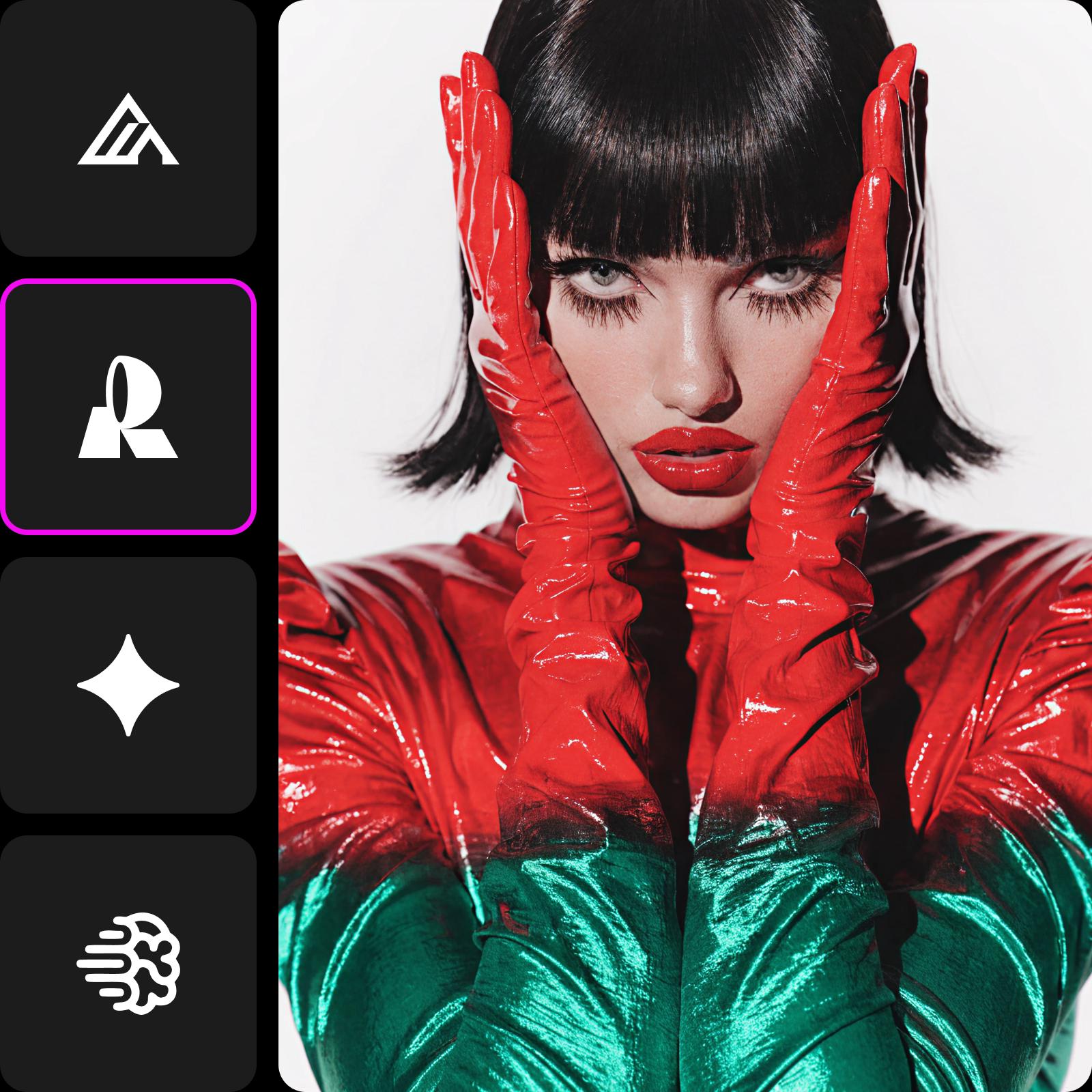
Photoreal scenes & products
Recraft V4.1 sharpens photorealism with cleaner light, smoother gradients, and better object understanding. Ideal for product shots, editorial photography, and lifestyle imagery.
Generate image
Four variants for every creative job
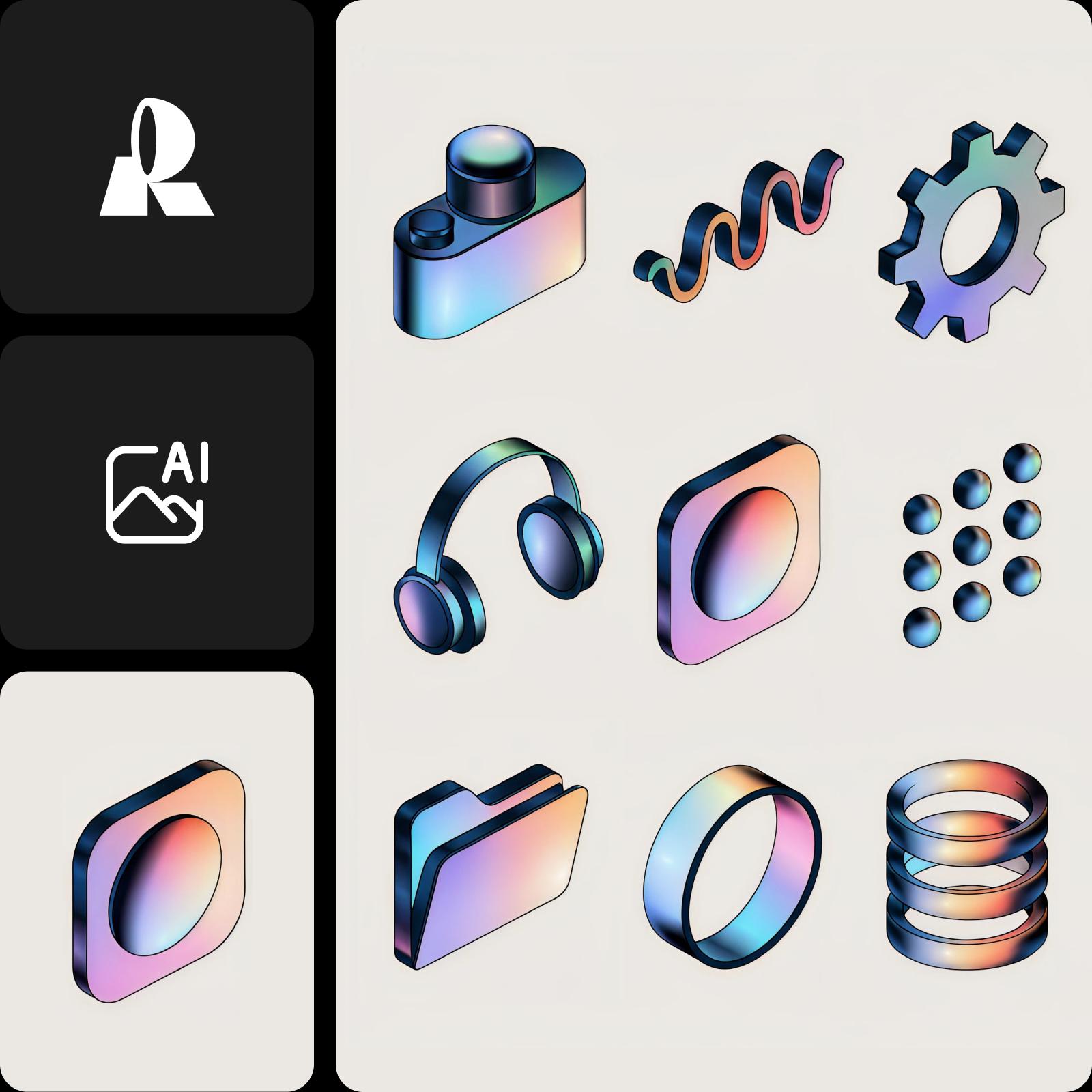
Recraft V4.1 ships as a family. V4.1 is the main expressive raster model — most flexible, best for exploration. V4.1 Pro is the high-resolution variant, built for premium creative output and larger final assets. V4.1 Vector handles logos, typography, and illustrations where the line matters. V4.1 Utility is the controlled-output model for production work — flatter lighting, front-facing composition, and predictable results when consistency beats art direction. All four are available in Picsart.
- Choose a tier for your design task
How Recraft V4.1 works in Picsart
Open the AI Playground and choose Recraft V4.1 from the model picker — write a short prompt and generate. Or pick other models like Flux, Nano Banana, Imagen, and Ideogram on the same prompt. The AI Image Generator is your fast everyday path; the AI Playground is where you decide which model wins for each project.
Understand image model choices
Learn how to compare image models and choose an output.
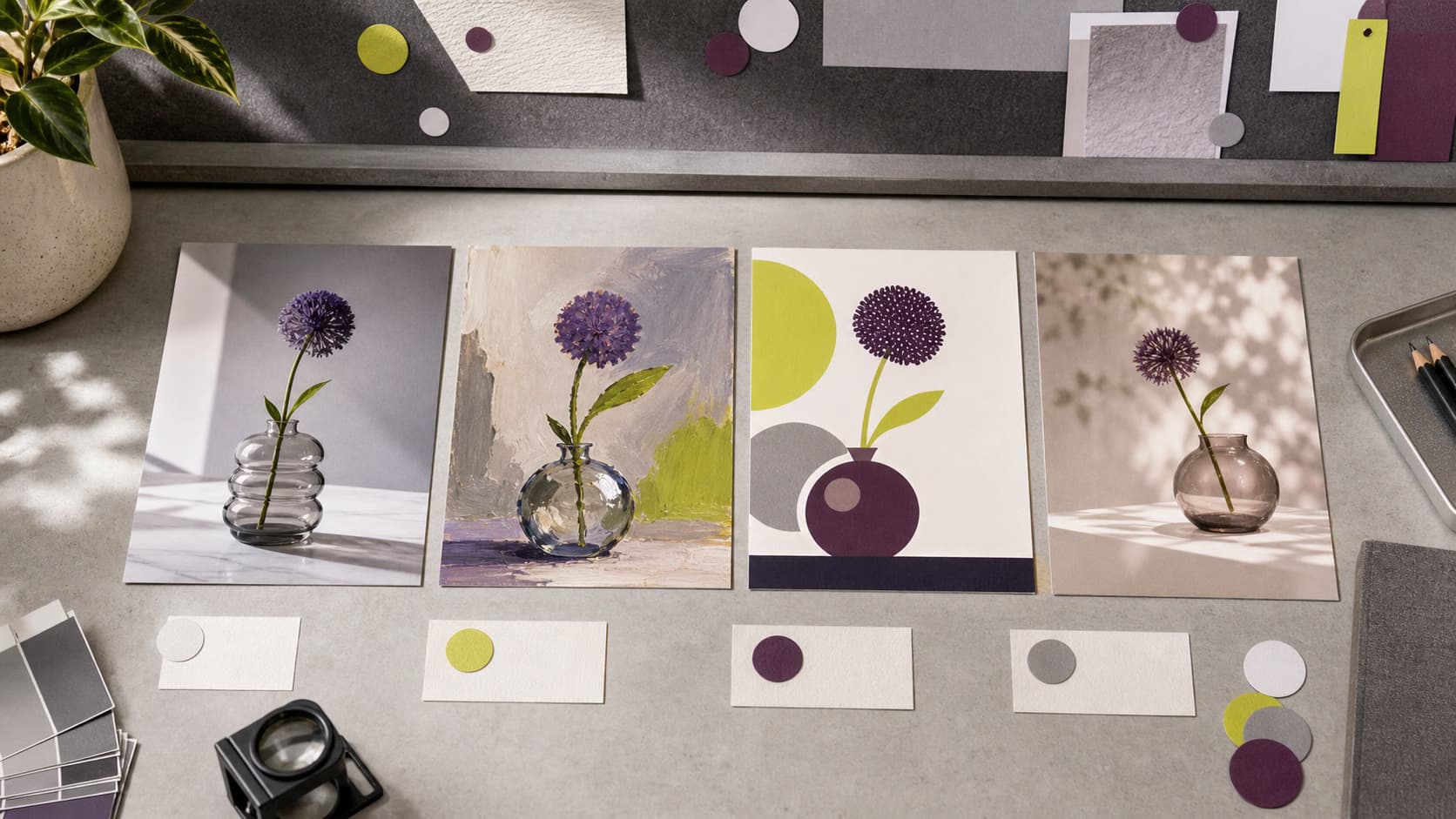
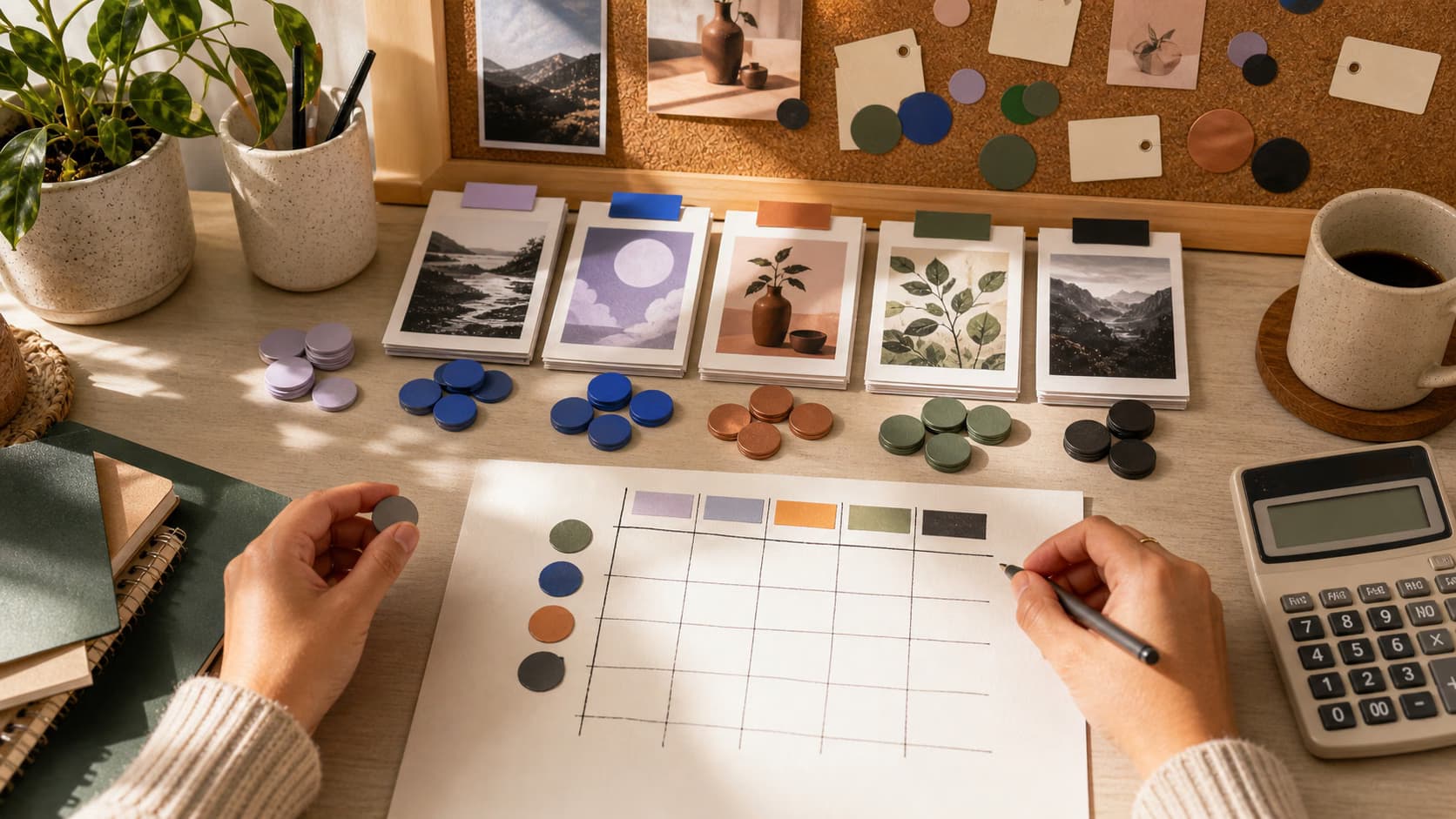
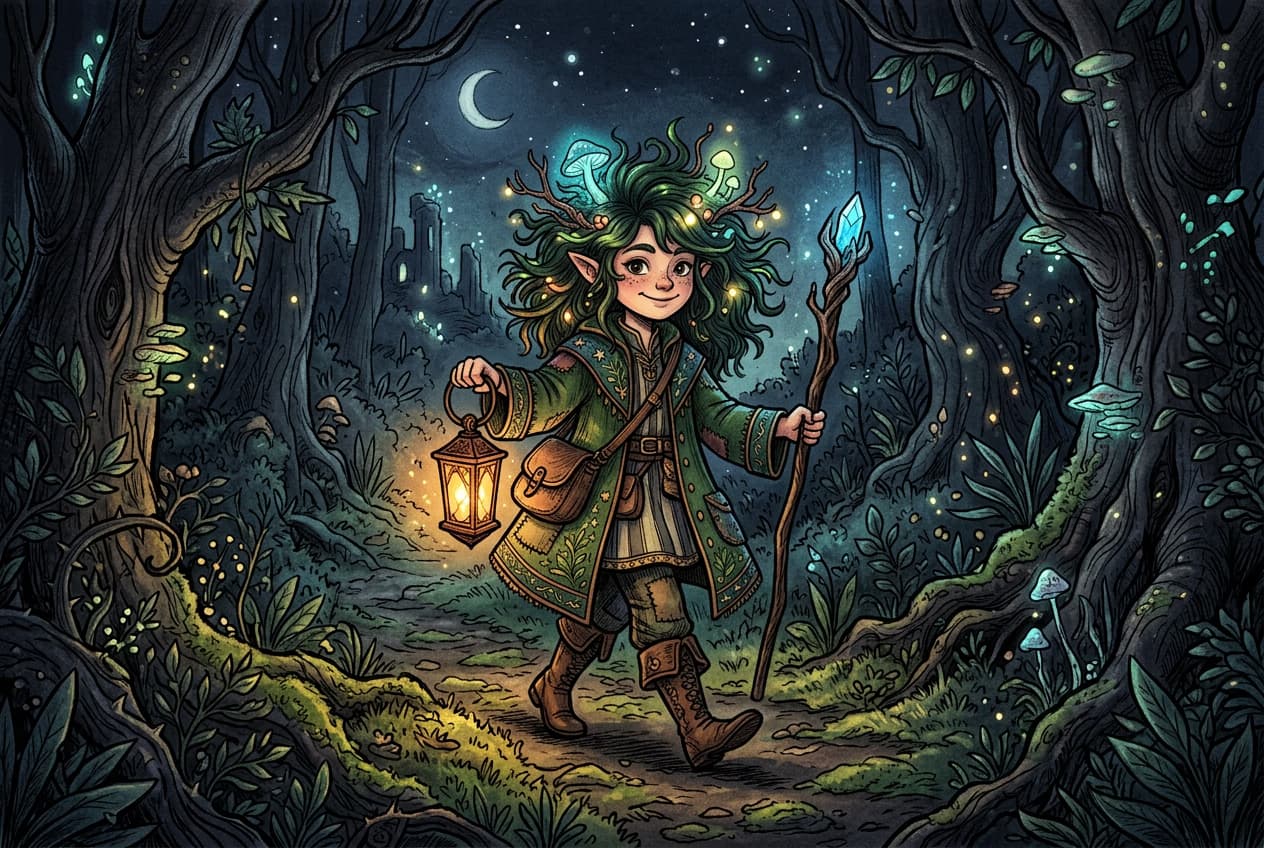
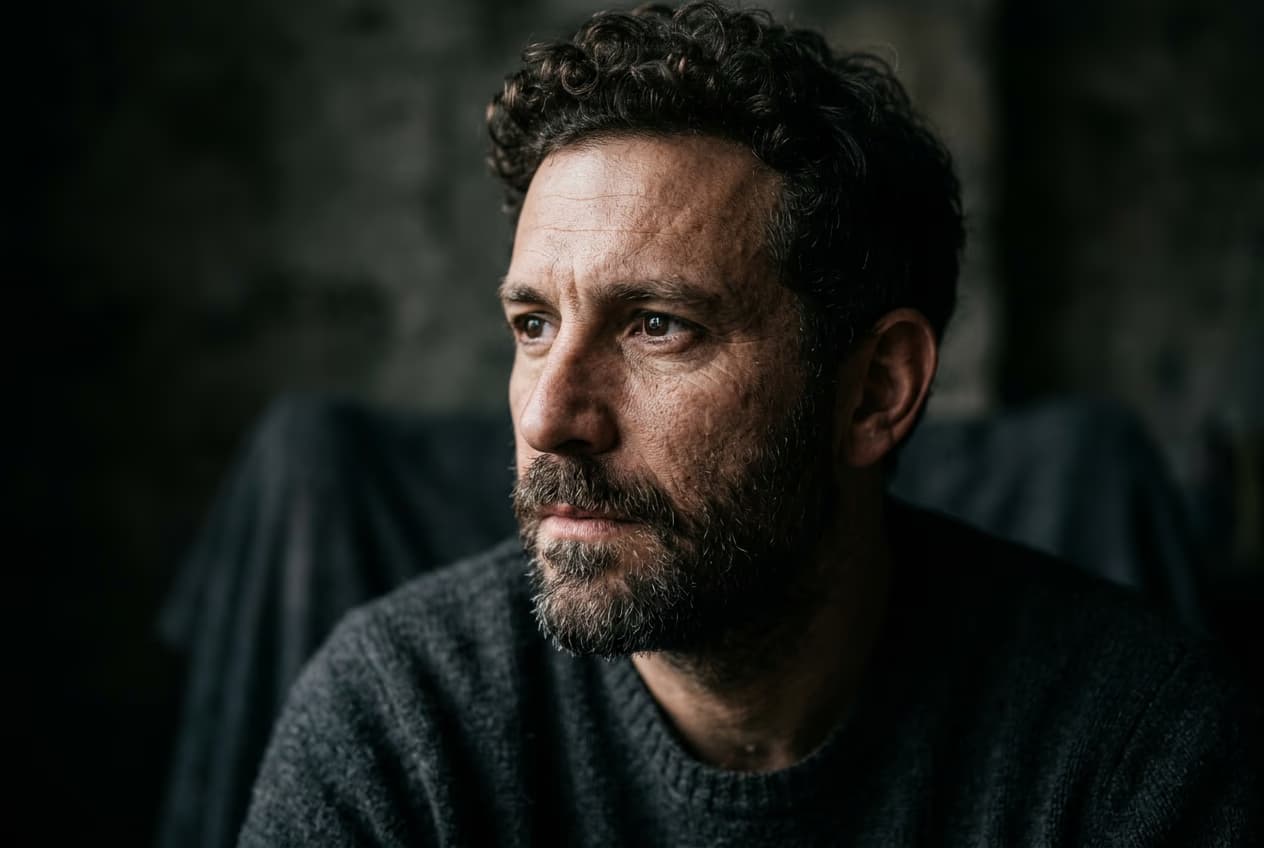
Explore more models like Recraft V4.1
Compare Recraft V4.1 with other image models for campaign visuals, design assets, and creative tests.
Recraft V4.1 FAQ
- Recraft V4.1 is the next-generation release in the Recraft V4 image-model family. It carries V4's design-quality aesthetic and improves on it with cleaner photorealism, dreamier gradients, sharper object understanding, smoother 3D rendering, cleaner vector defaults, and better results from shorter prompts. Available in Picsart through the AI Image Generator and AI Playground.
Generate AI visuals with Recraft V4.1
Pro
Most popularAI tools for everyday creative work.
Billed yearly
Ultra
Most powerfulHeavy AI usage for creators & teams.
Billed yearly, per seat
Enterprise
Custom AI solutions for large organizations.
Custom credit volume
- Volume discounts on credit rate
- On-demand top-ups
Custom
Contact for pricing