Recraft Explore: design-led AI image discovery from Recraft
Recraft Explore is Recraft's exploratory image model — built for visual discovery rather than literal prompt execution. Available in Picsart's AI Image Generator, Recraft Explore takes your brief in surprising directions, generating design-led visuals that creators use to break out of obvious compositions and find unexpected creative answers.
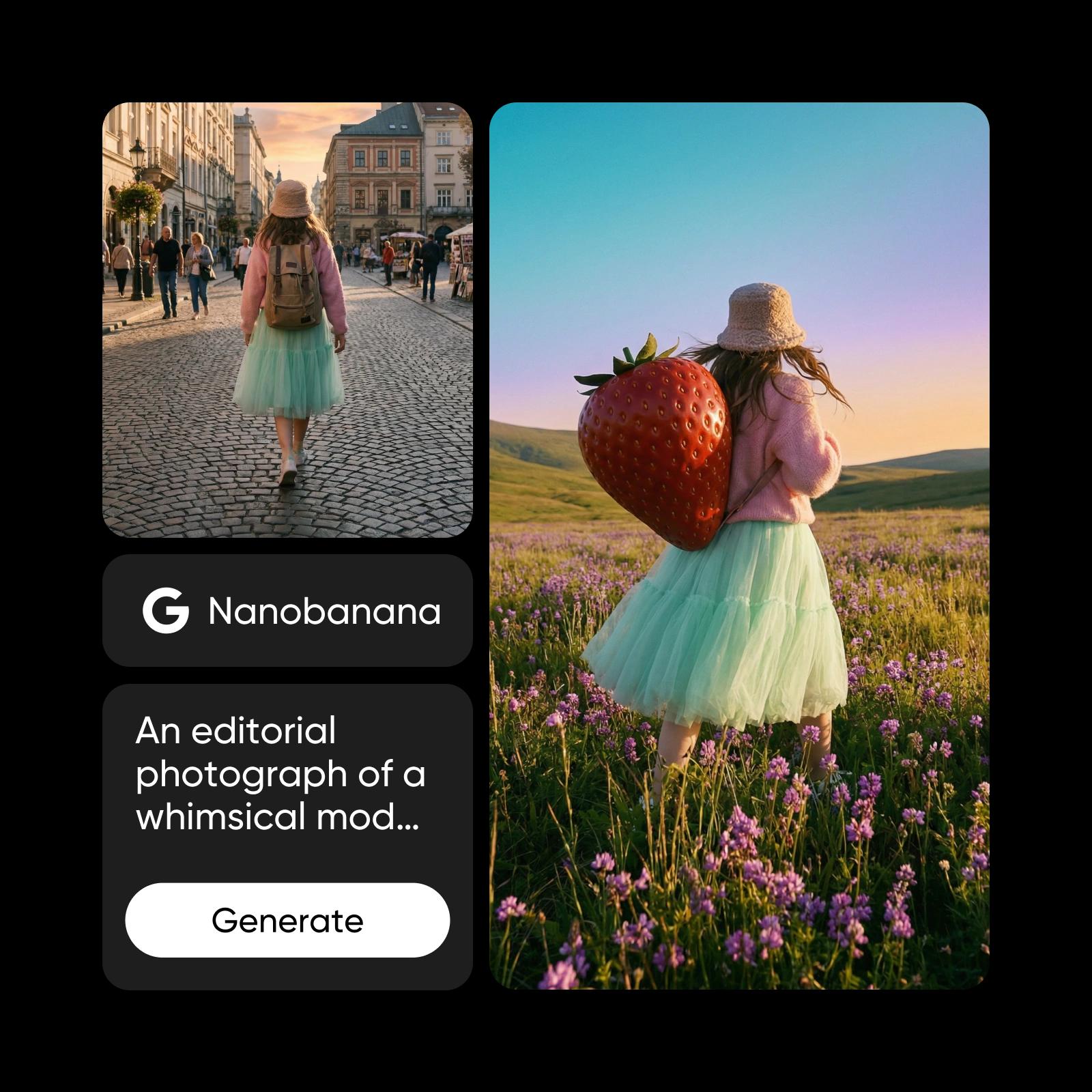
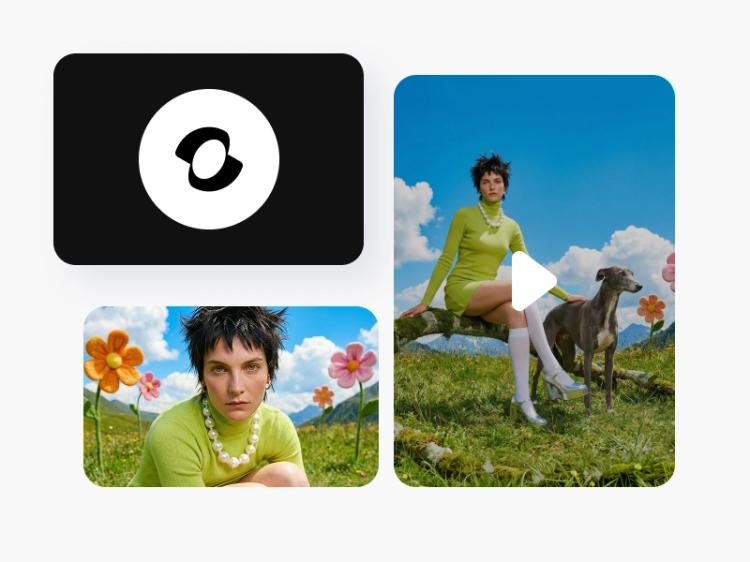
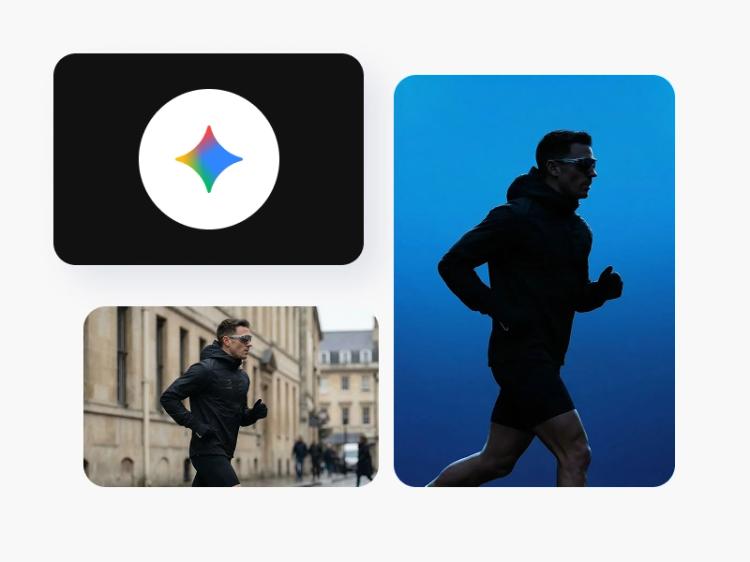
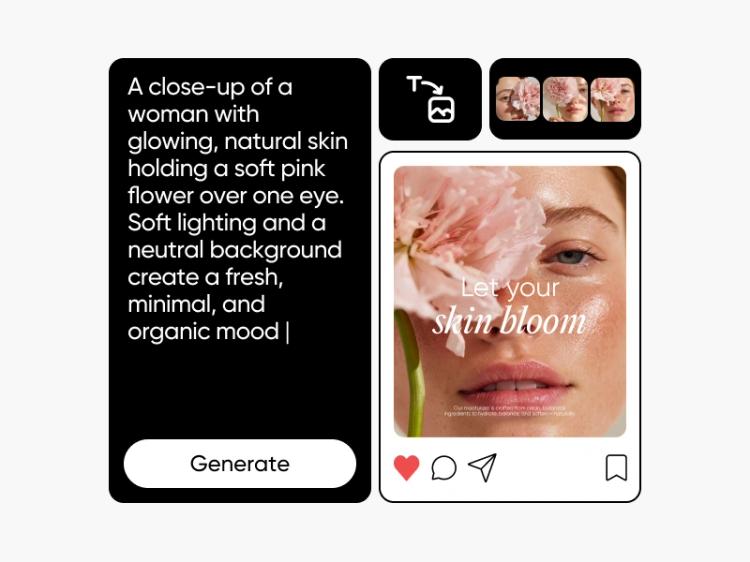
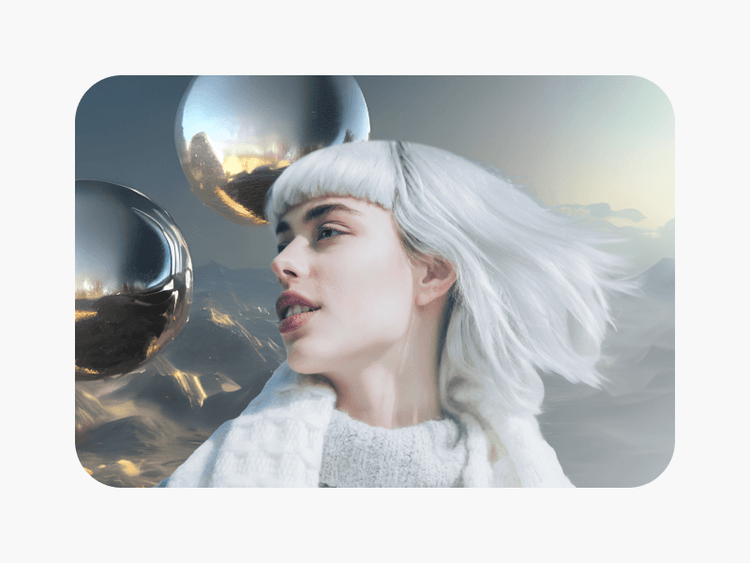
Images created with Recraft Explore
What is Recraft Explore?
Recraft Explore is the exploratory variant in Recraft's image family. Where standard text-to-image models execute prompts literally, Recraft Explore is tuned for visual discovery — taking the brief in less predictable directions. It carries Recraft's design-taste lineage (clean composition, brand-aware visuals, vector-friendly output) while producing results that feel like creative answers rather than direct illustrations.
What you can create with Recraft Explore
Break out of literal-prompt creative ruts. Use Recraft Explore when you've already drafted the obvious answer and want a visual surprise that opens new directions.
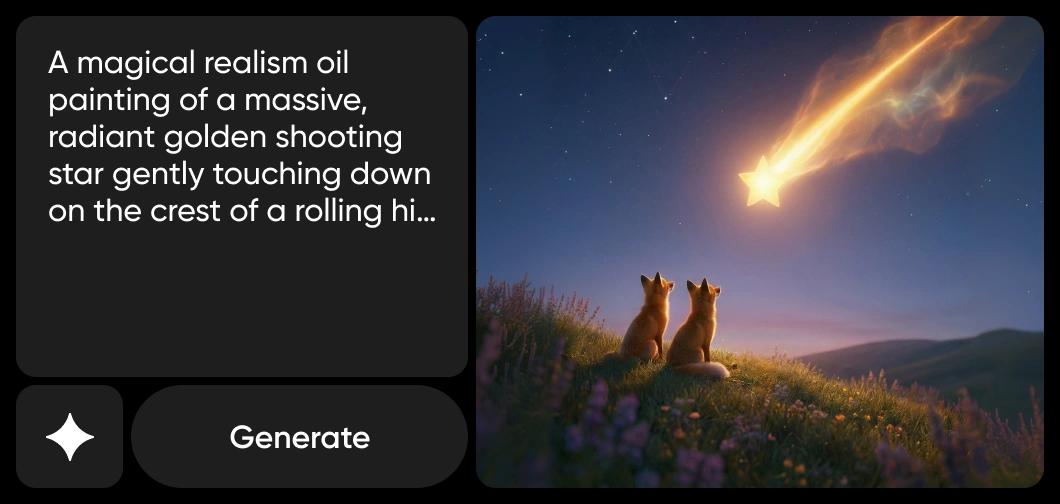
How Picsart uses Recraft Explore
Picsart integrates Recraft Explore into both its AI Image Generator and AI Playground. Pick Recraft Explore from the AI Image Generator to generate directly inside Picsart's creative tools, or open it in the AI Playground to compare it head-to-head with other models. It sits alongside Recraft V4, Recraft V4.1, Recraft V4 Pro, Seedream 4.5, and Flux 2 Pro on one credit balance, with the AI Playground giving you side-by-side comparison between exploratory and direct-execution tiers.

Why creators choose Recraft Explore
Recraft Explore solves the obvious-prompt problem. Most text-to-image models execute briefs literally — you get exactly what you typed, even when the typed brief was uninspired. Explore breaks that pattern by reaching for less obvious visual answers while staying inside Recraft's design-taste guardrails. The result: a discovery tool for designers, art directors, and creators who already know the literal answer and want surprise.
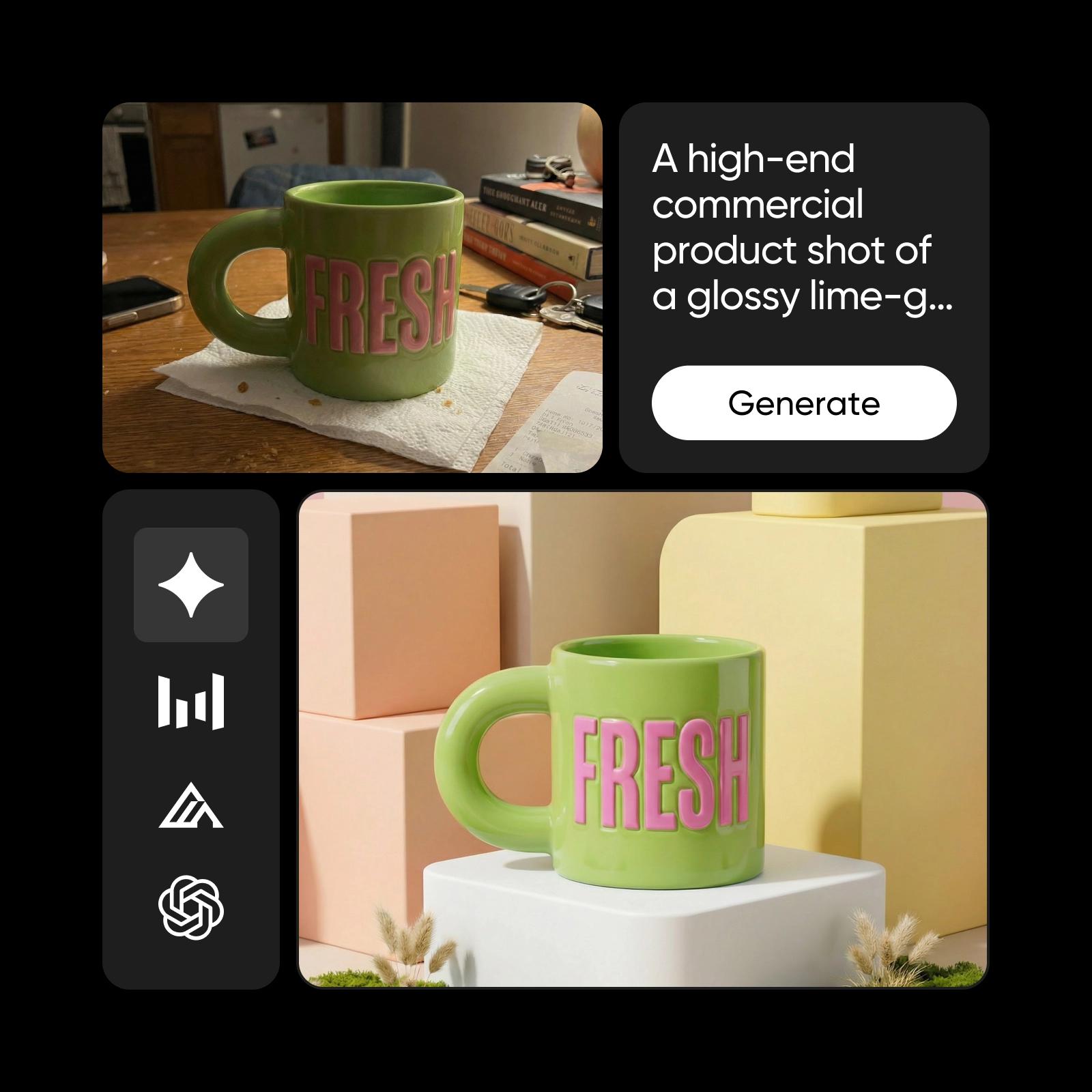
Recraft Explore inside the Picsart ecosystem
Recraft Explore is one of several Recraft tiers in Picsart's ecosystem. It works alongside Recraft V4.1, Recraft V4, Seedream 4.5, and Flux 2 Pro — use Explore for creative discovery; switch to V4 or V4.1 for direct design execution.
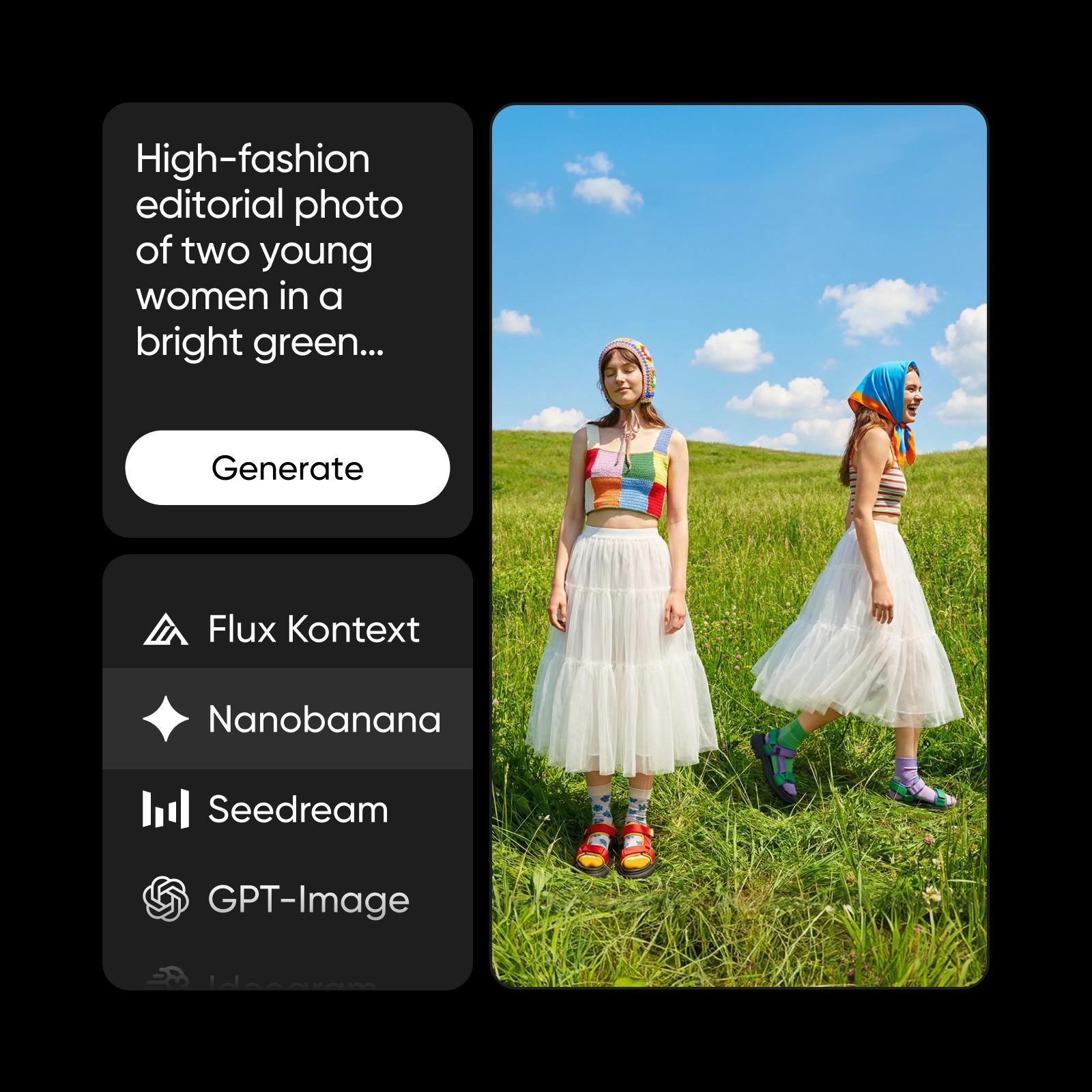
Understand image model choices
Learn how to compare image models and choose an output.
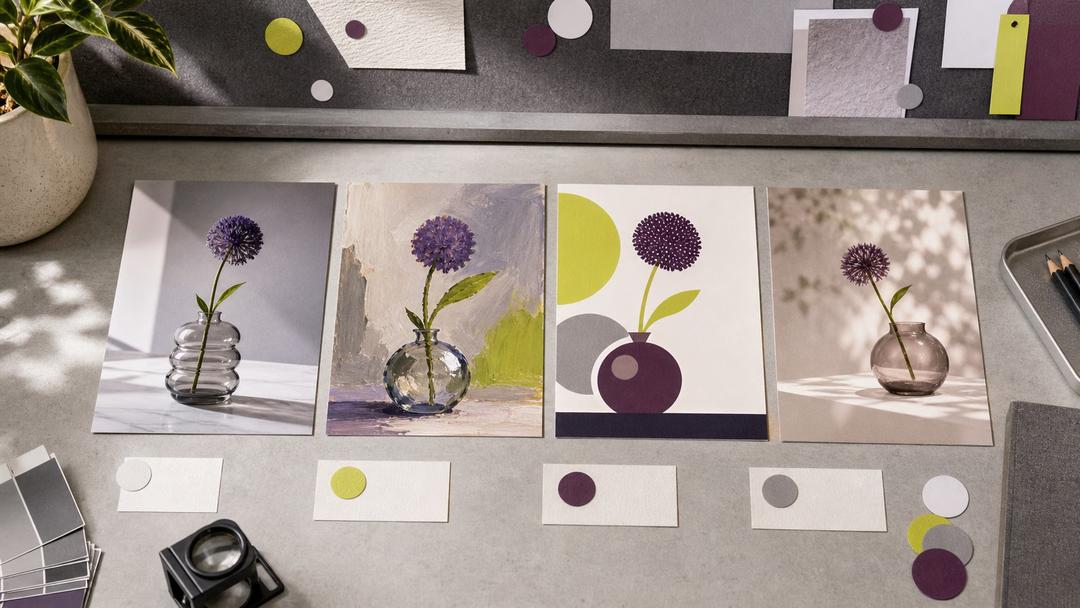
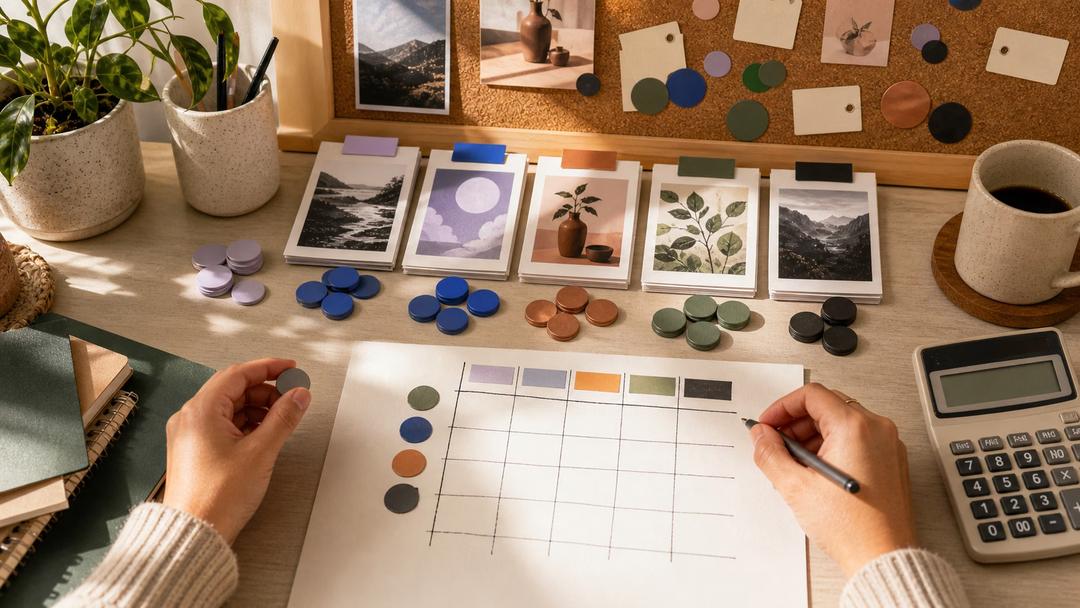
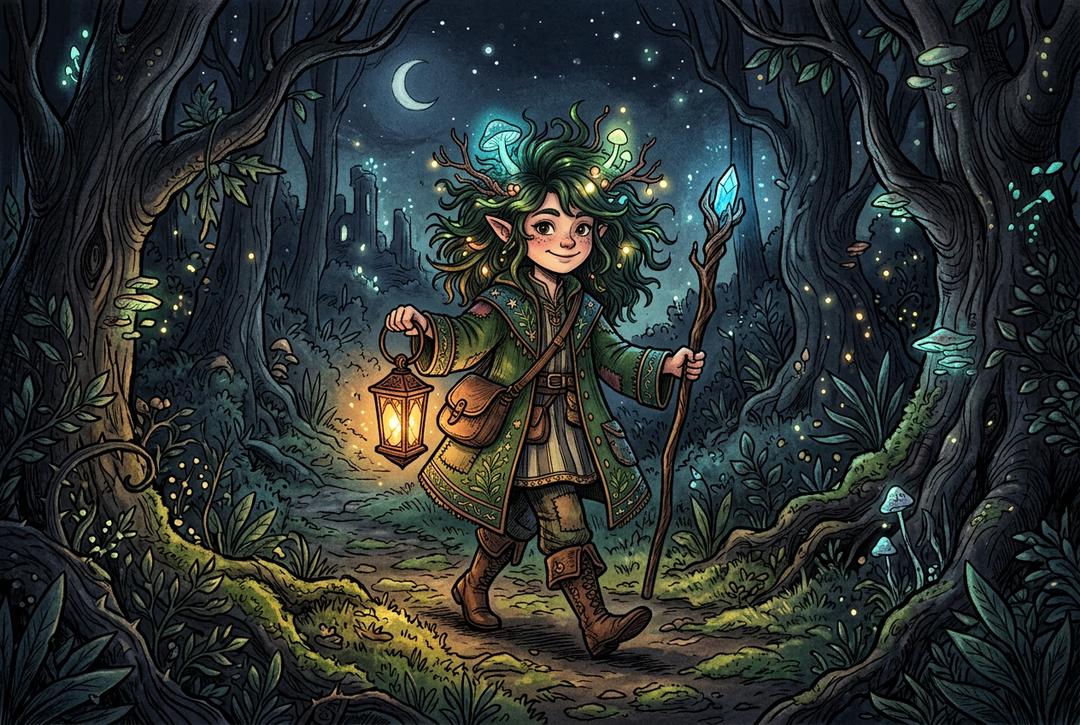

Explore more models like Recraft Explore
Compare Recraft Explore with other image models for campaign visuals, design assets, and creative tests.
Recraft Explore FAQ
Recraft Explore is Recraft's exploratory image model — tuned for visual discovery rather than literal prompt execution. It produces unexpected creative directions while staying within Recraft's design-taste guardrails. Available in Picsart's AI Image Generator.
Recraft V4 (and V4.1, V4 Pro) execute prompts literally — design-led but direct. Recraft Explore reaches for less obvious visual answers, producing results that feel like creative suggestions rather than illustrations. Use V4 for direct execution; use Explore for discovery.
Use Explore when the literal answer feels uninspired — for moodboarding, ideation, stretch concepts, and alternative campaign directions. Pair it with V4 or V4.1 when you need to execute on a chosen direction.
Picsart integrates Recraft Explore into its AI Image Generator. Pick it from the model selector and generate alongside other Recraft tiers and image models on one credit balance.
Recraft Explore inherits Recraft's design-led heritage. Vector-friendly output is available depending on the tier and configuration — see Recraft's documentation for vector specifics across the Recraft family.
Recraft Explore is positioned as a premium-tier exploratory model in Picsart's AI Image Generator. Exact credit cost is shown in the model selector — Explore typically costs more than the standard V4 tier.
Yes. Images generated through Picsart's tools powered by Recraft Explore can be used for marketing, social media, brand content, and other commercial applications, subject to Picsart's terms.
More AI models to explore
Generate AI visuals with Recraft Explore
Pro
Most popularAI tools for everyday creative work.
Ultra
Most powerfulHeavy AI usage for creators & teams.
Enterprise
Custom AI solutions for large organizations.
- Volume discounts on credit rate
- On-demand top-ups