Seedream 5.0 Pro: professional AI image generation and editing in one model
Picsart’s AI Image Generator has integrated Seedream 5.0 Pro, ByteDance Seed’s newest AI image generation model that unifies image generation and editing into a single workflow. Built for professional creators who need control and consistency, Seedream 5.0 Pro delivers dreamlike visuals, precise text rendering, and character consistency - all at roughly 4x better cost efficiency than competing models.
- Render readable multilingual text
- Keep characters consistent
- Generate and edit in one workflow

Explore Seedream 5.0 Pro use cases


Pro-grade text rendering, in any language
Seedream 5.0 Pro renders dense, legible text straight into your images — headlines, fine print, and multilingual labels (including English and Chinese) with accurate spelling and layout. Design posters, ads, packaging, and infographics where the typography has to land the first time, with no manual touch-ups.

What you can create with Seedream 5.0 Pro
Professional design with text
Create poster-style key visuals with readable small text, headline hierarchies, and typography-focused composition - ideal for ads, event posters, landing pages, and brand kits. Seedream 5.0 Pro handles multi-line text, small fonts, and multilingual labels with consistent formatting.
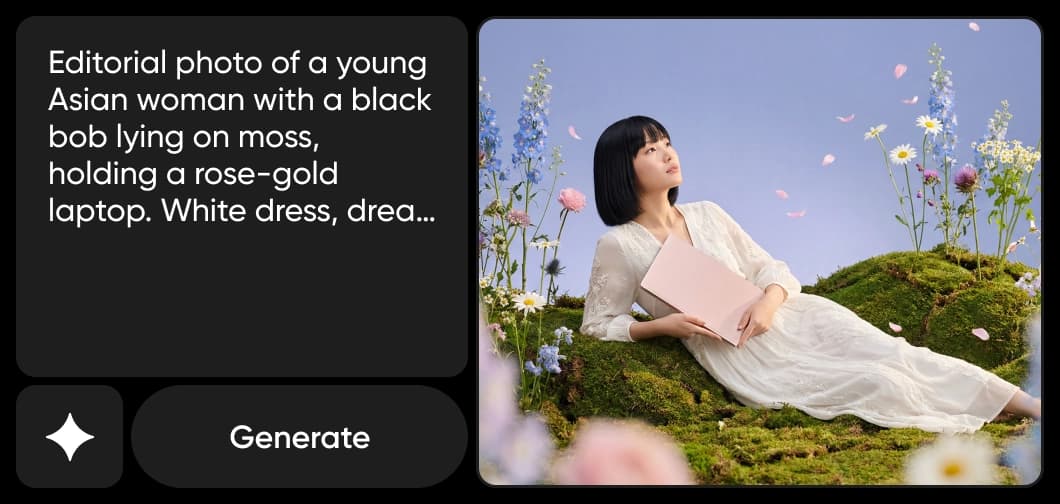
How and where Picsart uses Seedream 5.0 Pro
Picsart brings Seedream 5.0 Pro into the tools you already use — it powers Text-to-Image, Text-to-Sticker, the Logo Generator, and Edit Image with a Prompt, and it is available in the AI Playground, where you can compare it against 130+ models from a single prompt. You get its full power in-product, with no model setup or configuration.

Consistent characters across a whole series
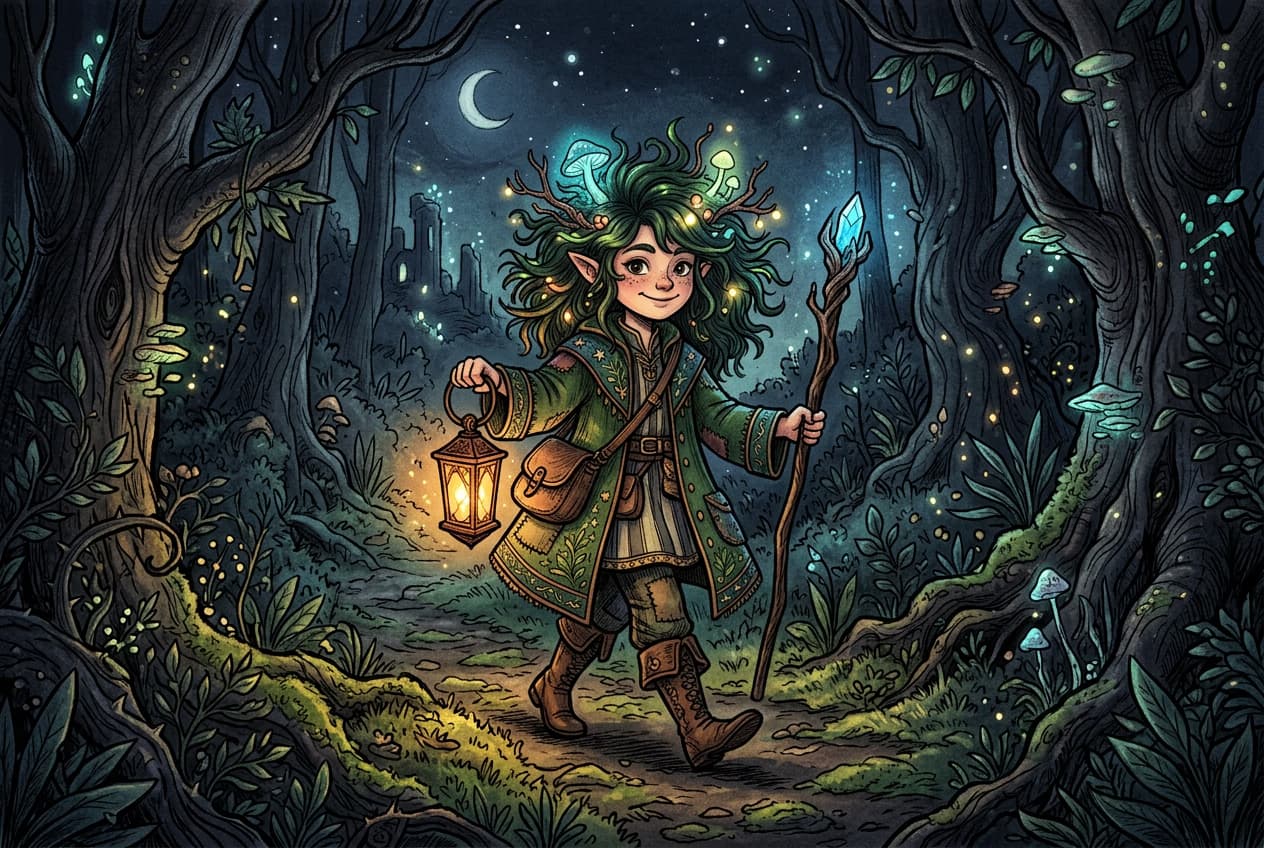
Keep the same character, outfit, lighting, and style from one image to the next. Seedream 5.0 Pro locks visual identity across a set, so storyboards, ad campaigns, and product lines stay cohesive instead of drifting between generations — the difference between a one-off render and a usable series.
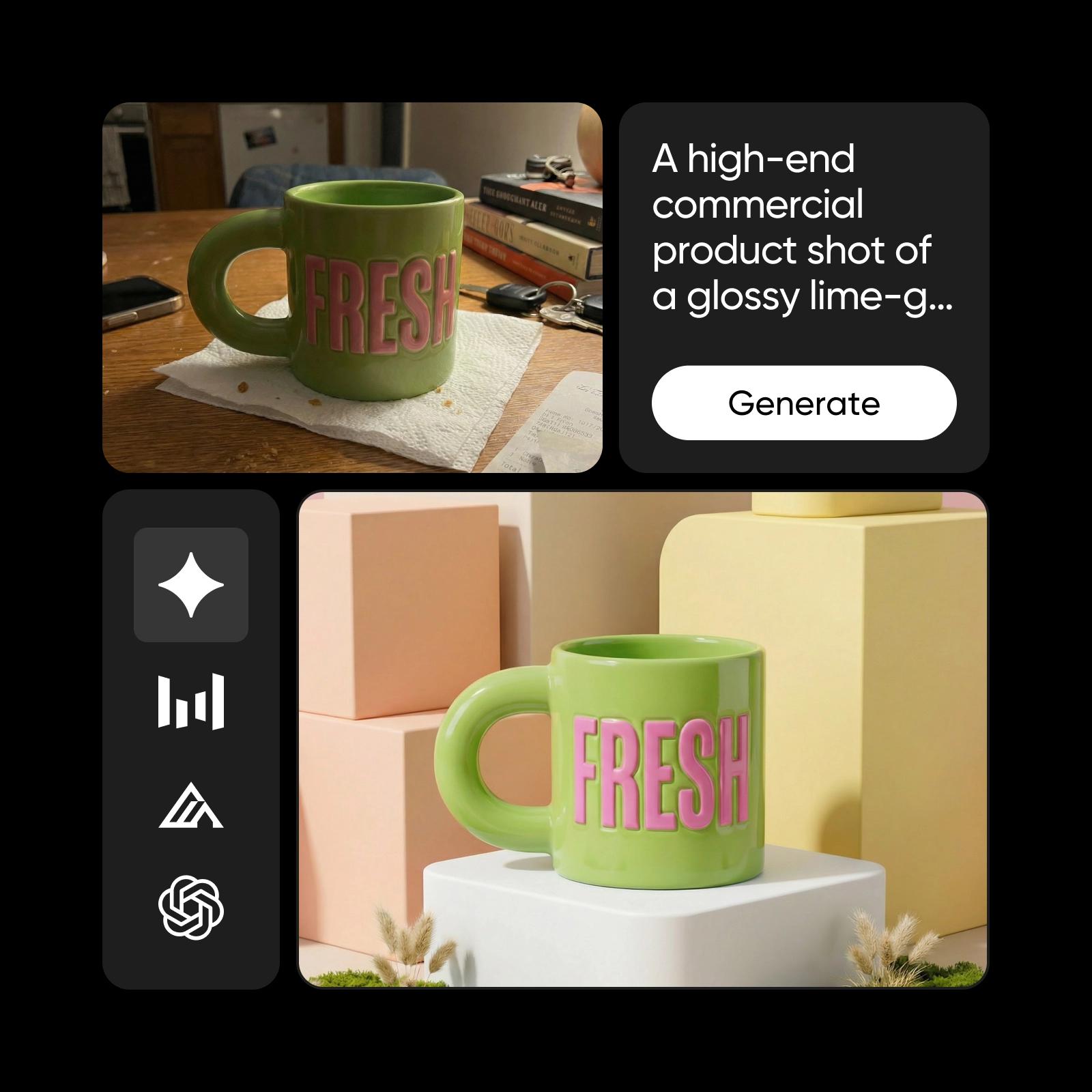
Generate and edit in one model — up to 4K
Create and refine in a single workflow. Describe edits in plain language with up to 14 reference images — swap products, restyle scenes, adjust lighting — while the rest of the frame stays untouched. Output from 1K up to 4K, and 8K when you need extra detail, ready for screen or print.
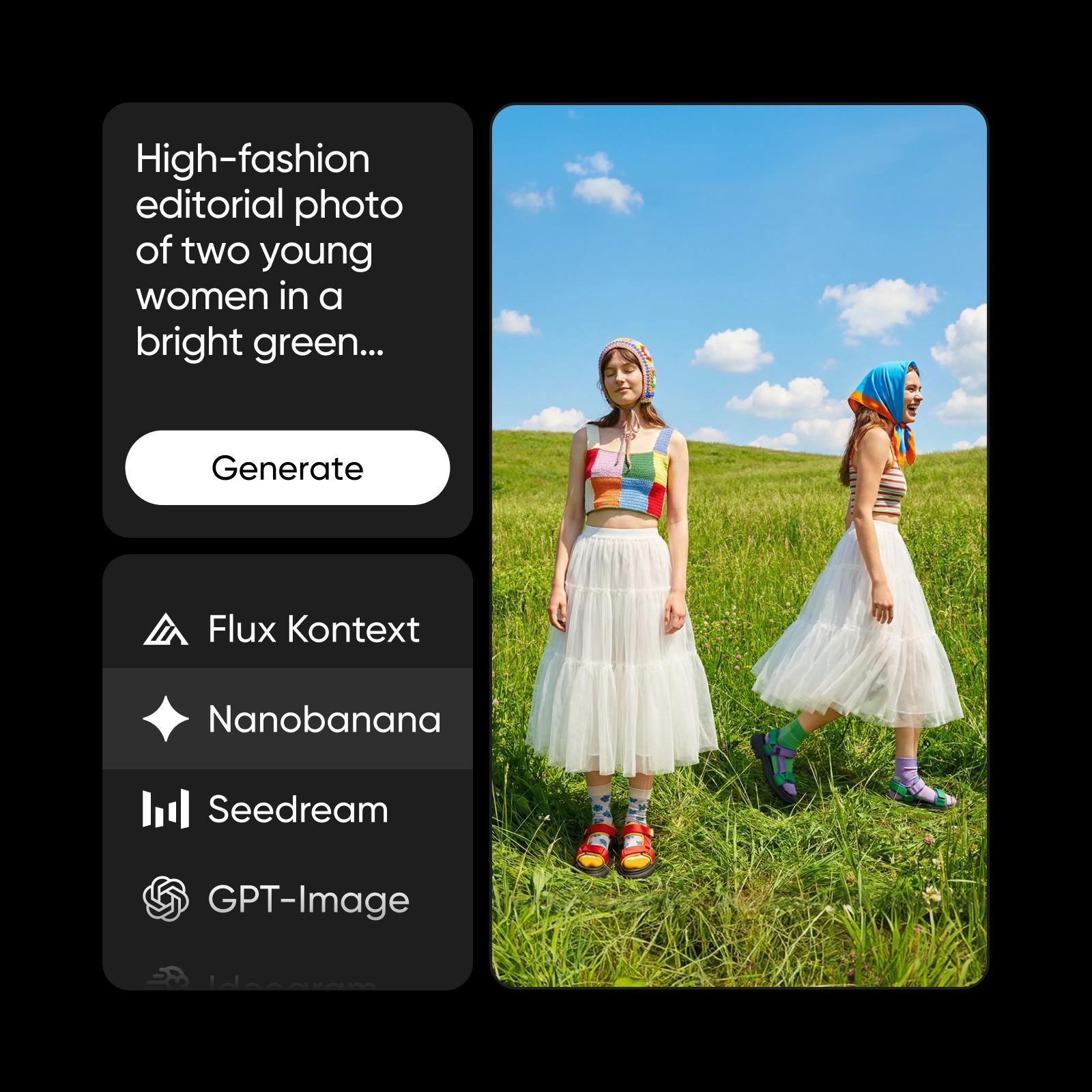
Understand image model choices
Learn how to compare image models and choose an output.
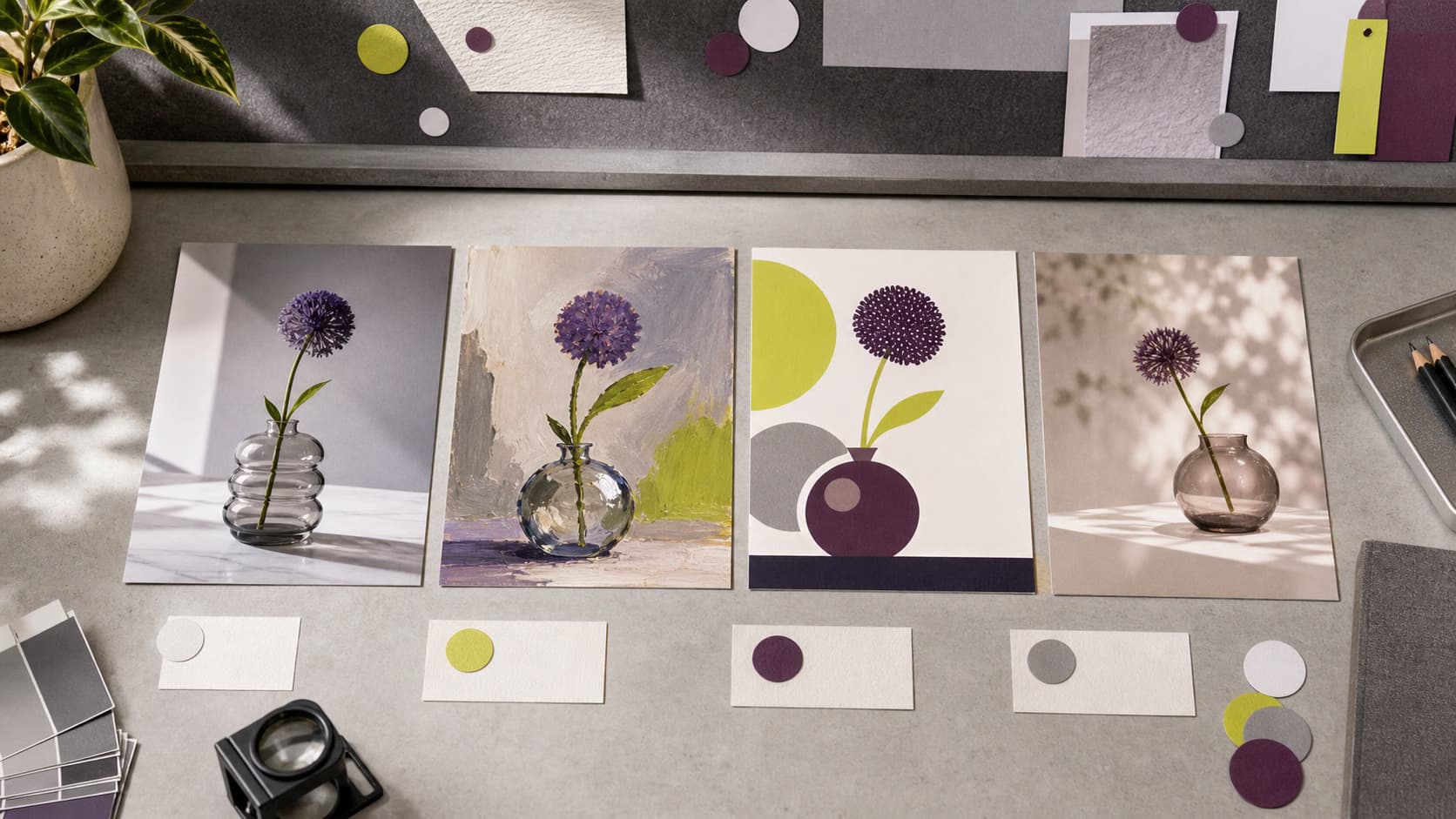

Explore more models like Seedream 5.0 Pro
Compare Seedream 5.0 Pro with other image models for campaign visuals, design assets, and creative tests.
Seedream 5.0 Pro FAQ
Seedream 5.0 Pro is ByteDance Seed’s newest AI image generation model. It unifies image generation and image editing into a single workflow, delivering dense text rendering, character consistency, and natural-language editing with up to 14 reference inputs.
Generate AI visuals with Seedream 5.0 Pro
Pro
Most popularAI tools for everyday creative work.
Ultra
Most powerfulHeavy AI usage for creators & teams.
Enterprise
Custom AI solutions for large organizations.
- Volume discounts on credit rate
- On-demand top-ups