logo

Compare AI image models side by side on Picsart
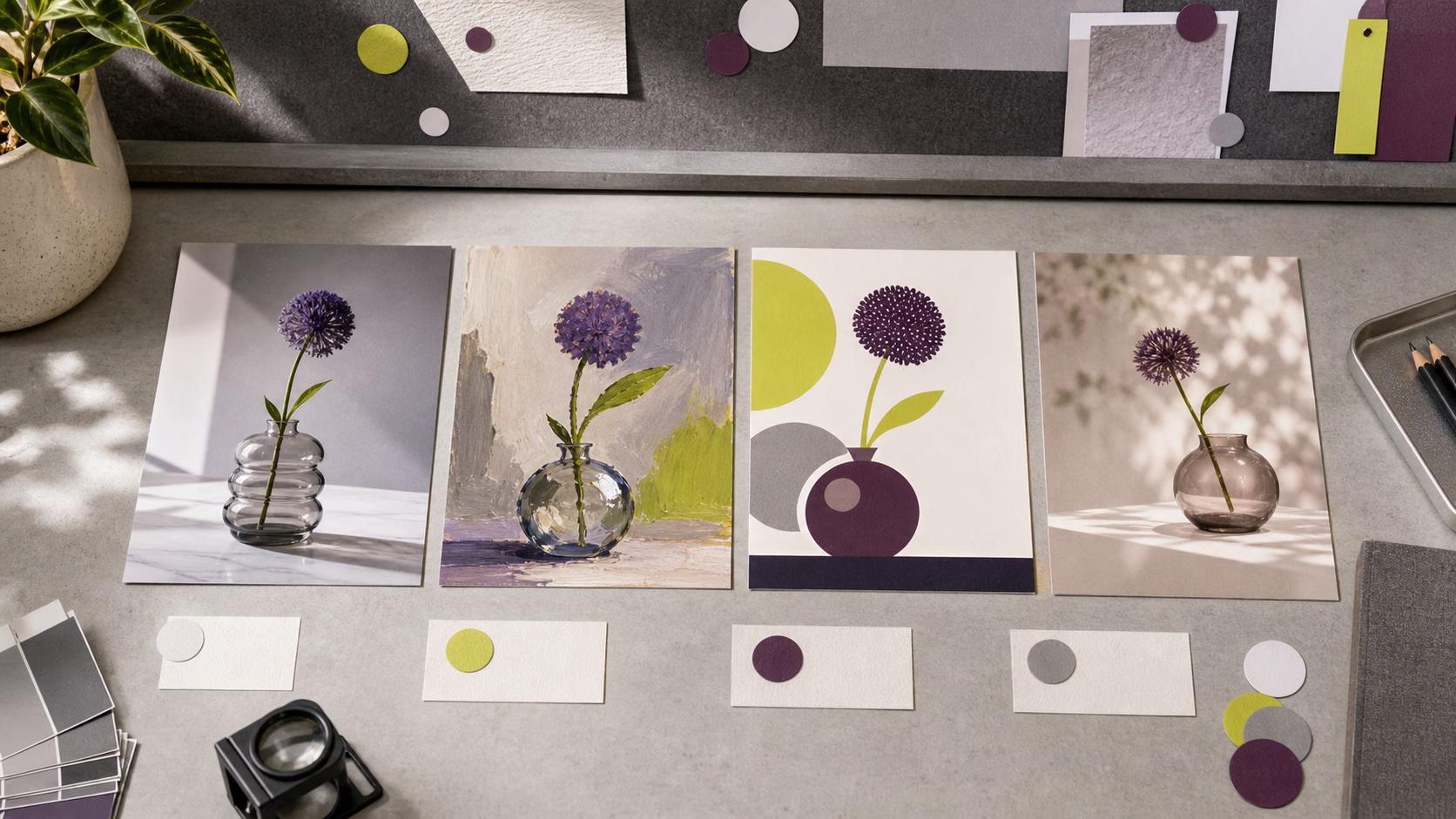
IMAGE MODELS4 minIntermediate

Run the same prompt through multiple models to see quality, style, and speed differences instantly.

Compare AI image models side by side on Picsart

What you'll learn

  • How to test the same prompt across different AI models
  • What quality differences to look for when comparing outputs
  • Which models work best for specific visual styles
  • How to pick the right model for your project needs

What is model comparison?

Model comparison lets you run identical prompts through different AI image generators to see how each interprets your idea. Also called A/B testing or model benchmarking. Think of it like test-driving cars — same route, different vehicles, totally different experiences.

Common use cases

  • Client work: Test options before committing to final renders
  • Style matching: Find which model nails a specific aesthetic
  • Speed vs quality: Balance generation time with output fidelity
  • Photorealism: Compare which models handle realistic subjects best
  • Illustration: See which models excel at stylized or vector looks
  • Prompt optimization: Learn how different models interpret keywords

Compare AI models step by step

STEP 1: Open model comparison

  • On web: Go to picsart.com/compare-models → Click "Start creating"
  • On mobile: Open Picsart → AI Tools → Compare Models
Compare models now

STEP 2: Select models to test

Choose 2-4 models to compare:

  • Flux 2 Pro: Best all-around quality and prompt accuracy
  • Imagen 4 Ultra: Excellent photorealism and lighting
  • Recraft V4: Superior for vector graphics and clean illustrations
  • Nano Banana Pro: Fast generation with good balance
  • Ideogram 3.0 Flash: Great for text rendering in images
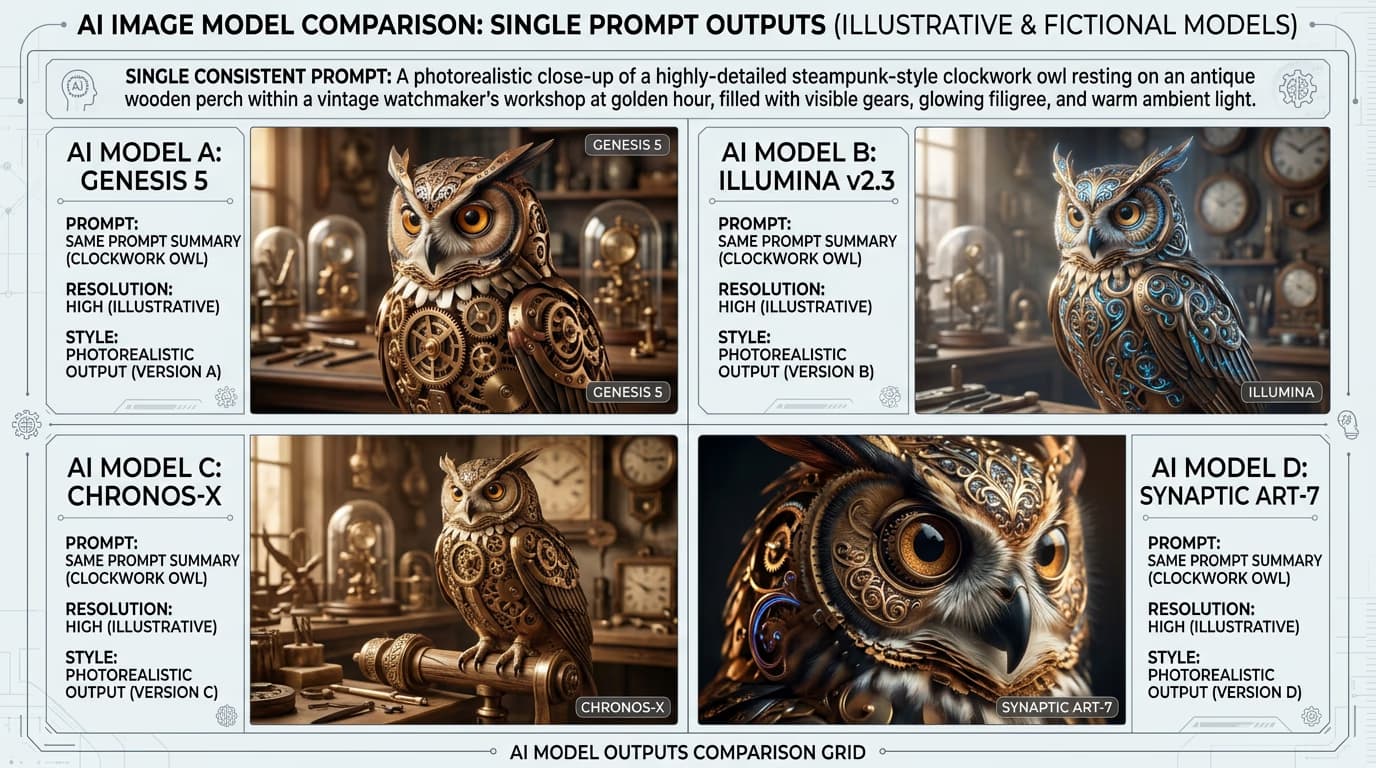
STEP 3: Generate and compare

Enter your prompt once and click "Generate." All selected models will create images simultaneously. Results appear side by side so you can spot differences instantly.

STEP 4: Analyze results

Check which model best matches your needs: Not seeing enough difference? Try a more descriptive prompt, or compare models with different strengths (like Flux vs Recraft).

  • Look at composition and how each model framed the subject
  • Compare detail quality, especially in textures and fine elements
  • Check color accuracy and lighting consistency
Start comparing

Tips for best results

💡 Use the same seed for fair comparison

Enable seed locking when available. This makes models use the same random starting point, so differences come from the model itself, not random variation.

💡 Test models with their strengths

Photorealistic portrait prompts favor Imagen. Vector illustrations favor Recraft. Abstract art favors Flux. Pick test prompts that match what you'll actually create.

💡 Compare at the same resolution

Some models perform better at certain sizes. Generate all comparisons at your target output resolution to see real-world performance.

💡 Save comparison sets

Screenshot or download side-by-side results. Build a reference library of how different models handle your common prompt patterns.

Frequently asked questions

Flux 2 Pro excels at following complex prompts and creating stylized images with high artistic quality. Imagen 4 Ultra produces more photorealistic results with superior lighting and natural textures. For illustrations and concept art, choose Flux. For product photos and realistic scenes, choose Imagen.

Yes, you get limited free trial credits to test model comparison. Each comparison uses credits based on the models selected. Pro and Ultra plans include larger credit balances for extensive testing.

The comparison tool shows generation time for each model. Generally, Flash and Fast variants (like Ideogram 3.0 Flash) generate in 2-5 seconds. Pro and Ultra models take 10-30 seconds but produce higher quality. Speed vs quality is your main tradeoff.

Each model was trained on different datasets and uses different architecture. They interpret keywords differently and have unique artistic biases. This variation is exactly what makes comparison valuable — you find which model's interpretation matches your vision.

Ready to compare?

Test prompts across the world's best AI models and find your perfect match.

Compare models