Describe the image you want to make...
Compare AI models side by side
Choose models by testing the same brief and compatible inputs. Compare the output, note the settings and credit use, and decide which workflow fits your project.
Explore AI model comparisons
Choose a category, then find the page that fits your next step.


References for side-by-side tests
Browse Library assets for a starting point or visual reference.


Compare video models
Put high-consideration video model comparisons together for faster decisions.


Compare image models
Group image model comparisons around output quality, design use, and prompt control.


Explore every AI model comparison
Browse every AI model comparison connected to this hub.
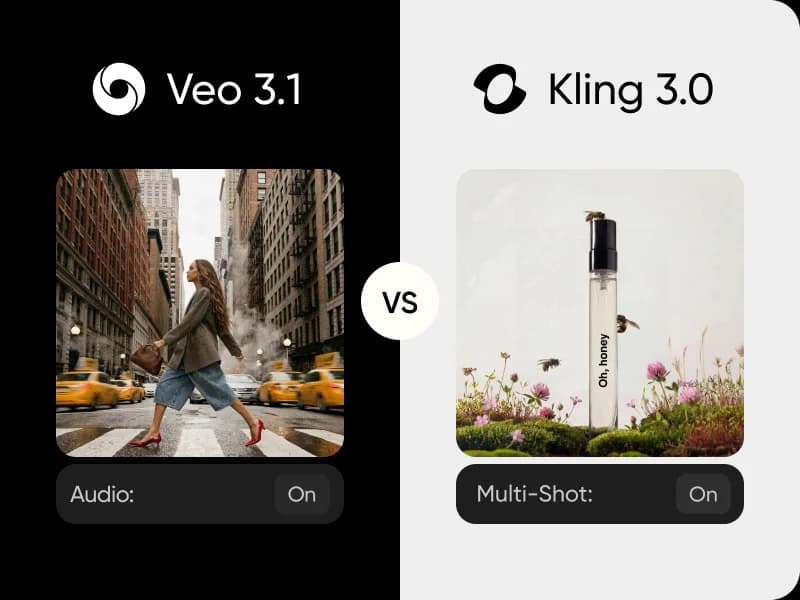
Veo 3.1 vs Kling 3.0
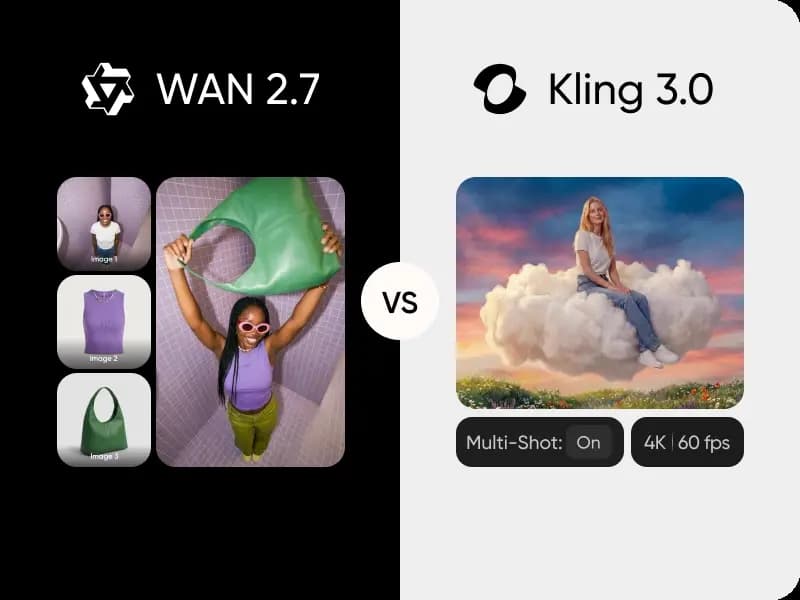
WAN 2.7 vs Kling 3.0

Seedream 4.5 vs Flux 2 Pro
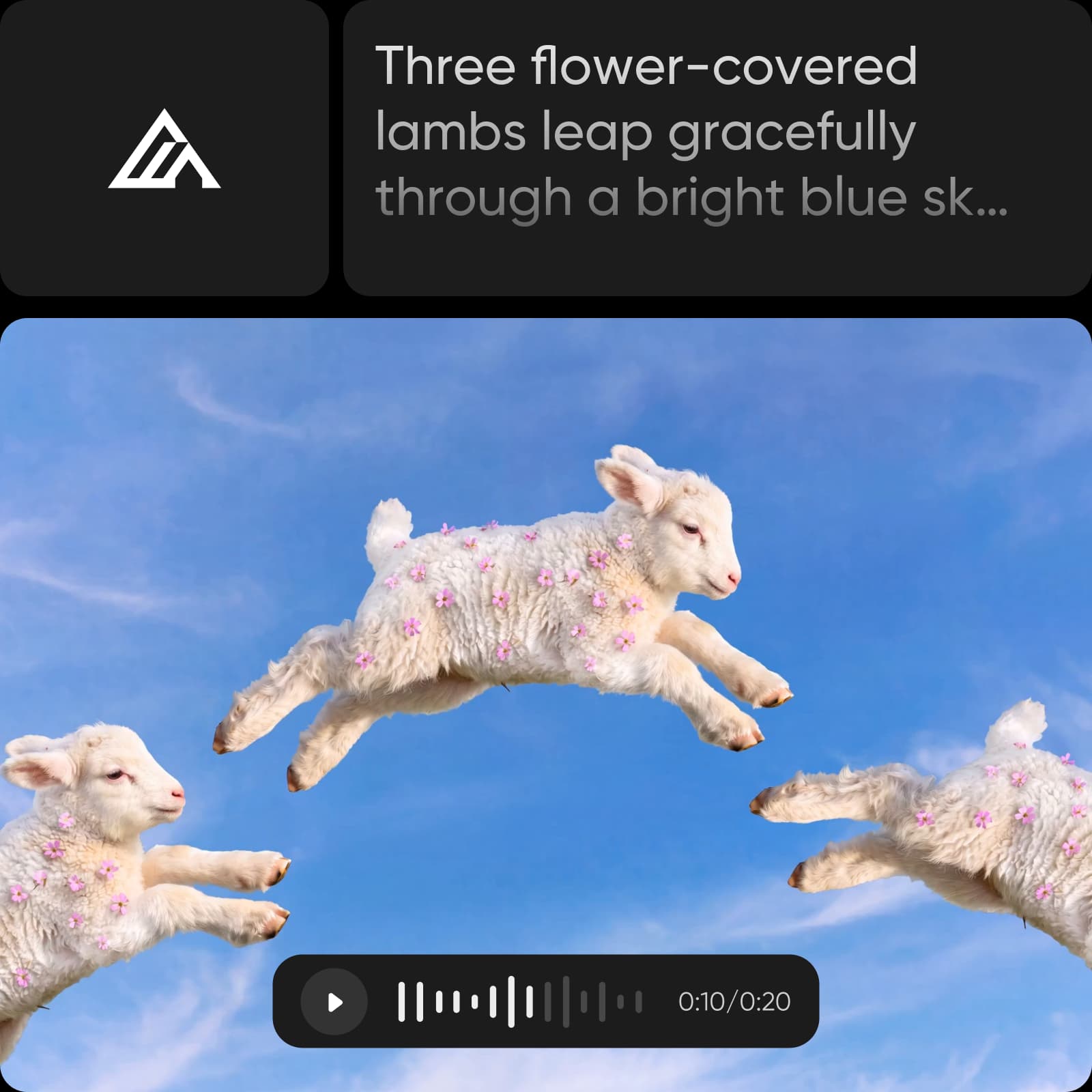
Flux 3 vs Sora 2
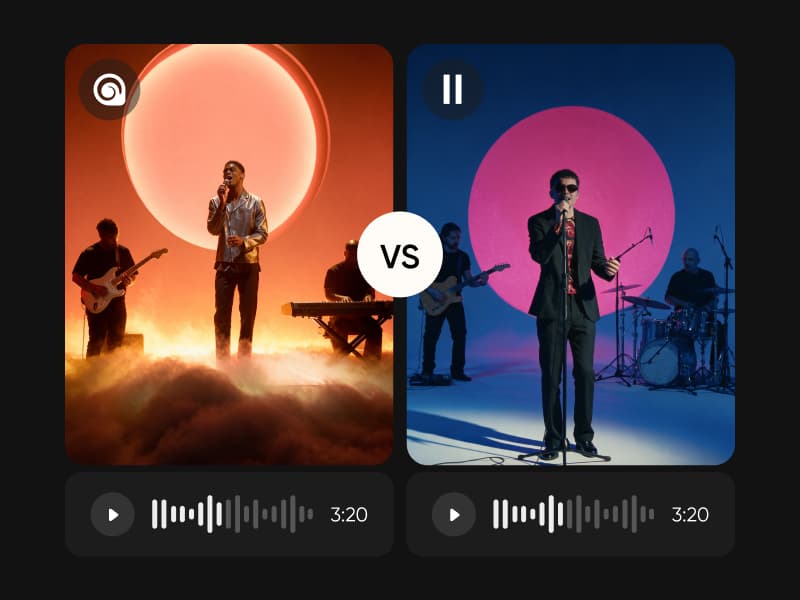
MiniMax Music 3 vs ElevenLabs Music v2
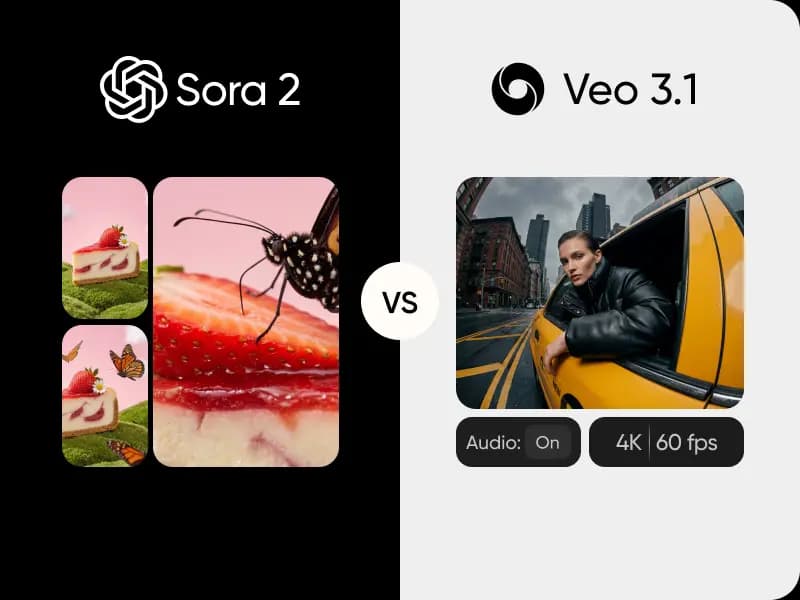
Sora vs Veo
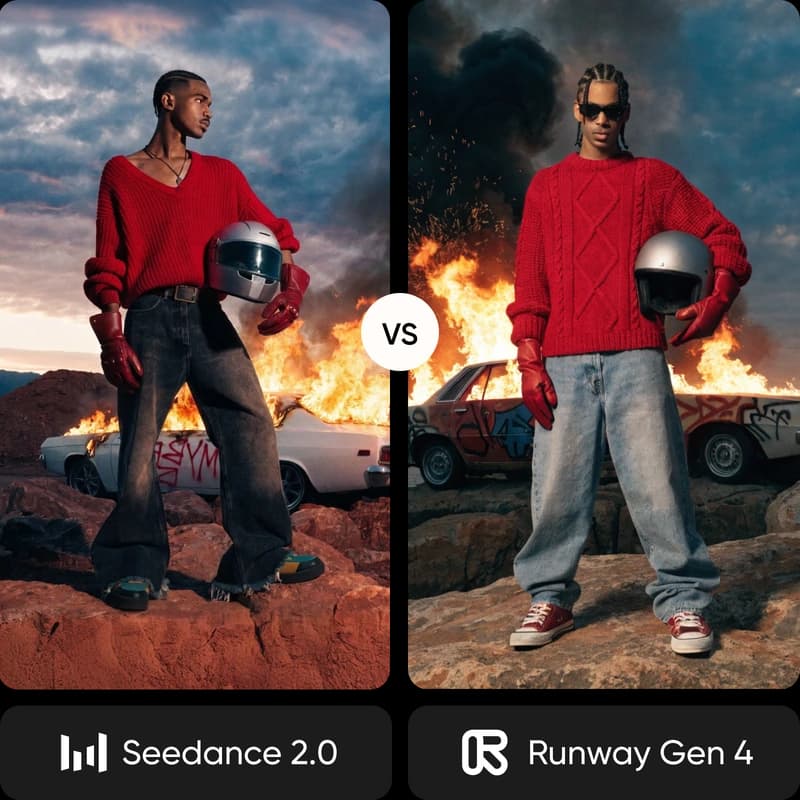
Seedance 2.0 vs Runway Gen 4
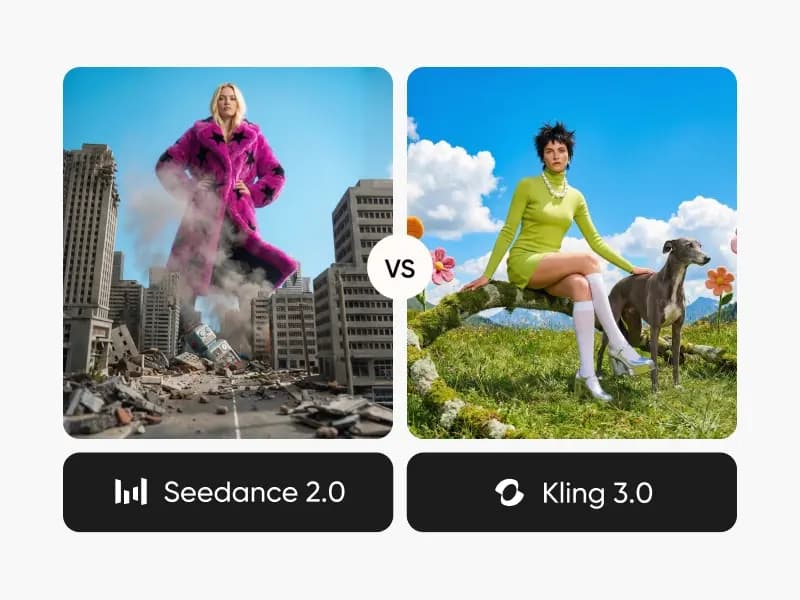
Seedance 2.0 vs Kling 3.0
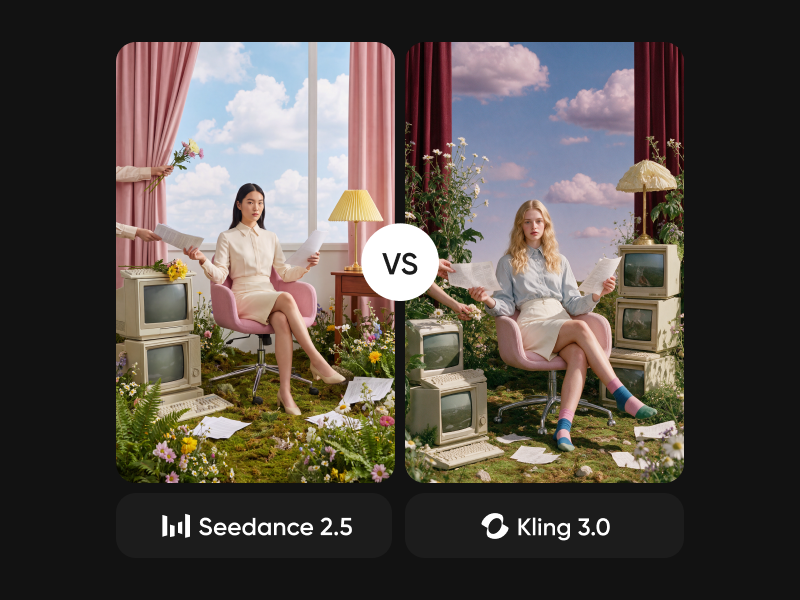
Seedance 2.5 vs Kling 3.0
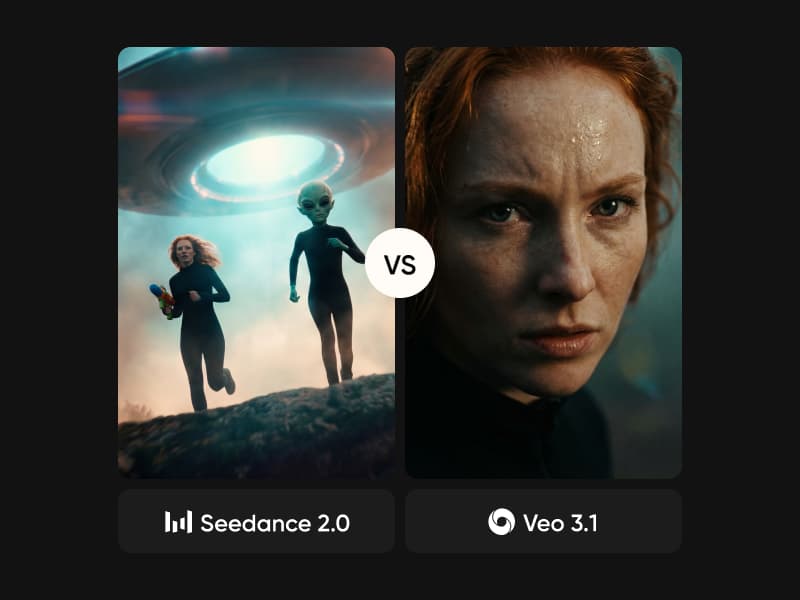
Seedance 2.0 vs Veo 3.1
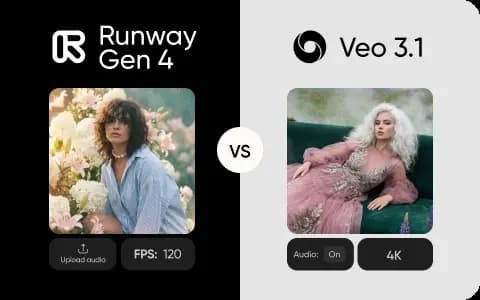
Runway Gen 4 vs Veo 3.1
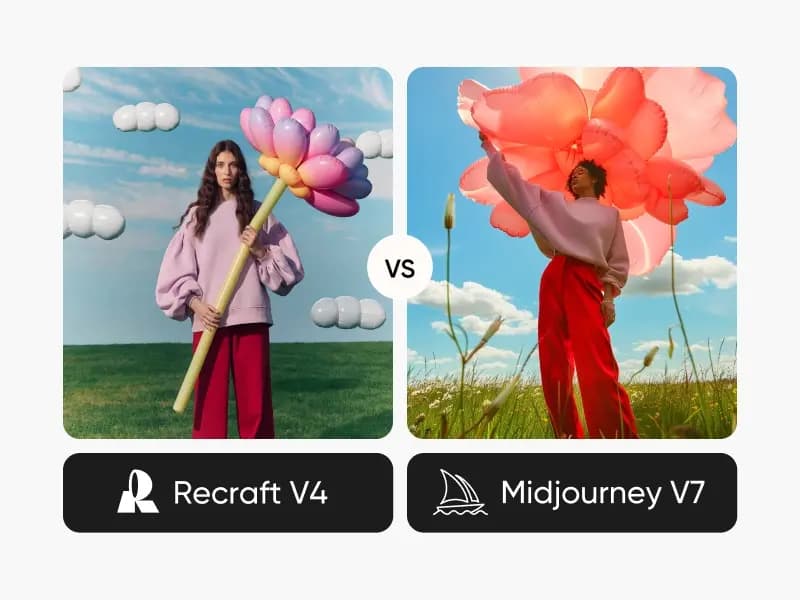
Recraft V4 vs Midjourney
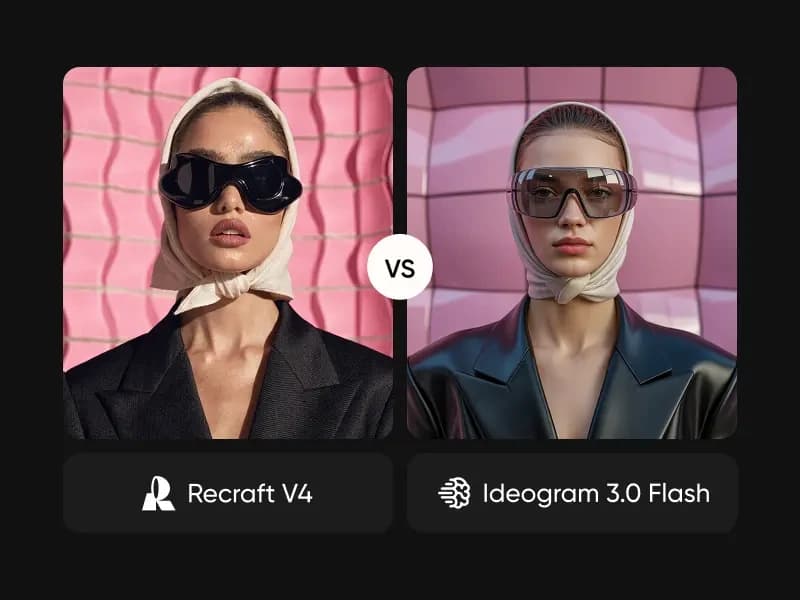
Recraft V4 vs Ideogram 3.0 Flash
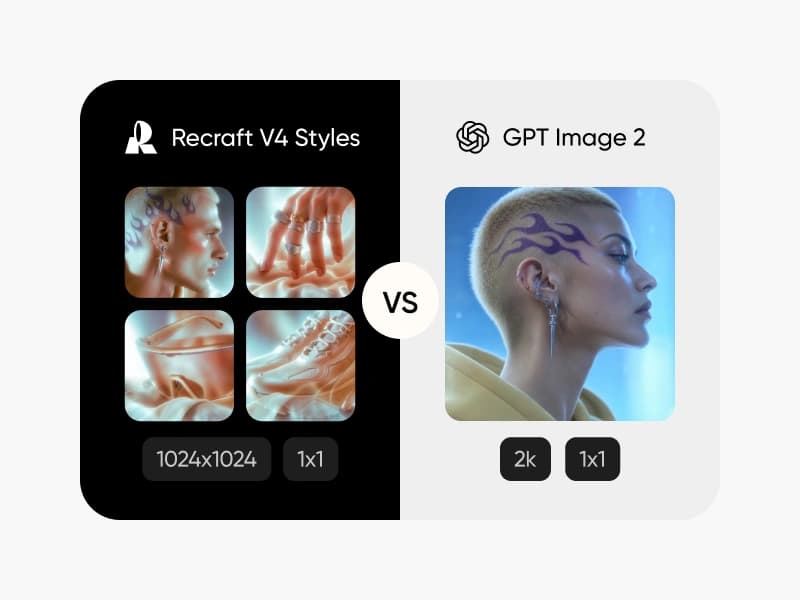
Recraft V4 Styles vs GPT Image 2
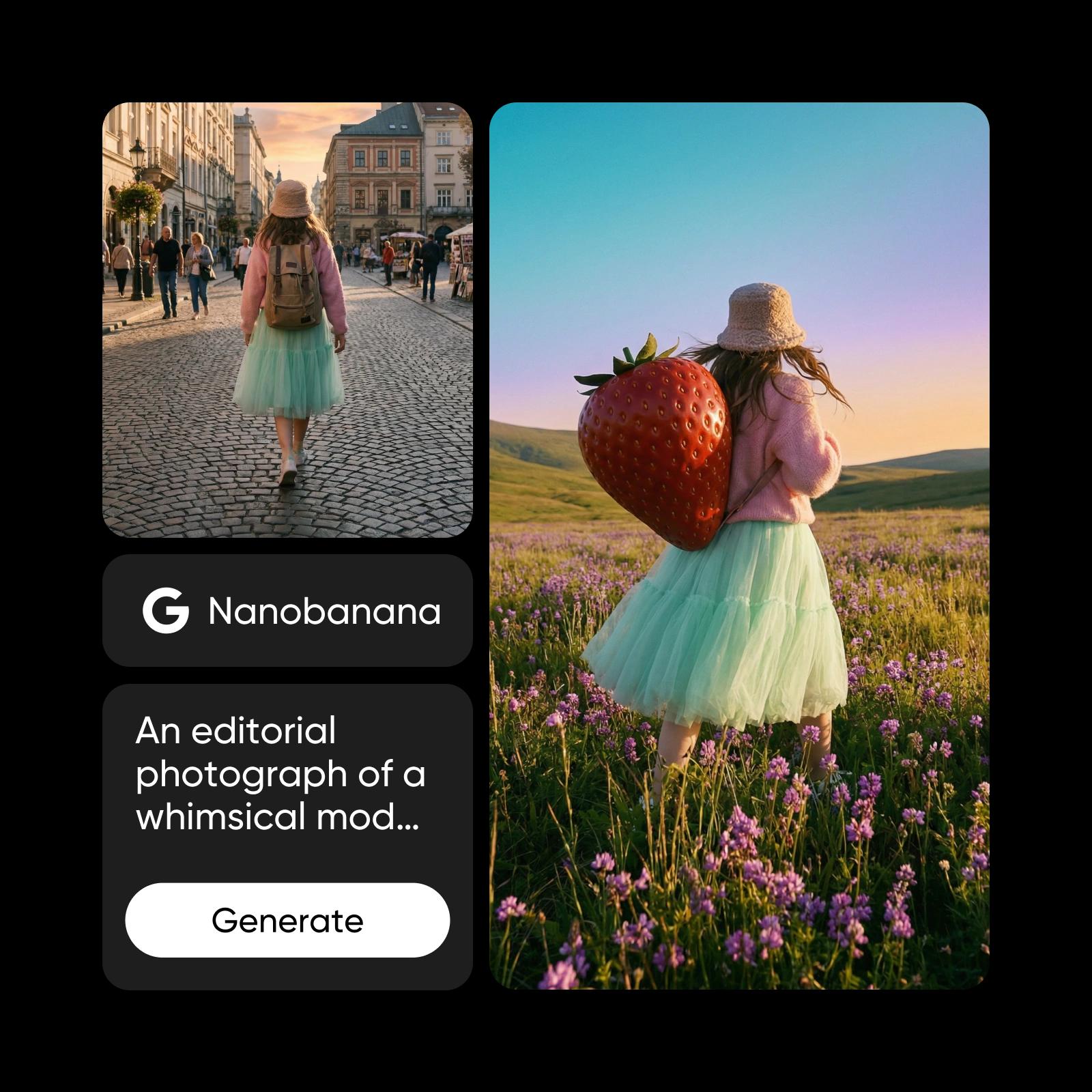
Nano Banana Pro vs Seedream 4.5
Nano Banana 2 vs GPT Image 2.0
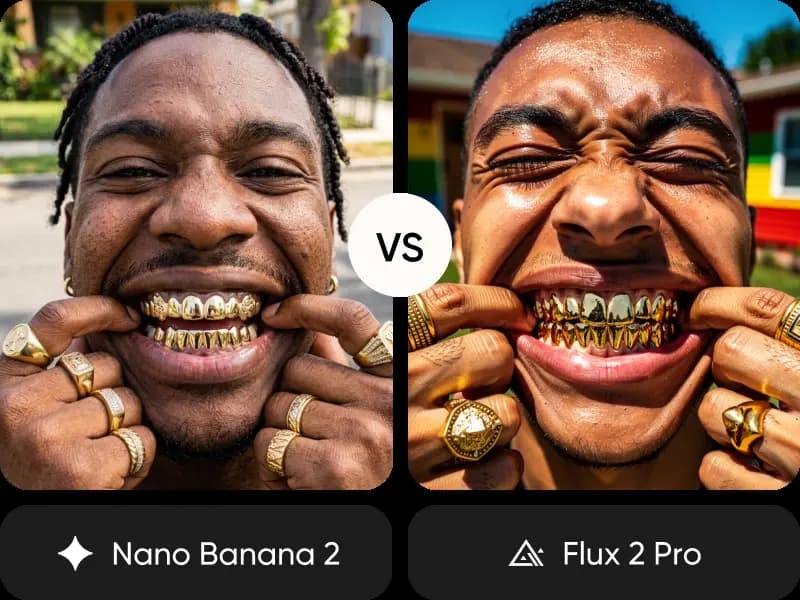
Nano Banana 2 vs Flux 2 Pro
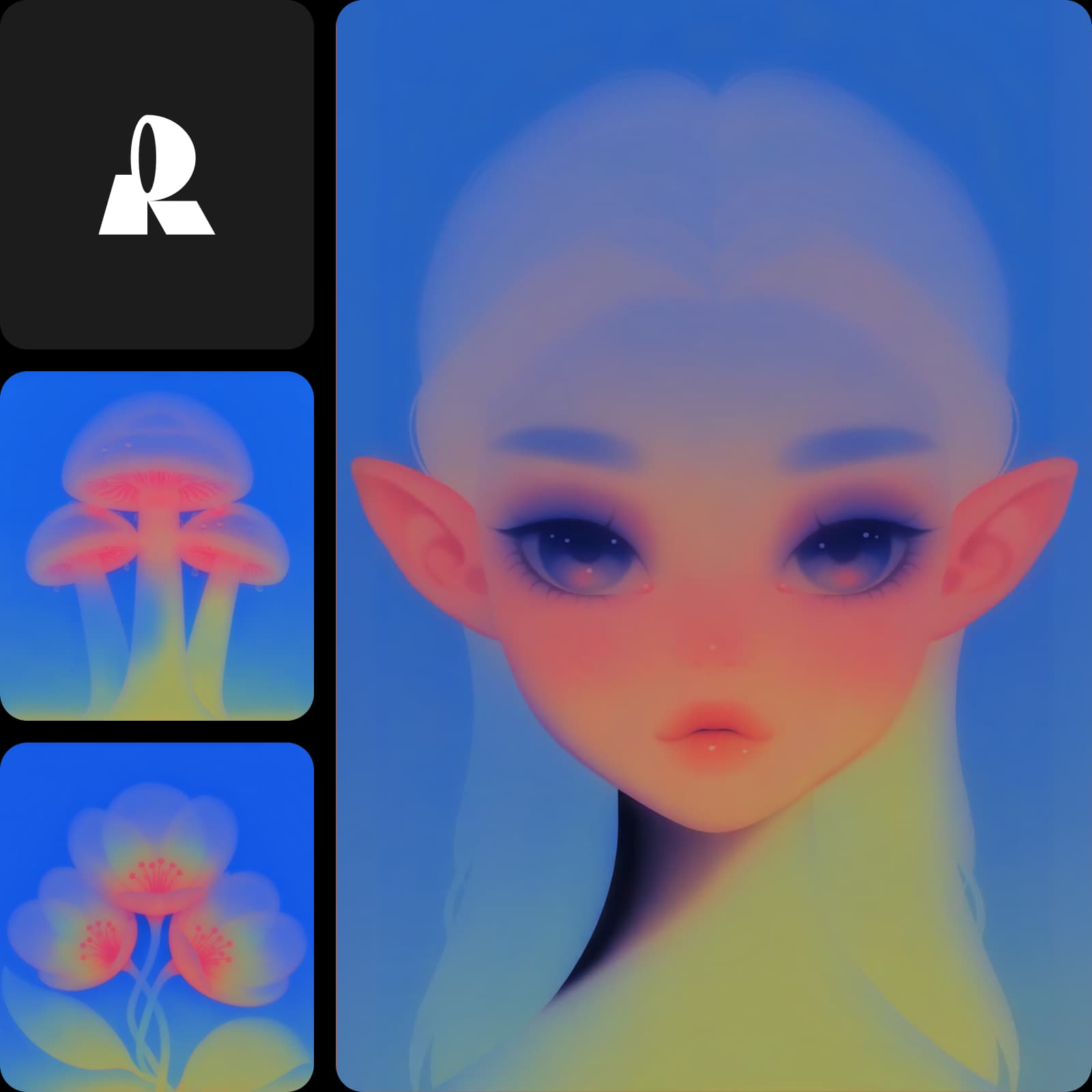
Muse Image 1.0 vs Nano Banana 2
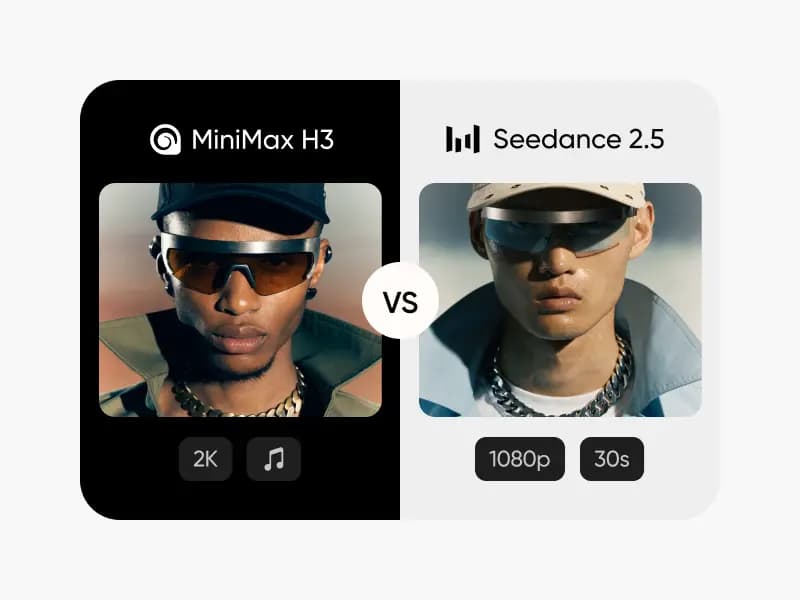
MiniMax H3 vs Seedance 2.5
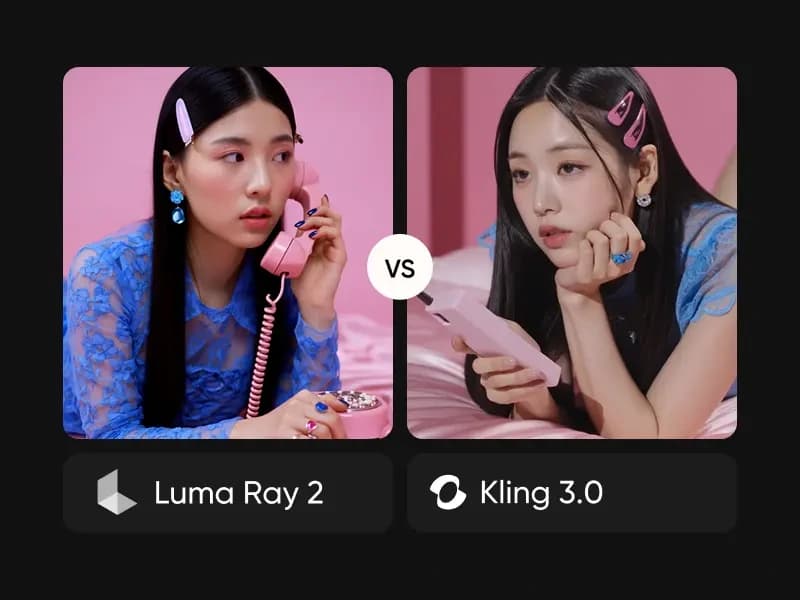
Luma Ray 2 vs Kling 3.0
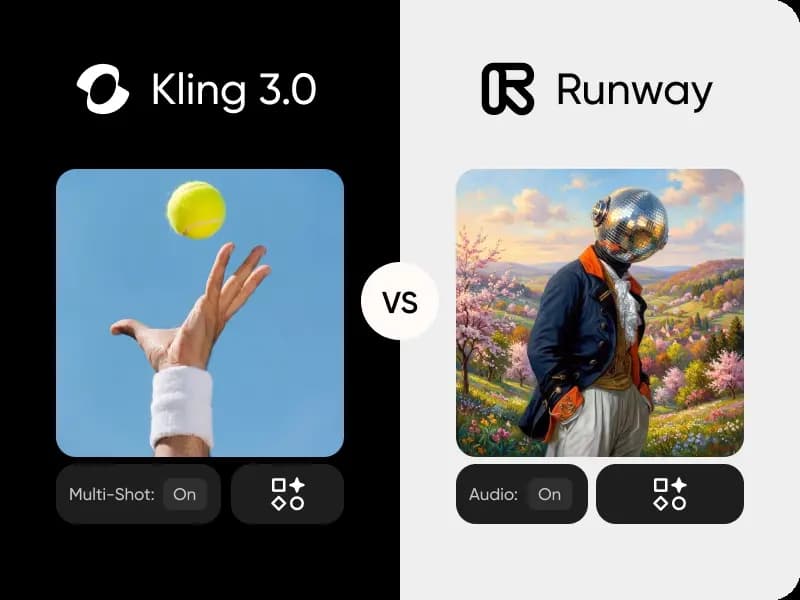
Kling 3.0 vs Runway Gen 4
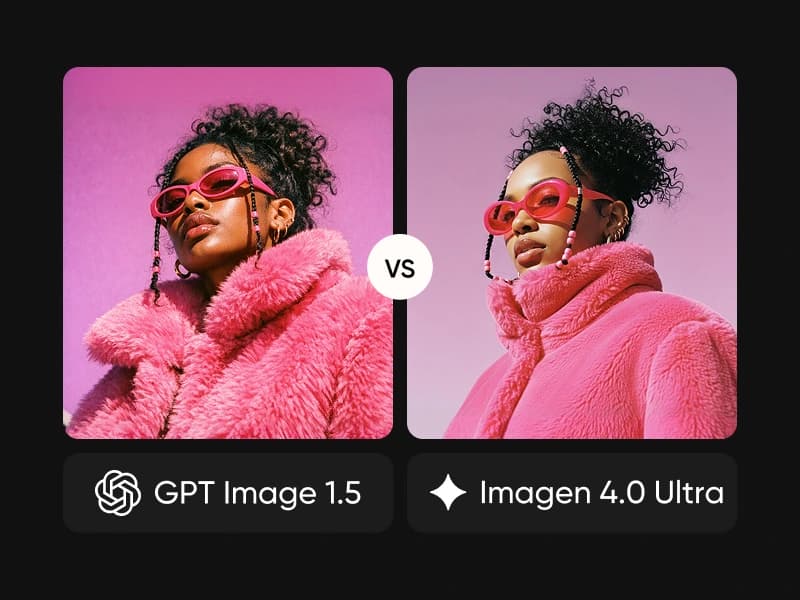
Imagen 4.0 Ultra vs GPT Image 1.5
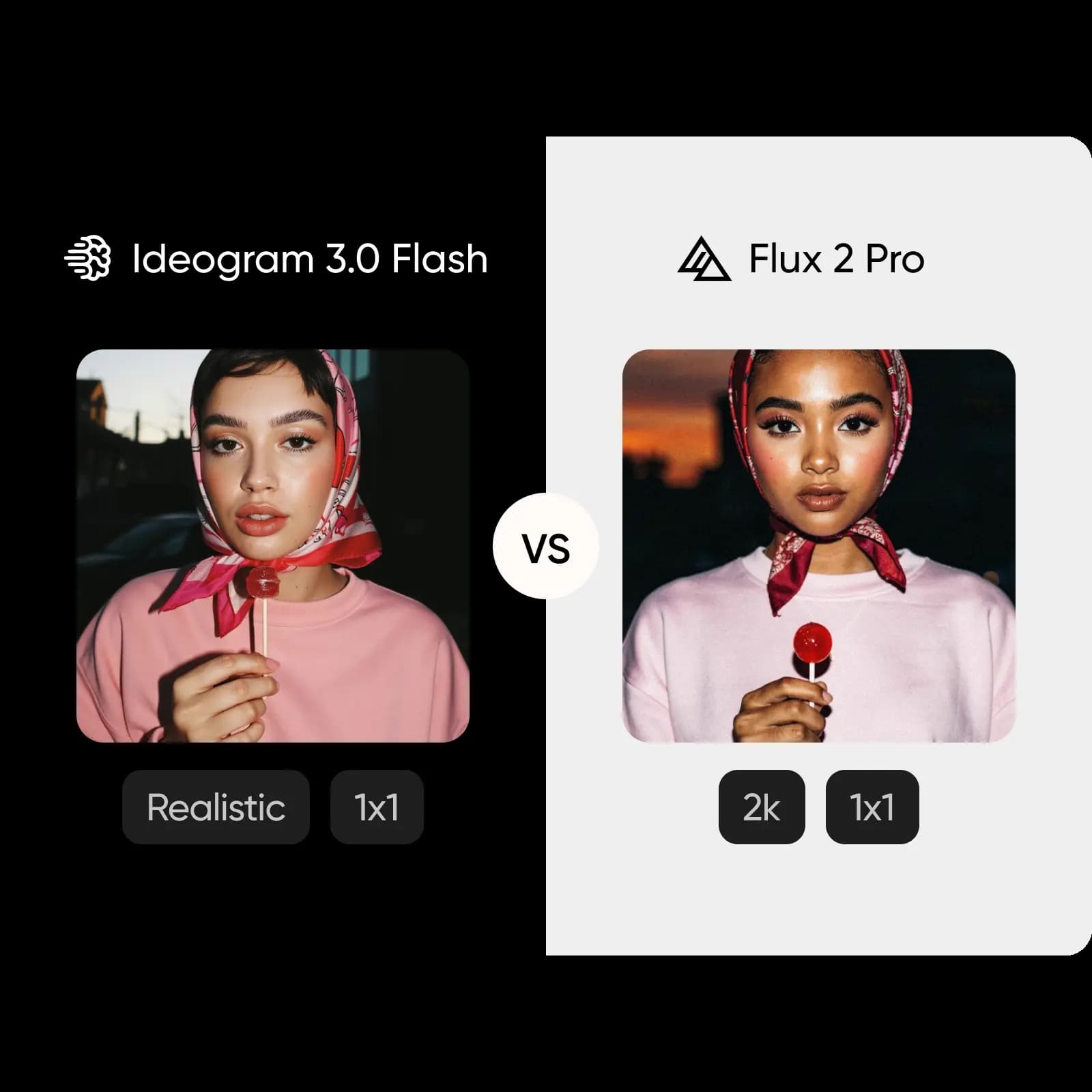
Ideogram 3.0 Flash vs Flux 2 Pro
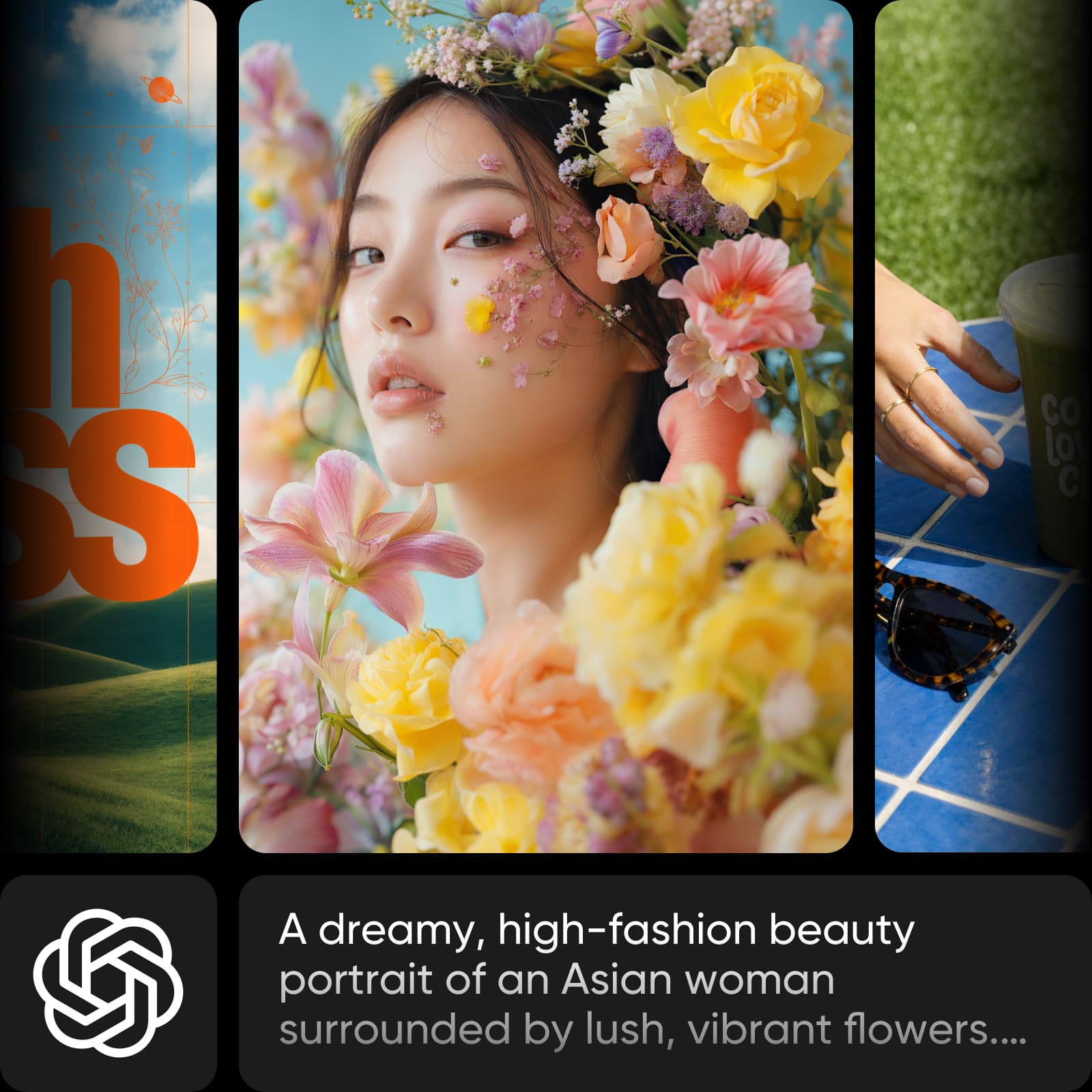
GPT Image 2.5 vs Seedream 4.5
GPT Image 2.5 vs Nano Banana 2
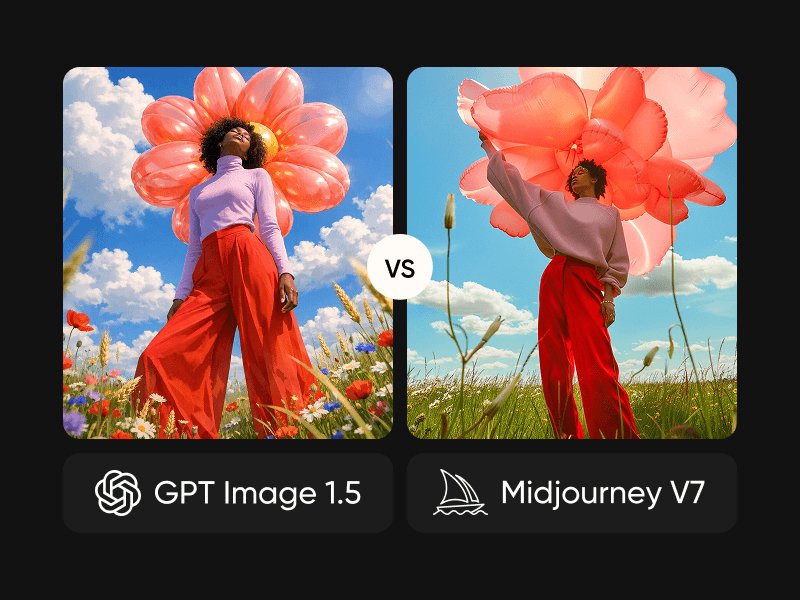
GPT Image 1.5 vs Midjourney
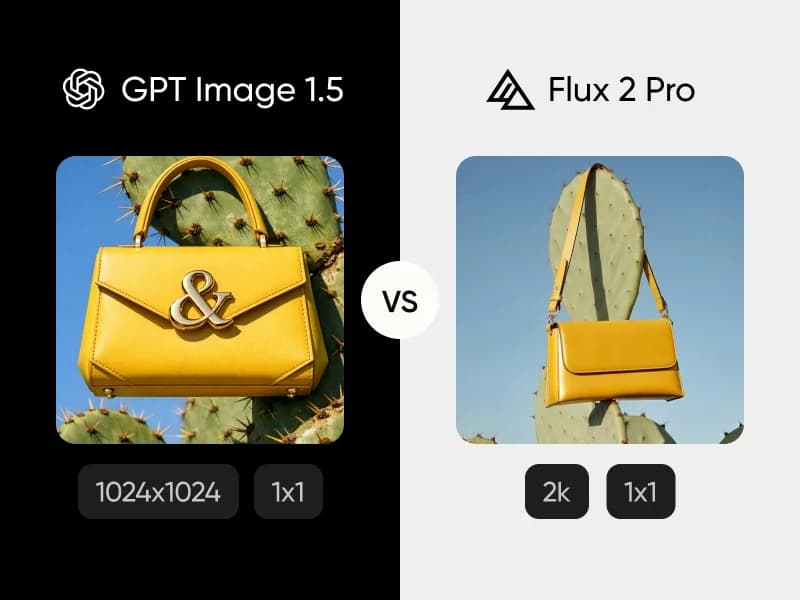
GPT Image 1.5 vs Flux 2 Pro
FLUX Video Edit vs MiniMax H3 Max
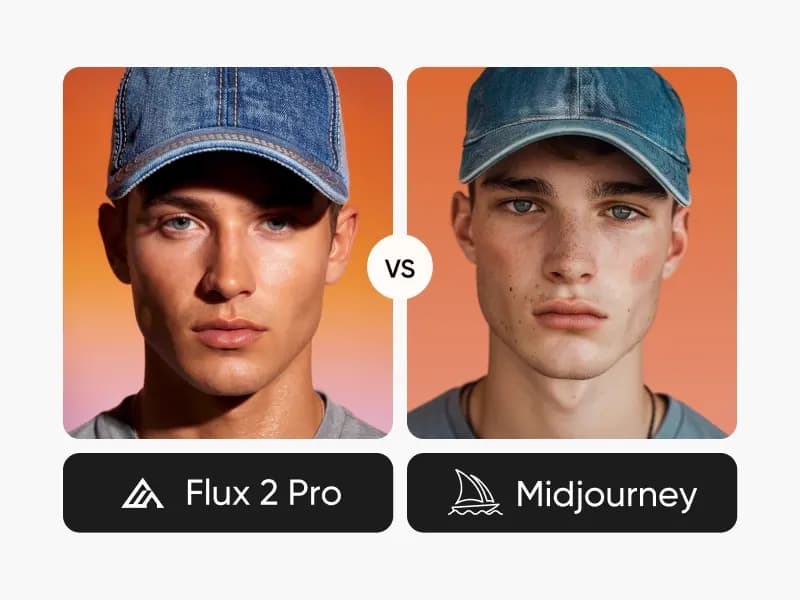
Flux 2 Pro vs Midjourney
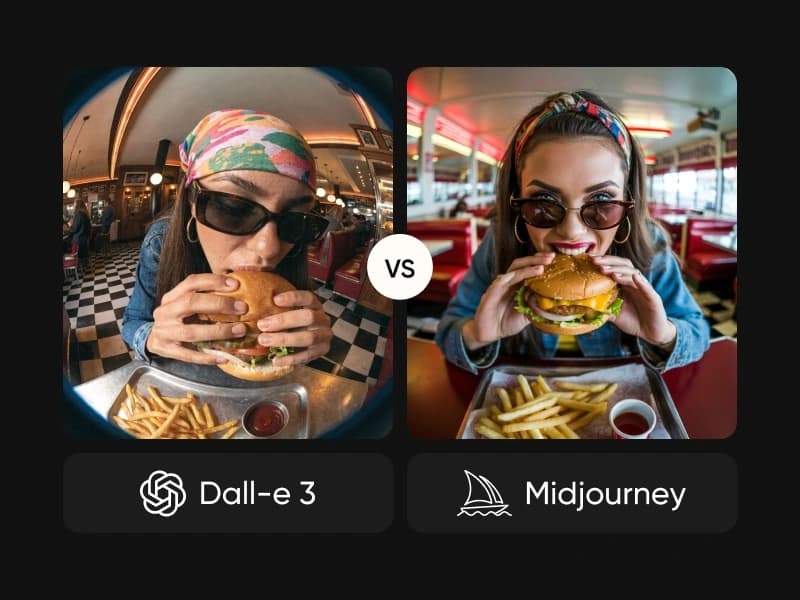
DALL-E 3 vs Midjourney
Creatify Boreal vs Veo 3.1

Questions about compare models
Use a short written brief, the same eligible source files, and similar supported settings. Record the model, settings, credits shown, and whether the output meets the brief. Compare revisions and finishing work as well as the first result.