Runway Gen 4 vs Veo 3.1: speed or cinematic quality
Runway Gen 4 is built for fast, stylized video with hands-on tools like Act-Two and Aleph for editing and control. Veo 3.1 focuses on output quality, delivering native 4K video with synchronized audio and cinematic realism. Compare both side by side in Picsart AI Playground.
The generation action on this comparison currently opens Veo 3.1 in Picsart. Check the selected model before generating.
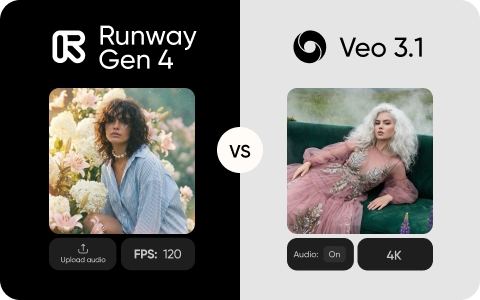
Feature comparison overview
Compare the providers’ documented video capabilities. Available settings in Picsart may differ.
Sources: Runway Gen 4 documentation and Google Veo 3.1 documentation.
See how Runway Gen 4 and Veo 3.1 work
Runway Gen 4 focuses on creative control and speed. With tools like Act-Two for performance transfer and Aleph for in-video editing, it lets you shape scenes directly and experiment quickly. Fast generation and advanced camera control make it a strong fit for production workflows. Veo 3.1 focuses on output quality. It generates native 4K video at up to 60fps with synchronized audio, accurate lip sync, and consistent characters across scenes. Built into the Google ecosystem, it's designed for more polished, cinematic results.
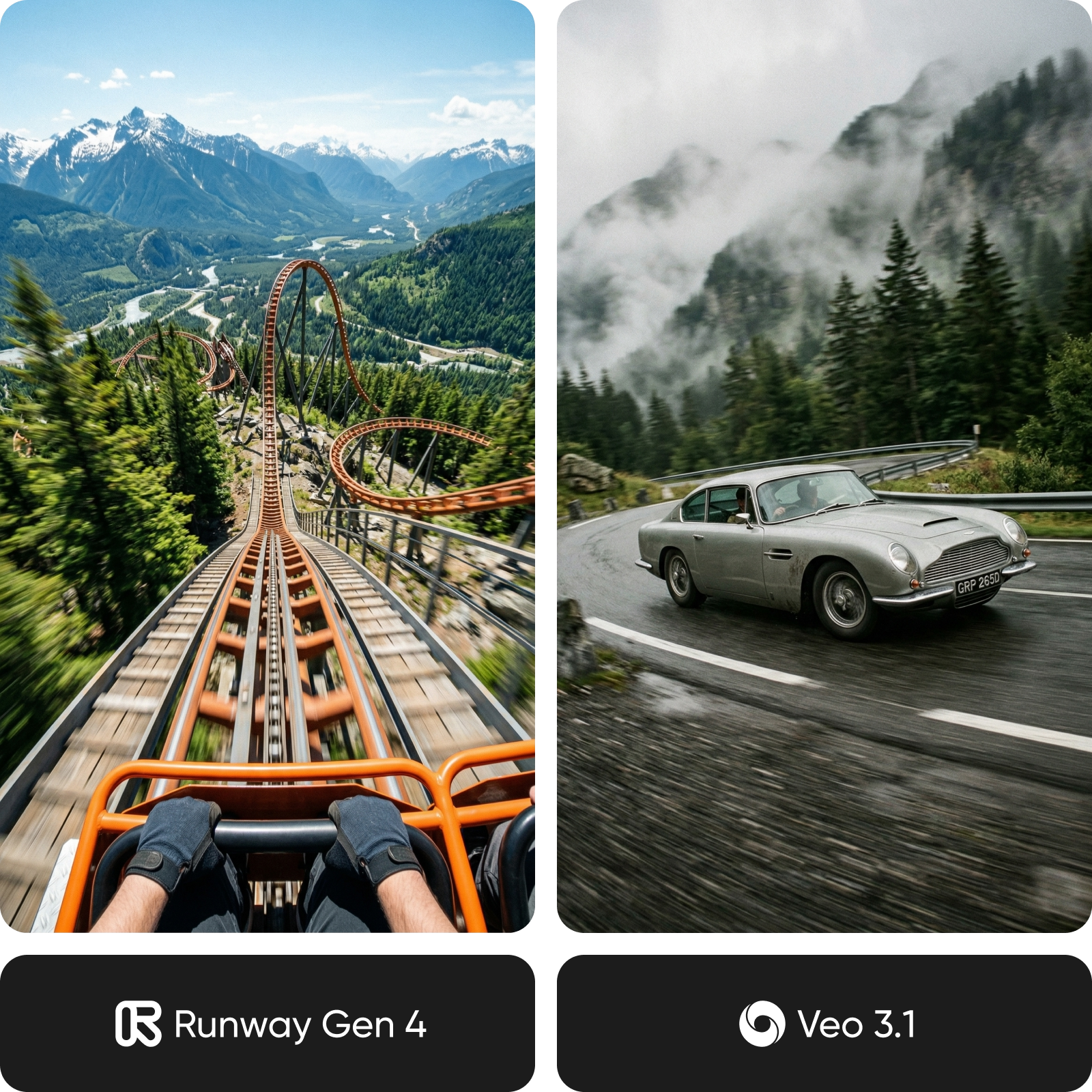
Compare video quality, audio, and output
Output quality is where Veo 3.1 stands out. It generates native 4K video with selectable frame rates, while Runway Gen 4 defaults to lower resolution and requires upscaling. For cinematic or broadcast content, Veo has a clear advantage. Audio is the biggest gap. Veo produces fully synchronized sound - dialogue, music, and effects - in a single render, while Runway requires audio to be added separately. In terms of style, Runway leans toward stylized, VFX-driven visuals, while Veo delivers more photorealistic, cinematic footage.
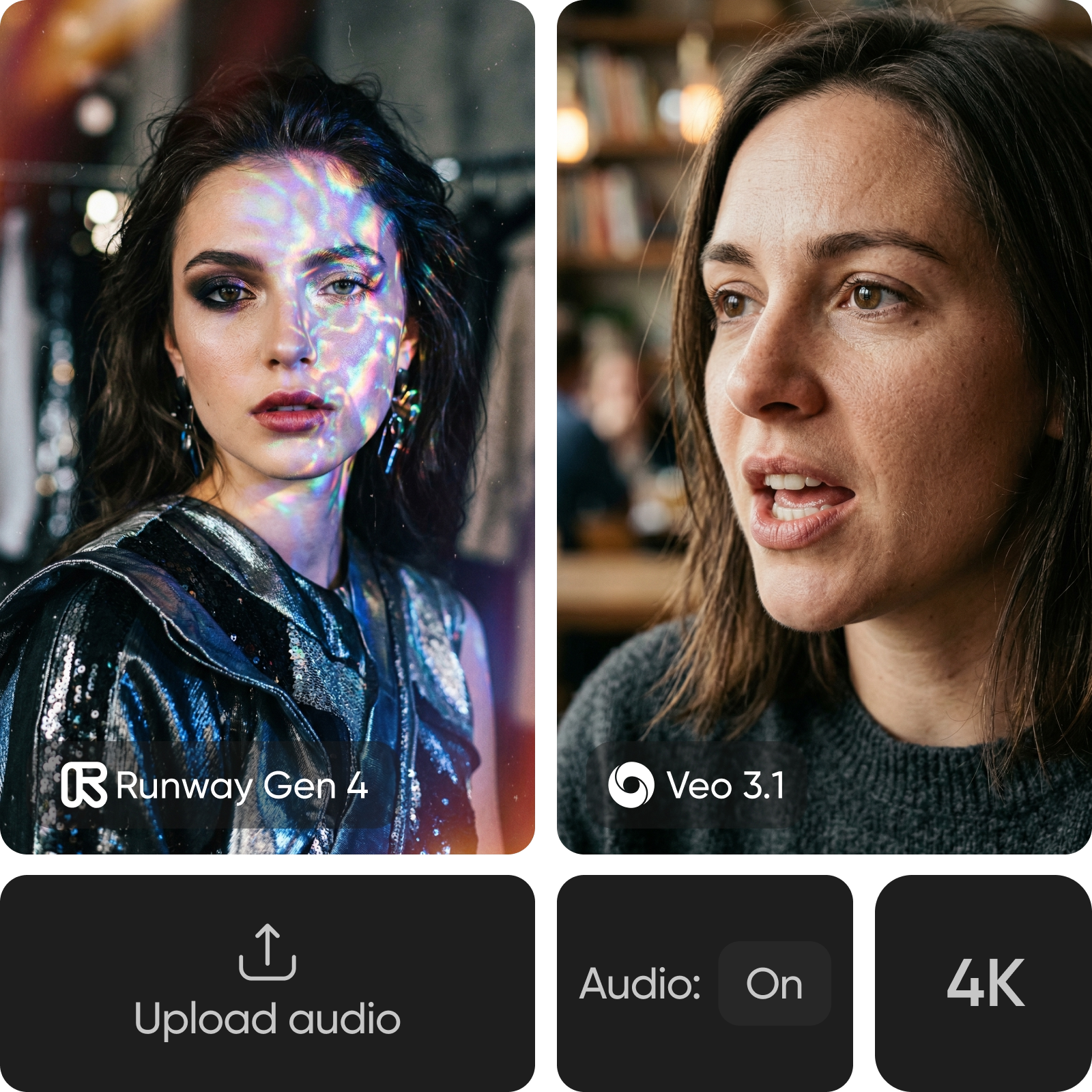
Explore creative tools and control
Creative control is where Runway Gen 4 stands out. Tools like Act-Two transfer real-world performance into AI characters, while Aleph lets you edit scenes directly - adjusting objects, lighting, and camera angles. Combined with advanced camera paths, it offers a more hands-on workflow. Veo 3.1 keeps control simpler, focusing on consistent output. Features like Ingredients to Video help maintain characters across scenes, while clip extension and vertical formats support longer, social-ready content. Runway offers more control, while Veo delivers more polished results out of the box.

Understand speed, pricing, and platform integration
Speed gives Runway Gen 4 a clear edge. Its Turbo mode generates videos much faster, making it ideal for rapid prototyping and iteration, while Veo 3.1 focuses more on output quality than speed. Pricing depends on usage. Veo offers a lower entry price, while Runway provides more flexible plans, including an unlimited option for high-volume workflows. Ecosystem also matters - Runway fits standalone creative pipelines, while Veo integrates with tools like Google Drive, YouTube, and Ads.
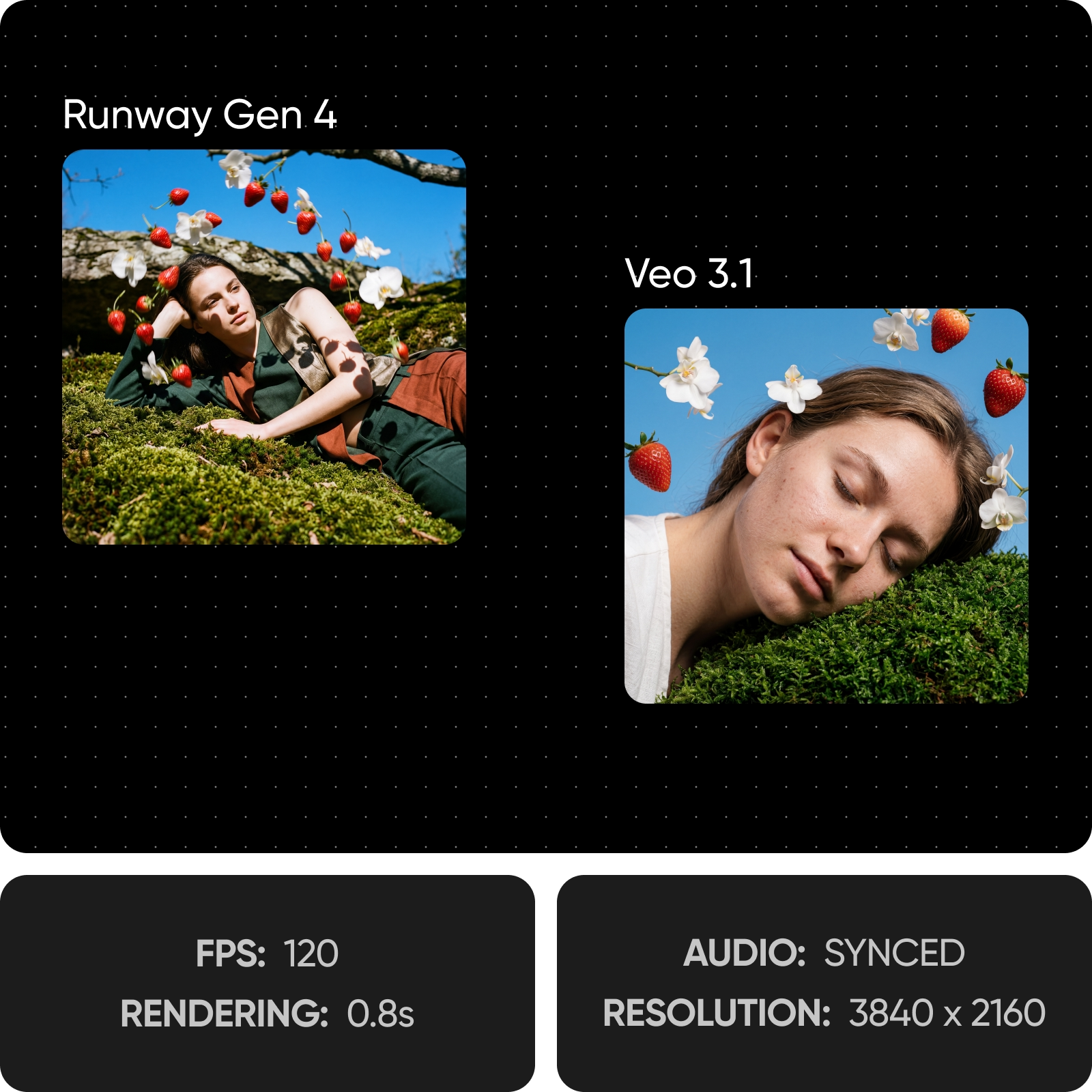
Pick the best model for your needs
If you are aiming for speed, hands-on control, and flexible editing, Runway Gen 4 is the better fit - especially for ads, creative experimentation, and workflows that require fast iteration. If you need higher-quality output with native 4K, synchronized audio, and more cinematic results, Veo 3.1 is a stronger choice for polished content and storytelling. If you want flexibility, use Picsart to access both models and choose the best one for each project.

Understand video model choices
Learn how to compare video models, motion, and outputs.



Runway Gen 4 vs Veo 3.1 FAQ
It depends on your needs. Runway Gen 4 is faster and offers more creative control with tools like Act-Two and Aleph. Veo 3.1 stands out for 4K resolution, built-in audio, and cinematic realism.
Compare AI video models for creative content
Pro
Most popularAI tools for everyday creative work.
Ultra
Most powerfulHeavy AI usage for creators & teams.
Enterprise
Custom AI solutions for large organizations.
- Volume discounts on credit rate
- On-demand top-ups