Veo 3.1 vs Kling 3.0: Pick the right AI video model
Google's Veo 3.1 and Kuaishou's Kling 3.0 are shaping how AI video gets created today. This Veo 3 vs Kling 3 comparison helps you understand where each model stands - from video quality and audio to creative control and cost so you can choose with confidence. Try both side by side in Picsart AI Video Generator or AI Playground.
The generation action on this comparison currently opens Veo 3.1 in Picsart. Check the selected model before generating.
Feature comparison overview
Compare Veo 3 vs Kling 3 side by side to understand how their video quality, audio, creative control, and pricing differ for modern AI video generation.
| Feature | Veo 3.1 (Google DeepMind) | Kling 3.0 (Kuaishou) |
|---|---|---|
| Primary focus | Veo 3.1 (Google DeepMind)Cinematic AI video with native audio | Kling 3.0 (Kuaishou)Structured storytelling and control |
| Max resolution | Veo 3.1 (Google DeepMind)4K (3840x2160) at up to 60fps | Kling 3.0 (Kuaishou)Native 4K (3840x2160) at up to 60fps |
| Max clip length | Veo 3.1 (Google DeepMind)8 seconds (extendable with scene chaining) | Kling 3.0 (Kuaishou)15 seconds (up to 3 minutes with extensions) |
| Native audio | Veo 3.1 (Google DeepMind)Full audio: dialogue, SFX, ambient, music | Kling 3.0 (Kuaishou)SFX, ambient audio, and lip-synced speech |
| Lip sync quality | Veo 3.1 (Google DeepMind)Highly accurate, natural timing | Kling 3.0 (Kuaishou)Strong, supports multiple languages |
| Storyboarding | Veo 3.1 (Google DeepMind)Clip chaining (manual sequencing) | Kling 3.0 (Kuaishou)Multi-shot generation (up to 6 scenes) |
| Character consistency | Veo 3.1 (Google DeepMind)"Ingredients to Video" (image references) | Kling 3.0 (Kuaishou)Reference extraction (visual + voice traits) |
| Motion control | Veo 3.1 (Google DeepMind)Prompt-based direction | Kling 3.0 (Kuaishou)Motion Brush and camera path control |
| Physics simulation | Veo 3.1 (Google DeepMind)Cinematic realism (lighting, motion blur) | Kling 3.0 (Kuaishou)Advanced physics (gravity, collisions, fabric) |
| HDR / pro output | Veo 3.1 (Google DeepMind)Not confirmed | Kling 3.0 (Kuaishou)16-bit HDR and EXR export |
| Pricing (API) | Veo 3.1 (Google DeepMind)~$0.15-0.40 per second | Kling 3.0 (Kuaishou)~$0.10 per second |
| Best for | Veo 3.1 (Google DeepMind)Brand videos, cinematic storytelling | Kling 3.0 (Kuaishou)Ads, social content, multi-scene videos |
Get familiar with Veo 3.1 and Kling 3.0
At a glance, both models - Veo 3.1 and Kling 3.0 turn text into high-quality video, but they're built with different creative priorities. Veo leans into cinematic generation with built-in audio and consistent characters, while Kling focuses on structured storytelling with multi-shot scenes, motion control, and longer outputs. You can try them both on our AI Video Generator.
Compare video quality, audio, and realism
Both Veo 3.1 and Kling 3.0 generate 4K video at up to 60fps, but they differ in feel. Veo delivers cinematic realism with smooth motion, natural lighting, and consistent characters, while Kling focuses on detailed physics, sharper textures, and HDR-ready output. The biggest gap is audio - Veo produces more natural, fully layered sound with precise lip sync, while Kling supports multi-language audio but feels less refined overall.
Explore storyboarding, motion, and editing tools
Kling 3.0 gives you more hands-on control, with multi-shot storyboarding that creates up to six connected scenes in one go, along with Motion Brush for precise movement and longer clips. Veo 3.1 takes a more automated approach, relying on prompt-based control and clip chaining while maintaining character consistency with reference images. In short, Kling offers more manual control, while Veo focuses on faster, cinematic results.
Break down Veo 3.1 vs Kling 3.0 costs
Kling 3.0 is generally more affordable, with pricing around $0.10 per second and a free tier that offers daily credits, making it easier to scale content production. Veo 3.1 comes at a higher cost, typically between $0.15 and $0.40 per second, and is often included in Google AI plans. Both models are available in one place, so you can try them without managing separate tools or subscriptions.
Choose Veo 3.1 or Kling 3.0 for your workflow
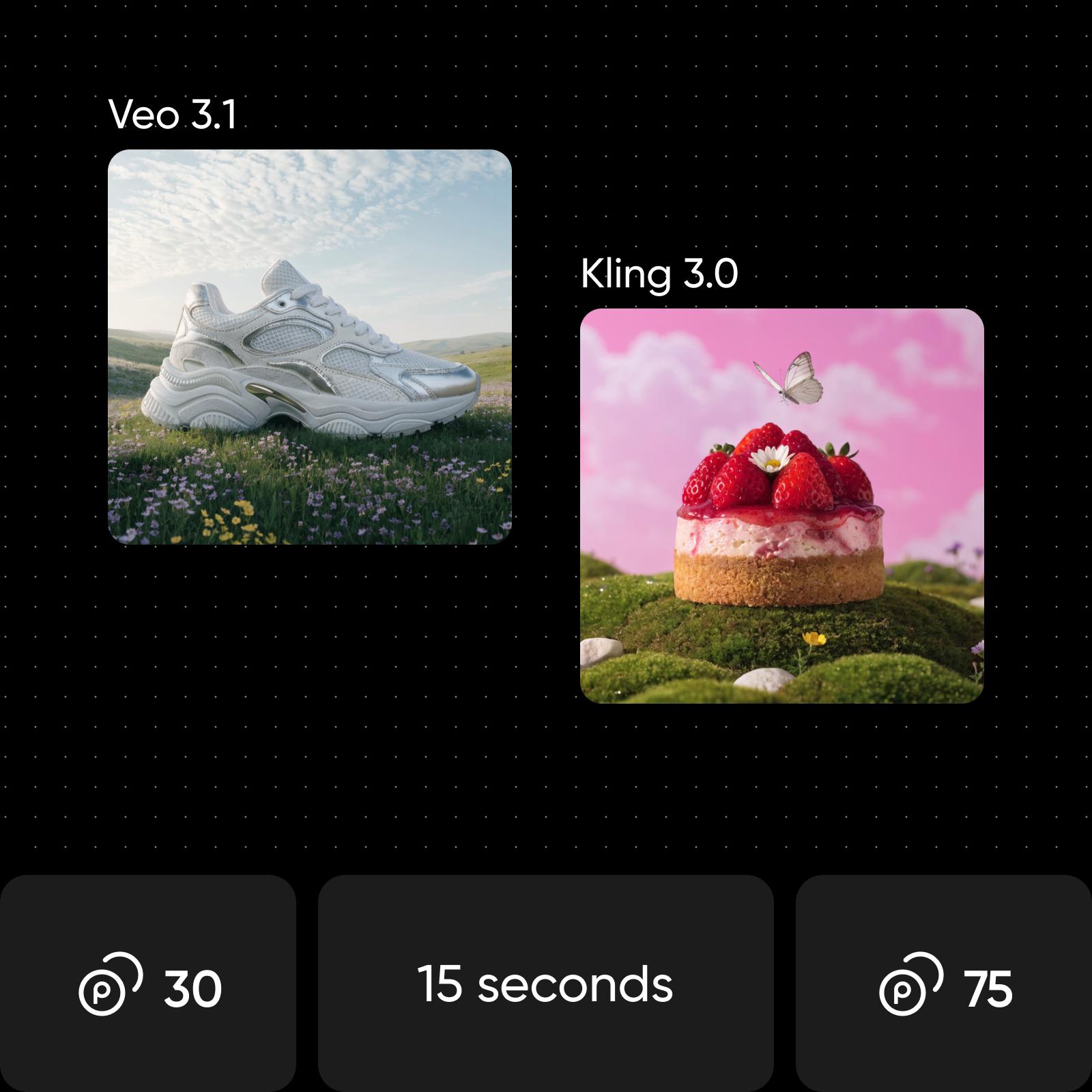
Choose Veo 3.1 if you want cinematic results with natural audio, precise lip sync, and consistent characters across scenes, especially for brand videos or polished storytelling. Choose Kling 3.0 if you need more control, with multi-shot storyboarding, longer clips, advanced motion tools, and lower production costs. Choose Picsart if you want both - test Veo 3.1 and Kling 3.0 side by side and use the best model for each project.
Understand AI video generation
Learn how prompts, clips, and model choices shape videos.