Luma Uni-1: the image model that thinks before it creates
Luma Uni-1 is a multimodal reasoning model that understands your intention before generating a single pixel. Ranked #1 in human preference for overall quality, style, and reference-based generation — it doesn't just follow prompts, it reasons through them. Available on Picsart AI Playground.
- Guide images with your intent
- Combine visual references





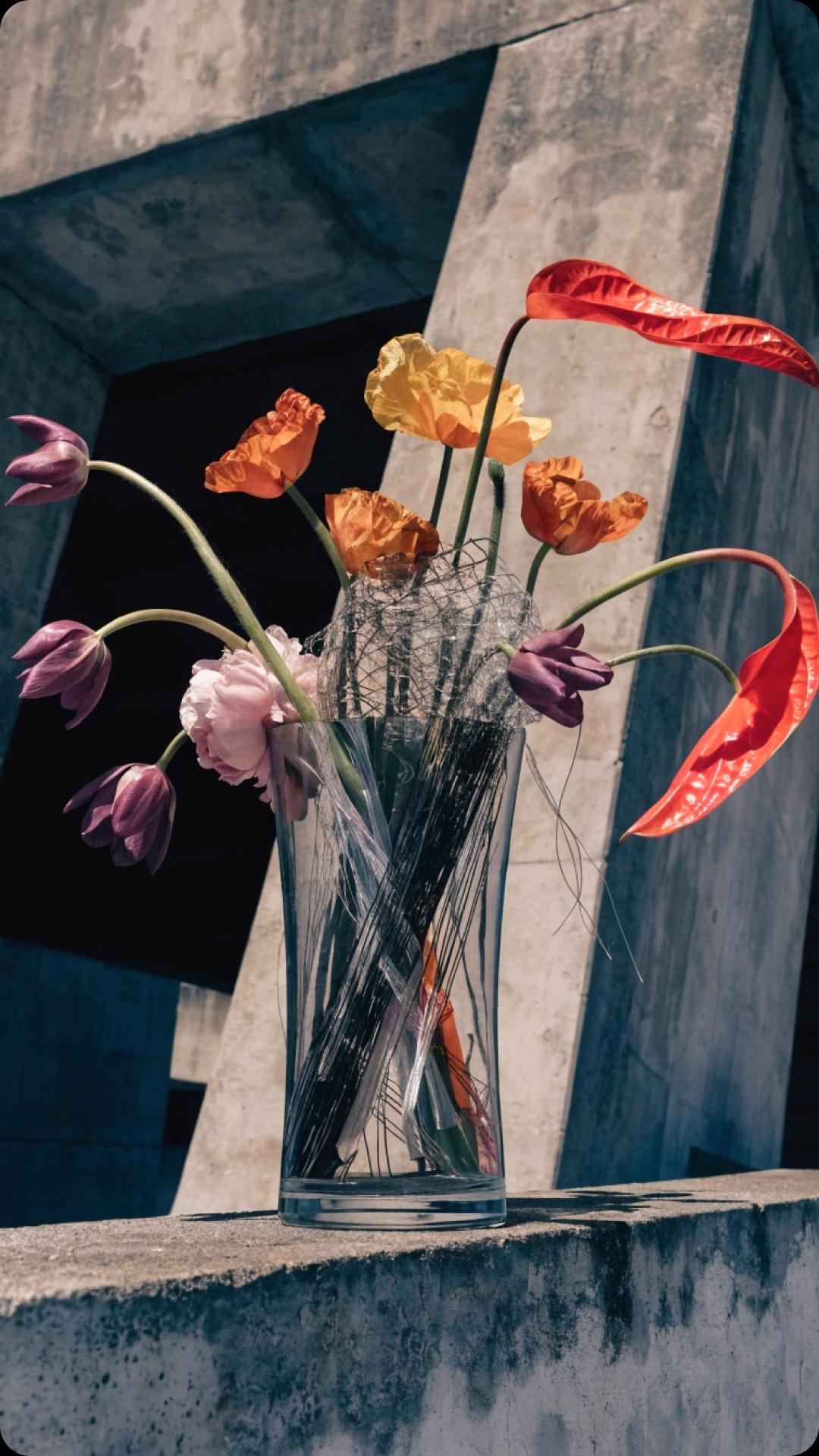





What is Luma Uni-1?
Luma Uni-1 is a decoder-only autoregressive transformer that generates images through structured reasoning — the same token-by-token approach used by large language models. Unlike diffusion models that denoise random noise, Uni-1 decomposes your instructions, resolves constraints, and plans composition before rendering. The result is images that match what you actually meant, not just what you typed.
Built by Luma Labs, Uni-1 supports up to 9 reference images with assignable roles (style, character, composition, lighting, texture, mood), 76+ art styles, and multilingual text rendering including non-Latin scripts. It generates at 2K resolution across 9 aspect ratios.
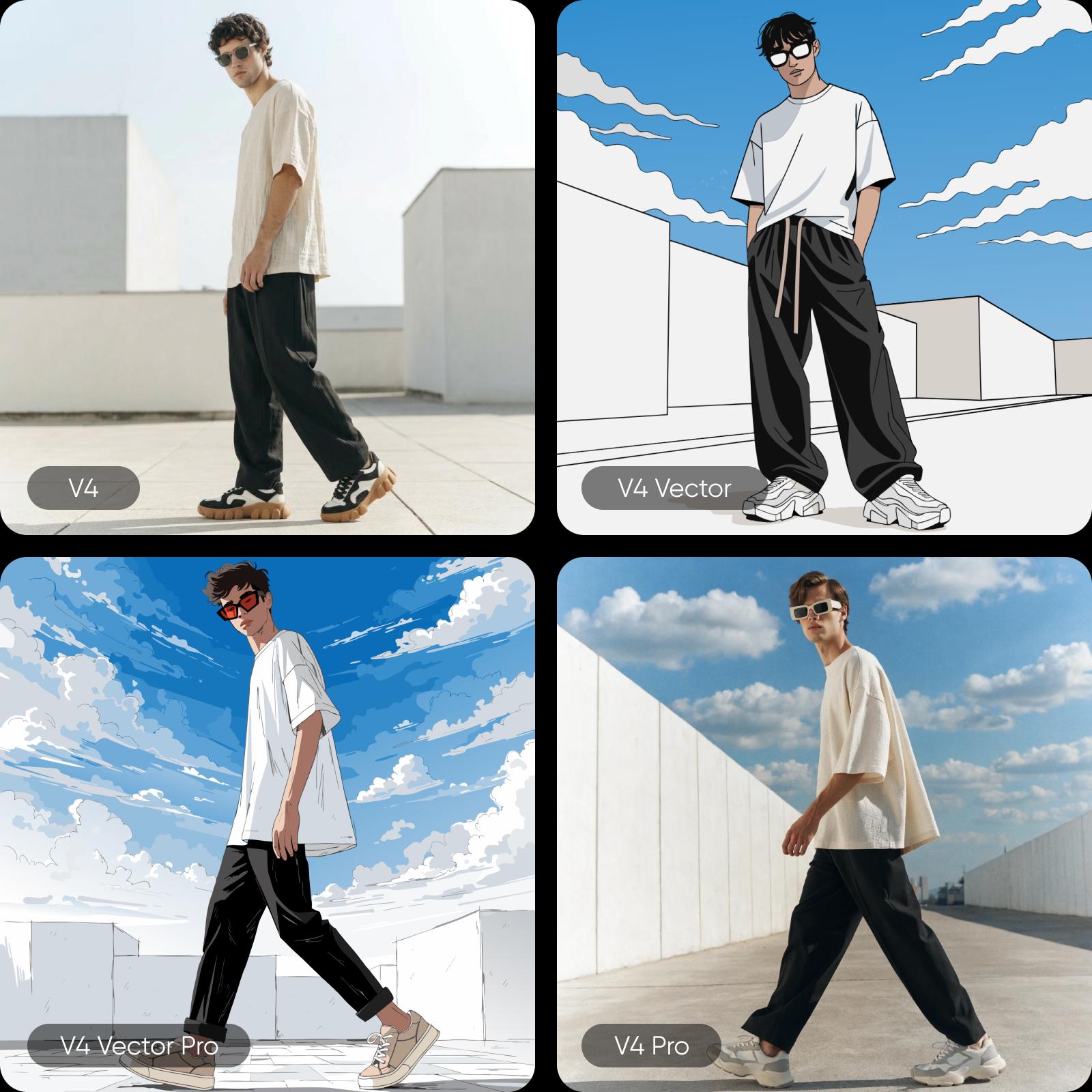
How Luma Uni-1 reasons before it generates
Luma Uni-1 is available on Picsart AI Playground, giving you access to its reasoning-first generation alongside 90+ other models. Use Uni-1 when you need precise instruction following, complex scene composition, or reference-guided generation that maintains identity across images. Switch between Uni-1 and models like Flux 2 Pro, GPT Image 1.5, or Nano Banana 2 — all from one prompt.
- Plan complex scenes before rendering

What you can create with Luma Uni-1
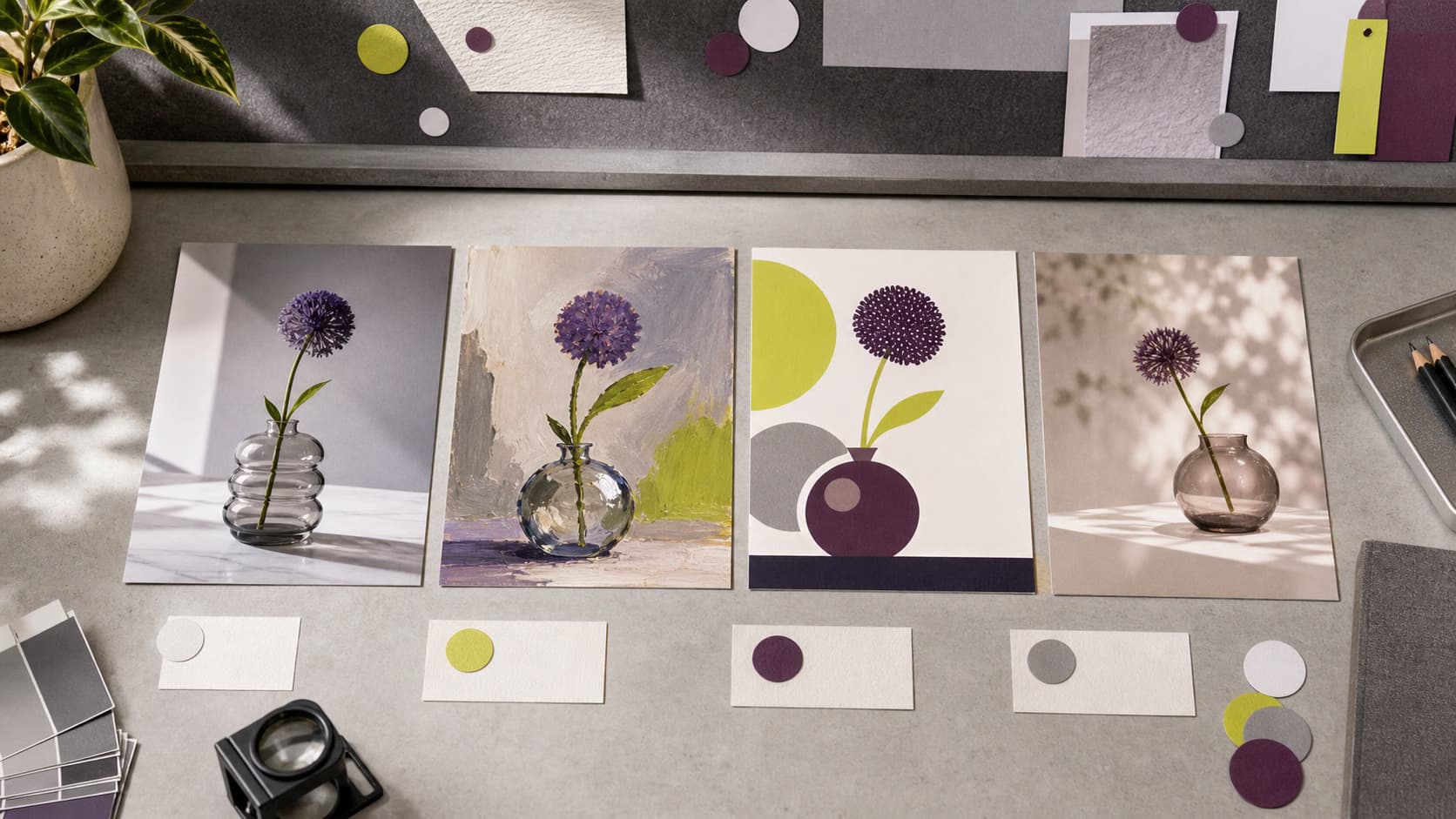
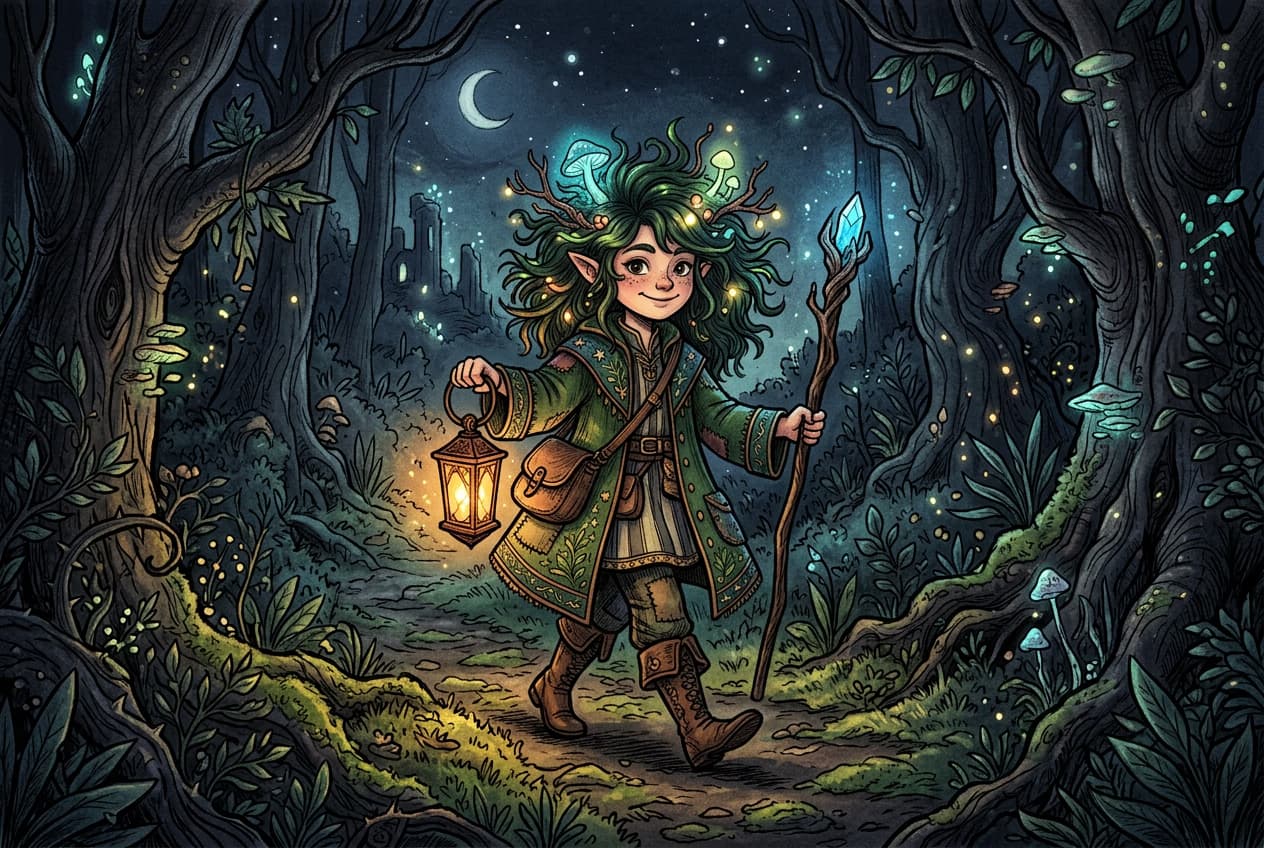
Generate reasoning-driven images
Turn detailed text descriptions into high-quality, realistic visuals with accurate lighting, textures, and compositions directly inside Picsart’s AI Image Editor.

Why creators choose Luma Uni-1
Uni-1 ranks first in human preference Elo for overall quality, style and editing, and reference-based generation. Its reasoning architecture means fewer failed generations — the model understands spatial relationships, resolves conflicting instructions, and maintains identity across reference images. For creators who need precision without sacrificing aesthetics, Uni-1 delivers both.
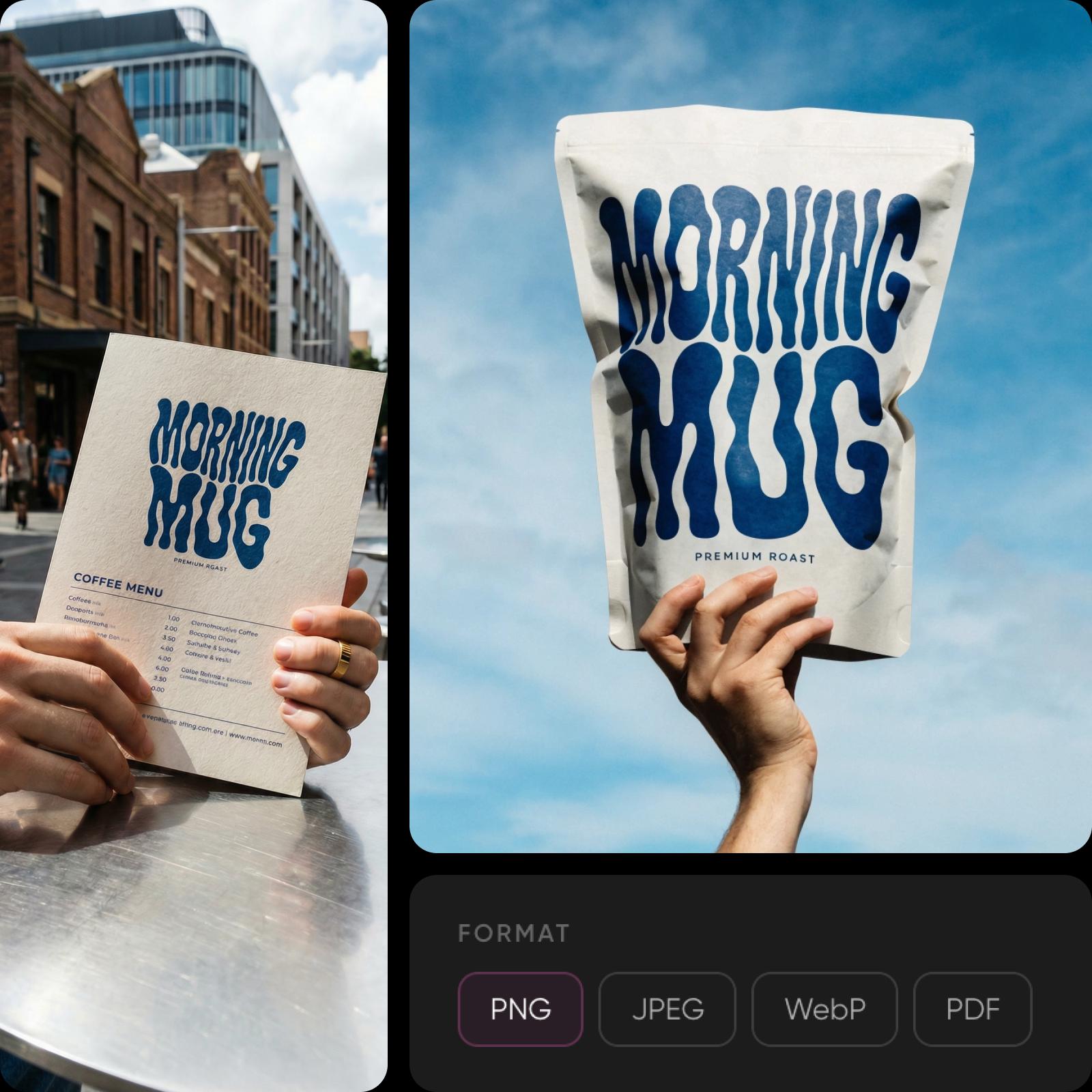
Luma Uni-1 inside Picsart's AI ecosystem
Access Luma Uni-1 on Picsart AI Playground. Use Uni-1 for reasoning-heavy tasks like complex scene composition and reference-guided generation, then switch to other models for different creative needs - all without leaving the platform.
- Compare image models in one workspace
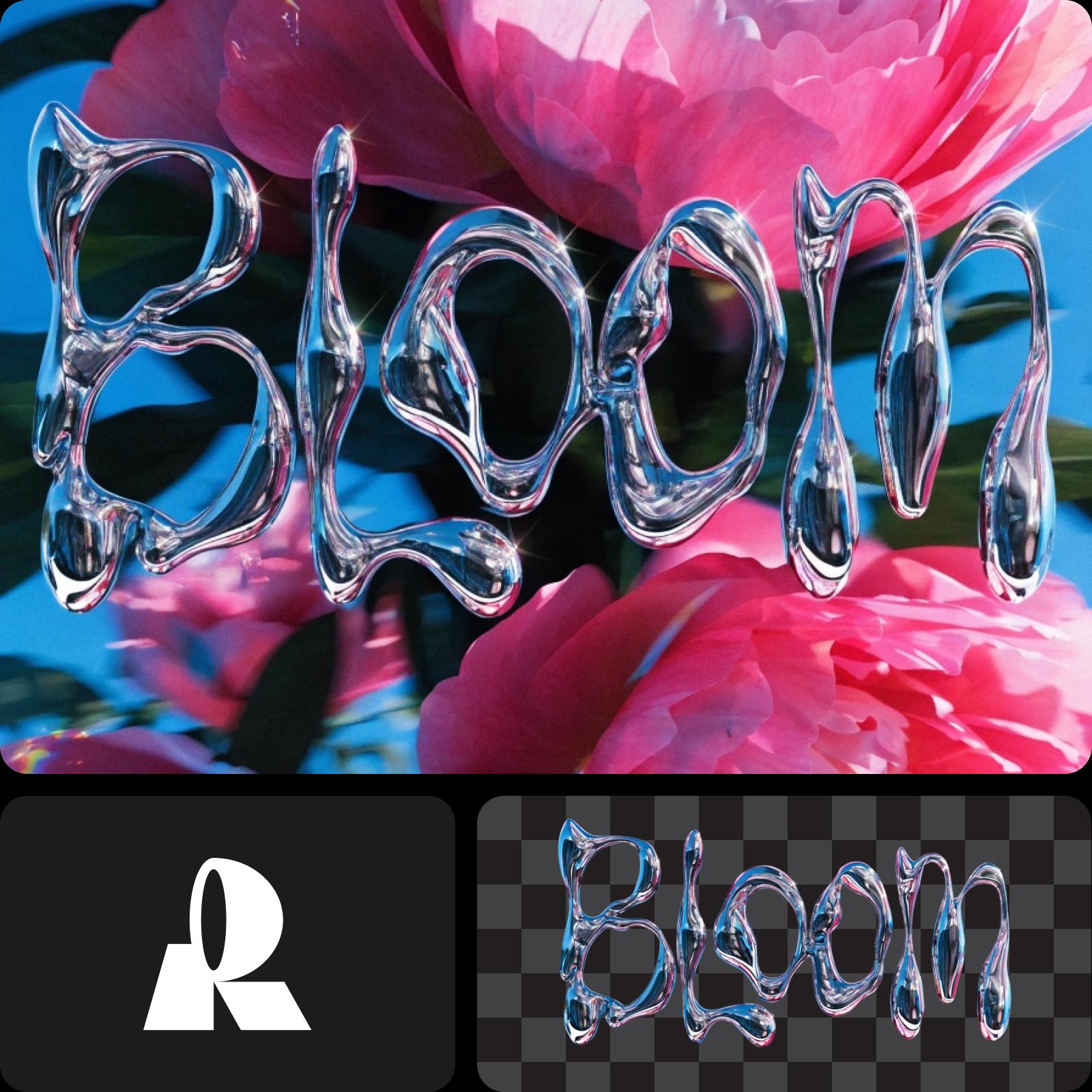
Understand image model choices
Learn how to compare image models and choose an output.


Explore more models like Luma Uni-1
Compare Luma Uni-1 with other image models for campaign visuals, design assets, and creative tests.
Luma Uni-1 FAQ
Luma Uni-1 is a multimodal reasoning model by Luma Labs that generates images through structured reasoning. Unlike diffusion models, it uses an autoregressive transformer architecture that thinks through prompts before rendering — resulting in better instruction following, spatial reasoning, and identity preservation.
Generate AI visuals with Luma Uni-1
Pro
Most popularAI tools for everyday creative work.
Ultra
Most powerfulHeavy AI usage for creators & teams.
Enterprise
Custom AI solutions for large organizations.
- Volume discounts on credit rate
- On-demand top-ups