Flux 2 Pro for advanced AI image generation
Picsart has integrated the Flux 2 Pro AI model into its creative platform, bringing advanced photorealistic image generation directly into your workflow. Flux 2 Pro delivers exceptional detail, creative control, and stunning visual quality helping creators generate professional-grade images faster and with more precision than ever before.
- Create photorealistic visuals
- Refine intricate image details
- Shape images with creative control
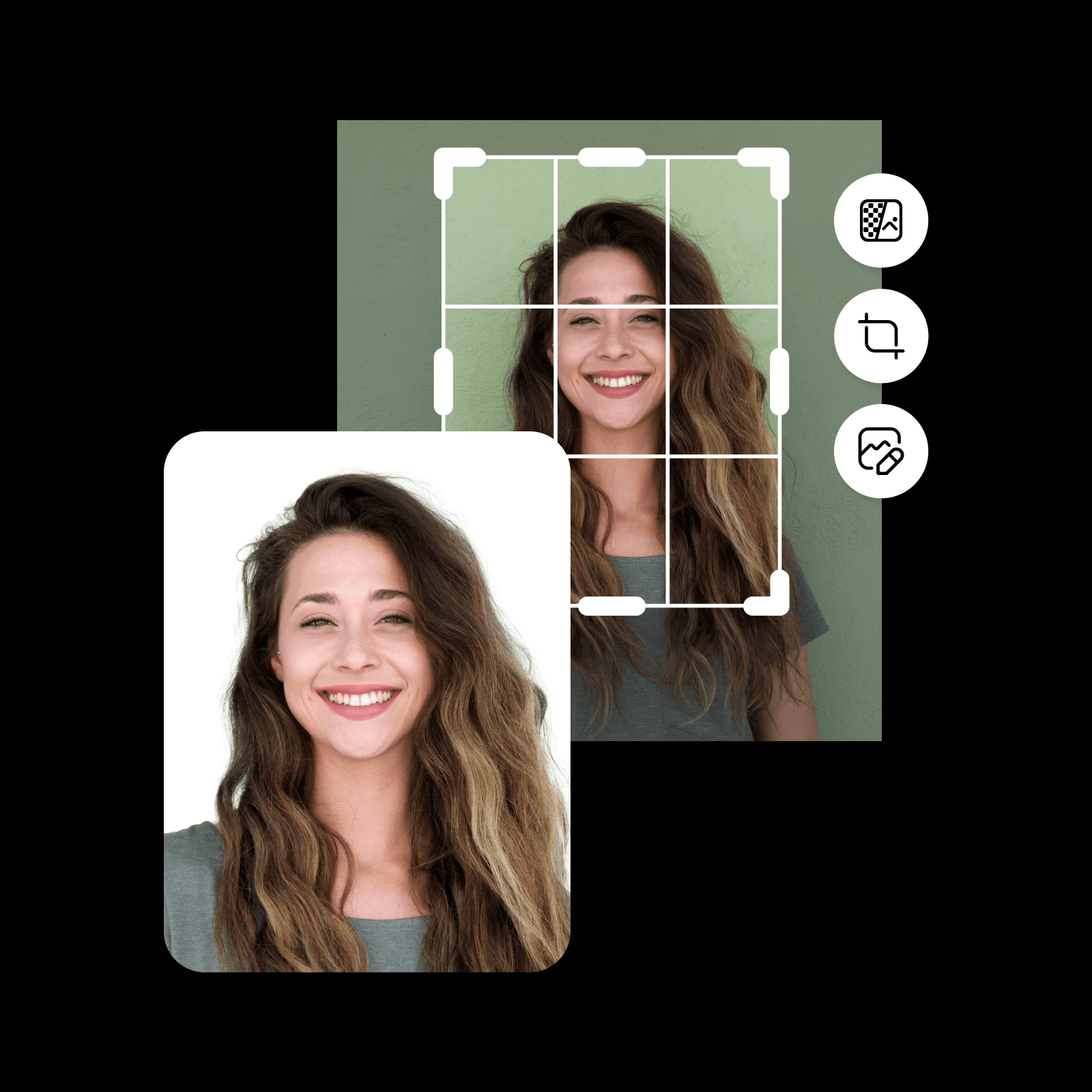

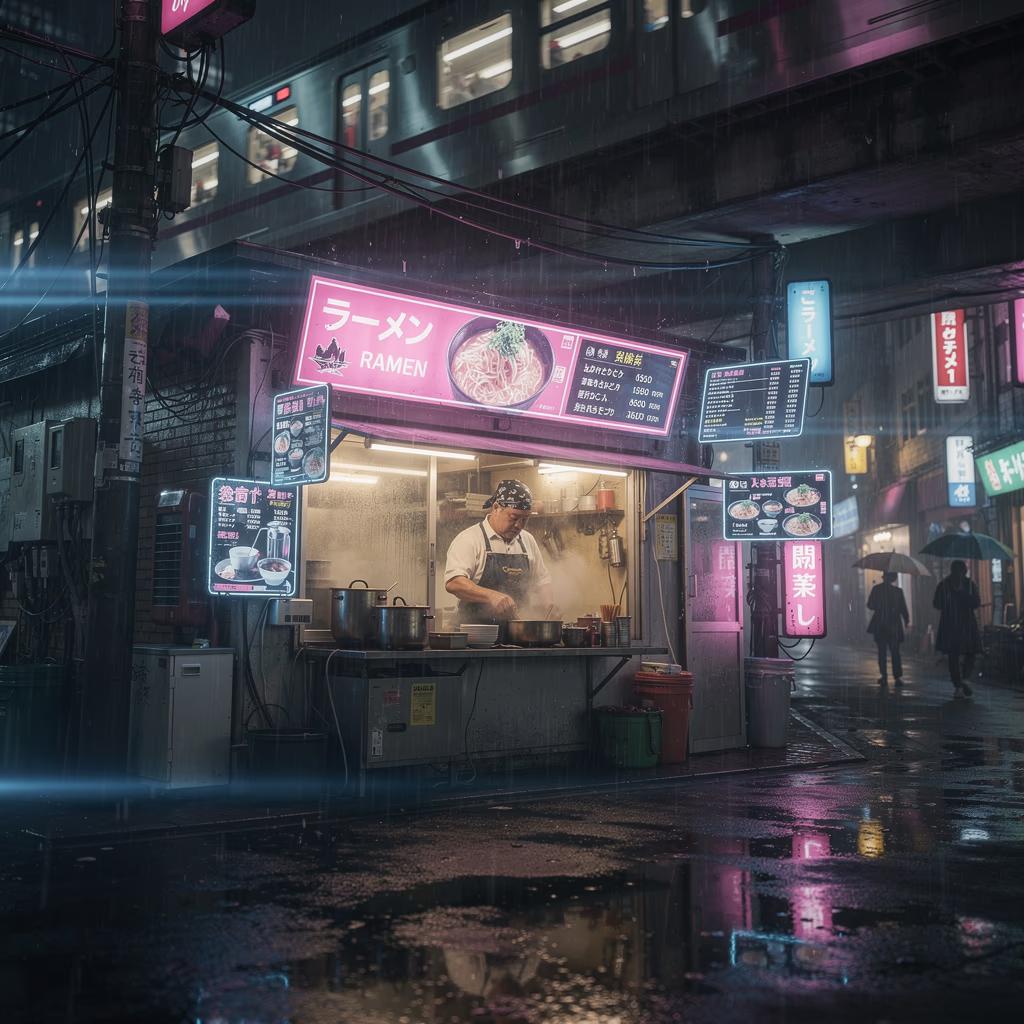


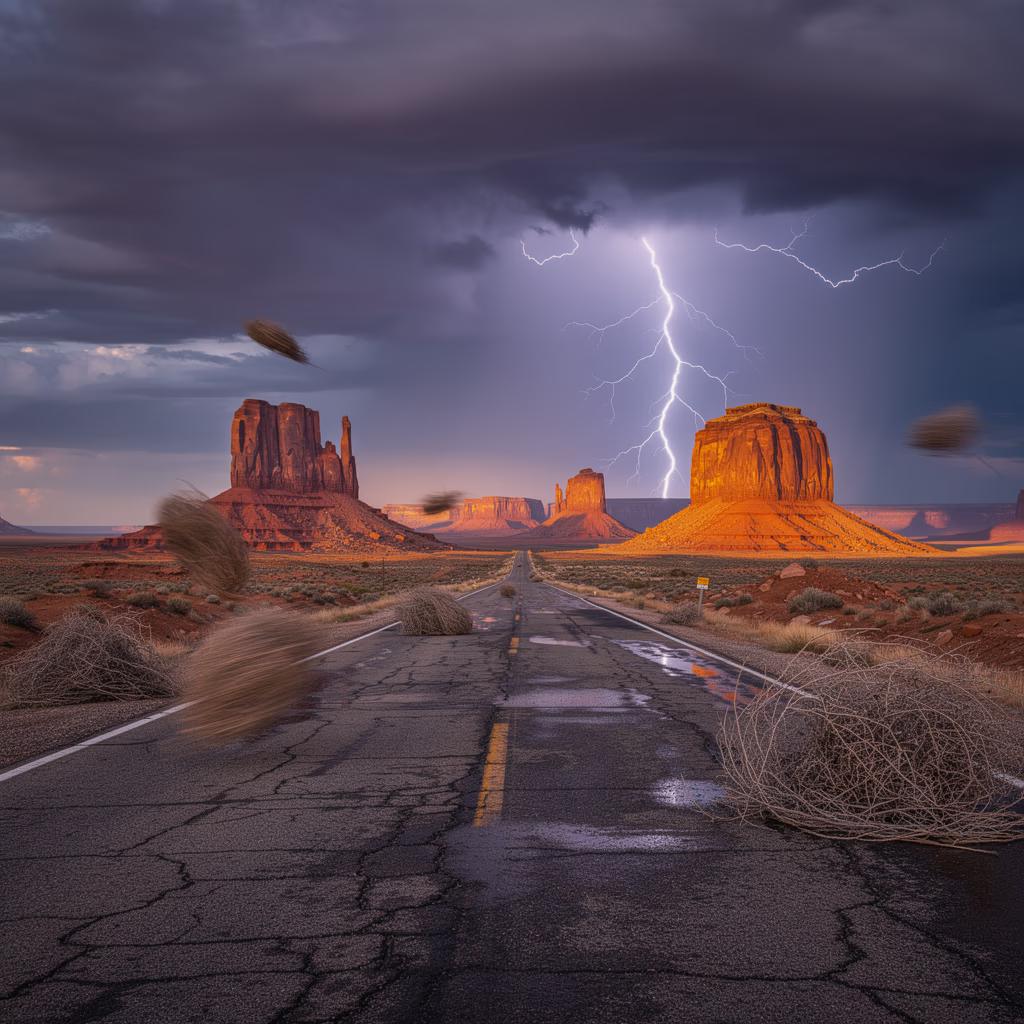
What is Flux 2 Pro?
Flux 2 Pro is an advanced AI image generation model built for photorealistic output with exceptional detail and consistency. It excels at interpreting complex prompts, rendering fine textures, accurate lighting, and natural compositions. Flux 2 Pro gives creators the ability to produce high-fidelity visuals that rival professional photography and digital art - all from a text description. Explore the best Flux prompts to get started with Flux 2 Pro.

What you can create with Flux 2 Pro
Generate photorealistic images
Create stunning, lifelike images from text prompts with exceptional detail, accurate lighting, and natural compositions.

How Picsart uses Flux 2 Pro
Picsart integrates Flux 2 Pro directly into its creative tools, removing the need for users to interact with the model itself. It powers features like the AI Image Editor, AI Image Enhancer, helping creators produce photorealistic visuals, explore creative directions, and work faster with greater precision and control.

Why creators choose Flux 2 Pro
Flux 2 Pro stands out for its ability to generate photorealistic images with exceptional detail and consistency. Creators choose it for its precise prompt interpretation, natural lighting, and fine texture rendering. Integrated directly into Picsart’s tools, Flux 2 Pro makes advanced AI image generation accessible without complex workflows or technical setup.
Flux 2 Pro inside the Picsart ecosystem
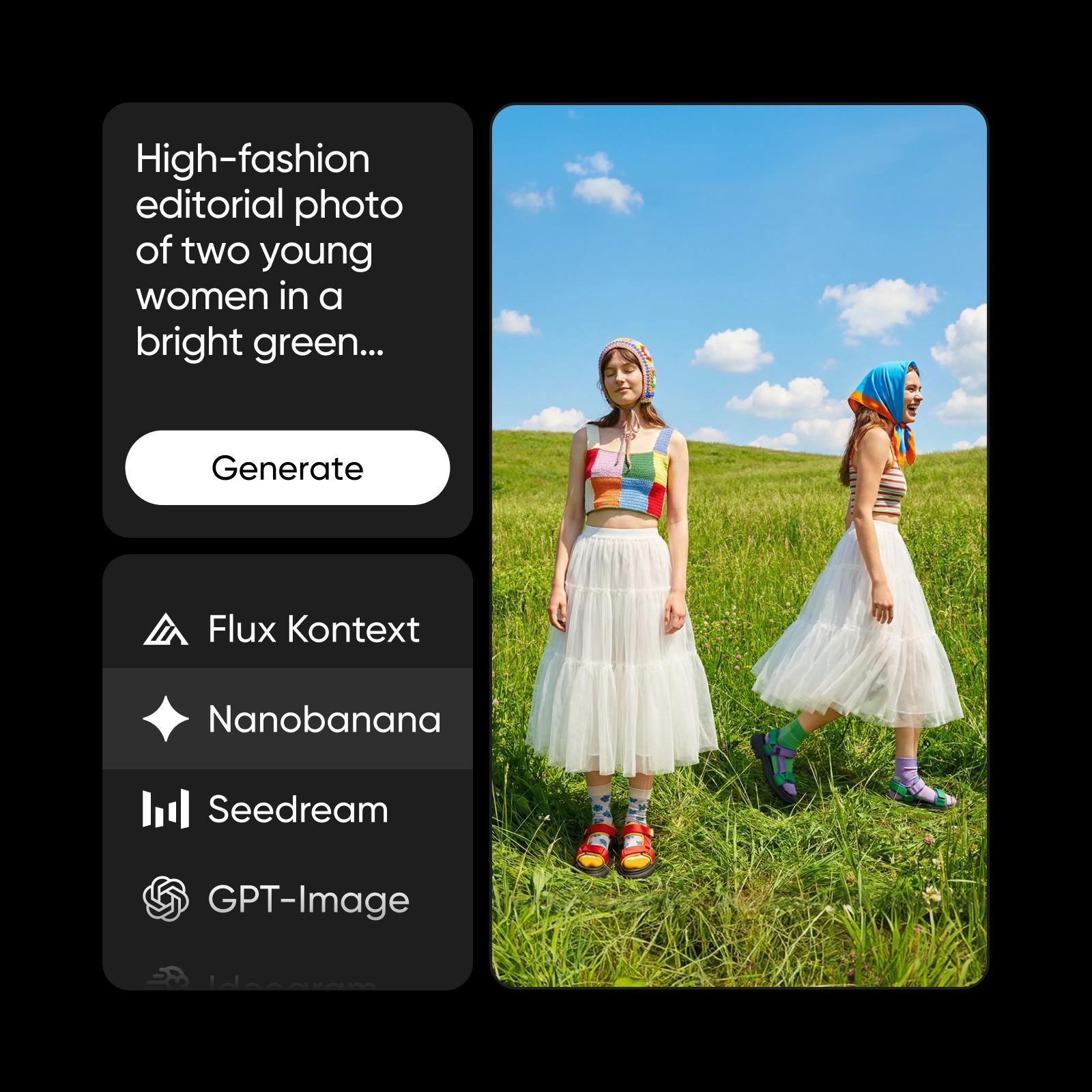
Flux 2 Pro is one of several advanced AI models powering Picsart’s creative ecosystem. It works alongside other models like Nano Banana Pro, Nano Banana 2 and more to support image generation, visual enhancement, and content creation across the platform. This multi-model approach ensures flexibility, reliability, and consistently high-quality results for a wide range of creative needs.
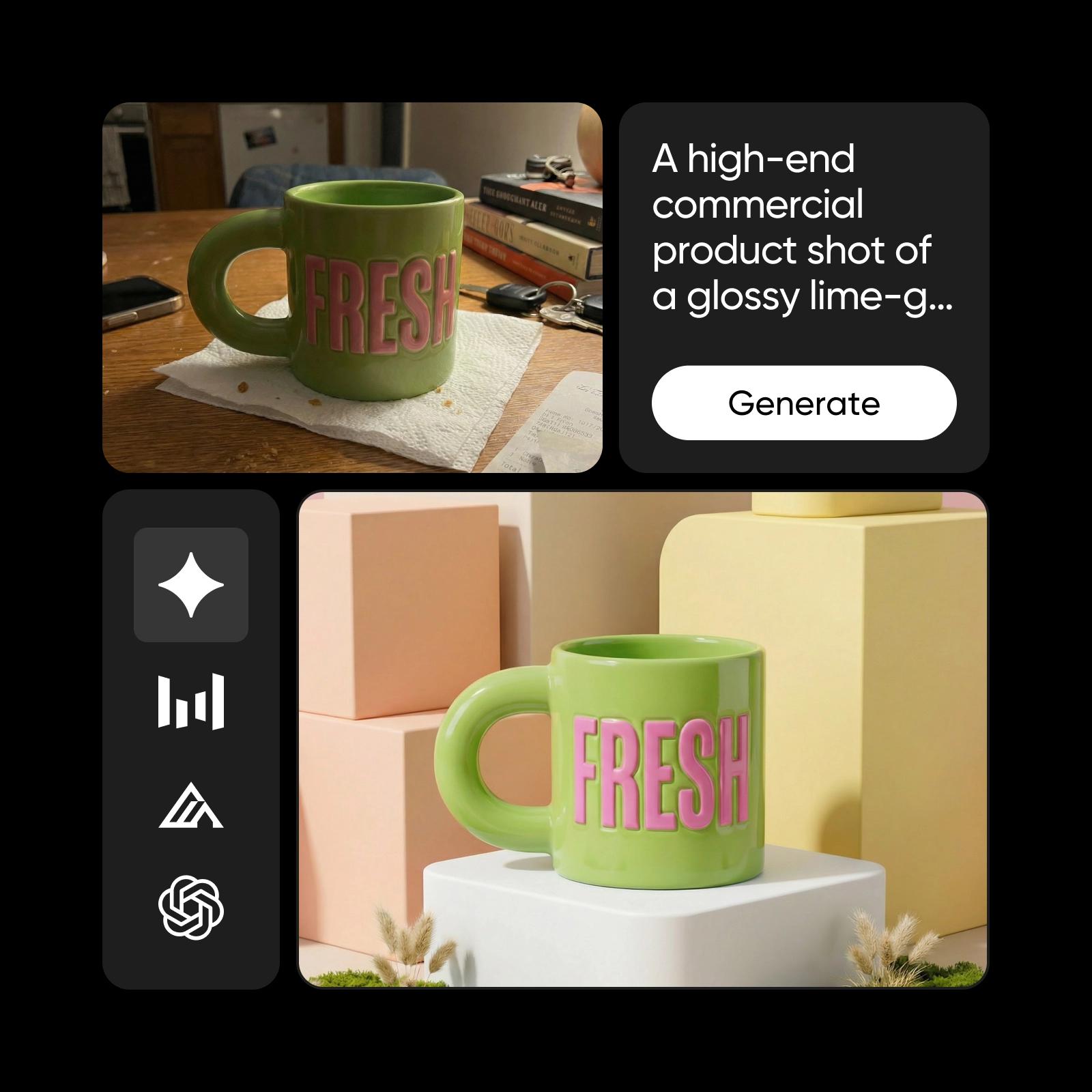
Understand image model choices
Learn how to compare image models and choose an output.
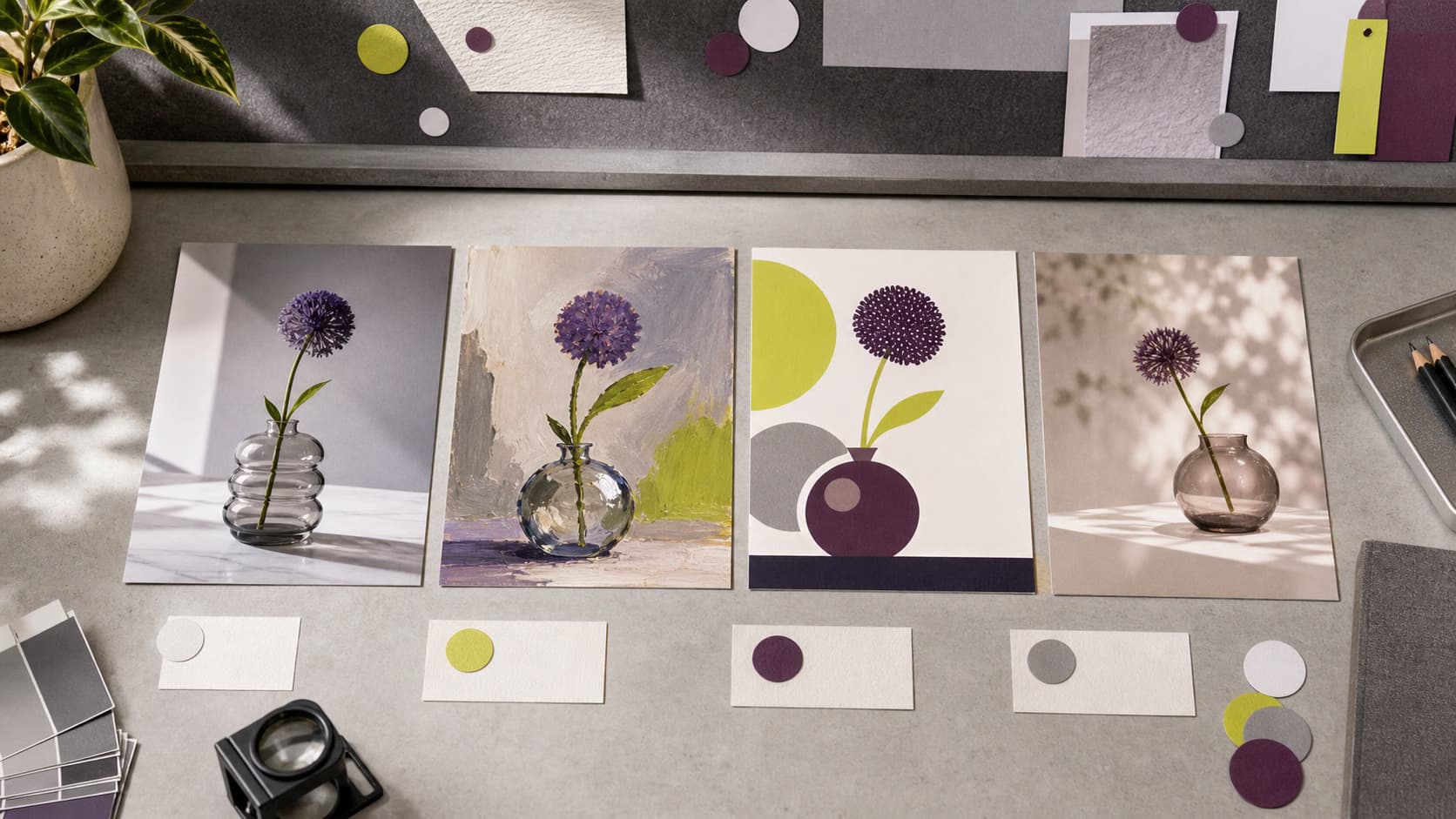

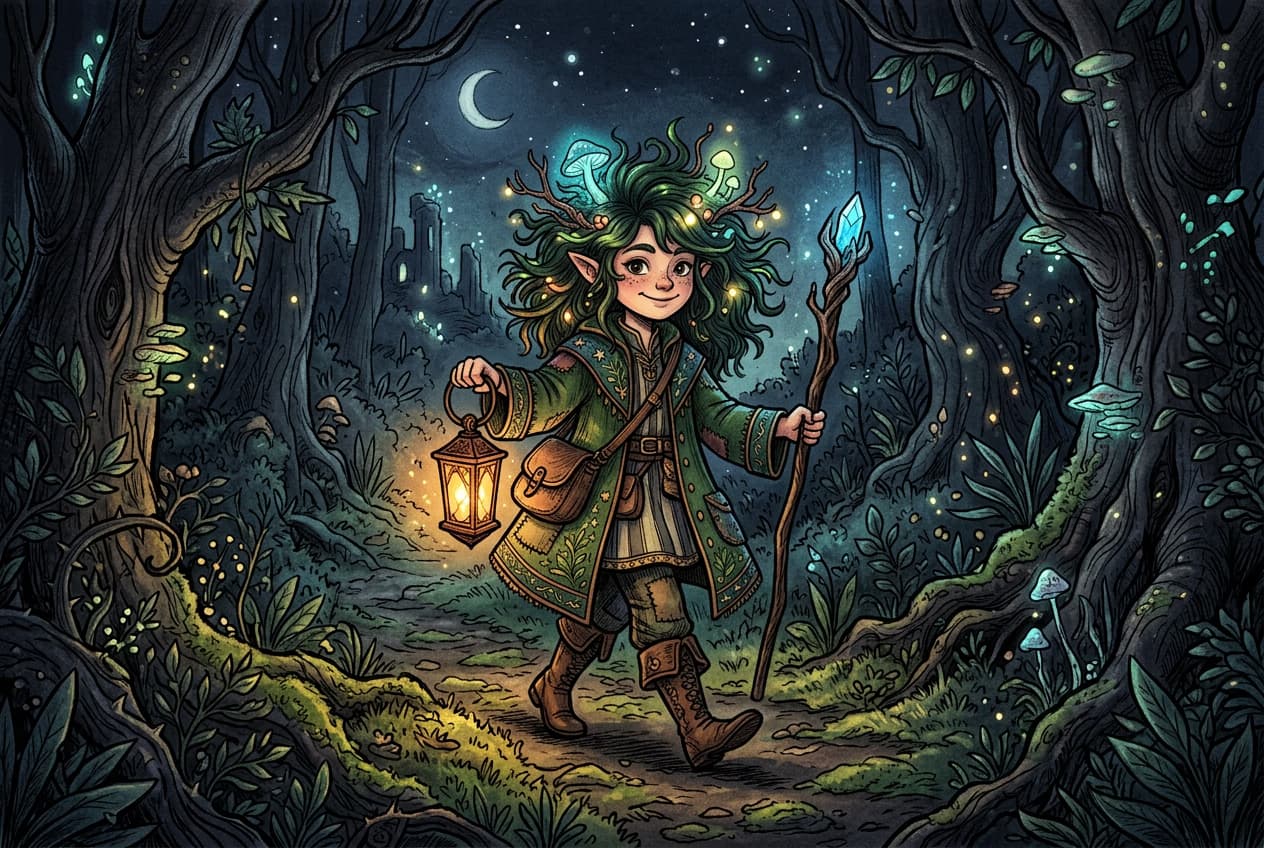

Explore more models like Flux 2 Pro
Compare Flux 2 Pro with other image models for campaign visuals, design assets, and creative tests.
Flux 2 Pro AI Model FAQ
Flux 2 Pro is an advanced AI image generation model designed for photorealistic output. It produces high-fidelity visuals with exceptional detail, accurate lighting, and natural compositions from text prompts.
Generate AI visuals with Flux 2 Pro
Pro
Most popularAI tools for everyday creative work.
Ultra
Most powerfulHeavy AI usage for creators & teams.
Enterprise
Custom AI solutions for large organizations.
- Volume discounts on credit rate
- On-demand top-ups