Brand Kit Generator: Get a brand kit in minutes with Picsart
Create on-brand content fast with the Picsart Brand Kit Generator. Upload your logo, fonts and colors to build a professional brand kit and get smart, AI-powered design suggestions that match your style. From exploring identity design to creating cohesive brand assets, you can streamline the process in just a few clicks. The AI Brand Kit Generator is perfect if you're figuring out how to create a brand kit or need a reliable brand kit maker for cohesive visuals.
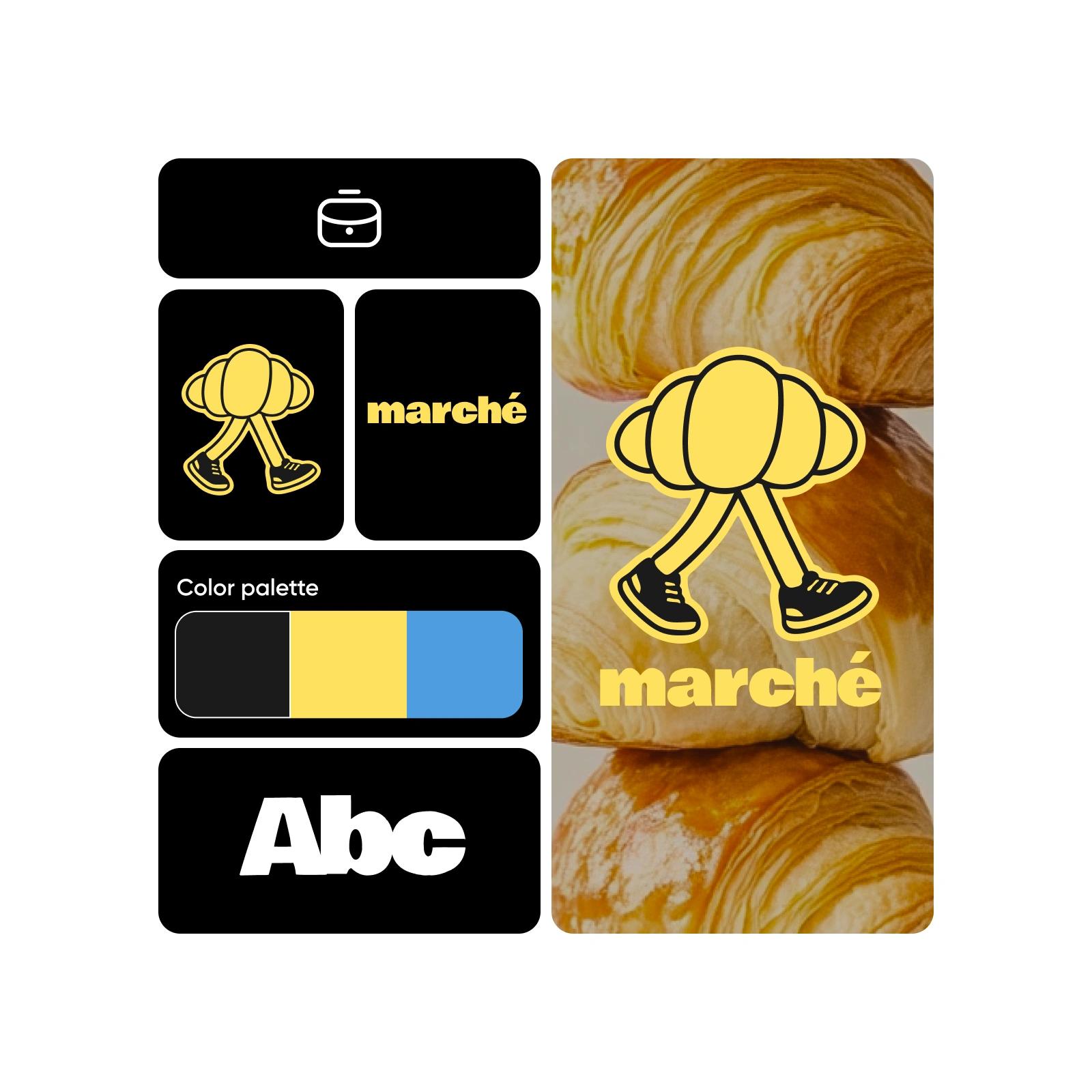
How to create a brand kit
How to
Open brand kit creator
Use the Start creating button to get started.
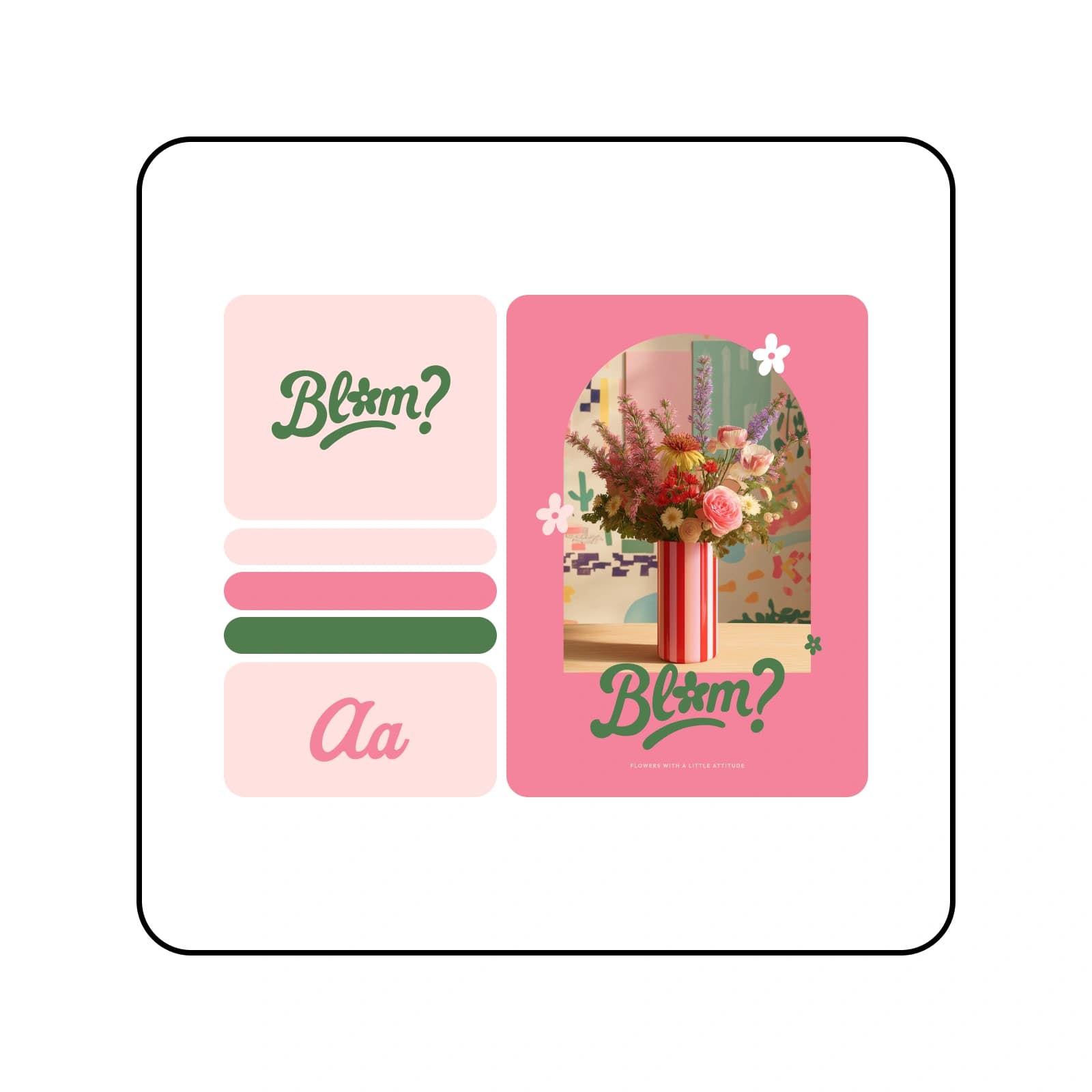
Build an instantaneous brand identity with the Brand Kit Generator
Creating and managing a cohesive brand kit is simple with Picsart’s Brand Kit Generator. Explore design ideas, test different logo styles and turn creative blocks into progress. Whether you're starting from scratch or uploading an existing brand kit, Picsart makes it easy to design on-brand visuals fast using customizable templates and smart, intuitive tools - all tailored to your identity design needs.
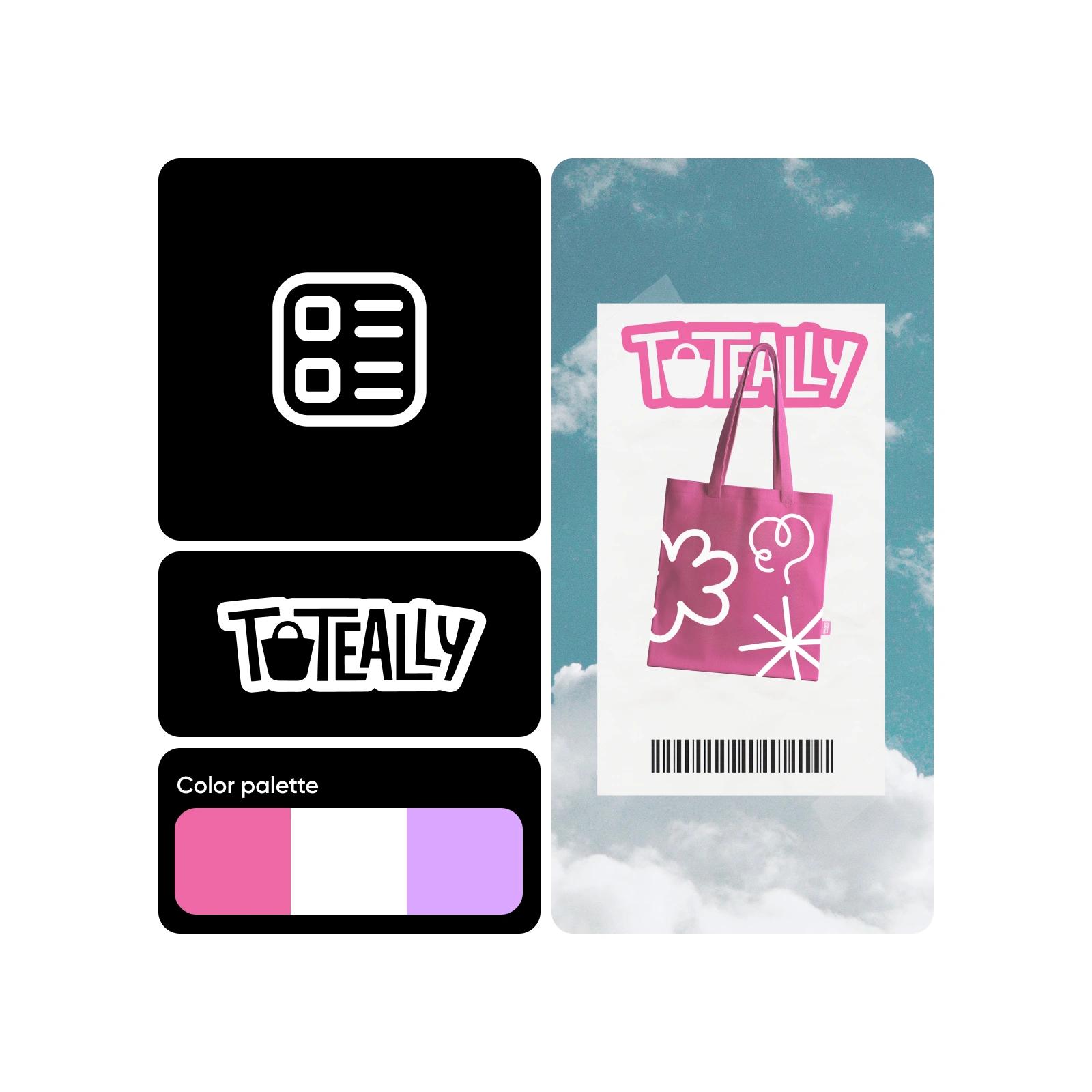
Start from scratch or generate a brand kit based on existing logos
No logo? No problem. The Picsart Brand Kit Generator lets you build a complete brand kit in minutes, from scratch or starting with your existing logo. Upload your assets or use the built-in AI Logo Generator to craft a unique visual identity that fits your brand name and style.
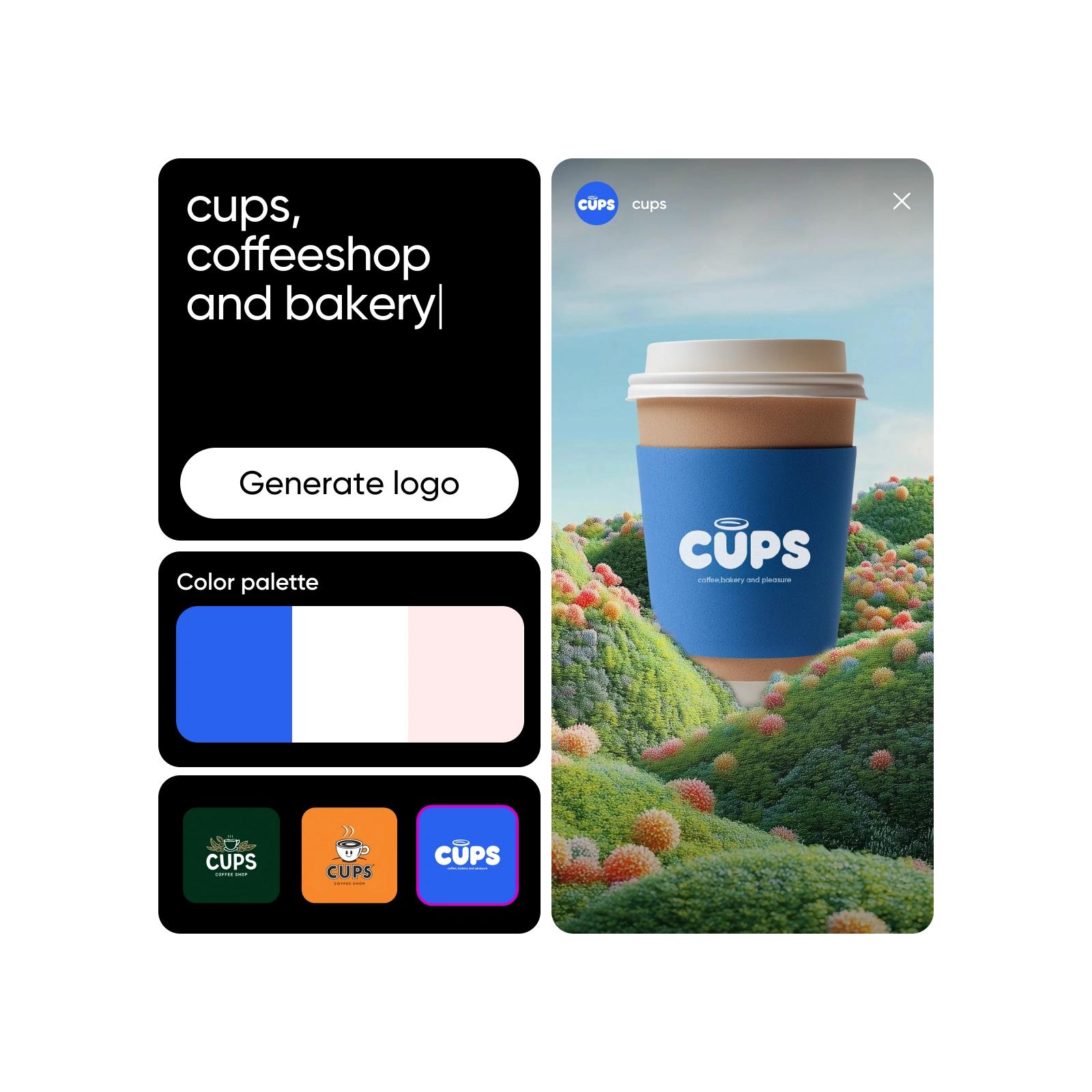
Make brand kit adherence a breeze
Thanks to Picsart’s tailored templates, you won’t have to worry about content that is inconsistent with your brand identity. Right inside the brand kit creator, you’ll find a selection of brand templates that have been specifically adjusted to match your selected color palette. These are ready-to-go designs that can turn from a draft into finished content in a matter of minutes. A perfect way to save time and ensure consistent brand kit adherence across platforms.
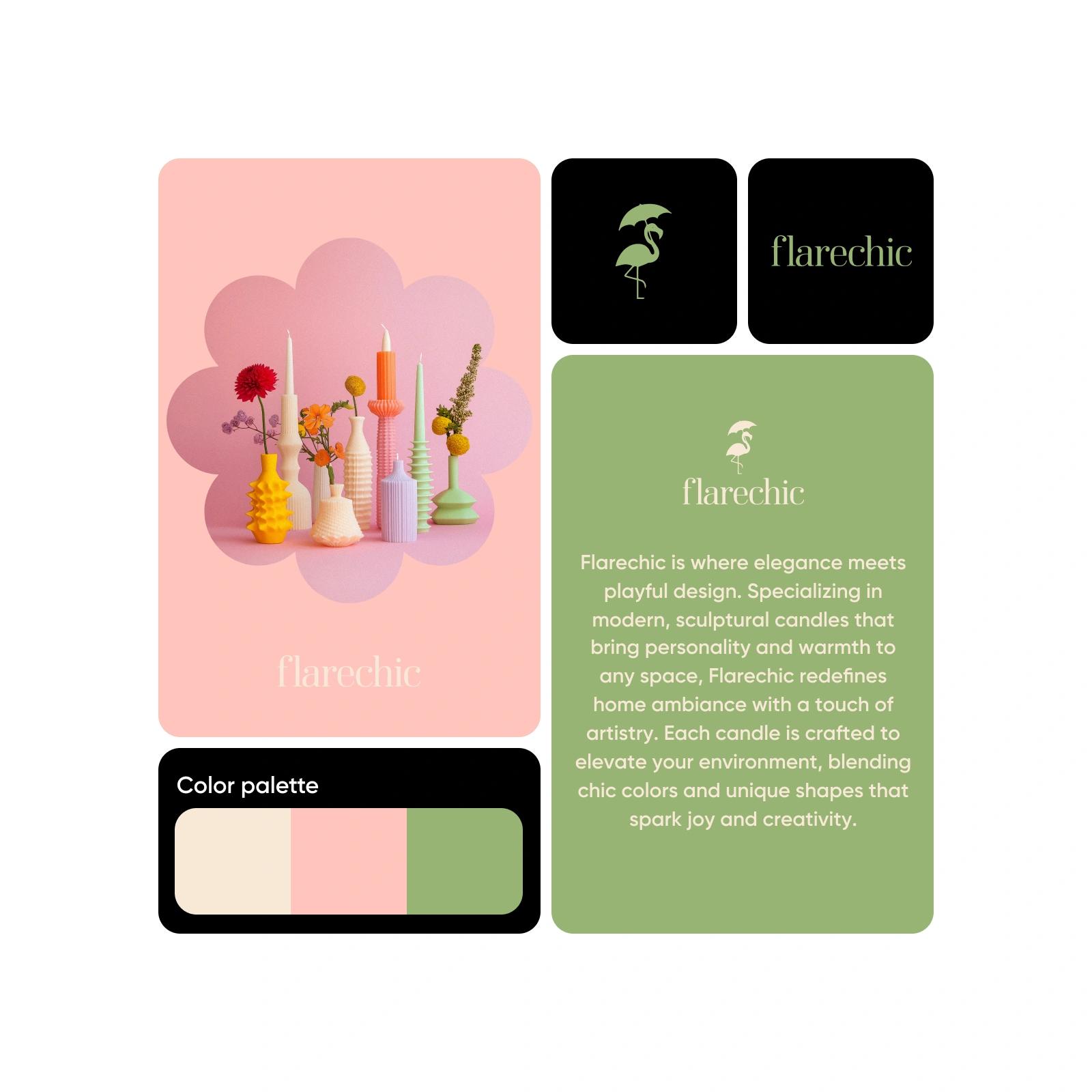
Design brand kits for all types of industries
Whether you’re looking to create a logo brand kit for a restaurant, a beauty brand, a personal coaching business, or anything in between, Picsart’s Brand Kit Generator can do it all. Effortlessly create a brand kit once for your own business or as many times as you need for your clients.
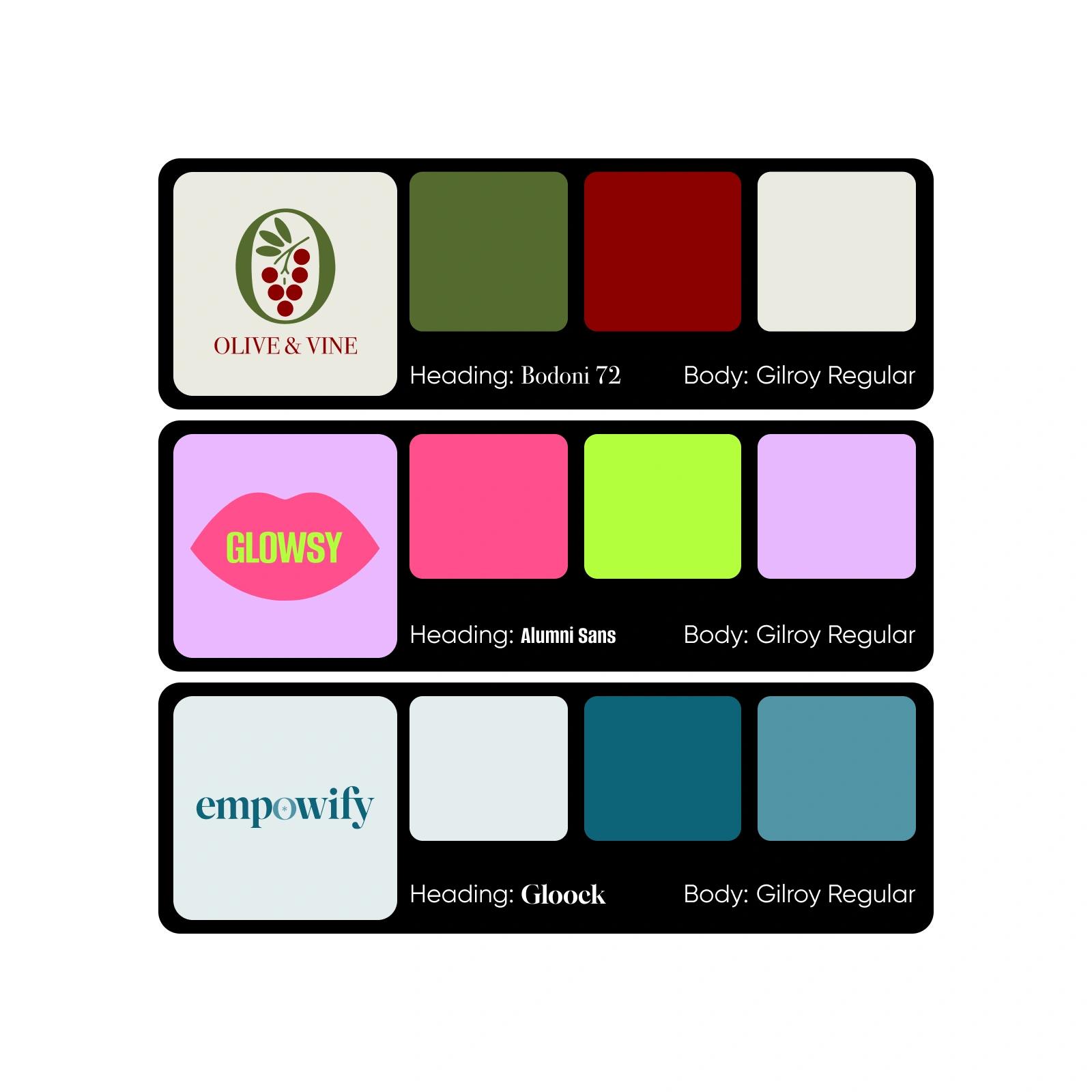
Try the Brand Kit Generator now
Maintaining consistent brand visuals is not a chore anymore. Give the brand kit creator now and combine it with Picsart’s suite of image tools to power every aspect of your content creation efforts with state-of-the-art AI.
Brand Kit Generator FAQ
Your brand kit should include your logo variations, primary and secondary color palettes with hex codes, and fonts that reflect your brand aesthetic.
Generate AI design for creator-ready projects
Pro
Most popularAI tools for everyday creative work.
Ultra
Most powerfulHeavy AI usage for creators & teams.


