Design logos in minutes with the Picsart
Effortlessly create custom logos for your brand or shop with Picsart. With an intuitive and easy-to-use interface and an all-inclusive toolset, everybody can design logos without having to be a graphic designer. Check off your brand identity task in no time with Picsart.
- Explore your brand’s visual identity
- Refine colors and lettering

Design logos with AI image models
Use image models to transform logos into polished visuals, design ideas, and ready-to-edit assets.
Take advantage of expertly crafted logo templates
Get your logo inspiration from a vast library of logo templates crafted by a team of expert designers. Jumpstart your design process with logo templates for various industries and styles. And with full customizability, you can completely personalize your logo to truly make it your own.


How to design a logo with Picsart
How to
Choose a template
For a quick logo design, use the Start creating button to start browsing the logo template library.
Become an expert at logo design in no time
The main principle behind Picsart’s interface design, including the logo creator, is to empower everyone to visualize their creativity without needing expert skills and expensive software. Enjoy a simplified approach to logo design as well as state-of-the-art AI integration to help you materialize your logo vision in no time and with minimal effort.
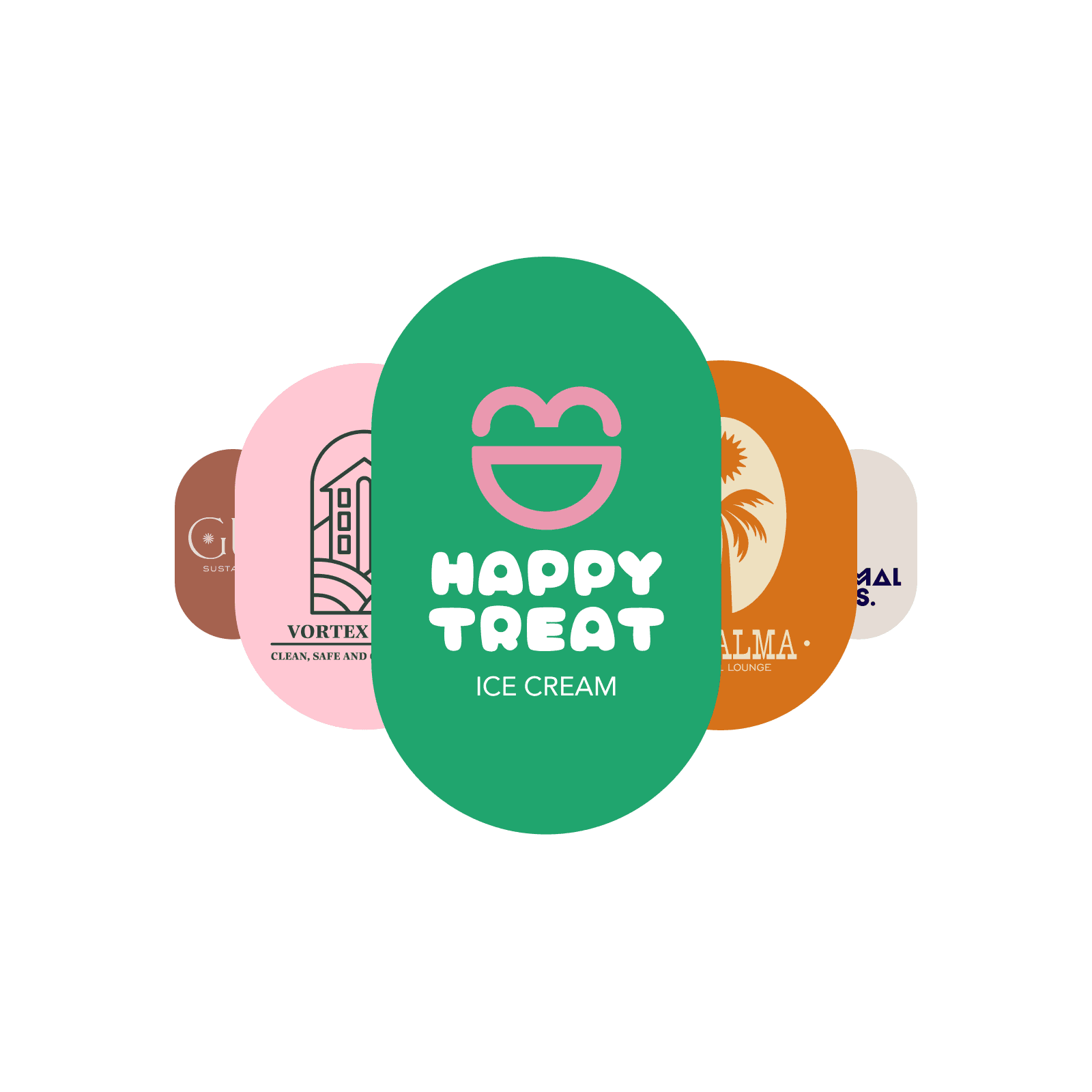
Have a specific vision? Design a logo from scratch
Easily create logos from scratch using Picsart’s design tools. Explore the stickers and shapes library to get access to pre-made graphic elements, or use the Draw tool to get hands-on and draw visuals yourself. Take advantage of the layer functionality to effortlessly tweak the composition of your logo design elements.
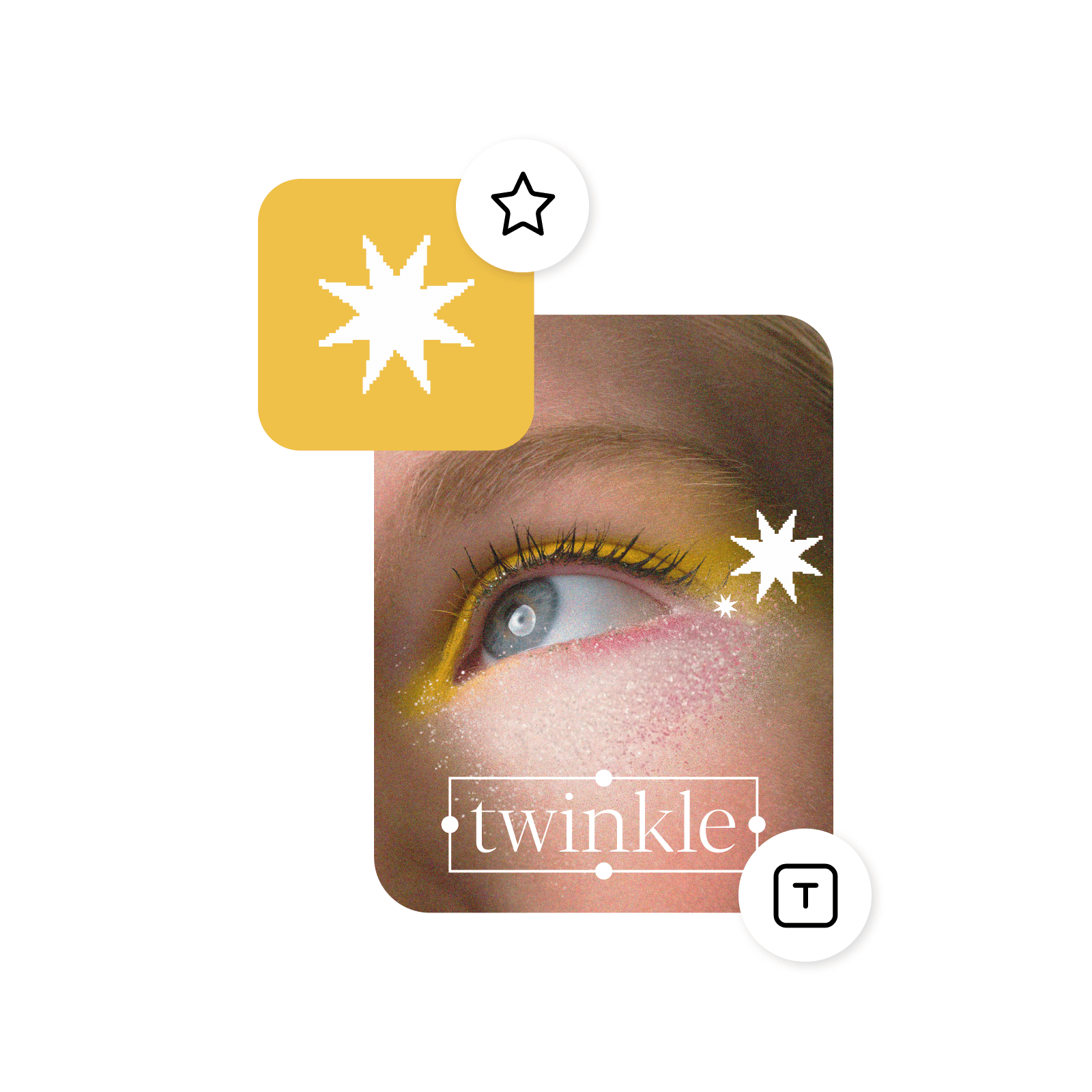
Tap into fonts galore
Write your business name in unique lettering thanks to the fonts library, and effortlessly adjust the layout for a perfect match with your logo design. Find typography inspiration with the text presets for harmonious business name and slogan font combination ideas.
- Refine the details in the editor
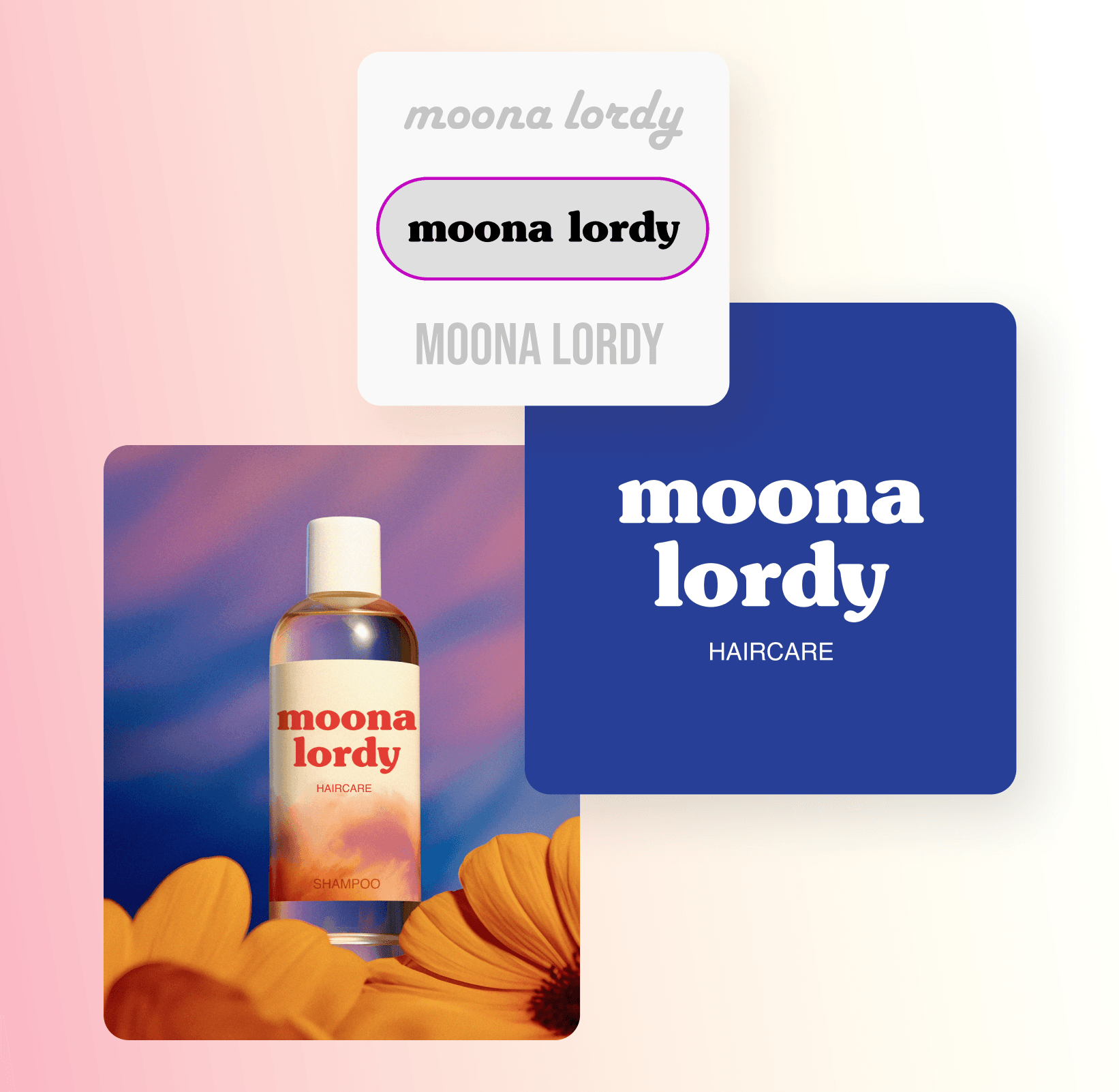
Design all kinds of logos
Use the Picsart logo design tools to design logos for any purpose. Need a logo for your Etsy shop? Check. Twitch account? Check. For a small business, a startup, or your personal brand? Check, check, and check! You’ll find plenty of design resources and templates to support you through all sorts of logo design journeys.
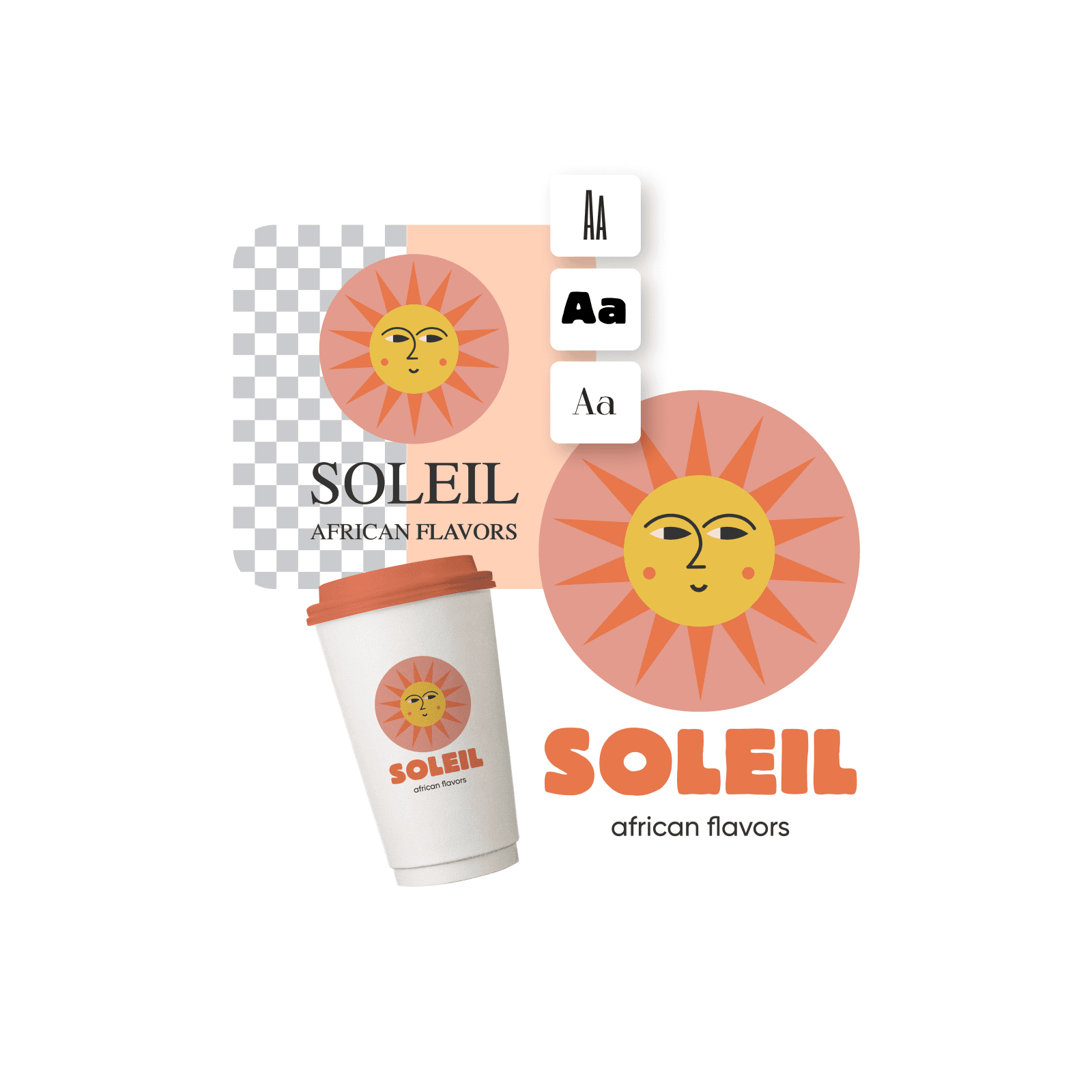
Generate a logo in an instant with AI
Need a logo in a hurry? Tap into the built-in logo maker to create logos with lightning speed and minimal effort. Just input your business name, select an industry and a color story, and let the state-of-the-art AI do the work for you.
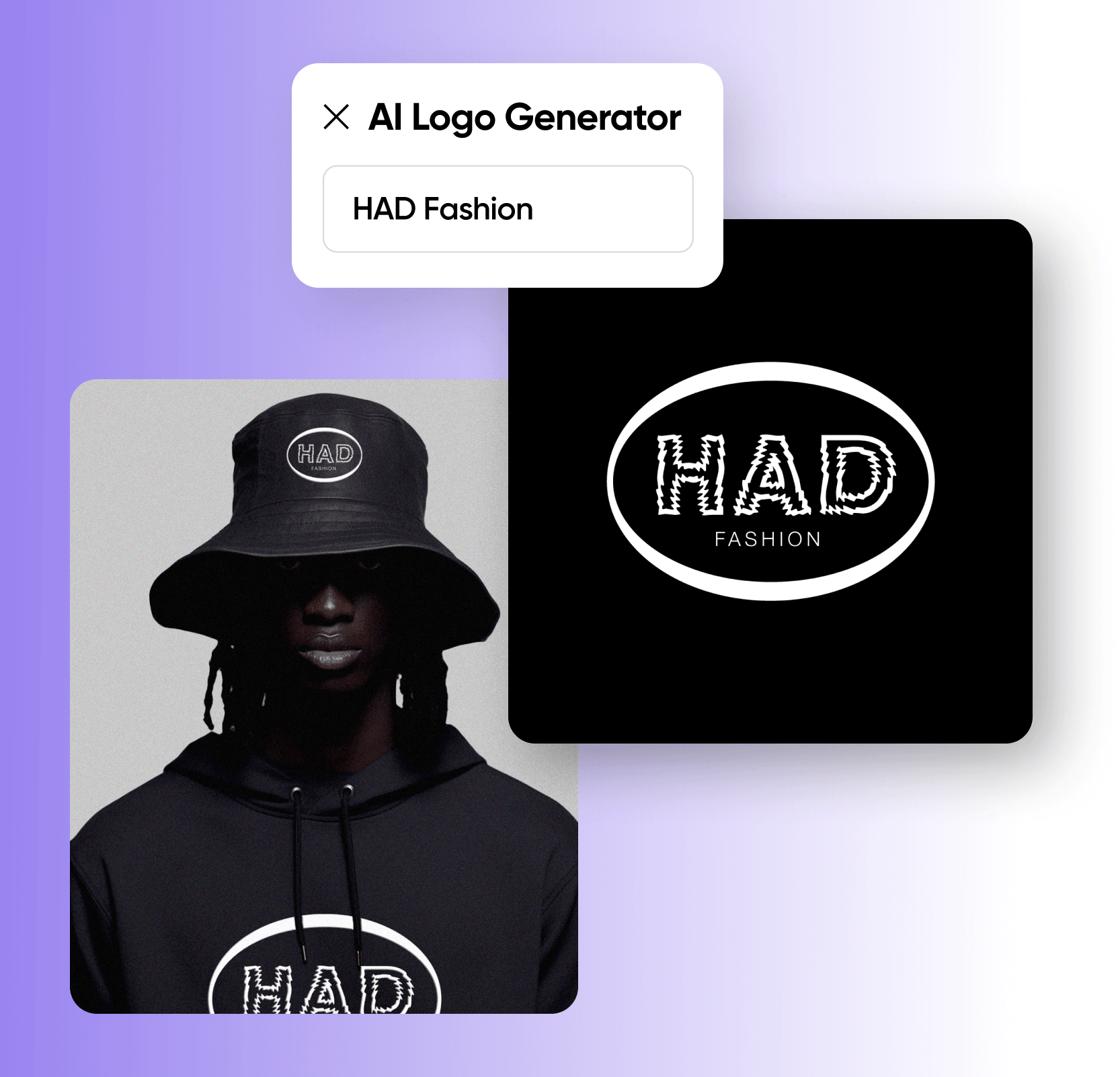
Customize logos like a pro with easy-to-use design tools
Tap into Picsart’s suite of editing tools to design logos that capture your brand’s identity effectively. Add text in a variety of fonts and layouts, or use the AI image generator to create graphics from scratch without drawing. Tweak the colors in an instant with a variety of photo effects, AI filters, and so much more! All this in one easy-to-use platform.
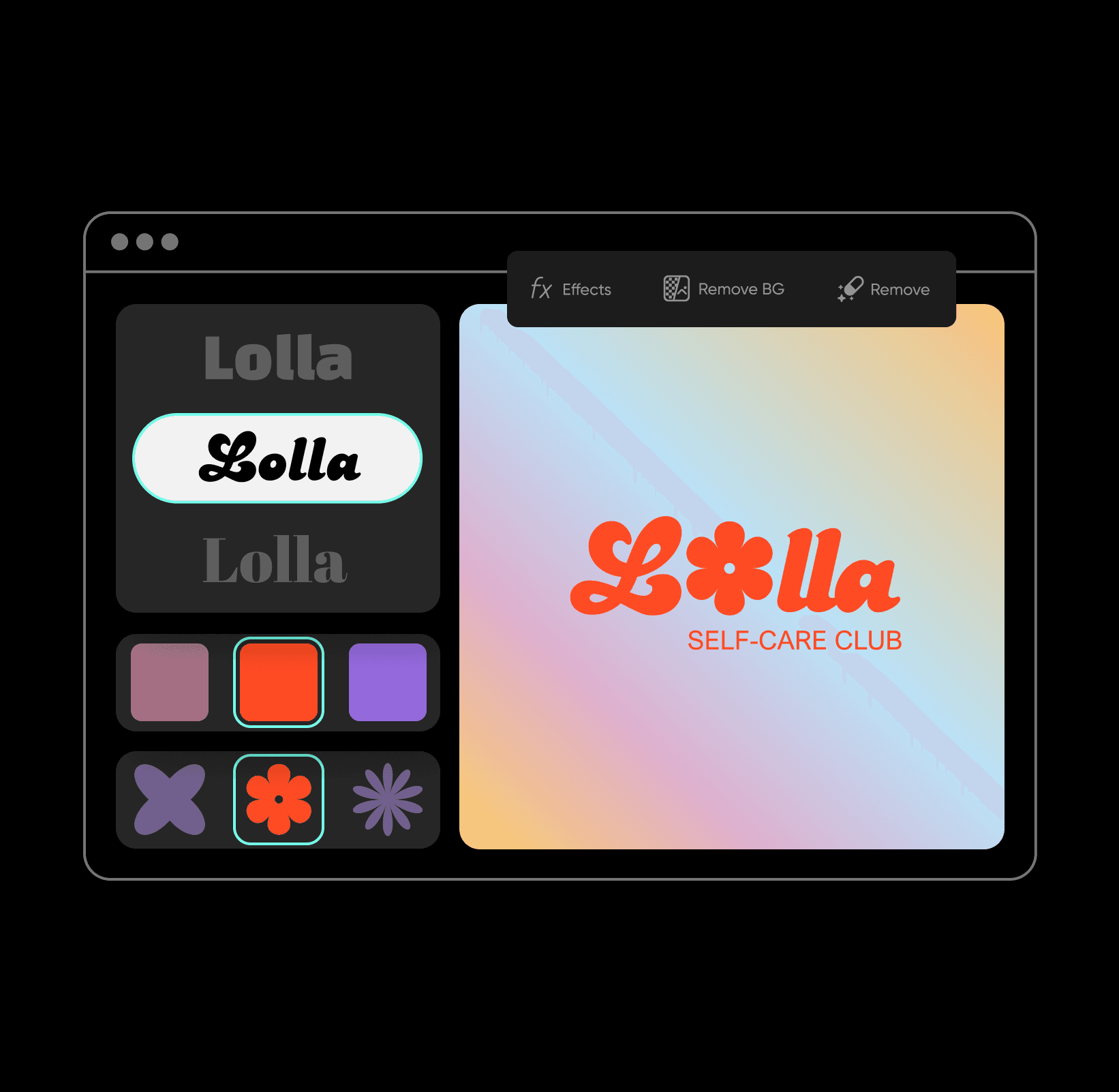
All the tools you need to design and create custom logos in minutes
Take your brand from idea to reality with a complete set of professional logo design tools. Simple enough for beginners yet robust enough for design pros, each tool brings you closer to a logo that captures your unique vision.
Custom logo design FAQ
Choose a logo template and quickly customize it to make it unique to your brand or start from a blank canvas and add every detail of your logo using a range of creative tools.
As Seen in


Design logos for brands, profiles, and campaigns
Pro
Most popularAI tools for everyday creative work.
Ultra
Most powerfulHeavy AI usage for creators & teams.
Enterprise
Custom AI solutions for large organizations.
- Volume discounts on credit rate
- On-demand top-ups