Online Poster Maker: Design Custom Posters With AI
Make posters online in Picsart Flow from a ready-made poster template, your photo, or a prompt. AI builds a poster to print or share, from event posters to product ads and seasonal sales.
- Ready-made poster workflows for sales, products, and seasons
- Change any headline or date right on the canvas
- Upscale for sharp prints at wall-poster sizes
Power your posters with leading AI image models
How to make a poster online with AI
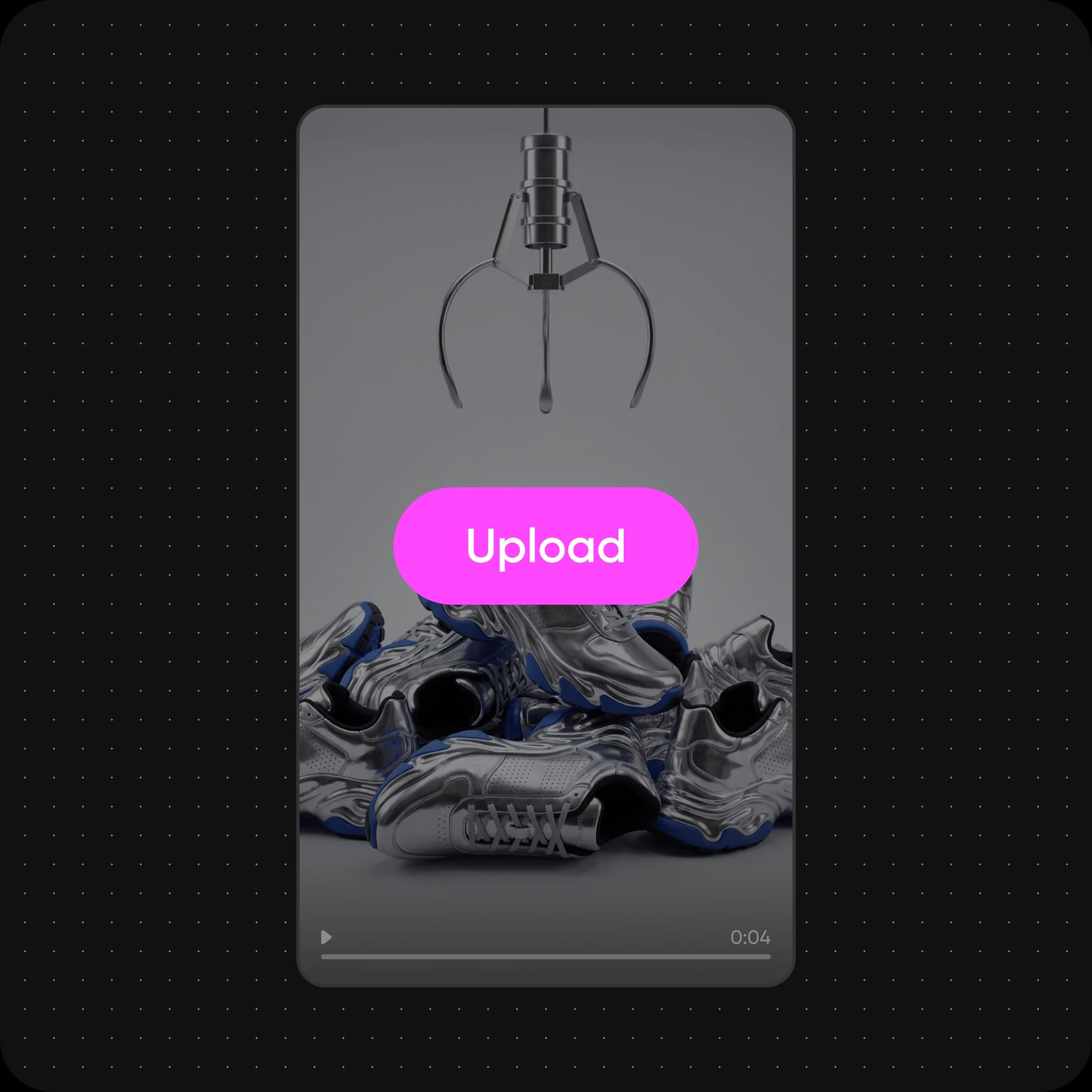
Start with an AI poster maker workflow for your idea
Pick the poster workflow closest to your idea, swap in your photo and text, and run it. Change any step and run it again until it looks right.


See what you can make with Picsart Flow
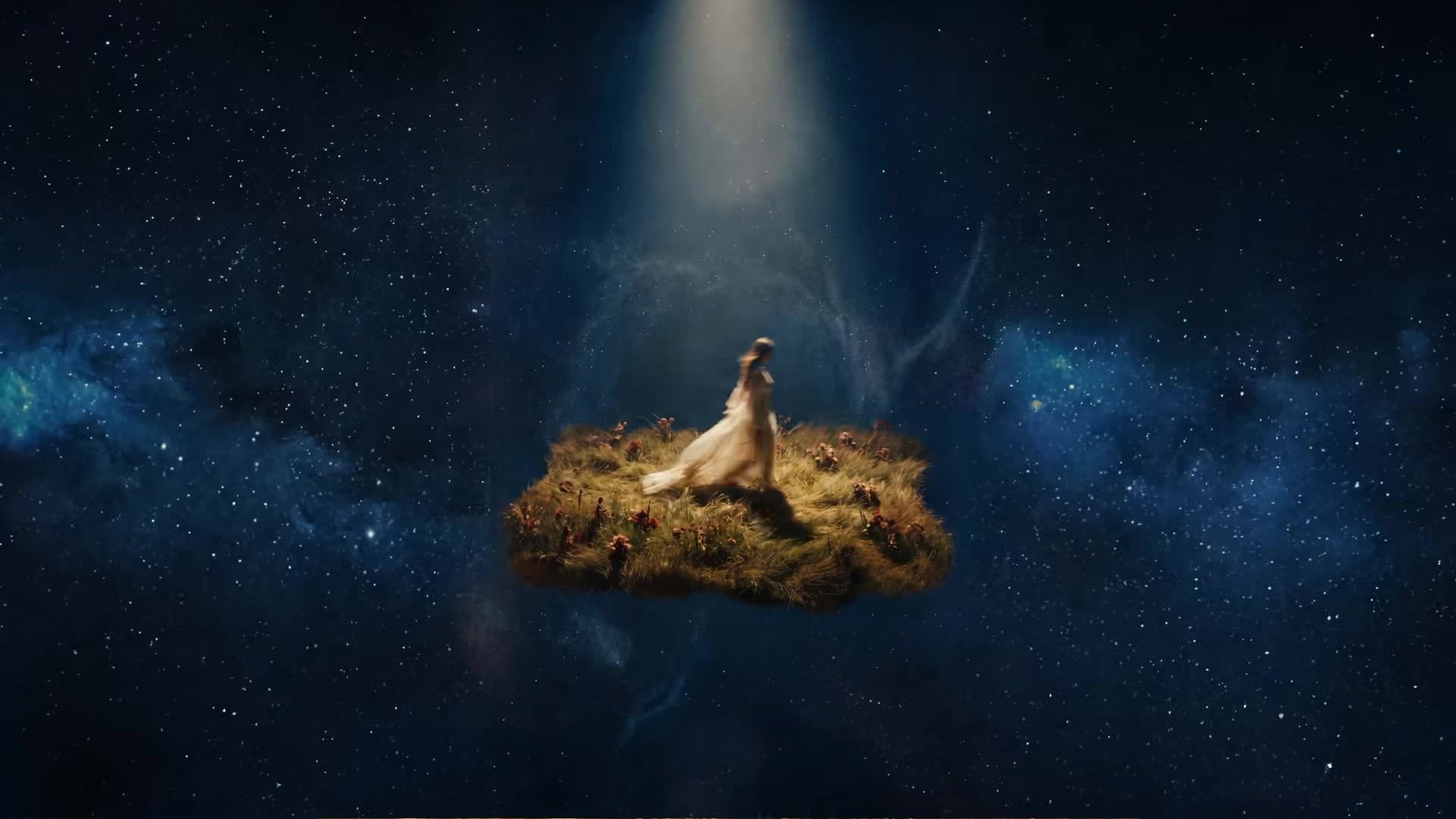
Add your script or pitch as a PDF with the Document node, or write a logline, and Flow turns the story into keyframes, a trailer, and a matching movie poster.
Make posters for every purpose
Birthday
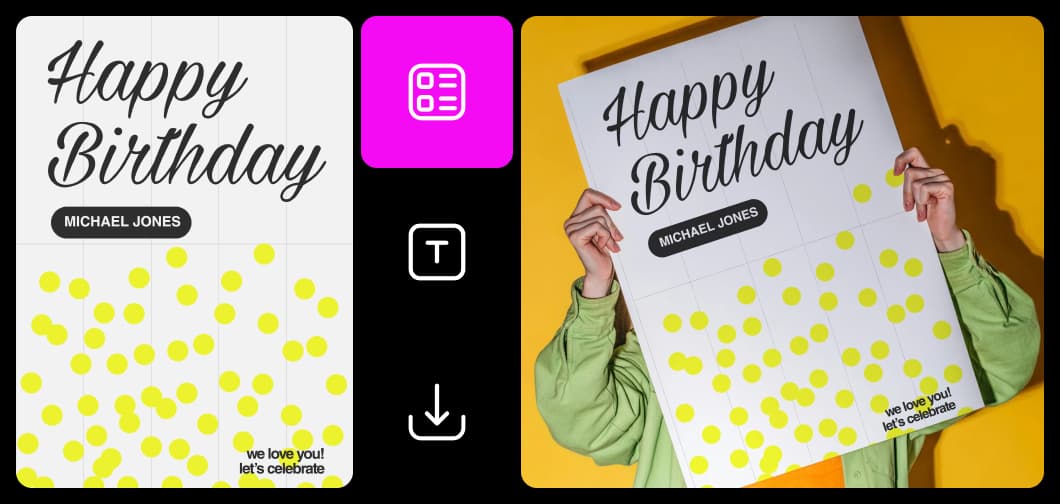
Design fast with an intuitive poster maker
Picsart Flow keeps poster making simple. Open a workflow, swap in your photo, headline, and date, and run it while the workflow handles the AI models. This poster creator lets you design posters on one canvas, from the first idea to the final poster design. Every run stays on the canvas, so you can line up a few versions and keep the strongest one. Invite your team to the same poster maker canvas with Multiplayer to edit together.
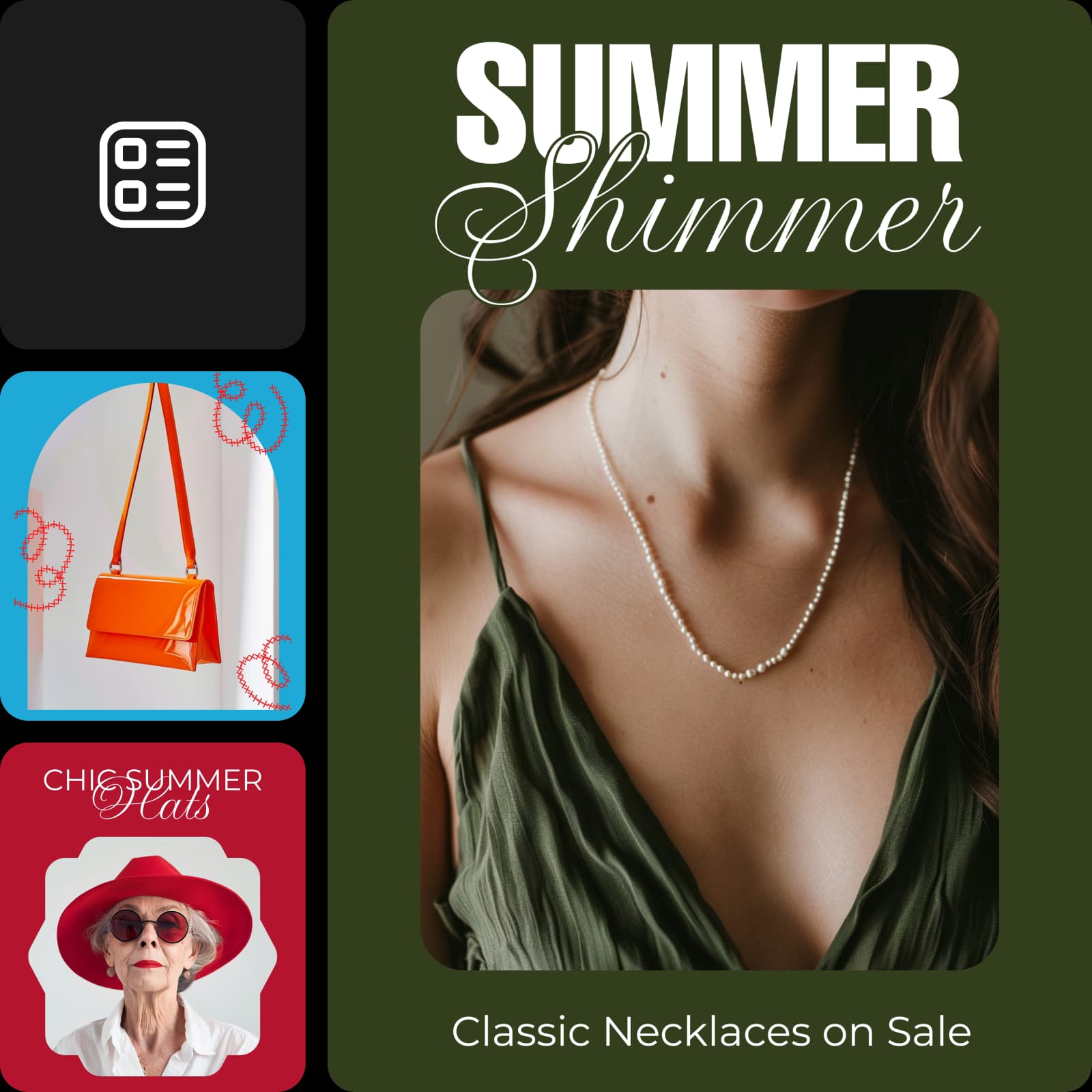
Promote events, products, ideas, and more
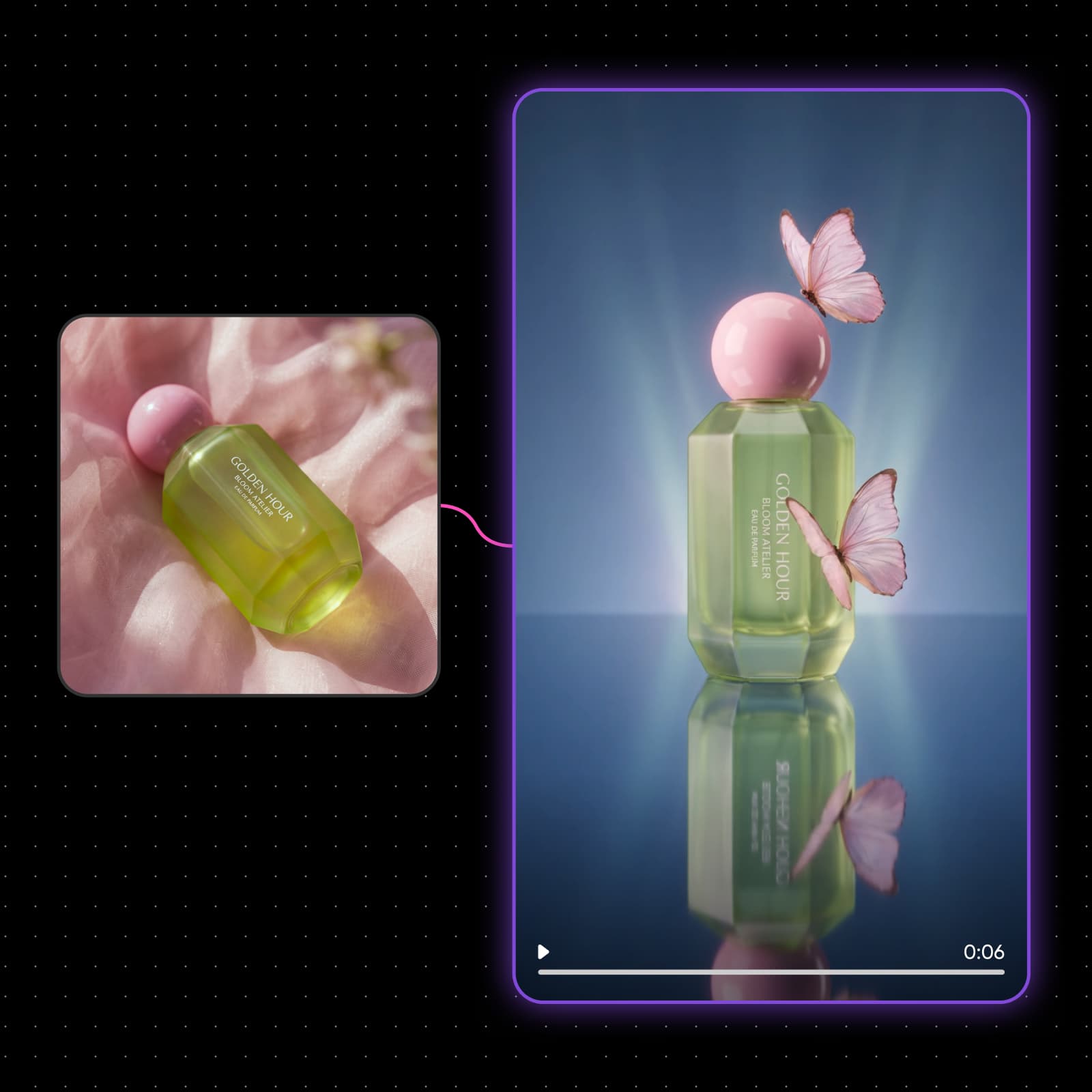
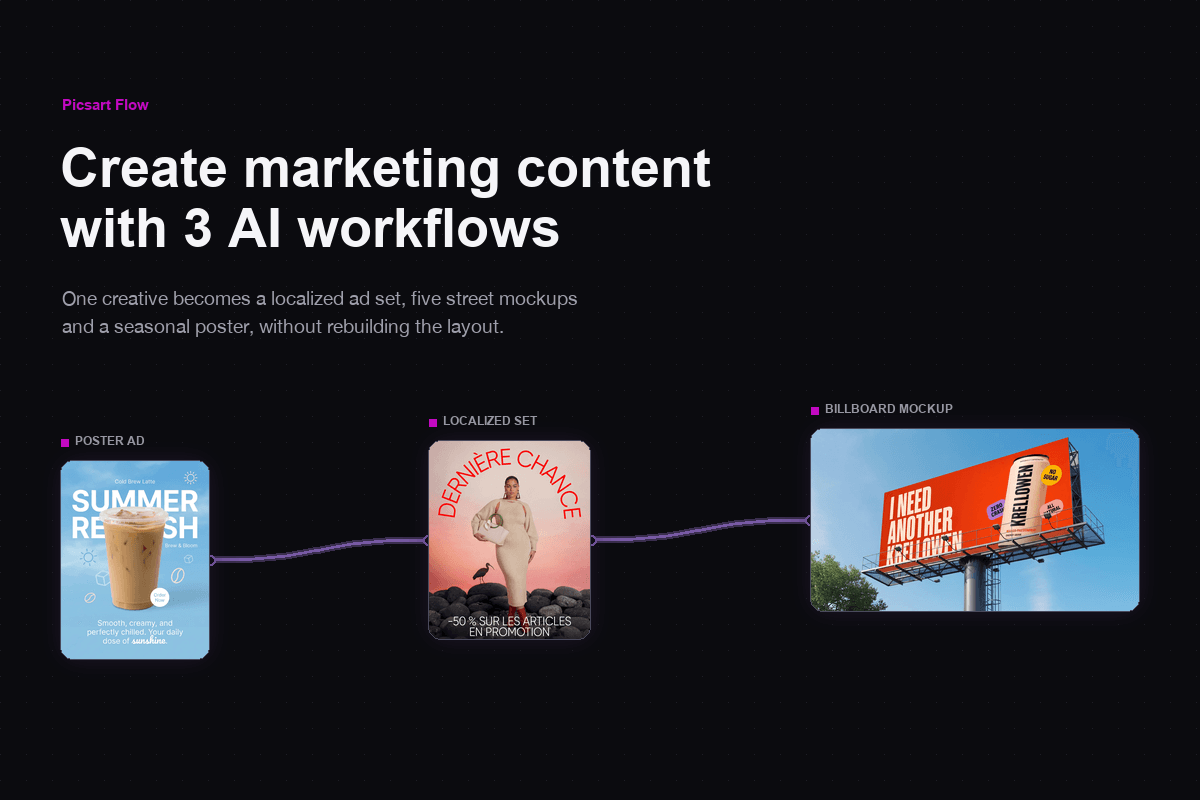
Whether you're promoting a sale, a product launch, or a concert, an advertising poster has to say it fast. Picsart Flow has ready-made workflows for sale posters, product ads, and seasonal offers. Drop in your product photo, add the headline, price, and dates, and get a poster built to stop people in the street or the feed. For a bigger push, Flow's marketing and content creation workflows stretch the same campaign into video ads, UGC clips, and social posts.
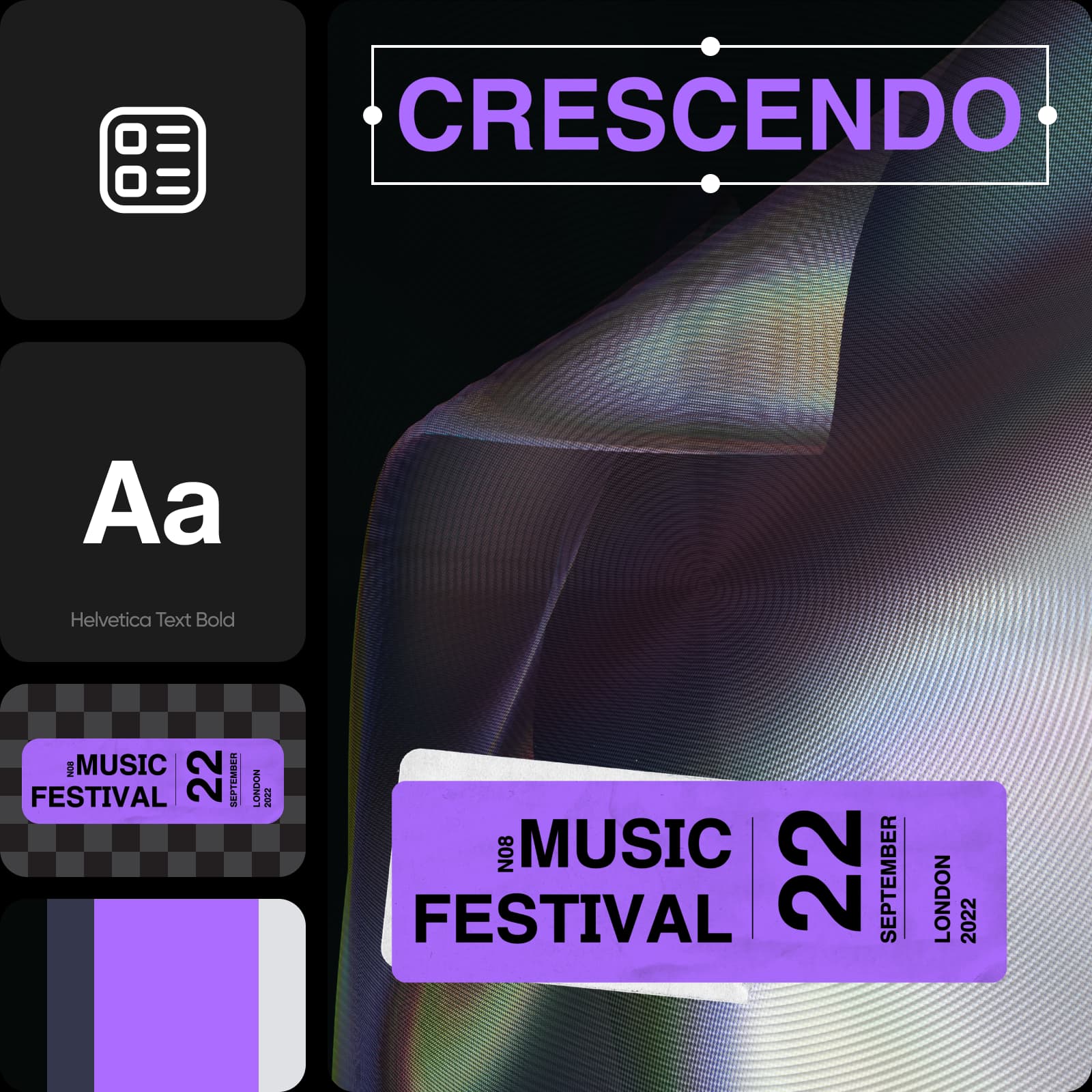
Create poster designs from scratch with AI
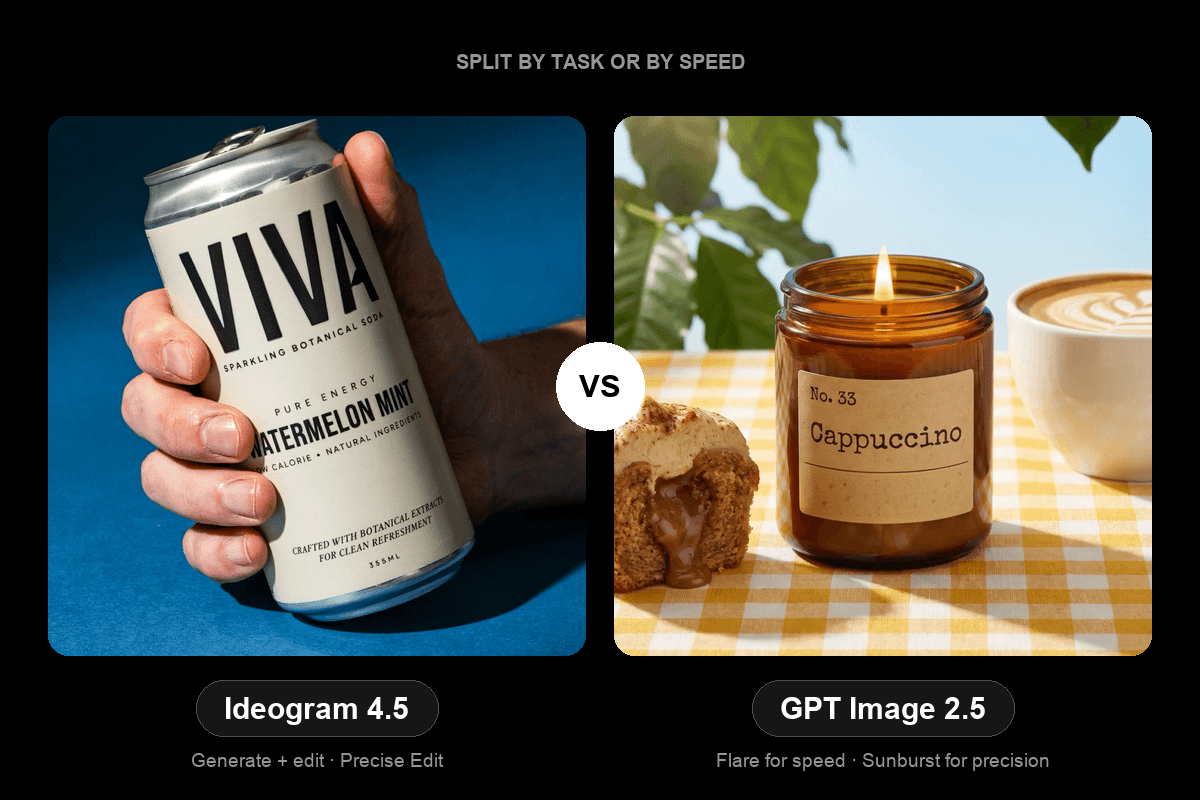
Already have an idea in mind? Start from a blank Flow canvas and drop in the AI models your poster needs: right-click anywhere, search for a model, and press Enter to place it, and the new node connects to the rest of your workflow when it can. Flow has more faster ways to build a workflow, from cutting or connecting many nodes in one gesture to regenerating a whole chain and tracking every run in one queue. Later, select several poster nodes and switch their model or resolution in one edit to compare looks side by side. For headline-heavy poster designs, pick Ideogram 4.0, which renders crisp, accurate typography for headlines and signage.
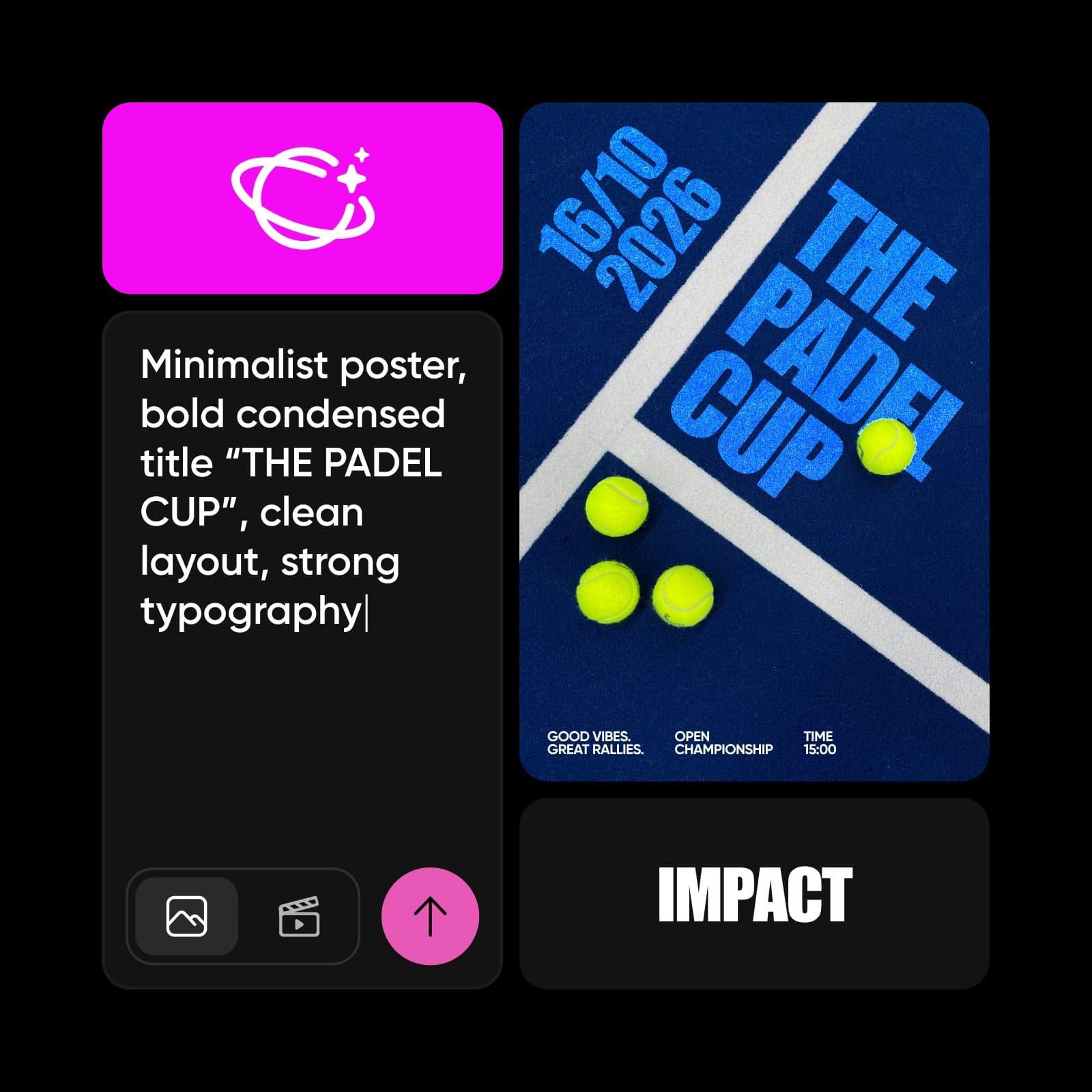
Turn your photos into posters
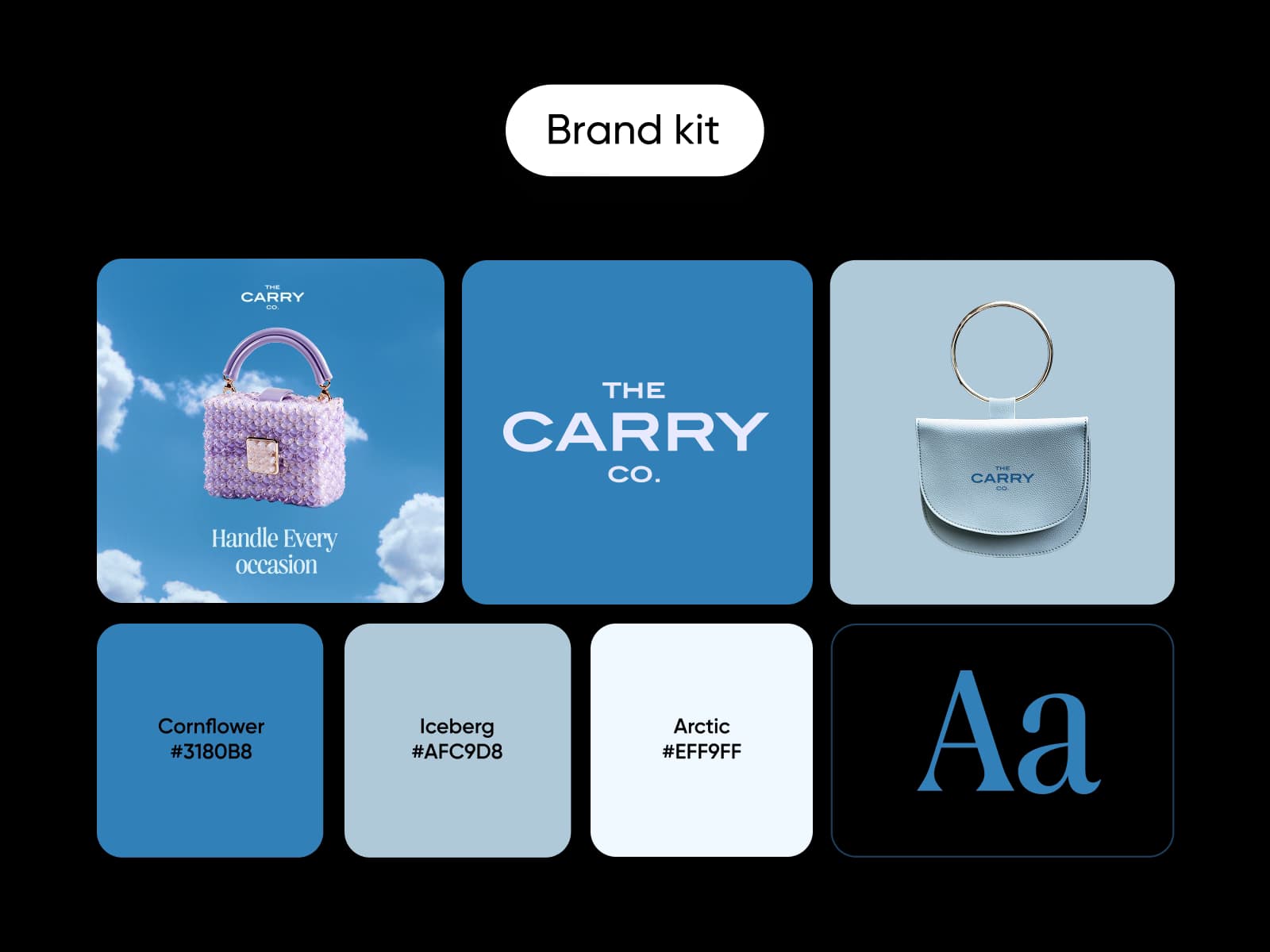
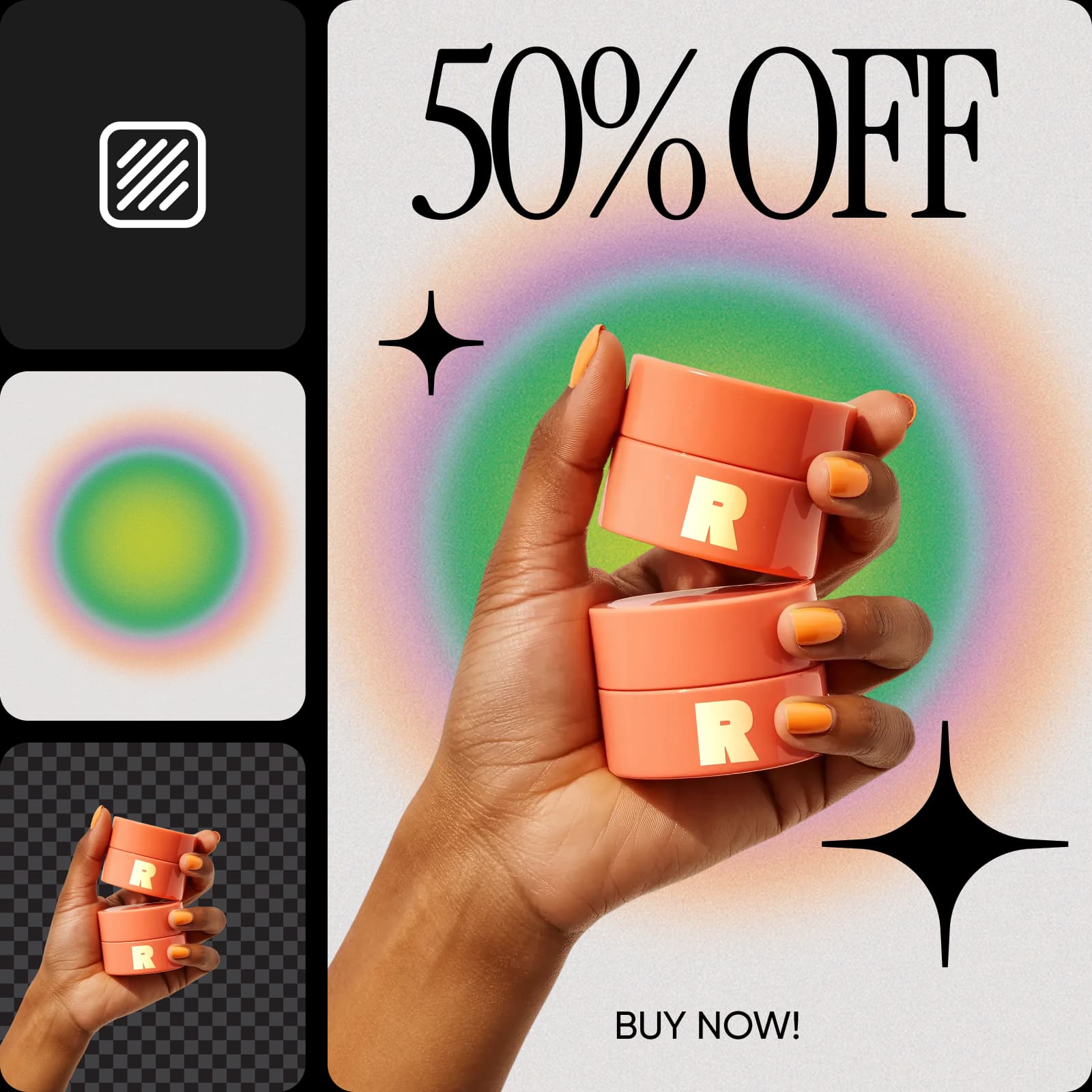
Most posters start with a photo: your product, your face, or your venue. Upload it to a photo poster maker workflow in Flow, and it builds the design around it, from a café ad to a five-star review poster. Save a logo or portrait as a Picsart Drive asset, and the Asset node brings it, with every saved view, into each poster workflow you run, so your brand looks the same on every print.
Translate your posters for every audience
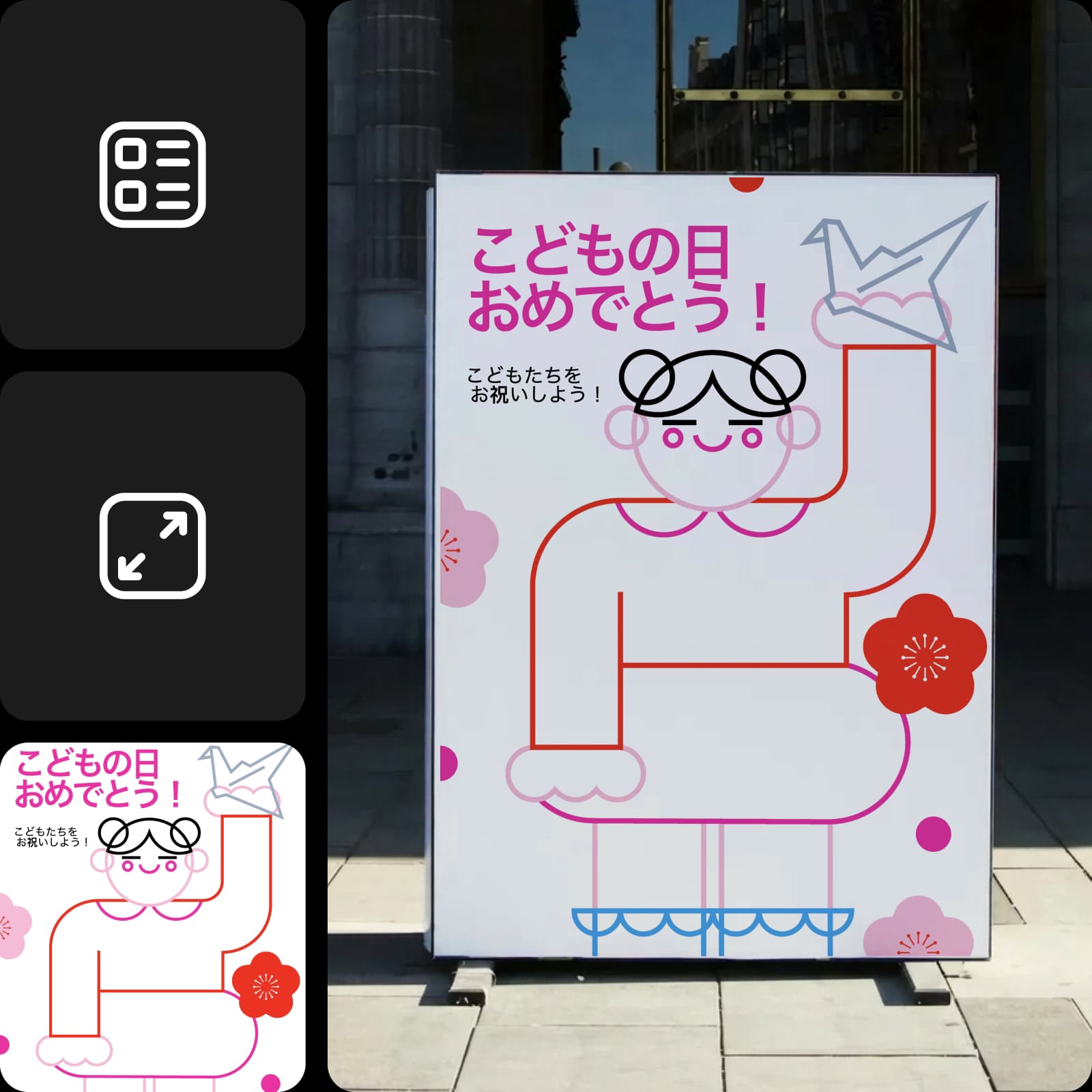
A poster only works if people can read it. Picsart Flow has localization workflows that translate the text on your poster and re-render it on the same design, so one layout reaches every market. Make a version for each language your customers speak, without rebuilding the poster design from scratch. Have a native speaker check names and slogans before you print, since some lines need local wording.
Customize any poster template right on the canvas
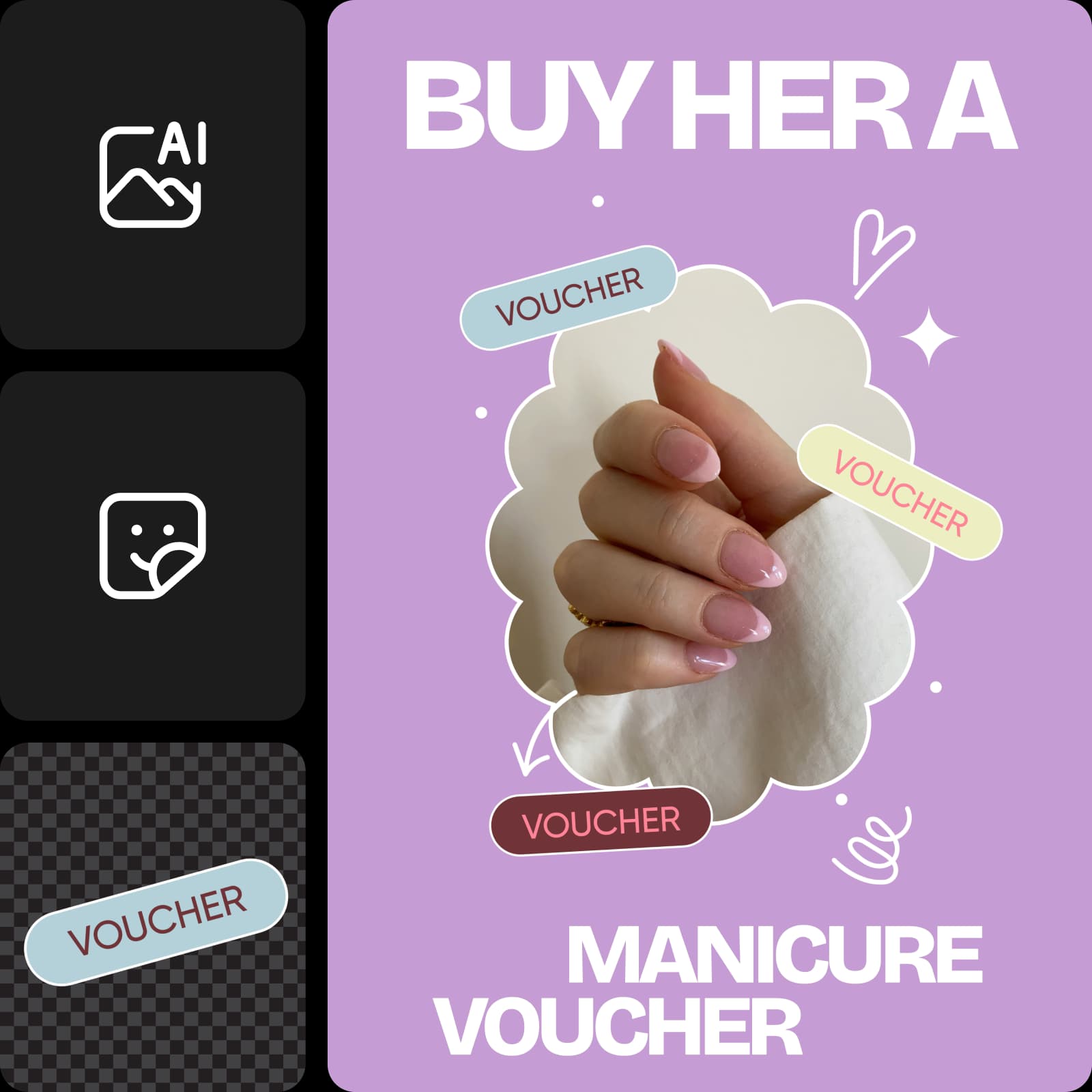
Customize templates into unique poster designs on the canvas. Need to change a headline, date, or price? There's no separate poster editor to open. Generative edits on the Flow canvas cover everything from repainting one area to expanding an image beyond its borders or re-shooting a photo from a new angle. For a quick text fix, brush over it with Inpaint and describe the change, and only that area updates while the rest stays pixel-identical. GPT Image 2.5 can swap a single line of text and hold the rest of the frame. Every edit lands on a new node next to the original, so you can compare both versions before you choose.
Print high-resolution posters that look sharp at any size
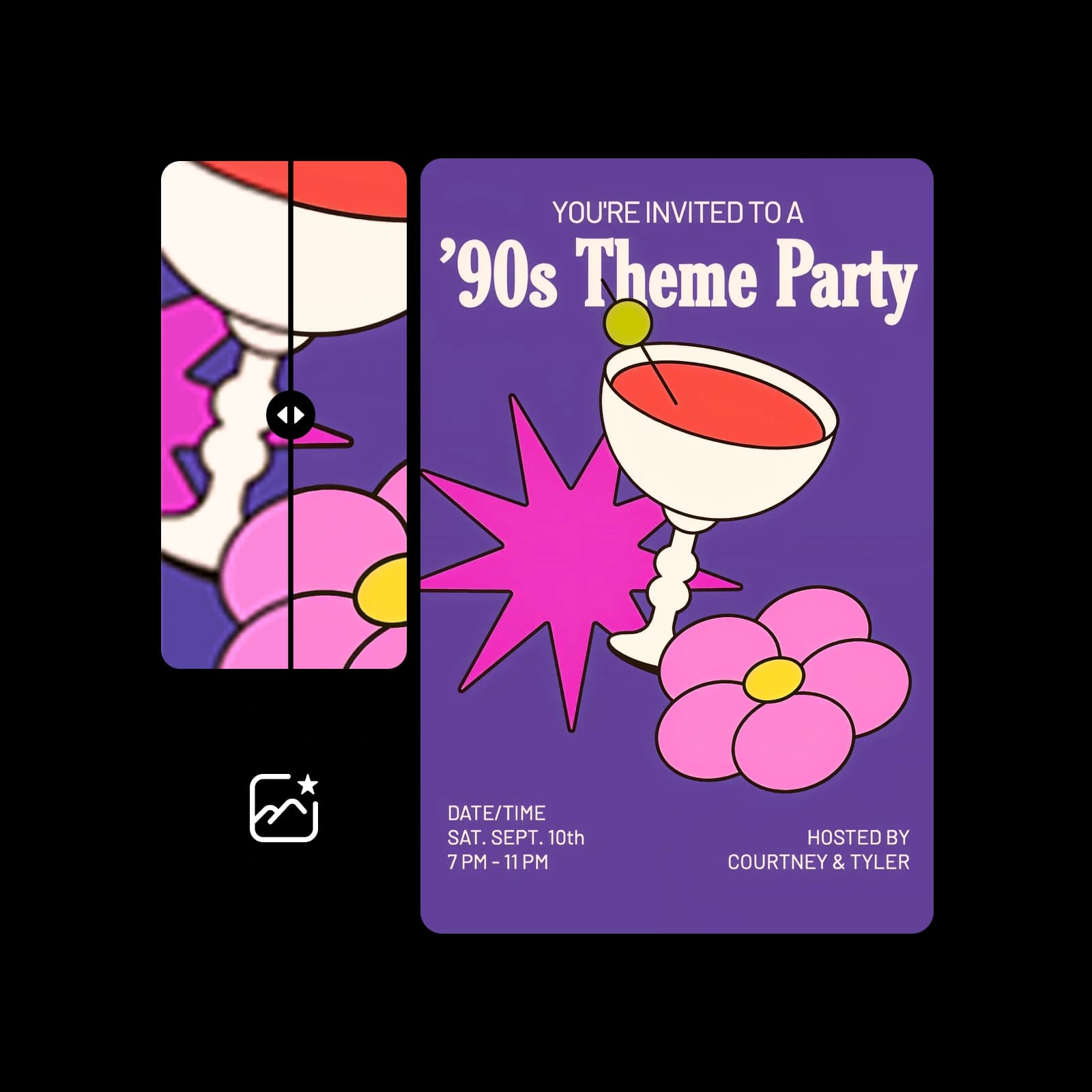
Printer-friendly posters from Picsart Flow look as good on a wall as on a screen. Before you download your final design, run it through the AI image upscaler, which enlarges an image 2x or 4x while preserving textures and detail. Large formats like 18 x 24 or 24 x 36 inches need far more pixels than a phone screen, so this step keeps every line sharp. Then print posters at home on photo paper or send the file to a print shop.
- Use standard sizes like 18 x 24 or 24 x 36 inches.
- Add a 1/8 inch bleed on every edge before you print.
- Keep the headline big enough to read from across the room.



Get answers about the online poster maker
Yes, you can start for free. Creating a Picsart account and opening free poster templates in Picsart Flow costs nothing. Generating a design uses the AI credits in your Picsart plan, and Flow shows the estimated cost before each run, so you only spend credits when you make a poster.
Pick a plan for brand, event, and social posters
Pro
Most popularAI tools for everyday creative work.
Ultra
Most powerfulHeavy AI usage for creators & teams.
Enterprise
Custom AI solutions for large organizations.
- Volume discounts on credit rate
- On-demand top-ups
Pair your poster with the rest of your brand
Keep your events and promotions consistent with Picsart's other makers.