Instagram Post Maker: Create Scroll-Stopping Posts With AI
Make Instagram posts in Picsart Flow from a ready-made template, your own photo, or a prompt. AI builds feed posts, carousels, and captions to share, and you can rerun the same workflow whenever your feed needs fresh content.
- Ready-made workflows for product, brand, and campaign posts
- Square, portrait, and carousel posts from one design
- A month of posts from one content calendar workflow

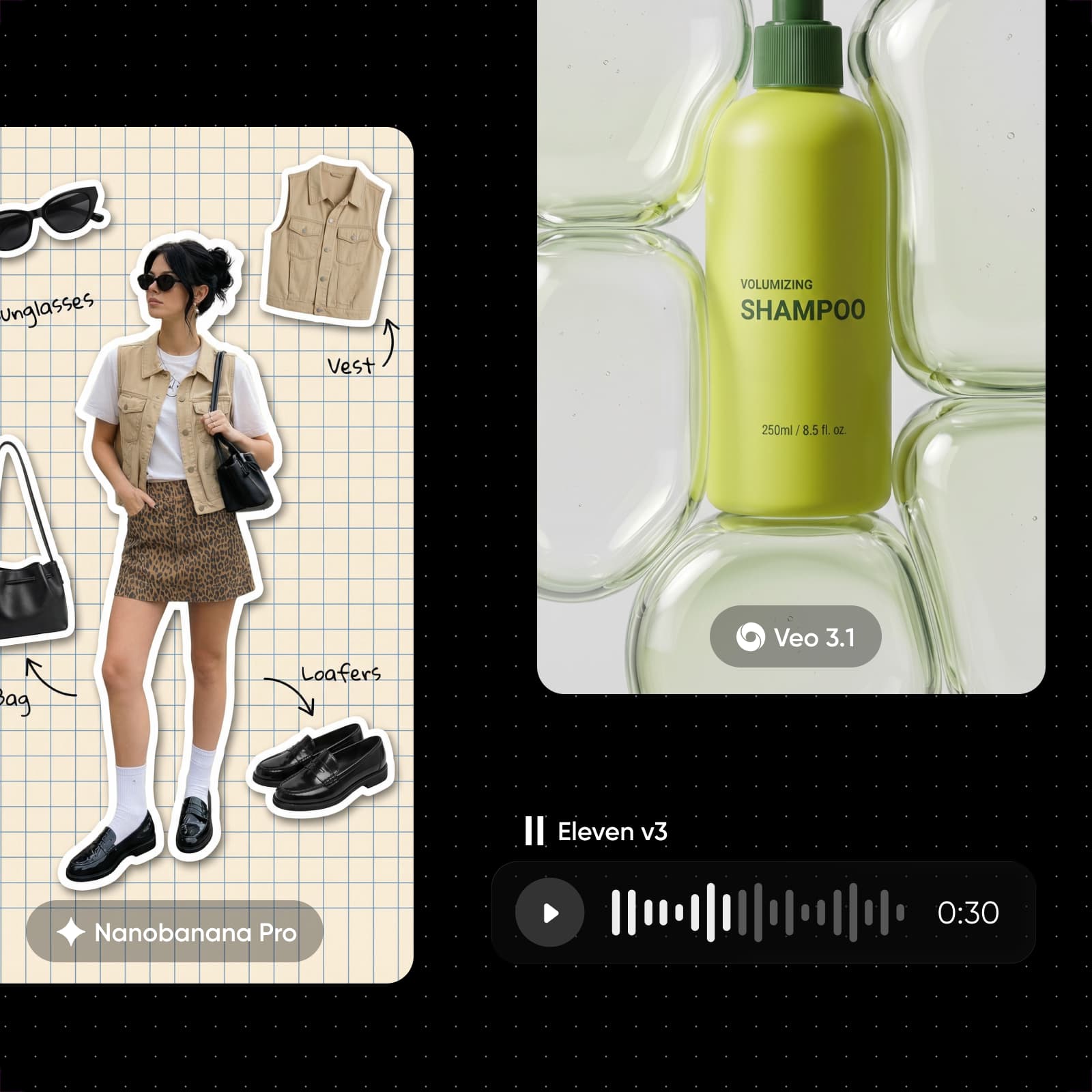
Power your Instagram posts with leading AI image models
How to make an Instagram post with AI
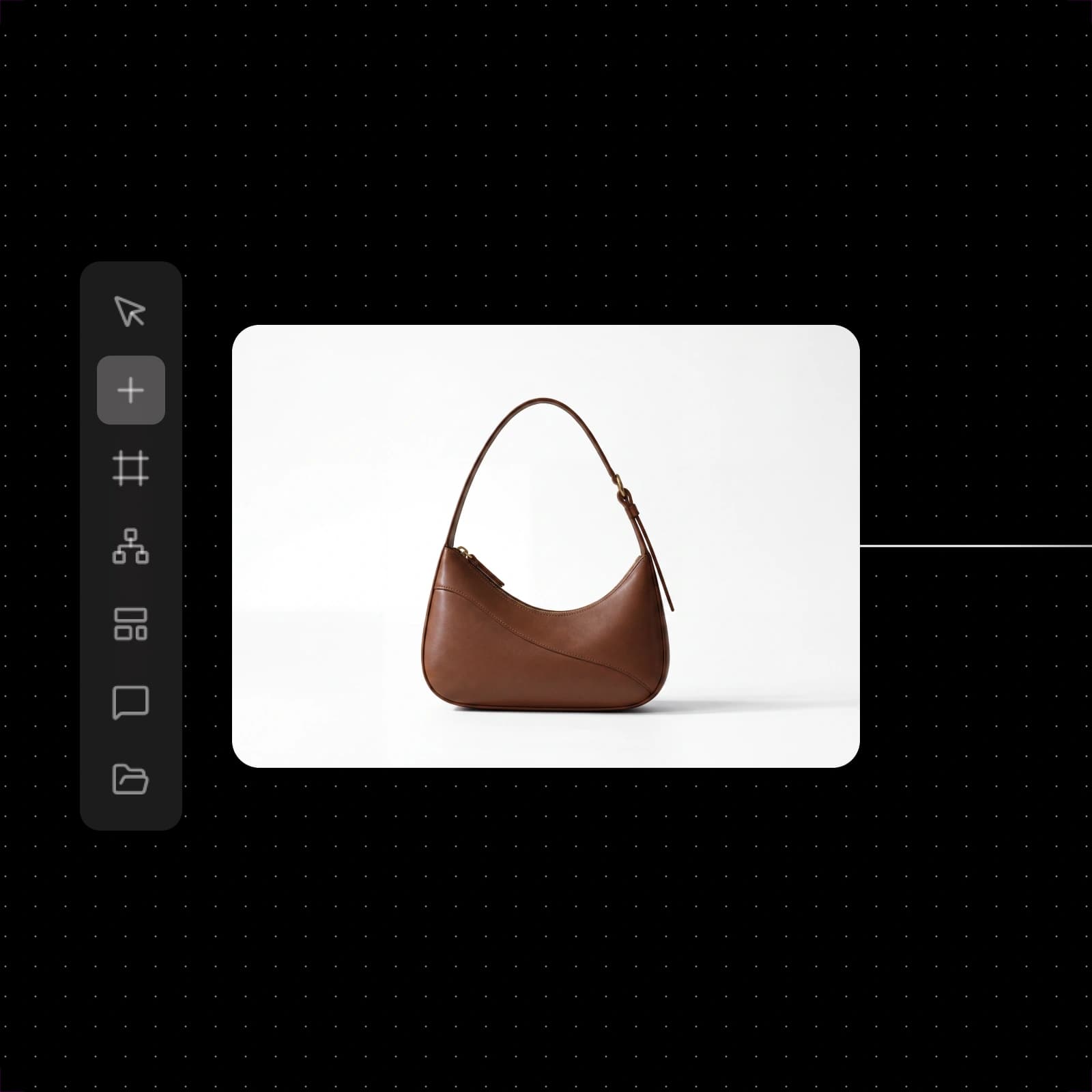
Start faster with ready-made Instagram post workflows
Pick the Instagram workflow closest to your idea, swap in your photo and text, and run it. Change any step and run it again until it looks right.


See what you can make with Picsart Flow
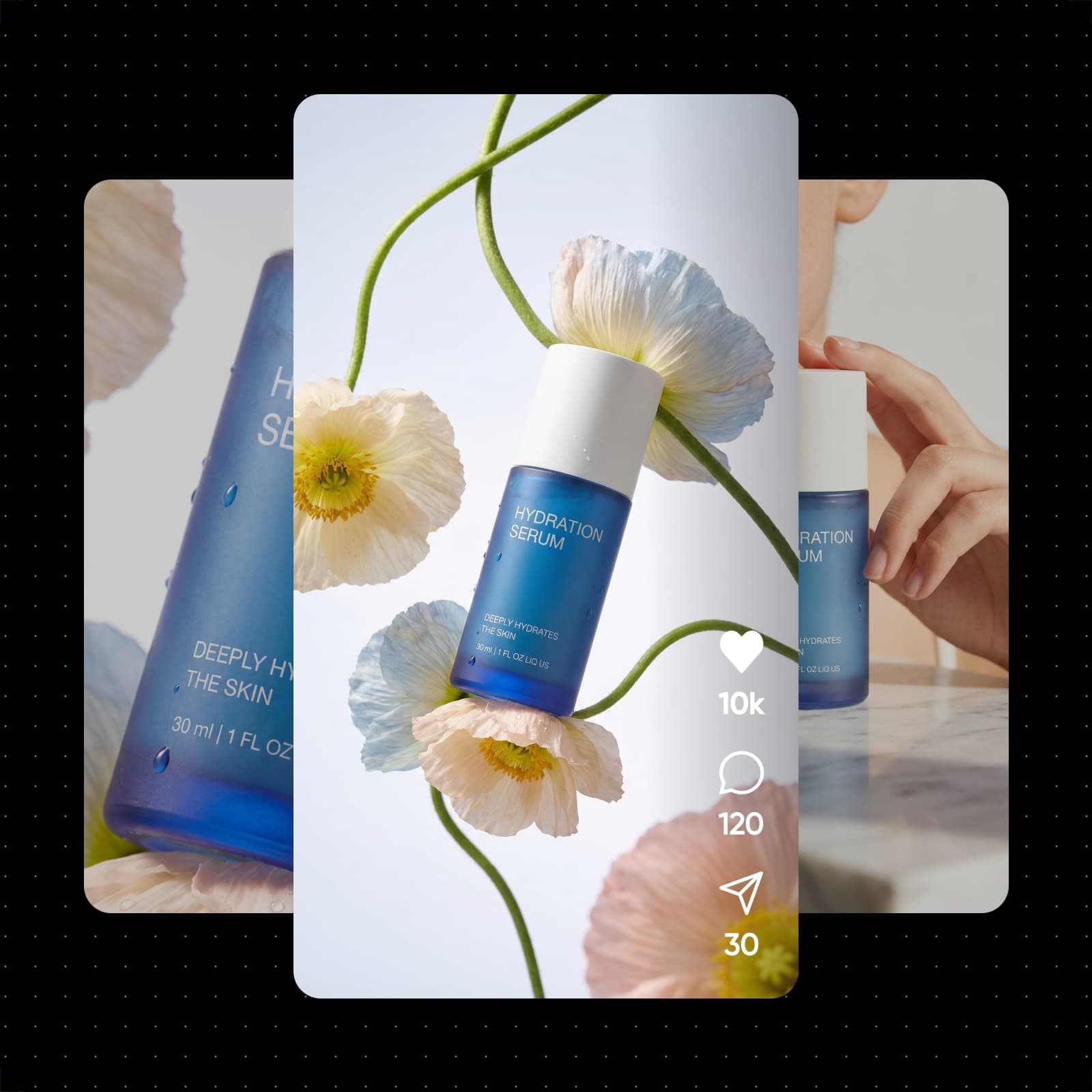
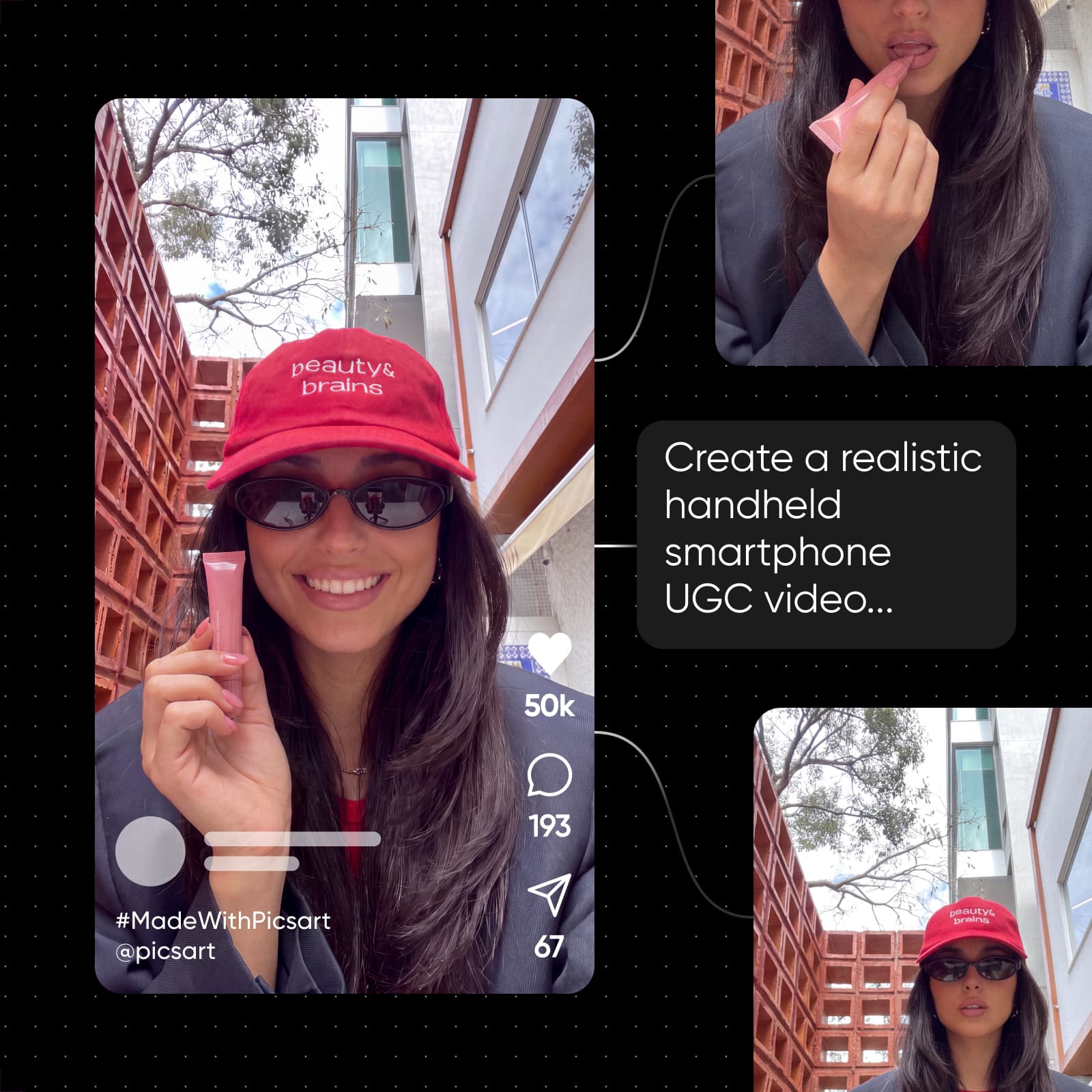
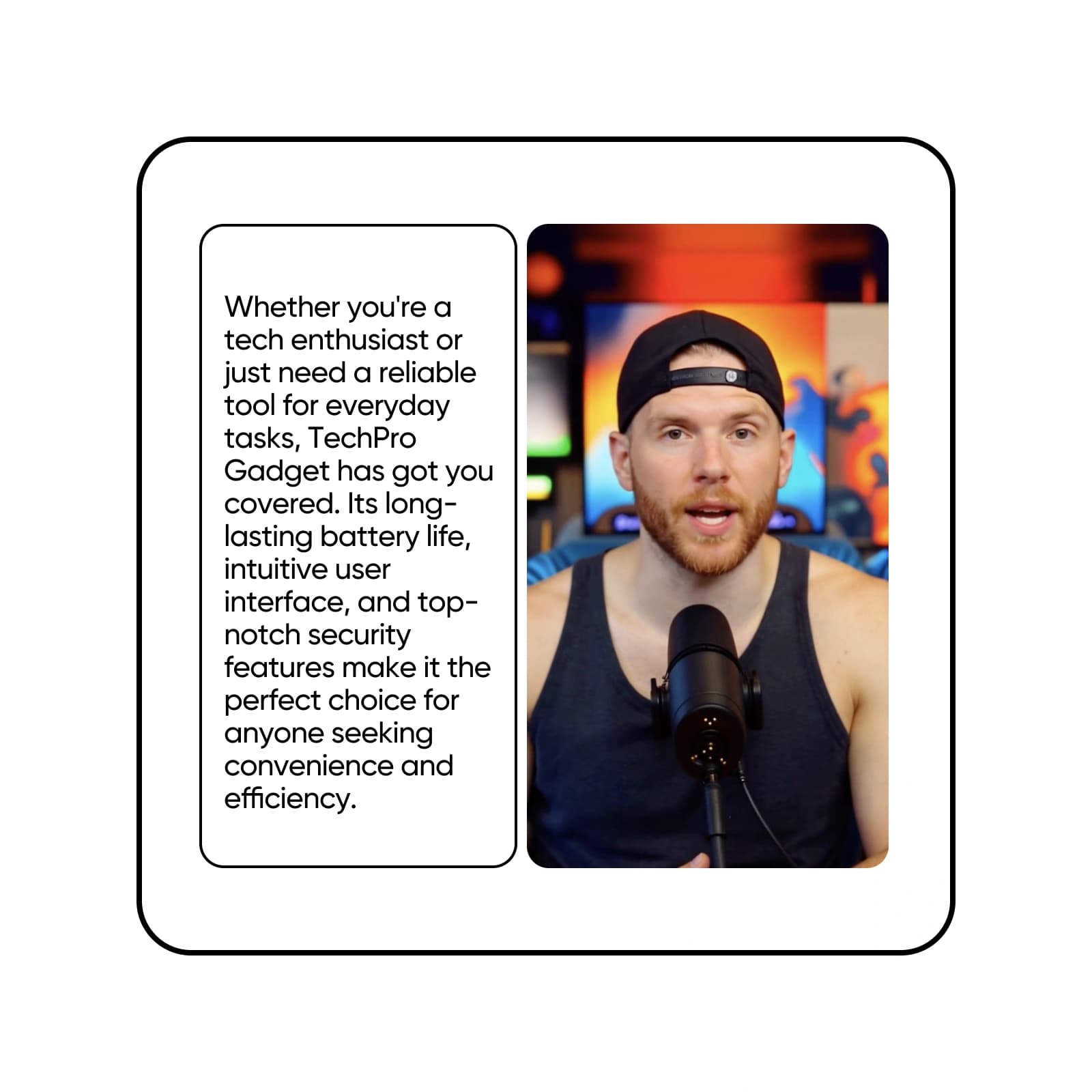
Drop in your product photos, and the workflow cuts them out, centers them, and styles clean ads with headline, slogan, and CTA variations.
Create Instagram posts faster with AI-powered tools
Turn a short brief into a finished post in Picsart Flow. Generate a scene, product shot, or background, then let GPT Image 2.5 or Ideogram 4.0 put your headline on the image. Need versions to test? An A/B testing workflow swaps headlines and colors across 50 variations, so Flow doubles as an AI social media post generator. Post the strongest version and keep the rest for later.

Design scroll-stopping Instagram posts in minutes
Spend less time on content creation and more time posting to your Instagram feed. This online Instagram post maker runs on one Flow canvas in your browser, with nothing to install, and every Instagram post design starts there. Run a workflow and compare the results side by side to pick the scroll-stopper. It's one of Flow's content creation workflows for marketers and creators, built to turn one idea into ads, UGC clips, and social posts.

Take the easy route with Instagram post templates
Start from a ready-made workflow for your niche, or open a blank Flow canvas and connect the AI models you want into your own workflow. Either way, every step stays editable. Swap the photo, change a prompt, or right-click to insert a different AI model, and run it again until the Instagram post creator gets the look right. These canvas shortcuts cut build time, along with one-drag connections and bulk edits across many nodes.

Turn one idea into a swipeable Instagram carousel
An Instagram carousel post keeps people swiping. Upload a multi-page PDF, like a guide or a slide deck, and the PDF-to-carousel workflow turns each page into a 4:5 slide with all the text preserved, plus a short motion clip for every page. Use it as an Instagram carousel maker for lessons, product lineups, and step-by-step tips, and swap in a new PDF whenever you have a new story to tell.

Plan a month of posts with captions ready to go
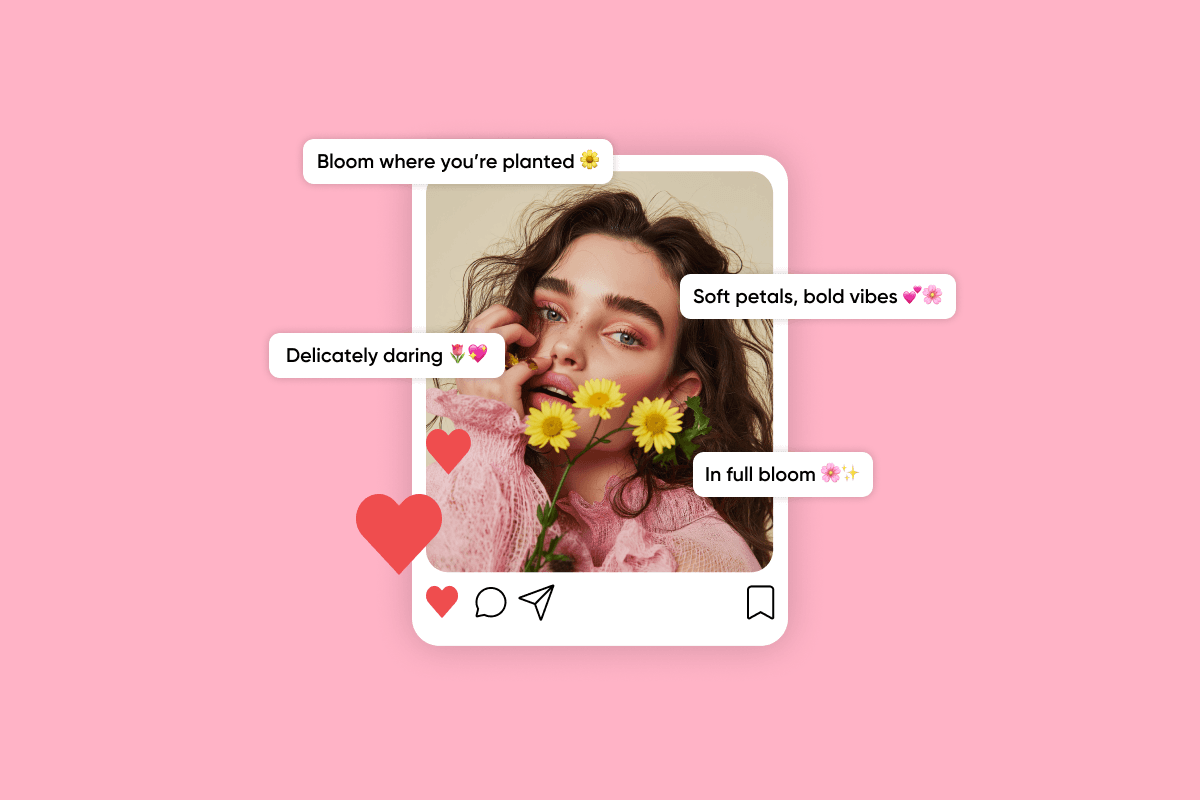
Keeping a feed active is the hard part. The 30-day content calendar workflow generates a ready-to-copy CSV calendar and a matching set of graphics for product, behind-the-scenes, and giveaway posts. For any other post, add a text node and ask a text model for a caption that matches the image, so the posting copy is ready when the design is.
Earn money from the Instagram posts you create
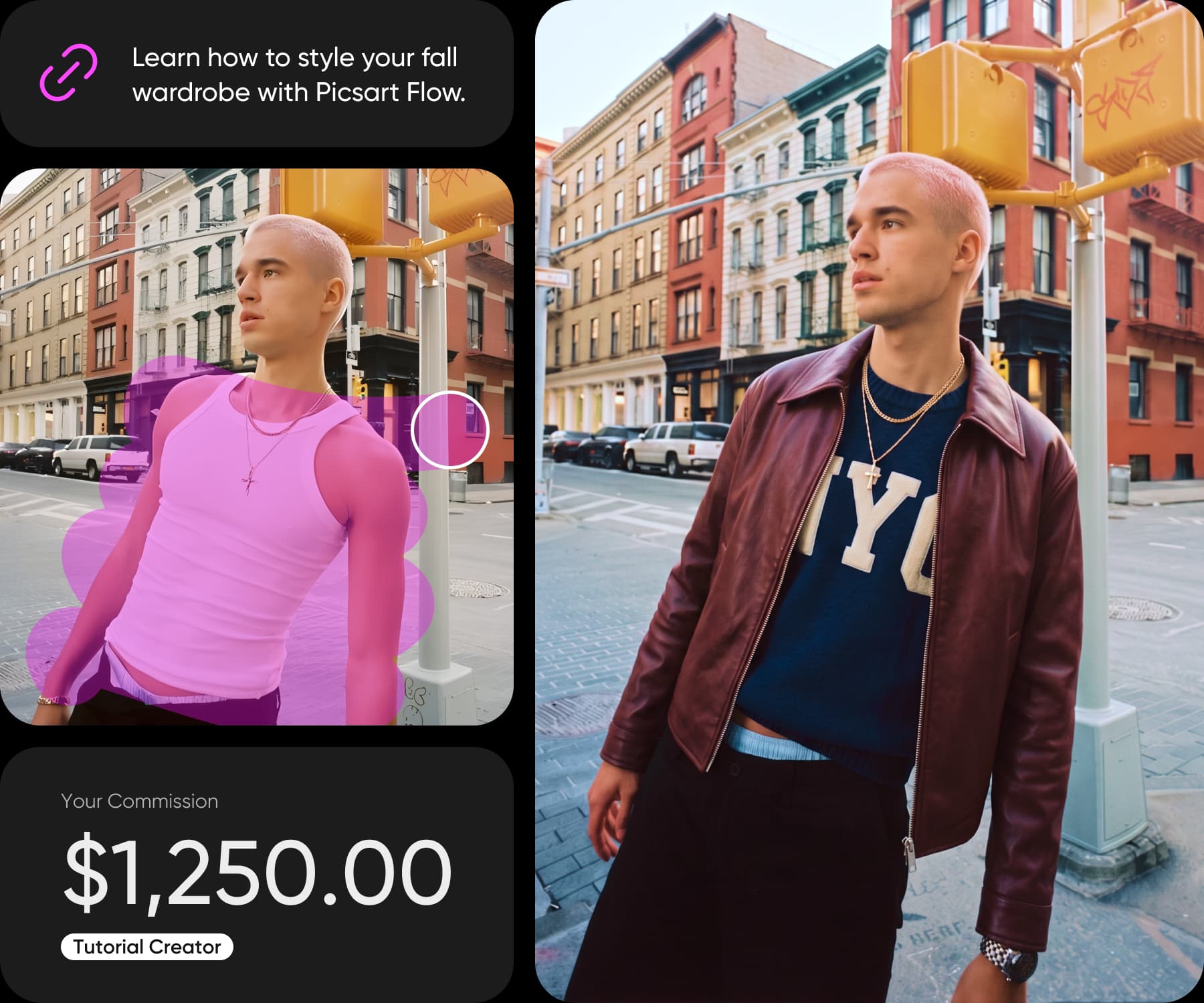
With Picsart Earn, you get paid to create: it's an open program that pays creators for content made with Picsart tools. Pick a campaign in your dashboard, create the post, and share it on your own Instagram account. Payouts depend on how your audience engages, not on your follower count, and there's no follower minimum to join.
Keep your brand consistent in every post
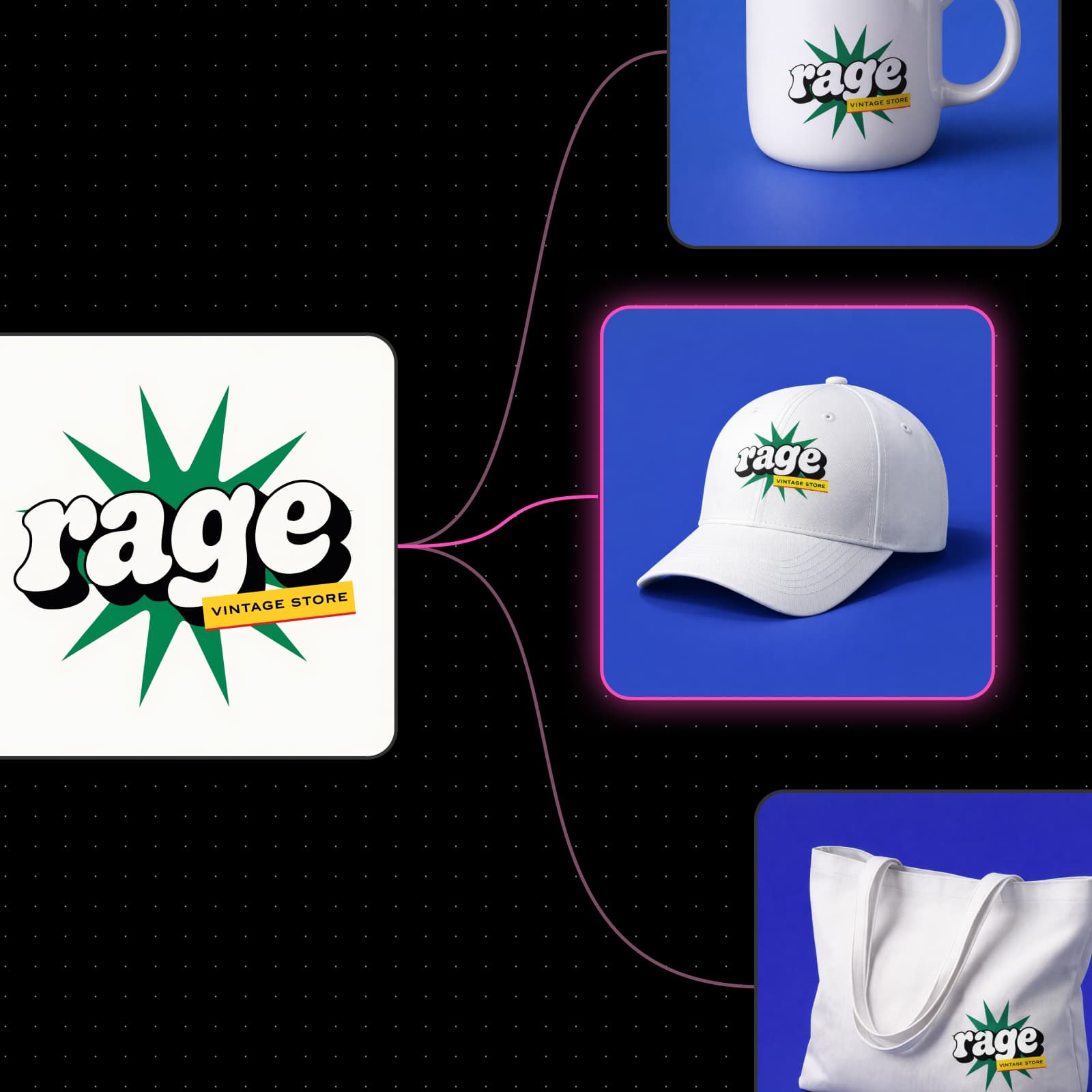
A recognizable feed sells. Upload your product photo once and build every post around it with a product post workflow, from a clean studio shot to a lifestyle scene. Save your logo, product, or portrait as a Picsart Drive asset, and the Asset node brings the same look into every workflow you run, so your grid reads like one brand.
Customize any post right on the canvas
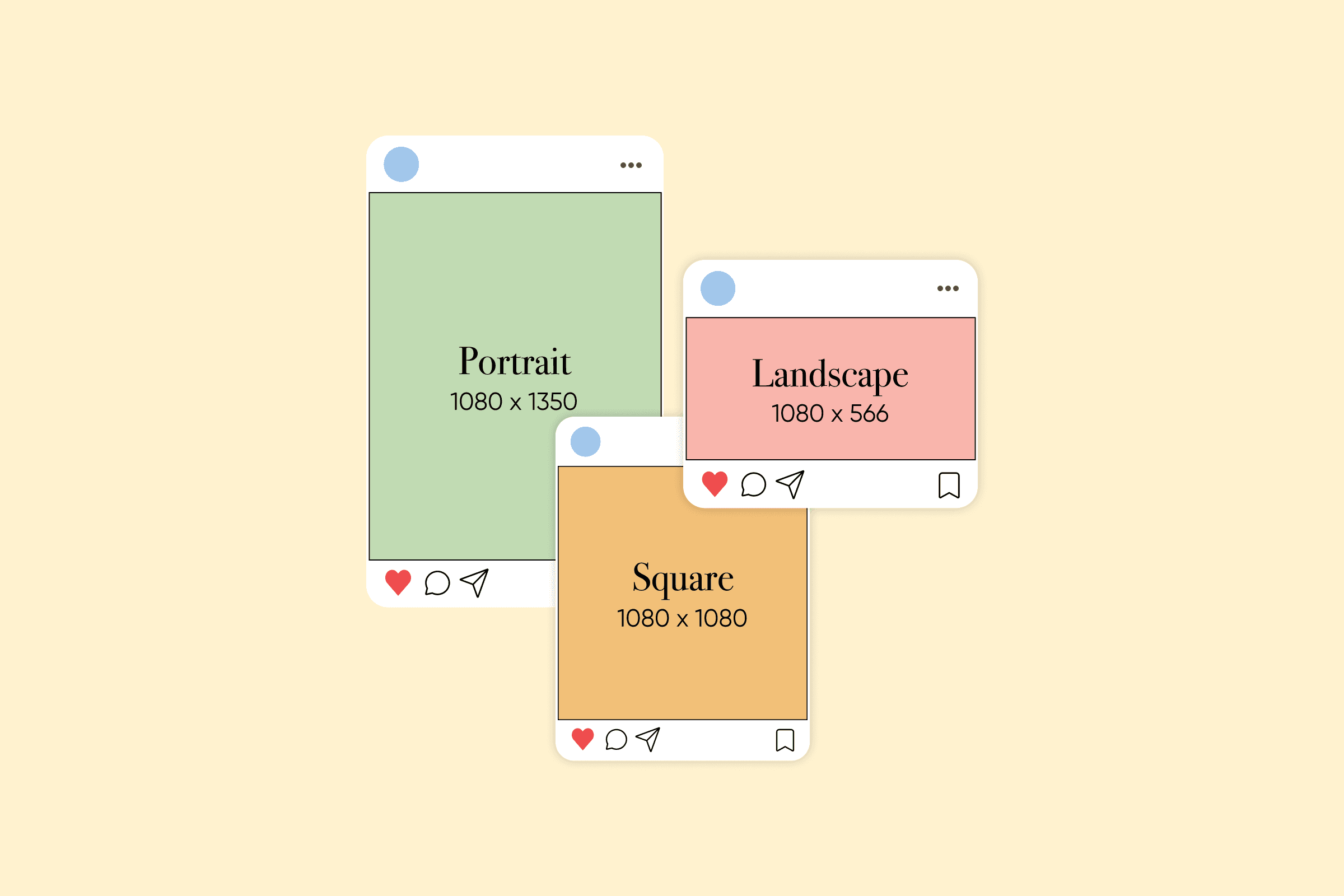
Need to change a price, a date, or a headline? Editing happens right on the canvas with generative editing features that can also relight a video or turn a still into a camera move. Brush over the detail with Inpaint, describe the change, and only that area updates while the rest stays pixel-identical. Outpaint's aspect chips reframe the same design from a 1:1 square to a 4:5 portrait post.

All the features you need in an Instagram post creator
Design Instagram posts with ready-made workflows and AI models, all on one canvas.




Get answers about the Instagram post maker
Yes, you can start for free. Creating a Picsart account and opening Picsart Flow templates costs nothing, so you can try this free Instagram post maker before you generate. Making a design uses the AI credits in your plan, and Flow shows the estimated cost before each run.
Pick a plan for every creator moment
Pro
Most popularAI tools for everyday creative work.
Ultra
Most powerfulHeavy AI usage for creators & teams.
Enterprise
Custom AI solutions for large organizations.
- Volume discounts on credit rate
- On-demand top-ups
Pair your post with the rest of your feed
Keep your Stories, socials, and promos consistent with Picsart's other makers.