Twitter/X post maker
Level up your Twitter/X game with Picsart's online post maker. Effortlessly create captivating visuals that grab attention and boost your engagement. Choose from a variety of templates or design from scratch with easy-to-use tools.
- Put your message in focus
- Match your profile’s visual style
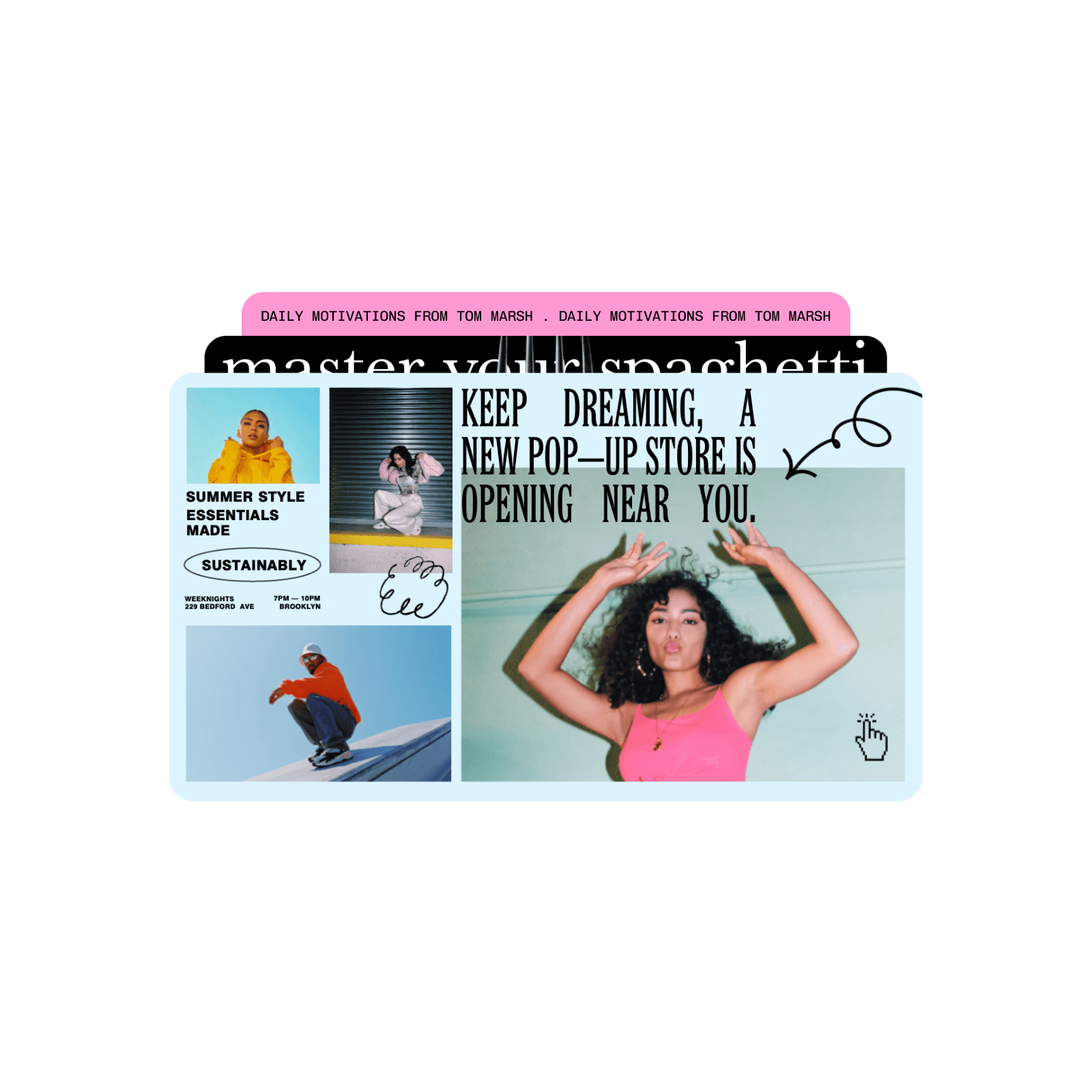
Design twitter posts with AI image models
Use image models to transform twitter posts into polished visuals, design ideas, and ready-to-edit assets.
Explore Twitter/X post templates
Discover a variety of customizable Twitter/X post templates designed to make your content stand out.


How to create a Twitter/X post with Picsart
How to
Open Picsart
Use the Start creating button to get started.

Design scroll-stopping Twitter/X posts in minutes
Spend less time creating content for your Twitter/X page with Picsart’s intuitive content creation tools and templates. Use the suite of online tools to get professional-looking visuals and memes. No need to download any software or learn any design skills. Get it all done inside a browser tab and get appealing results from the very first try.
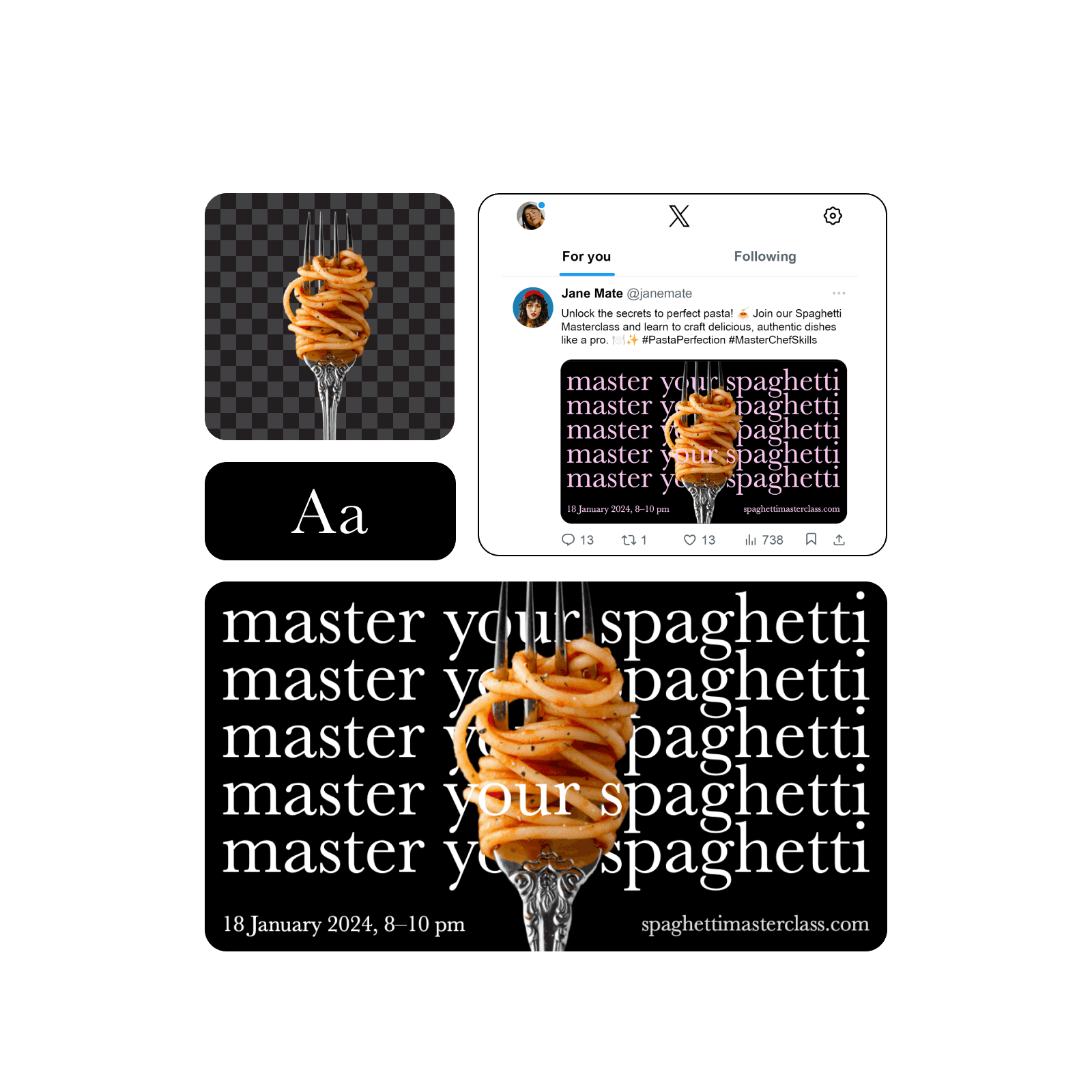
Get a massive headstart with Twitter/X Post templates
Save time and effort with Picsart’s constantly growing collection of professionally designed Twitter/X post templates. Find the perfect style for any occasion and customize it in seconds. Change fonts, images, colors, and arrangement with ease.

Create faster with AI-powered tools
Make your Twitter/X posts truly unique with Picsart's easy-to-use editing tools. From minimalistic posts to advanced infographics, you'll find everything you need to create visuals that justify your audience’s expectations. Explore the full suite of photo editing tools to do things like enhance image quality with AI, or even generate visuals from text prompts.
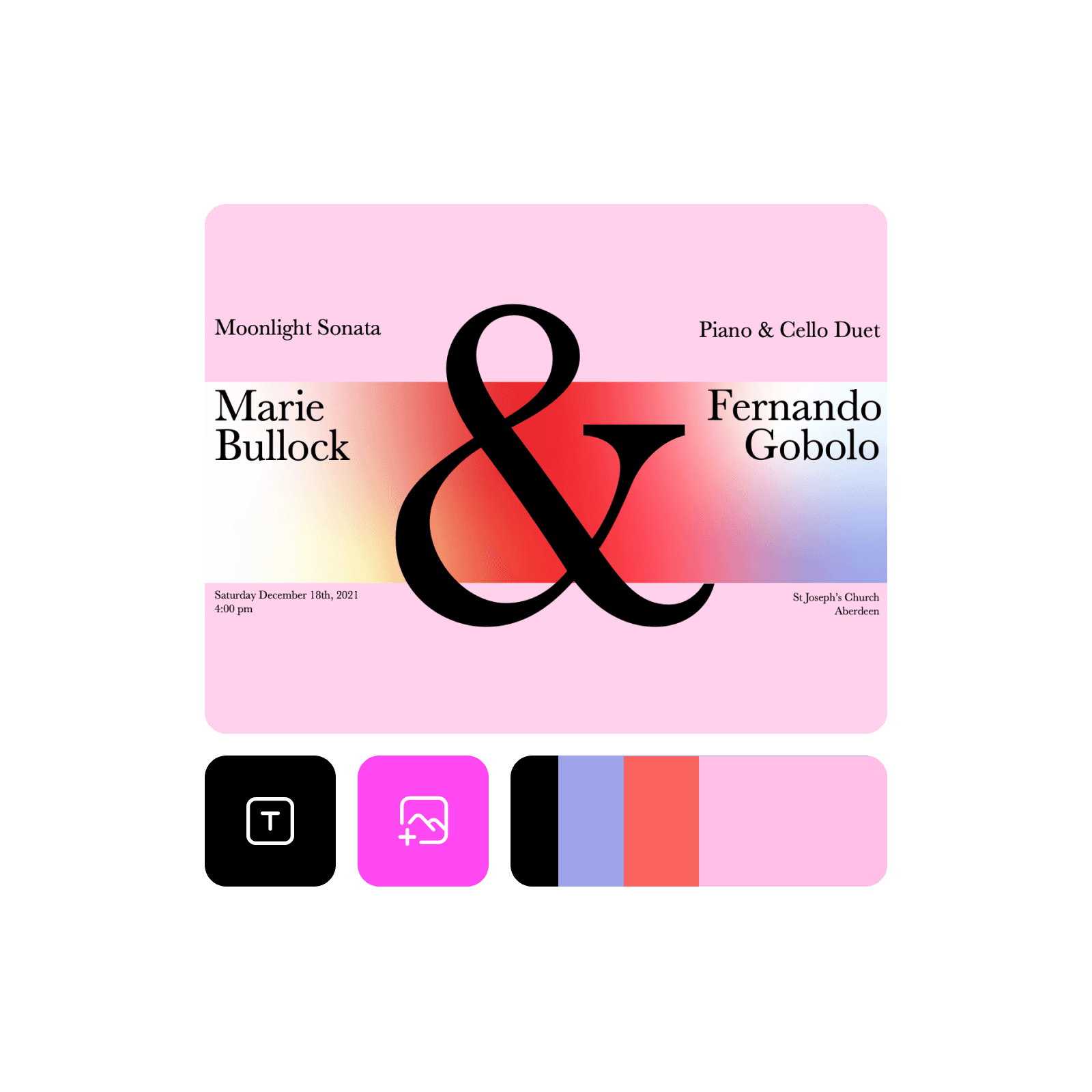
All the features you need
See it in action in this Editing Lab episode
Follow along with this detailed tutorial from Picsart’s YouTube channel to master your editing skills. Start creating incredible visuals today with expert guidance that breaks down every step of the process.
Twitter/X Post Maker FAQ
For optimal display, aim for these image sizes:
- 16:9 aspect ratio: 1600 x 900 pixels (recommended)
- 1:1 aspect ratio: 1080 x 1080 pixels
- 2:1 aspect ratio: 1200 x 675 pixels
- 3:4 aspect ratio: 1080 x 1350 pixels
Design Twitter/X posts for social channels and creator content
Pro
Most popularAI tools for everyday creative work.
Ultra
Most powerfulHeavy AI usage for creators & teams.
Enterprise
Custom AI solutions for large organizations.
- Volume discounts on credit rate
- On-demand top-ups