Online PDF maker: Create PDF files in an instant
Use Picsart's online PDF generator to make a PDF file that's slick, professional, and visually appealing. Customize fonts and colors, and add graphics to fine-tune the file even more.
- Keep your document organized
- Refine text and visuals together
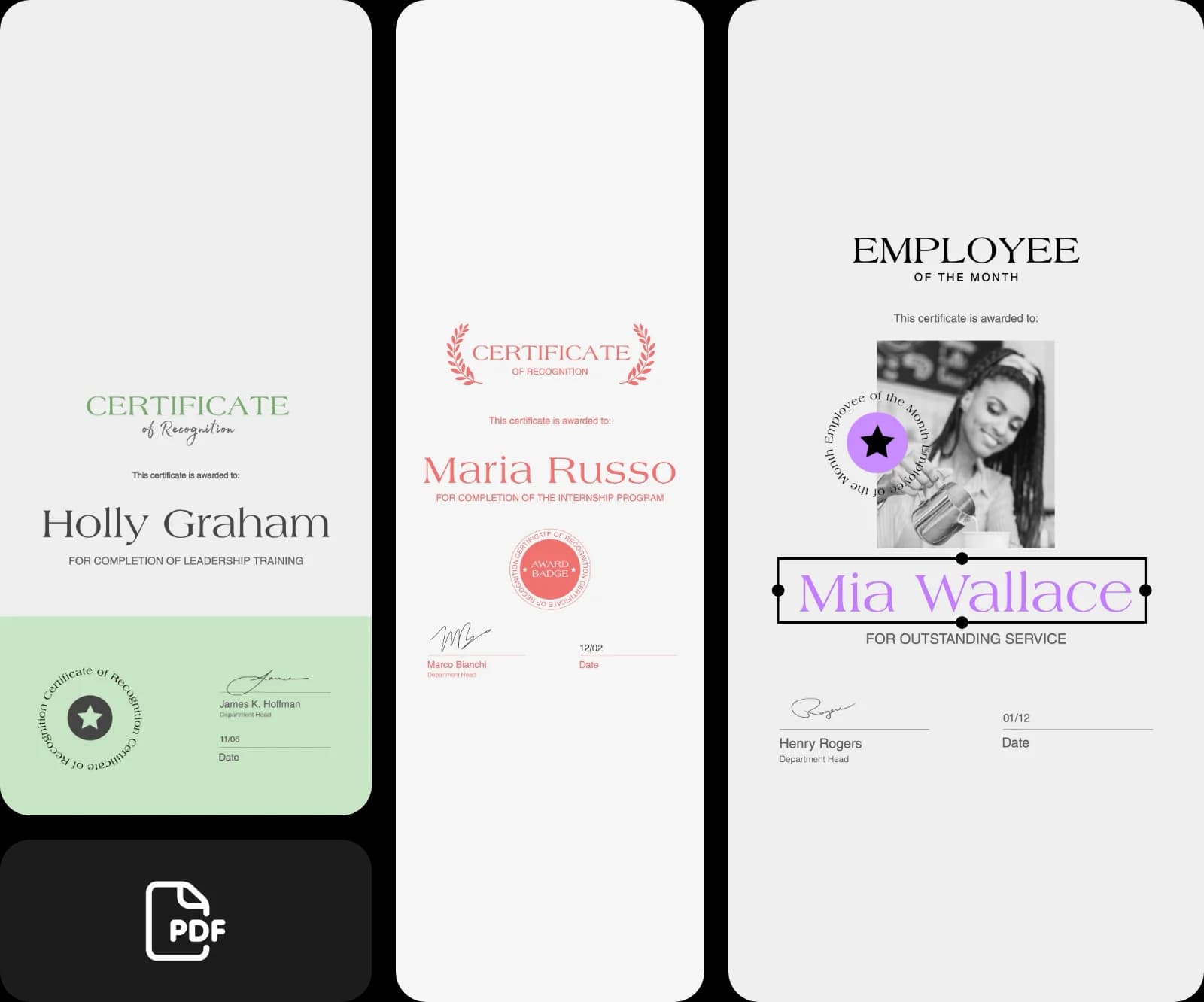
Design pdfs with AI image models
Use image models to transform pdfs into polished visuals, design ideas, and ready-to-edit assets.
Browse templates and make a PDF
Picsart's online PDF maker has tons of templates that you can choose from to make a PDF for your project. Get started with a large selection of templates and customize them with ease.


Create PDFs easily with Picsart's online PDF maker
You can make a PDF file with the online PDF creator in a matter of seconds. The process is as hassle-free as it can get! There are tons of capabilities: you can create a document of any type, for any purpose. Just include your information in any format you want, customize the document, and click the export button!
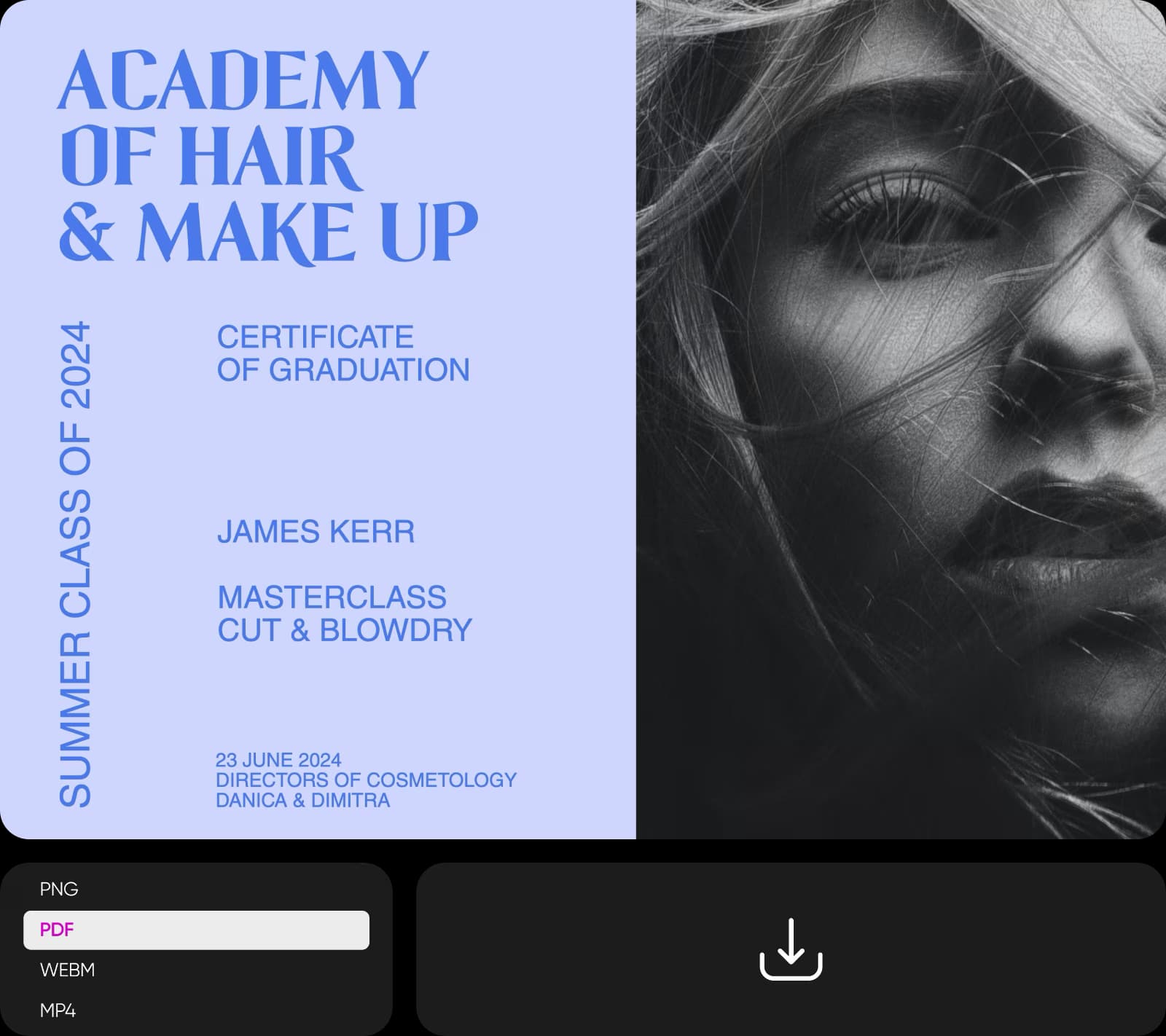
Craft PDFs for all occasions
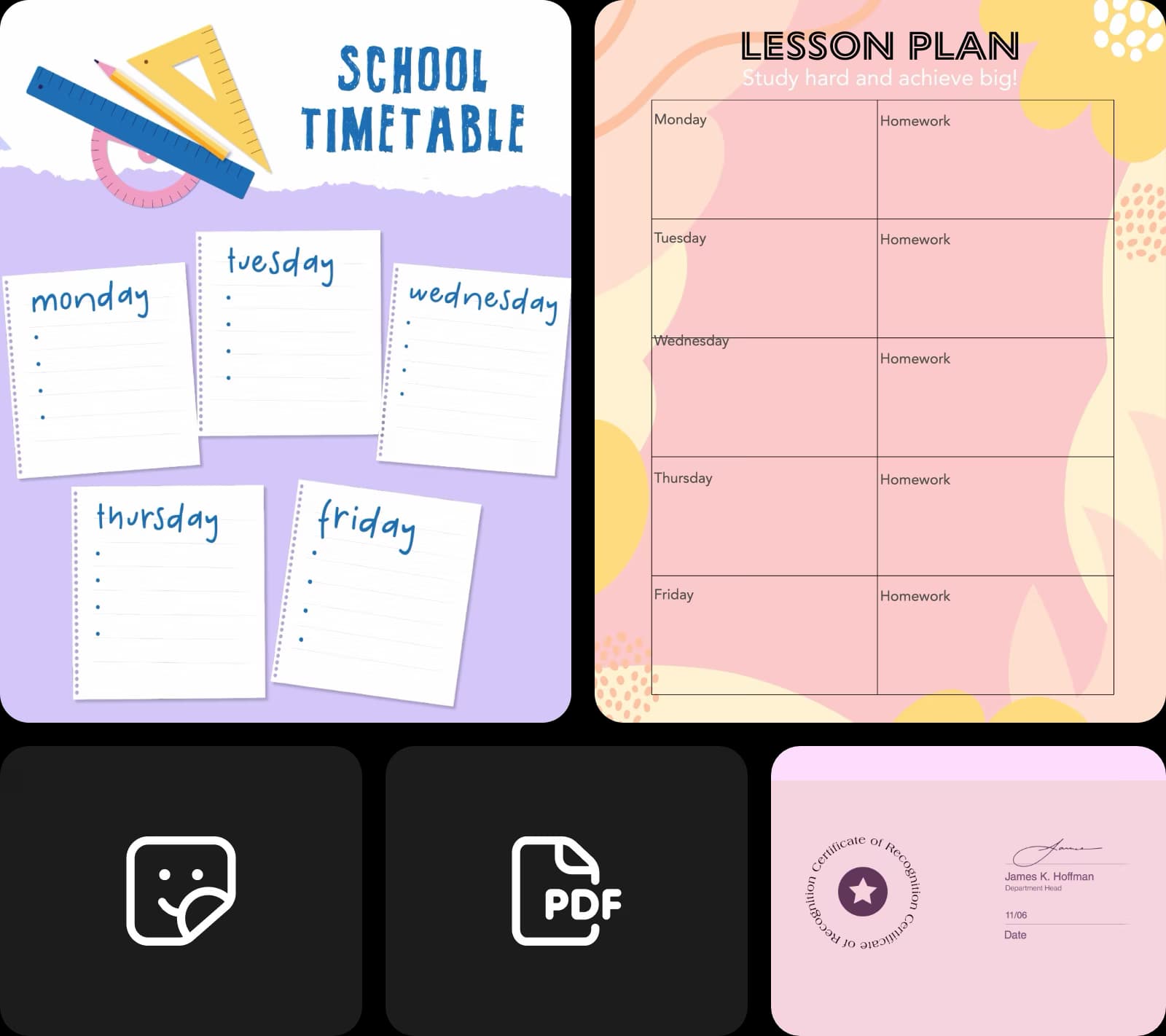
Anyone, from students to CEOs, can create sleek PDFs of their reports with the templates available at Picsart. Everything's made to go. Just pick a template and edit it using the PDF creator. Simply add text, adjust the font and colors, and create your PDF file. The result you export is high quality, making it print-perfect!
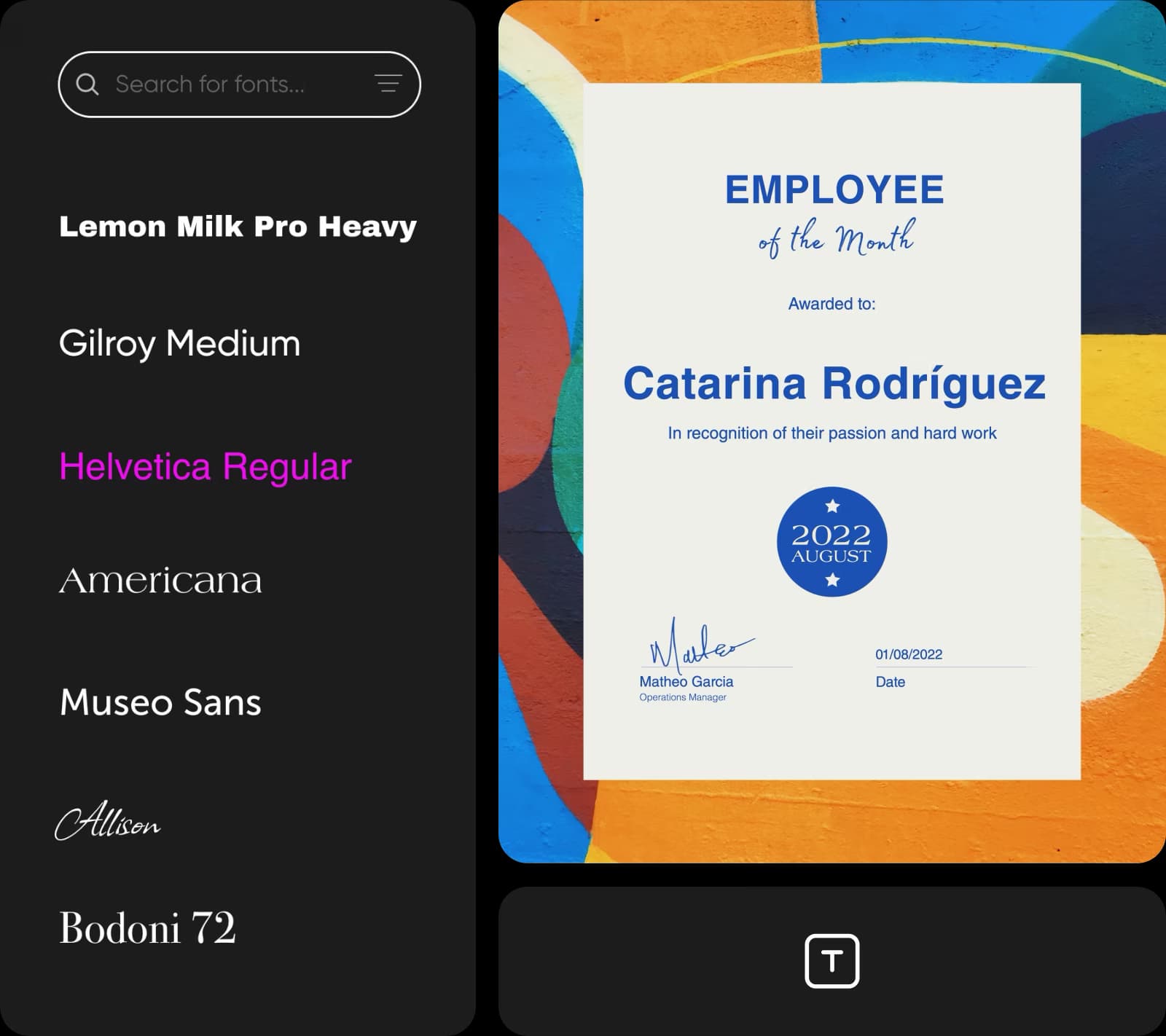
Save time with Picsart's PDF maker
Fast-track PDF creation with Picsart’s intuitive user interface. There's no need to switch between tabs or even browsers. Everything you need to customize your document is there on the same page. Simply drag and drop user-friendly templates and design assets from the built-in library, move layers around, and create high-quality PDF files that are ready to roll!
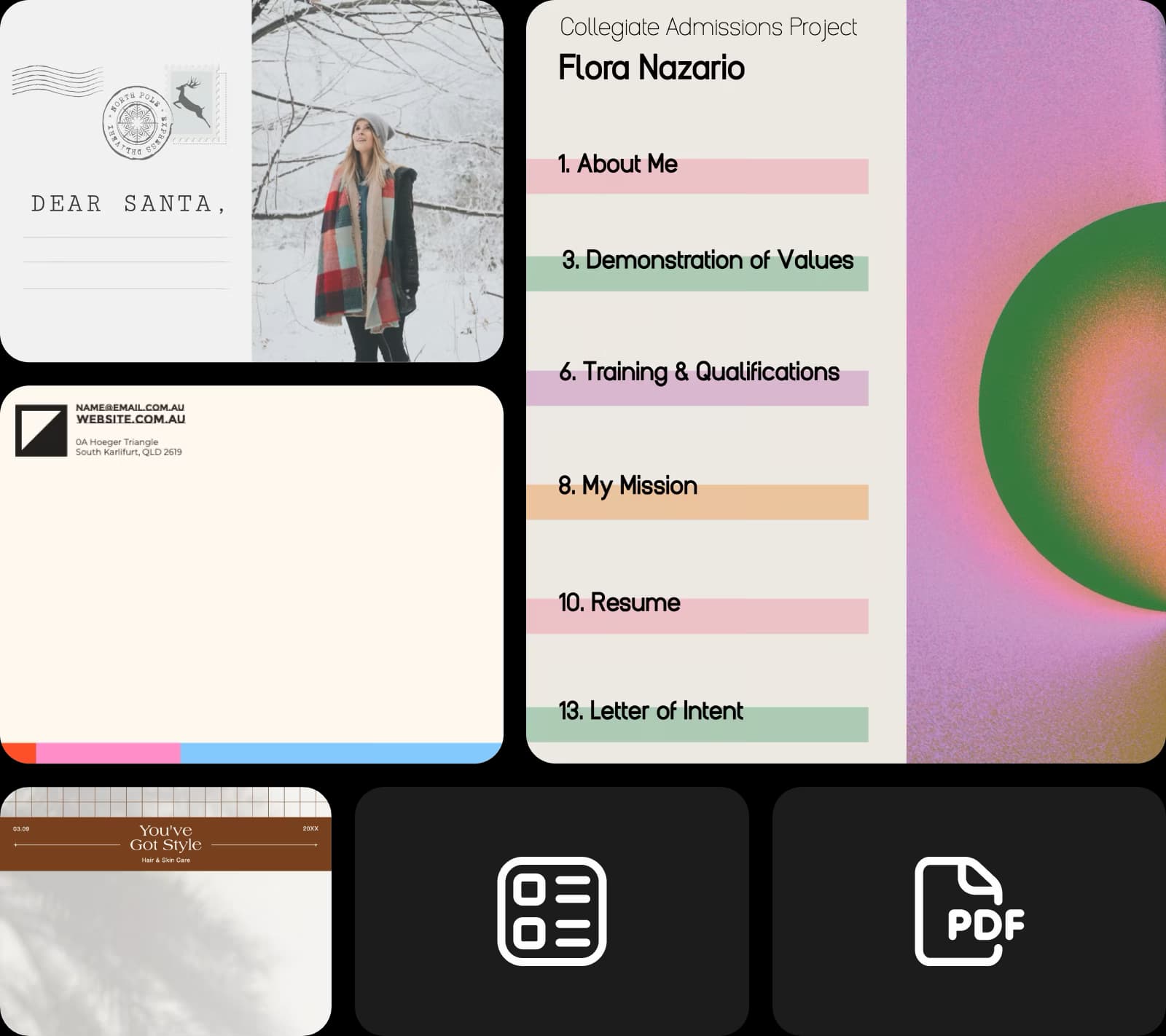
Craft custom educational materials
Use Picsart's PDF creator to add a unique flair to your online courses. Craft custom educational documents and presentations that are a cut above your competition and resonate with your learners. Mix in citations, add assets from Picsart's library or your own, edit texts, and create PDF files that'll leave lasting impressions!
- Refine the details in the editor
Maximize the effectiveness of your business documents
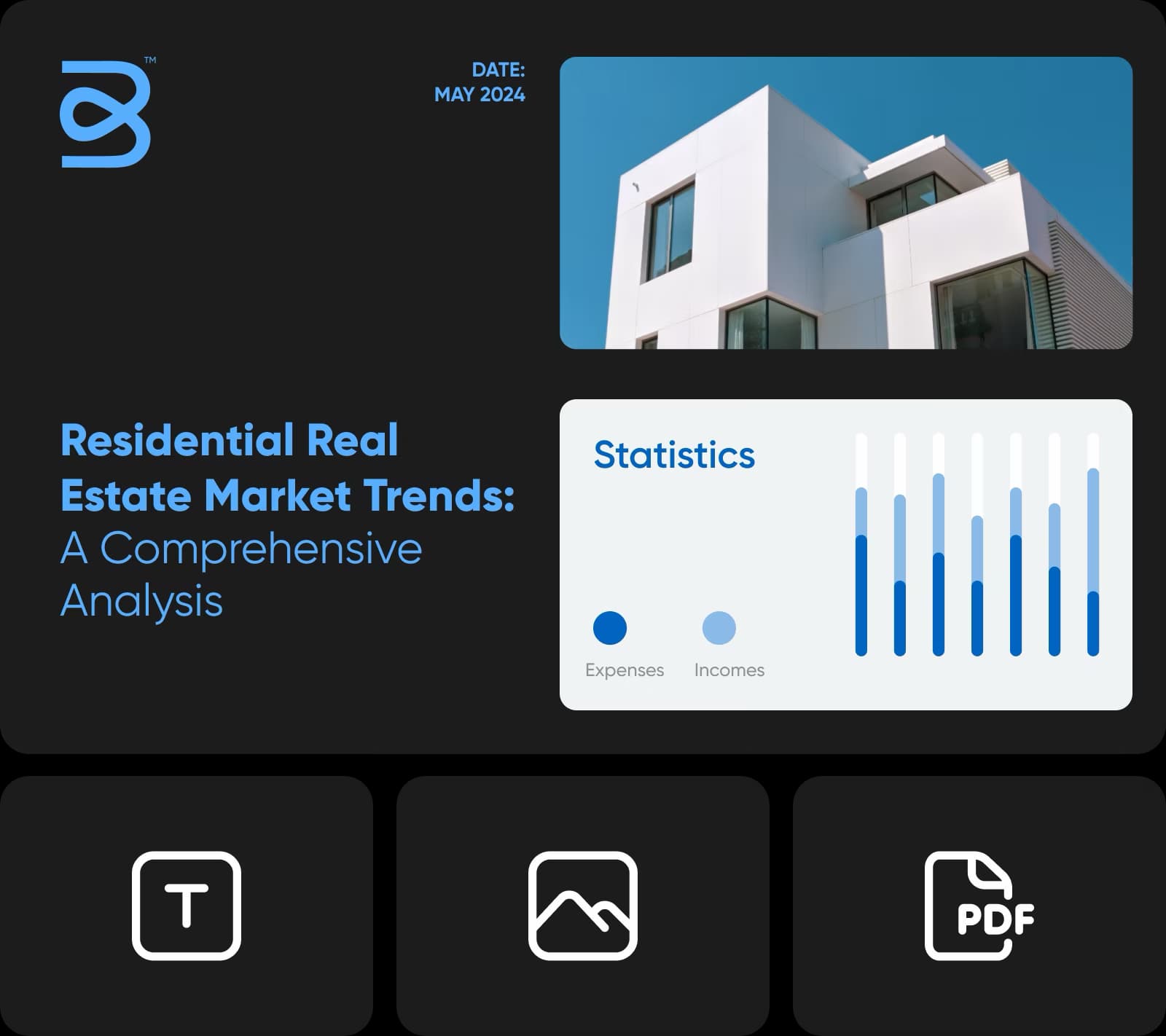
Create polished document designs that mean serious business with Picart’s online PDF maker. Create impressive proposals and reports for your company. Add an extra flair to your branding by customizing pre-designed templates. Slap on your logo, edit the content, and create chart visuals and graphs. What you'll be left with is a branded PDF that you can proudly share!
PDF maker FAQ
Not only does Picsart offer multiple professional templates to choose from, but it also has other perks such as photo editing features, AI tools, and a lot more. You can use all of these to give your PDFs a unique edge.
Latest in Picsart’s tools
Document maker
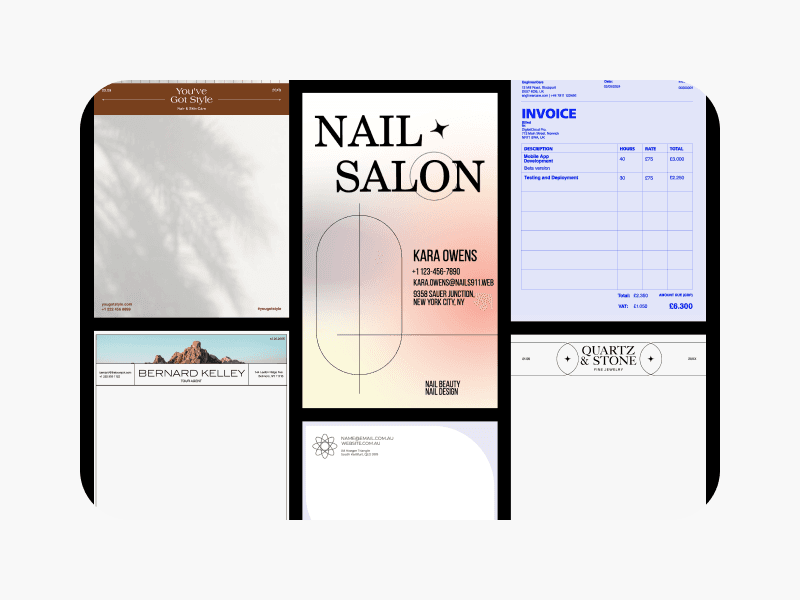
Effortlessly craft appealing document designs with Picsart’s templates.
Text editor
Edit your texts in any way you want using Picsart’s text editor tool.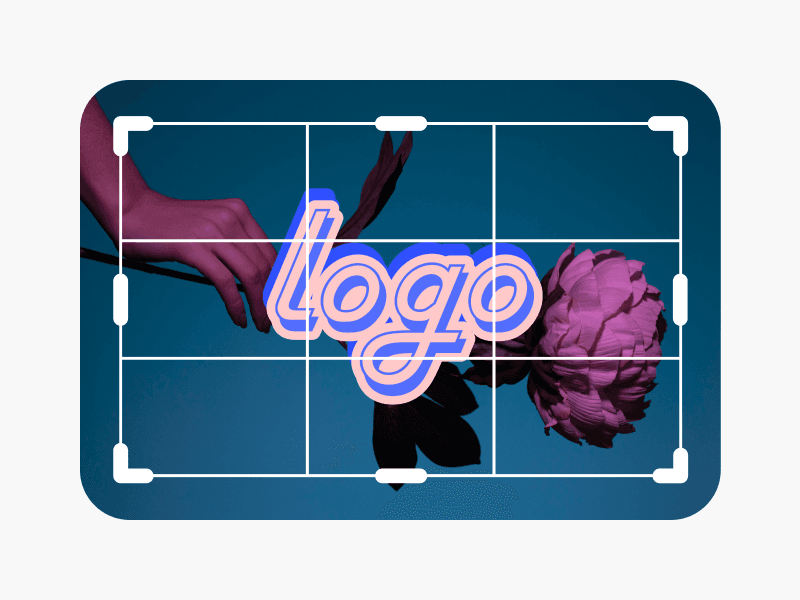
Photo editor
Edit photos fast with Picsart’s AI-powered photo editor.
Flip image
Flip images fast in any direction with the AI flip image tool.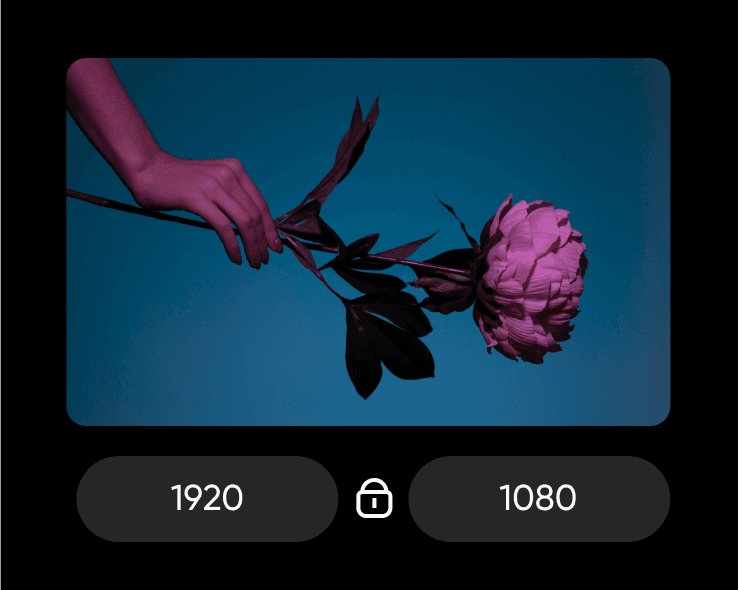
Resize image
Use the resize image tool to change the size of your images without damaging the quality.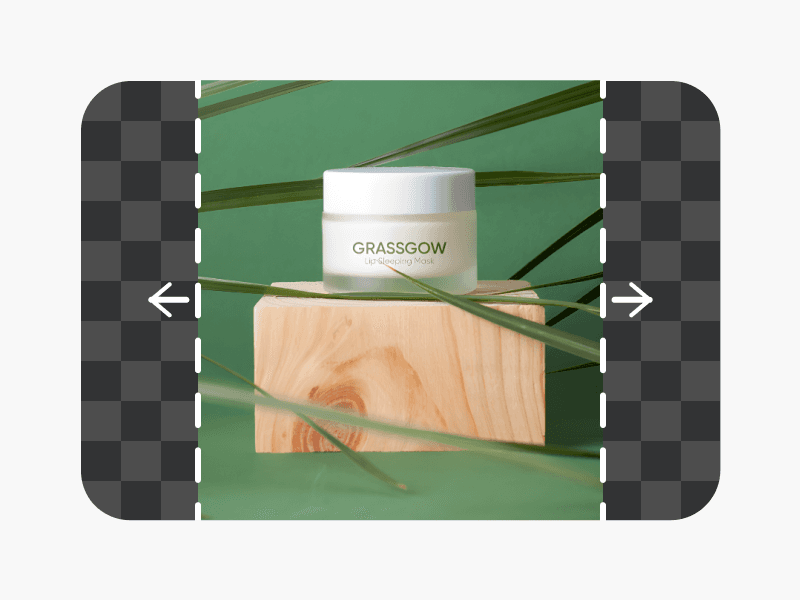
AI image extender
Extend your images beyond their original borders via the image extender tool.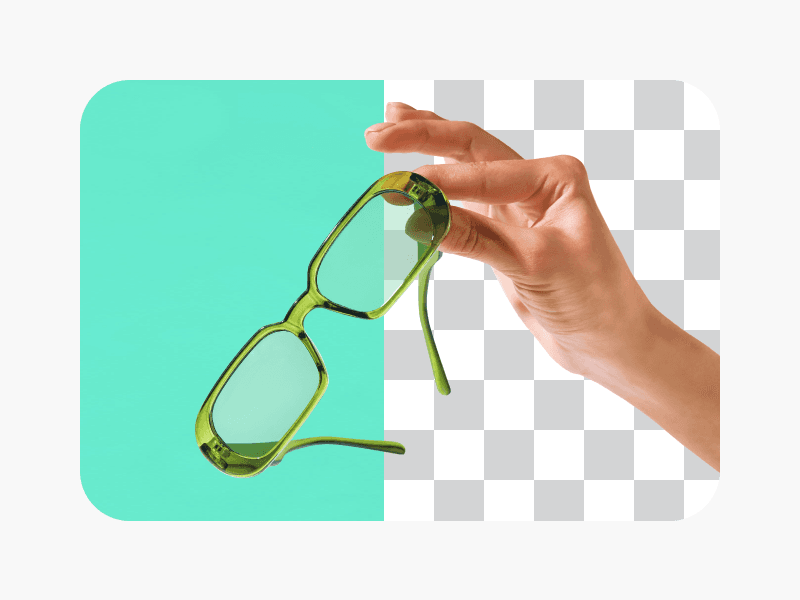
AI background remover
Use the background remover tool to erase the background of your images.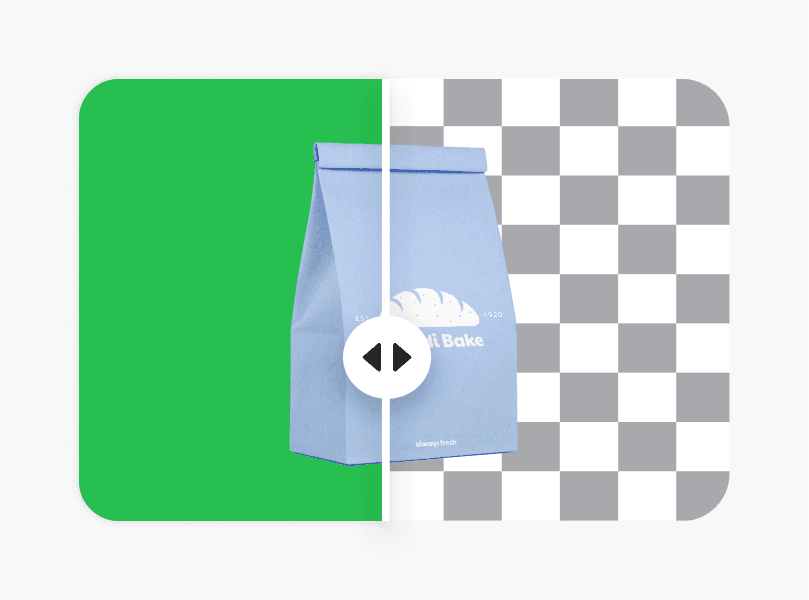
AI background changer
Play around with your image’s backgrounds and change them easily with the background changer.
Unblur image
Unblur blurry images using the unblur function of the AI image enhancer.
Design PDFs for work, applications, and business needs
Pro
Most popularAI tools for everyday creative work.
Ultra
Most powerfulHeavy AI usage for creators & teams.