Invitation Maker: Create Custom Invitation Cards With AI
Make invitations online in Picsart Flow from your photo or a prompt with the event details. AI designs custom invitations to print or share, and can turn a finished card into a short video invitation.
- Event details written right into the design
- Print it or share it online
- Animated video invitations from a finished card
Power your invitations with leading AI image models
How to make an invitation card with AI
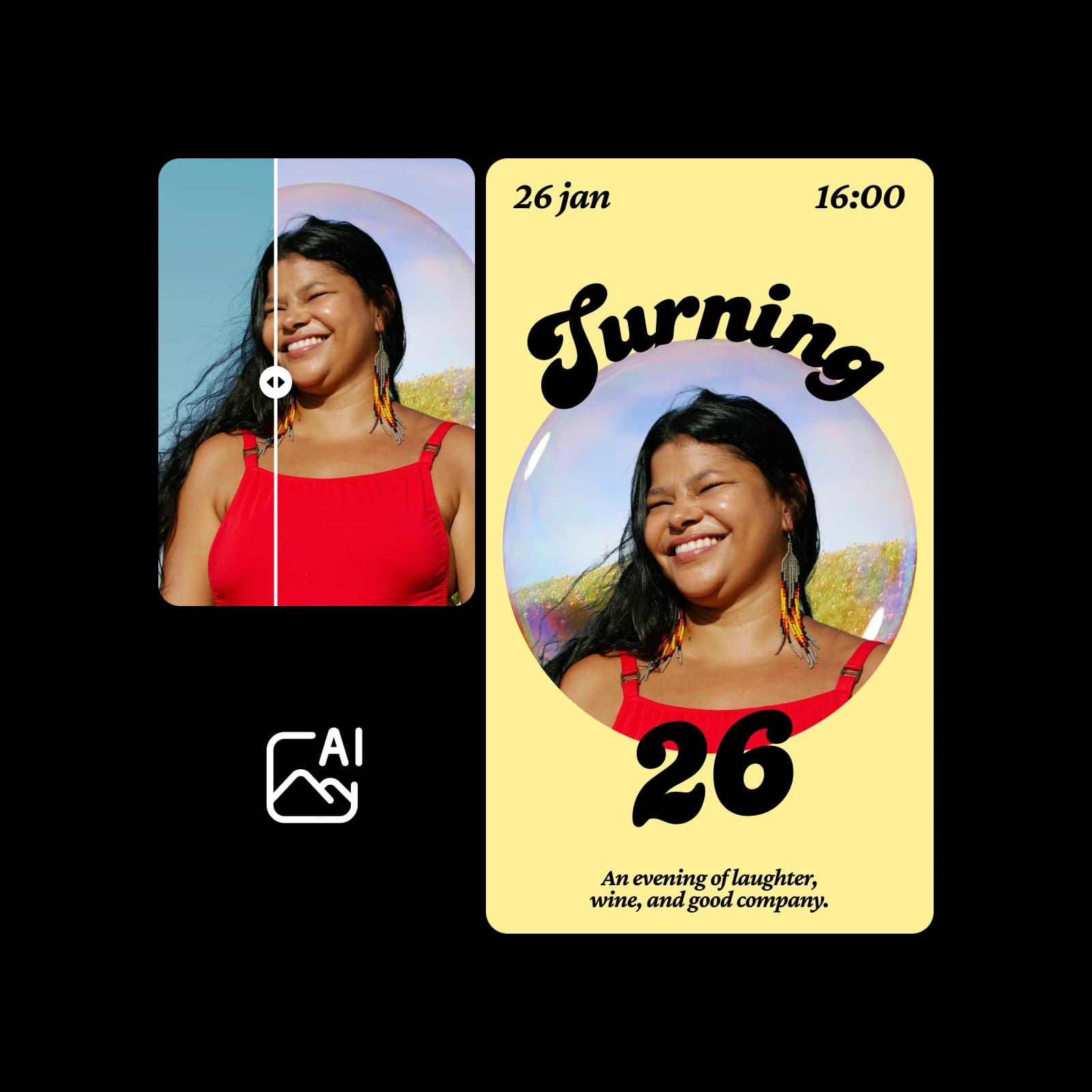
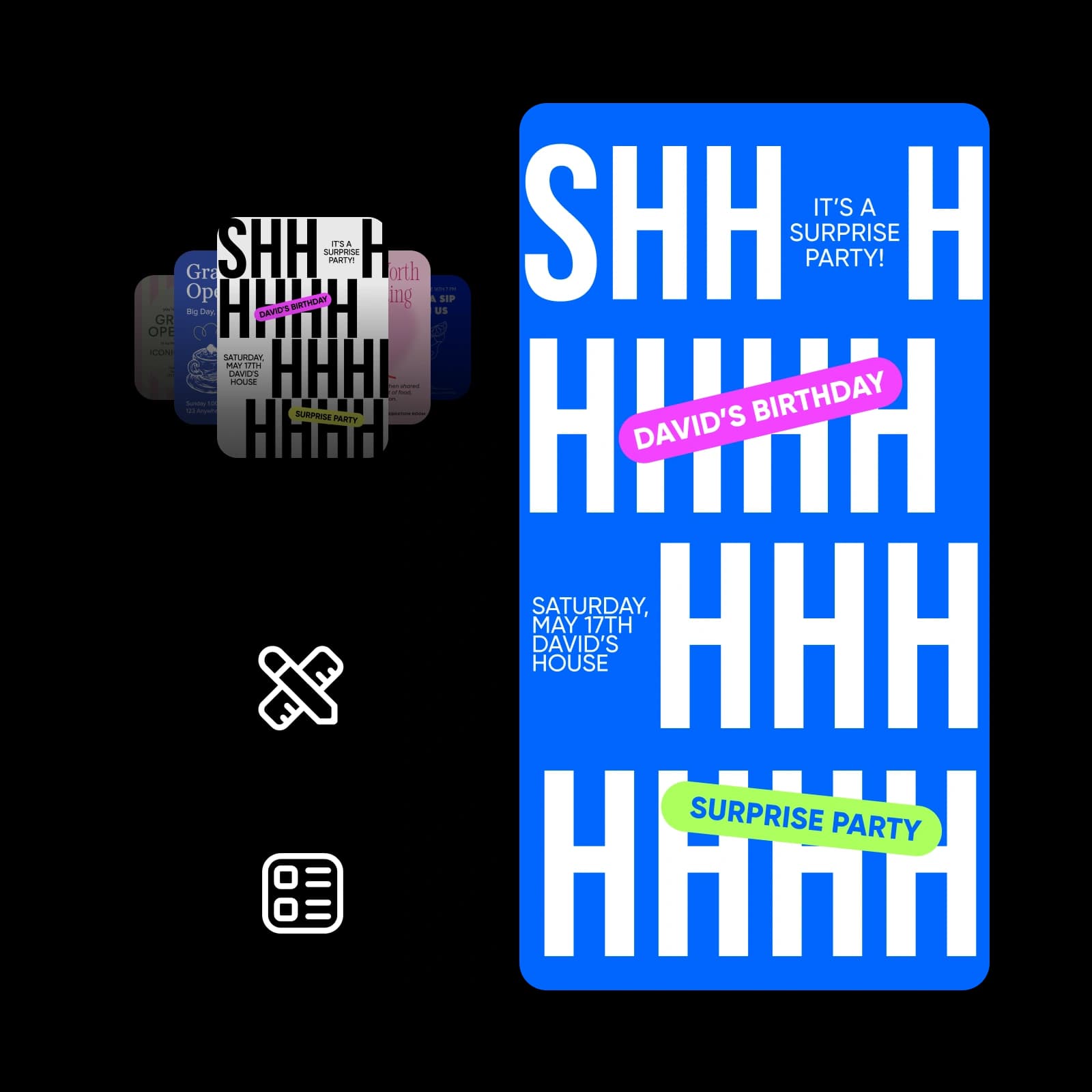
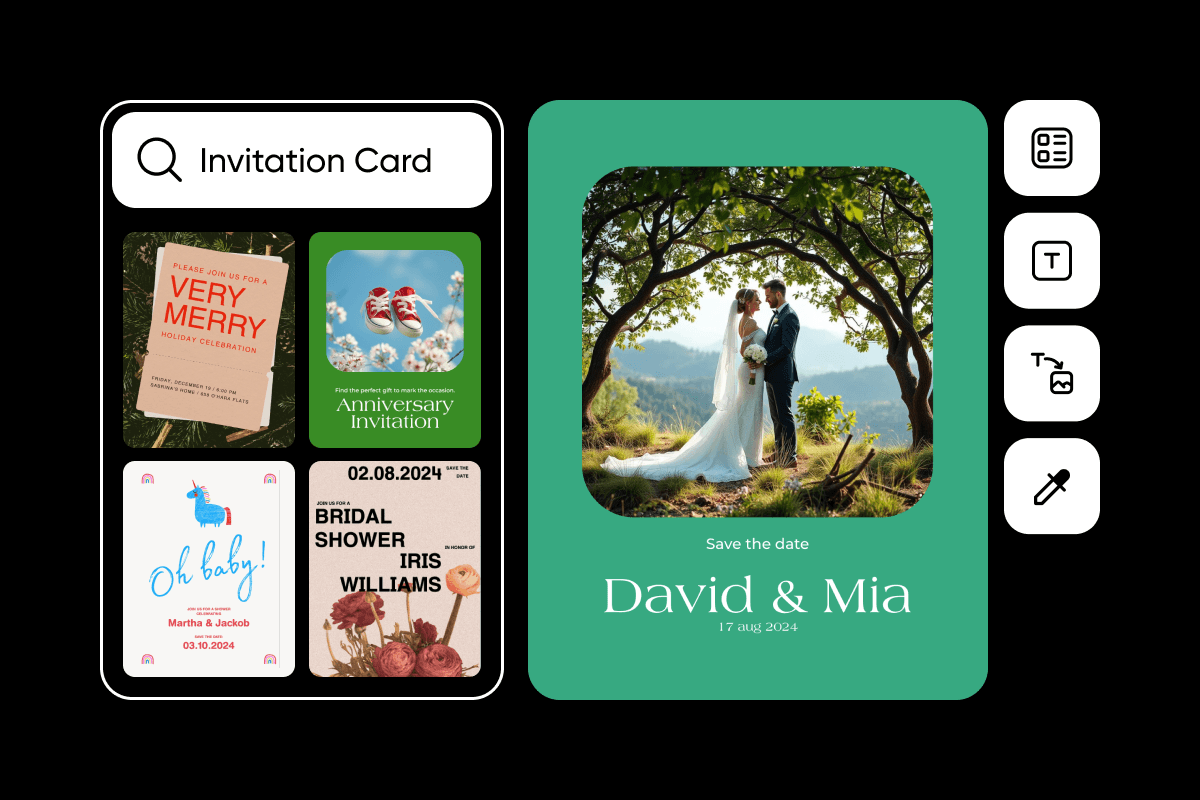
Find invitation ideas for every occasion
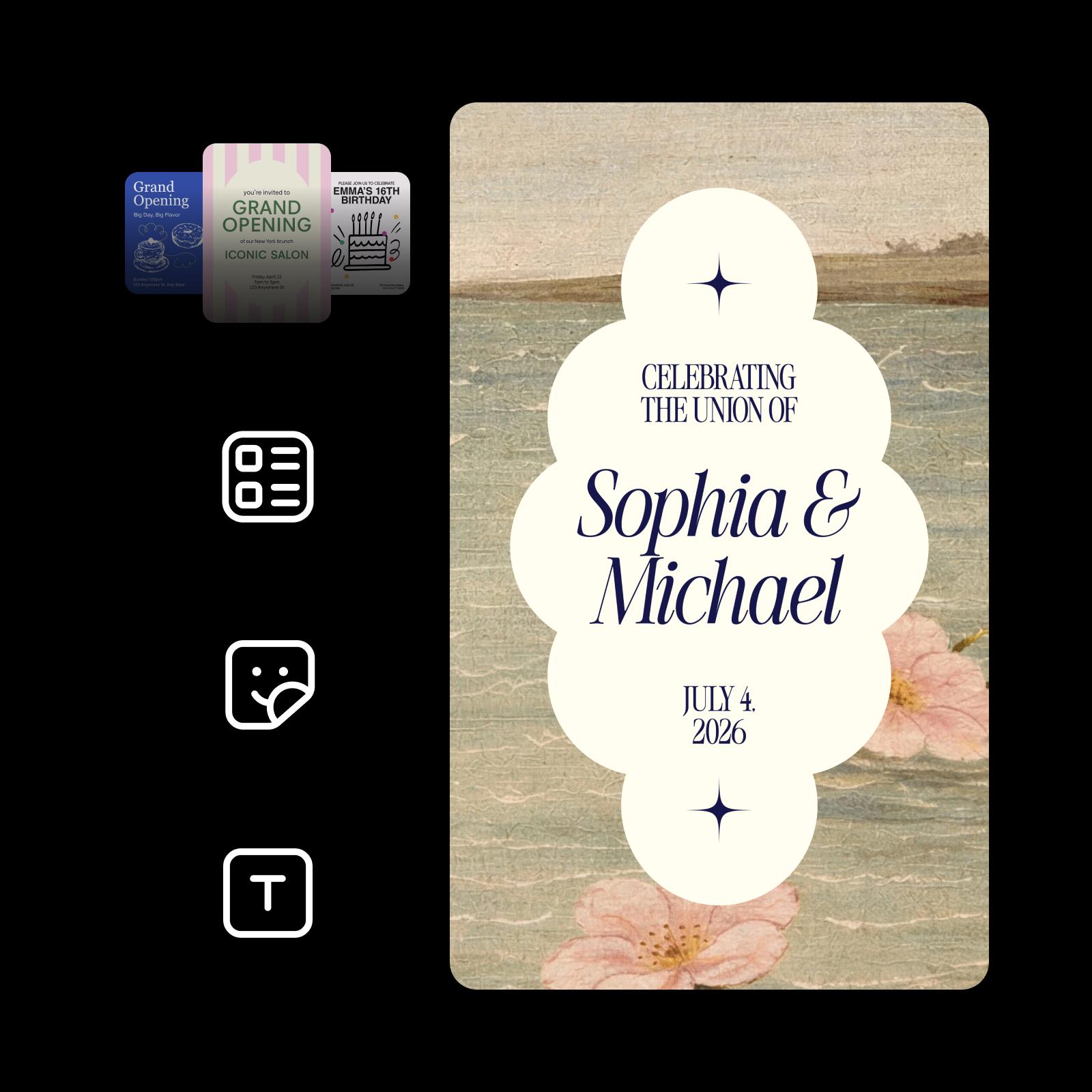



Design elegant wedding invitations that reflect your style.
Elegant 3:4 wedding invitation. Background: a soft, textured oil painting of a calm sea and sandy shore in muted green and beige, with pale pink wild roses in the lower corners. Center: a cream scalloped cloud-shaped panel with a small navy four-point star above and below. Text in navy: "CELEBRATING THE UNION OF" in thin serif capitals, "Sophia & Michael" in large italic serif, "JULY 4, 2026" in small serif capitals. Romantic, vintage, airy.
Keep names and dates readable with models built for text
These AI models in Picsart Flow handle invitation text well, from headline names to fine print.
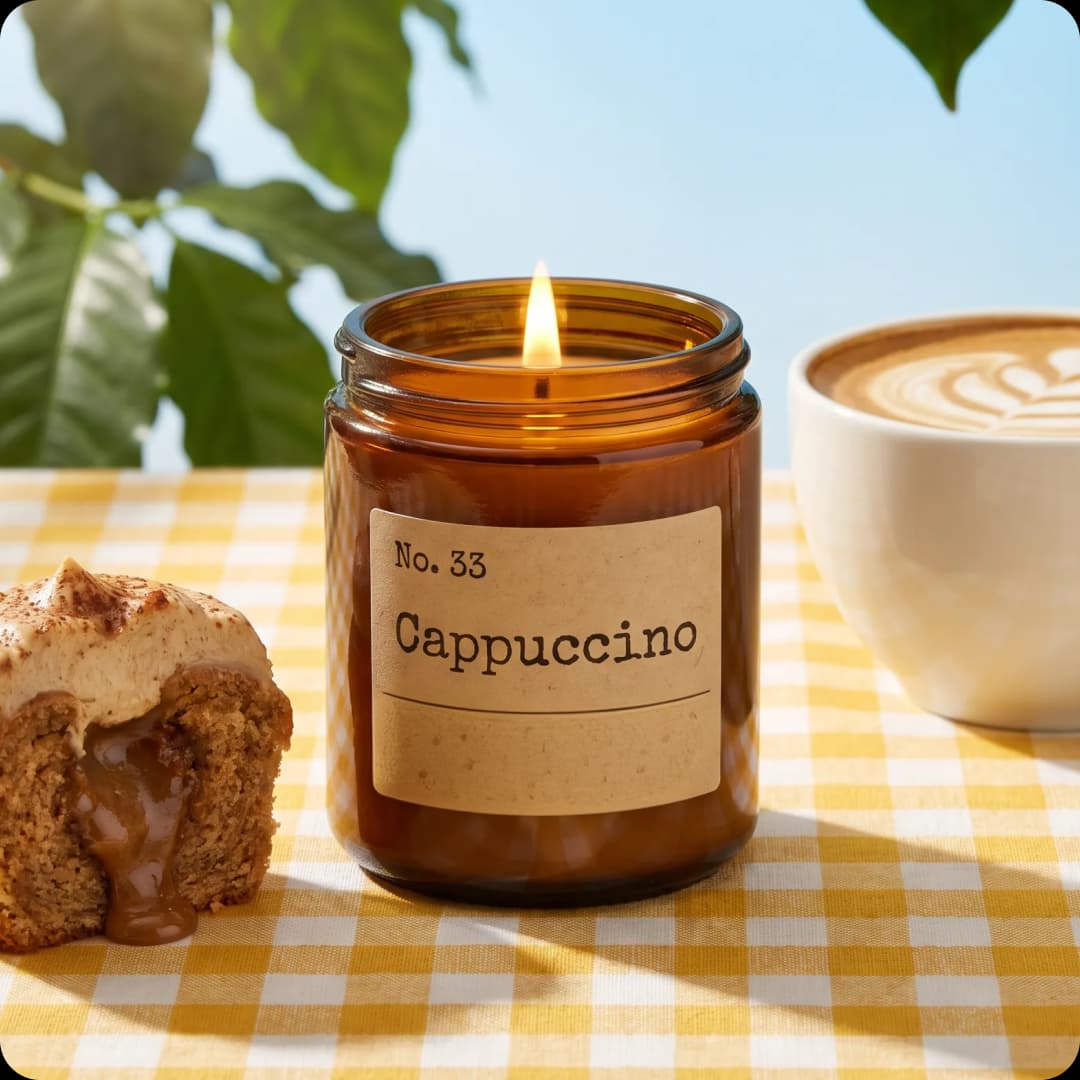


Design invitation cards with ease
Invitation creation in Picsart Flow is built for everyone. Upload a photo, write the event details into the prompt, and run it while the AI models handle the layout and lettering. Whether you need a printed card or an e invitation card to send online, every Picsart invitation card design starts on one canvas in your browser. For the next event, change the date or venue in the prompt and run it again.
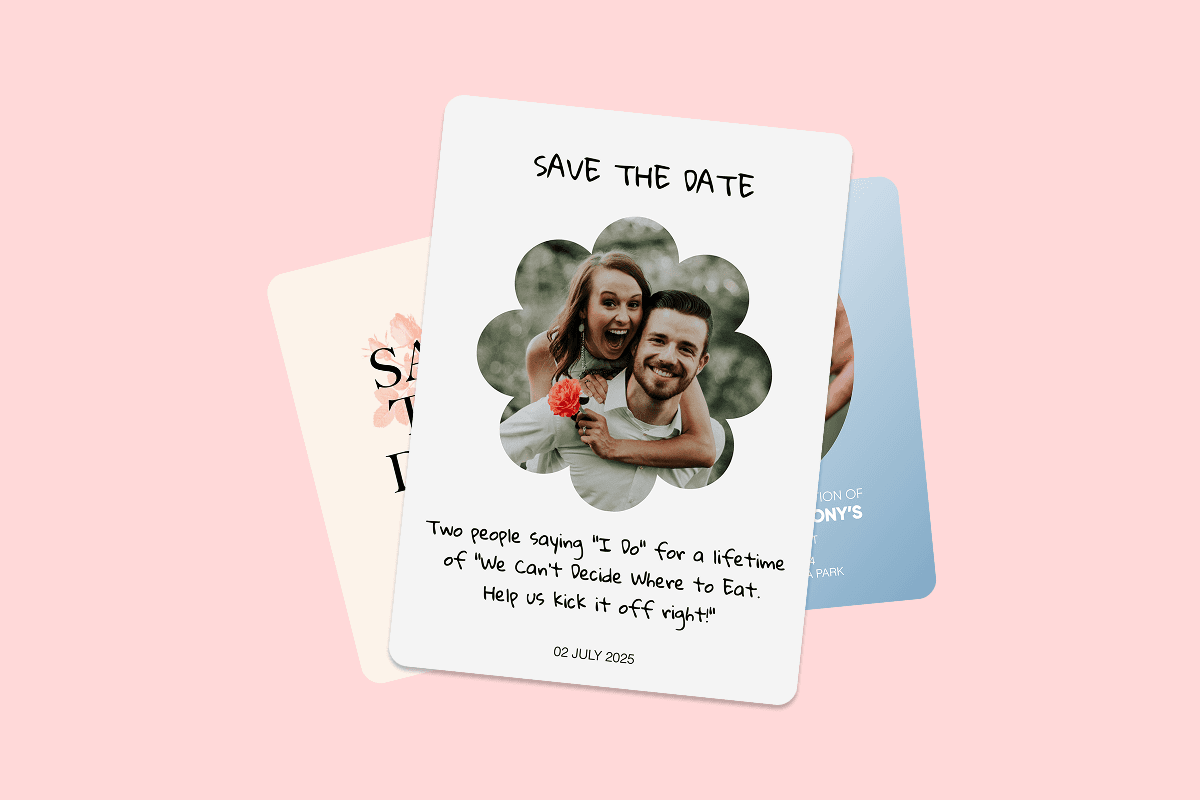
- Start from a photo of the guest of honor, the venue, or a prompt alone
- Names, dates, and the venue written right into the design
- One design for a printed card or an e-invitation to send online

Choose a starting point for your invitation
Start from a photo of the guest of honor, a picture of the venue, or a prompt alone. On a blank Flow canvas, right-click to insert the AI model your invitation needs, then use it as an AI invitation generator for any occasion. Every step stays editable, so you can swap the photo or the model and run it again. Flow is set up for quicker workflow building, with one-drag connections, bulk edits across many nodes, and full-chain reruns.

Add a personal touch to your invitations
Put your own photo at the center of the invitation and let the AI model design around it. Need to fix a date, a name, or a venue? With generative image editing, brush over it with Inpaint, describe the change, and only that part updates while the rest stays pixel-identical. The same tools can expand a photo beyond its borders or re-shoot it from a new camera angle. Each edit lands on a new node, so the original design stays intact.

Turn your invitation into a video invitation
A moving invitation stands out in any chat. Add a Camera Motion node to a finished invitation card, choose a move like a push-in or an orbit, and Flow turns it into a 5 to 15 second clip while the design stays exactly as made. Use Flow as a video invitation maker and still print the original card. For more motion ideas, Flow's animated video workflows add motion templates, animated text, and subtitles.
Print invitations that look as good on paper as on screen
Printable invitations from Picsart Flow keep their colors and lettering on paper. Before you print, run your final design through Picsart's AI upscaler, which enlarges it 2x or 4x and keeps textures and fine lettering sharp. Then print it on cardstock or at a print shop.
- Size it at 5 x 7 inches, the standard invitation card size.
- Include who, what, when, where, and how to RSVP.
- Keep the wording short so the key details stay readable.





Get answers about the invitation maker
The Picsart invitation maker in Flow is credit-based. Every Picsart plan includes AI credits you can use to make invitations, and Flow shows the estimated cost before each run. Opening Picsart Flow and building a workflow costs nothing, and you can buy extra credit packs anytime.
Pick a plan for events, celebrations, and campaigns
Pro
Most popularAI tools for everyday creative work.
Ultra
Most powerfulHeavy AI usage for creators & teams.
Enterprise
Custom AI solutions for large organizations.
- Volume discounts on credit rate
- On-demand top-ups
Pair your invitation with the rest of your event
Plan the whole celebration with Picsart's other makers.