Flyer maker: Design custom flyers online
Attract attention to events, promotions, and services with Picsart’s online flyer maker. Whether you’re launching a product or spreading the word about a cause, it only takes a few minutes to create professional-quality flyers without any design skills. Start with an easy-to-use template, or create custom flyers from scratch.
- Put your message first
- Make event details easy to read

Design flyers with AI image models
Use image models to transform flyers into polished visuals, design ideas, and ready-to-edit assets.
Create a polished design with Picsart flyer templates
Need design inspiration? Get the ball rolling with premade flyer templates. Create sales promos to attract new clients, make restaurant menus showcasing your offerings, or design recruitment flyers and event announcements to promote your organization.


How to create a flyer with Picsart
How to
Open Picsart
Use the Start creating button to launch the editor.
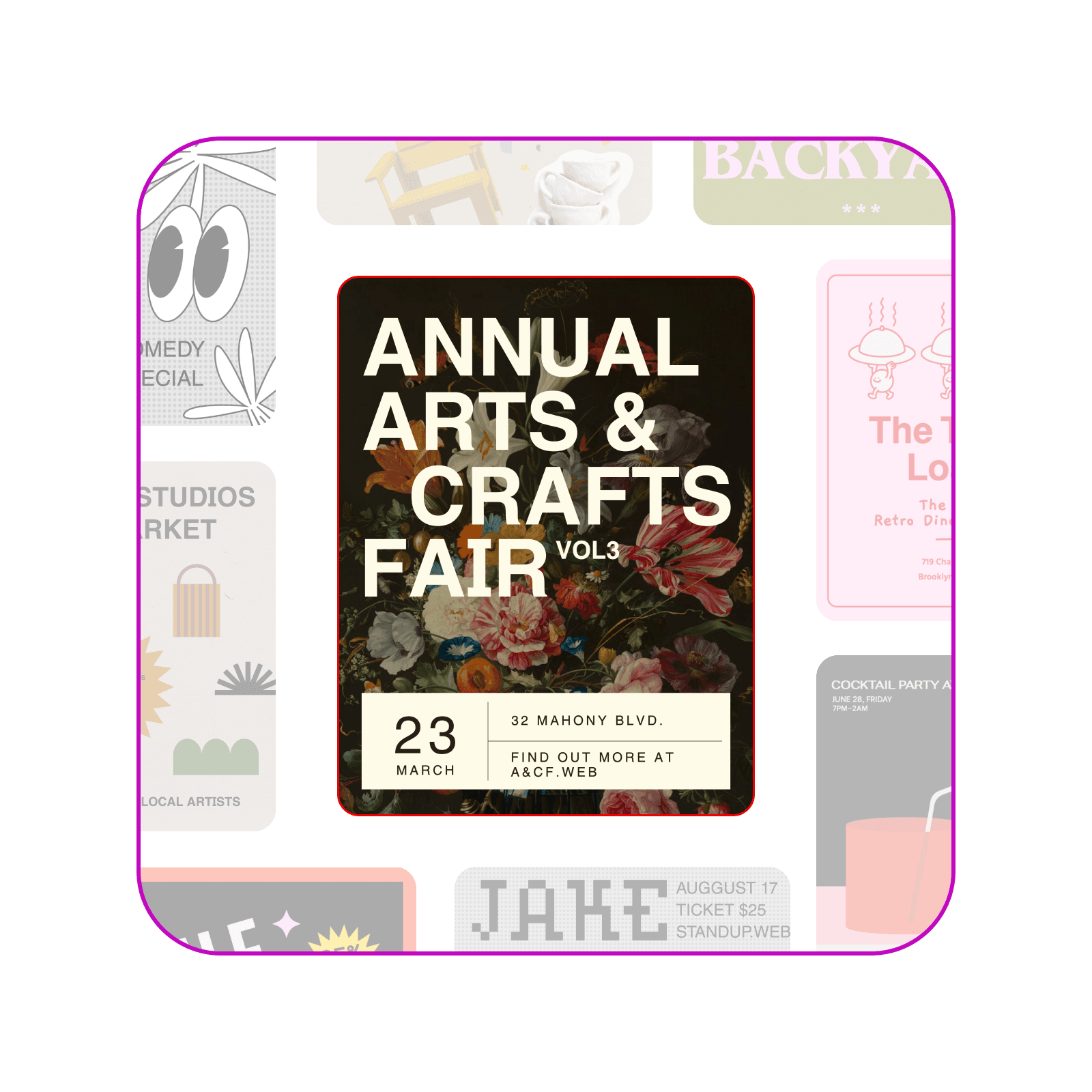
Make attention-grabbing flyers in an instant with an online flyer maker
Boost the visibility of your message with an eye-catching flyer. Picsart’s flyer creator gives you the templates and tools to create a bold, professional-quality sign in no time. No special skills are necessary to use the intuitive photo editor. Simply choose your favorite design, and customize it as much as you like.

Create a flyer quickly and effortlessly with flyer templates
No need to start from scratch every time. Pick the right template for your project, and easily change the layout, fonts, images, and colors to fit your brand or personal style. Picsart’s expertly crafted templates cater to all types of events and announcements, allowing you to create an engaging design in minutes.

Take advantage of AI tools to create flyers faster
Simplify every stage of flyer creation with Picsart’s AI-powered editing tools. From enhancing images to generating visuals with text prompts, AI tools help you bring your vision to life in a few steps. Create your own images, backgrounds, stickers, text, and more, and reuse them for recurring promotions and events to save time and effort.
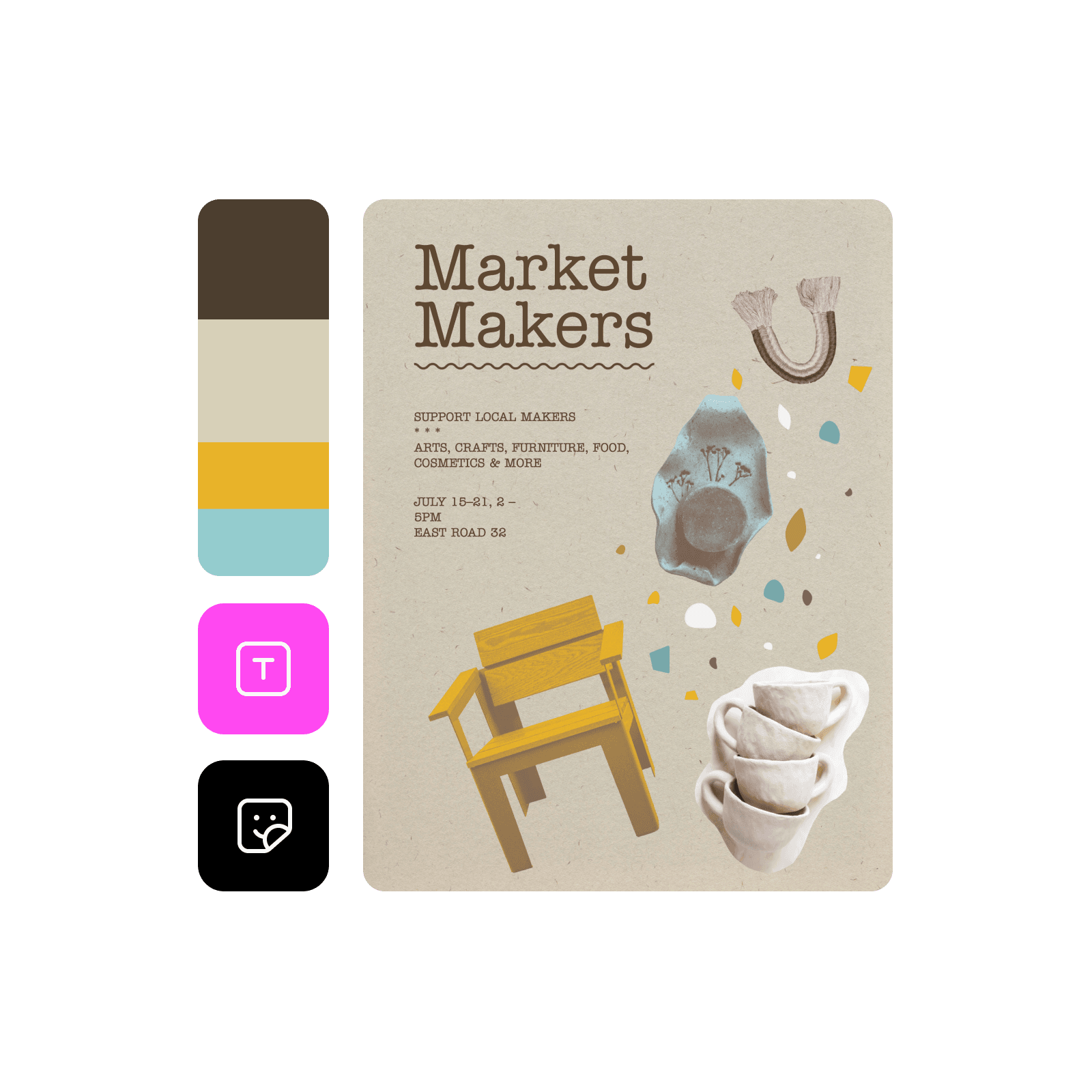
Everything you need to create memorable flyers
Create flyers that captivate your audience with Picsart's flyer maker, offering tools, templates, and design features to refine and enhance your graphics effortlessly.
Flyer Maker FAQ
While the best flyer size depends on your project, the most popular dimensions are 8.5 x 11 inches for standard flyers and 4 x 6 inches for smaller handouts. Picsart lets you conveniently adjust your design to fit any dimensions.
Design flyers for brands, events, and social content
Pro
Most popularAI tools for everyday creative work.
Ultra
Most powerfulHeavy AI usage for creators & teams.
Enterprise
Custom AI solutions for large organizations.
- Volume discounts on credit rate
- On-demand top-ups