Wallpaper Maker: Create Custom Wallpapers With AI
Make wallpapers for your phone or desktop in Picsart Flow, from a photo, a prompt, or a ready-made workflow. Set the ratio for your screen, then rerun the same workflow whenever you want a fresh look.
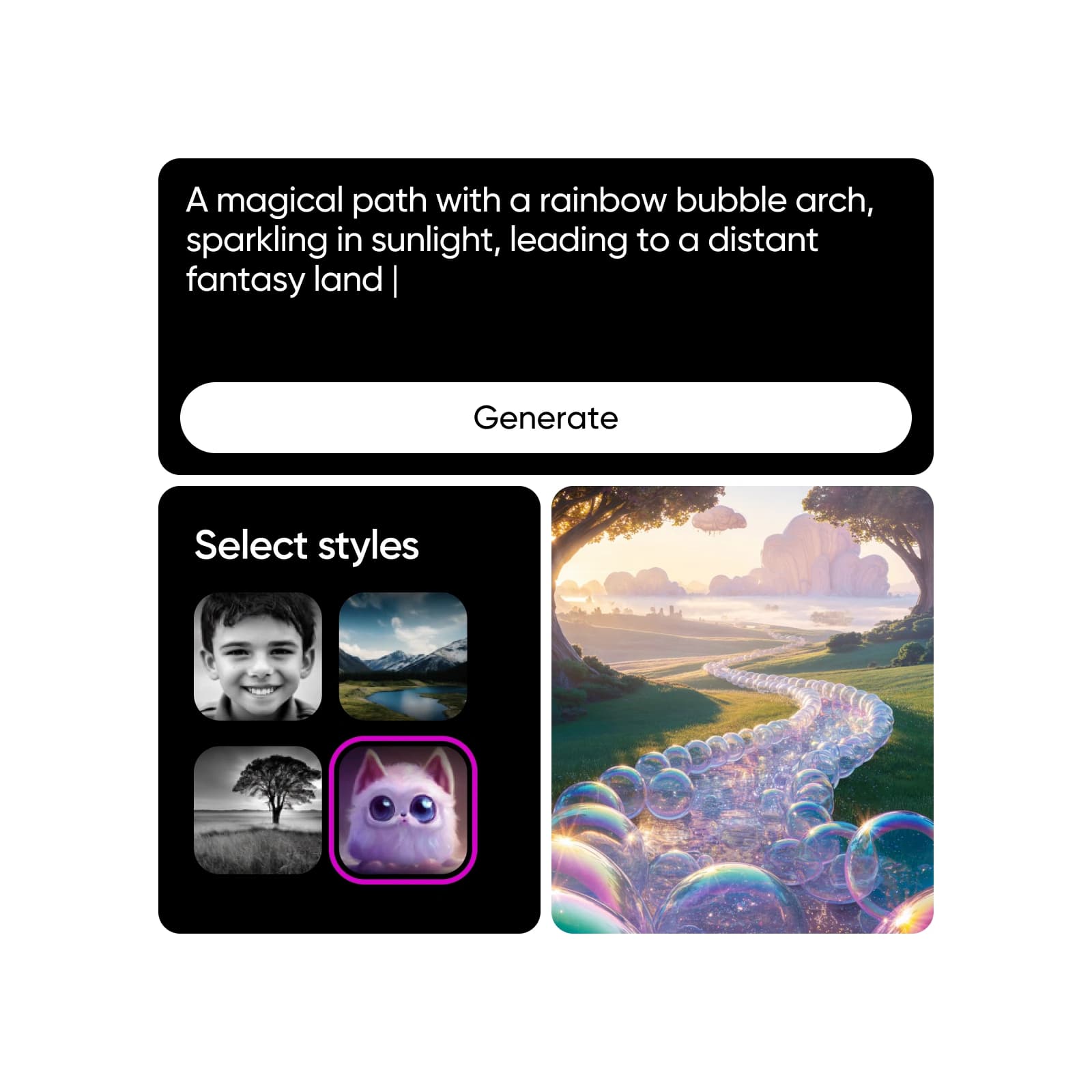
Design wallpapers with AI image models
Learn how to make your own wallpaper with AI
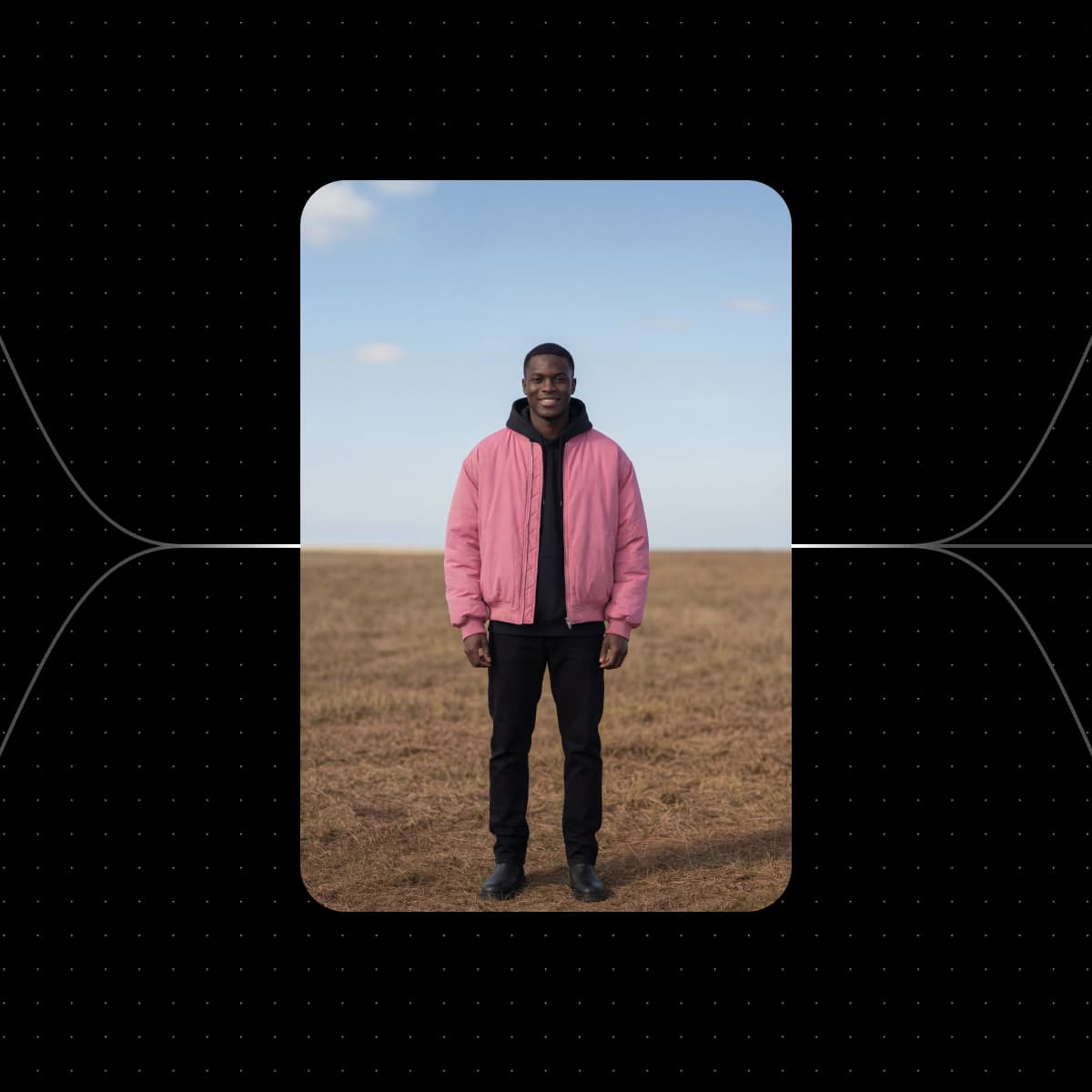
Start with a wallpaper workflow from Picsart Flow
Each workflow below already makes a wallpaper-ready image or clip. Add your photo, pick your screen, and run it.


See wallpapers made from a single prompt

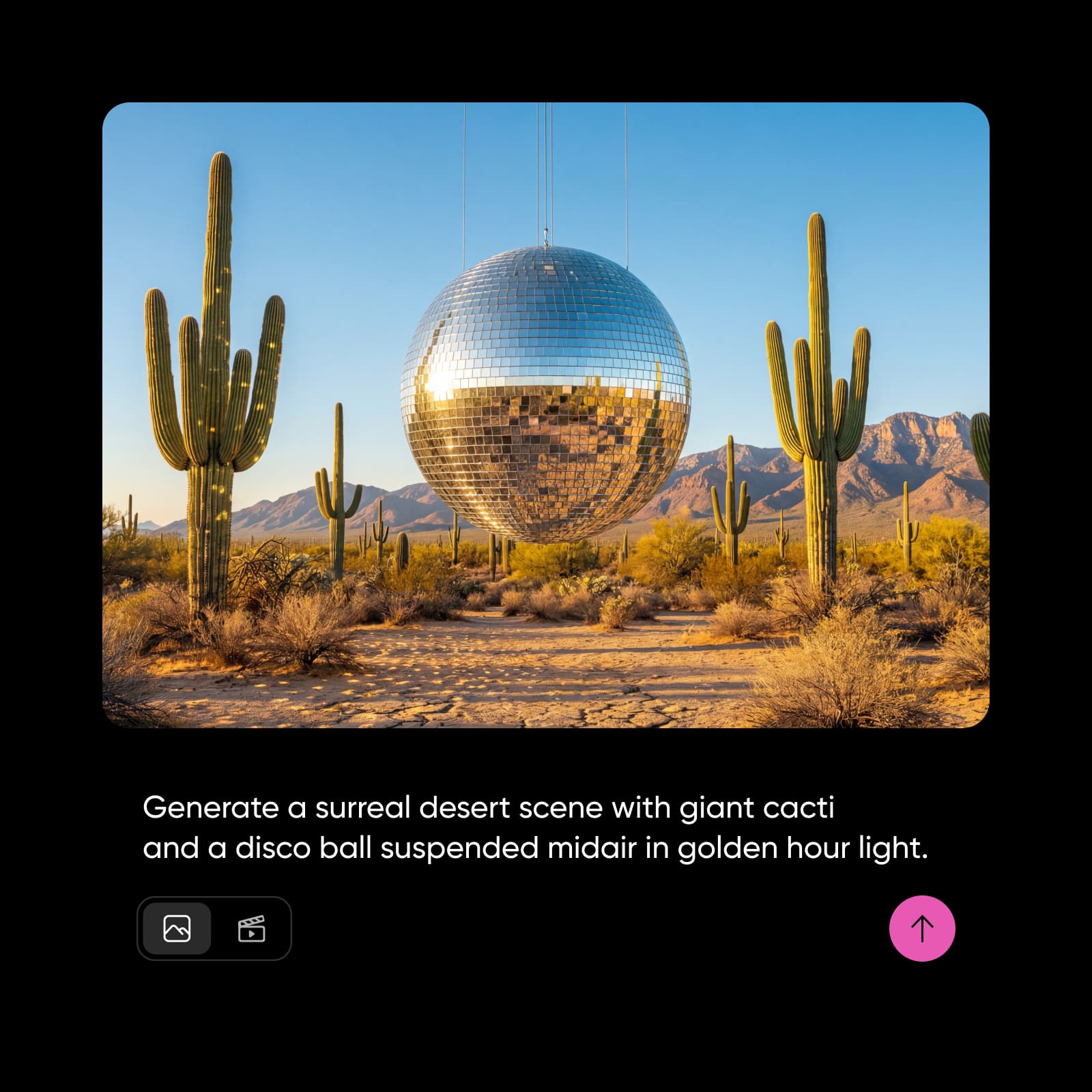

A glowing space scene, set as a phone and tablet lock screen.
Glowing star within a soft spiral galaxy…
Make custom wallpapers for every screen
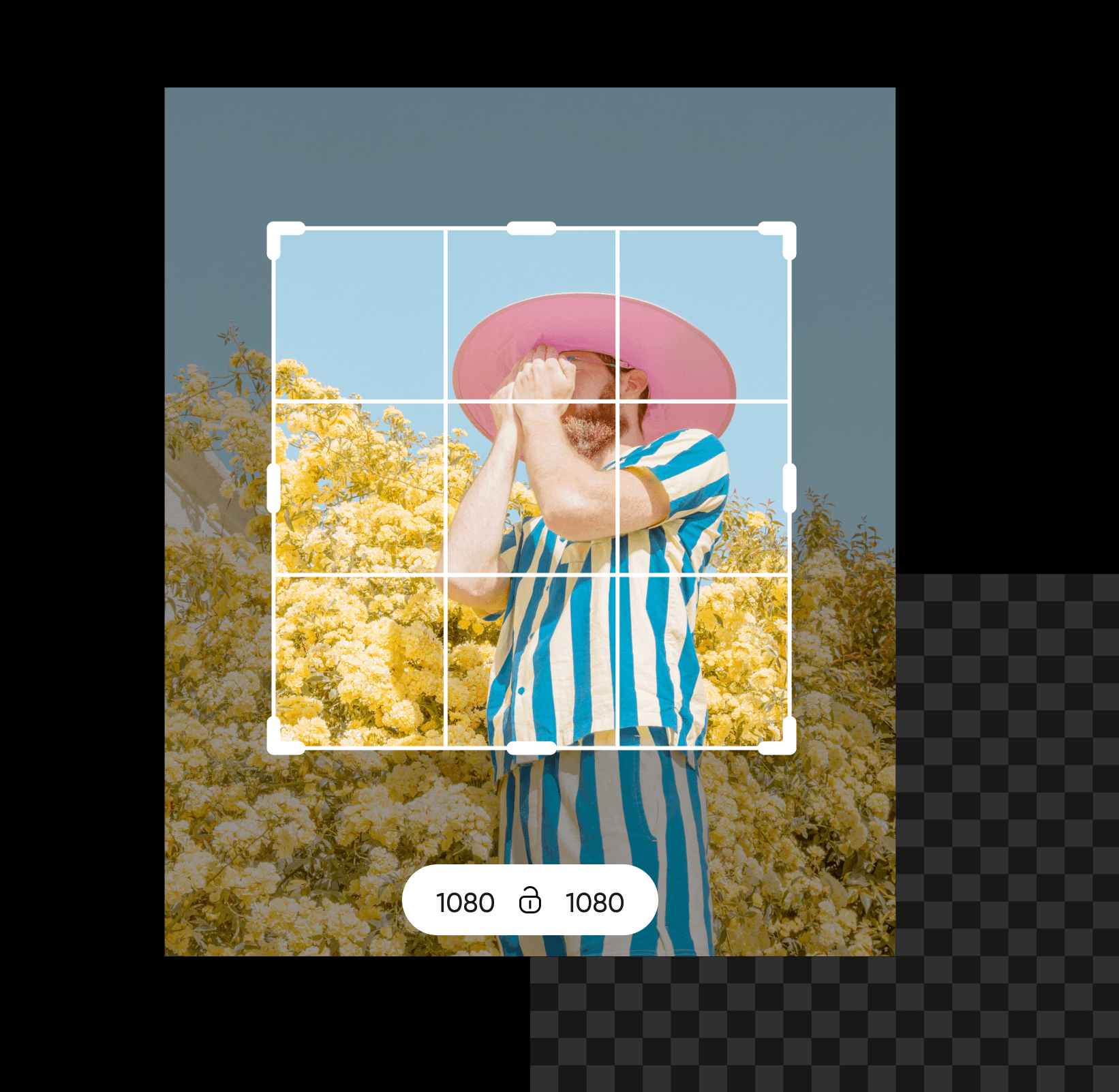
This custom wallpaper maker in Picsart Flow designs for your iPhone or Android phone, iPad, laptop, and PC. Create wallpaper art once, then extend it with Outpaint's aspect chips to 9:16 or 16:9. The original never moves, so your subject stays in frame on every device. For a 4K desktop wallpaper, pick a model like Nano Banana 2, which outputs up to 4K, so the image stays crisp even on a large monitor.

Generate any aesthetic with the AI wallpaper generator
Describe the aesthetic, from rainy anime streets to a quiet galaxy, and Picsart Flow builds the wallpaper. Flow has shortcuts that speed up workflow building: connect one photo to several image nodes in a single drag to try pastel, watercolor, or neon looks in one run, insert any model with a right-click, and follow every generation in the run queue. Tweak the prompt and Shift+Click Generate to rerun the whole chain until the AI generated wallpaper looks right. Make your own background in any style.
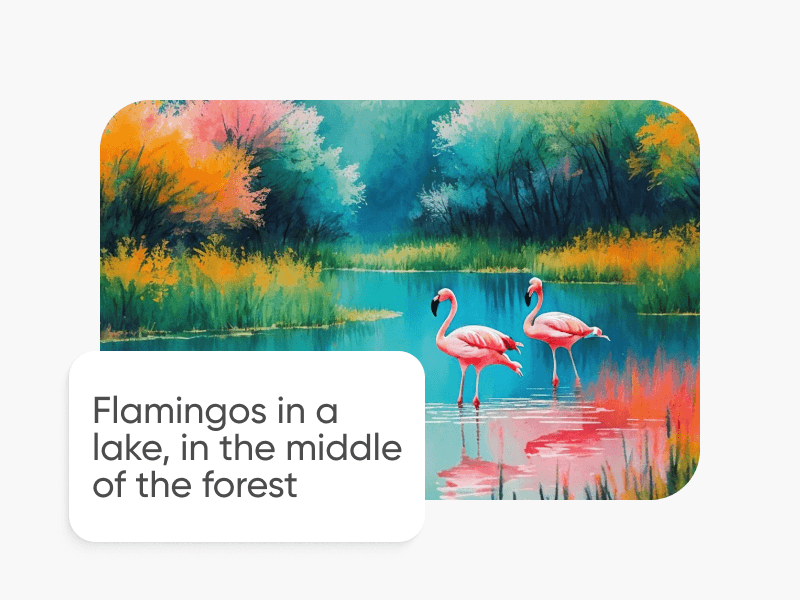
Turn your photos into a wallpaper collage
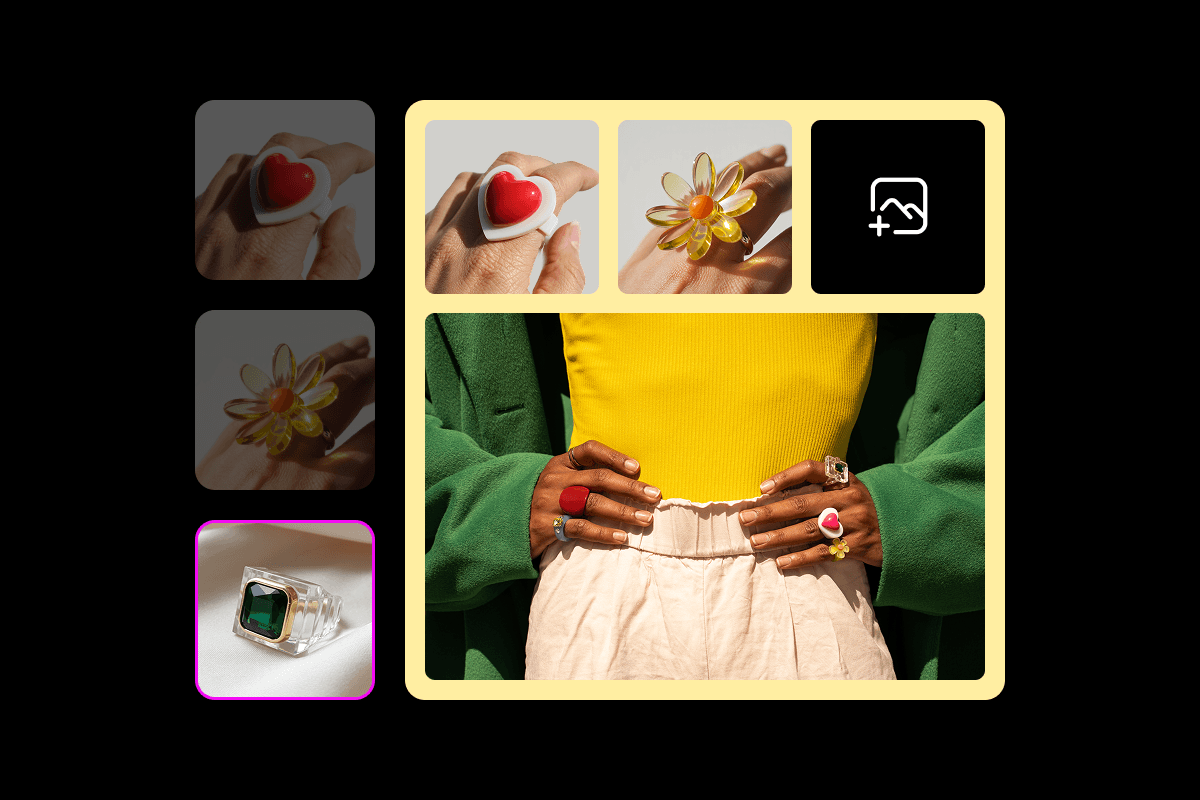
Use Picsart Flow as a wallpaper maker from photo uploads, whether it's one portrait or a whole trip. For a single photo, the sunset beach portrait workflow sets your portrait against a beach at sunset, and the cherry blossom workflow above places it under spring blossoms, both framed for a phone screen. For multiple pictures, a collage wallpaper maker workflow arranges them into one vertical layout. Swap a photo in the wallpaper input and run it again for a new layout.

Edit your wallpaper right on the Flow canvas
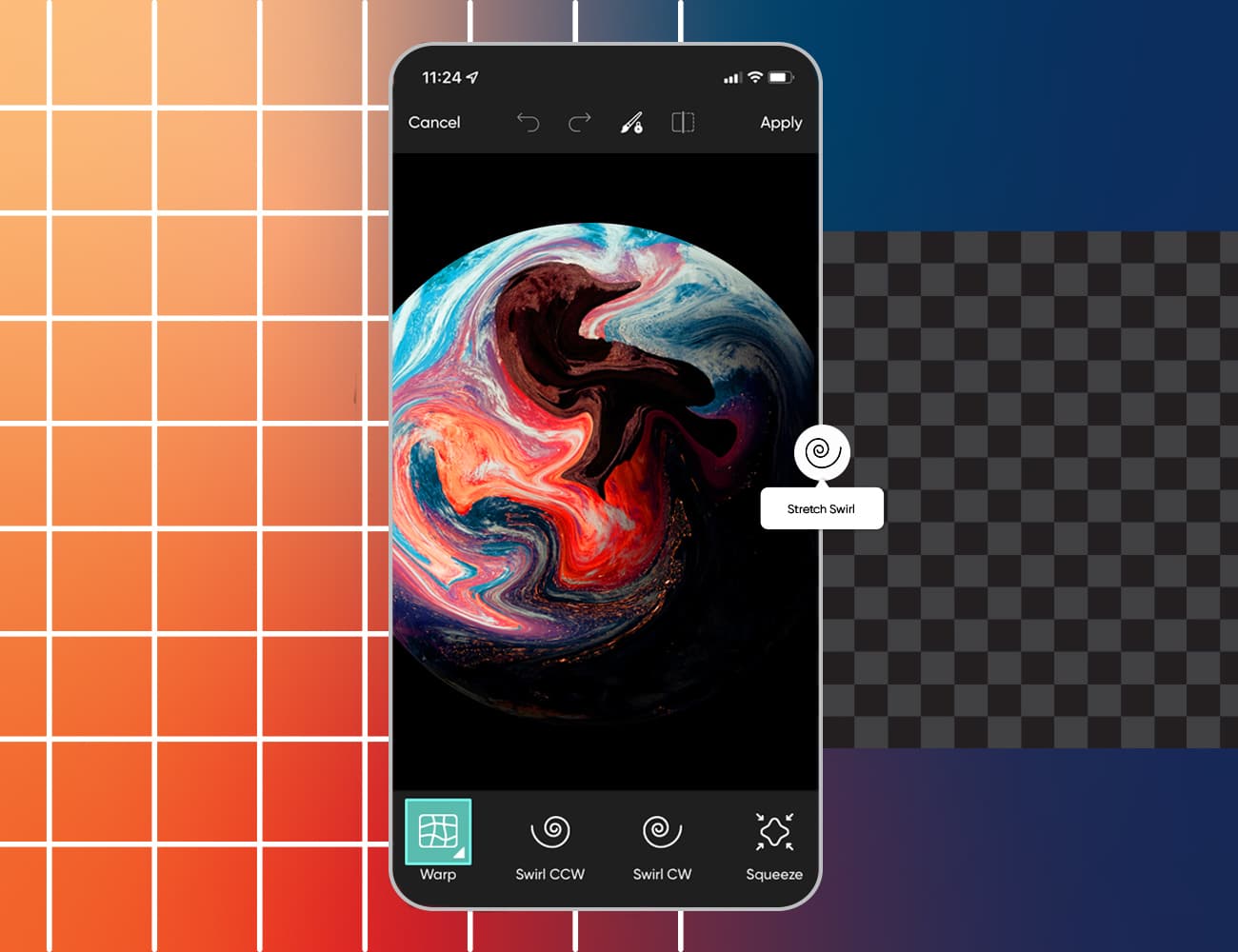
Some photos almost work as a wallpaper, except for one distraction. Flow's generative editing tools fix that without leaving the canvas, the same set that expands an image beyond its borders or re-shoots it from a new angle. Brush over a stranger, a sign, or clutter with Inpaint, and describe what goes there instead. Only that area changes, and the rest of your custom wallpaper stays pixel-identical. Customize the top the same way to clear room for your lock screen clock. Each edit lands on a new node, so your original photo stays right next to it.

Create themed wallpapers for every season and occasion
Make a custom wallpaper for every season, holiday, or hobby, from autumn leaves and snowy cabins to a gaming setup or a favorite quote. Write the theme into the prompt, or start from a seasonal workflow like the Kyoto springtime timelapse, which turns a spring scene into a short cinematic clip. Rerun the same workflow with a new theme whenever you want a new wallpaper, and keep every version on one canvas to switch back later.
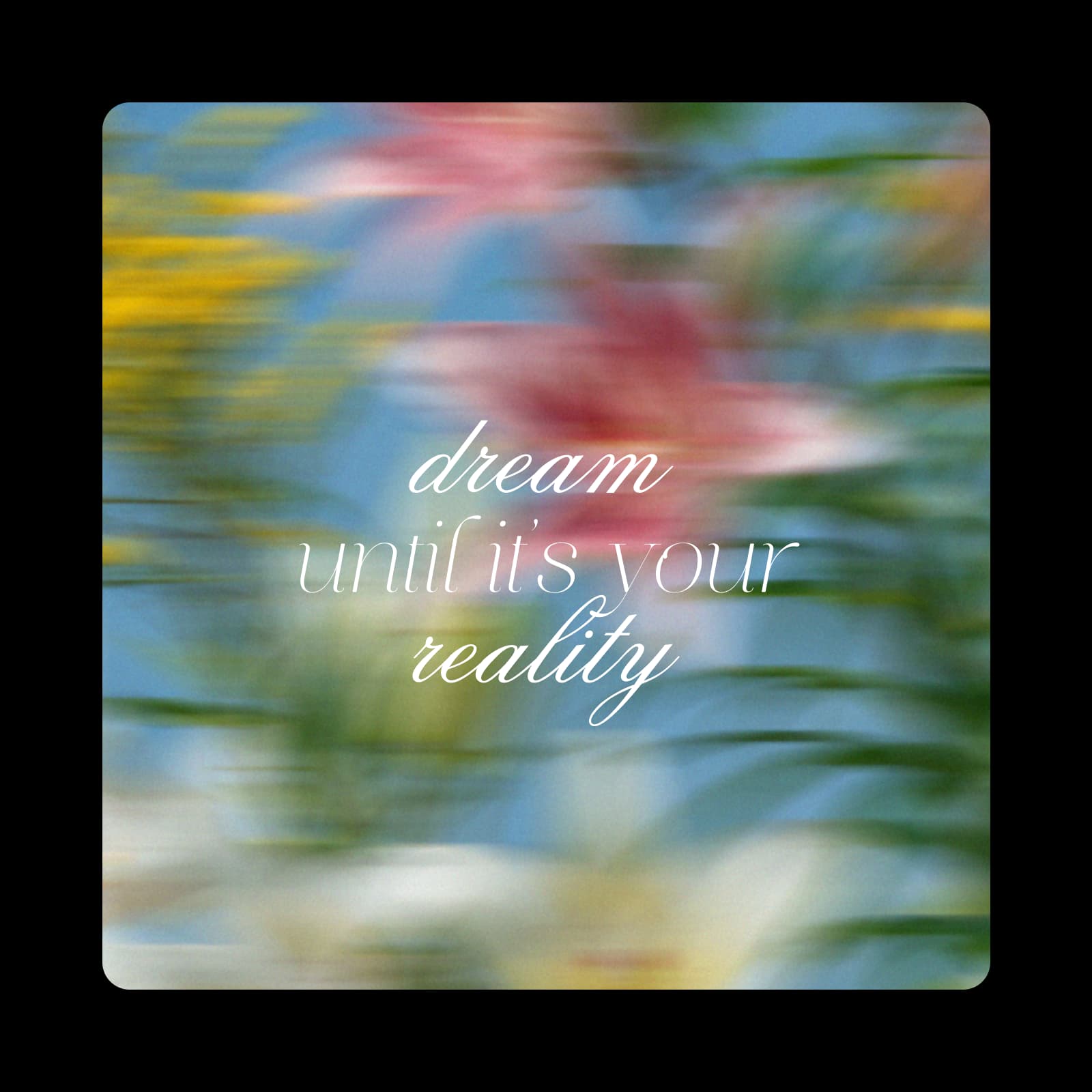
Design wallpapers that work with your screen
A wallpaper shares the screen with clocks, widgets, and icons. Plan for them before you run your phone wallpaper maker workflow: ask for a calm, empty area at the top in your prompt, or extend the frame upward with Outpaint to make room. Use the same rules on a desktop, where icons usually line one side of the screen.
- Keep the top third calm so the lock screen clock stays readable.
- On a desktop, set the main subject to one side and leave room for icons.
- Use 9:16 for most mobile phones and 16:9 for most monitors and laptops.




Get answers about the wallpaper maker
You can start without paying. A Picsart account is free, and so is opening any Picsart Flow wallpaper template. Generating an image or clip uses the AI credits in your plan, and Flow shows the estimated cost before each run, so you only spend credits on the wallpapers you make.
Design wallpapers for every screen and style
Pro
Most popularAI tools for everyday creative work.
Ultra
Most powerfulHeavy AI usage for creators & teams.
Find more Picsart makers for your screens
Want a background, a collage, or a design for another screen? Start with these Picsart pages.