Profile Picture Maker: Create a Custom PFP With AI
Make a profile picture in Picsart Flow from your photo, a template, or a prompt. AI builds a PFP for LinkedIn, WhatsApp, or any platform, and you can rerun it in a new style whenever you want a fresh look.
- Headshots, avatars, and cartoon styles from one selfie
- New backgrounds and lighting without a photo studio
- Square crops sized for every social platform
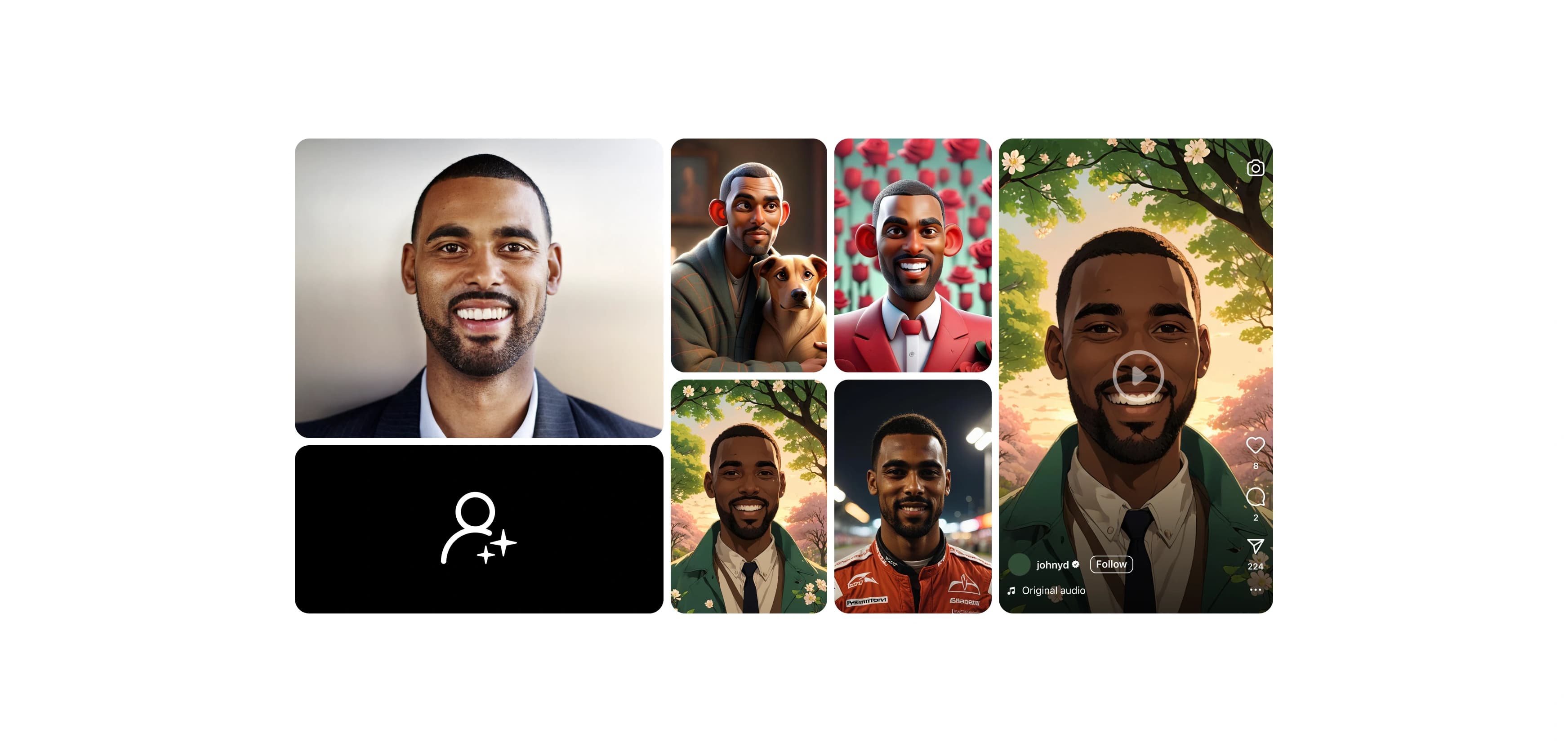
Power your profile pictures with leading AI image models
How to make a profile picture with AI
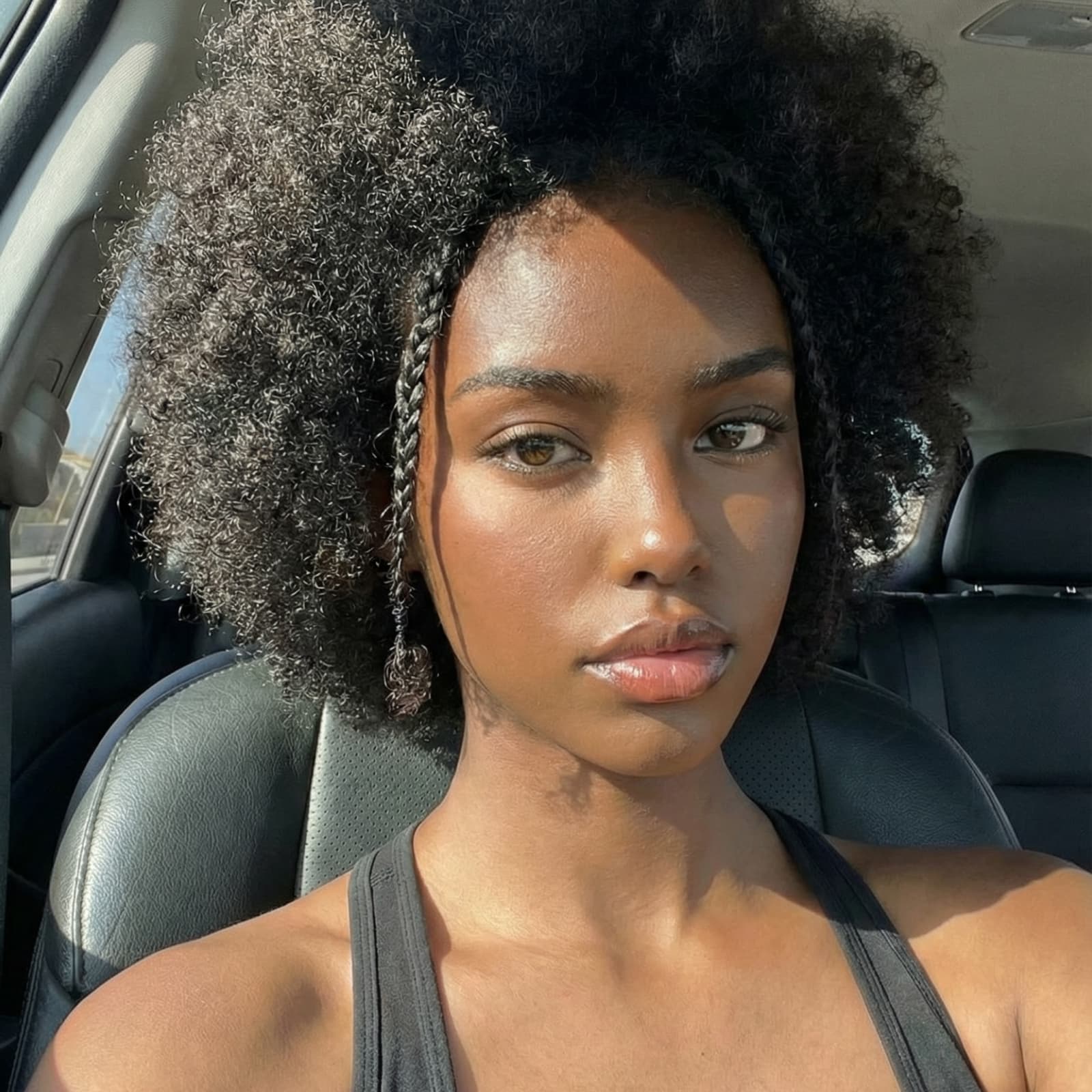
Start faster with ready-made profile picture workflows
Pick the workflow closest to the look you want, swap in your selfie, and run it. Change any step and run it again until it looks right.


See what you can make with Picsart Flow


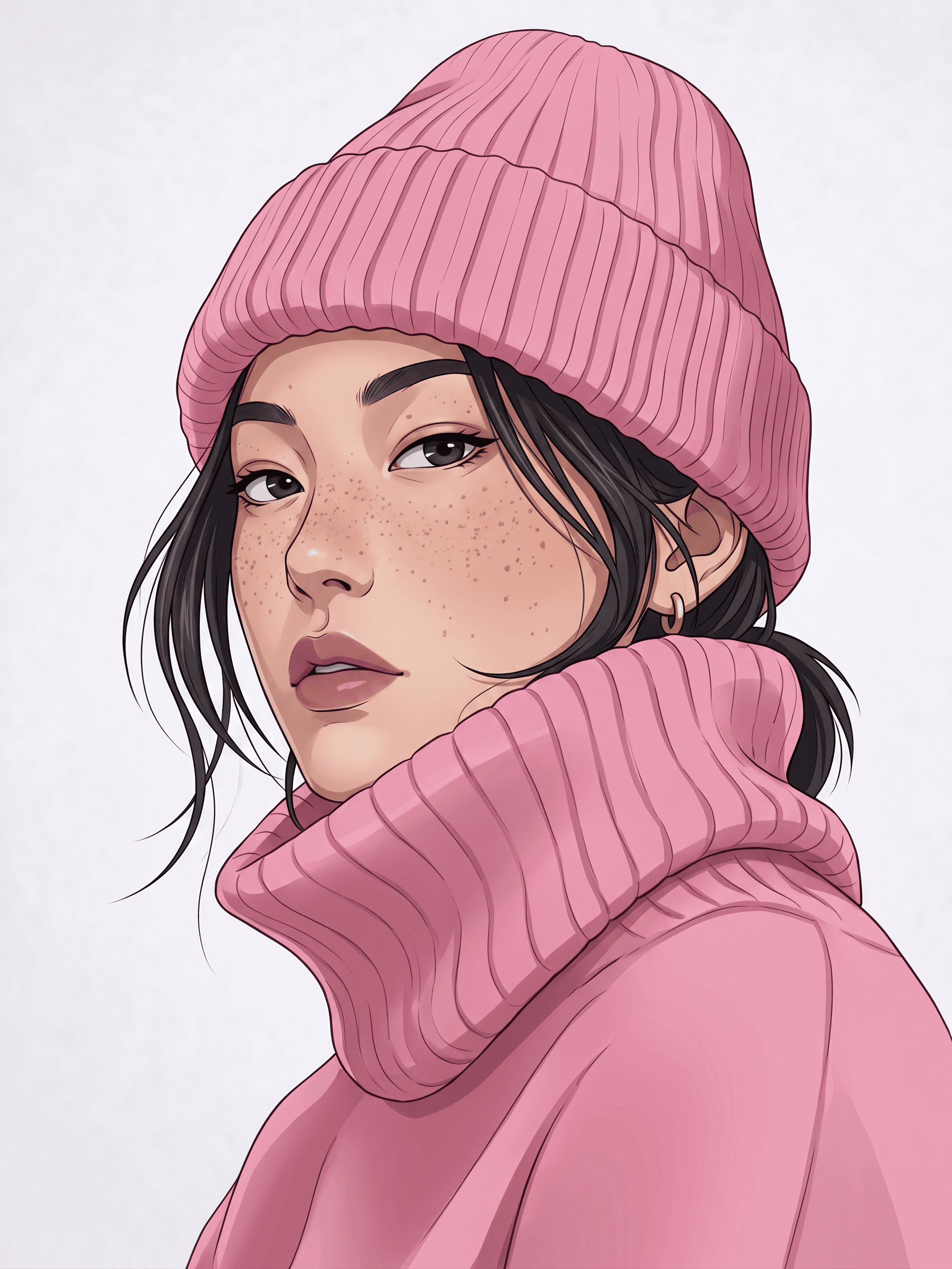
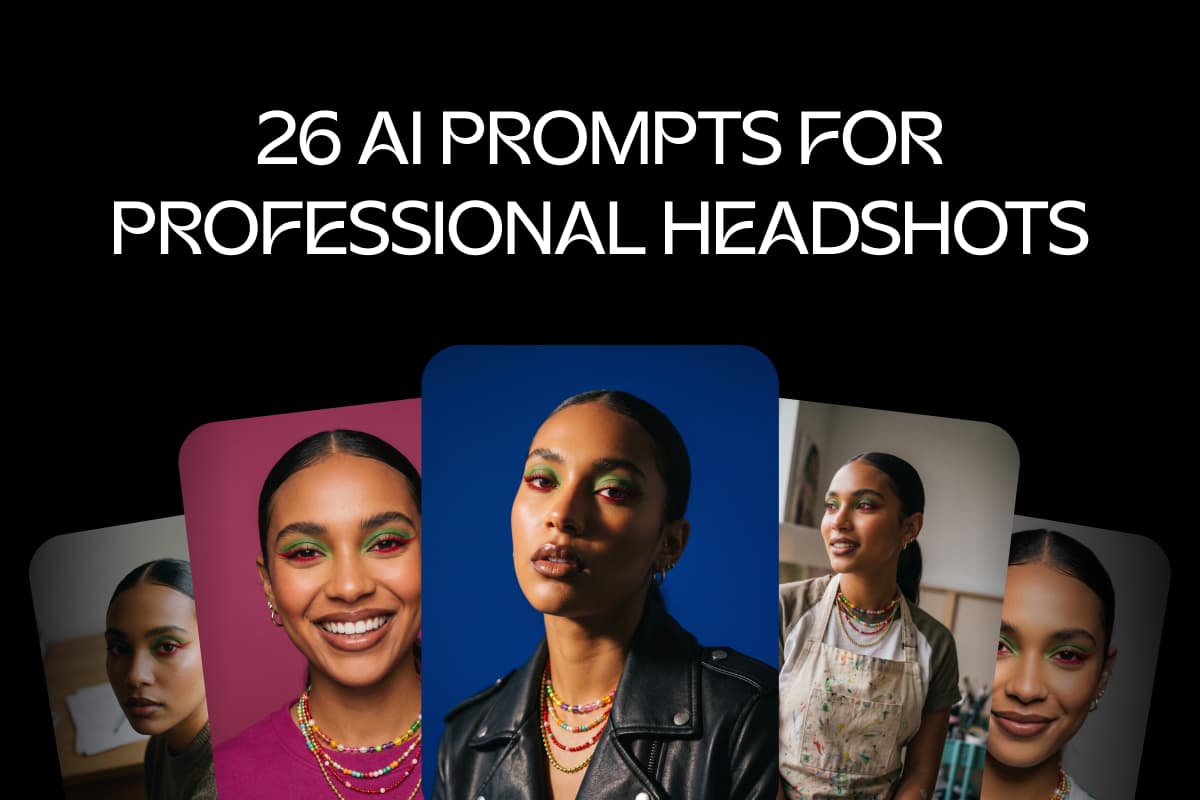
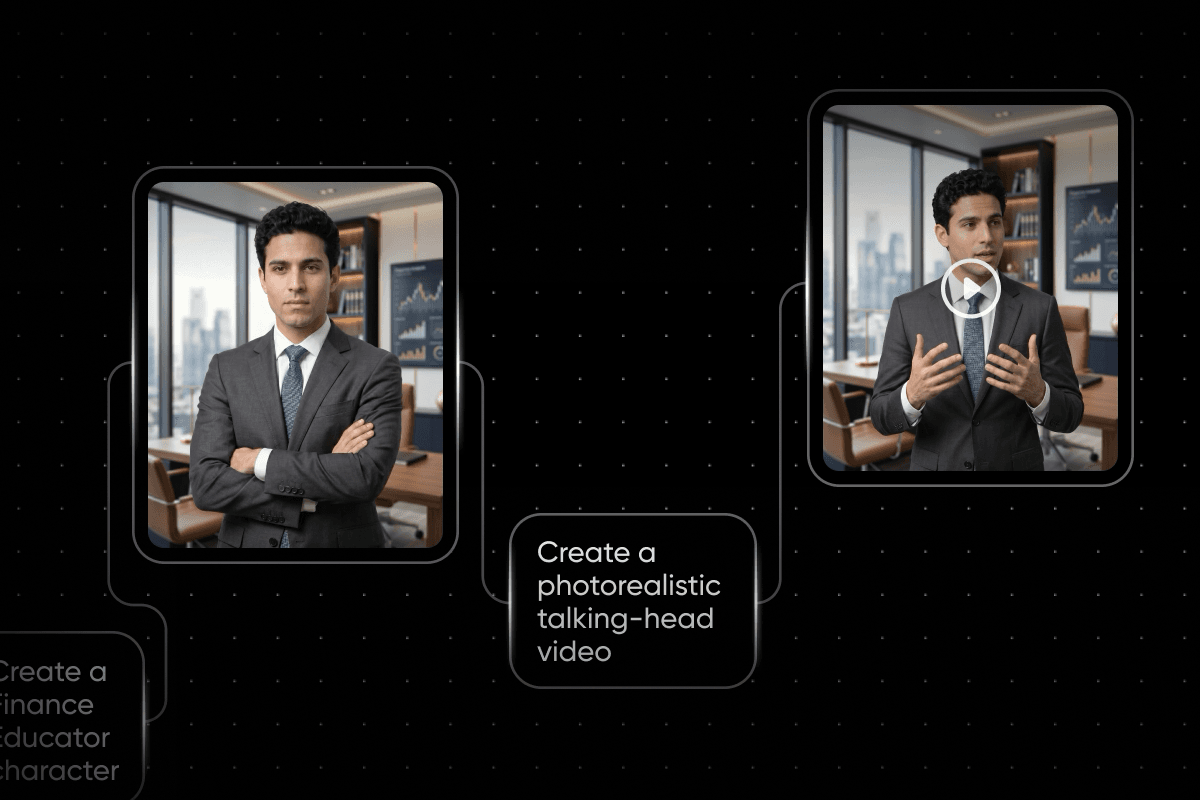
Generate polished office headshots and city portraits in square and vertical, ready for LinkedIn, Slack, or a company page.
Design a custom profile picture with ease
This online profile picture maker turns an ordinary photo into a PFP with studio-level polish. Drop your selfie into a Flow workflow, and AI models clean up the lighting, swap the background, and frame you for a square crop. Want more control? Change any prompt or right-click to insert a different AI model, then run it again. Flow's tools for building workflows at speed also let you change settings on many nodes at once and rerun a whole chain in one click.
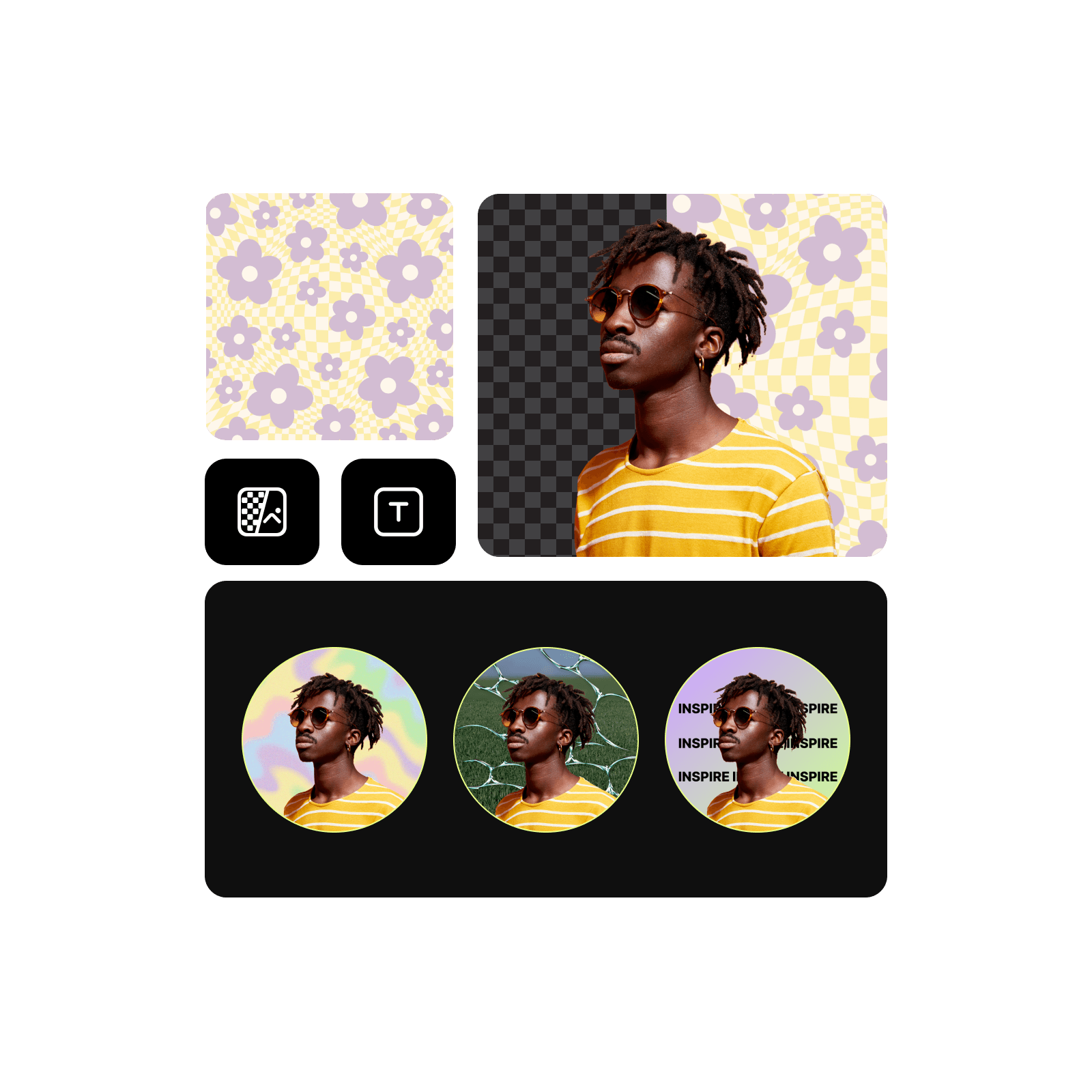
Boost your online presence with profile picture templates
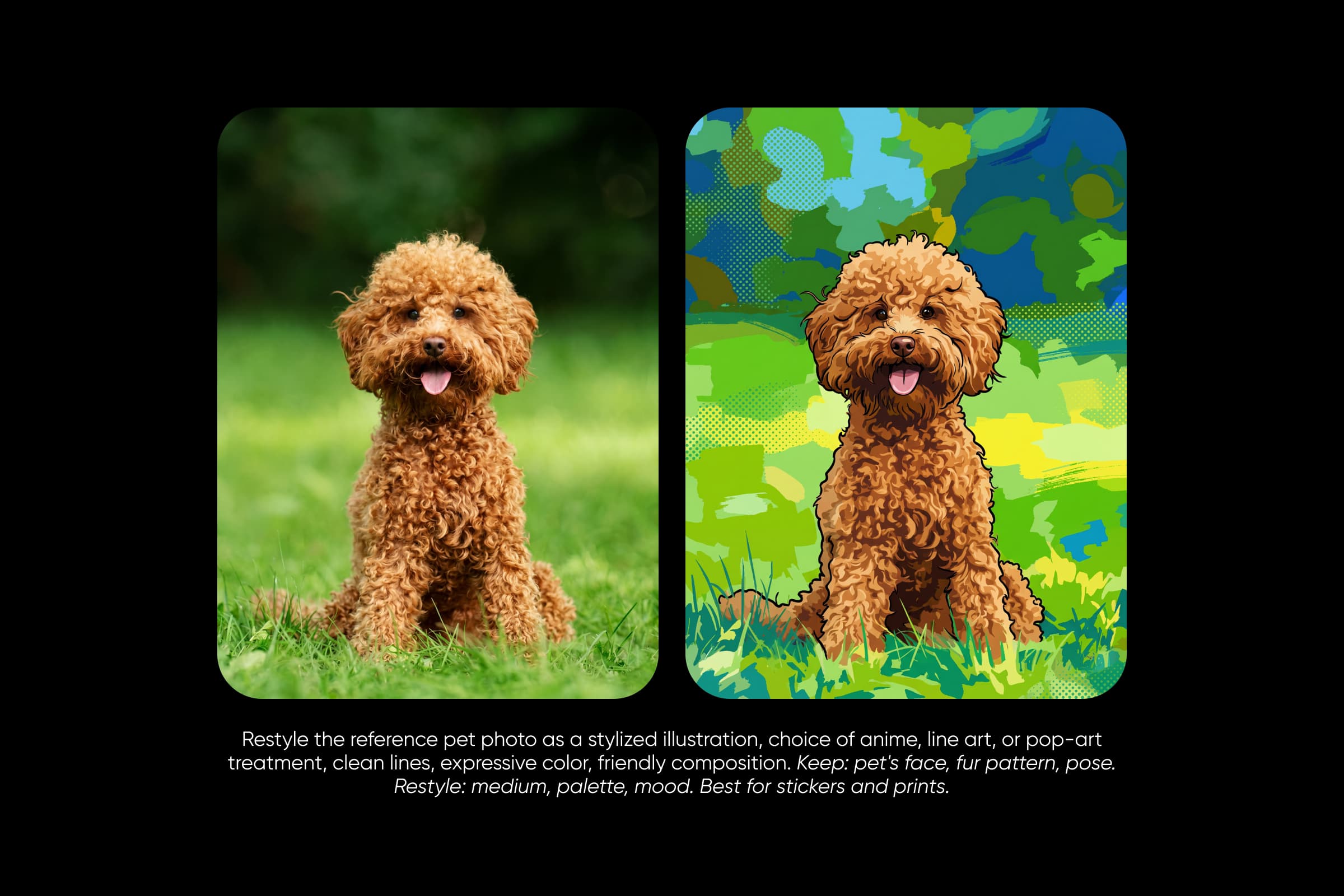
Skip the blank canvas and start from a ready-made workflow. Picsart Flow has profile picture templates for professional headshots, graduation portraits, and 3D, anime, or crayon avatars. Use it as a profile pic maker: pick the one that fits, swap in your photo, and get a PFP that looks like you, from a business account to a gaming channel. Run the same template with a teammate's or friend's photo, and everyone gets a matching look.

Look your best on LinkedIn with a professional profile picture
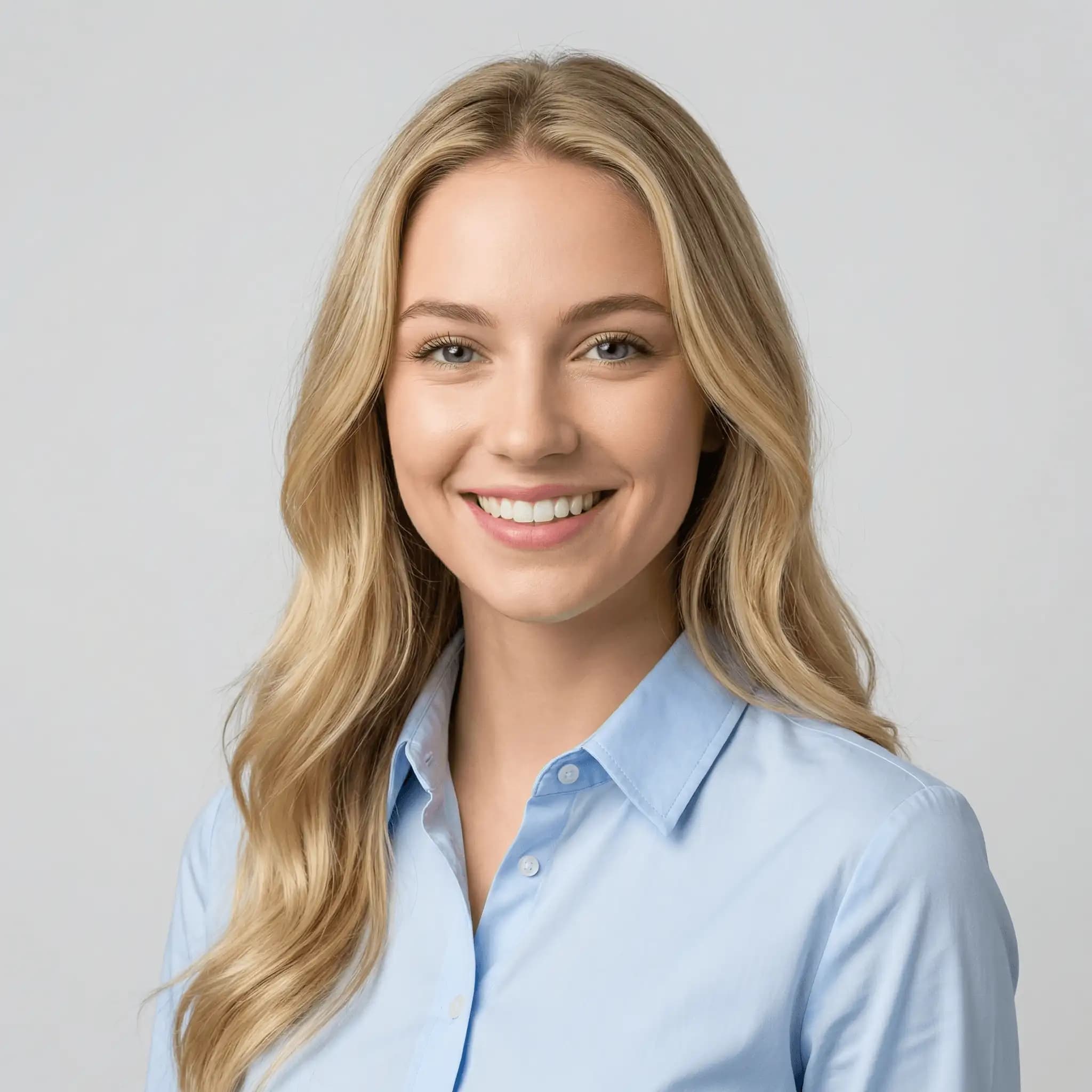
A professional profile picture matters on LinkedIn, resumes, and team pages. The professional profile photo workflow balances the lighting, refines skin tone, and swaps the profile picture background for a simple office or gradient look, so a casual selfie becomes a business profile picture. It works as a LinkedIn profile picture maker without booking a photographer. Keep the crop tight on your face and shoulders so it still reads well as a small circle.
Perfect your profile picture with powerful editing tools
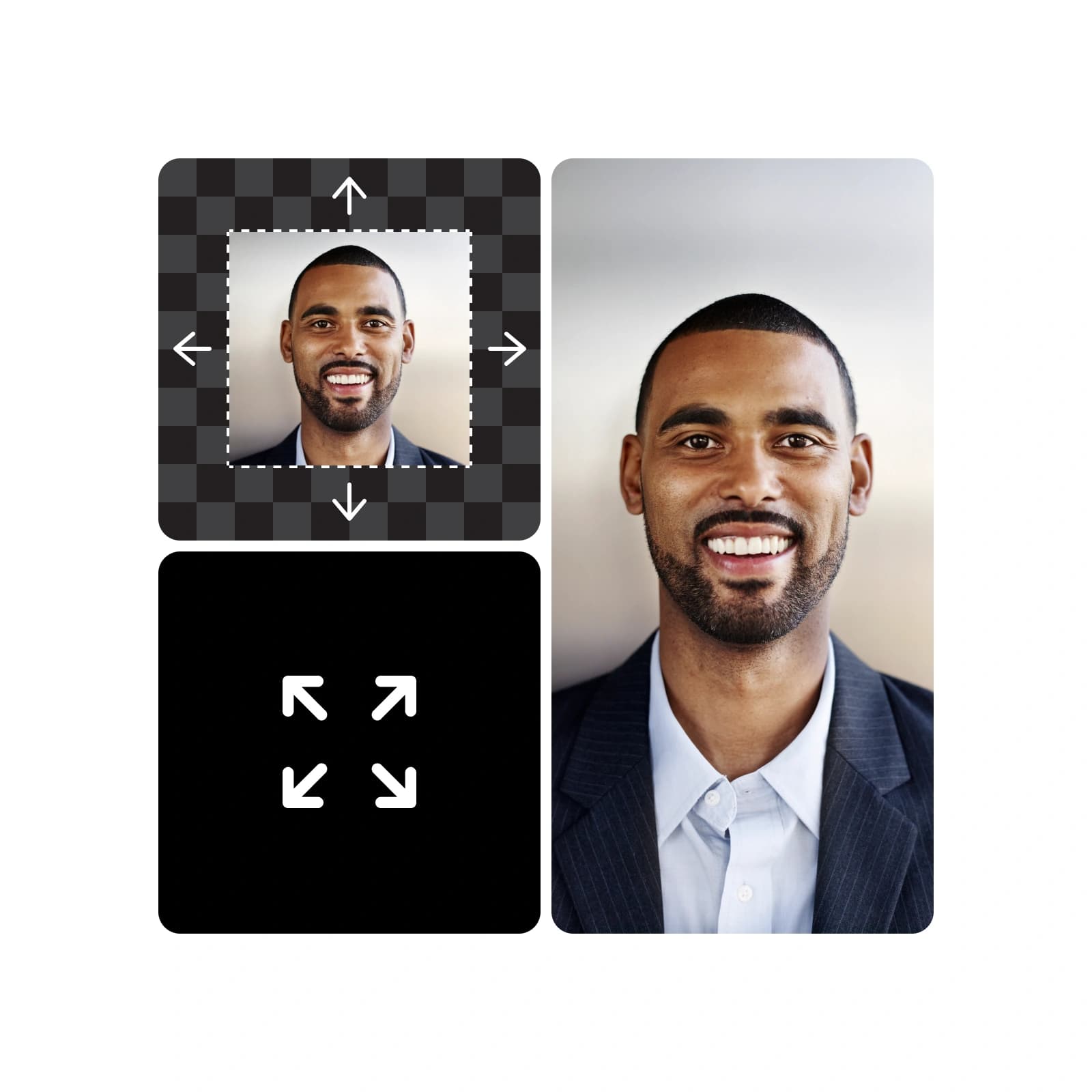
Brush over a stray hair, a blemish, or a busy background with Inpaint, describe the change, and only that area updates. Outpaint reframes your photo to a centered square, and Camera Angle moves the view closer while proportions and lighting stay consistent. All three are part of generative editing in Picsart Flow, which can also relight a clip or turn a still into a short camera move. Each edit lands on a new node, so your original photo stays intact.
Explore an all-in-one profile picture maker
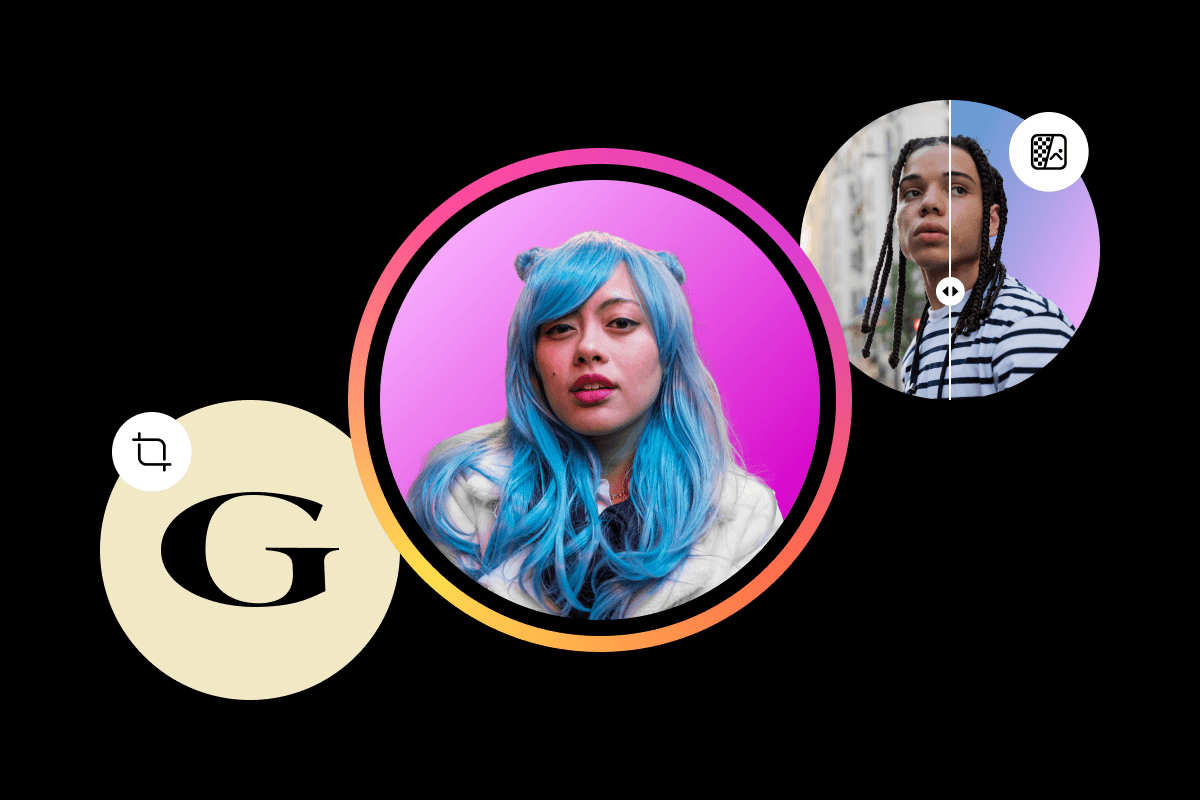
Everything you need to make and customize profile pictures, on one Flow canvas.




Find answers about the profile picture maker
The profile picture maker in Picsart Flow is credit-based. Every Picsart plan includes credits you can use to make profile pictures, and Flow shows the estimated cost before each run. Opening and browsing the profile picture templates costs nothing, and you can buy extra credit packs anytime.
Pick a plan for profiles, brands, and campaigns
Pro
Most popularAI tools for everyday creative work.
Ultra
Most powerfulHeavy AI usage for creators & teams.
Pair your profile picture with the rest of your brand
Keep your channels and socials consistent with Picsart's other makers.