Twitter/X header maker: Design Twitter banners for your profile

This Twitter banner maker in Picsart Flow turns a photo, a logo or a short prompt into a header for your X profile.

  • Sized 1500 x 500 for X
  • Clear of your profile photo
  • Edit any part with Inpaint
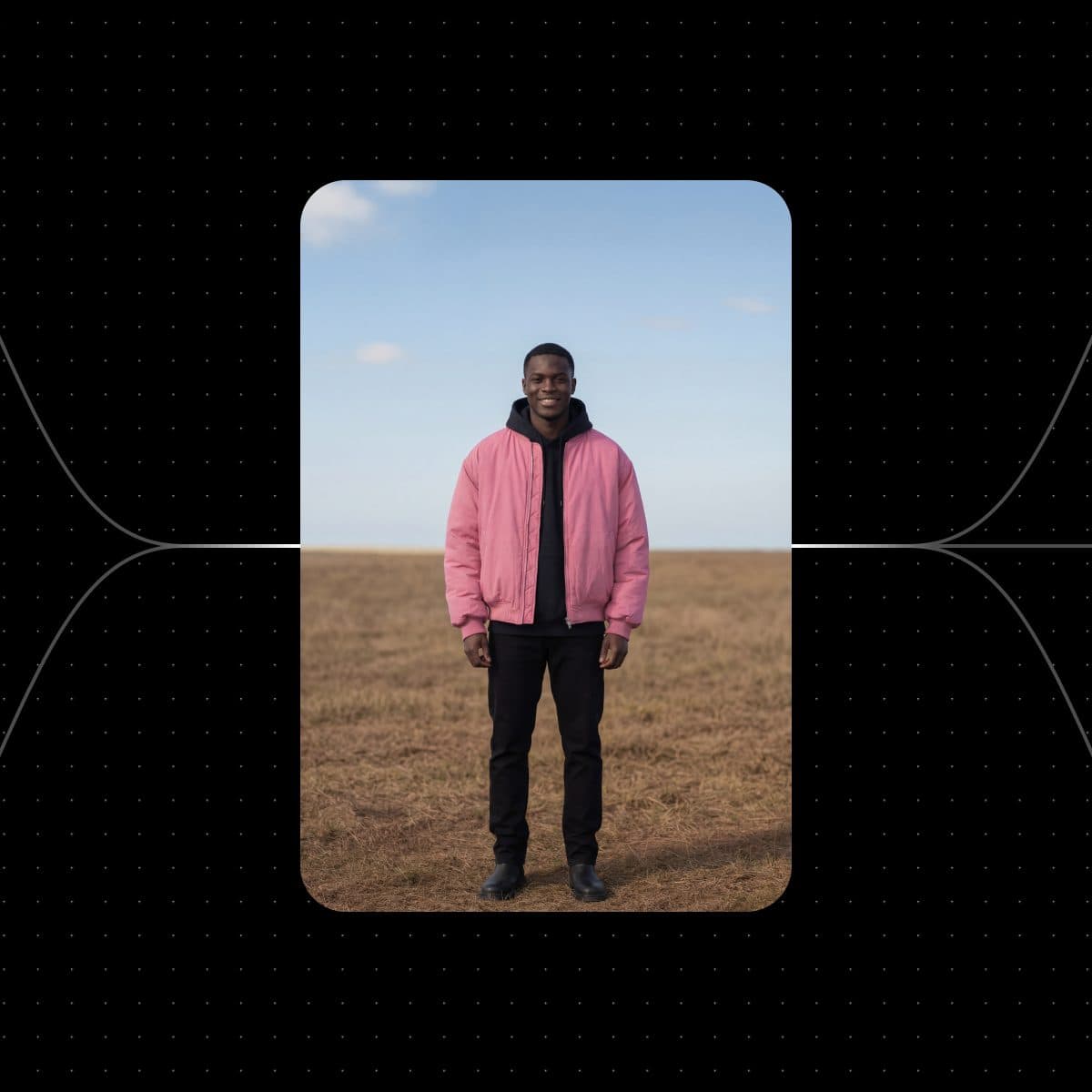
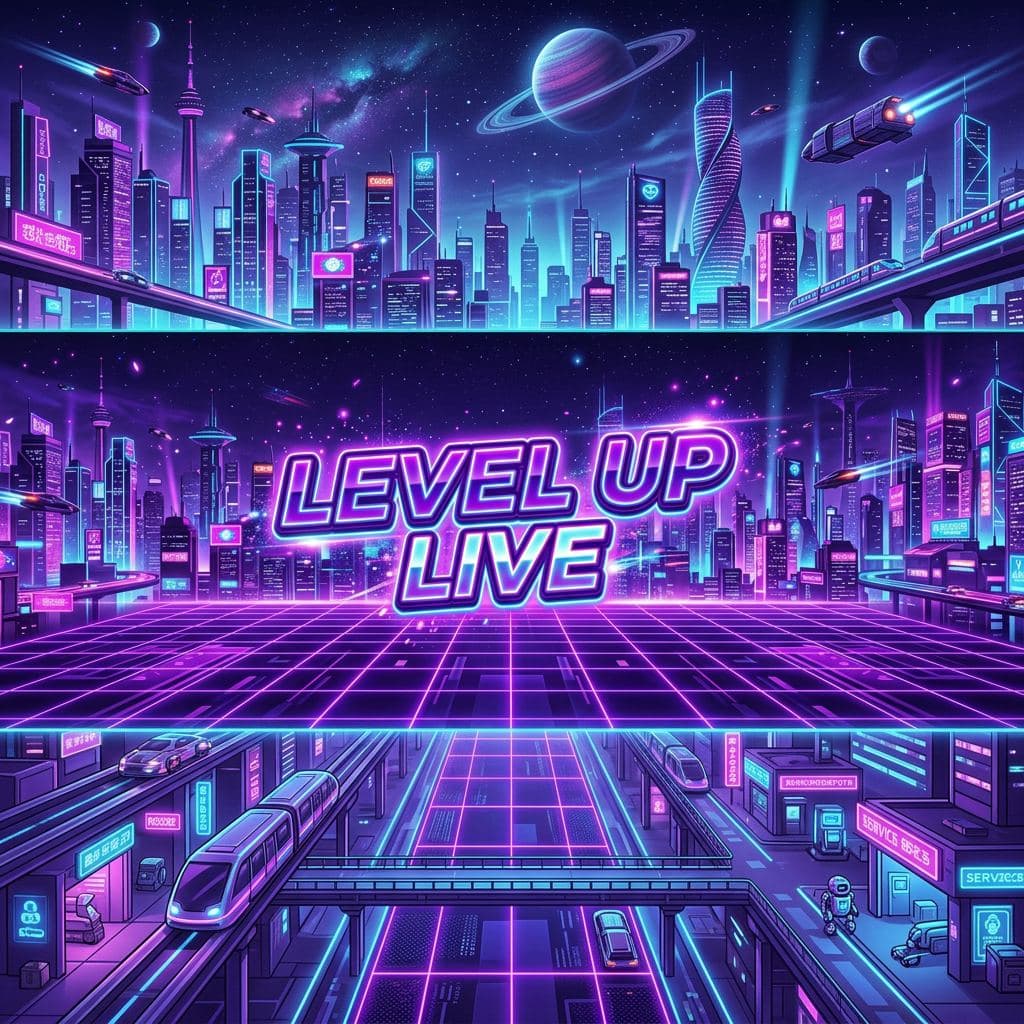
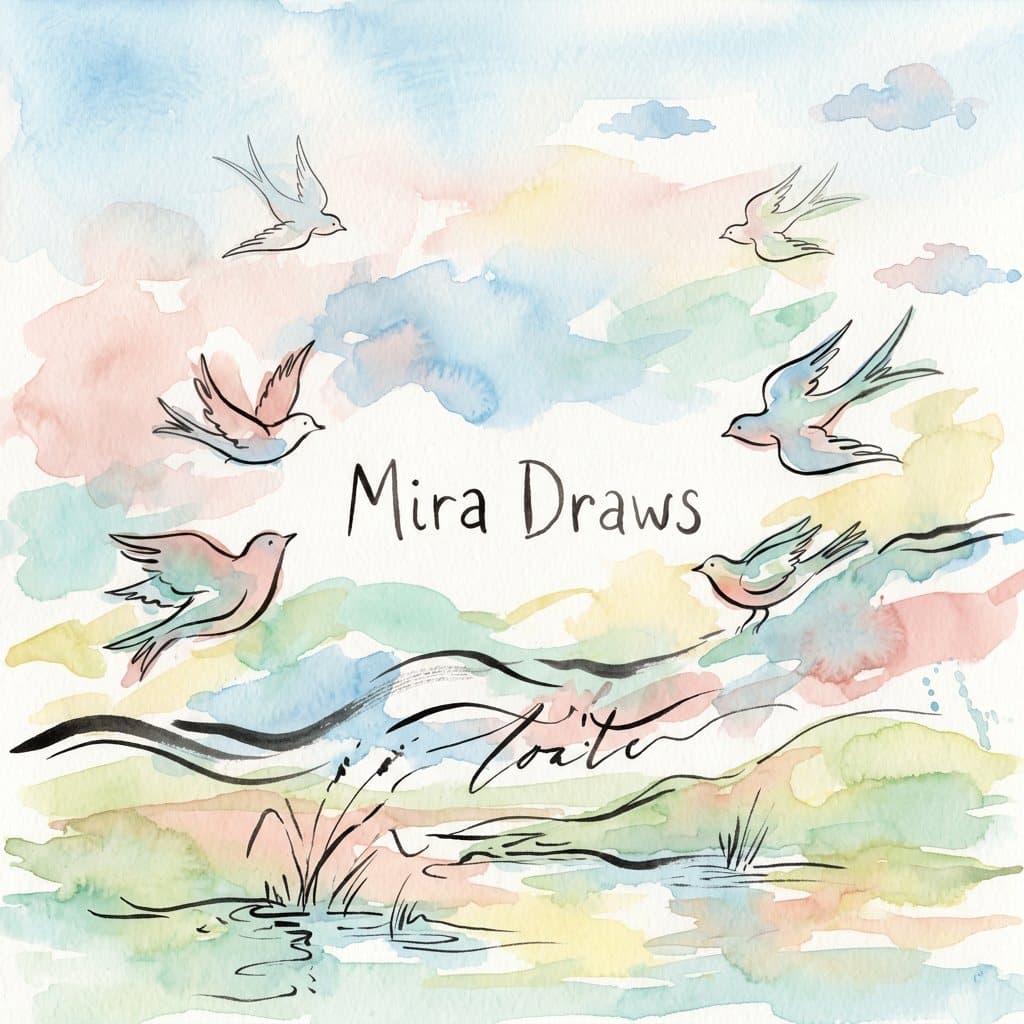
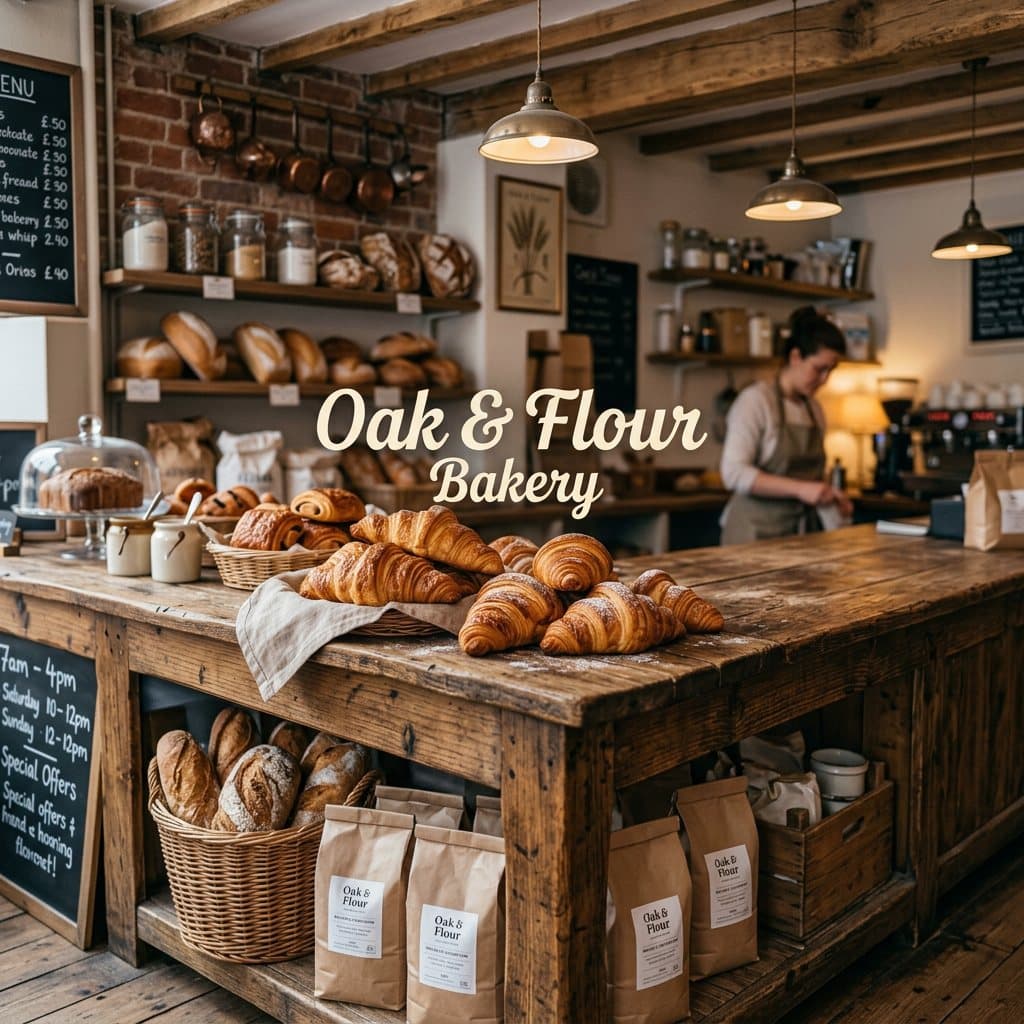
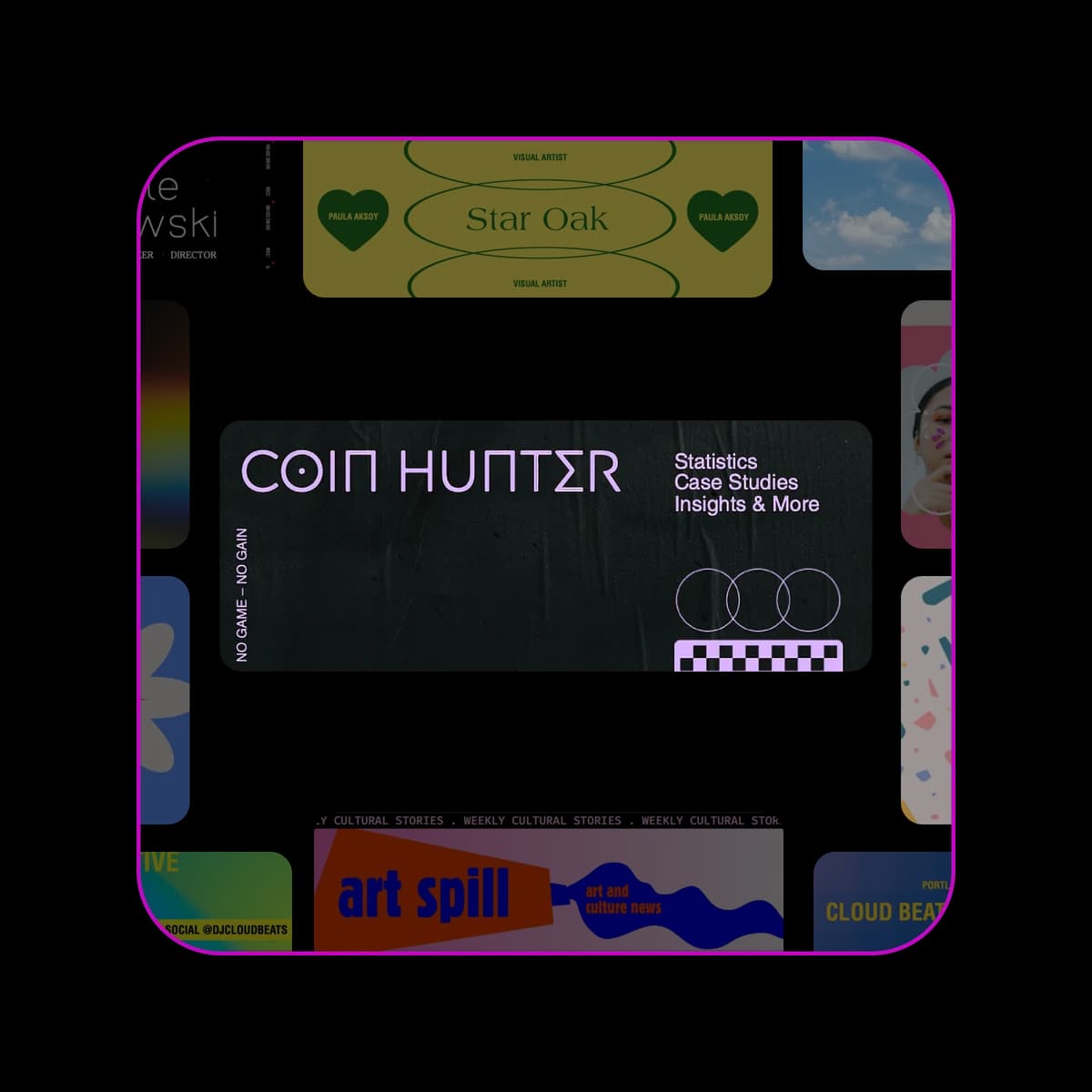
Twitter headers for an art and culture account designed in Picsart Flow

Design your Twitter header with AI

Picsart Flow is an AI Twitter banner generator built from connected nodes, so changing the photo or the tagline never means starting over.

  • Matches your profile photo

    Connect your profile photo as a reference and the header picks up its colors and style, so both read as one profile.

  • Taglines in any language

    Nano Banana Pro renders multilingual text cleanly, so your tagline can be in the language your followers actually read.

  • Reuse it for every update

    Your header workflow stays on the canvas, so a new season, product launch or handle is one rerun away.

How to make a Twitter header

You can create a Twitter header in four steps in Picsart Flow, from a photo or an idea to a banner you can upload to X.
How to

Add your photo or logo

Upload a photo, a logo or both to an image node on the canvas.

Twitter header designs on the Picsart Flow canvas

Get the Twitter header size and layout right

X shows your header at 1500 x 500 pixels, a 3:1 shape, and your profile photo covers its lower-left corner. Plan the Twitter header layout so your name and main visual sit in the central safe zone, away from the edges, and nothing gets cut off on a phone. Every other X format is in the X image size guide.

  • Up to 4K with Nano Banana Pro
  • Bold text that reads on phones
A Twitter header laid out around a profile photo in Picsart Flow

Make a custom Twitter header from your logo and colors

Add your logo and a few brand colors to the canvas, then describe the header you want in a text node. The model builds the banner around them, so your Twitter banner design matches your profile photo, your website and the posts people already see from you in their feed every day.

  • Rerun the whole chain in one action
  • Edit ten nodes as one
A Twitter header built from a brand color palette in Picsart Flow

Turn any photo into a Twitter banner

Got a favorite photo that is too square for a Twitter background? Connect it to Outpaint and choose a wider aspect ratio preset. The new space is filled in to match the photo, so the scene looks shot that way instead of stretched and is ready to crop for your X profile.

  • Camera Angle for a new viewpoint
  • Works on any image node
One sky photo extended into three aspect ratios with Outpaint

Edit one part of your Twitter header

New handle, new product or a tagline that needs a refresh? In this X banner maker, you brush over that part of the header and describe the change with Inpaint, part of the generative editing tools on the canvas. Only the area you mask is redrawn, and the rest of your header stays exactly as it was.

  • Undo stroke by stroke
  • Brush and eraser masking
Inpaint fixing one area of an image on the Picsart Flow canvas

Keep every header version organized on one canvas

Trying new photos, colors and taglines adds up fast. With canvas organization in Picsart Flow, you neatly group header versions in frames, mark favorites with color tags and jump to any node with canvas search. Auto-arrange tidies a busy selection, so comparing ten Twitter headers side by side stays quick and easy.

  • Sticky notes on the canvas
  • Built for hundred-node canvases
Six Twitter header versions side by side in Picsart Flow

Twitter header ideas to copy and make your own

These creative Twitter banner ideas each come with the prompt behind them. Paste one into a text node, guide it with your own photo or logo as a reference, and edit any part of the header later.
Founder header made with Nano Banana 2 in Picsart Flow
  • A quiet navy gradient and thin gold lines give a startup founder a calm, focused header. One short line about what you build sits in the center.

    Minimal header for a startup founder: soft navy gradient, thin gold lines, text "Building calm software" centered

Pick the model behind your Twitter header

Every model works as a Twitter header generator in Picsart Flow, each with its own strength. Nano Banana 2: keeps your character consistent. Nano Banana Pro: crisp, readable text. GPT Image 2: edits from plain instructions. Ideogram 4.5: works from up to four references.

See what creators say about Picsart

Reviews from people who create with Picsart.

4.9/5(6,942 reviews)
G2 Spring 2026 Leader badgeG2 Spring 2026 Momentum Leader badgeG2 Spring 2026 Fastest Implementation badge

Twitter/X header maker FAQ

  • Picsart Flow runs on credits, so this Twitter header creator charges only for the headers you generate. You see each model's credit cost before a run, Pro and Ultra plans add credits each month, and any add-on credits you buy never expire.

Find a plan for headers, banners and social content

SAVE UP TO 50%

Pro

Most popular

AI tools for everyday creative work.

$15 $10.5/mo
Billed yearly
You save $54 with yearly
Trending models
Full access
  • Seedance 2.04K 15s
  • Nano Banana Pro4K
  • MiniMax H32K 15s
  • Kling 3.04K 15s
  • Access to all photo & video editing features
  • Advanced background & object removal
  • Parallel video generations with the world's most powerful AI video models
  • Unlimited image generations with Flex.2 Klein
  • 1-tap image enhancer
  • Millions of stock photos & Getty video clips
  • Selection of trendy fonts, text styles & stickers
  • Thousands of premium templates
  • Support for 3+ brand kits
  • Bulk edit up to 50 images at once
  • 100 GB of cloud storage
New features:
  • 15+ creative AI agents that plan, execute, and deliver — across video, brand, localization, and more
  • Auto-generate content from your terminal or agent with the Picsart CLI
  • Use Picsart inside Claude Code, Cursor, and ChatGPT via MCP

Ultra

Most powerful

Heavy AI usage for creators & teams.

$45 $24.5/mo
Billed yearly
You save $246 with yearly
Trending models
Full access
  • Seedance 2.51080p 30s
  • Nano Banana Pro4K
  • MiniMax H32K 15s
  • Kling 3.04K 15s
  • 200+ leading AI video, image, and audio models (Kling 3.0, Nano Banana, MiniMax H3, Seedance 2.5 & more)
  • Parallel video generations with the world's most powerful AI video models
  • Early access to advanced AI features
  • Unlimited image generations with Flex.2 Klein
  • Option to buy add-on credits that never expire
  • Up to 6.5 million Getty stock videos
  • Bulk edit up to 100 images at once
  • Support for 10+ brand kits
  • Create ad variations & localize
  • Track ads performance
  • Add team seats
  • 300 GB of cloud storage per seat
New features:
  • 15+ creative AI agents that plan, execute, and deliver — across video, brand, localization, and more
  • Auto-generate content from your terminal or agent with the Picsart CLI
  • Use Picsart inside Claude Code, Cursor, and ChatGPT via MCP