Facebook post maker: Design custom posts online
Create attention-grabbing social media content in no time with Picsart’s Facebook post maker. From personal updates to business promotions, explore a vast library of templates, fonts, stickers, and backgrounds. With just a few clicks, craft posts that resonate with your audience and stand out in the feed.
- Give your message a clear focal point
- Keep wording readable in the feed
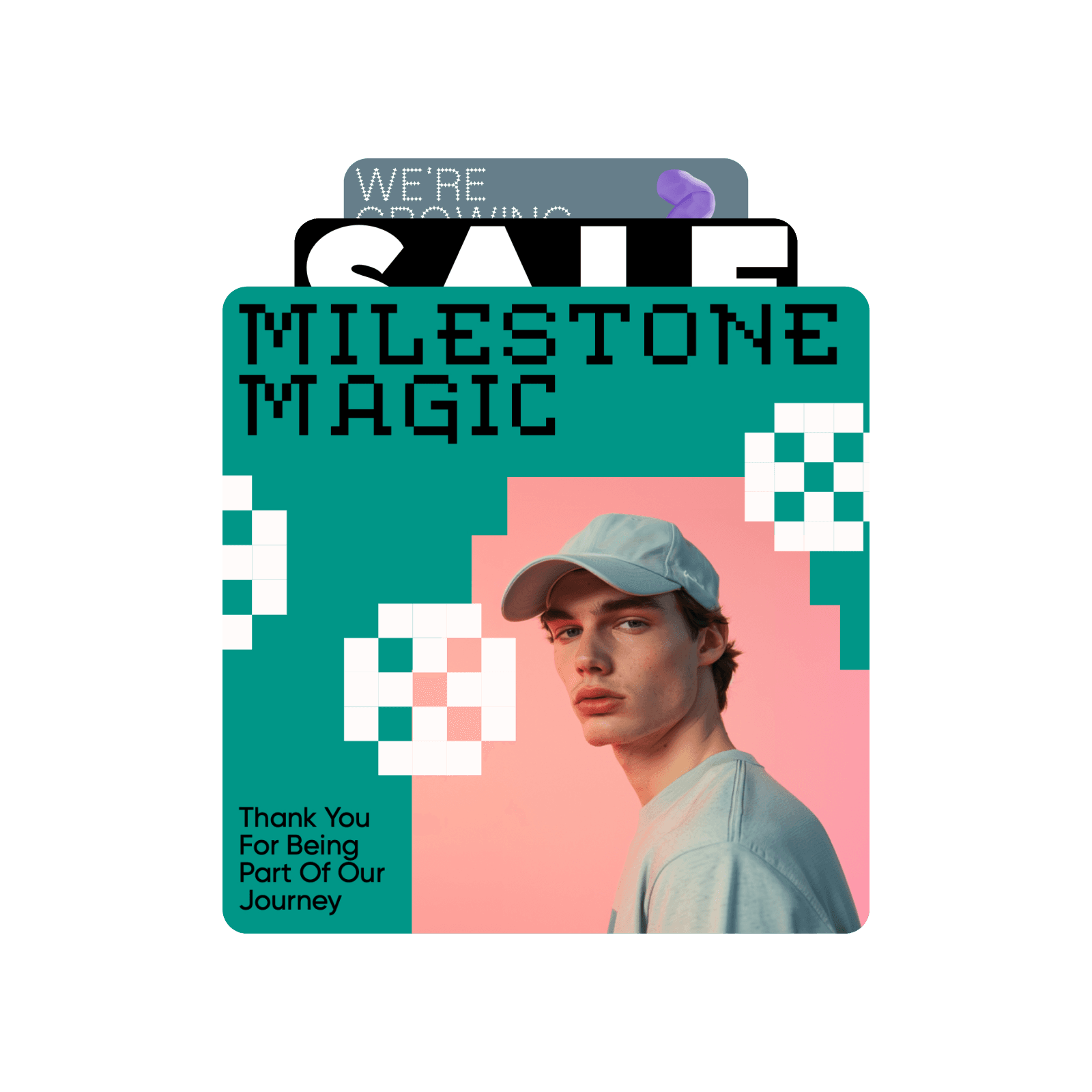
Design facebook posts with AI image models
Use image models to transform facebook posts into polished visuals, design ideas, and ready-to-edit assets.


How to make a Facebook post
How to
Open Picsart
Use the “Start creating” button to open the editor and begin.
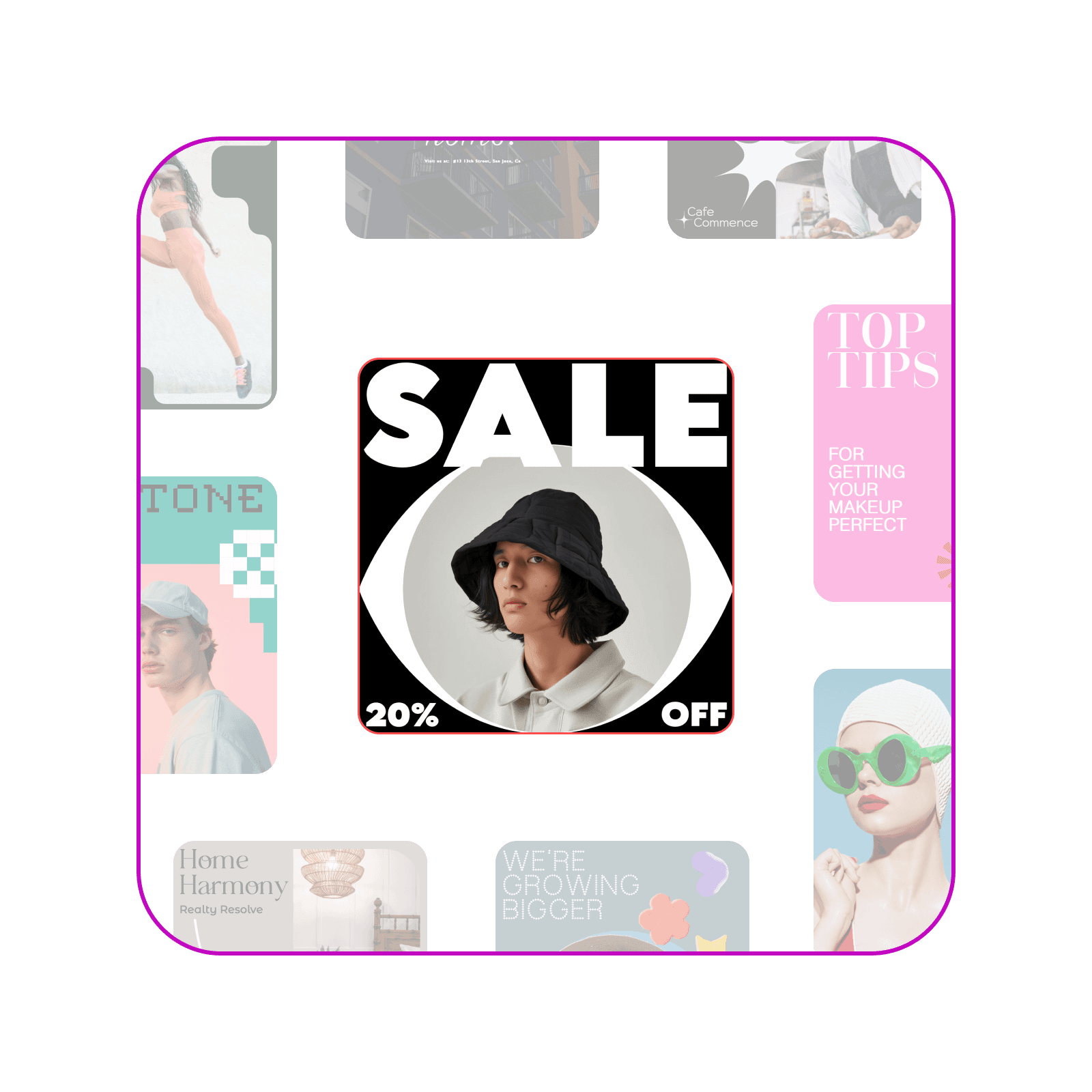
Create noticeable Facebook posts to boost engagement
Designing an engaging Facebook post has never been easier. With Picsart, you can create content that captures attention and sparks interaction. Skip the hassle of professional editing software—everything you need is available in your browser. Impress your audience with posts that look polished and professional, all in a matter of minutes.
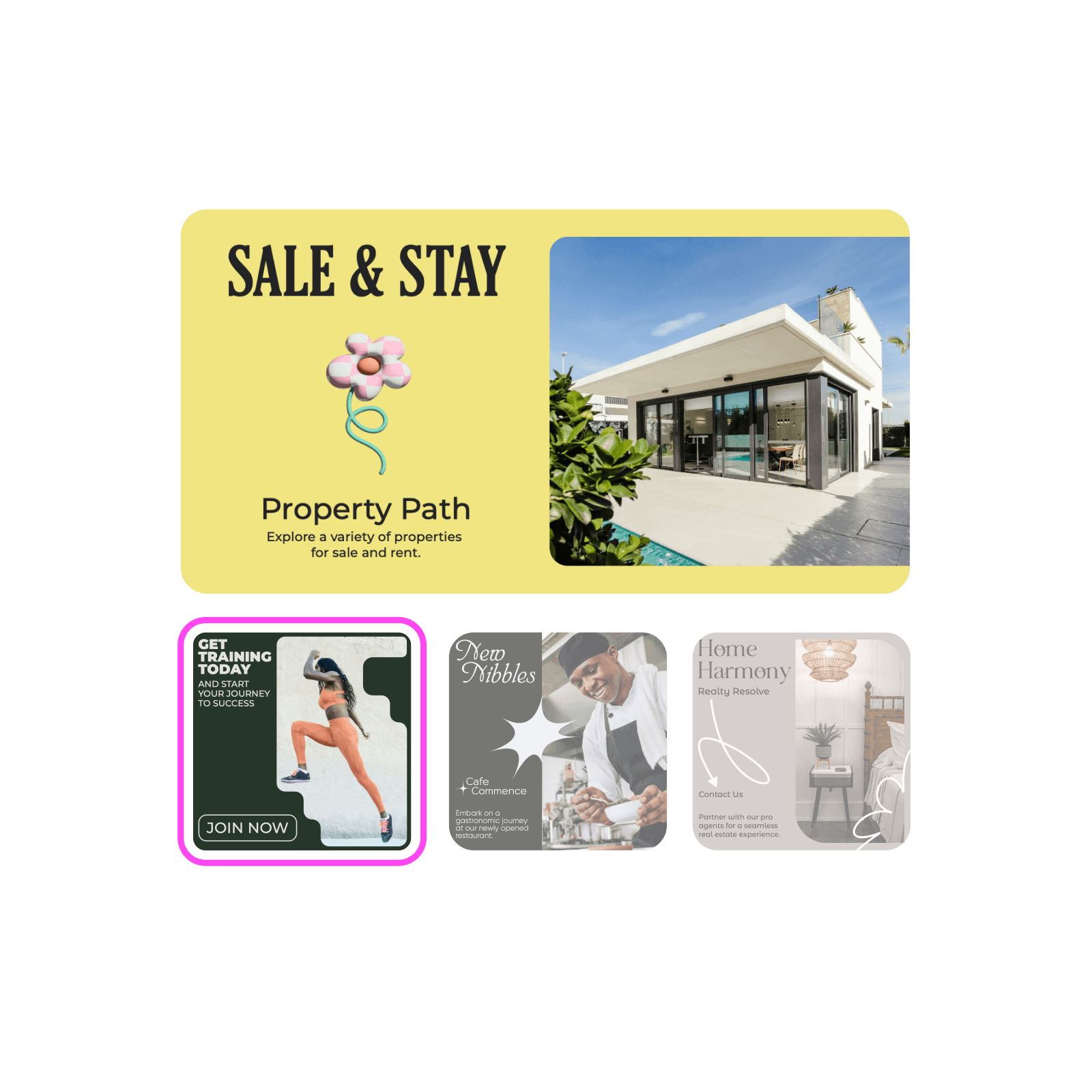
Facebook post templates for every occasion
Explore a variety of ready-made templates for all your Facebook post needs. Whether it’s a business promotion, an event invite, or a personal message, Picsart templates make it simple to create visually stunning posts. Pick from designs that are vibrant, minimal, bold, or subtle to suit your style and purpose.
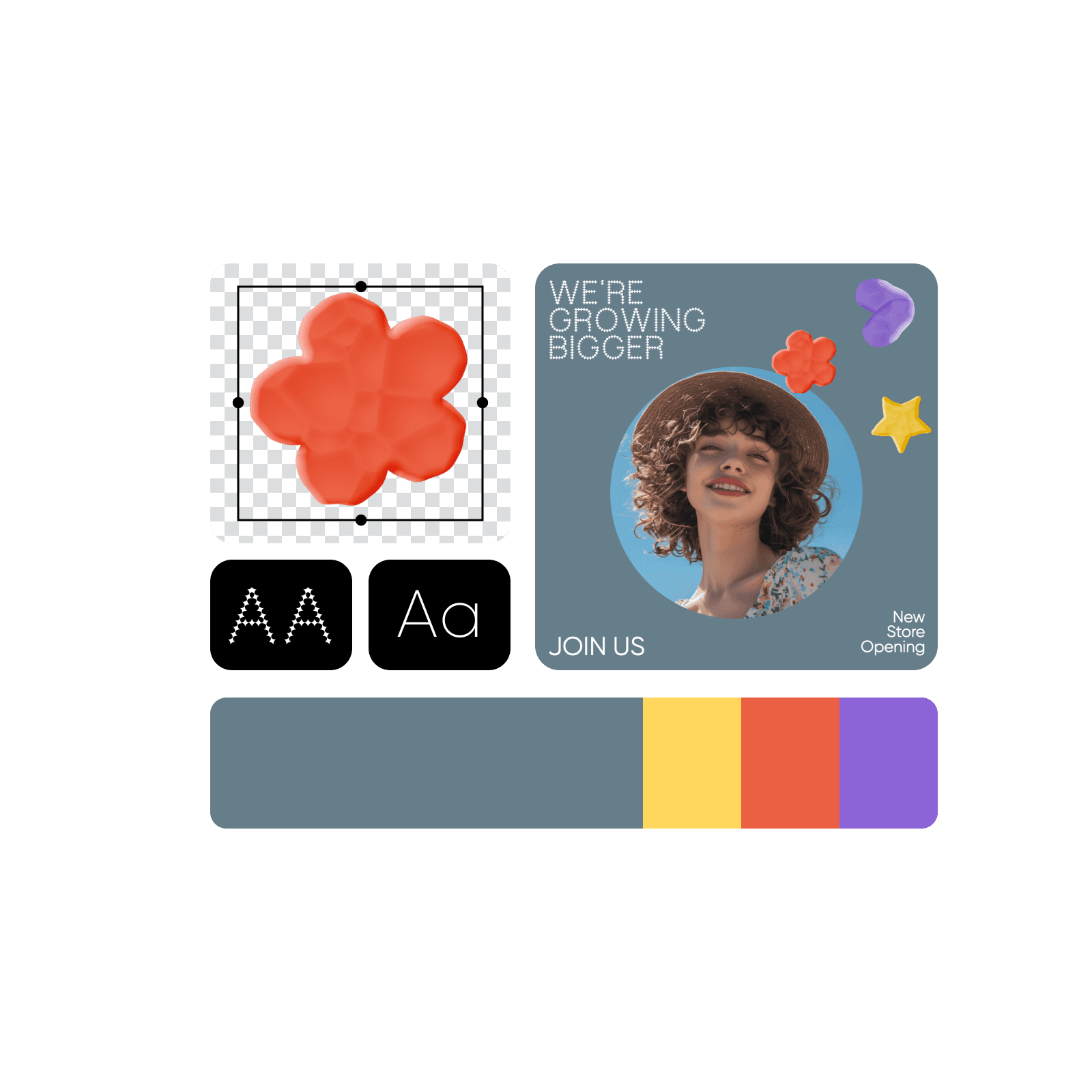
Customize Facebook posts without limits
With Picsart’s all-in-one design tools, the possibilities for creating unique Facebook posts are endless. Use the background remover to eliminate distractions and keep the focus on your message. Enhance the quality of your images, combine multiple images seamlessly with the collage maker, and choose from a wide range of trendy fonts to give your posts a personal touch. All this in one, beginner-friendly online interface.
- Refine the details in the editor
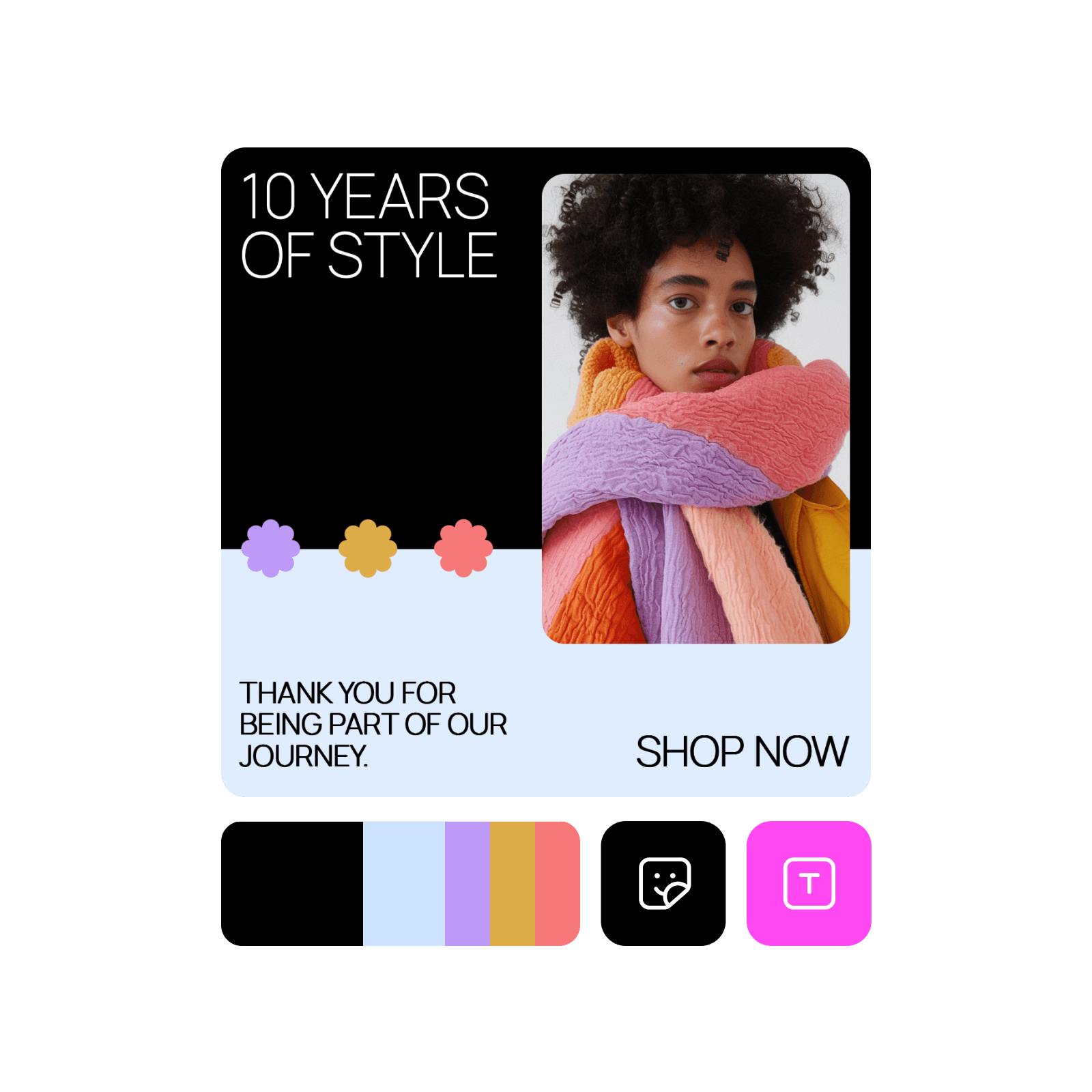
Create posts with Picsart’s Facebook post maker
Find everything you need to design Facebook posts in one place. Picsart makes it simple to create posts that leave a lasting impression.
Facebook Post Maker FAQ
For Facebook image posts and shared link previews, the optimal size is 1200x630px.
Design Facebook posts for social channels and creator content
Pro
Most popularAI tools for everyday creative work.
Ultra
Most powerfulHeavy AI usage for creators & teams.
Enterprise
Custom AI solutions for large organizations.
- Volume discounts on credit rate
- On-demand top-ups