PNG Logo Maker: Create Transparent Logos With AI
Design a PNG logo online in Picsart Flow from a short prompt, your own sketch or a ready-made brand workflow. Remove the background with generative editing and download a transparent PNG logo that sits cleanly on any color.
- Light and dark versions, a submark and a favicon
- Fix any letter or color with Inpaint, no redraw
- Preview your logo on merch and storefront mockups

Design PNG logos with leading AI image models
How to create a PNG logo with AI
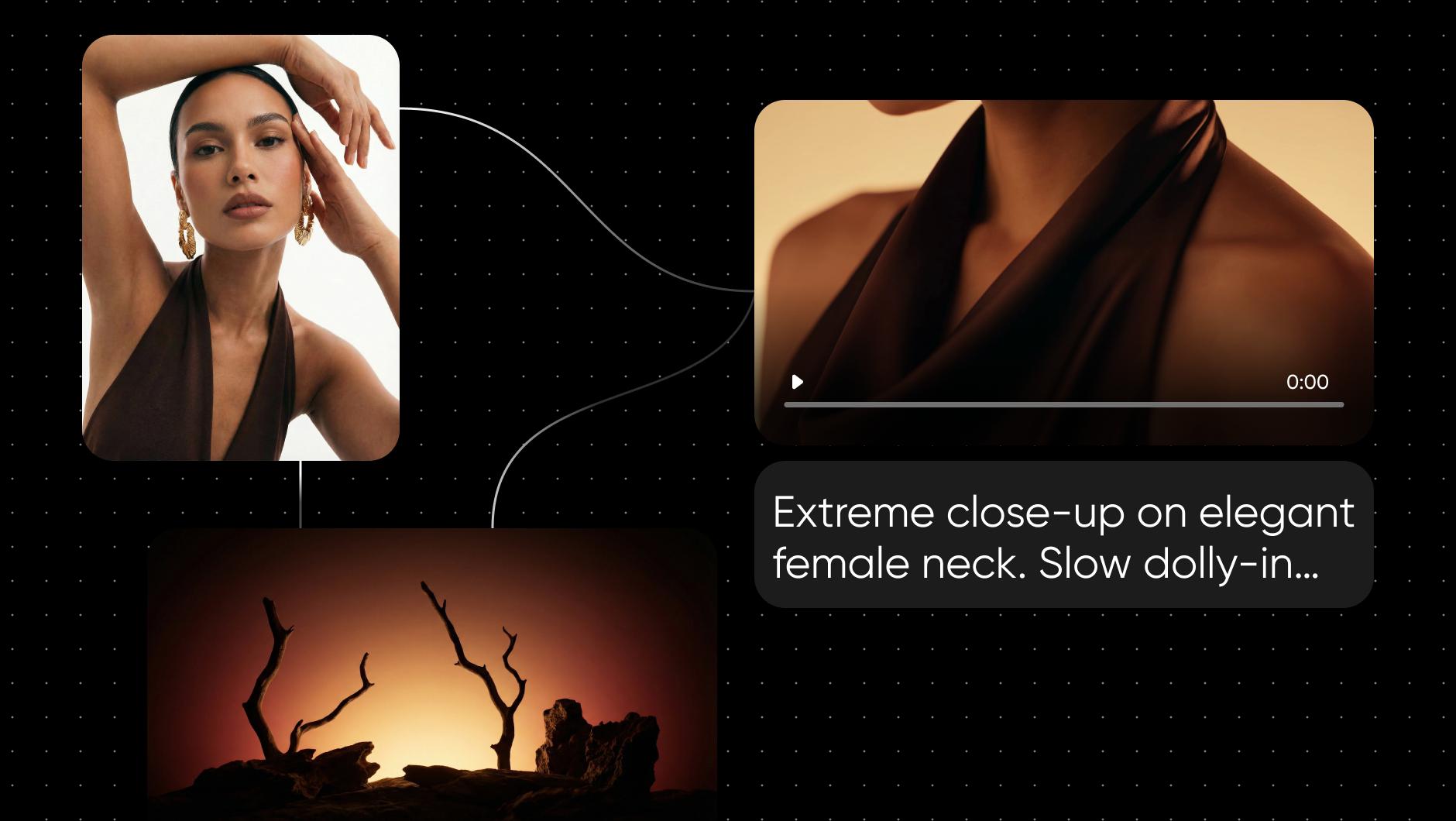
Start with a logo workflow from Picsart Flow
Each workflow in the Picsart Flow template library is a complete process. Add your brand name or logo and run it.


Craft eye-catching PNG logos in a flash with AI
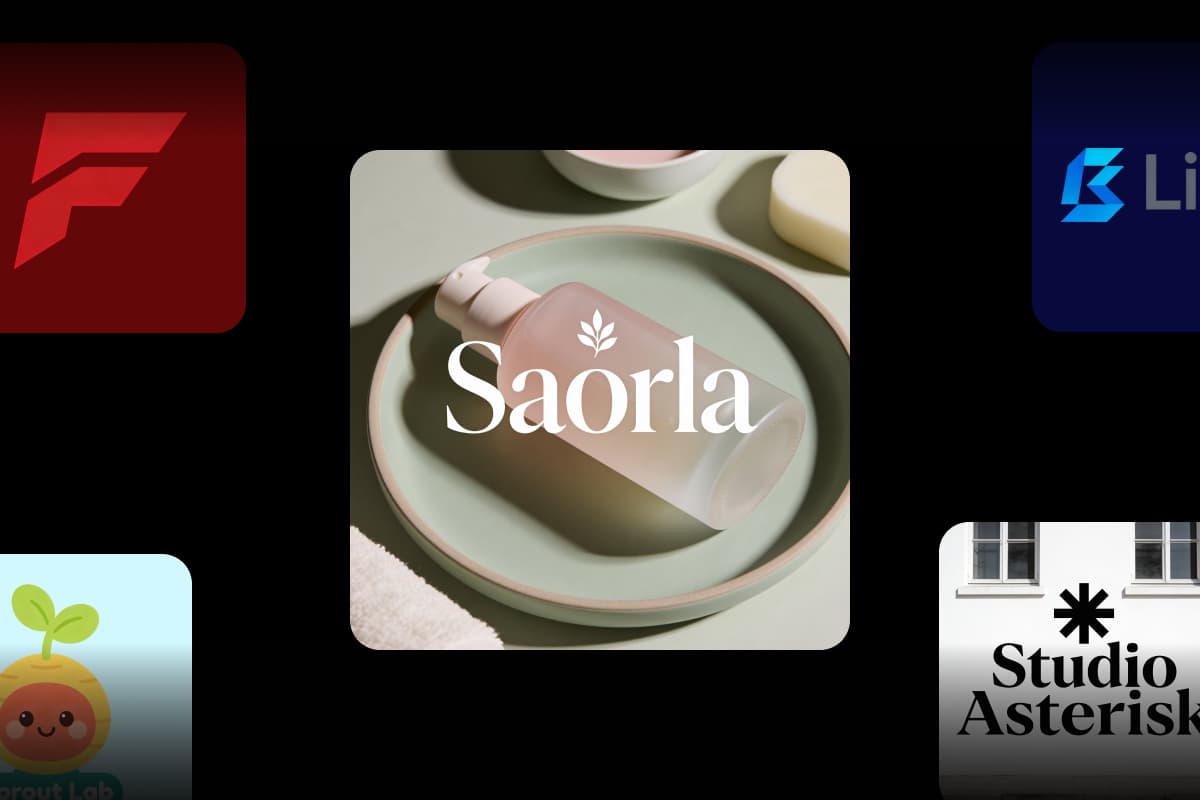
A great logo makes your brand easy to recognize at a glance. Describe the idea, from a minimalist monogram to a playful mascot, and the online PNG logo maker in Picsart Flow turns it into a finished mark. Ask for one or two colors and clear shapes, and the logo stays readable on a phone screen and on a shop sign. Create PNG logo designs for a café, a gym or a podcast the same way.
- Brand name and lettering rendered in the design
- Pick the image model for each logo node
- Reframe to a square icon or a wide banner with Outpaint
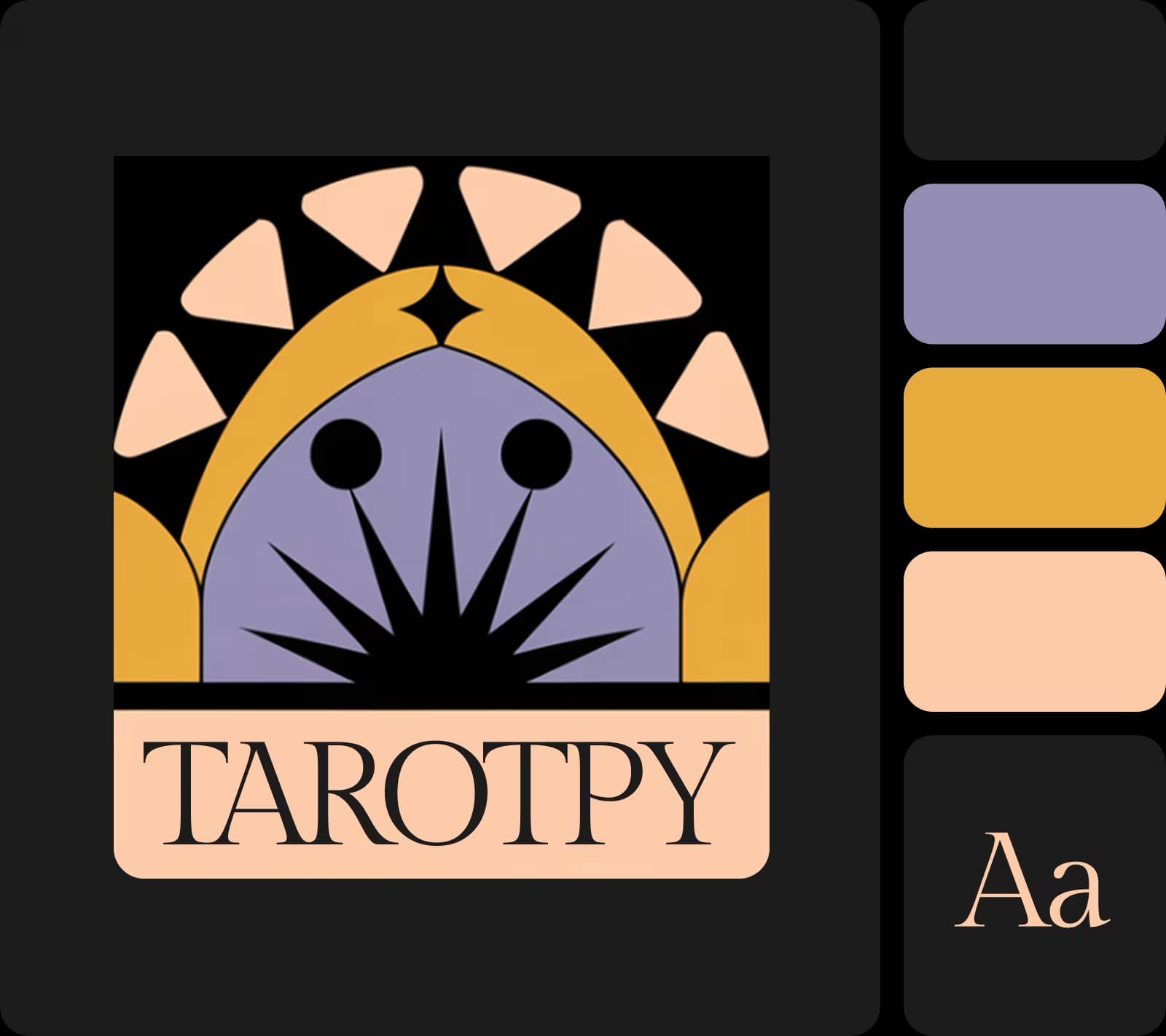
Use the transparent logo maker on the canvas
A PNG logo is only useful when the background is gone. Select your design, open Actions and choose Remove background, one of the generative editing tools on the canvas, and Picsart Flow outputs a transparent PNG with clean edges, so it also works as a PNG maker for icons and stickers. Already have a logo? Upload it to make logos transparent the same way. Then place your transparent logo PNG on a dark banner, a light letterhead or a product photo, and it sits on each one without a white box around it.
- Your original stays untouched on its own node
- Upscale the logo before you download it
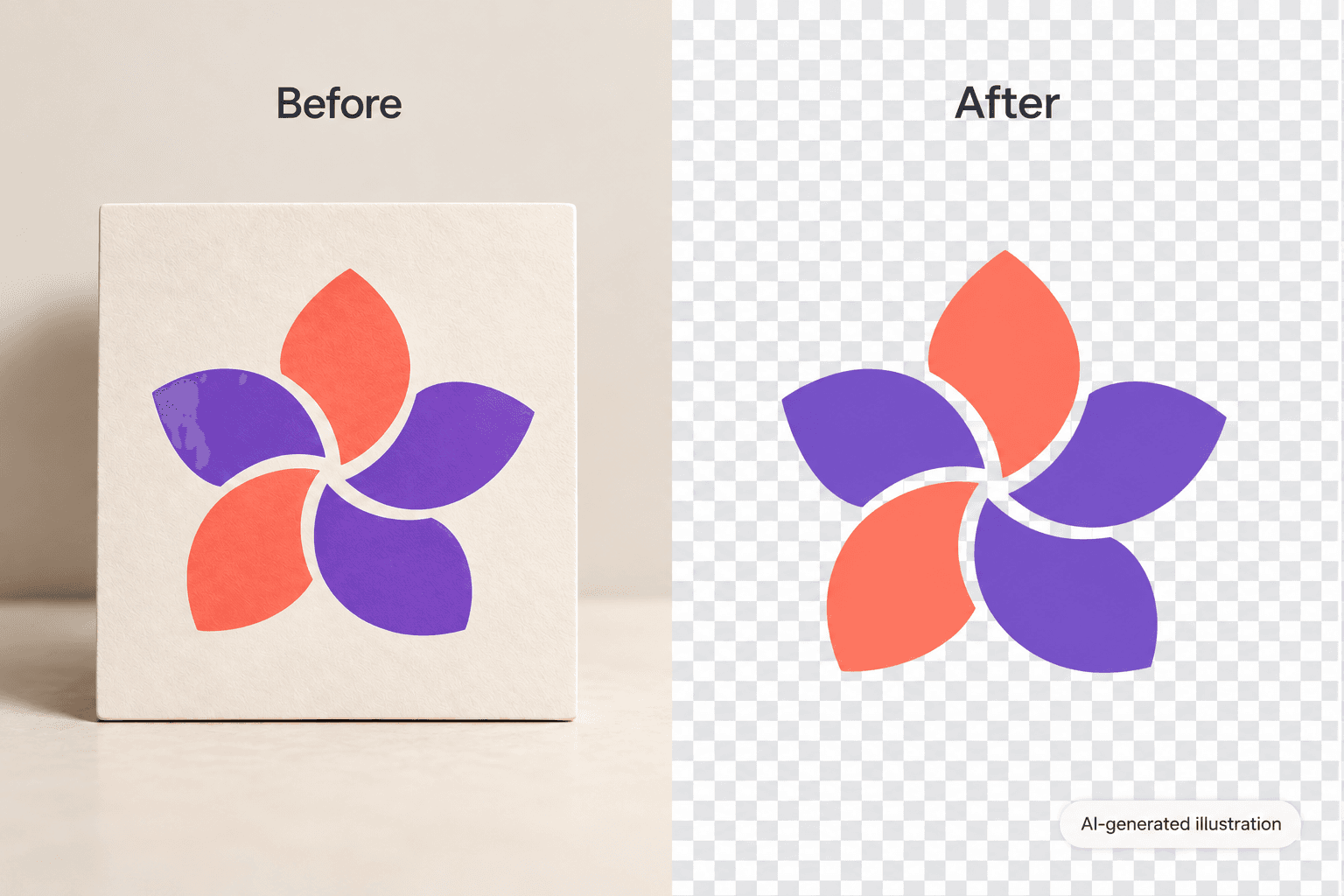
Create and customize PNG logos from a sketch
Start from a blank canvas, a ready-made workflow or a sketch on paper, and let the logo PNG maker do the rest. Upload the drawing as a reference and describe the finish you want, and the AI model turns the idea into clean PNG logo design. Swap fonts, colors or the symbol in the prompt and run that step again until the mark looks right.
- Every version stays on the canvas to compare
- Undo one node without touching the rest
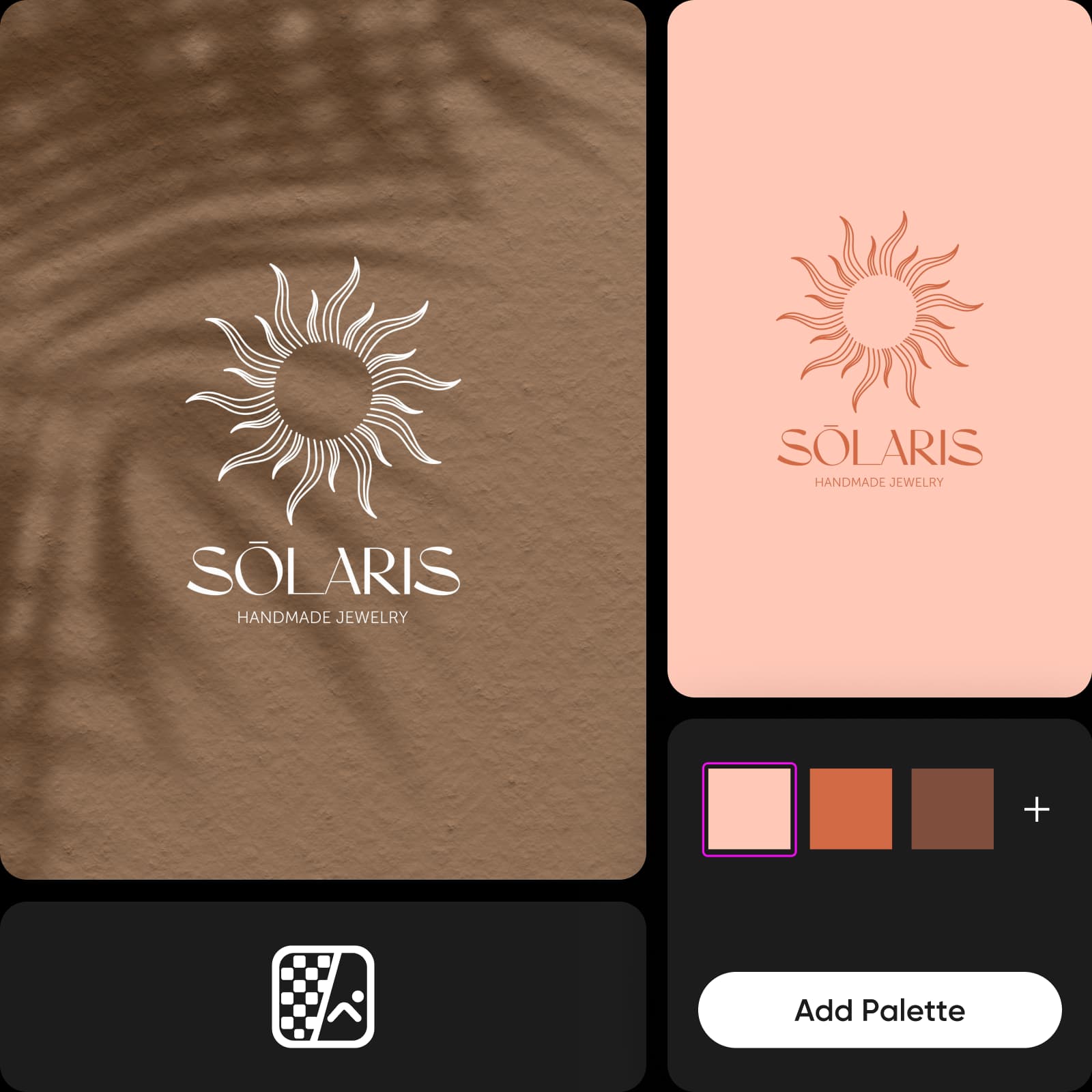
Empower your brand with a complete logo set
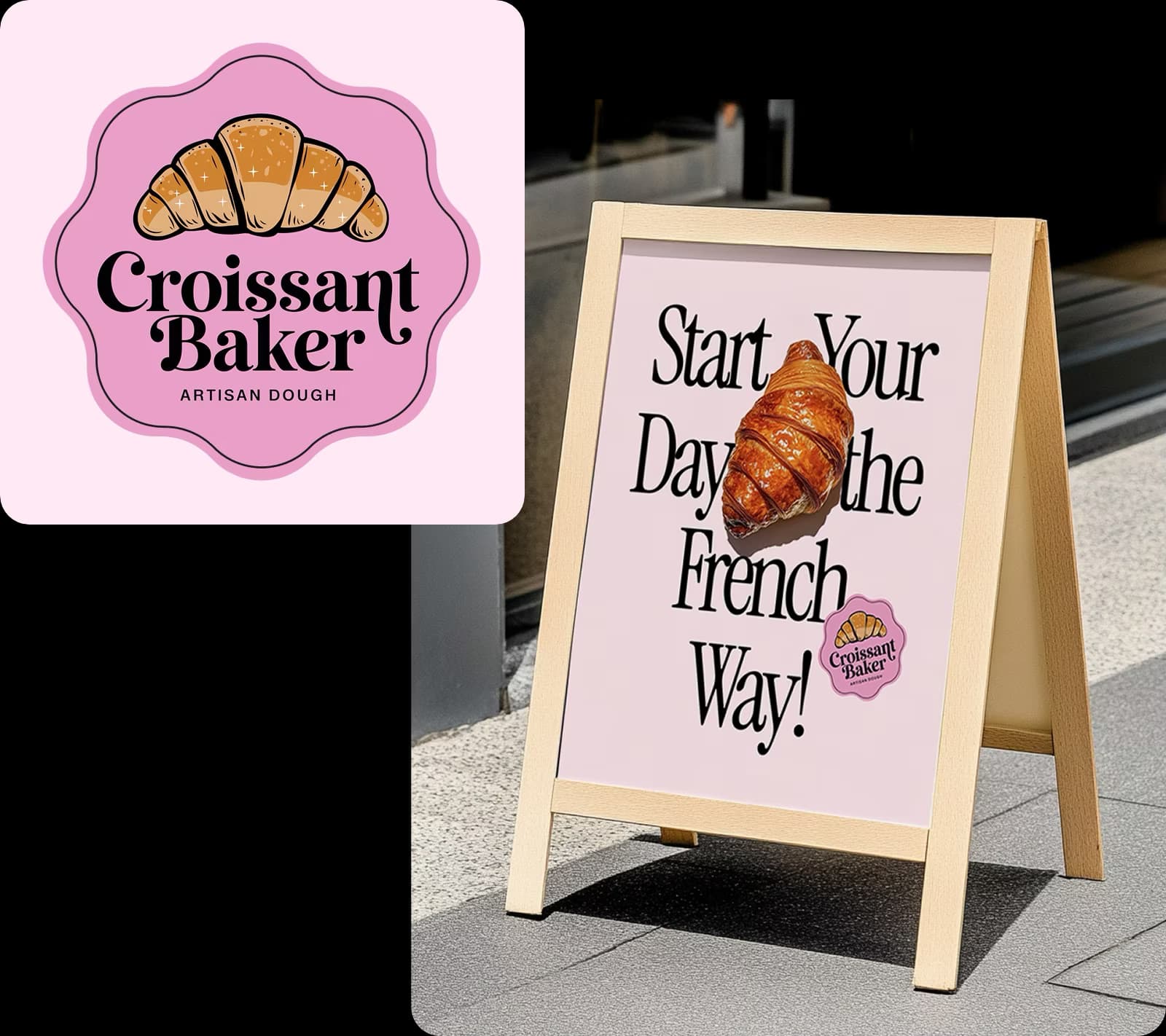
A small business needs more than one file. The logo variations workflow turns one logo and two colors into a light and a dark version, a secondary mark, a submark and a favicon, so every placement has the right PNG. Add the brand mockup workflows to see the logo on merch and a storefront before you print anything.
- A matching icon set and color palette from your logo
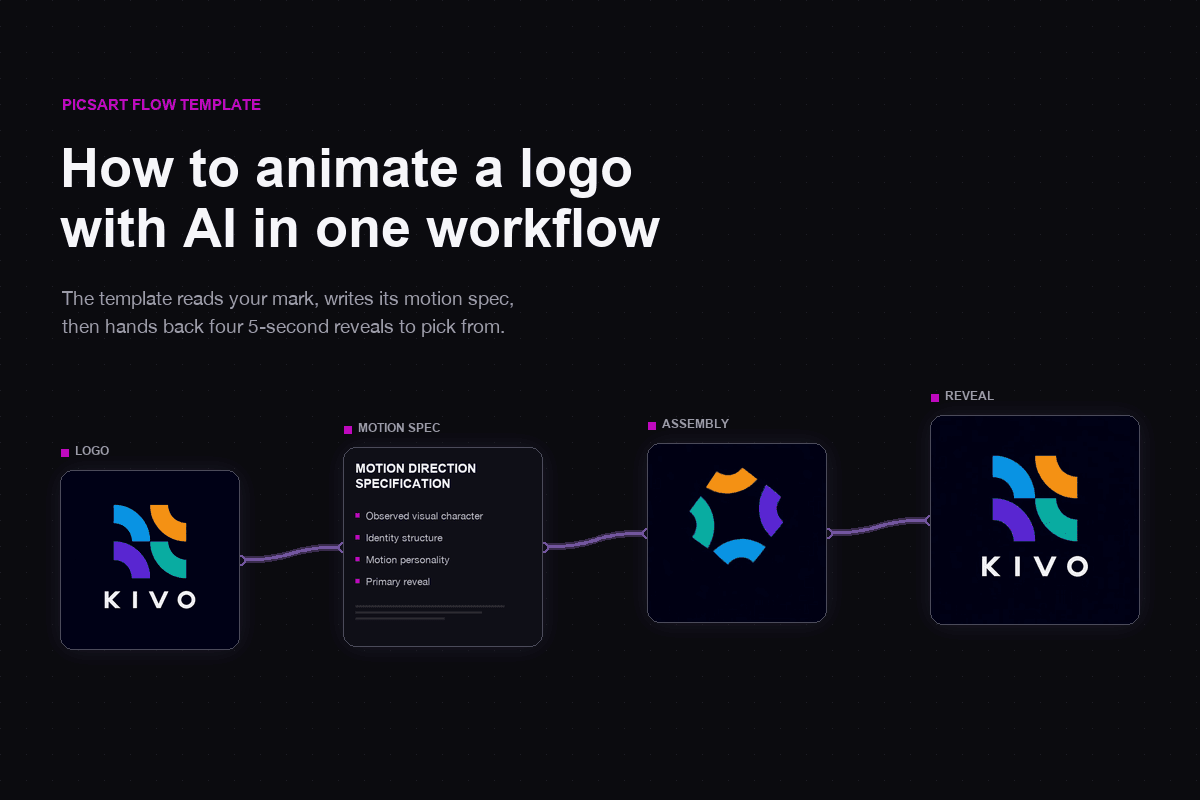
- Animate the logo into a 5-second reveal
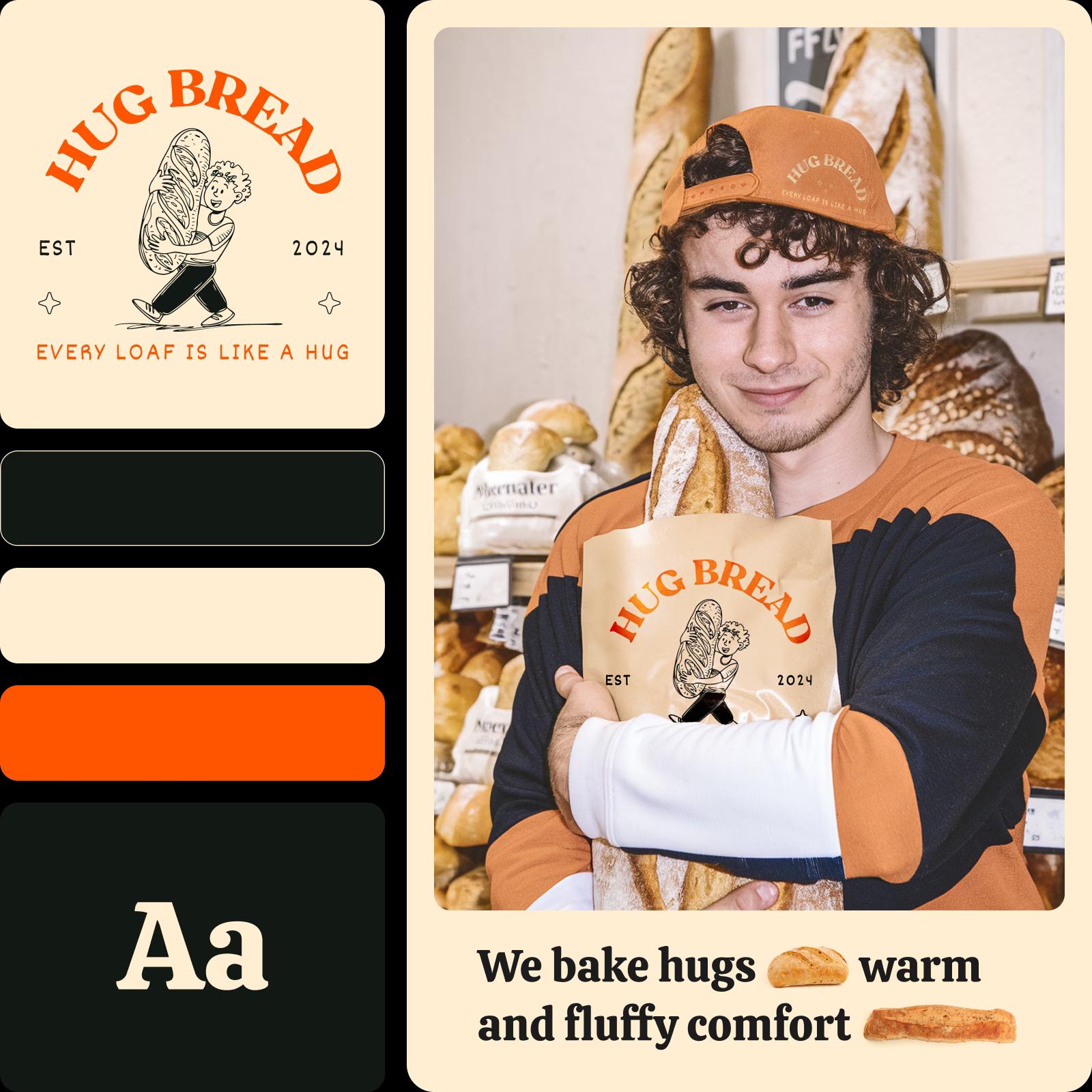
Amp up marketing campaigns with the PNG logo generator
Need several directions to test? The AI PNG logo maker in Picsart Flow can run more than one style from the same idea: duplicate the image node, change the style and run both, so a geometric version and a hand-drawn one sit side by side. When you settle on a look, you can build workflows faster and switch the model or resolution on every logo node in one edit.
- Rerun the whole chain in one action
- Total credit cost shown before every run
- Edit the same canvas with your team in real time
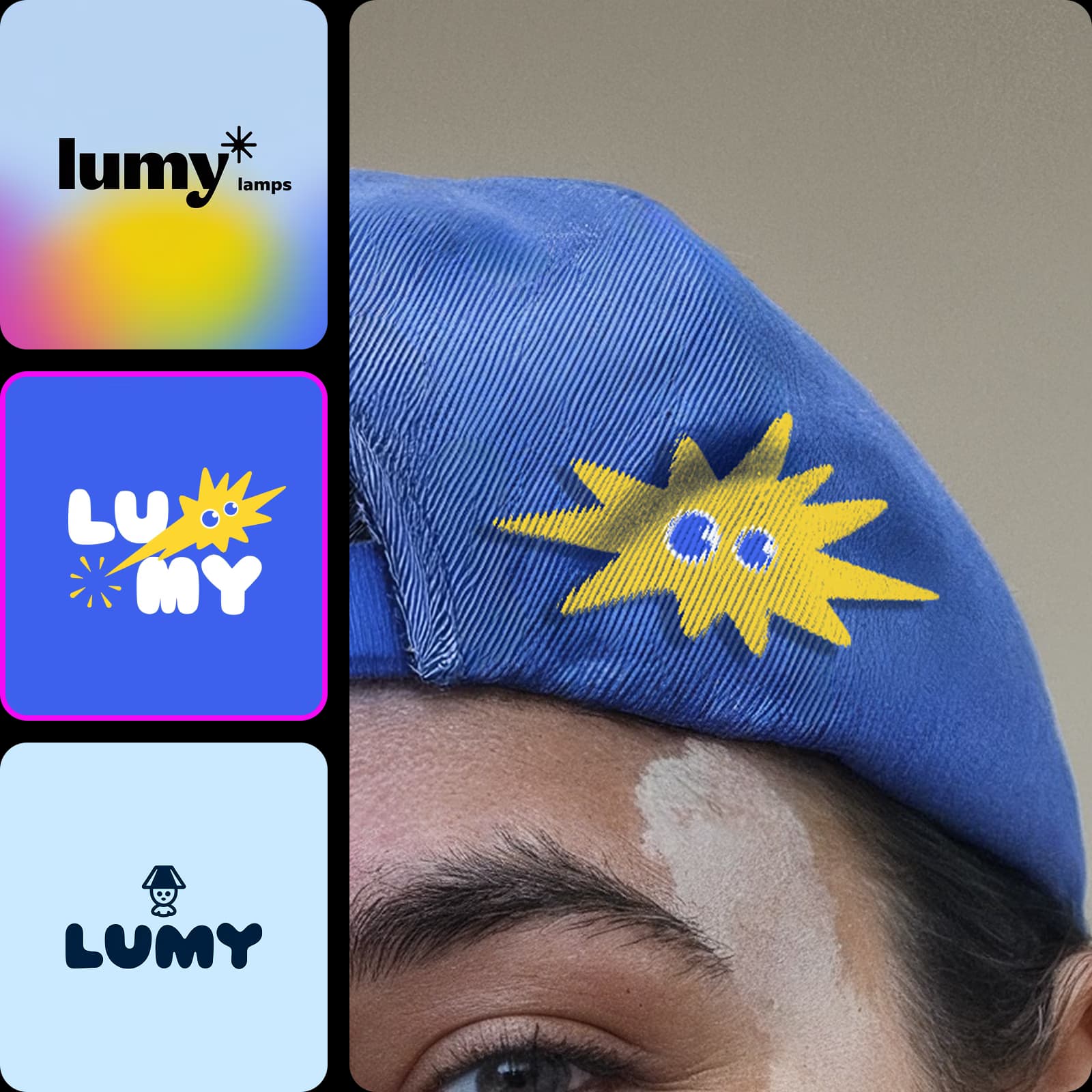
Simplify logo design with edits on the canvas
Logo PNG editing happens right on the canvas, so you fix a detail without starting over. Brush over a letter, a stray mark or a halo around the edges with Inpaint, describe the change, and only that area updates. Edit logo PNG files you already have the same way, and every result lands on a new node next to the original.
- Extend the design with Outpaint aspect chips
- Re-shoot a mockup from a new angle with Camera Angle
Check how creators rate Picsart
Reviews from people who create with Picsart.




Get answers about the PNG logo maker
A PNG logo is a logo saved in the PNG format, which keeps sharp edges and supports a transparent background. That makes it easy to place on websites, videos, slides and printed materials without a white box behind it.
Choose a plan for logos and brand assets
Pro
Most popularAI tools for everyday creative work.
Ultra
Most powerfulHeavy AI usage for creators & teams.
Enterprise
Custom AI solutions for large organizations.
- Volume discounts on credit rate
- On-demand top-ups
Explore more logo and brand tools
Keep designing your brand with Picsart.