Protect your photos with the watermark maker
Applying watermarks is not a chore anymore with Picsart’s watermark maker. Effortlessly add a logo to your photo or all your photos at once with ease. Plus, you can customize your watermarks with a variety of design tools and effects.
- Keep your name with your photos
- Choose its size and position

Create watermarks with AI image models
Use image models to shape logos, marks, and visual systems before watermarking your work.
How to use the watermark maker
Design watermarks that are as unique as your brand
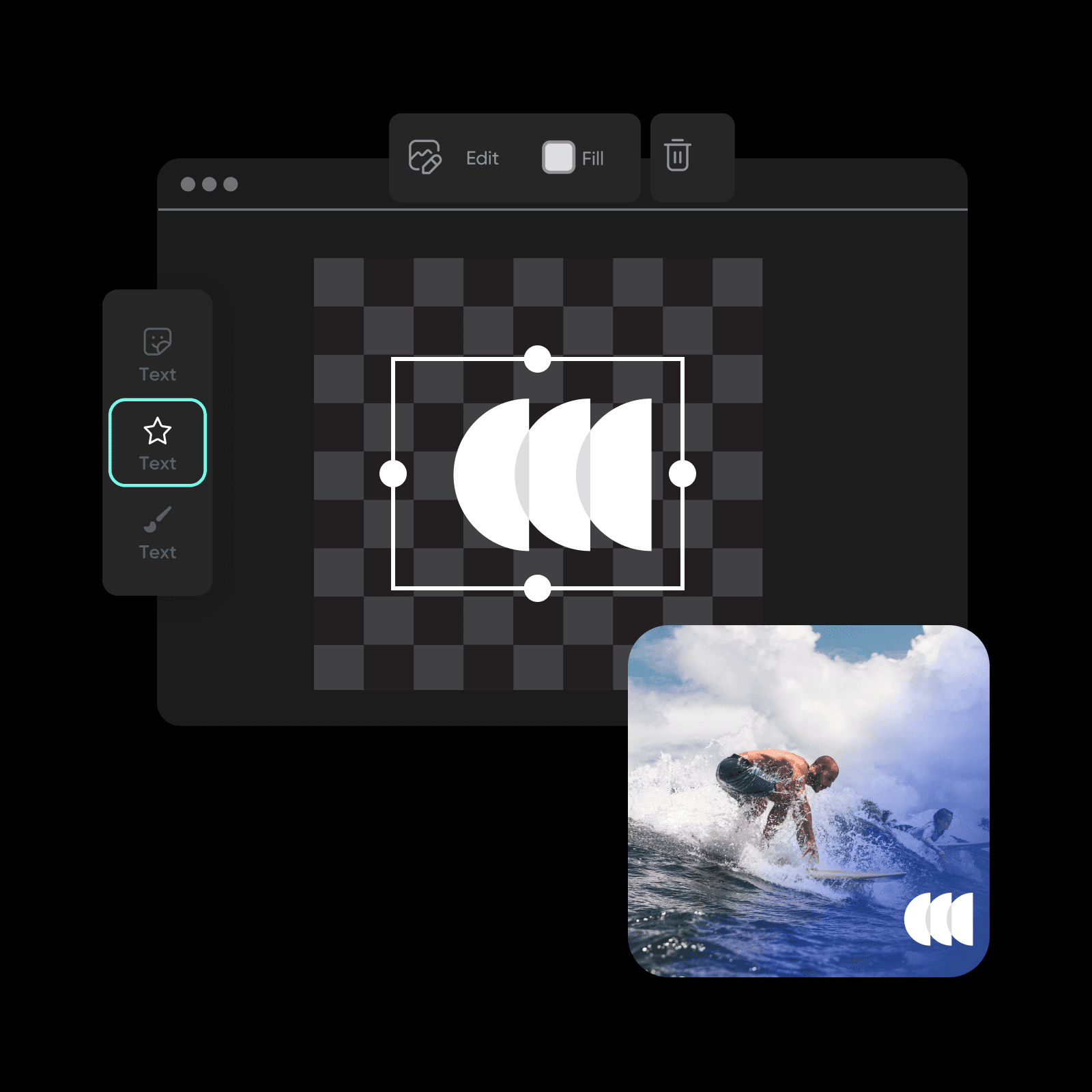
Stand out from the competition with watermarks that are as unique as your brand. Use Picsart's watermark creator to add your logo, text, images, and shapes to your photos. Choose from a variety of design tools and effects to create watermarks that are truly one-of-a-kind.
Increase your brand recognition with watermarks
Give your visuals a professional touch and improve your logo’s recognizability with watermarked images. Promote your brand and protect your content at the same time without adding another hassle to your long list of to-do’s. Quickly add and control how your image looks with the watermark generator.
Protect your copyright in style
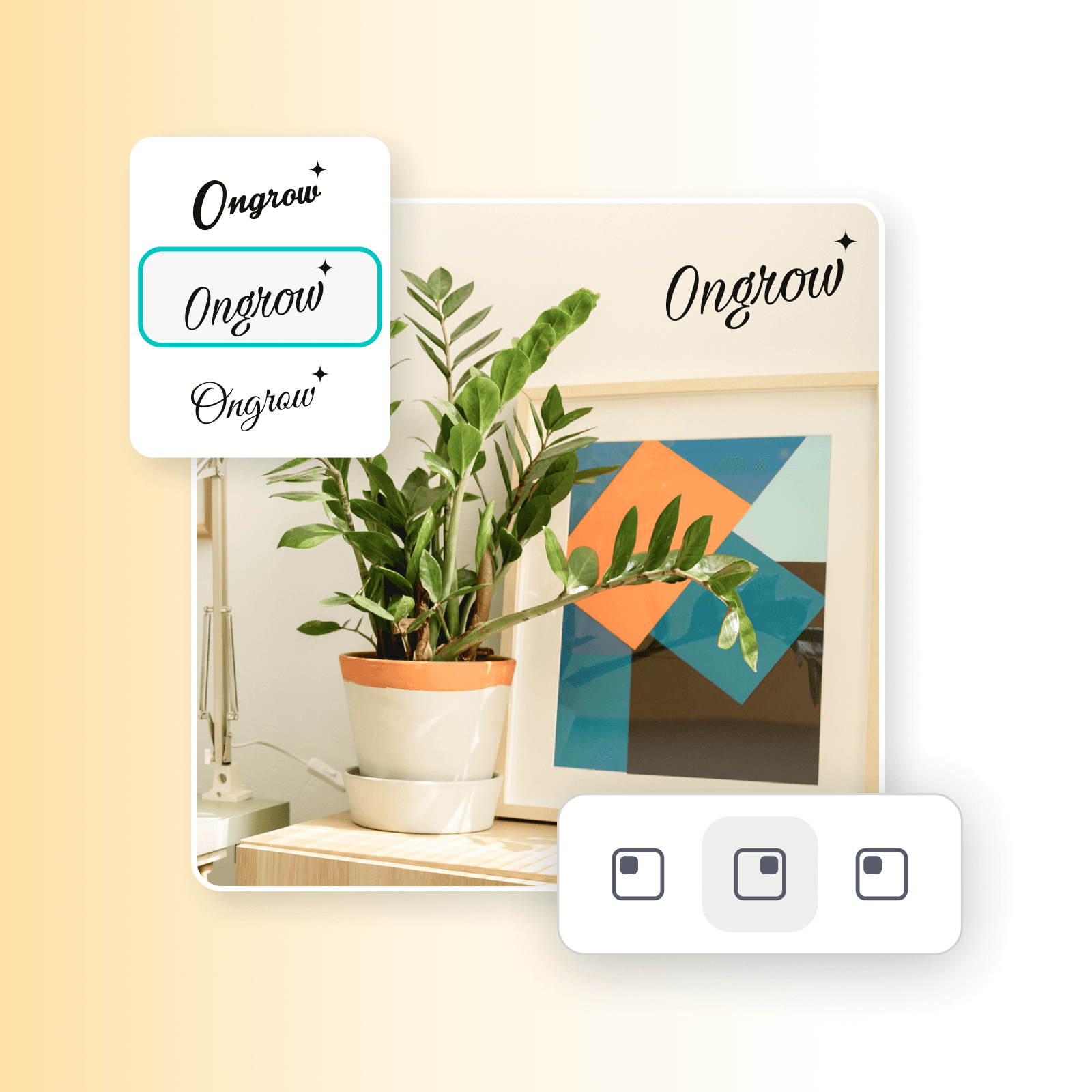
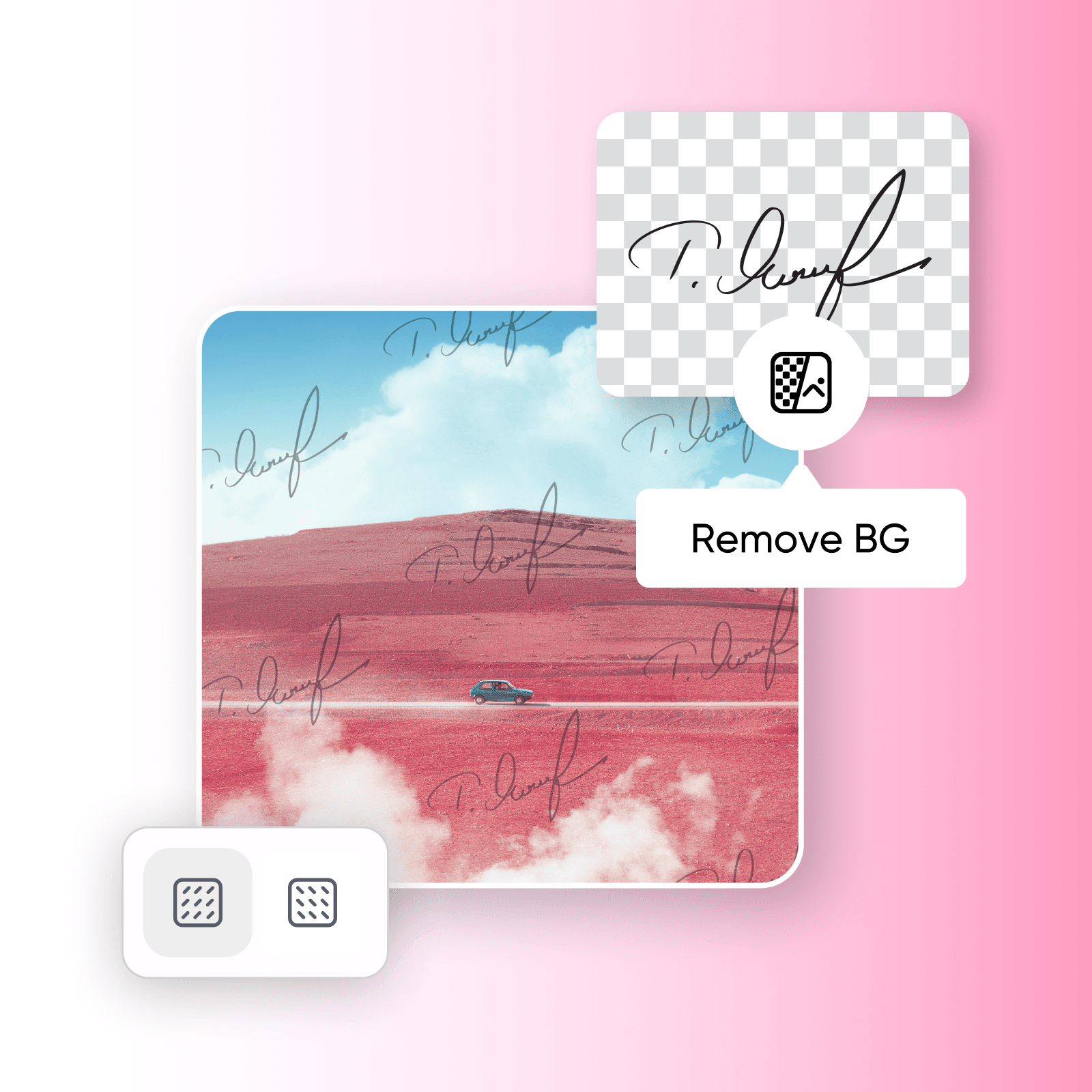
Prevent others from using your content and presenting it as their own with watermarks. Easily and effectively protect your copyright and promote your brand at the same time. Add your logo to your photos or use text as your watermark to show ownership or indicate a notice about information sensitivity. Don’t have a logo at hand? Create one from scratch with the Picsart logo maker without having to switch to a different editor. Or use the background remover to get a transparent version of your current logo file.
Give your watermarks a makeover
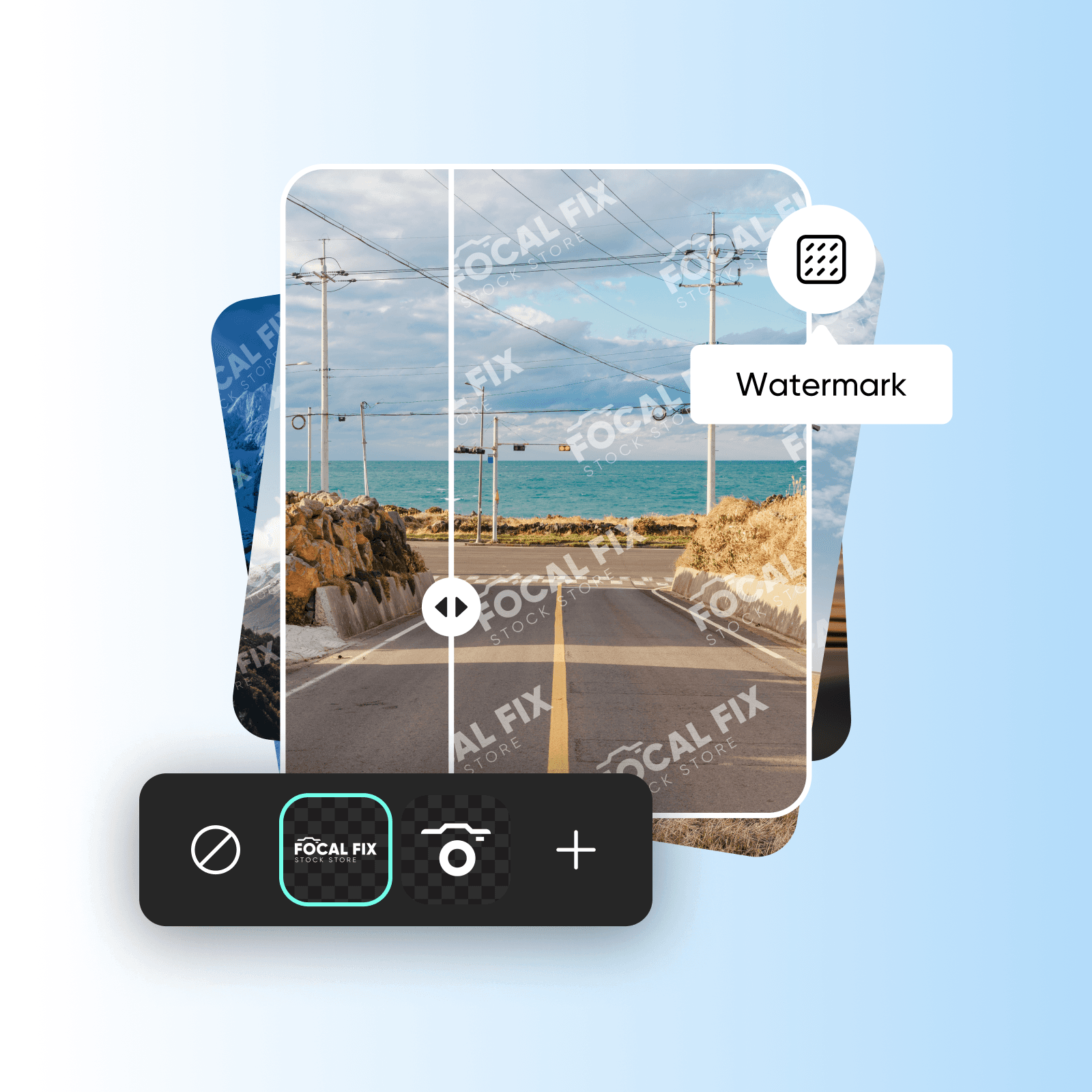
Fully control how your watermarks show up on your images with the all-inclusive suite of editing tools available on Picsart. Use the photo editor to tweak the appearance of your watermarks. Add text to your photo in a selection of trendy fonts, play around with photo effects, and so much more! All this in one easy-to-use interface.

Watermark in any style


Add watermarks to your photos in a batch
If you have a lot of photos to watermark, you can use Picsart's batch editor to add watermarks to them all in one go. This can save you a lot of time and effort. Simply select the photos that you want to watermark and then choose the watermark that you want to add. Picsart will then add the watermark to all of your photos in seconds.
Continue your creative journey with Picsart
Every tool in the Picsart photo editor is designed to be used by anyone, from beginners to experts.
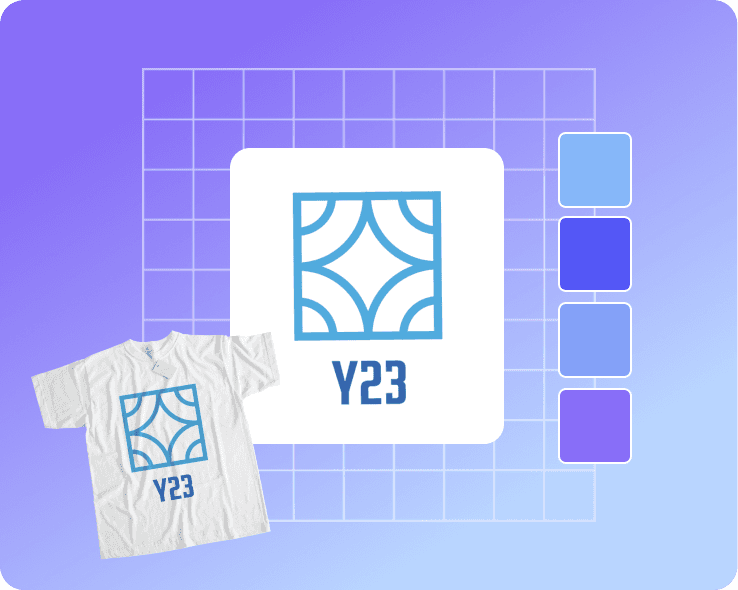
AI logo generator
Tap into AI’s magic to create logos from scratch with just a prompt.
Add text to image
Compliment your images with a vast library of fonts.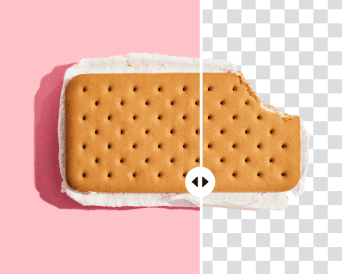
Remove background
Masterfully remove the background with AI or make it transparent.
Object remover
Erase unwanted objects, such as texts and backgrounds, from your images.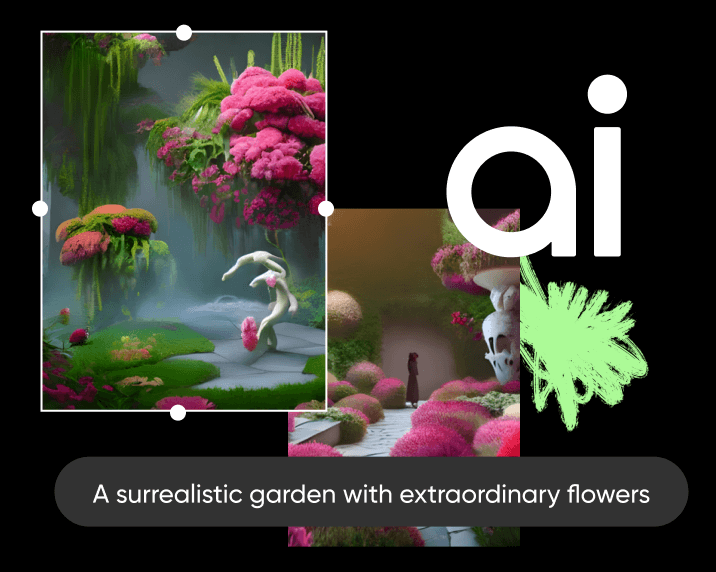
AI image generator
Type your vision and let AI transform your words into fascinating visuals.
AI art generator
Generate eye-catching art in seconds with AI.
Watermark maker FAQ
A watermark is a visible overlay, like text or a logo, added to your photos. It helps protect your images from unauthorized use and also serves as a branding tool.
As Seen in


Edit photos for polished creator content
Pro
Most popularAI tools for everyday creative work.
Ultra
Most powerfulHeavy AI usage for creators & teams.
Enterprise
Custom AI solutions for large organizations.
- Volume discounts on credit rate
- On-demand top-ups