Color picker: Find color codes online
Easily and instantly find the exact tone you are looking for with Picsart’s online color picker. Find color numbers using HEX, RGB, HSL, and CMYK color picker formats.
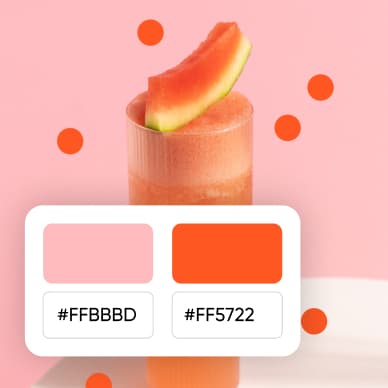




How to use the color picker
How to
Pick a color
Use the color slider to find the exact tone, or insert the code in any format to convert it to a different format.
Carry colors into your next project
Use the selected color in the editor to keep backgrounds and graphic accents consistent.

Find a color for your design
Choose a tone from the picker, adjust its shade, and copy the color code for your design.

Pick colors with ease
Finding the right color code shouldn't be a hassle. Picsart’s color picker transforms the ordeal into a breeze, offering endless color possibilities with an easy-to-use interface. Pick a color and get codes in HEX, RGB, CMYK, and HSL color code formats in one go. Copy the necessary color code for your projects with ease and save time on the web.

Go beyond basic selection with the color number finder
Elevate your creative projects with Picsart's online color picker. Beyond basic selection, this tool offers a palette of features for an enhanced creative process. From various color models for precise control to an intuitive color wheel and palette builder for further use. Discover, copy, save, and manage your favorite shades with the Picsart color picker’s convenient interface.
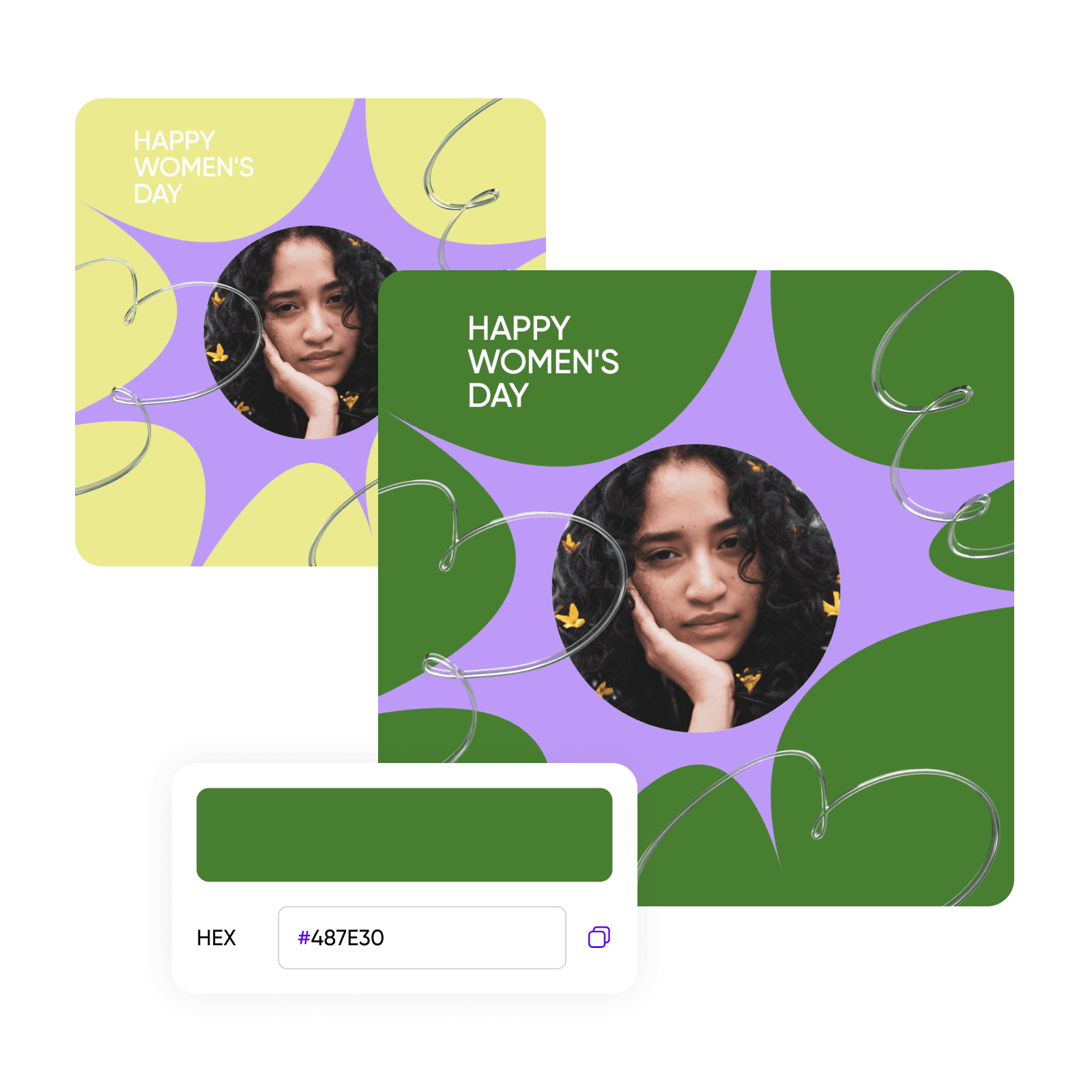
Create reusable brand color palettes
Enhance your brand visual creation workflow by using the color picker’s Brand Colors palette feature. Easily add your brand book’s exact shades inside the Picsart editor to reuse in all your projects, or try the color wheel to find harmonious tones and explore new color combinations. Ensure brand consistency and adherence to brand guidelines for marketing and e-commerce promotional visuals.

A color picker fit for every creative professional
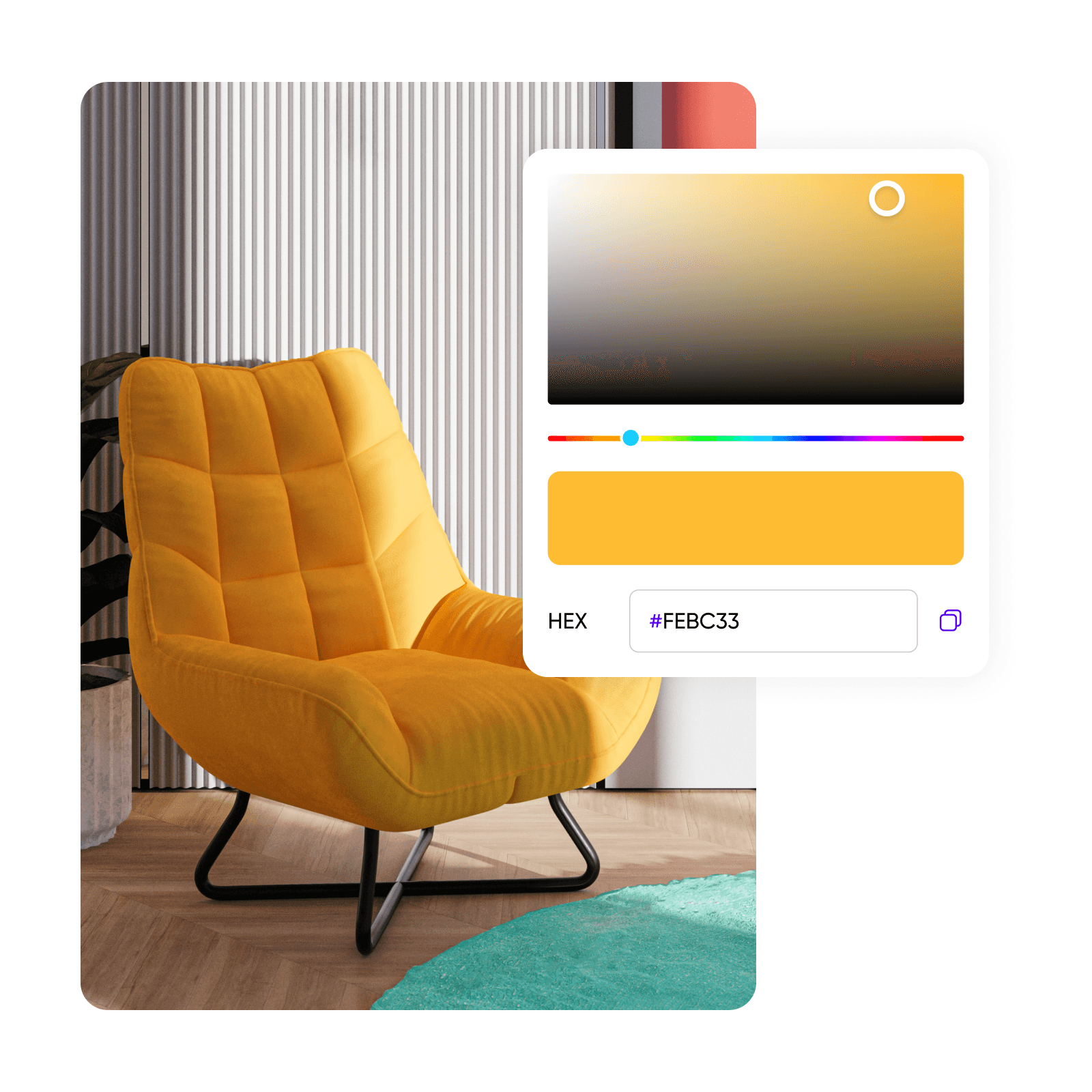
Web designers, fashion enthusiasts, artists, and interior decorators alike will find value in using the color picker. Match colors with branding, select fabric shades for digital sketches, choose colors for artwork, or design interior spaces with confidence. Picsart’s online color picker caters to all your design needs.
Try Picsart’s full toolset
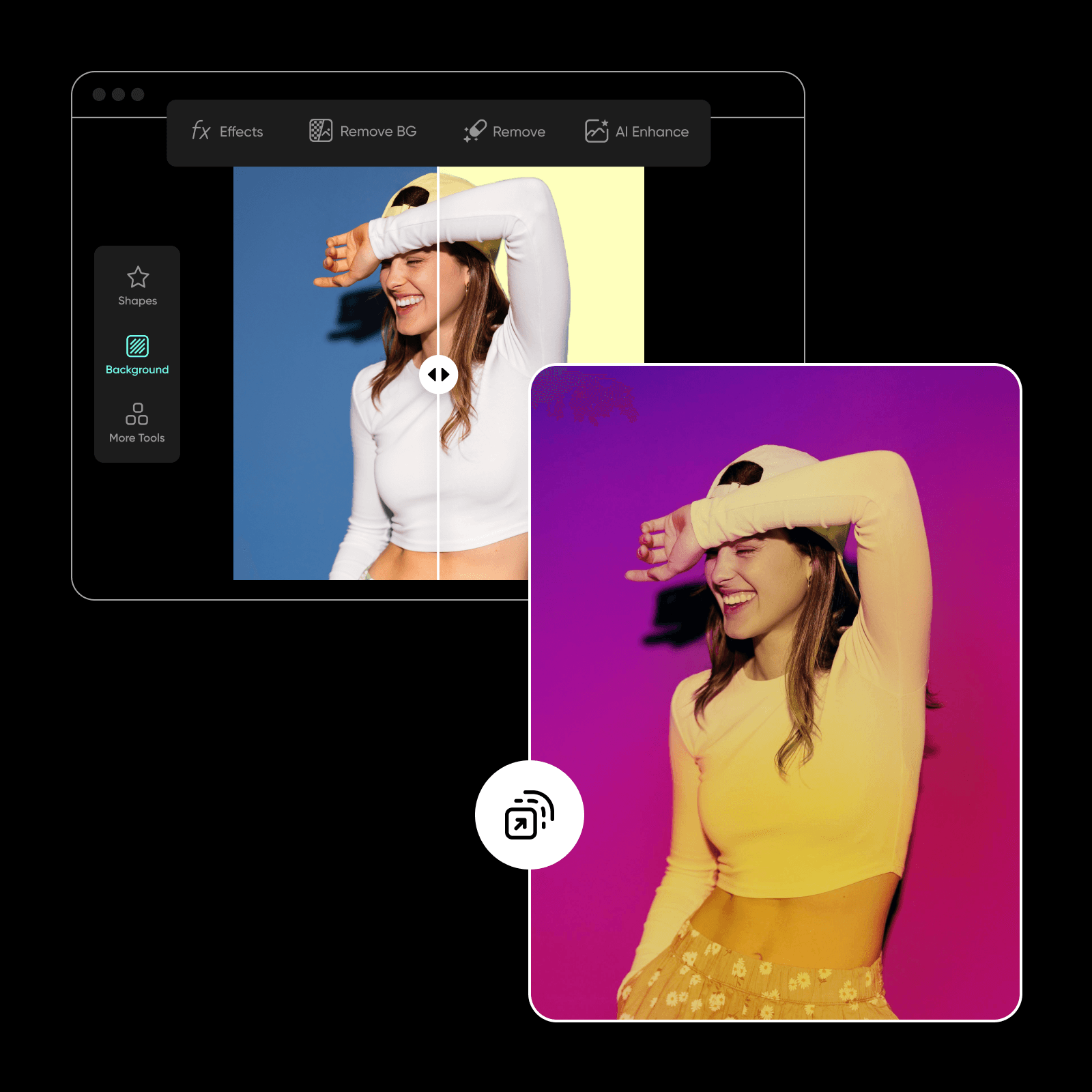
Easily rely on Picsart with all of your design and photo editing needs with an all-in-one and convenient interface. Create attention-grabbing visuals with the AI photo editor and perform complex edits with ease by using tools like background color changer and AI style transfer to consistently be on top of your color game across all your campaigns. And stay tuned for an upcoming color selection tool that allows you to pick colors from images.
The best color picker online
Effortlessly create and keep a consistent color story across your visuals with Picsart’s color picker and comprehensive color guides. Find all you need in one convenient interface and streamline your visual creation workflows.
Color picker FAQ
The color picker is an online tool that allows you to easily select and identify colors and their codes, including HEX, RGB, HSL, and CMYK, enhancing your creative projects with precision.
Design with color picker for every creator project
Pro
Most popularAI tools for everyday creative work.
Ultra
Most powerfulHeavy AI usage for creators & teams.
Enterprise
Custom AI solutions for large organizations.
- Volume discounts on credit rate
- On-demand top-ups


